Skip to content
Claim this template

Free course template · Global

Perioperative safety: Surgical checklist, sedation and airway

A ready-made course, live deck and two surveys for theatre nurses. AhaSlides tracks progress, completion and scores for you. 45 minutes, 6 lessons. Last reviewed 21 October 2026; not legal advice.

Claim the templatePreview the courseDownload SCORM for your LMS

Free. No credit card. Edit everything.

Play a game from the course

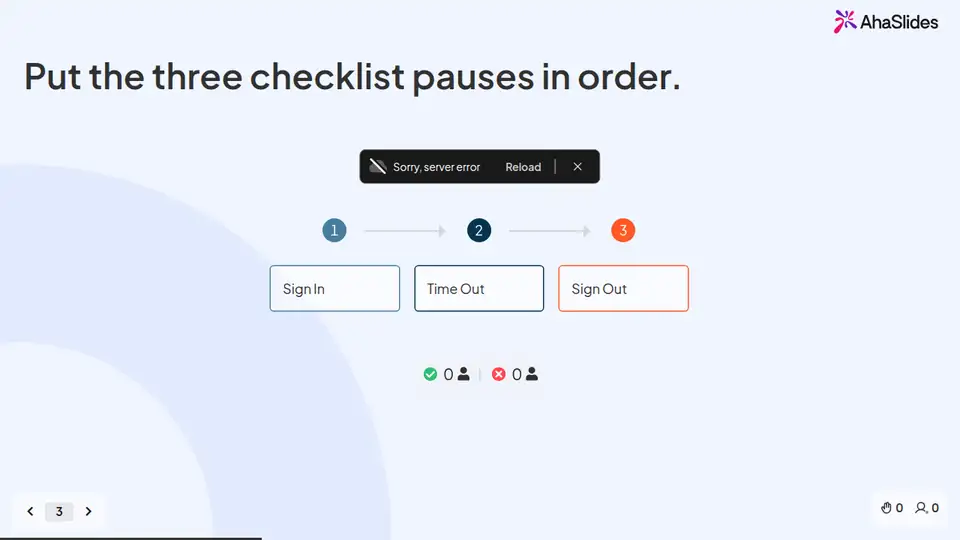
Perioperative safety: Surgical checklist, sedation and airway: try 3 questions

Three questions from this course. Pick an answer, then see why.

Play the game

Game not loading? Open it in a new tab (opens in a new tab)

Three pieces that work together

Learners prepare on their own, you answer questions live, and the surveys tell you what stuck. 17 fields to fill in with your own policy, contacts and locations; each one is highlighted inside the course.
Claim the template
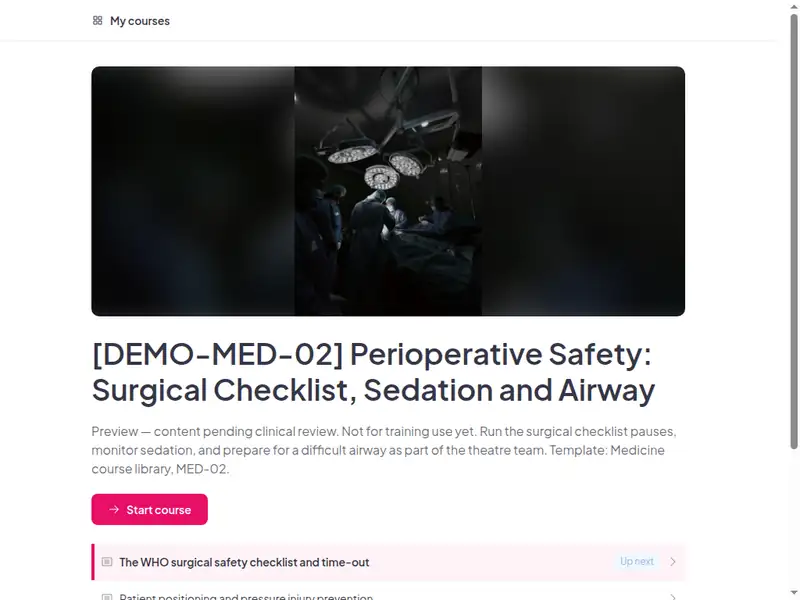
The Perioperative safety: Surgical checklist, sedation and airway course as a learner first sees it

Completion is tracked for you

Learners sign in to take the course, so every start, finish and score is recorded in AhaSlides. No spreadsheet to keep.

  • Who has finished

    See who has not started, who is in progress and who has completed the course.

  • Every score

    Each learner's answers to the quizzes and activities in the course.

  • What landed

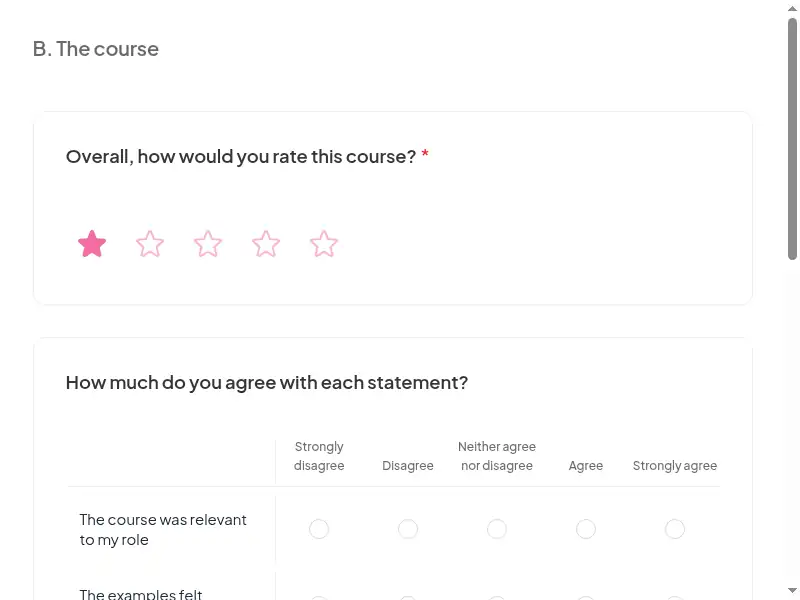
    Survey results show what people took away, and the 30-day check-in shows whether they use it.

Claim the template

6 lessons, about 45 minutes

What learners can do at the end of each lesson. Minutes are an estimate.

  • Lesson 1: The WHO surgical safety checklist and time-out · 10 min

    Run each phase of the surgical safety checklist (Sign In, Time Out, Sign Out) at the right moment and speak up if a step is missed.

  • Lesson 2: Patient positioning and pressure injury prevention · 8 min

    Plan positioning that protects skin and pressure areas, and reassess risk after surgery.

  • Lesson 3: Glove, sharps and sterile-field practice · 8 min

    Keep the sterile field safe: hand preparation, gloving, hair removal and sharps on the trolley.

  • Lesson 4: Procedural sedation monitoring · 7 min

    Recognise the levels of sedation and the monitoring each needs, including when to use capnography.

  • Lesson 5: Difficult airway: preparation and equipment · 7 min

    Prepare for a difficult airway: check equipment, know Plans A-D and support the team.

  • Lesson 6: Final assessment · 5 min

    Final assessment · Completion

Claim the template

Common questions

Yes. The course, the live deck and both surveys are free. Claiming the template into your AhaSlides account is free too.

Yes. The course is self-paced and online, and the live deck lets you add a live session in the room or online.

At induction to theatres + annual update (organisation policy).

Theatre nurses, operating department practitioners, anaesthetic and recovery staff, day-surgery and endoscopy/procedure-room staff.

Record completion in your own LMS or record system, so you can show who finished the course and when.

Yes, everything. Change the wording, swap scenarios for ones from your workplace, add your logo, or remove parts that don't apply.

Your own details, each highlighted inside the course:
  • Your adapted surgical safety checklist and extra steps
  • Local safety standards for invasive procedures
  • Positioning policy, staffing for transfers, pressure-relieving aids
  • Positioning policy, staffing for transfers, pressure-relieving aids
  • Surgical scrub and hand-rub products
  • Double-gloving and glove-change rules by specialty
  • Sharps handling
  • Who may sedate, approved drugs, reversal agents, monitoring chart
  • Local discharge criteria after sedation
  • Location, contents and check frequency of the difficult airway trolley
  • Theatre emergency call number or bell
  • Who signs off practical skills
  • Theatre practice educator
  • LMS or record system
  • Live session URL
  • Course URL
Then edit anything else you like: wording, scenarios, your logo.
Visit the help centre (opens in a new tab)