Skip to content
Claim this template

Free course template · US federal

Emergency preparedness for healthcare facilities

A ready-made course, live deck and two surveys for all staff. AhaSlides tracks progress, completion and scores for you. 35 minutes, 7 lessons, 12-question final check. Last reviewed 8 October 2026; not legal advice.

Claim the templatePreview the courseDownload SCORM for your LMS

Free. No credit card. Edit everything.

Play a game from the course

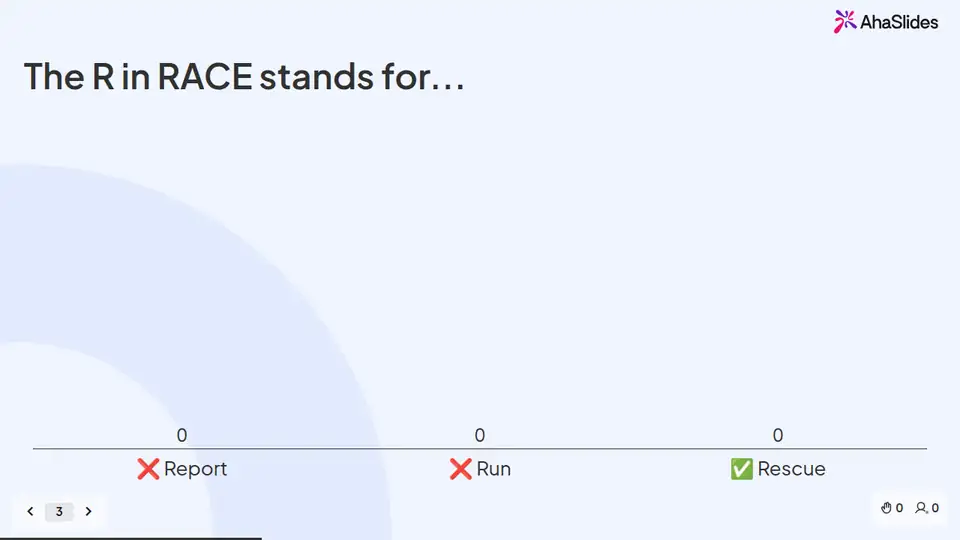
Emergency preparedness for healthcare facilities: try 3 questions

Three questions from this course. Pick an answer, then see why.

Play the game

Game not loading? Open it in a new tab (opens in a new tab)

Three pieces that work together

Learners prepare on their own, you answer questions live, and the surveys tell you what stuck. 12 fields to fill in with your own policy, contacts and locations; each one is highlighted inside the course.
Claim the template
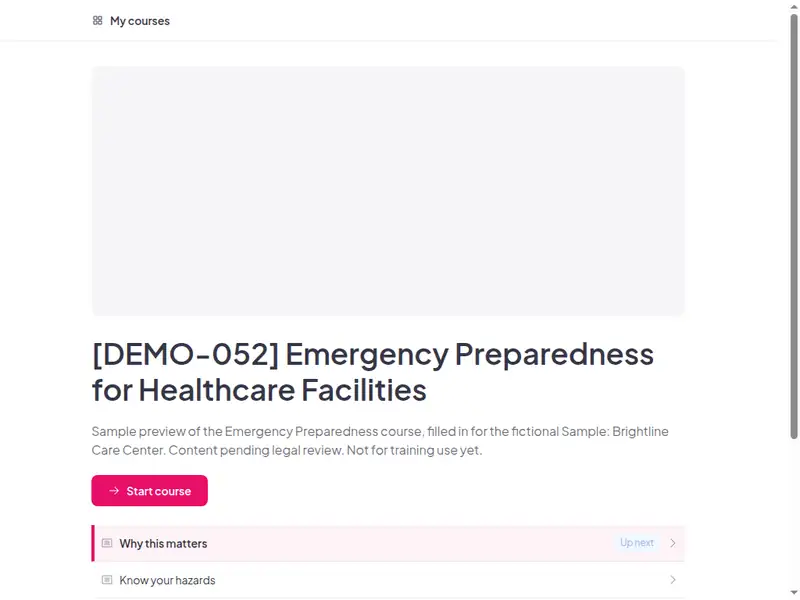
The Emergency preparedness for healthcare facilities course as a learner first sees it

Completion is tracked for you

Learners sign in to take the course, so every start, finish and score is recorded in AhaSlides. No spreadsheet to keep.

  • Who has finished

    See who has not started, who is in progress and who has completed the course.

  • Every score

    Each learner's result on the 12-question final check, against the 80% pass mark.

  • What landed

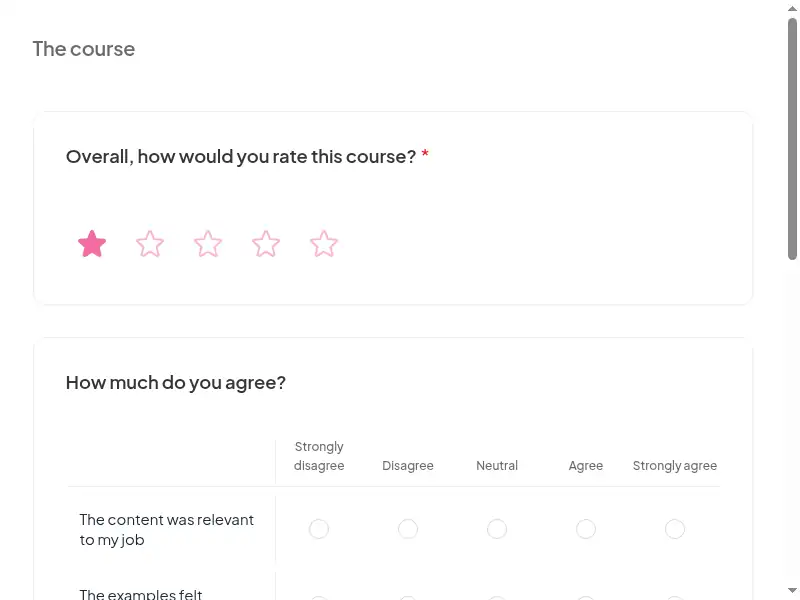
    Survey results show what people took away, and the 30-day check-in shows whether they use it.

Claim the template

7 lessons, about 35 minutes

What learners can do at the end of each lesson. Minutes are an estimate.

  • Lesson 1: Why this matters · 6 min

    Explain the four core elements of the CMS EP program and the all-hazards approach.

  • Lesson 2: Know your hazards · 4 min

    Identify the hazards in your facility's risk assessment.

  • Lesson 3: Emergency codes & first actions · 6 min

    Respond correctly to your facility's emergency codes.

  • Lesson 4: Shelter or evacuate · 6 min

    Carry out your role in shelter-in-place and evacuation, including patient tracking.

  • Lesson 5: Communicate & command · 5 min

    Use the communication plan and your role in the incident command structure.

  • Lesson 6: Training & exercises · 4 min

    Describe how training and exercises test the plan.

  • Lesson 7: Final assessment · 4 min

    12 questions, 80% to pass. The result is saved to the learner's record.

Based on: CMS Emergency Preparedness Rule - 42 CFR §482.15(d) (hospitals), §483.73(d) (LTC), §485.625 (CAH), §494.62 (ESRD) and pa…

Claim the template

Common questions

Yes. The course, the live deck and both surveys are free. Claiming the template into your AhaSlides account is free too.

The course itself is self-paced and online, and the live deck lets you add a live session. Whether online delivery meets your local rules depends on the law that applies to you, so check CMS Emergency Preparedness Rule or ask your own counsel.

Initial training for new staff; then at least every 2 years for most providers (hospitals, CAHs, etc.); annually for LTC facilities; also when the EP plan is significantly updated; staff must demonstrate knowledge.

All staff, contractors and volunteers at Medicare/Medicaid providers - hospitals, nursing homes, dialysis centers, home health, ambulatory surgery centers; leader page in Lesson 5.

Record completion in your own LMS or record system, so you can show who finished the course and when. Check the retention period that applies to you in CMS Emergency Preparedness Rule.

Yes, everything. Change the wording, swap scenarios for ones from your workplace, add your logo, or remove parts that don't apply. Keep anything your own law requires you to cover.

Your own details, each highlighted inside the course:
  • Top hazards from hva
  • Emergency codes
  • Fire extinguisher pull stations
  • Emergency supply locations
  • Evacuation routes and relocation sites
  • Staff callback method
  • Alternate comms
  • Staff role in ICS
  • Next drill date
  • Ep coordinator contact
  • LMS or record system
Then edit anything else you like: wording, scenarios, your logo.
Visit the help centre (opens in a new tab)