The simplest Secret Santa ideas for work are a fair draw, a budget everyone agrees on and gifts that suit a colleague you may not know well. A live draw on the big screen handles the first part in seconds: everyone joins on their phone, you click Shuffle, and each person sees their gift partner.
This guide covers how a live Secret Santa draw works, and what it does not do, seven ways to run the swap, a vote on the gift theme, and 15 gift ideas for colleagues. It also says when a classic names-in-a-hat draw is the better choice.
How does a live Secret Santa draw work?
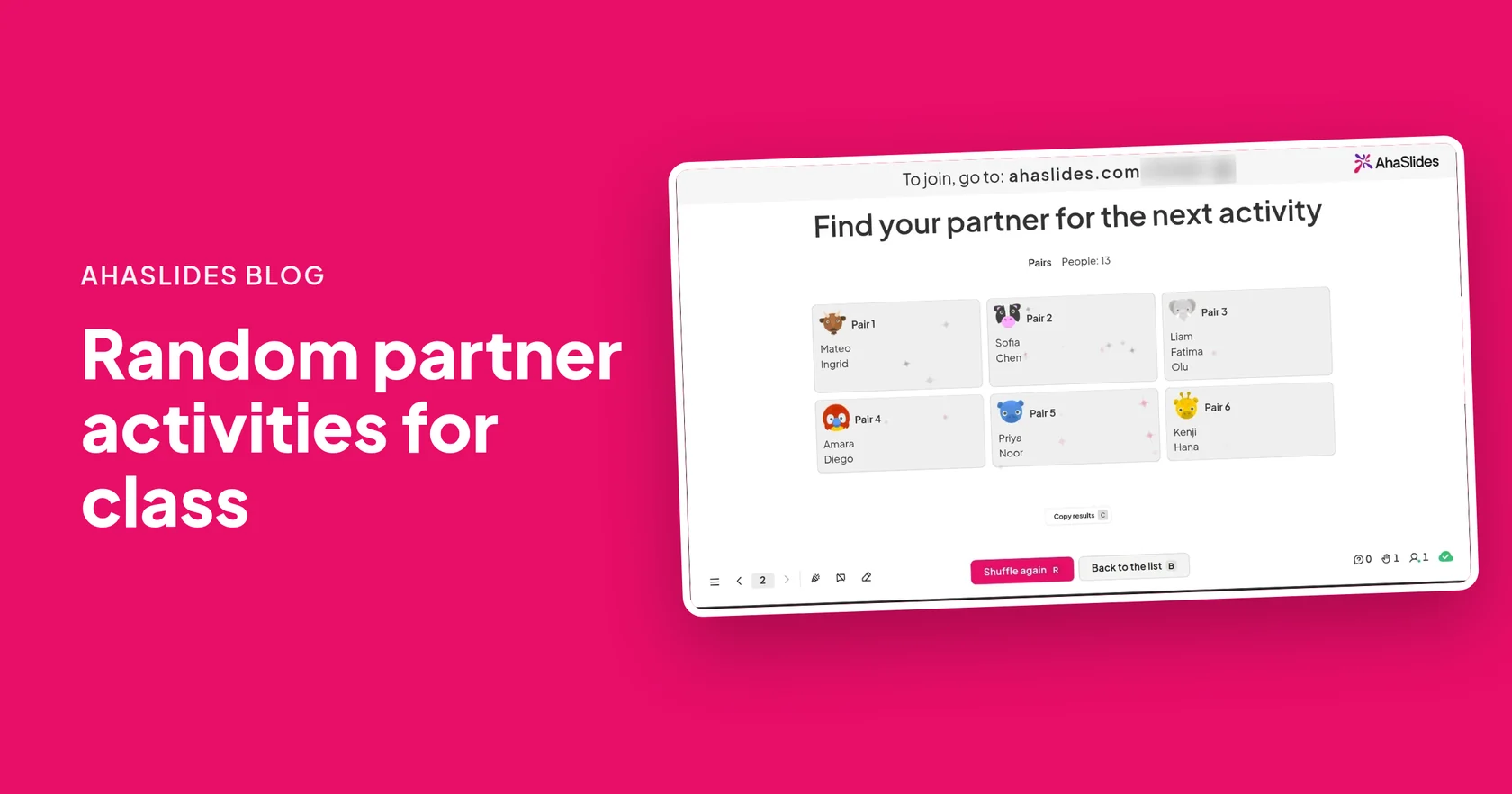
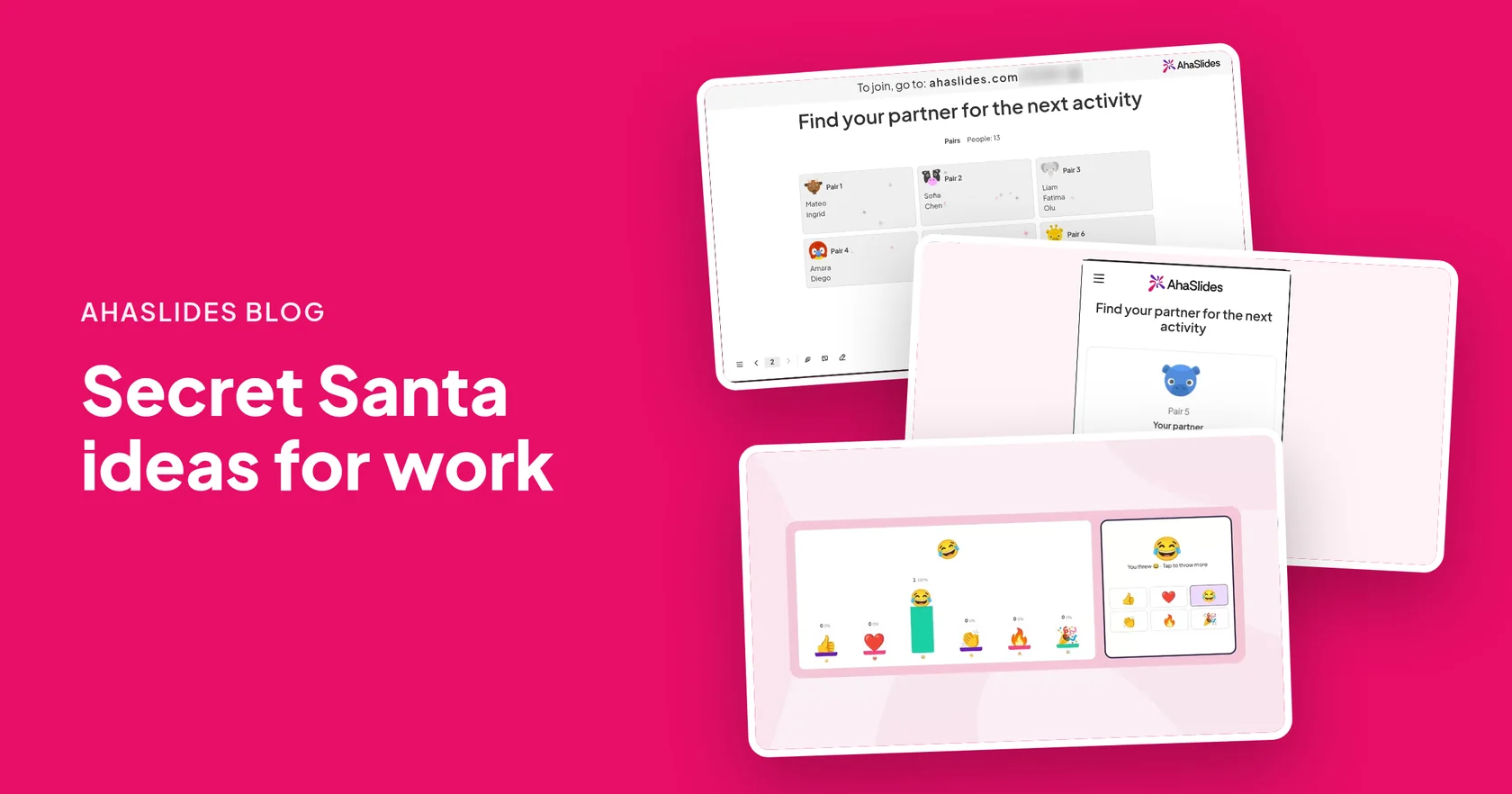
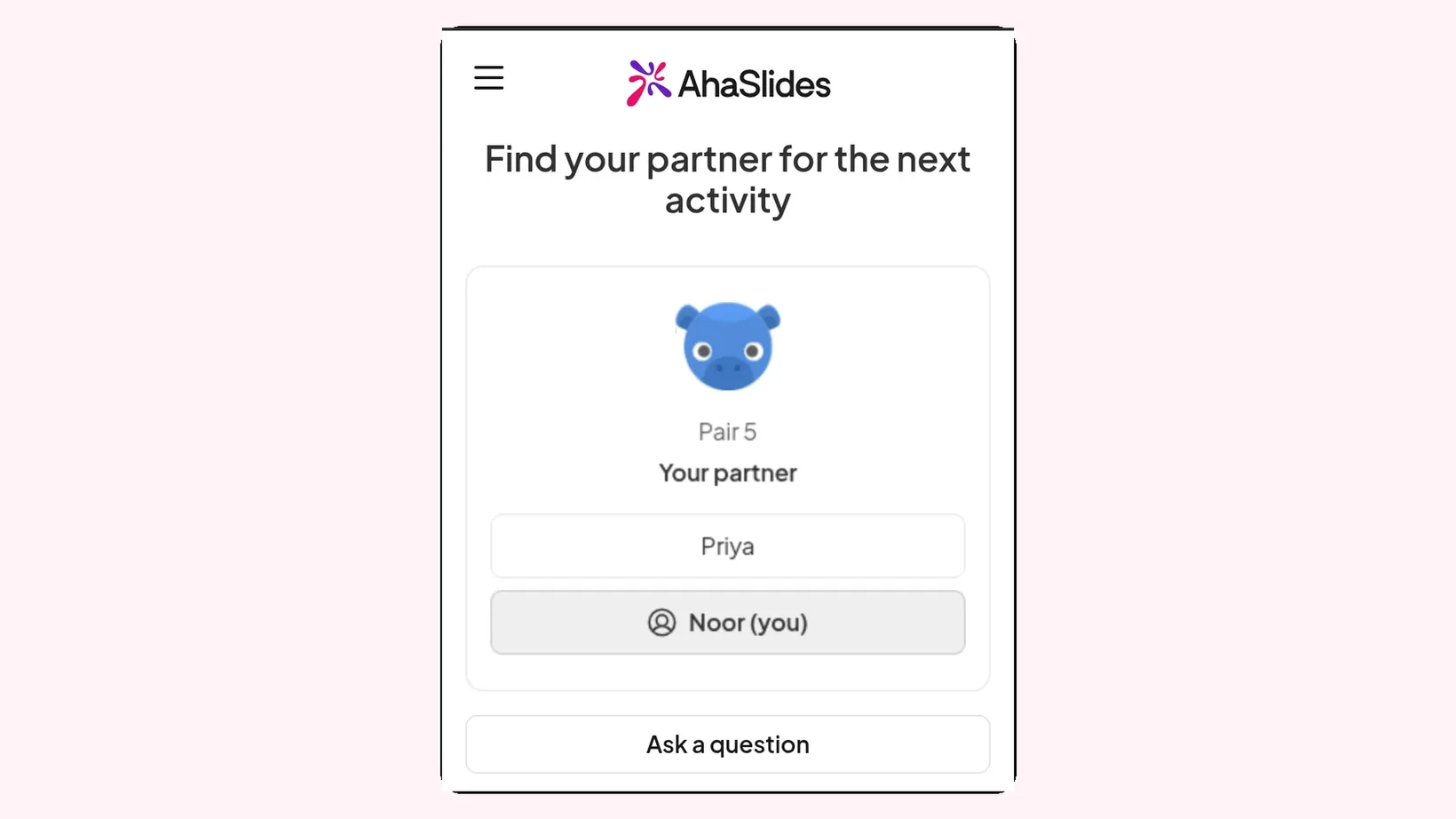
A 隨機數產生器 slide works as a quick Secret Santa generator for a team in the same room or on a call. People join on their phones, their names appear in the list, and one click on Shuffle puts everyone into random pairs.
Be upfront with your team about what it does:
- Pairs are mutual. Each person in a pair buys for the other, so this is a gift swap between two people, not a chain where everyone buys for someone different.
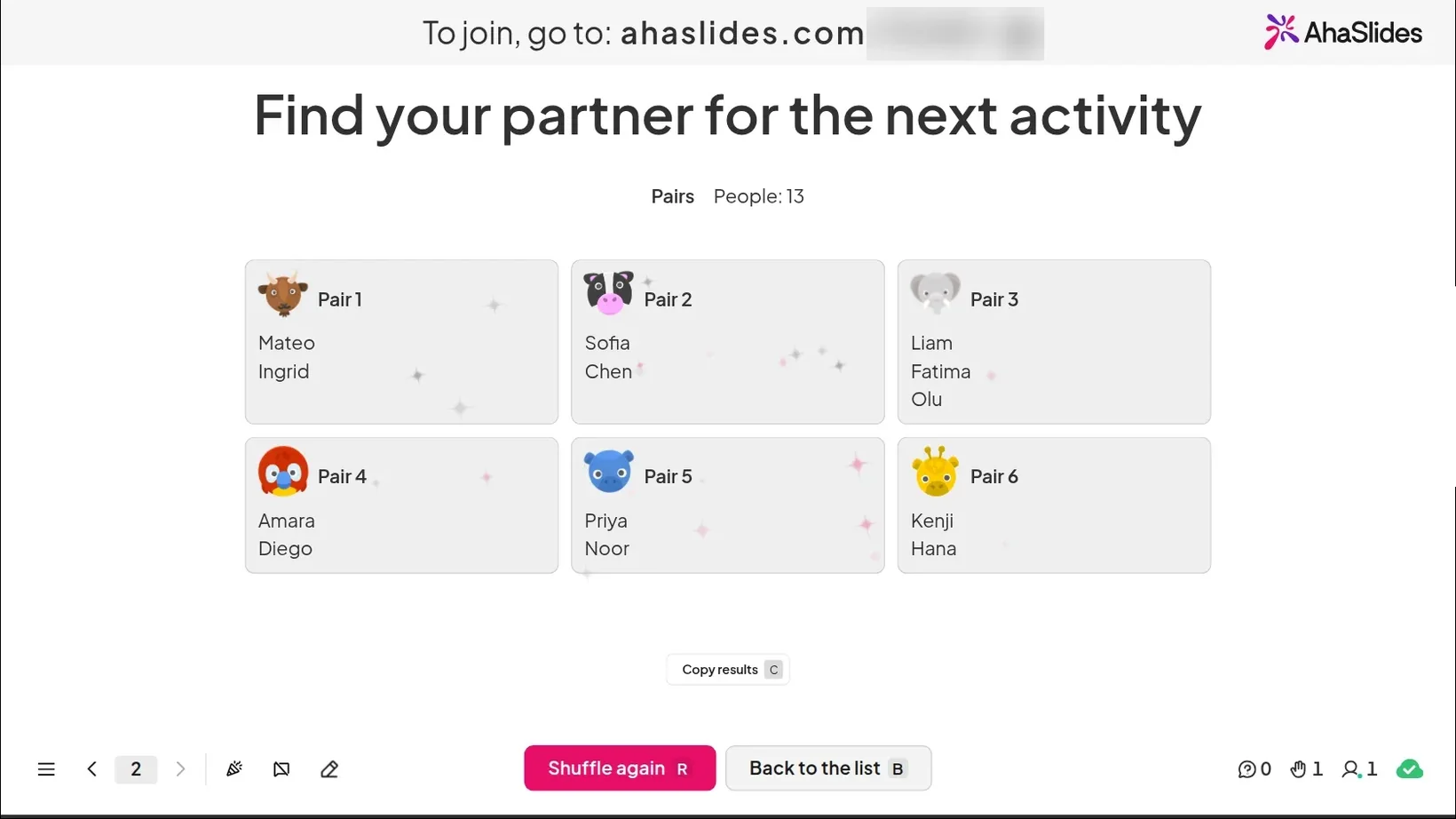
- The draw is open. Pairs appear as cards on the big screen, and each phone shows that person's partner. Everyone can see who is paired with whom.
- It does not message anyone or check pairs. Nothing is sent by email, and it does not stop two people who sit together, or live together, from being paired. If a pair does not work, click Shuffle again.
- An odd number is fine. With an odd number, one pair gets three people. That trio gives gifts round in a circle.
If the surprise of who bought your gift matters to your team, use a fully secret draw instead, such as names in a hat. The table below helps you choose.
Which Secret Santa draw should your team use?
| Way to draw | Is it secret? | 最適合 |
|---|---|---|
| Live pair draw on screen | No, everyone sees the pairs | A quick gift swap at the party or on a call |
| Names in a hat | Yes, each person draws a name privately | Teams in one office who want a surprise |
| One organiser draws and tells each person privately | Yes, but the organiser knows every match | Remote teams who post gifts |
A live draw is fast and fair, and nobody can say the organiser fixed it. The surprise moves from who bought the gift to what is inside it.
How do you run an online Secret Santa draw with AhaSlides?
- 新增幻燈片。 訂閱總監 AhaSlides, open a presentation, click New slide and search for Random Pair Generator.
- Choose Pairs. Under Group type, choose Pairs. Leave the names list empty so the people who join are added.
- 按下“出席”按鈕。 Colleagues open the link or scan the QR code on the big screen. They join on their phones, with no app or account.
- Click Shuffle. When everyone is in, click Shuffle or press Enter. Each pair shows as a card on the big screen, and each phone shows that person's partner.
- 做好記錄。 Click Copy results and paste the pairs into a document or the team chat, so nobody forgets who they are buying for.
Change the slide title to "Your Secret Santa partner" before you present. Anyone who joins late is added the next time you click Shuffle, so wait until everyone is in.
Which Secret Santa ideas for work use a live draw?
These seven ideas work with an open draw, and each one keeps a bit of surprise.
- Pair swap. Each pair buys a gift for each other and swaps at the party. It is the simplest version, and it works for any team size.
- Trio circle. If one pair has three people, A gives to B, B gives to C and C gives to A, so everyone still gives one gift and gets one.
- Two-minute gift interview. Straight after the draw, give each pair two minutes to ask each other three questions: a favourite snack, a hobby and something they would never buy for themselves. Partners who barely know each other buy better gifts.
- Cross-team draw. Run the draw with the whole department, not just one team. People are more likely to get a colleague they rarely work with, which gives them something to talk about at the party.
- Guess the gift. Before opening, each person describes their gift in three words and their partner guesses what it is. It turns the swap into a game the room can watch.
- Small-group swap. For a big group, choose Groups instead of Pairs and set groups of 4. Each group swaps gifts round in a circle at its own table.
- Remote swap. For colleagues who work from home, run the draw on the call, then agree a date by which gifts arrive. Open them together on the next call.
More ways to use random pairs are in 15 random partner activities.
How do you choose a gift theme with an Emoji Poll?
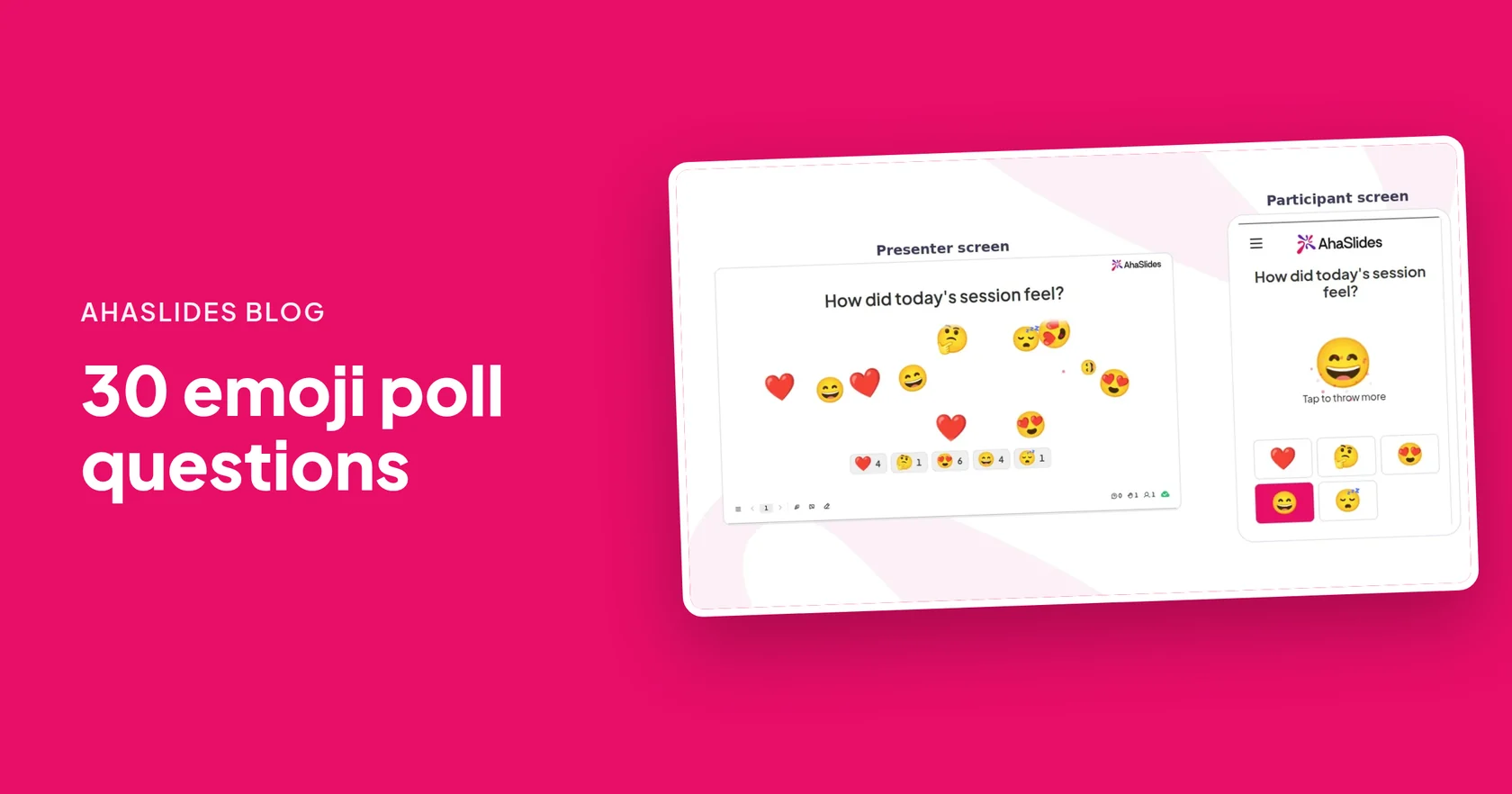
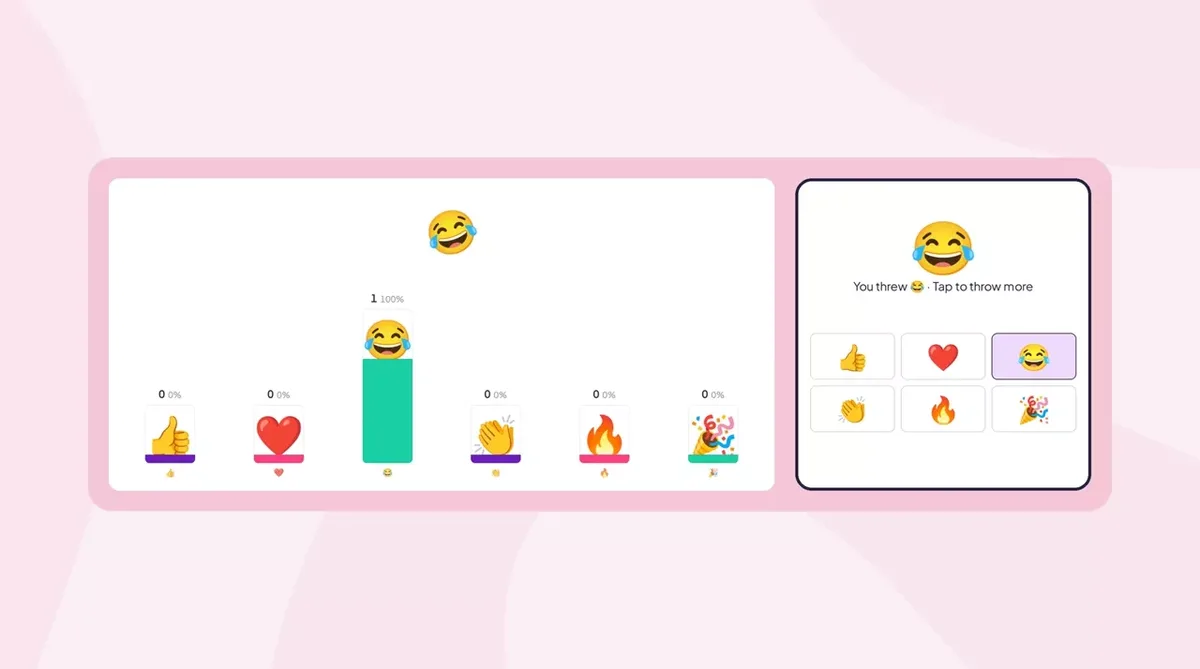
An 表情符號投票 lets the team vote on a theme in a few seconds. Everyone taps an emoji on their phone, the taps fly across the big screen, and a count builds under each one.
- Vote on a gift theme. Ask "What should our Secret Santa theme be?" with a wrapped gift for anything goes, a cookie for food treats, a book for books and a plant for something green. The biggest count wins.
- Rate the wrapping. After each gift is opened, ask the room to rate the wrapping with a thumbs up, a laughing face or a heart-eyes face.
- React to the gift. Leave Allow submitting more than once on, so people can tap as often as they like while each gift is opened. The screen fills up with reactions.
For more vote ideas, see these emoji poll questions.
What are good Secret Santa gift ideas for work?
Agree a budget first, so nobody feels they spent too much or too little. Then pick something that works for a colleague whose taste you may not know:
- A small desk plant. Easy to look after and it brightens a desk for months.
- A good mug with tea or coffee. Ask your partner which they drink in the gift interview.
- A local food treat. Chocolate, biscuits or a sweet from your town, especially for a colleague from another office.
- A book you loved, with a note. Write one line inside the cover on why you chose it.
- A puzzle or a small card game. Something they can play at lunch or at home.
- 溫暖的襪子。 Safe, useful and welcome in December.
- A nice notebook and pen. Useful for almost everyone at work.
- Homemade biscuits or jam. Check for allergies first.
- A café voucher. Pick a café near the office.
- A hand cream or lip balm. Choose one with no strong scent.
- A phone stand or cable tidy. Small desk tech that gets used every day.
- A candle with a mild scent. A classic winter gift for people who like a cosy home.
- A hot chocolate kit. A mug, hot chocolate and marshmallows in one box.
- A small photo frame. Add a team photo if your partner is part of your team.
- A charity gift in their name. For colleagues who would rather not have more things.
How do you keep Secret Santa at work fair?
- 設為可選。 Some colleagues do not celebrate Christmas or do not want to swap gifts. Invite, never press.
- Agree a budget out loud. Say it in the meeting or the invite, so everyone knows the limit.
- Skip joke gifts that embarrass. A gift should be something your partner is glad to open in front of their team.
- Ask about allergies and diets. The two-minute gift interview is a good time to check.
- Set a date for the swap. Put it in the calendar with the draw, so nobody is left without a gift.
Planning the rest of the party? See these 辦公室聖誕派對遊戲這些 虛擬聖誕派對創意 for remote teams, or this 聖誕電影測驗 to play while the gifts go round.
Free Secret Santa templates to host
Open a template, change the title to your Secret Santa, and present it at the draw.
Santa Swap: Gift Partner Draw
A live Secret Santa draw: colleagues join on their phones and get a gift partner.
使用此模板
Name the Price: Secret Santa Budget Poll
Settle the budget, gift style and swap time with an emoji vote before anyone shops.
使用此模板
Unwrapped: The Gift Reveal Round
Colleagues react with emojis as each gift is opened, then vote for the best one.
使用此模板To set up your own draw, start from the 隨機數產生器 頁。
Host your first Secret Santa draw
常見問題
What are good Secret Santa ideas for work?
Run a quick, fair draw, agree a budget and pick a gift theme together. Useful gifts such as a desk plant, a good mug with tea or a local food treat suit colleagues you may not know well.
Can you use a random pair generator as a Secret Santa generator?
Yes, for an open gift swap. AhaSlides puts everyone into random pairs and shows each person their partner on their phone, but the pairs also show on the big screen, so the draw is not secret.
是否 AhaSlides draw keep pairs secret?
No. Pairs show as cards on the big screen and nothing is sent by email. For a fully secret draw, use names in a hat or have one organiser tell each person privately.
What happens with an odd number of people?
One pair gets three people. They can give gifts round in a circle, so each person gives one gift and gets one.
How do you run an online Secret Santa draw for a remote team?
Share your presenter screen on the video call, and colleagues join from the link. Click Shuffle, then copy the results into the team chat and agree a date by which gifts arrive.
How much should a work Secret Santa gift cost?
Agree a budget as a team before the draw, so everyone spends about the same. Say it out loud or put it in the invite.