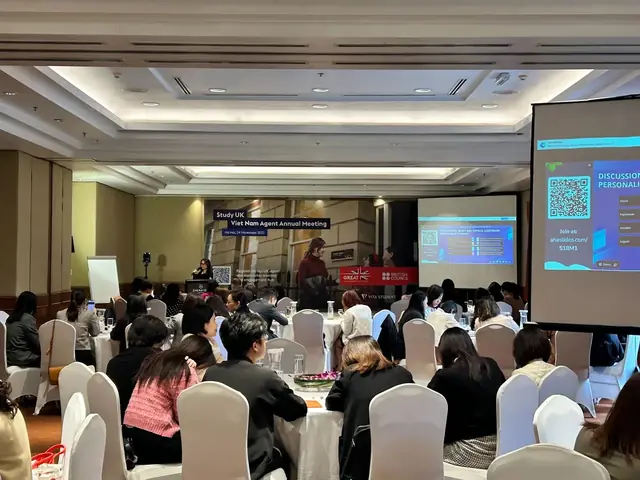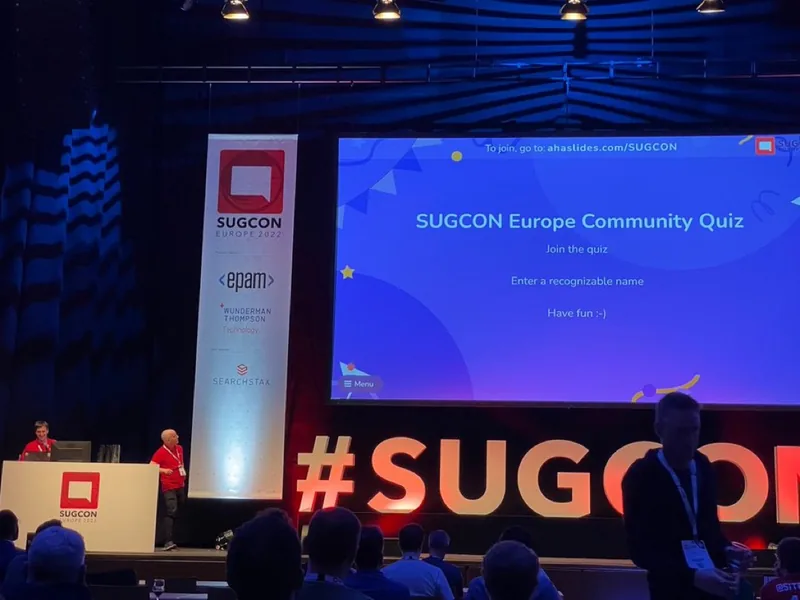
Aplikace pro živé otázky a odpovědi s anonymními otázkami

Give everyone a voice in live, remote or hybrid sessions. People ask from their phones, anonymously or by name, and upvote what matters most.

Create a free Q&A

Bezplatný plán až pro 50 účastníků.
Hodnocení 4.7 z 5 na G2, na základě 428 recenzí
  • Logo univerzity v Abú Zabí
  • Logo Airbusu
  • Logo škol Bend La Pine
  • Logo BMC
  • Logo společnosti Bosch
  • Logo Criteo
  • Logo Ferrero Rocher
  • Logo společnosti Intel
  • Logo komunitní vysoké školy Ivy Tech
  • Logo Le Quiz Show

How audience Q&A works

Free for up to 50 live participants, with nothing for anyone to install.

Krok 1: Add a Q&A slide

Put it anywhere in your deck. On Essential and above, take questions on any slide.

Krok 2: Share the code

People join in their browser with the access code or QR code, without signing up.

Krok 3: Answer what matters most

Upvotes sort the queue, so what most people care about comes first.

Create a free Q&A

Anonymní otázky a odpovědi, které ukončí trapné ticho

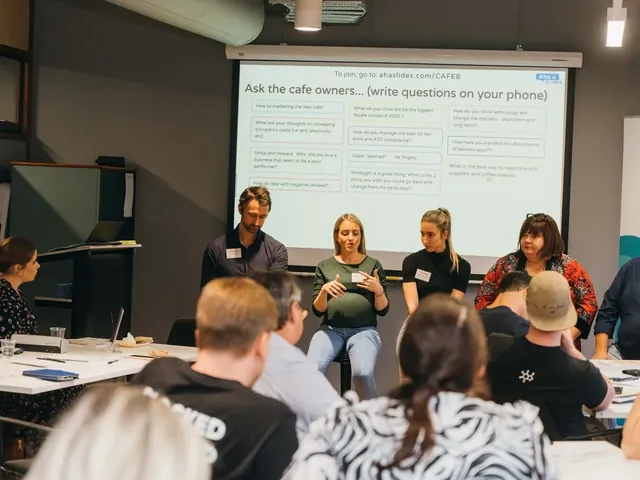
The questions people hold back are often the ones everyone wants answered. Anonymous questions take away the fear, so in training, workshops and all-hands you hear what people really think.

  • Choose who sees the questions

    Show the queue so people can upvote each other's questions, or hide it so each question reaches only you.

  • Anonymní nebo pojmenované otázky

    Make names optional so quieter voices ask freely, or keep them when you want to know who asked.

  • Moderování před zveřejněním otázek

    Approve each question before it appears, with a profanity filter for offensive words. On Pro and Enterprise.
Create a free Q&A
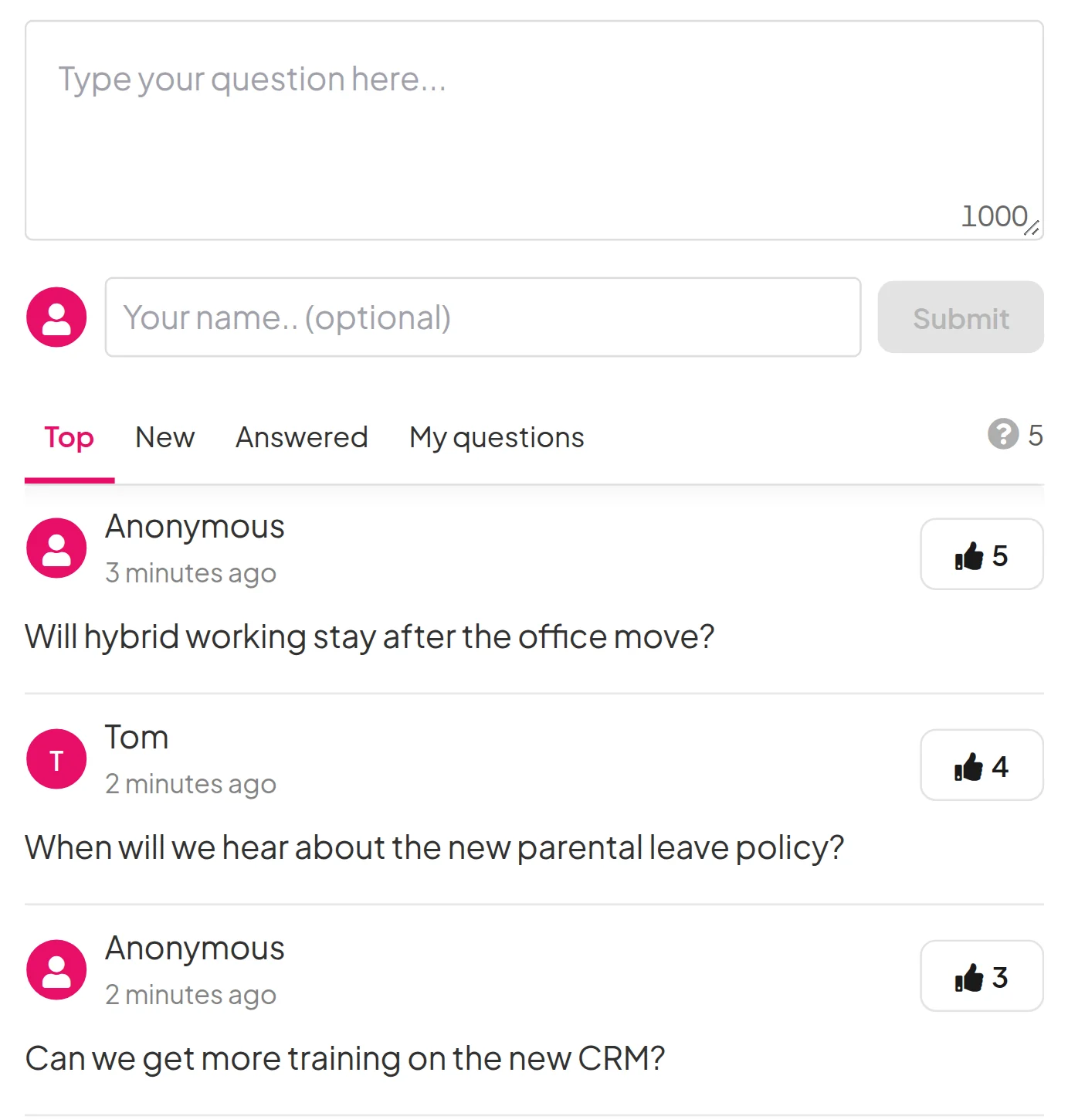
Jedno AhaSlides Q&A on a participant's phone: a question box, an optional name field and the Top list, where an anonymous question leads with 5 upvotes

Run Q&A for presentations your way, in the room or online

Brand it, steer it and run it in the meeting tools your audience already uses.

  • Q&A sessions in your brand colours

    Use your brand colours and themes on any paid plan, and your logo on Pro and Enterprise, so your Q&A matches your deck.
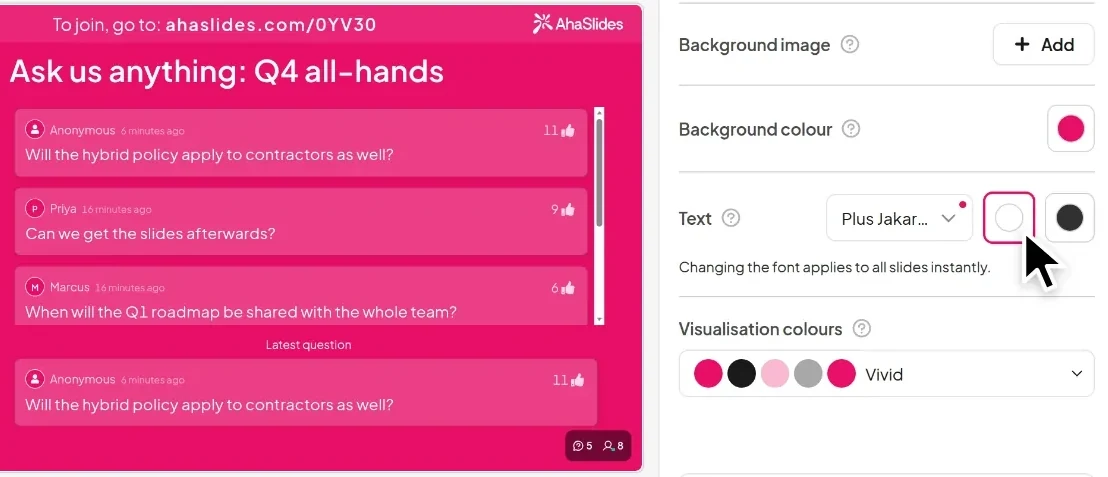
    A Q&A slide in pink brand colours beside the AhaSlides Customise panel, where the host picks the background, text and visualisation colours
  • Pin, sort and mark questions answered

    Sort by Top, Newest or Oldest, pin the next question and mark it answered. On Essential and above, export every question to Excel with its upvotes and status.
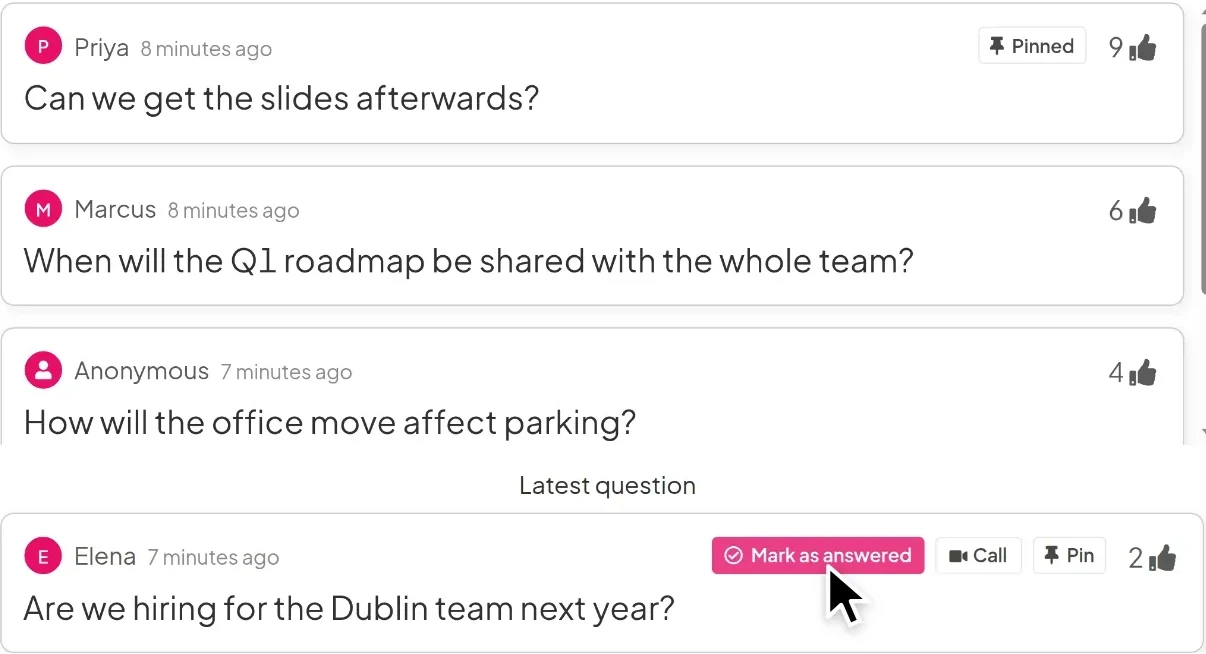
    Jedno AhaSlides Q&A host view with a pinned question at the top and the Mark as answered, Call and Pin controls on the latest question
  • Q&A inside Zoom and Microsoft Teams

    Použití Přiblížit aplikaci nebo Doplněk Teams, so attendees ask without leaving the call. See more ways to run interaktivní webináře.
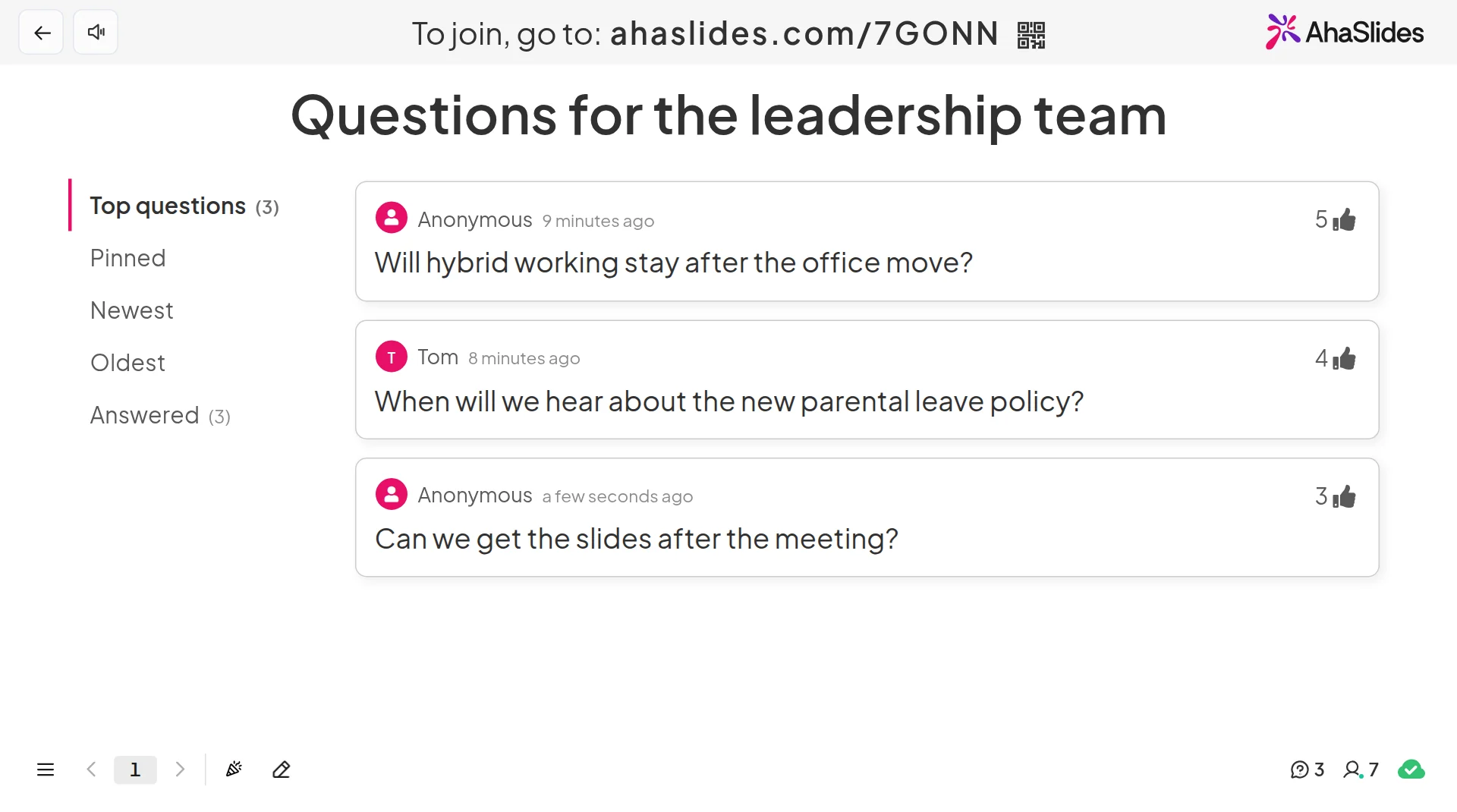
    Jedno AhaSlides Q&A slide as the host shares it: the join link at the top and three audience questions ranked by upvotes
Create a free Q&A

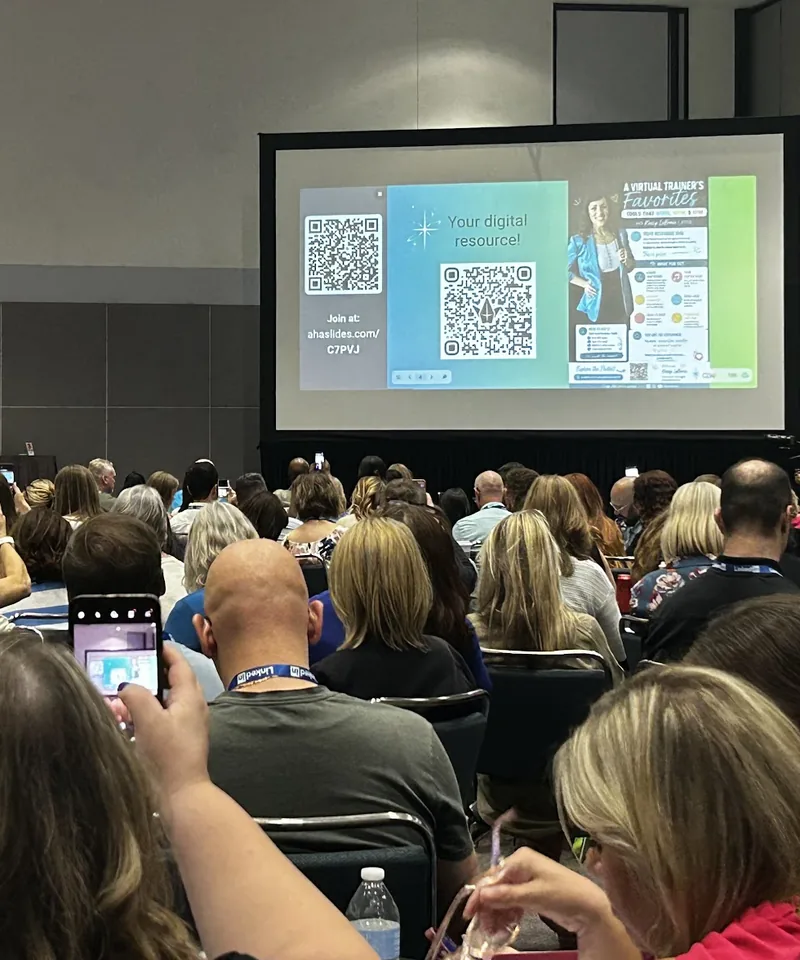
Live Q&A for conferences and large events

Planning a conference or hybrid event? Host up to 100,000 people with 24/7 support. Talk to our sales team to set it up.

  • 50

    live participants on Free

  • 100

    live participants on Essential

  • 2,500

    live participants on Pro

  • 100,000

    live participants on Enterprise
Kontaktujte prodej
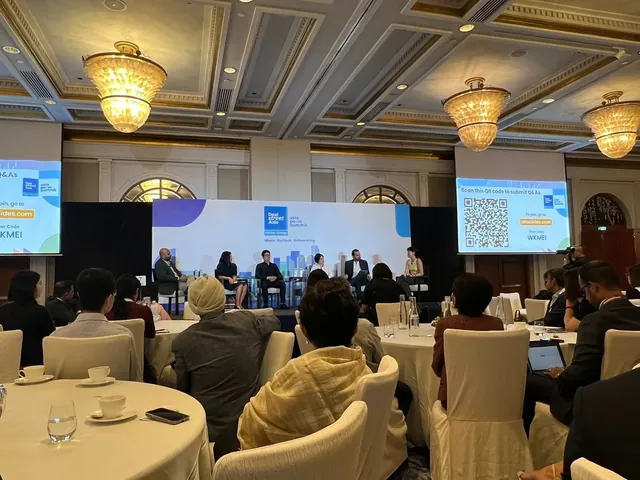
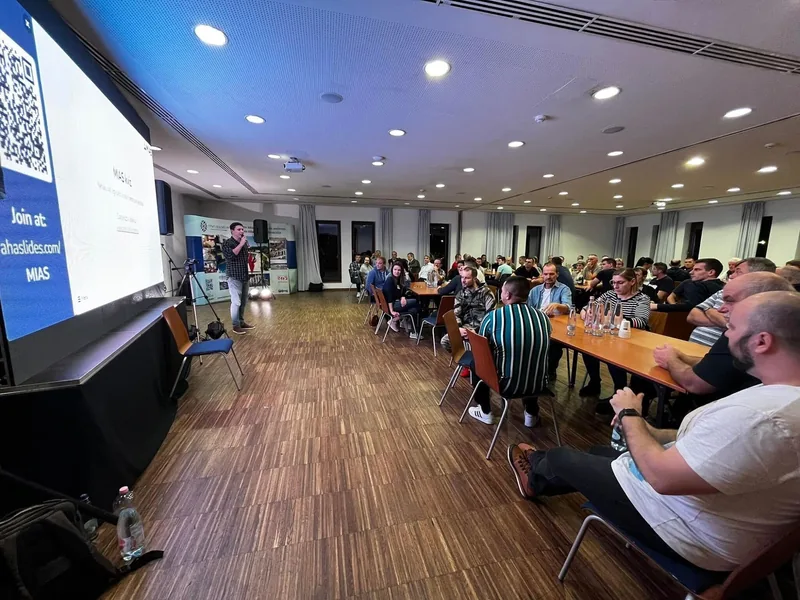
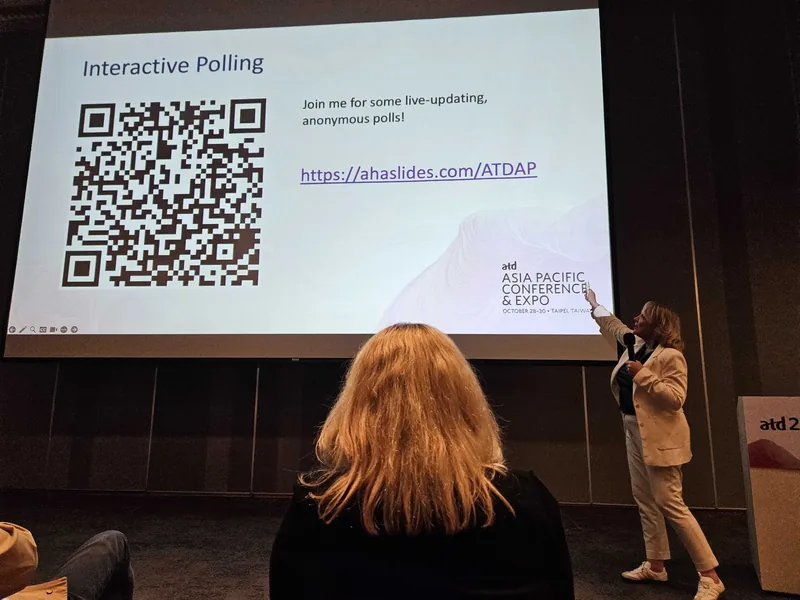
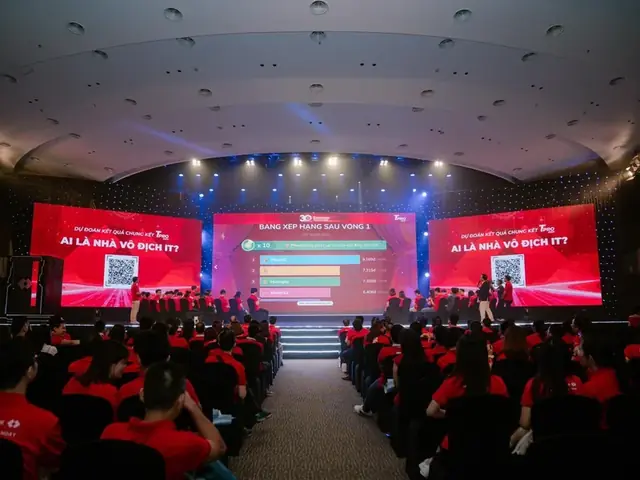
Conference attendees seen from behind, a few holding up phones, facing a big screen that shows a QR code and the join link ahaslides.com/C7PVJ

Co říkají naši uživatelé

  • “The ability to add interactive polling … and anonymous Q+A throughout the presentation has really enhanced my presentations.”

    Laurie MintzováEmeritní profesor psychologie, Floridská univerzita
  • “Instead of a passive audience, people become active participants in the discussion… hearing many voices enriches the conversation.”

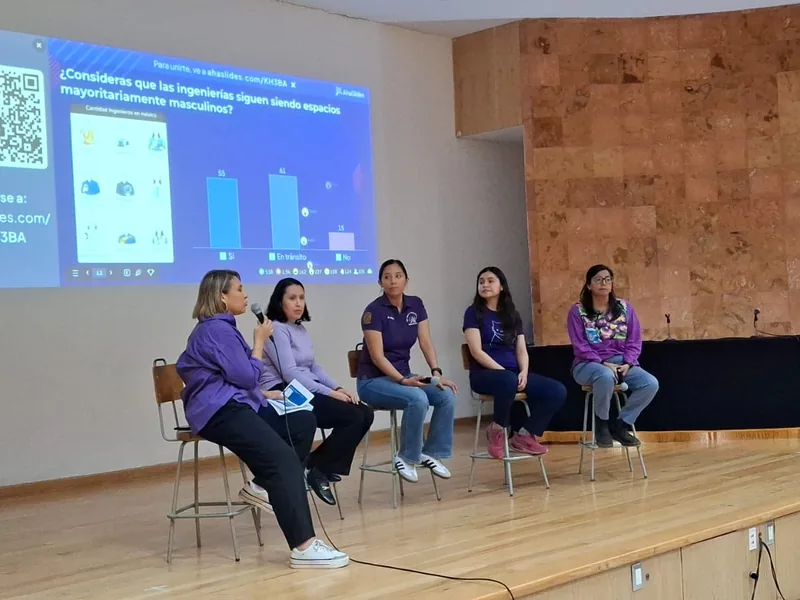
    Ana Laura Pérez MartínezProfesor, Fakulta inženýrství, UNAM
  • “… if you’re asked to ask a live question and you can see all the questions coming live on AhaSlides, pak víte, že se nedíváte na video.“


    Rachel LockeGenerální ředitel, virtuální schválení
Přečtěte si příběhy zákazníků (otevře se na nové kartě)

Dotazy ohledně naší aplikace pro otázky a odpovědi v reálném čase

Yes. On the Free plan, up to 50 participants can join each presentation, with unlimited presentations and no credit card. Paid plans raise the limit.

Up to 50 participants per presentation on Free, 100 on Essential, 2,500 on Pro and 100,000 on Enterprise.

Yes. Turn on Allow anonymous questions and the name field becomes optional. To keep the queue private to you, turn off Allow audience to see each other's questions.

Participants upvote the questions they want answered, and the default Top filter puts the most upvoted first. You can also filter by Pinned, Newest, Oldest or Answered.

Yes, on Pro and Enterprise. Each question waits as Pending until you approve or dismiss it, and the profanity filter blocks offensive language. A colleague can moderate from their own device through Backstage.

Yes, on Enterprise. Participant verification asks people to sign in with Google, Microsoft or your organisation's single sign-on before joining, so every question comes from your audience.

Ano. Přiblížit aplikaci runs in Zoom meetings and webinars on desktop, and the Microsoft Teams add-in runs in Teams meetings. On any other platform, share your screen and the access code.

Oba běží živé průzkumy veřejného mínění and audience Q&A from phones. As a Slido alternativní, AhaSlides adds scored quizzes in several formats with team and self-paced play, a kolečko, sdílení fotografií and editable PowerPoint imports. See the full AhaSlides vs Slido srovnání.

Compare anonymous questions, upvoting, moderation, participant limits, integrations and the free plan. Our guide to the nejlepší aplikace pro otázky a odpovědi pro prezentace porovnává hlavní možnosti.
See the Q&A guide (otevře se na nové kartě)