
A free Christmas PowerPoint template is already in PowerPoint: go to Fail> Uus and search "Christmas". That gives you the festive look. To turn it into games and a quiz everyone plays from their phones, add the AhaSlides add-in and drop live slides into the same deck. It works on the free plan.
This guide covers both: the PowerPoint-only way for a deck you present to people, and the live way for a deck people play. Keep the deck you already have. Add the participation.
How to get a Christmas template in PowerPoint
PowerPoint's template gallery usually includes festive designs, so you may not need to download anything to start.
Windowsis
- Ava PowerPoint ja mine aadressile Fail> Uus.
- Type "Christmas" in the search box and press Enter.
- Click a design to preview it, then click Looma.
- To restyle a deck you already have, open it, go to the Disain tab and pick a theme or a variant.
Macis
- Minna File > New from Template.
- Search or browse for "Christmas". The designs on offer vary by PowerPoint version.
- Select a design and click Looma.
- For an existing deck, use the Disain tab, the same as on Windows.
Other free sources
If PowerPoint's own designs feel too plain, Slaidide karneval ja Canva both list free Christmas presentation templates that download as PowerPoint files (checked 19 Nov 2026). Some Canva designs are Pro only, so check the label, and check each template's licence before you use it at work.
Build a simple Christmas quiz game in PowerPoint
You can make a basic quiz with animation triggers, so the answer appears when you click it.
- Add a question slide with four answer boxes.
- Add a "Correct!" shape and give it an entrance animation from the Animatsioonid Tab.
- With the shape selected, choose Päästik > Klõpsamisel kohta Animatsioonid tab and pick the right answer box. Windows and Mac both have this option.
- Repeat for each question, and keep score on a whiteboard or a sheet of paper.
For a longer walkthrough, our guide to an interaktiivne viktoriin PowerPointis covers both the trigger method and the live method.
Where a PowerPoint-only deck stops
A Christmas template makes the deck look festive. It does not let anyone else play. With PowerPoint alone:
- One person answers for everyone. Whoever shouts first wins, and the shyer half of the group never gets a turn.
- Scoring is by hand. Someone has to count points, settle arguments and add them up between rounds.
- Remote guests watch. People joining a call can see the slides but cannot answer on them.
- Nothing comes back. There is no word cloud of everyone's favourite film, no vote on the best jumper and no record of who won.
For a party, a class or a team call, the game is the point. That needs everyone's phone, not only the presenter's mouse.
The live way: add games to your Christmas deck with the AhaSlides lisandmoodul
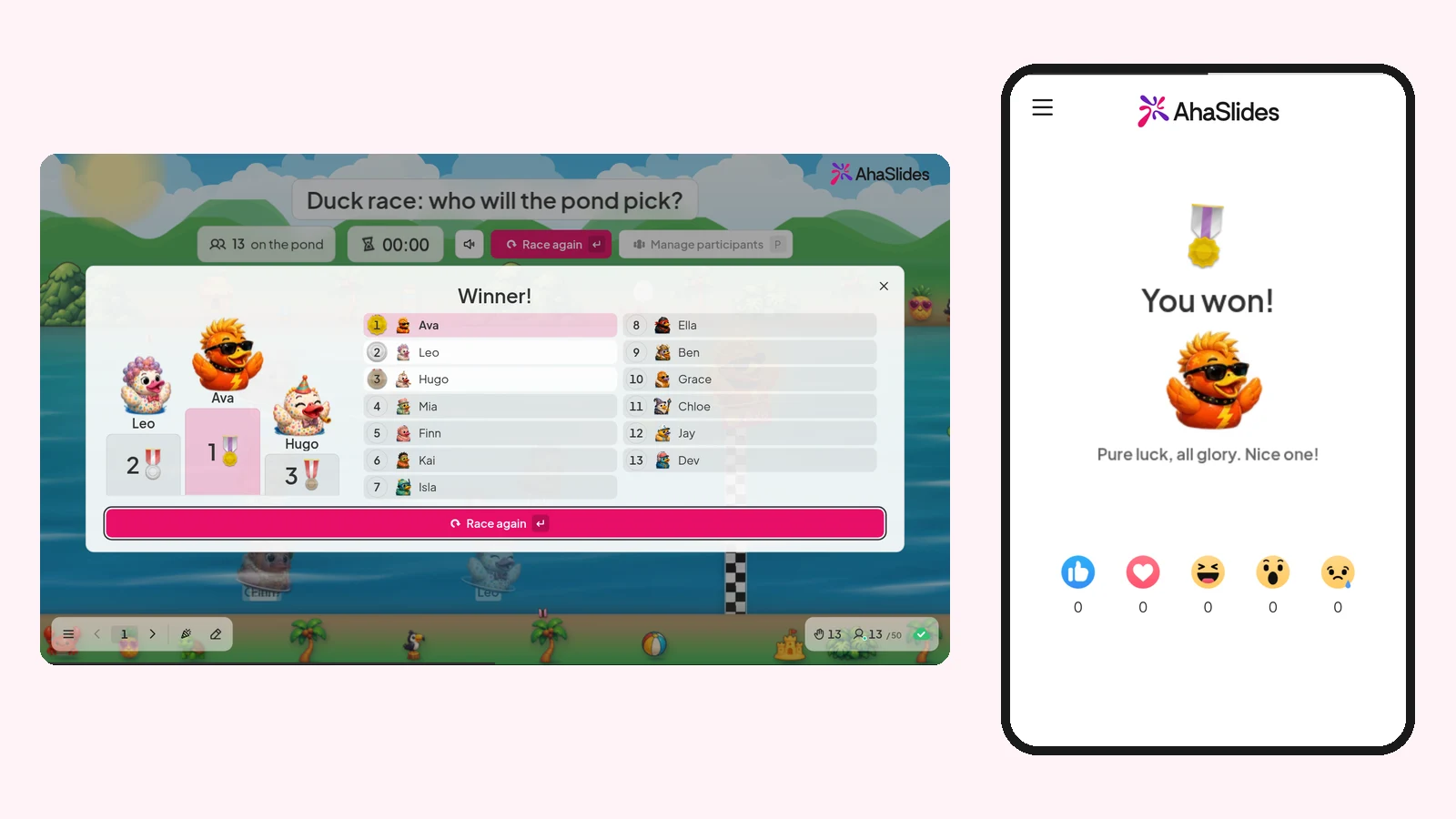
AhaSlides is an all-in-one engagement platform for teams and classrooms. Add it to your Christmas deck and every guest plays from their own phone: a festive quiz, a best-jumper vote or a pardiralli for the prize draw, with the results on your slide.
Kaks kiiret viisi alustamiseks:
- Laadige oma pakk üles. Laadige oma PowerPointi fail üles AhaSlides ja laske tehisintellektil selle kaudu küsitlusi ja viktoriiniküsimusi lisada, nii et sellest saab interaktiivne seanss ilma uuesti alustamata (Tehisintellektiga PowerPointi koostaja).
- Või jätka esitlust PowerPointis. Lisa tasuta AhaSlides lisandmoodul ja asetage oma slaidide vahele reaalajas slaidid. See hõlmab kolme sammu, mis on loetletud allpool.
1. samm: installige lisandmoodul
PowerPointis minge aadressile Avaleht > Lisandmoodulid > Rohkem lisandmooduleid (PowerPointi veebirakenduses Lisa > Lisandmoodulid), otsi "AhaSlides" ja klõpsake lisama. It opens on your slide.
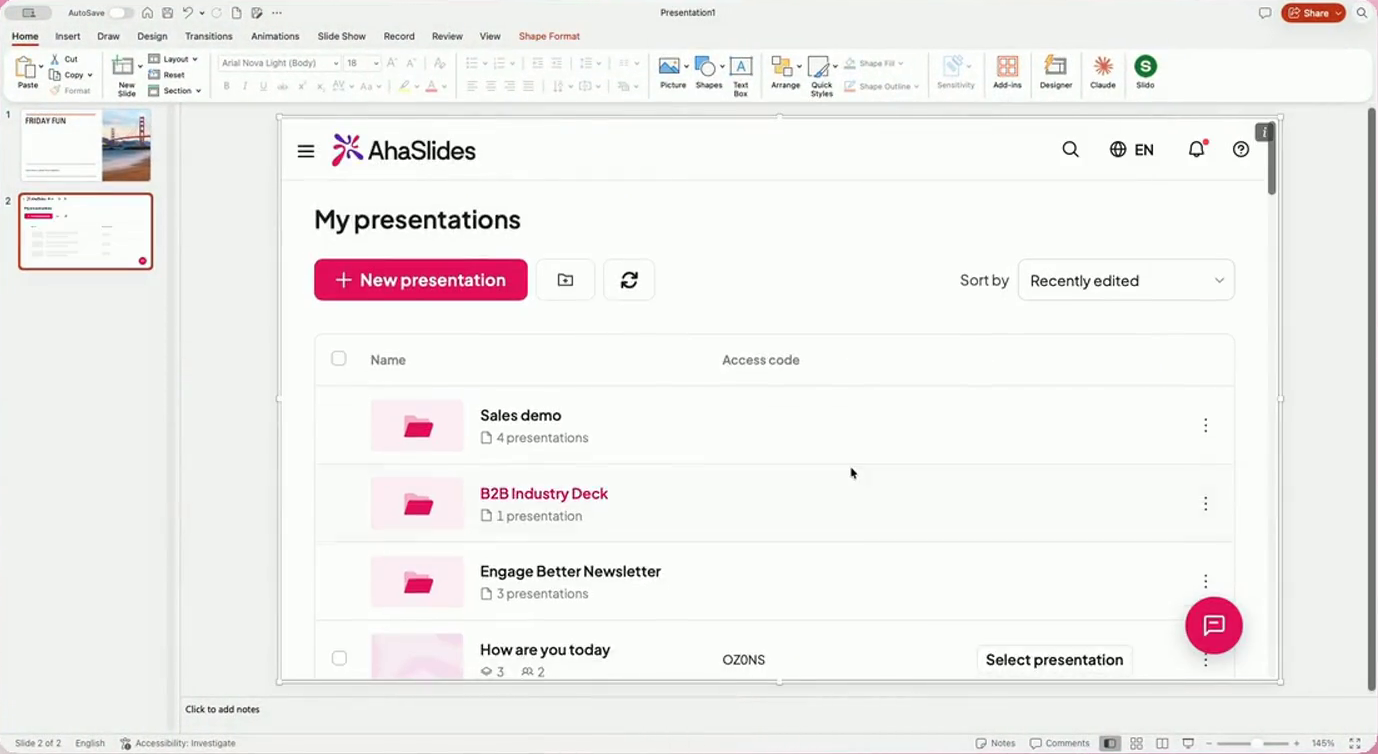
Step 2: sign in and pick your Christmas slides
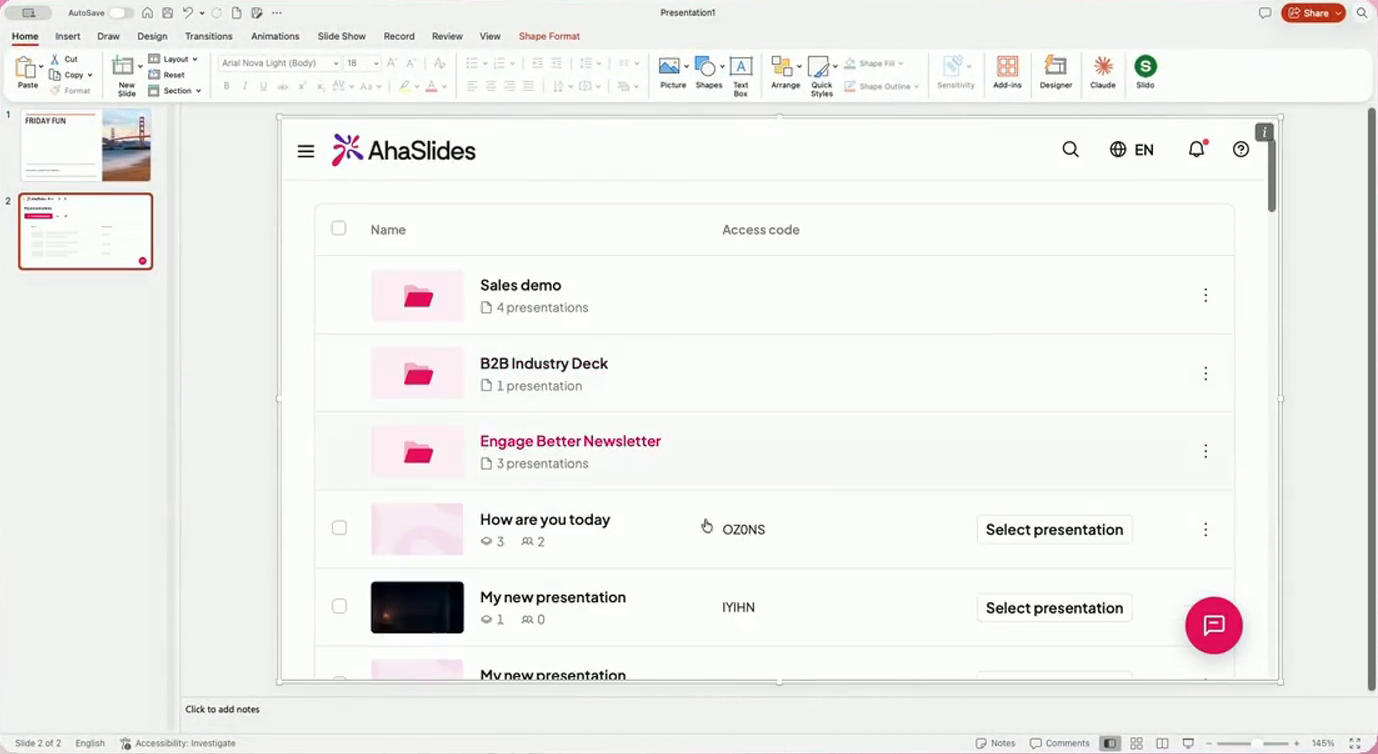
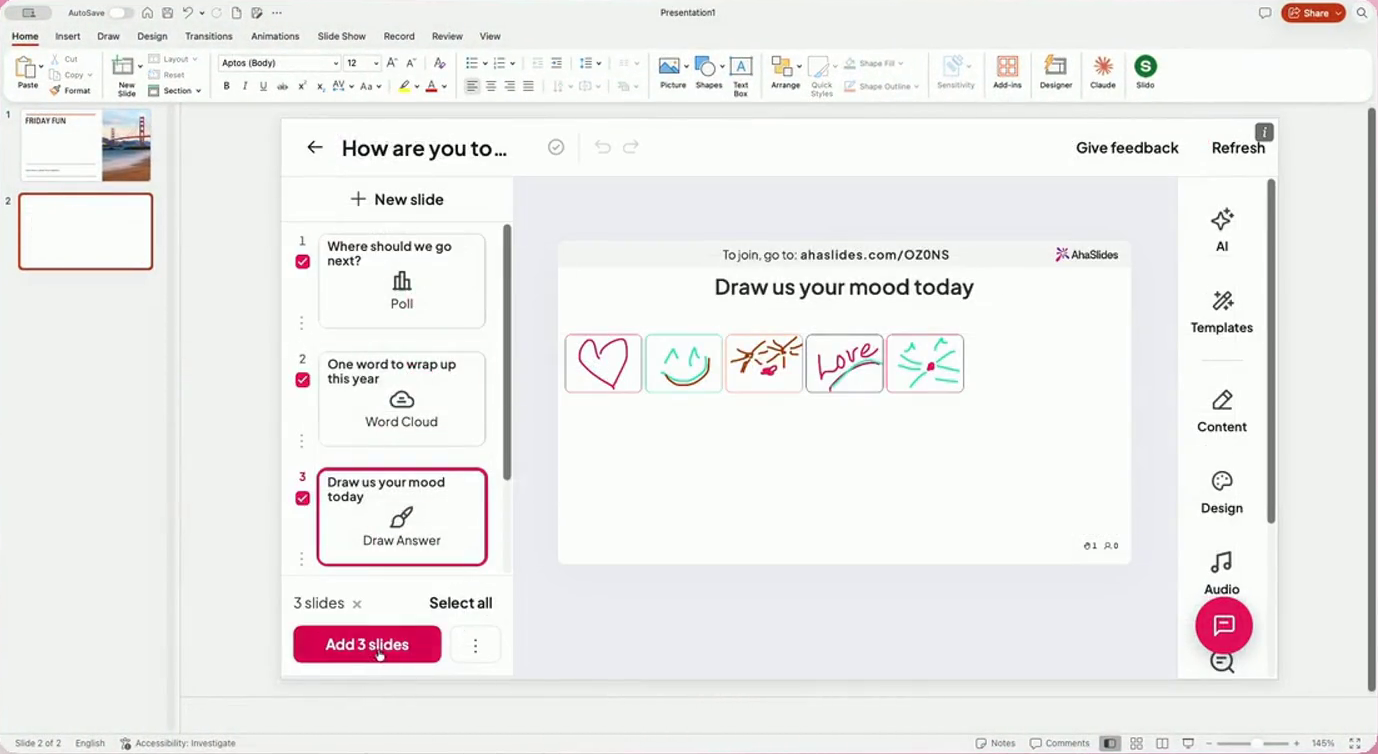
Sign in, or sign up for free from the same panel. Click Valige esitlus, choose the deck with your Christmas games, tick the slides you want and click Lisa slaididPowerPointi veebirakendus lisab korraga ühe slaidi.
3. samm: esinege tavapäraselt
Start Slide Show. When you reach a live slide, the join link and QR code show at the top of it (press Q to show or hide the join panel). Guests scan the code and play on their phones, with no download. The AhaSlides lisandmooduli abijuhend on olemas kõik seaded.
Christmas templates to start from
You do not need to write the games from scratch. These AhaSlides templates are ready to add to your Christmas deck.
Jingle All the Way: Office Christmas Party Games has 14 slides and 8 games: a random group maker, a word cloud, a Christmas jumper knockout, festive quiz questions, Bubble Rush, a Christmas crossword, a spinner wheel and a duck race prize draw.
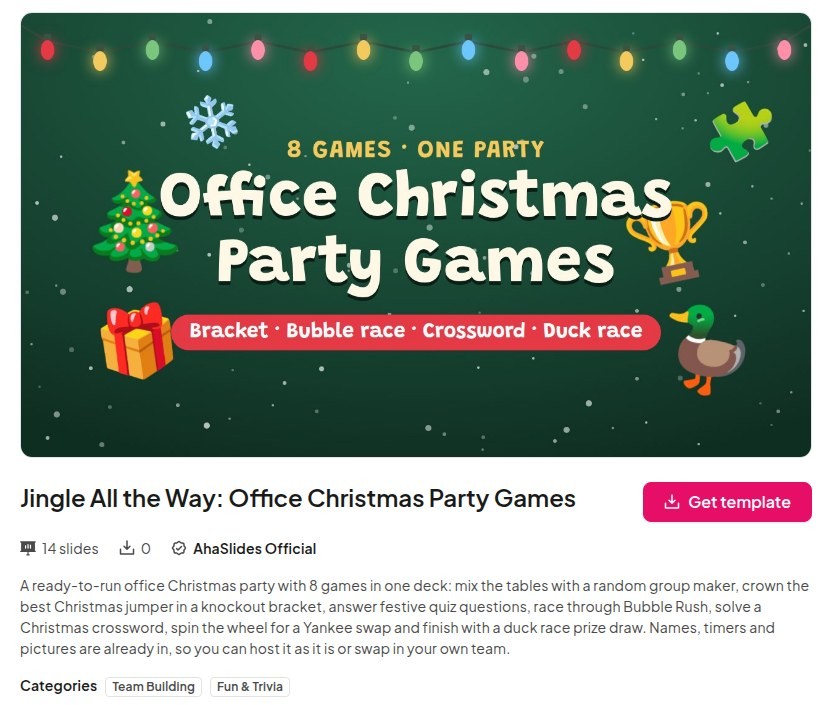
If your account does not show Bubble Rush, Duck Race, Tournament Bracket or Crossword yet, swap in a Pick Answer question or a Spinner Wheel.
Pere jõuluviktoriin has 37 slides of festive questions for all ages, made for a family gathering or a class before the holidays.
6 Christmas PowerPoint game ideas
Each one is a live slide you can drop between your own Christmas slides.
- Christmas jumper knockout. Put everyone's jumper photo into a Tournament Bracket and let the group vote each pairing until one wins.
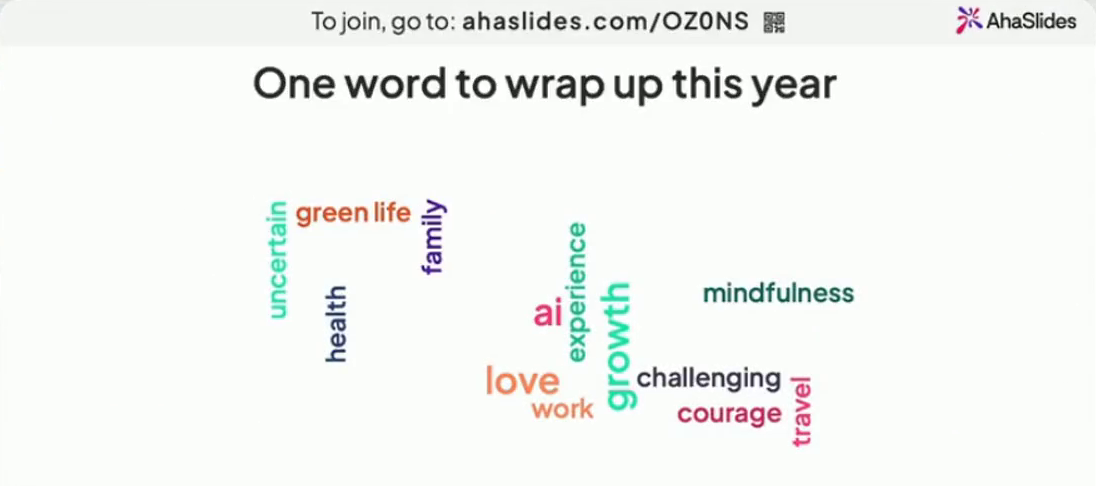
- Sum up your year in one word. A Word Cloud fills with everyone's answers, and the biggest word makes a good toast.
- Festive picture round. Show a close-up of a decoration or a film still and ask a Pick Answer question. Our Jõulupiltide viktoriin has questions ready to use.
- Christmas film round. Ten questions on the classics, with a leaderboard after each one. Take your pick from our Jõulufilmide viktoriin.
- Secret Santa or Yankee swap order. Keera a Ketrusratas with everyone's names to decide who picks next.
- Kas sa pigem tahaksid. Two festive choices per slide, such as "Snow on Christmas Day or no washing up", and the group's split shows live. The Christmas Would You Rather template has the questions written.
For a round built on a game show, the Jeopardy PowerPointi mall works for a Christmas category board, and our round-up of PowerPoint games has more formats for any time of year. Running the quiz for children? Our pere jõuluviktoriin lastele has questions pitched for them.
Korduma kippuvad küsimused
How do I add a Christmas theme to PowerPoint?
Open your deck, go to the Disain tab and pick a theme or variant. For a ready-made festive design, go to Fail> Uus (on a Mac, File > New from Template), search "Christmas" and click Looma.
Where can I get free templates for PowerPoint?
PowerPoint itself is the first place: Fail> Uus lists free templates, including Christmas designs. SlidesCarnival and Canva also offer free Christmas presentation templates you can download as PowerPoint files (checked 19 Nov 2026).
How do I make a Christmas activity for a group?
Pick a format everyone can join at once, such as a quiz, a vote or a word cloud. With the AhaSlides add-in, people answer on their phones from inside your PowerPoint deck, so the whole group plays, not only the person nearest the screen.
What is the 5 5 5 rule for PowerPoint?
It is a rule of thumb for text: no more than 5 words per line, 5 lines per slide, and 5 text-heavy slides in a row. For a Christmas deck it is a good reminder to let pictures and games carry the slides.
How do I make a PowerPoint?
Open PowerPoint, choose Fail> Uus, pick a blank deck or a template and add slides from the Esileht tab with Uus slaidMeie juhend teemal how to make a good PowerPoint presentation covers structure and design.
Muuda see pakk interaktiivseks
A Christmas deck people only watch leaves them as spectators. Add a quiz, a vote and a prize draw, and it becomes the part of the party people join in.
Täieliku meetodi kohta lugege meie juhendit aadressil kuidas luua interaktiivset PowerPointi esitlust.
Host your Christmas games on AhaSlides tasuta
Keep your Christmas template, add the games, and let everyone play from their phones.