

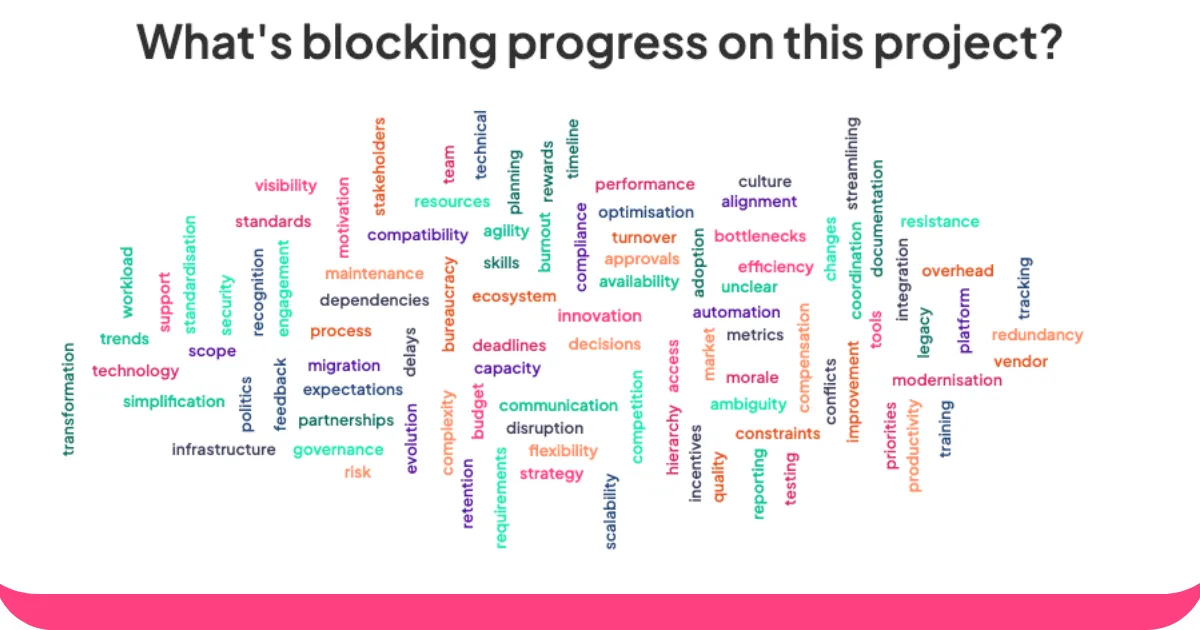
Reaalajas sõnapilvede generaatorid on nagu võlupeeglid grupi mõtete jaoks. Need muudavad kõigi öeldu erksateks ja värvilisteks visuaalideks, kus kõige populaarsemad sõnad muutuvad esile kerkides suuremaks ja julgemaks.
Olenemata sellest, kas oled õpetaja, kes paneb õpilasi ideid jagama, juht, kes teeb meeskonnaga ajurünnakuid, või ürituse korraldaja, kes püüab publikut kaasata – need tööriistad annavad kõigile võimaluse sõna võtta ja tegelikult kuuldavaks saada.
Siin tulebki mängu AhaSlides. Inimesed lihtsalt sisestavad oma vastused oma telefonidesse ja sina saad kohe visuaalset tagasisidet, mis uueneb reaalajas, kui uusi mõtteid tekib.
AhaSlides'i sõnapilvede tegija abil saate luua sõnapilvi järgmiselt.
- Küsi küsimus. Loo AhaSlidesis sõnapilv. Jaga pilve ülaosas olevat ruumikoodi oma publikuga.
- Saa oma vastused. Sinu publik sisestab ruumikoodi oma telefoni brauserisse. Nad liituvad sinu reaalajas sõnapilvega ja saavad oma telefonidega oma vastuseid esitada.
Kuidas majutada reaalajas sõnapilve: 6 lihtsat sammu
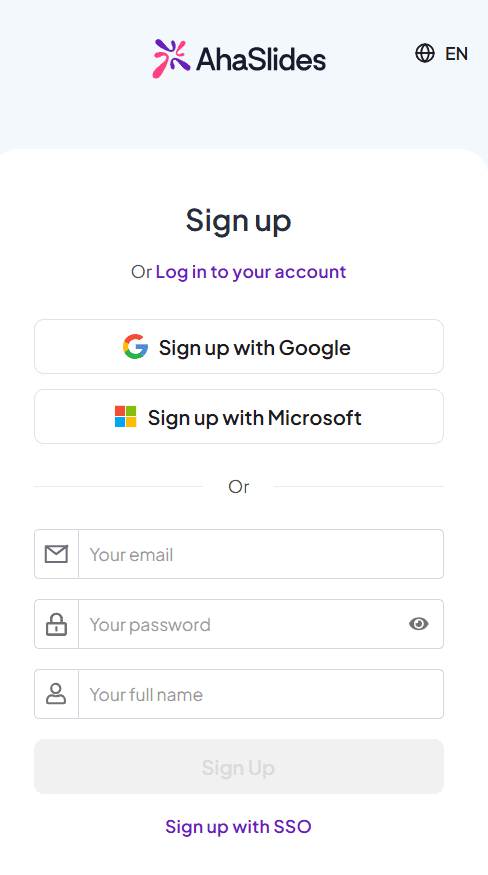
1. samm: looge oma konto
Minna seda linki konto registreerimiseks.
2. samm: looge esitlus
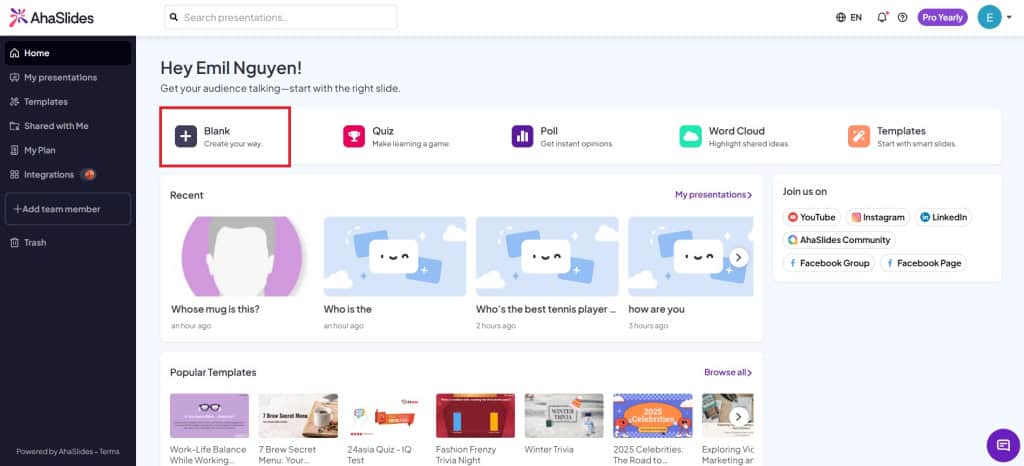
Uue esitluse loomiseks klõpsake vahekaardil Avaleht nuppu „Tühi”.
3. samm: looge Wordi pilve slaid
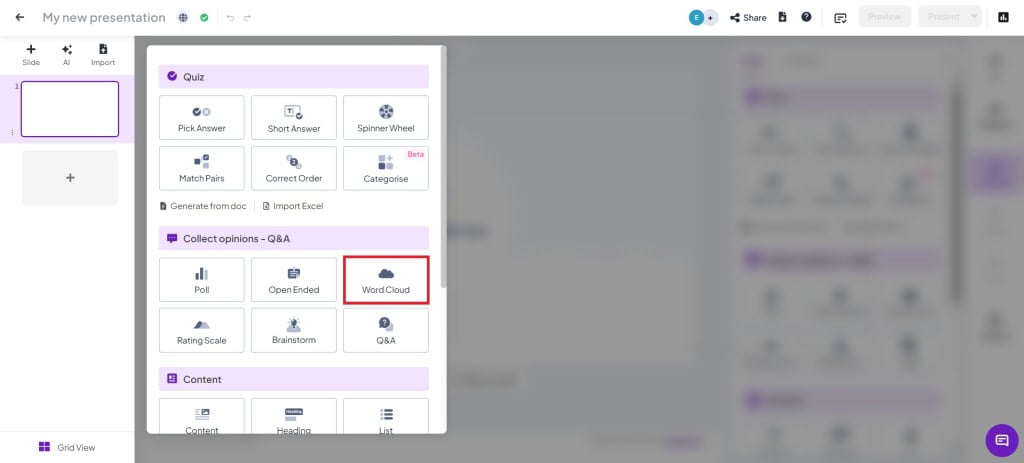
Esitluses klõpsa slaiditüübil „Sõnapilv”, et see luua.
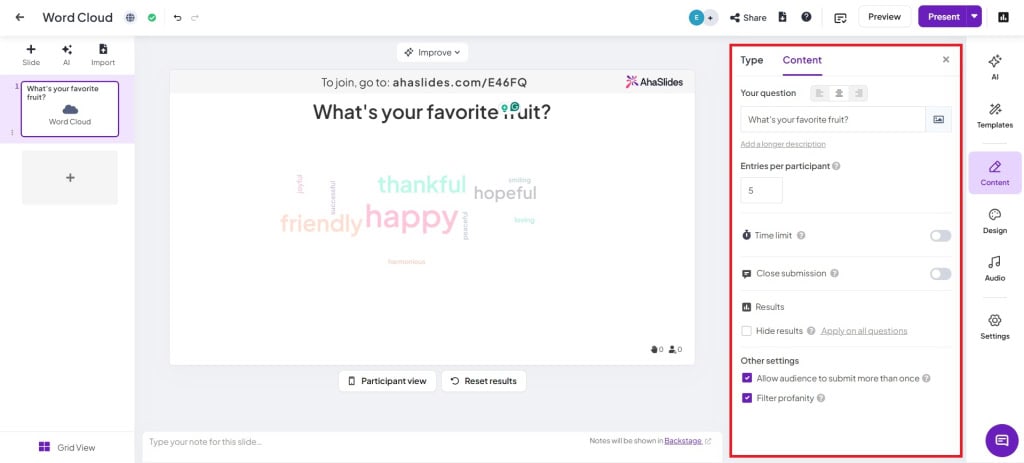
4. samm: sisestage küsimus ja muutke sätteid
- Osalejate arv osaleja kohta: Muutke vastuste esitamise kordade arvu (kuni 10 kirjet).
- Ajapiirang: Lülitage see säte sisse, kui soovite, et osalejad esitaksid oma vastused ettenähtud aja jooksul.
- Sule esitatud: Esitamise käsitsi sisselülitamine esitluse ajal.
- Peida tulemusedEsildised peidetakse automaatselt, et vältida hääletuse kallutatust.
- Luba publikul esitada rohkem kui üks kord: Lülitage välja, kui soovite, et publik esitaks ainult ühe korra.
- Filtreeri roppus: Filtreeri publiku hulgast välja kõik sobimatud sõnad.
5. samm: näidake publikule esitluskoodi
Näita oma publikule oma ruumi QR-koodi või liitumiskoodi (/ sümboli kõrval). Publik saab oma telefonis liituda QR-koodi skannides.
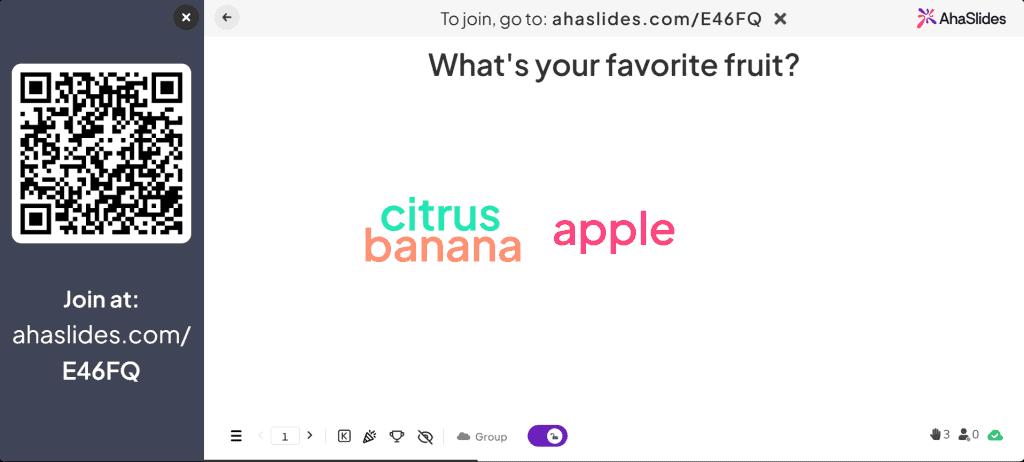
6. samm: Esita!
Lihtsalt klõpsa nupul „Esita“ ja mine otseülekandele! Publiku vastused kuvatakse esitluses otseülekande ajal.
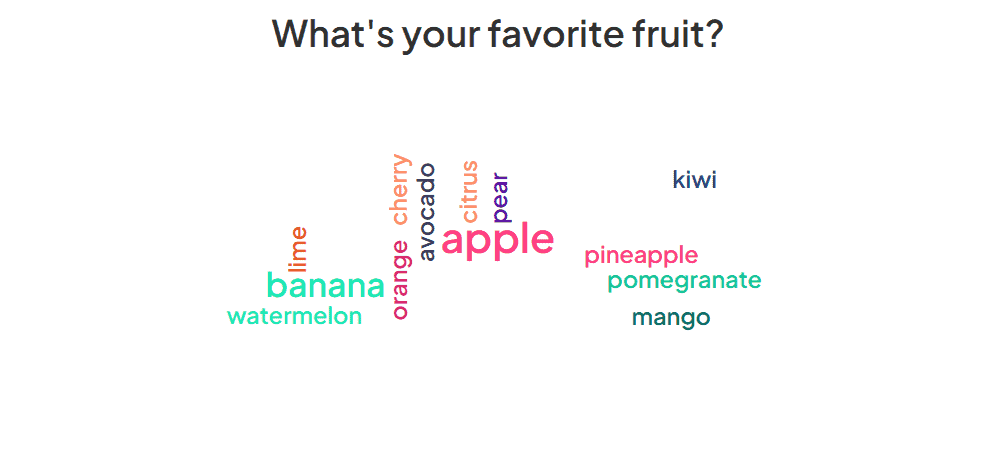
Sõnapilve tegevused
Sõnapilved on ühed kõige mitmekülgne tööriistad teie arsenalis. Neid saab kasutada paljudes erinevates valdkondades, et saada reaalajas (või mitte reaalajas) publikult hunnik erinevaid vastuseid.
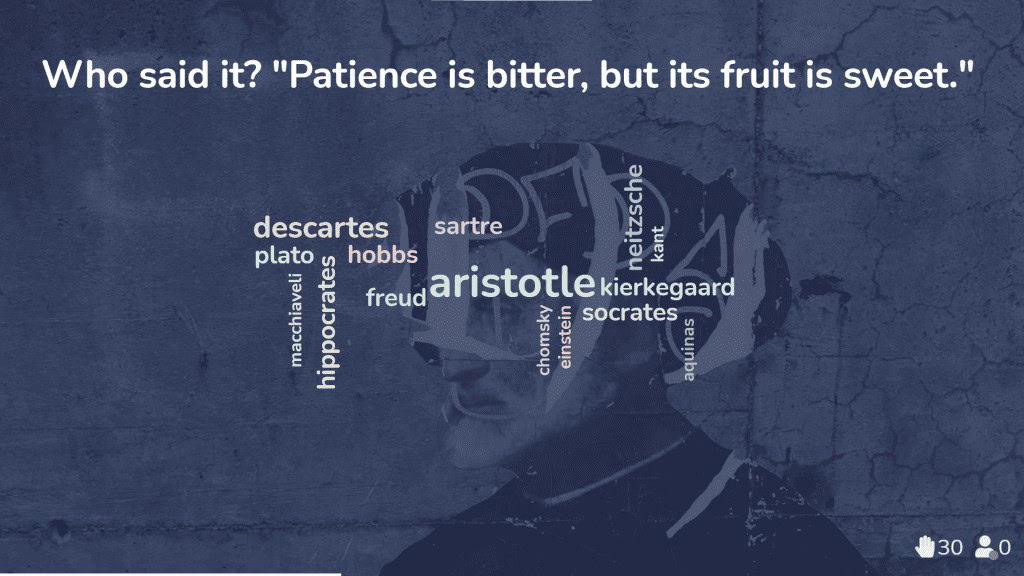
1. Kujuta ette, et oled õpetaja, kes üritab kontrollida õpilaste arusaamist teemast, mida just õpetasite. Võite pakkuda sõnapilve, kus õpilased annavad ühesõnalisi vastuseid.
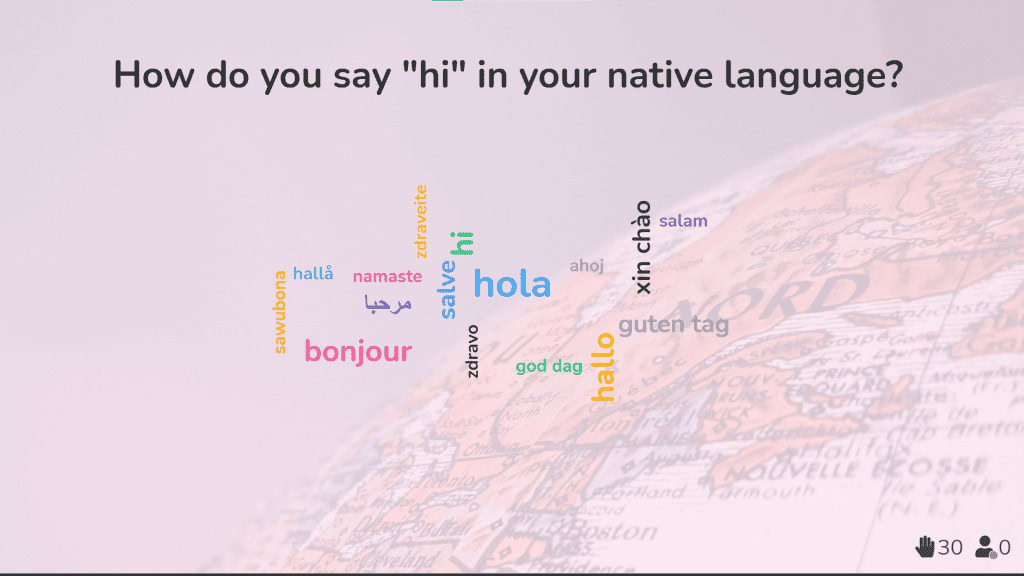
2. Rahvusvaheliste meeskondadega töötava ettevõtte koolitajana aitavad reaalajas sõnapilved murda kultuurilisi ja keelelisi barjääre ning tekitada kõigis algusest peale ühtekuuluvustunnet.
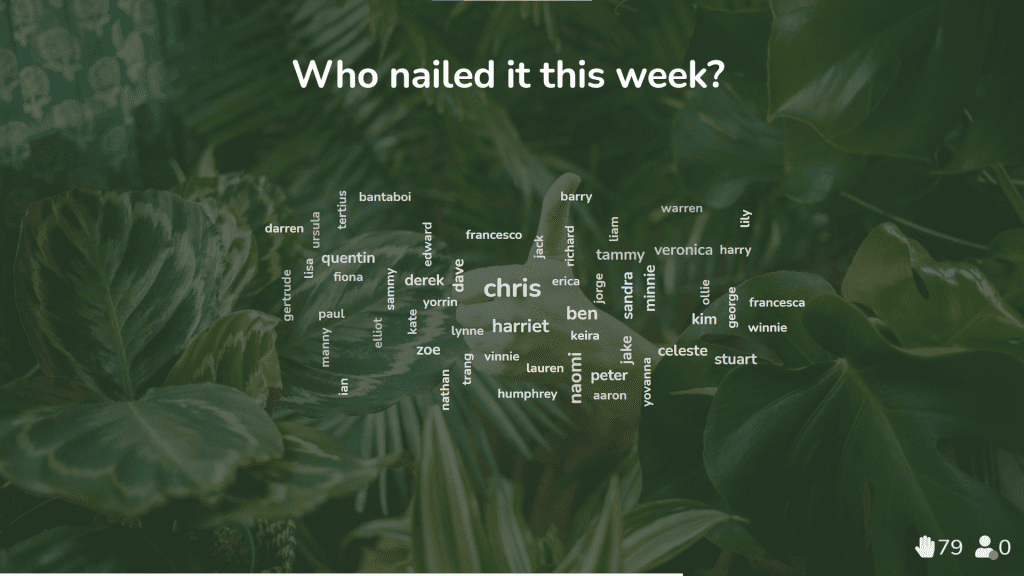
3. Meeskonnajuhina kaug- või hübriidtöökeskkonnas on reaalajas sõnapilv suurepärane viis, kuidas teie meeskond saab üksteise vastu tunnustust näidata ja meeskonna moraali tõsta.
Haarake mõned sõnapilve mallid
Avastage meie sõnapilve mallid ja inimesi paremini kaasata.