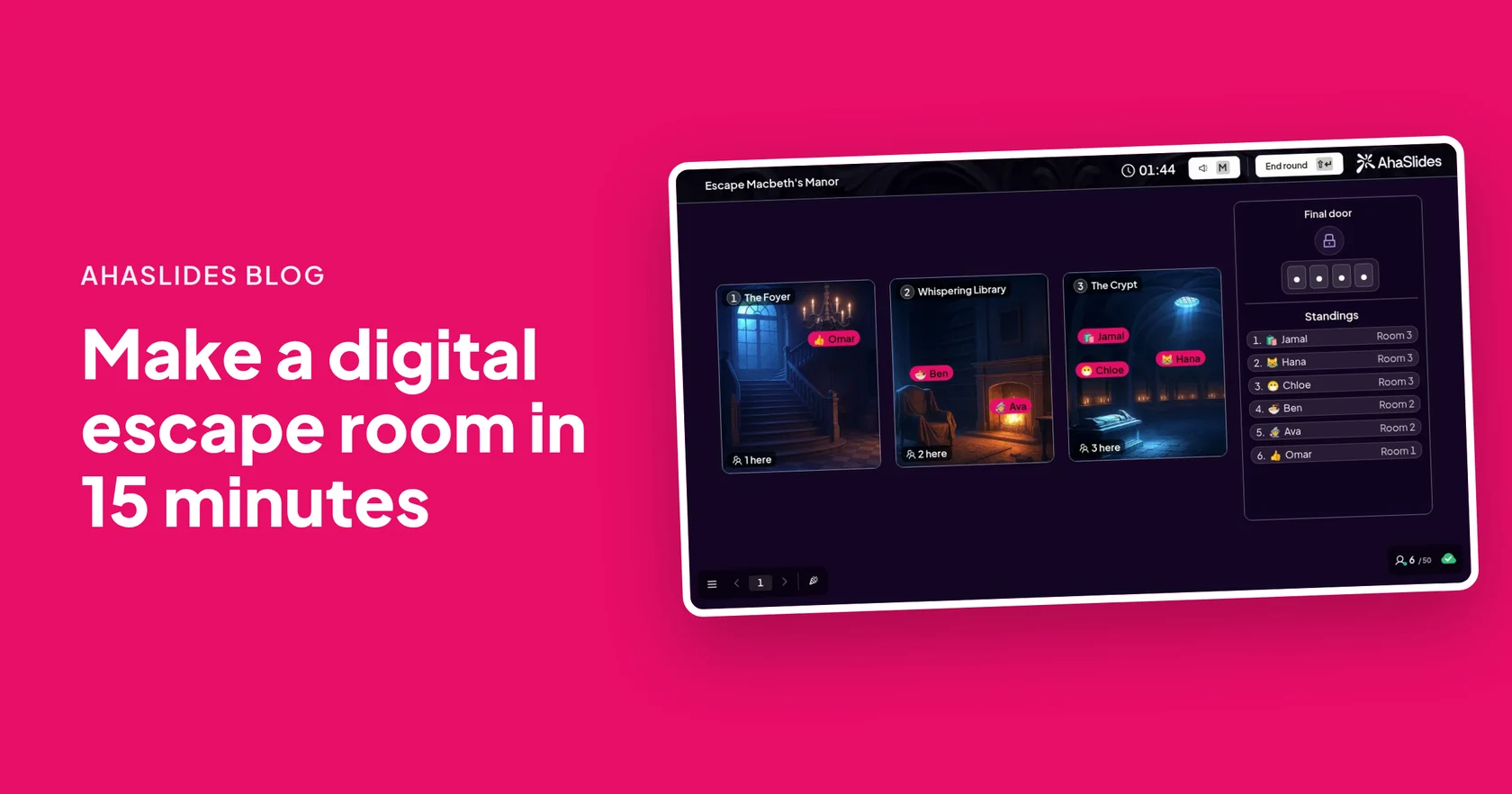
To make a digital escape room, add an Escape Room slide in AhaSlides, build 2 to 6 rooms with clues hidden in each picture, set a door code and a time limit, then press Start. Players join on their phones, solve the clues to collect code pieces and type the code at the final door to escape. A short game of three rooms and nine clues takes about 15 minutes to build if your questions are ready.
This guide suits teachers planning revision, trainers and anyone running a team event in the room or on Zoom. It walks through the build with the AhaSlides escape room maker, then covers what players see and how to write clues that work.
What is a digital escape room?
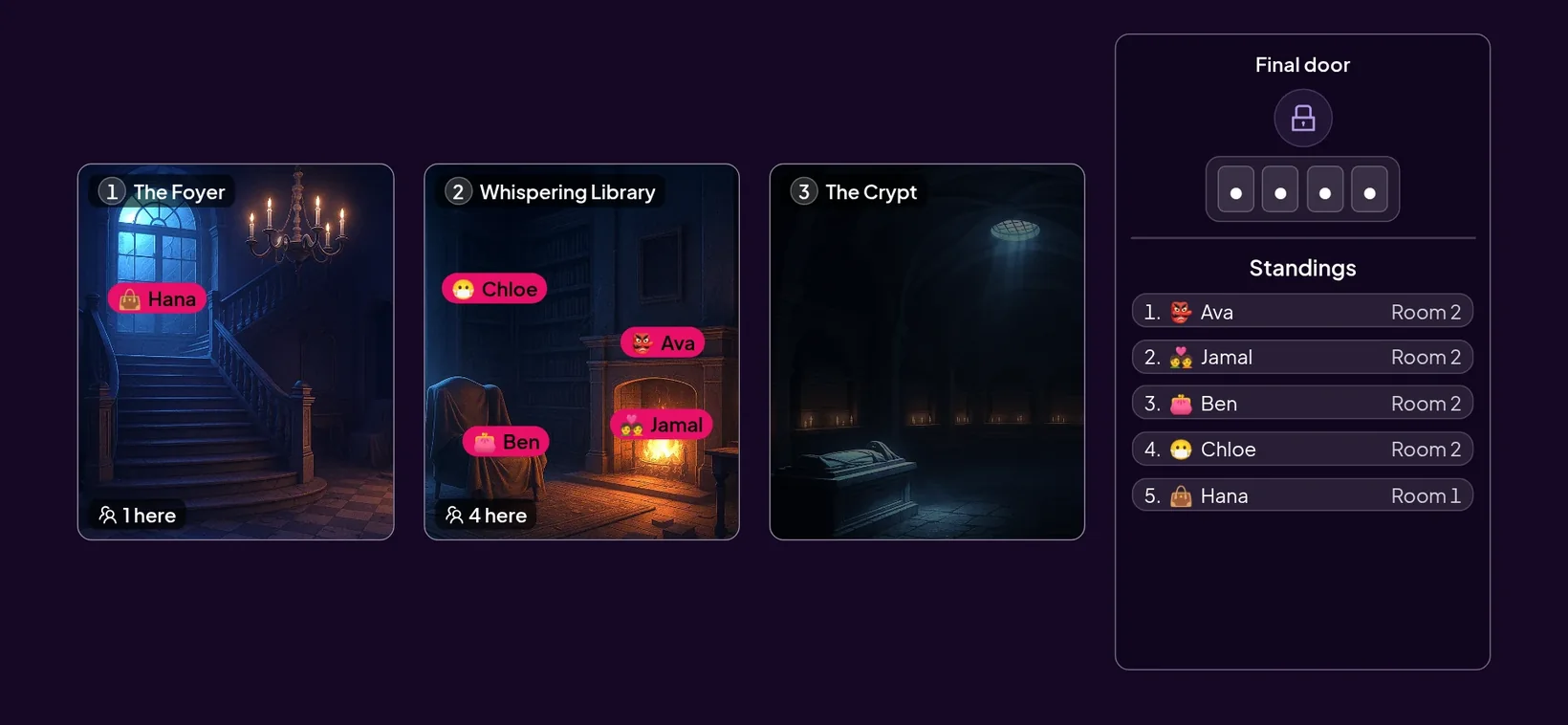
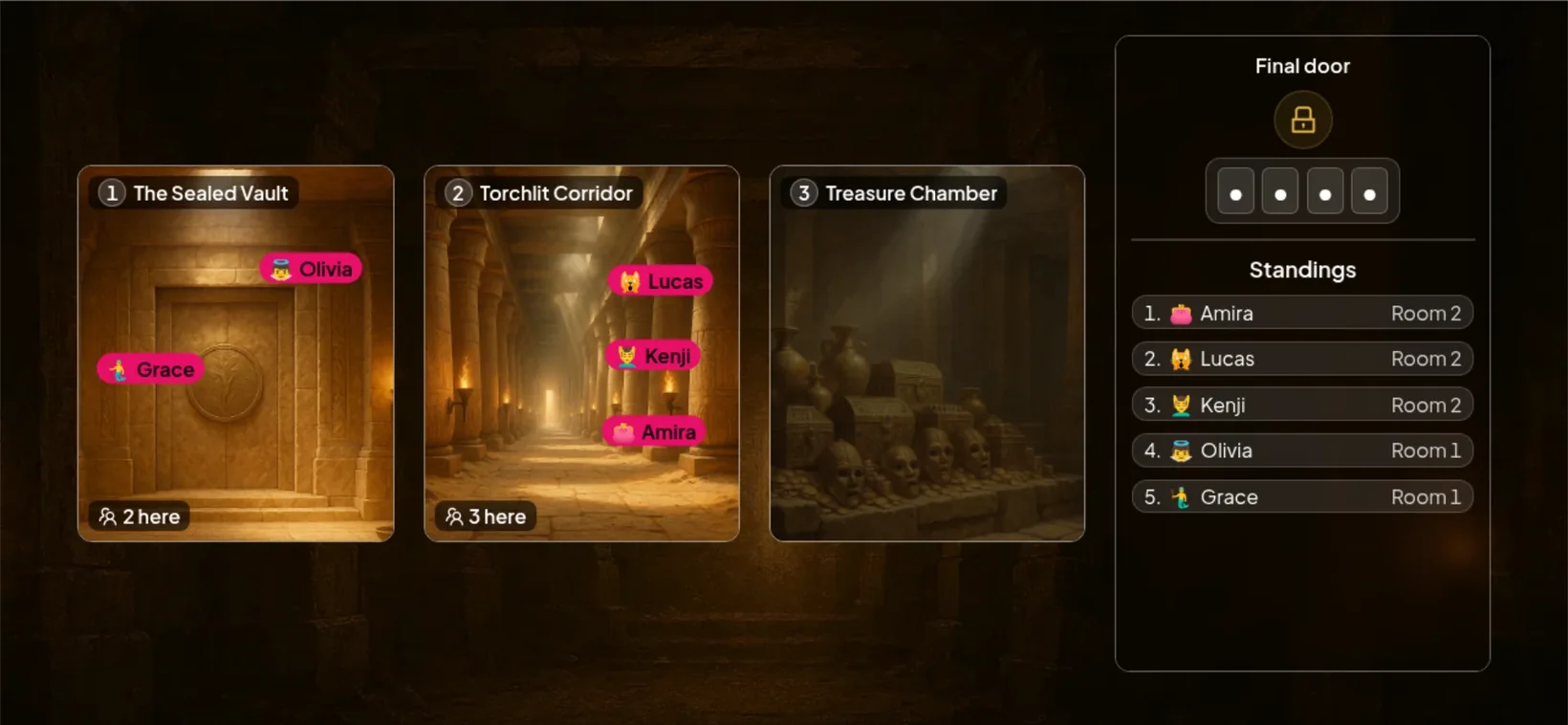
A digital escape room is an escape room game played on screens instead of with padlocks and boxes. In AhaSlides, each player searches picture rooms on their own phone, taps hidden clues and answers a question for each one. Some clues reveal a code piece shown as a symbol. At the final door, players match the symbols to digits on a code chart and type the code. The big screen shows everyone moving from room to room, and ranks players by how fast they escape.
Each clue is either Több választási lehetőség (2 to 6 answers, one correct) or Rövid válasz (players type the answer). A wrong answer costs time, not points: the player waits about 5 seconds before trying again.
What do you need before you start?
You need your questions and a free AhaSlides account. Writing the questions is the slow part, so have them ready before you open the editor:
- A topic split into 2 or 3 parts. Each part becomes a room, such as one room per topic in a unit or one per stage of a process.
- 9 to 15 questions with their answers. The slide holds up to 15 clues in total, and three per room is plenty for a first game.
- A door code. Up to 6 digits, and no more digits than you have clues. Four digits suits a short game.
- A picture for each room, unless a themed concept supplies the room art.
Which escape room concept should you pick?
Pick Classic if you want your own pictures, and a themed concept if you want the game to look finished straight away. Concepts set the background, room art and room names, and you can switch later.
| Koncepció | Amit kapsz | A legjobb |
|---|---|---|
| Klasszikus - Classic | Your presentation's background and your own room pictures | Rooms that match your topic, such as a real office or a lab |
| Kísértetjárta kastély | Ready-made spooky rooms, room names and background | A dramatic game with no images to find |
| Űrállomás | Ready-made sci-fi rooms and background | Science lessons and tech teams |
| Ókori templom | Ready-made temple rooms and background | History lessons and adventure themes |
| Karácsony és Halloween | Seasonal room art and background | End-of-term reviews and holiday team events |
Want more ideas for a storyline to hang the rooms on? Browse these 30 escape room themes with room names and sample clues.
How do you make a digital escape room in 15 minutes?
You build the whole digital escape room on one slide, and a Beállítási ellenőrzőlista at the top of the settings panel tracks four steps for you. Rajt only unlocks when all four are done, so you cannot launch a half-built game by mistake.
- Adja hozzá a diát. A szerkesztőben kattintson a Új dia és keresni Menekülési helyiség. A new slide starts with two empty rooms on the Classic concept.
- Pick a concept. Alatt fogalmak, keep Classic or choose a themed one. Click Az összes hogy böngésszen közöttük.
- Name each room and add its picture. Alatt Rooms & clues, give each room a name and an image. Choose one with clear things to tap, such as a desk or a door. Add a third room if you need it (up to 6).
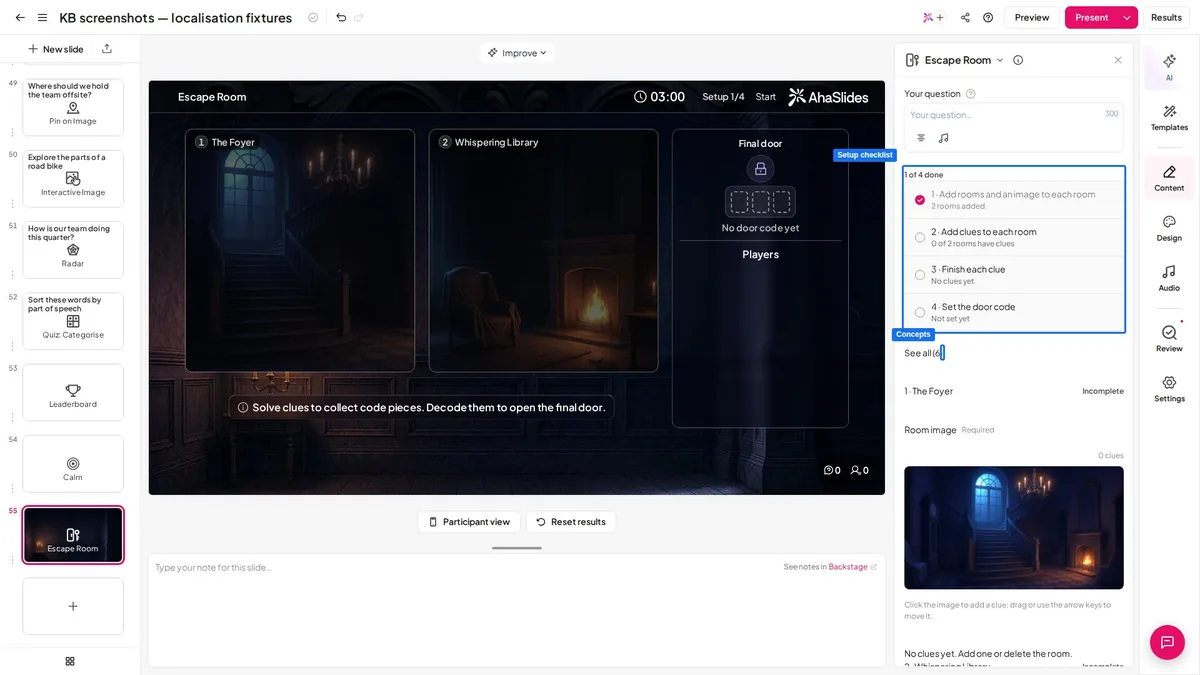
- Helyezd el a nyomokat. Click a room's picture to drop a clue on it, then drag it (or use the arrow keys) to hide it behind something worth tapping.
- Write each clue's question. Válassz egy Kérdés formátuma. For Multiple choice, add 2 to 6 answers and mark exactly one correct. For Short answer, add the correct answer and up to four other accepted answers. Capital letters, accents, punctuation and extra spaces are ignored.
- Set the final door. Alatt The Final Door, írja be a Door Code. -ban Standard üzemmód AhaSlides picks which clues reveal each digit. In Részletes mode you choose the clues yourself, and you can turn on Hide the order és adj hozzá egy Célzás.
- Set the clock. Válassz egy Határidő from 5 seconds to 60 minutes (the default is 3 minutes) and check the hang setting. The soundtrack plays on the presenter screen only, and phones stay silent.
- Decide on points. Play for points is on by default: each player who escapes earns points, and with Sebességbónusz on, a faster escape earns more. Turn it off to rank players by escape time only.
That is the whole build. With nine questions written in advance, steps 1 to 8 fit comfortably in about 15 minutes.
How does the escape room play on the day?
Players join on their phones with no app and no account. The lobby shows who has joined; press Rajt (or Enter) to open the first room and start the clock.
On their phones, players:
- Join with the code or QR code, choose a name and avatar, and wait for you to start.
- Tap the room picture to find hidden clues, choose or type an answer, and tap Solve clue.
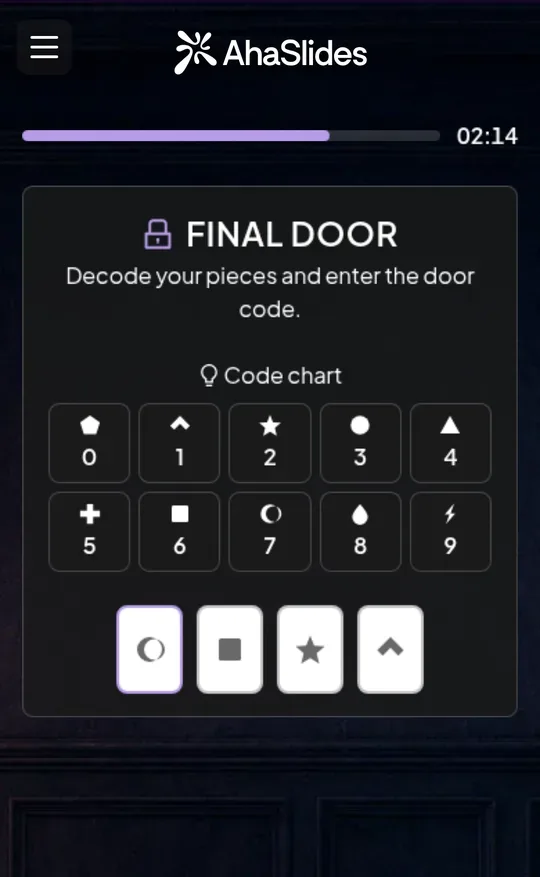
- Gyűjtsd össze a Code Piece from some clues. The Code chart shows which digit each shape stands for.
- Clear every clue in a room to move to the next one.
- Decode the pieces and type the Door Code at the Utolsó ajtó.
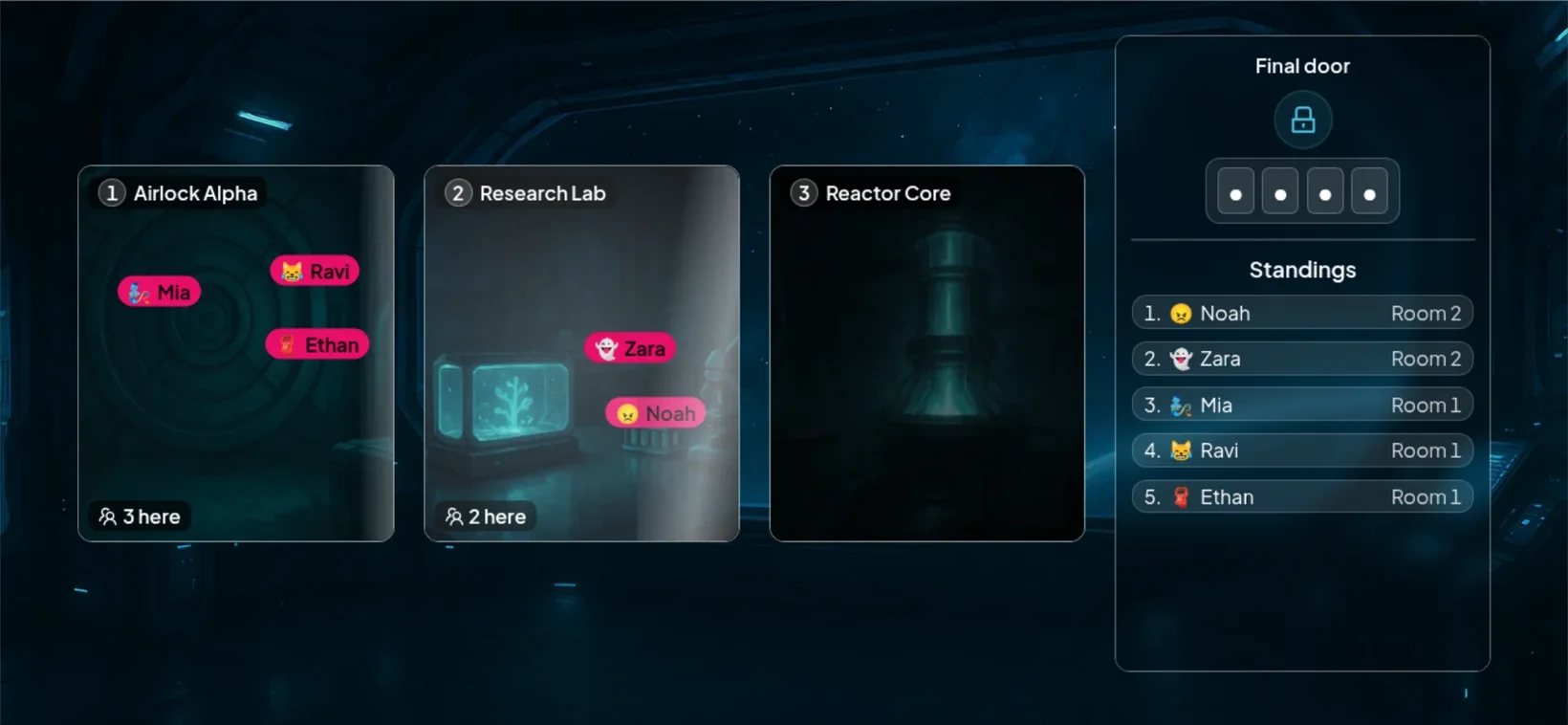
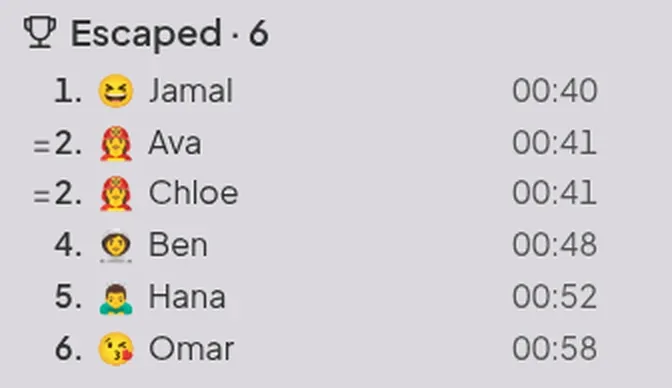
On the big screen, each player's name moves from room to room beside a Tabella board and the countdown. The round ends when time runs out, when everyone has escaped, or when you click End round (Shift+Enter). The result board shows who escaped and how fast, then who is Still trapped, closest first.
Progress is kept if a player refreshes or switches device. If you leave the slide mid-round, the round is cancelled, so stay on it until the board appears.
How do you write good escape room clues?
Good clues are short, have one clear answer and get harder as players go deeper. A few habits make the difference:
- Put the easier clues first. Every player gets an early win, which keeps the slower ones playing instead of giving up in room one.
- Use Short answer for words people might spell differently. Add up to four other accepted answers, such as "UK" and "United Kingdom".
- Test it once on your own phone. Join as a player and play through, so you catch a wrong answer key before the class does.
Need clue ideas? Start with these 62 escape room riddles and clues with answers and swap in your own topic.
Digital escape room ideas for class, training and team events
A digital escape room works anywhere you would otherwise run a quiz, and it gets everyone answering at once instead of waiting for one person to buzz in.
- Classroom revision. One room per topic and one clue per key idea. Students play on their own or in teams. For a full lesson plan, see how to make an escape room for your classroom.
- Training and onboarding. One room per stage of a process, with a clue asking what comes next. New starters learn the steps while racing through them. Security teams can borrow from these cybersecurity escape room ideas.
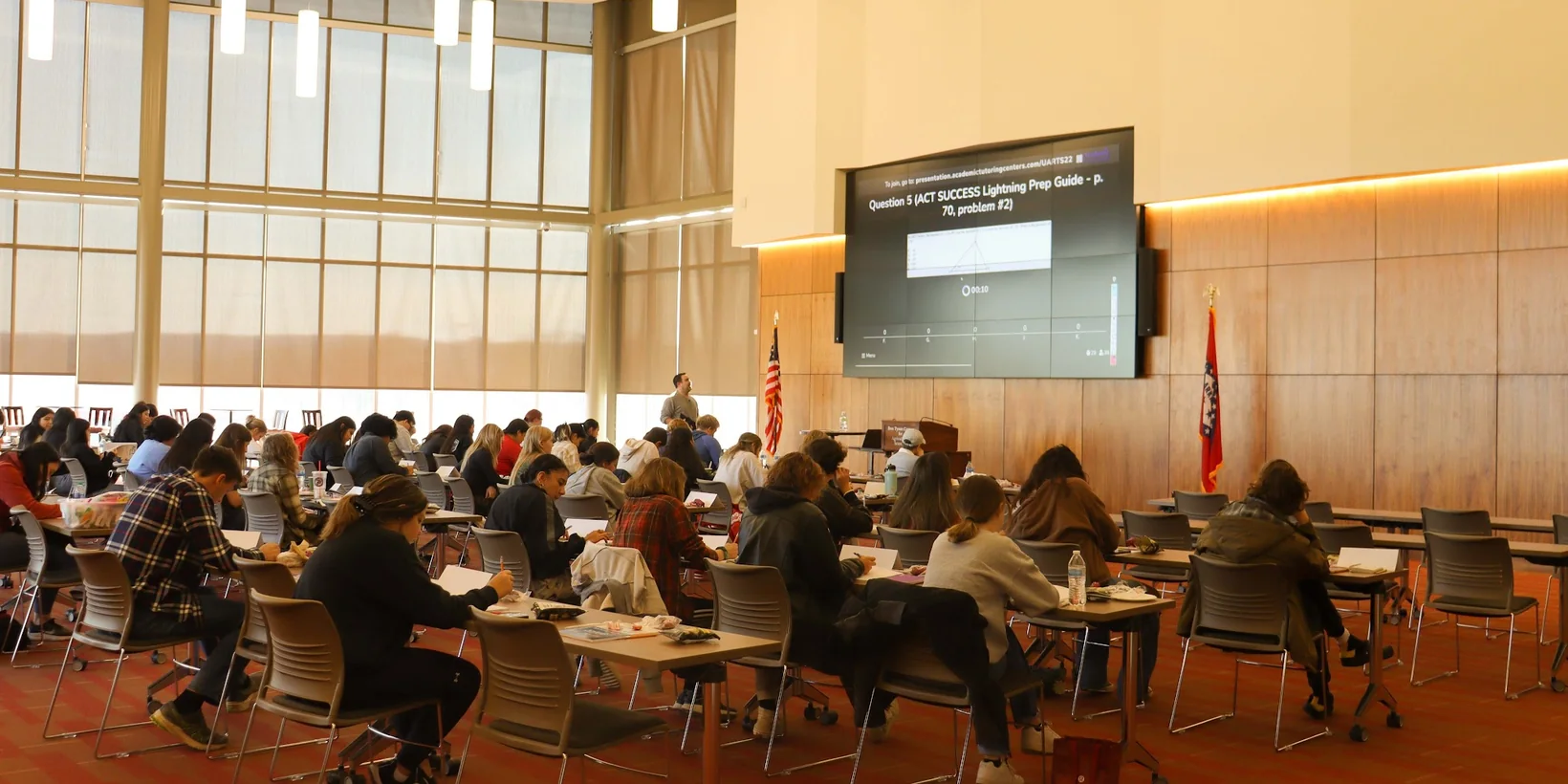
- Csapatépítés. A themed race gets a group talking while they search. On Zoom, Microsoft Teams or Google Meet, share your presenter screen and players join from the link.
Want a race with a different shape? A treasure hunt quiz sends players after clues one at a time, with 40 ready-made clues to start from.
Can you turn a whole course into an escape room?
Yes, a self-paced AhaSlides course can play like an escape room, with each lesson as a room on a map. This is a course style, not the live Escape Room slide: learners take it in their own time on learn.ahaslides.com, on a phone or a computer.
Each room holds up to 4 objects to tap, and each opens a clue card with part of the lesson. Once every clue is found, the lesson's first knowledge check becomes the lock, such as a padlock or a keypad. A hint appears after two wrong tries.
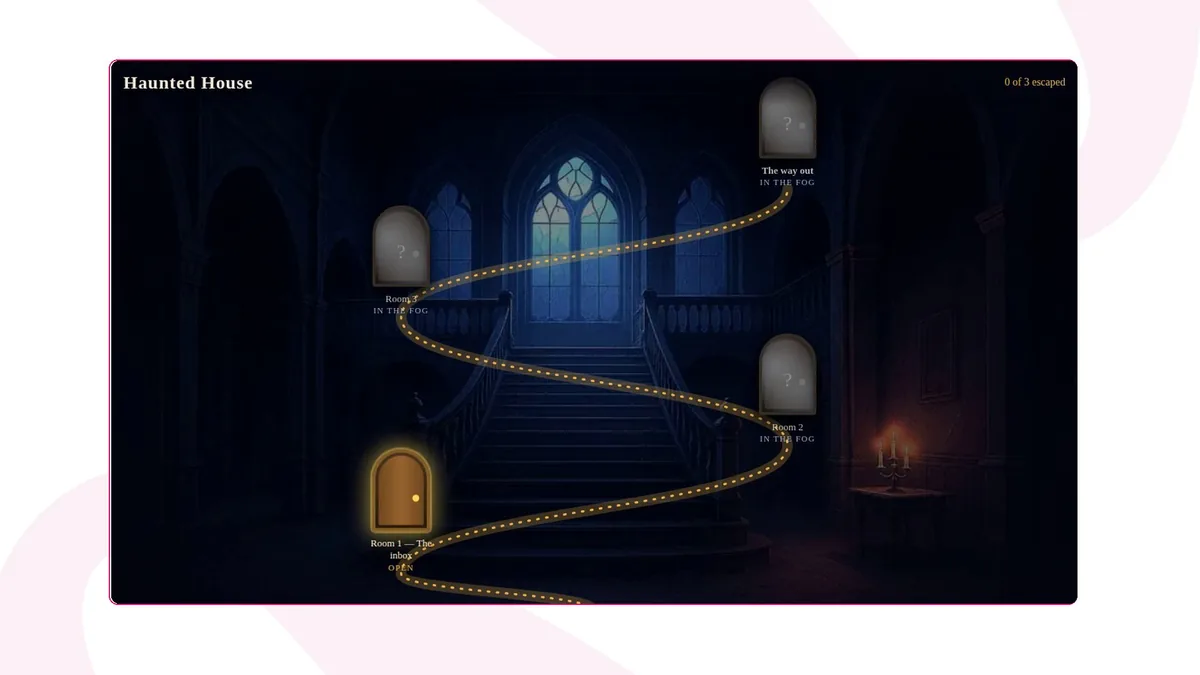
You apply it by asking an AI assistant connected to AhaSlides, such as Claude or ChatGPT: "Turn my course Safety induction into an escape room with the Space Station theme." Themes are Haunted House, Space Station and Jungle Ruins. SCORM export is not available in this style. The full steps are in the help article Válts szabadulószobává egy tanfolyamot.
Free escape room templates to host
A template saves you the build: the rooms, clues and door are already in place.
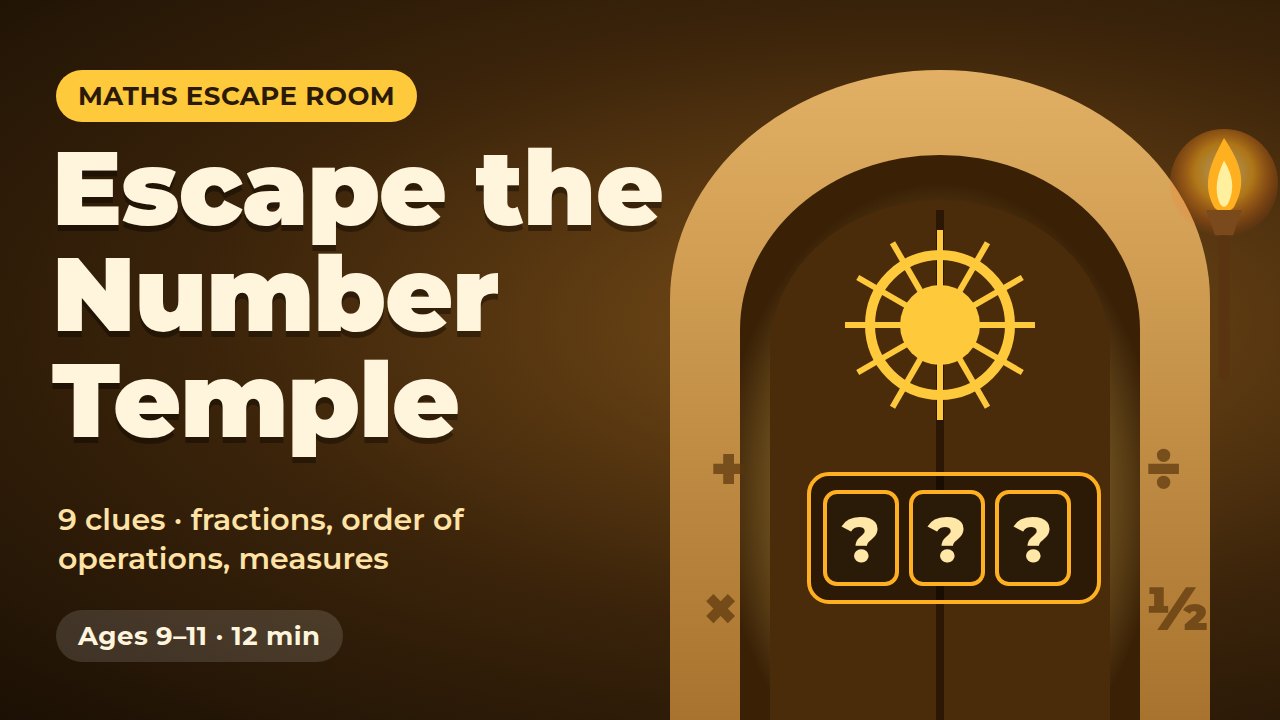
Escape the Number Temple
A 12-minute maths escape room on fractions, order of operations and measures.
Használja ezt a sablont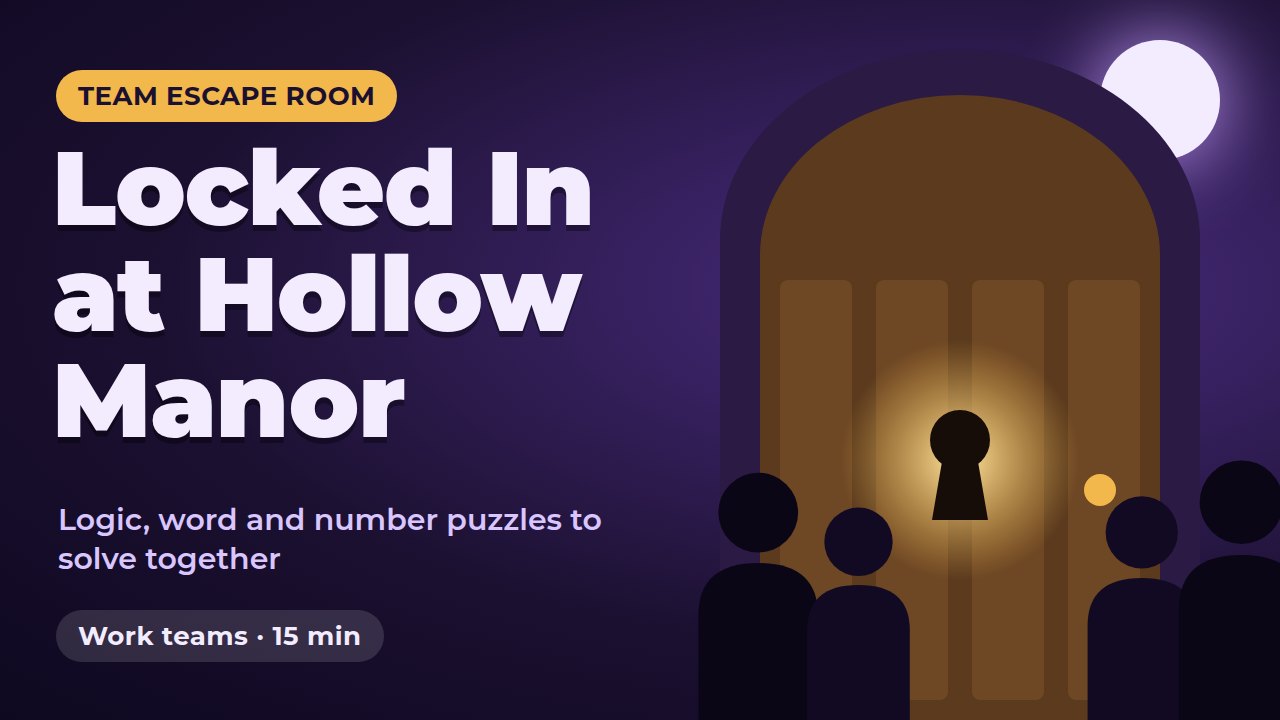
Locked In at Hollow Manor
A 15-minute team escape room of logic, word and number puzzles to solve together.
Használja ezt a sablont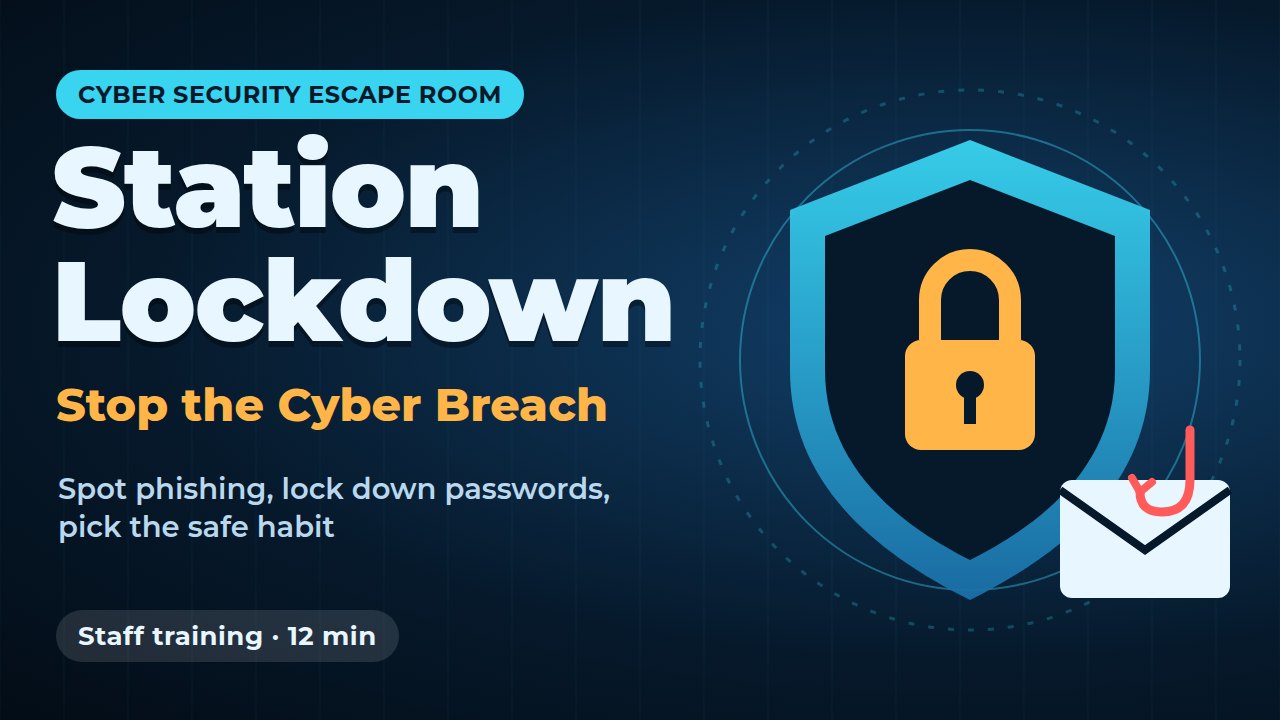
Station Lockdown: Stop the Cyber Breach
A 12-minute security-awareness escape room: spot phishing and set strong passwords.
Használja ezt a sablontOpen a template, swap in your own questions and room names, and present it to your group. To build your own, start from a blank Escape Room slide on the escape room maker page, and keep the Escape Room help article open for every setting.
Gyakran Ismételt Kérdések
Can I make a digital escape room for free?
Yes. You can build and present an AhaSlides escape room on the free plan. How many people can play live depends on your plan, and the árazási oldal lists the current limits.
Szükségük van alkalmazásra vagy fiókra a játékosoknak?
No. Players join from their phone's web browser by scanning the QR code or opening the join link, then type a name. Nobody has to download anything or sign up.
How many rooms and clues can a digital escape room have?
An AhaSlides Escape Room slide holds 2 to 6 rooms and up to 15 clues in total. The door code can be up to 6 digits, but never more digits than you have clues.
How long does a digital escape room game last?
As long as you set. The time limit runs from 5 seconds to 60 minutes, with 3 minutes as the default. The clock starts when you press Start, not when the slide opens.
Can I run a digital escape room on Zoom?
Igen. Oszd meg az előadói képernyődet Zoomban. Microsoft Teams vagy a Google Meeten keresztül, a játékosok pedig a saját eszközeiken lévő linken keresztül csatlakozhatnak.
Can players work in teams?
Yes. The Escape Room slide follows the presentation's Play as teams setting, and its Play mode shows Solo or Team to match. Turn on team play for the whole presentation and the escape room uses it too.