Checking for understanding means getting an answer from every learner during the lesson, so you find out who is lost while there is still time to help. The quickest strategies take under two minutes, need no marking, and tell you clearly what to do next: move on, go over it again, or pair people up.
Below are 12 quick check for understanding strategies you can use mid-lesson, with ready prompts, a set of key-term puzzles, and how to run two of them on students' phones with AhaSlides.
Why is "Any questions?" not a check for understanding?
Because the students who most need help are the least likely to answer it. "Any questions?" and "Does everyone understand?" invite a nod from the room, and a nod tells you nothing about who could actually do the next task.
A real check asks every student to show something: a tap, a written answer, a word spelt right, an explanation to a partner. That is what makes it formative assessment rather than a hopeful pause. You get a picture of the whole class in a minute, not just the confident few with their hands up.
What are quick ways to check for understanding mid-lesson?
Use one at each point where the lesson could go wrong: after a new idea, before independent work, and at the end.
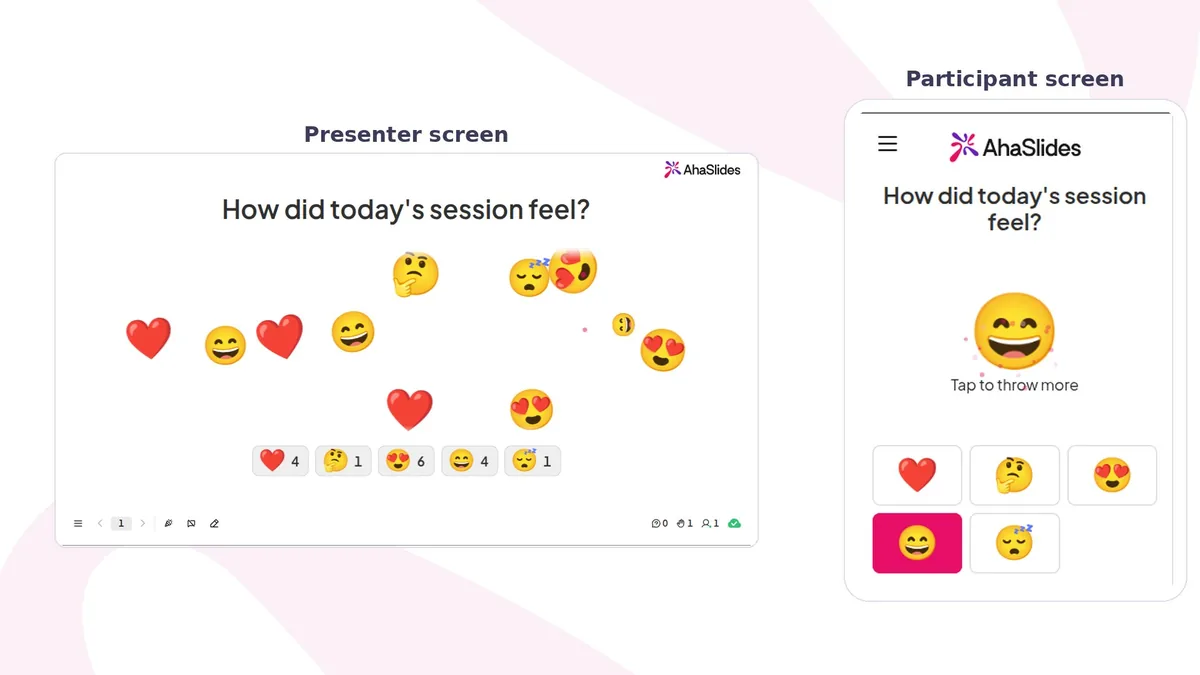
- Emoji confidence check. Ask "How confident are you with what we just covered?" and let students tap a face on their phone. One answer per student shows you at a glance how many are unsure, and nobody has to admit it out loud.
- Key-term spelling check. Show a clue and a key word with gaps, such as "The process plants use to make food: PHOTOSY _ THE _ IS". Students who can spell and define the term are ready to use it in writing.
- Hinge question. Ask one multiple-choice question where each wrong option matches a specific misconception. Students hold up A, B, C or D cards. The wrong answer they pick tells you exactly what to reteach.
- Mini whiteboards. Everyone writes an answer and holds it up on your count of three. You see every answer at once, and copying is hard when boards go up together.
- Explain it to a partner. Pair students at random and give each one 30 seconds to explain the idea to their partner. Listen in on three or four pairs. Explaining is a stricter test than recognising.
- Fist to five. Students show zero to five fingers for how well they could teach the idea to someone else. It costs ten seconds and works without devices.
- One-sentence summary. Ask for the main idea of the last ten minutes in one sentence. Vague sentences show you who has the words but not the idea.
- Find the mistake. Show a worked example with one error and ask students to find and fix it. Spotting someone else's mistake shows deeper understanding than getting your own answer right.
- Odd one out. Show four terms, examples or numbers and ask which does not belong, and why. The reasons reveal how students are sorting the ideas in their heads.
- What would happen if... Change one thing in an example, such as "What would happen to the circuit if we removed this bulb?" A student who can predict has understood, not memorised.
- Muddiest point. Ask "What is still the least clear?" and collect one line from each student. The most common answer is where your next lesson starts.
- 退場票。 End with one or two questions on the lesson's goal before students leave. Sort the answers into got it, nearly and not yet to plan tomorrow's groups.
| Strategy | それが何を意味するか | 時間またはセットアップ |
|---|---|---|
| Emoji confidence check | How sure the class feels | 1 minute; one slide |
| Key-term spelling check | Who can spell and use the vocabulary | 2 minutes; one slide per word |
| Hinge question | Which misconception each student holds | 2 minutes; one good question and ABCD cards |
| Explain it to a partner | Who can put the idea into words | 2 minutes; random pairs |
| Fist to five | A quick read of the room | 10 seconds; no set-up |
| 出口チケット | Who met the lesson goal | 3 minutes; one or two questions |
For more exit ticket prompts, see our exit ticket ideas.
How do you run an emoji confidence check?
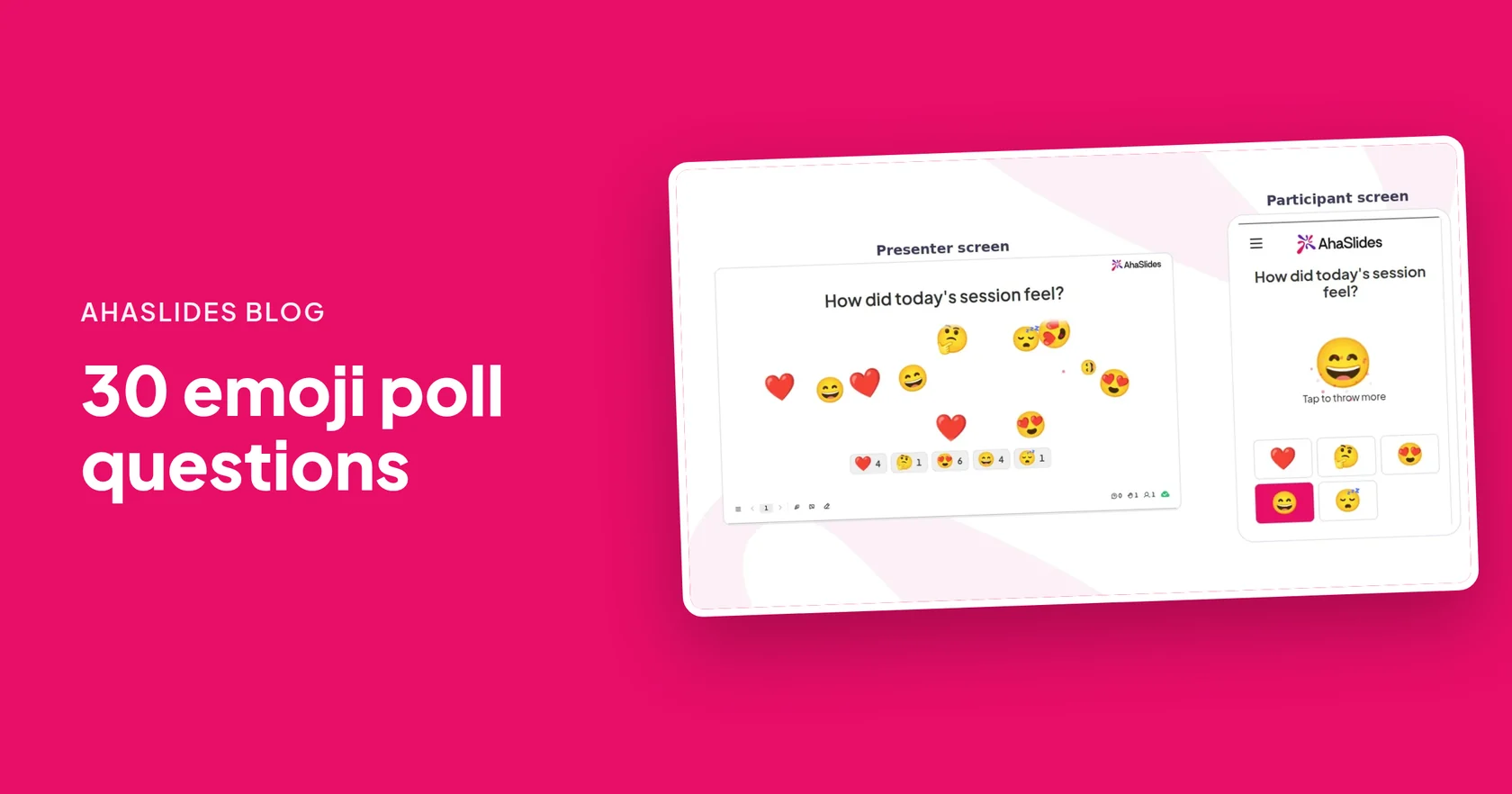
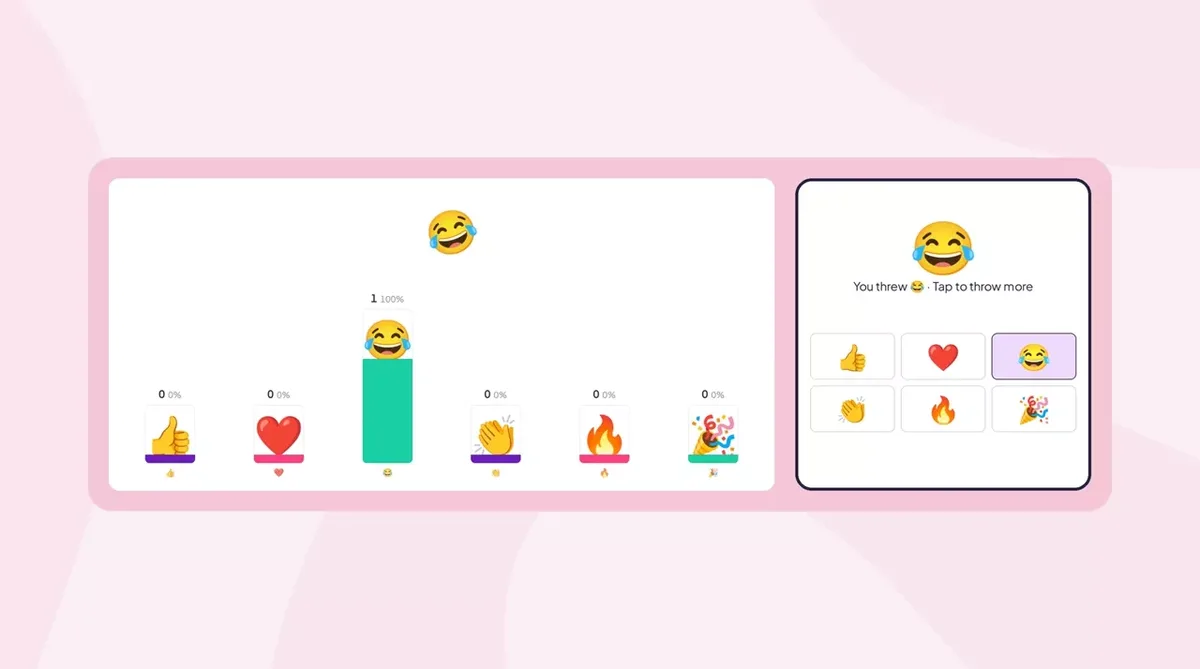
Add an Emoji Poll slide, ask a question students can feel rather than answer, and pick 2 to 6 emojis. Each tap flies across your screen and adds to a count under that emoji. There are no points or leaderboard, so it feels like a show of hands, not a test.
- スライドを追加します。 In the editor, click New slide and search for Emoji Poll, or open the Poll group. It carries a Beta tag.
- 質問をします。 Type it in Your question, such as "How confident are you with what we just covered?"
- Pick the emojis. Choose 2 to 6. Three or four faces from worried to confident are usually enough.
- Turn off repeat taps. In Other settings, turn off Allow submitting more than once, so each count matches the number of students.
- Present and read the room. When the taps slow down, turn on Close submission and say one sentence about what you see.
8 emoji check questions for mid-lesson
Each comes with an emoji set to pick in the slide.
- 今説明した内容について、どの程度自信がありますか? Worried face, thinking face, smiling face, flexed arm
- Could you explain this to a friend? See-no-evil monkey, pinching hand, thumbs up, graduation cap
- もう一度確認した方がいいでしょうか、それとも次に進むべきでしょうか? Repeat arrow, fast-forward
- 最後の課題はどれくらい難しかったですか? Cool face, smiling face, sweating face, hot face
- How was the pace? Tortoise, OK hand, rocket
- Ready to try one on your own? Stop sign, thinking face, thumbs up
- How clear is the next step? Fog, thinking face, light bulb
- How do you feel about Friday's test? Screaming face, grimacing face, smiling face, trophy
Treat the result as a signal, then check it with a task. Our 絵文字に関するアンケート質問 post has 30 more, and the emoji check-in guide covers opening a lesson.
How do you check key vocabulary with missing letters?
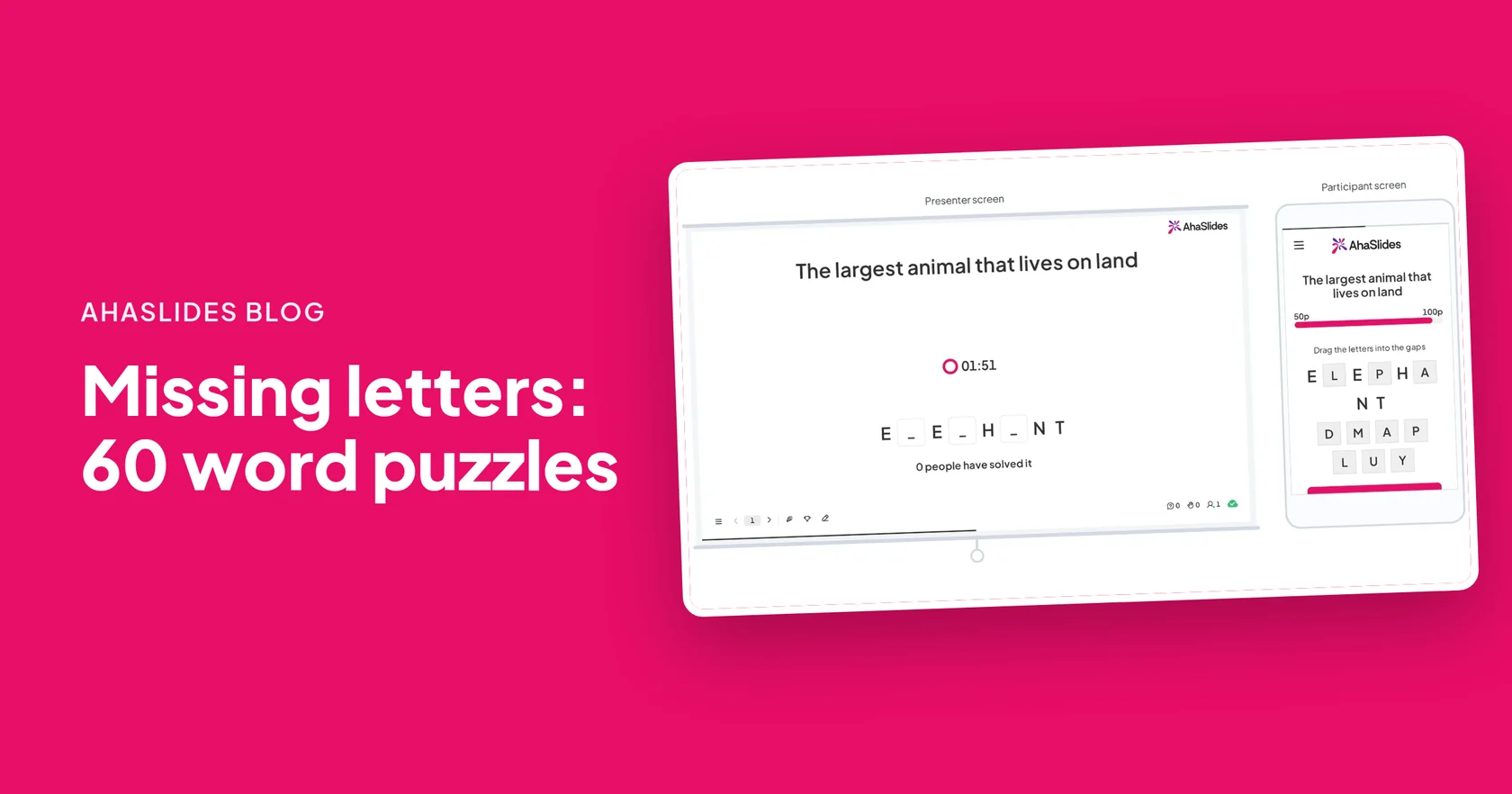
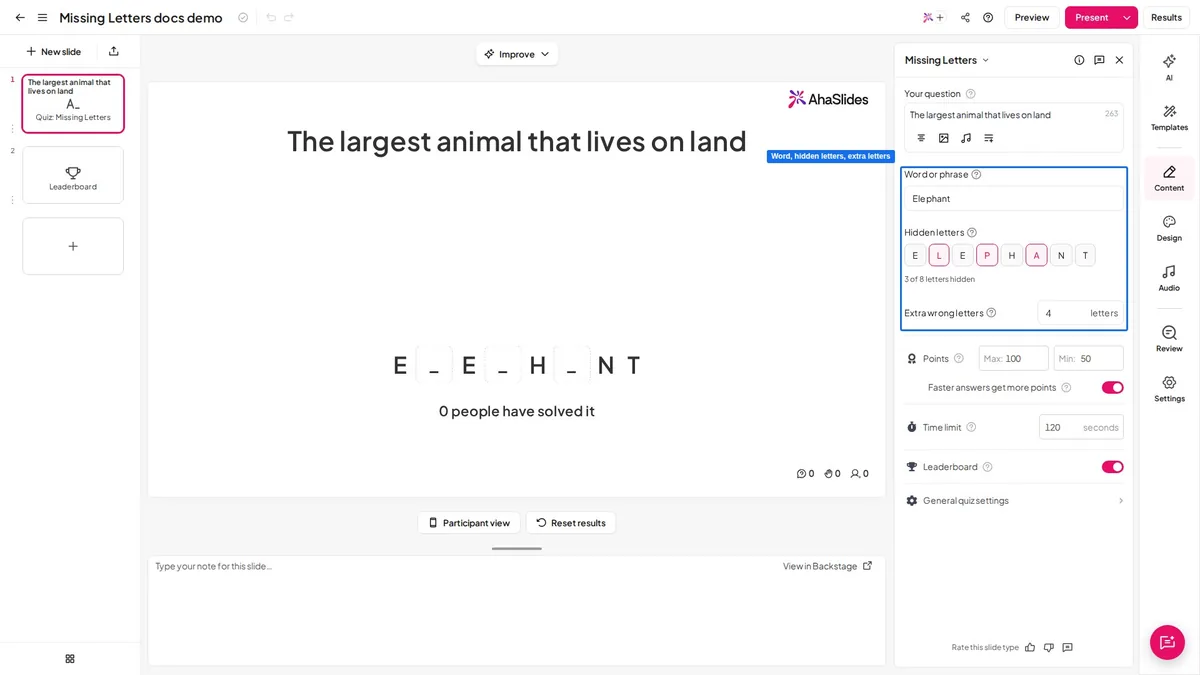
1つ追加 欠落した文字 slide per key term, write a short definition as the clue, and hide the letters students get wrong. Students drag letters into the gaps on their phones. An answer scores only when every gap is right, so a near miss shows up as a miss.
Five terms take about five minutes. The leaderboard shows who solved each word, and the count on the big screen tells you how many students got there.
10 key-term puzzles with answers
- The process plants use to make food from sunlight: PHOTOSY _ THE _ IS 光合成
- The bottom number in a fraction: DENOM _ NAT _ R 分母
- When a liquid turns into a gas: EVAP _ RATION 蒸発
- The distance all the way round a shape: PERIM _ T _ R 周囲
- A word that describes a noun: ADJ _ CTIVE 形容詞
- When a gas cools and turns into a liquid: CONDE _ SATION 結露
- Lines that never meet: PARA _ _ EL 並列シミュレーションの設定
- A country where people vote for their leaders: DEMOC _ ACY 民主主義
- Saying something is something else, such as "time is a thief": MET _ PHOR メタファー
- The distance round a circle: CIRCUMF _ RENCE 周
Swap in the terms from your own unit. The 欠落文字ゲーム post explains how to choose which letters to hide.
Which questions check understanding better than "Do you get it?"
Ask questions that need the idea to answer. These ten work in any subject; fill in the topic.
- Explain why ... in one sentence.
- What is the first step, and why that one?
- Which of these examples does not fit, and why?
- What would happen if we changed ...?
- Where would most people go wrong with this?
- How is ... different from ...?
- Give me an example nobody has said yet.
- Is this answer right? How do you know?
- What question would you ask to test someone on this?
- How would you explain this to a younger student?
How do you act on what the check shows?
Decide before you ask. A check is only useful if each result leads to a clear next step.
- Almost everyone has it. Move on, and give the few who do not a quick word while the others start the task.
- The class is split. Pair students at random with the ランダムペアジェネレーター and have each pair explain the idea to each other, then check again. Our シンク・ペア・シェア活動 post has more ways to run it.
- Most are unsure. Stop and teach it a different way: a new example, a diagram or a worked problem. Repeating the same explanation louder rarely helps.
Checking for understanding is part of a wider set of formative assessment ideas. For longer activities, such as peer marking and self-assessment, see these 形成的評価活動.
How do you run a check for understanding on phones with AhaSlides?
- スライドを追加します。 サインアップする AhaSlides, open your lesson presentation and add an Emoji Poll or Missing Letters slide where the check belongs.
- Add the question or word. Type your question and pick the emojis, or write the clue, type the key term and choose the hidden letters.
- プレゼンターボタンを押してください。 The access code and QR code show on the big screen.
- Students join on their phones. They open the link or scan the QR code and type a name. No app or account is needed.
- Read the result and decide. Look at the counts or the number who solved it, then move on, pair up or reteach.
Want more lesson games that run on students' phones? See 生徒たちがスマホで遊ぶ8つの教室ゲーム.
Free check for understanding templates to host
Open a ready-made template below, swap in your own question, terms or prompt, and drop it into your lesson.
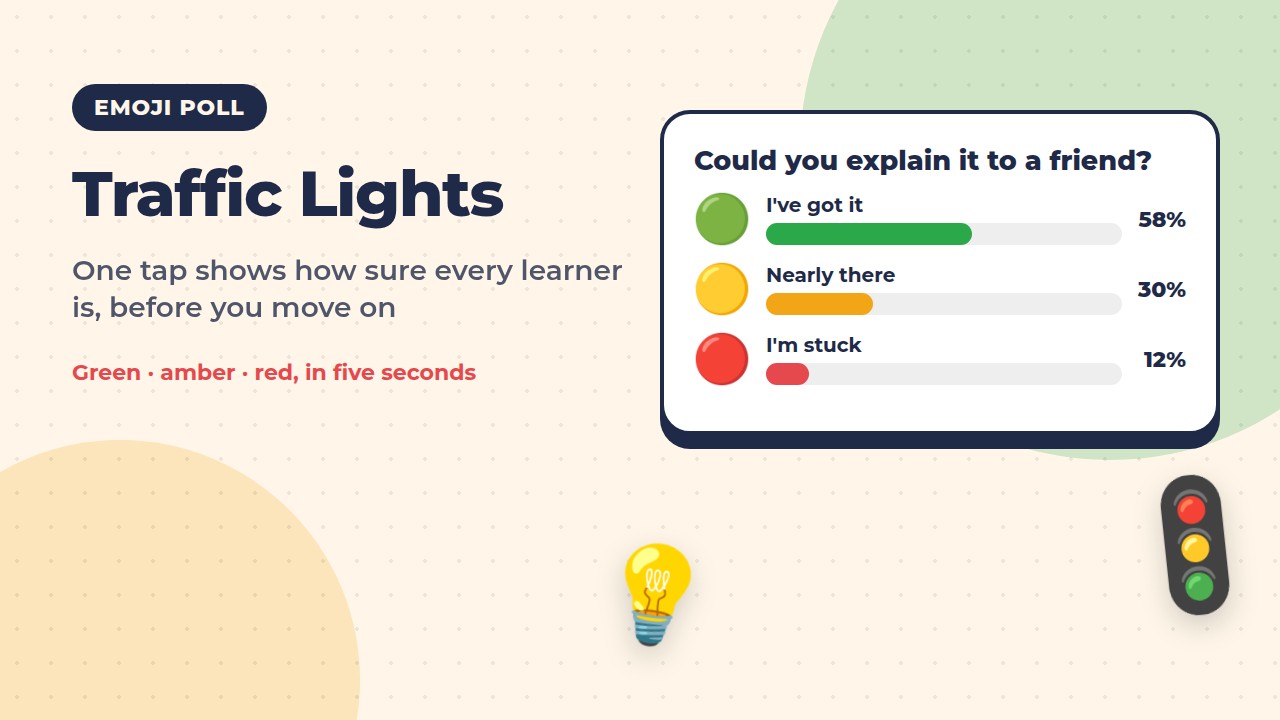
Traffic Lights: How Sure Are You?
Learners tap green, amber or red to show how sure they are before you move on.
このテンプレートを使用する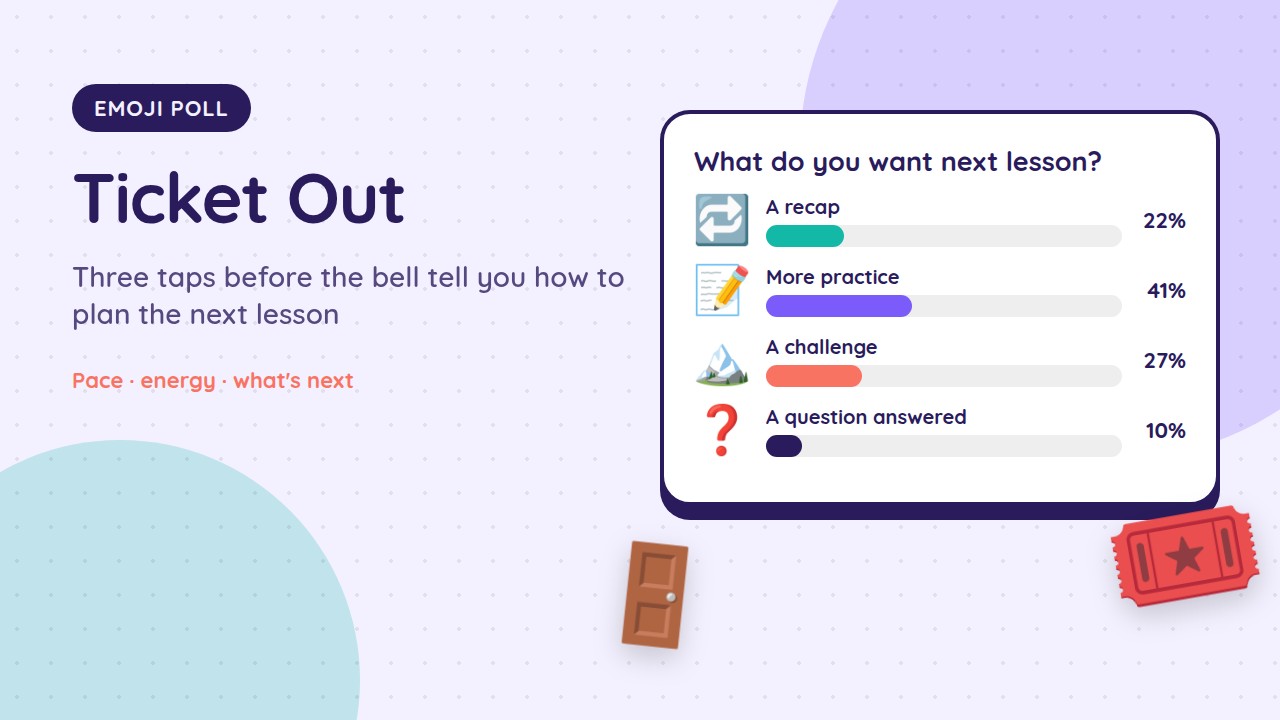
Ticket Out: The Emoji Exit Pass
An emoji exit pass on pace, energy and what learners want next time.
このテンプレートを使用する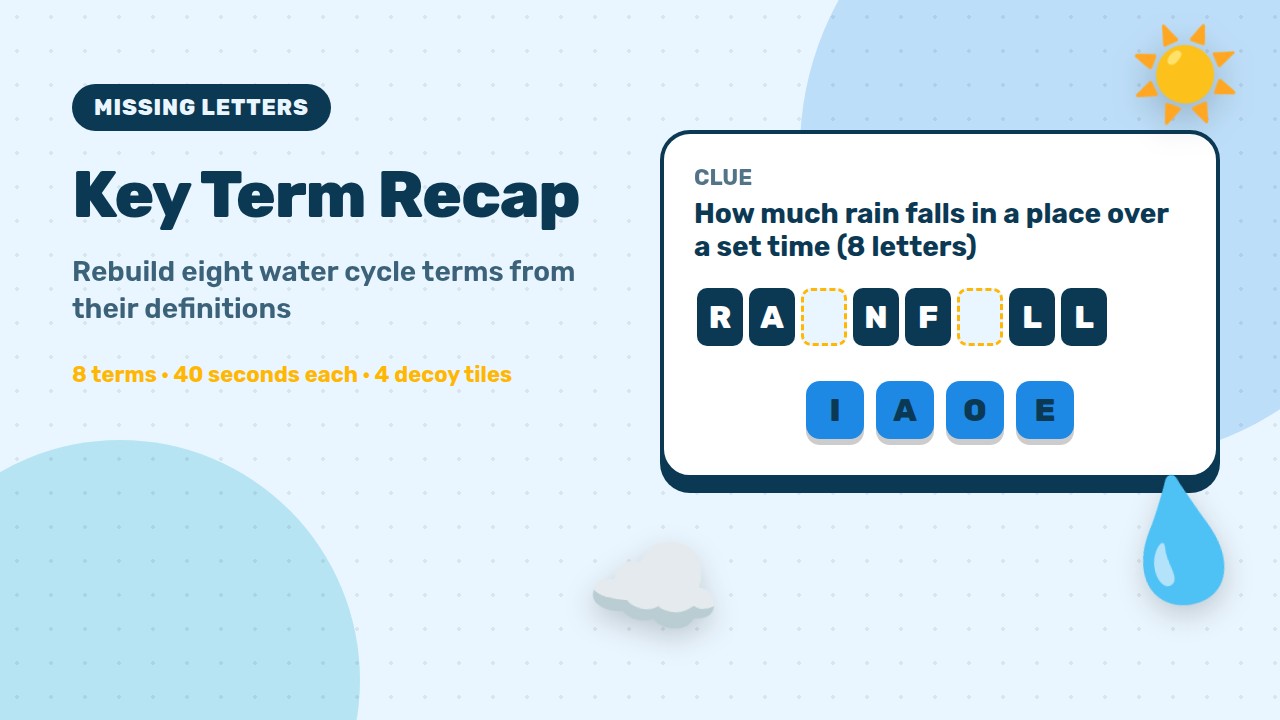
Key Term Recap: The Water Cycle
Learners rebuild eight water cycle key terms from a clue.
このテンプレートを使用するTo build your own key-term check from scratch, open the 欠落した文字 ページで見やすくするために変数を解析したりすることができます。
Host your first check for understanding
よくある質問
What are check for understanding strategies?
They are quick ways to get an answer from every student during a lesson, such as an emoji confidence check, mini whiteboards, a hinge question or an exit ticket. The answers tell the teacher whether to move on or go over the idea again.
How often should you check for understanding?
At every point where the lesson could go wrong: after a new idea, before students work on their own, and at the end. That is usually two or three short checks a lesson.
What is the difference between checking for understanding and formative assessment?
Checking for understanding is the quick, in-the-moment part of formative assessment. Formative assessment also includes longer activities, such as peer marking and feedback on drafts.
What is a good exit ticket idea?
One question on the lesson goal plus one line on what is still unclear. Sort the answers into got it, nearly and not yet, and use them to plan the next lesson.
Can students see each other's emoji poll answers?
The counts and flying emojis show on the presenter's screen, and each student sees only their own answer on their phone. To share the result, keep your screen visible to the class.
絵文字を使った投票は採点されますか?
No. An Emoji Poll has no right answers, points or leaderboard. Use Missing Letters or another scored check when you need to see who knows the answer.