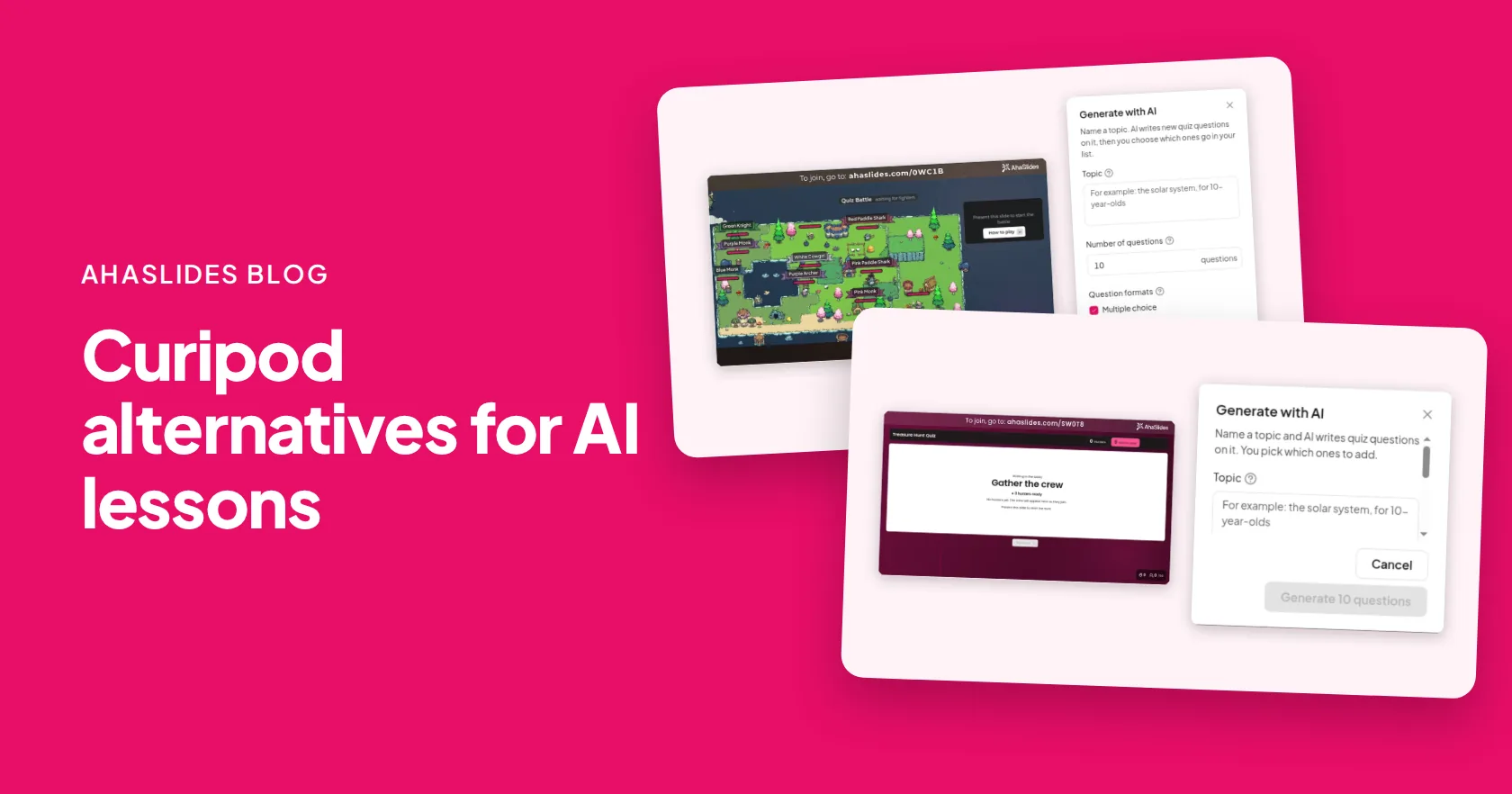
The best Curipod alternatives for AI-built interactive lessons are AhaSlides, Pear Deck with Pear Start, Nearpod, MagicSchool, ClassPoint and Wayground. AhaSlides is the closest fit if you want AI to draft a whole lesson with quizzes, polls and word clouds, then run it live with every student answering on their phone.
Curipod has changed. Its homepage now leads with writing practice, where students write and get real-time AI feedback. This comparison focuses on AI-built slide lessons with live questions. For writing practice with instant feedback, Curipod itself may still be the right tool.
Curipod alternatives at a glance
The table shows what each tool's AI builds and the entry paid plan.
| ツール | What its AI makes | 無料プラン | エントリー料金プラン |
|---|---|---|---|
| AhaSlides | A full interactive deck from a prompt or a PowerPoint or PDF file | はい、少人数のセッションの場合 | 基本プラン、月額7.95ドル(年間払い) |
| キュウリポッド | Writing lessons with real-time feedback | はい | 学校および学区、カスタム価格設定 |
| ペアデッキ | Pear Start turns lesson plans into Pear Deck materials | はい | 教師向けプレミアムプラン、教育者割引適用で年間149ドル |
| ニアポッド | Questions for your lessons with AI Create | はい(シルバークラス、1レッスンあたり生徒40名) | ゴールド、年間159ドル |
| 魔法学校 | Presentations, quizzes and teacher resources | はい | Plus, $99.96 a year |
| ClassPoint | Quiz questions from your PowerPoint slides | はい(基本コース、1クラス25名) | プロプラン、年間96ドル(請求額) |
| ウェイグラウンド | Assessments, presentations and flashcards | はい(基本コース、生徒数100名) | School and District, by quote |
価格は各ベンダーの価格ページからのもので、2026年11月20日に確認済み。
Want AI to draft your next lesson? 無料サインアップ.
Why do teachers look for Curipod alternatives?
Mostly because the product moved. Curipod's pricing page lists a free plan with weekly writing sessions, and custom pricing for schools, districts and its ELA curriculum alignment. That suits English teachers well. A science, maths or history teacher who wants a quick AI lesson with a quiz at the end may want a tool built for that.
Which Curipod alternatives build interactive lessons with AI?
1. AhaSlides
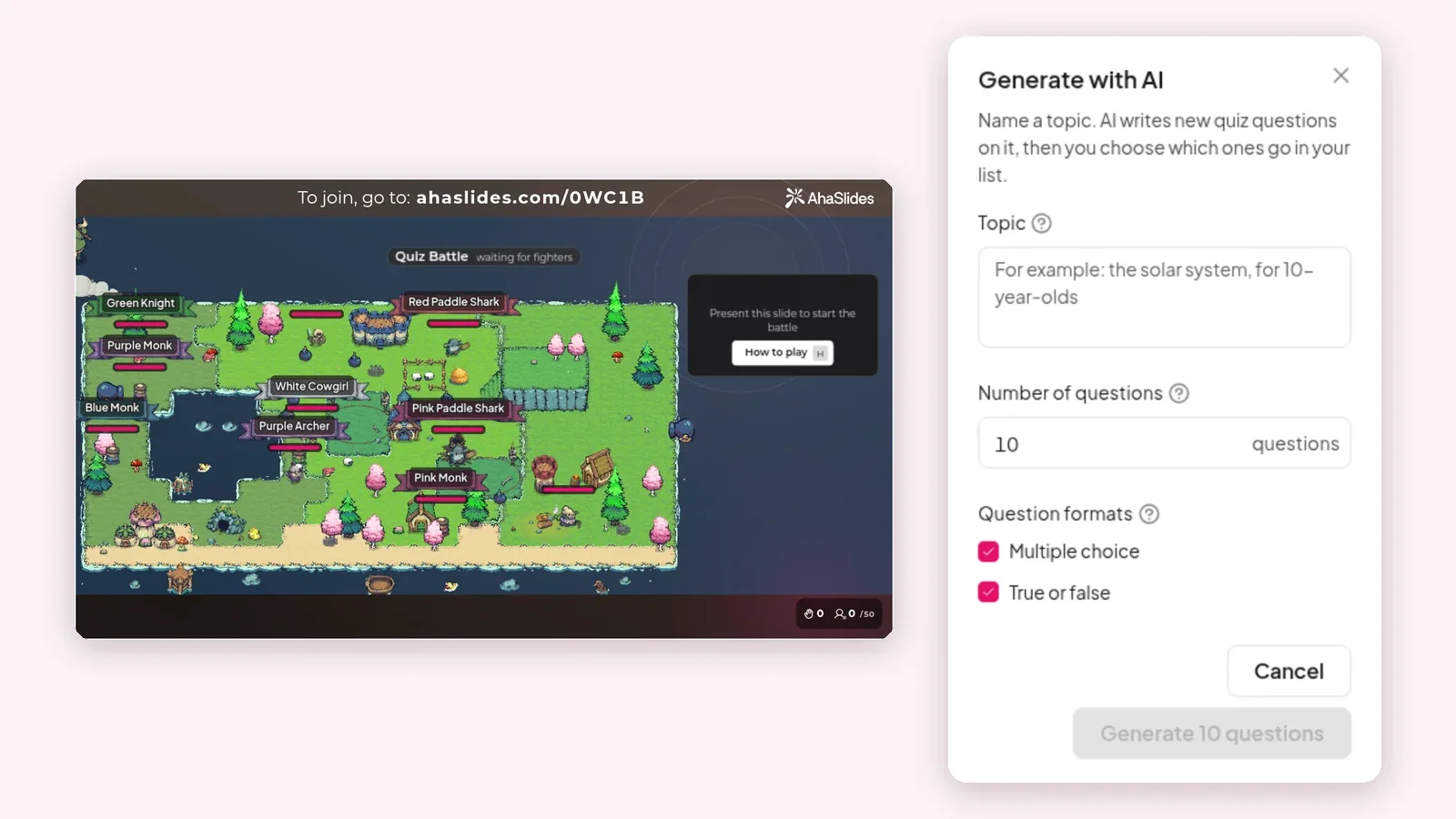
AIプレゼンテーションメーカー, you describe the lesson, or import a PowerPoint, PPTX or PDF file (up to 50 MB and 200 slides), and AI builds a deck with quizzes, polls and word clouds already in place. Change the whole deck with one message, such as "make it shorter" or "add a quiz at the end".
In our November 2026 test, a prompt produced an 11-slide draft in 57 seconds; timing varies, and reviewing it takes longer. Students join with a code or QR code, with no app or account, and you can run the lesson live or set it to self-paced for homework. After class, ask AI questions about the セッションレポート; the per-student report comes with Pro.
- 最適な用途: teachers in any subject who want AI to draft the lesson and every student answering live.
- 制限: every plan has a monthly AI cap. The Free plan includes AI, and Pro has the most generous cap.
- 価格: 少人数セッション向けの無料プラン。エッセンシャルは年間契約で月額7.95ドル(月額23.95ドル)、プロは年間契約で月額15.95ドル(月額49.95ドル)です。詳細は以下をご覧ください。 教育価格 教師のために。
2. Pear Deck with Pear Start
Pear Start generates lesson plans and turns them into Pear Deck materials. Pear Deck then adds questions to your Google Slides. 価格ページ lists a free teacher plan and Teacher Premium at $149 a year with the educator discount, which adds named responses and drawing questions.
最適な用途: Google Slides 先生。 制限: Pear Start and Pear Deck are separate products, so check the step from generating a plan to presenting it. See our 洋梨デッキの代替品.
3.ニアポッド
Nearpod pairs interactive lessons with a library of 22,000+ ready-made resources, run live or student-paced. See our Nearpodの代替案. 価格ページ lists Silver free for 40 students per lesson, and Gold at $159 a year, which adds the AI Create question generator.
最適な用途: 既成のコンテンツを求める学校。 制限: the AI question generator is a paid feature.
4. MagicSchool
MagicSchool is an AI assistant for teachers, with a presentation generator, quiz tools and 50+ student tools. 価格ページ lists a free plan, and Plus at $8.33 per user a month billed yearly ($99.96) or $12.99 monthly.
最適な用途: lesson planning and teacher paperwork. 制限: it is built for preparing materials; to run a live lesson where students answer on their phones, pair it with a presenting tool.
5. ClassPoint
ClassPoint works inside PowerPoint on Windows, and its AI writes quiz questions from your slides. 価格ページ lists Basic free for 25 students per class, and Pro at $8 a month or $96 billed yearly. See more in our ClassPoint 選択肢 ガイド。
最適な用途: teachers who already build in PowerPoint. 制限: the AI adds questions to slides you write; it does not draft the lesson.
6. ウェイグラウンド
ウェイグラウンド(旧称) Quizizz, gives every teacher a free Basic plan with assessments, presentations, flashcards and AI tools, run live or student-paced. その計画ページ caps Basic at 100 students and lists schools and districts by quote. Our AhaSlides 対ウェイグラウンド このページでは、両者を比較しています。
最適な用途: quiz-heavy practice and homework. 制限: 基本プランは無料です。最大100名の生徒と20種類のアクティビティまで利用でき、質問の種類は少なくなります。
How do you build an AI lesson in AhaSlides?
It takes a few minutes from a blank page.
- Open the AI presentation maker. Sign in and choose to create with AI.
- Describe the lesson. Type the topic, age group and length, or import your PowerPoint, PPTX or PDF file.
- 草稿を確認してください。 AI builds slides with quizzes, polls and word clouds; read every question before class.
- Change it in one message. Ask for a shorter deck, an easier quiz or an extra poll.
- それを実行します。 Present live, or set it to self-paced for homework, then check the report.
For a step-by-step guide, read 無料AIプレゼンテーション作成ツール.
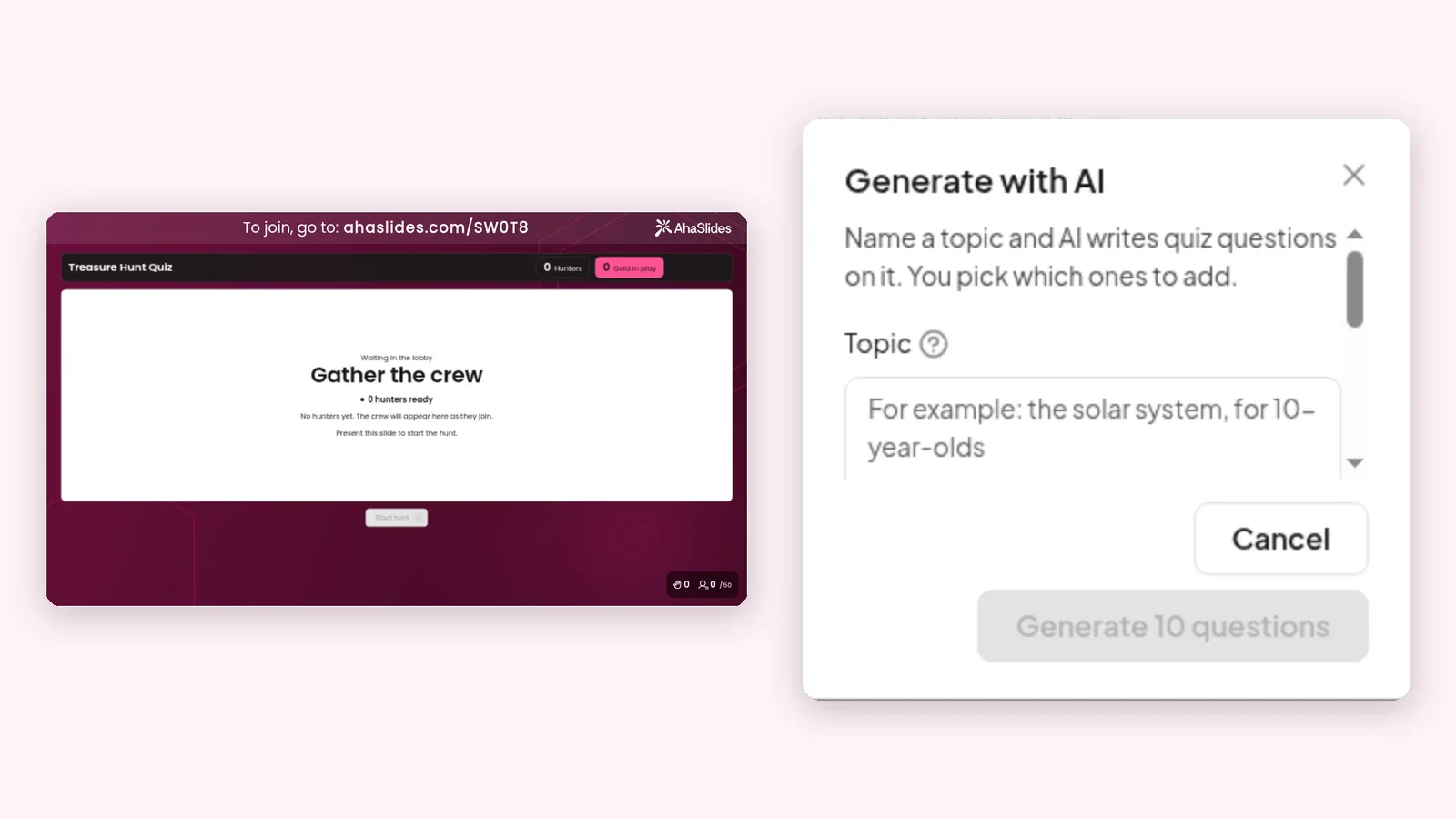
Free Curipod alternative templates to host
Start from a ready-made lesson, then adapt it to your class with the AhaSlides AIアシスタント。

Climate Change Explained: Interactive Science Lesson
A picture poll, the greenhouse effect in plain words and quick quiz checks. Ages 10 to 14.
このテンプレートを使用する
Should Homework Be Banned? Classroom Debate Lesson
Students rate the motion, argue in turns picked by a spinner, then rate it again. Ages 11 to 16.
このテンプレートを使用する
How Are You Arriving Today? SEL Check-In for Class
Emoji mood and energy polls, a breathing reset and one reflective question.
このテンプレートを使用する
Who Has Seen the Wind? Poetry Lesson with Word Cloud
Christina Rossetti's poem with a word cloud, verse gap fills and a write-your-own task. Ages 7 to 11.
このテンプレートを使用するWant AI to draft it for you? Try the AIプレゼンテーションメーカー.
Let AI draft your next lesson
よくある質問
What is the best free alternative to Curipod?
AhaSlides, Pear Deck, Nearpod, MagicSchool, ClassPoint and Wayground all have free plans. AhaSlides is the closest fit for AI lessons with live quizzes and polls.
Is Curipod still an AI slide maker?
Curipod's homepage now leads with writing practice, where students write and get real-time AI feedback. For AI slide lessons with live questions, look at AhaSlides or Pear Deck.
How much does Curipod cost?
Curipod's pricing page lists a free plan, with custom pricing for schools and districts (checked 20 November 2026).
しない AhaSlides free plan include AI?
はい。毎回 AhaSlides plan includes AI with a monthly cap, and Pro has the most generous one.
できる AhaSlides turn my PowerPoint into a quiz?
Yes. Import a PowerPoint, PPTX or PDF file up to 50 MB and 200 slides, and AI builds an interactive deck with quizzes and polls.