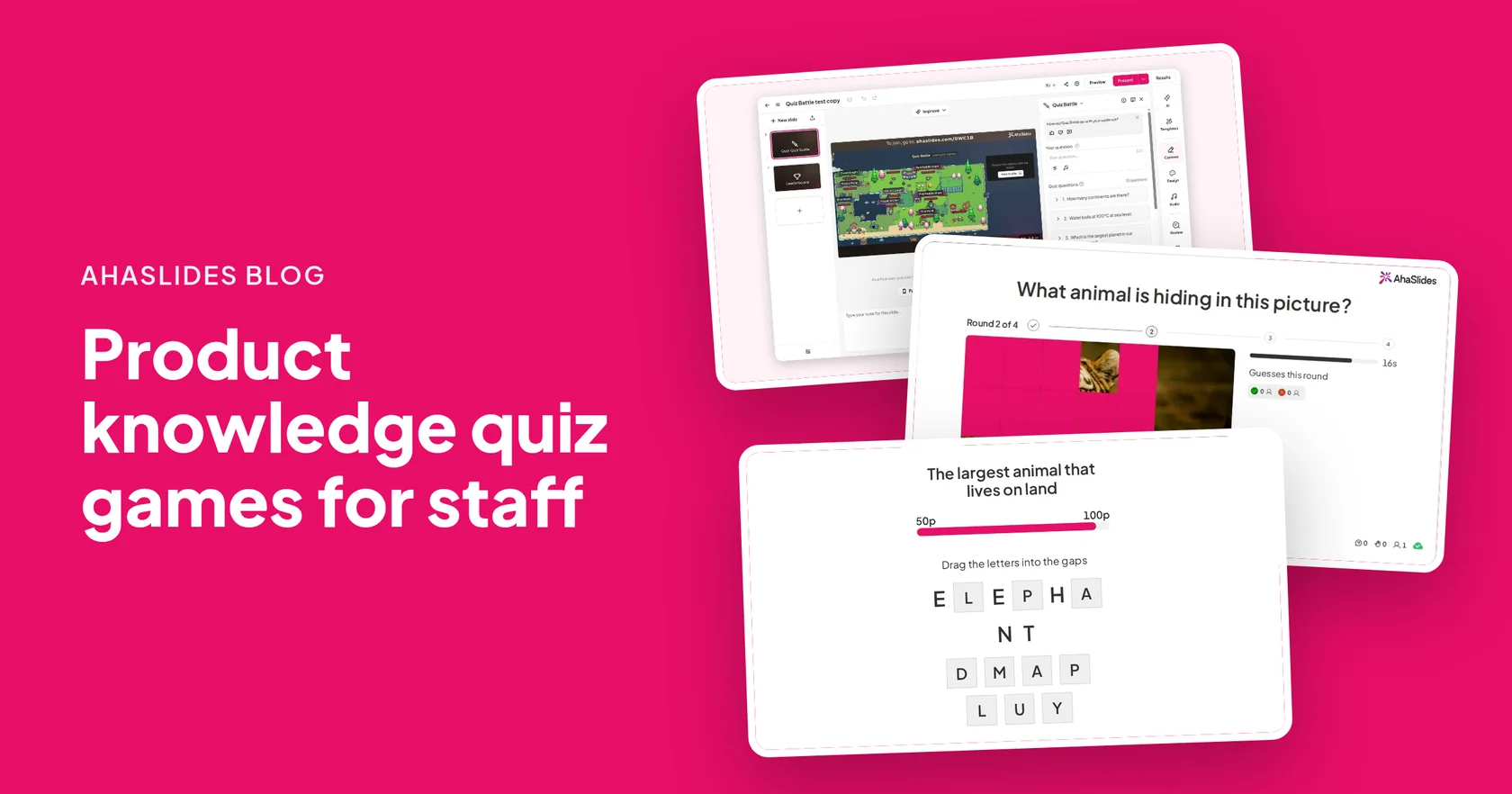
Product knowledge training sticks best when staff have to recall the facts, not just read them, and a short quiz game is the quickest way to make that happen. Run a quiz battle on features and specs, a picture round on close-ups of your own products, and a word round on the terms customers ask about.
This guide covers 7 product knowledge quiz games for retail and sales staff, how to build them with AhaSlides クイズバトル, 画像を推測する (NAIST) と 欠落した文字, question patterns with real examples and answers, and how to turn a product sheet into a quiz in a few minutes.
Why use a quiz for product knowledge training?
Staff on the shop floor get questions they cannot look up while a customer waits. A quiz rehearses exactly that moment.
- Recall beats reading. Answering a question about a product is closer to serving a customer than reading its spec sheet.
- You see the gaps. The questions most people miss show you what to cover in the next briefing.
- It fits a shift. A 10-minute game works in a morning huddle, before the doors open.
For the wider programme, see retail manager training.
What are good product knowledge quiz games?
These 7 retail staff training games work for a new range, a seasonal launch or a yearly refresher.
- Spec sheet battle. Upload the product sheet, let AI draft the questions and play it as a Quiz Battle. Duels run at once, so everyone answers every question.
- Close-up picture round. Show a close-up of one of your products in Guess the Image. The picture is revealed in steps, and staff type the product name.
- Which product fits? Describe a customer need, such as a gift under a set budget or a coat for heavy rain, and list four products. One is the best match.
- Jargon drill. Use Missing Letters to drill the terms staff must say and spell right: warranty, receipt, cashmere.
- True or false myths. Write the claims customers repeat, true or false: is water-resistant the same as waterproof?
- Department team battle. Turn on team mode and play one department against another. Teammates never fight each other.
- Self-study refresher. Share the Quiz Battle link after the briefing. Bots fill the arena, so staff on a later shift can play on their own.
| ゲーム | ベスト | 時間またはセットアップ |
|---|---|---|
| Spec sheet battle | 機能と仕様 | Upload the sheet, AI drafts |
| Close-up picture round | Recognising products | One photo per round |
| Which product fits? | Matching needs to products | 数分 |
| 専門用語練習 | Terms and spelling | One word per slide |
| Department team battle | Friendly rivalry | Team mode, 10 questions |
How do you run a product knowledge quiz with Quiz Battle?
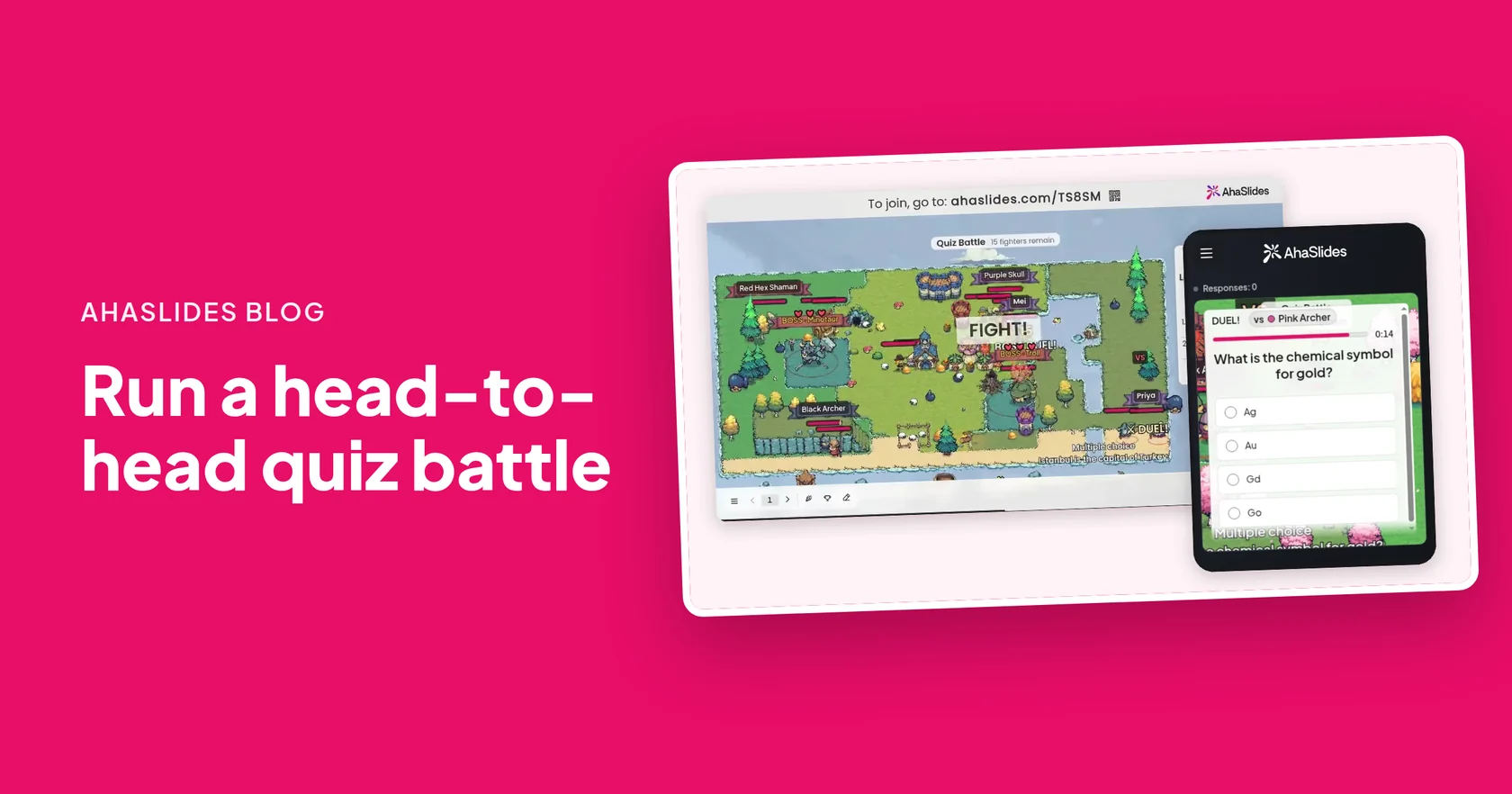
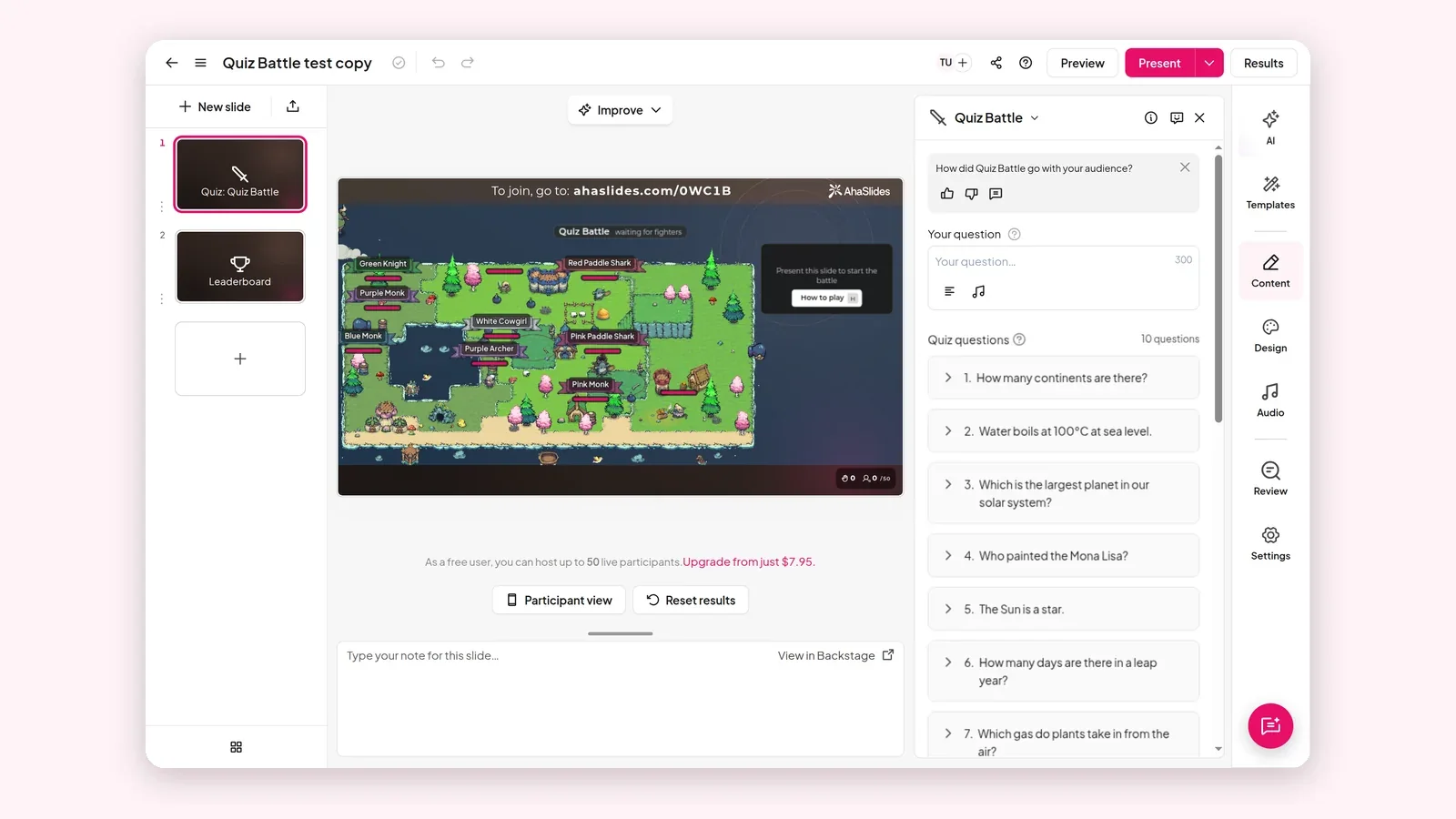
クイズバトル gives every player a pixel-art fighter. When two meet, they answer the same question: the first right answer lands the hit, and a wrong answer costs health. A live leaderboard shows on the big screen. The full guide is クイズ対決:授業や職場で対戦型クイズを実施する方法.
- クイズバトルのスライドを追加します。 サインアップする AhaSlides, open a presentation and add the slide.
- 質問を追加してください。 Import up to 10 files (PDF, Word, Excel or PowerPoint) or paste your notes, and AI turns them into questions. You can also write them by hand.
- Check every answer. Read each AI-drafted question against the product sheet before you play.
- プレゼンターボタンを押してください。 Staff join by link or QR code on their phones. No app or account is needed.
- Go over the misses. Spend two minutes on the questions most people got wrong.
What product knowledge quiz questions should you ask?
Use these patterns, then fill them with your own range. The examples below are general enough to run as a warm-up in most electronics or clothing stores.
質問パターン
- Spec check. "Which of these models has [feature]?" with four of your products as options.
- Feature to benefit. "A customer wants [need]. Which feature answers it?"
- Care and returns. "What does the care label say for [product]?" or "How long is the returns window?"
- Compare two. "What is the main difference between [product A] and [product B]?"
- 神話か、それとも事実か。 A claim customers often make, played as true or false.
10 sample product knowledge questions
- What does SKU stand for? Stock keeping unit
- In an IP68 rating, what does IP stand for? 侵入保護
- True or false: water-resistant means the same as waterproof. ×
- In OLED, what does the O stand for? オーガニック
- How many times more pixels does 4K have than Full HD? 四回
- True or false: polyester is a natural fibre. False, it is synthetic
- What does HDMI carry? Video and sound in one cable
- True or false: merino is a type of wool. ◯
- 保証とは何ですか? A promise to repair or replace a faulty product for a set time
- What does [your loyalty scheme] give a customer? [Your answer]
How do you use Guess the Image for product recognition?
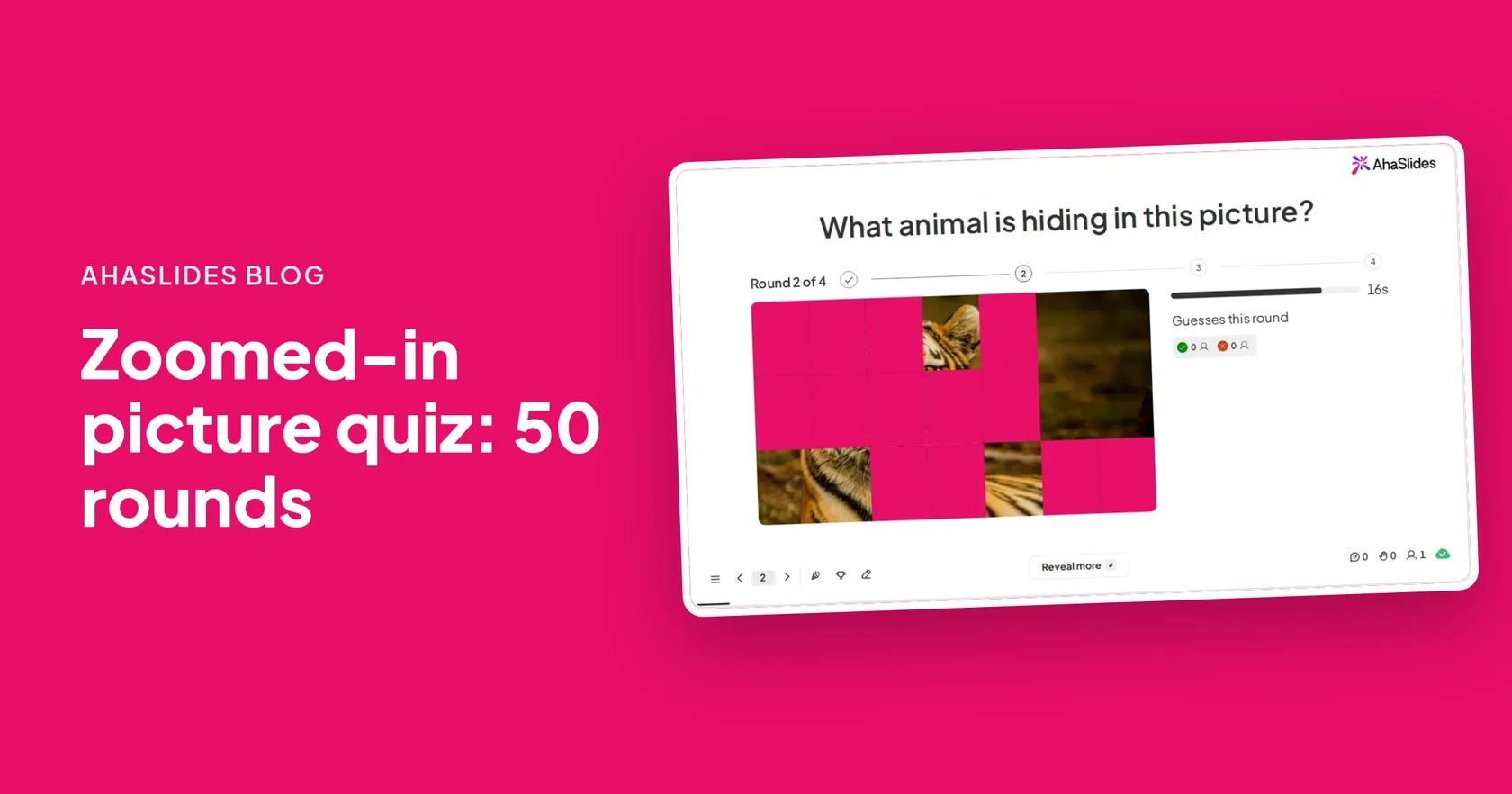
画像を推測する reveals a picture in steps, and players type what it is. Use it with close-ups of your own products: a sole, a clasp, a corner of the packaging. It trains staff to spot a product at a glance.
- Add a Guess the Image slide. Upload a product photo and type the answer. Add up to 10 accepted answers, such as the full name and the short name.
- 表示スタイルを選択してください。 Tiles, Pixelate, Zoom out or Spotlight, in 2 to 8 steps.
- 時間を設定する。 Each round runs for 10 to 120 seconds, 20 by default.
- 再生します。 Each phone gets one guess per round, and earlier right guesses score more.
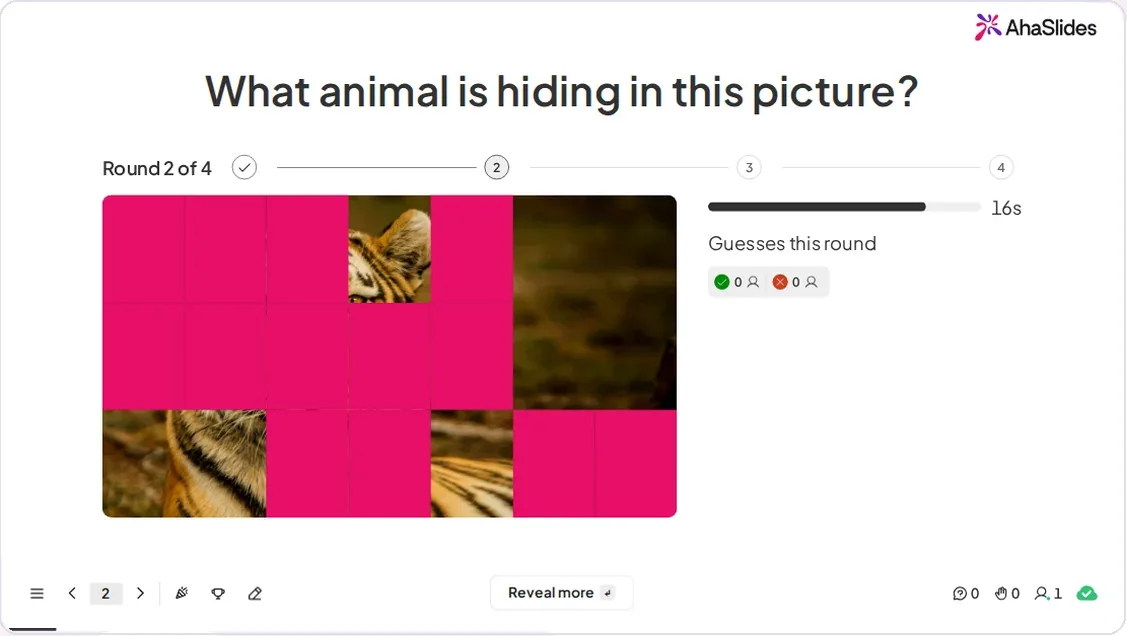
Capital letters, accents and one small typo are forgiven, so a near spelling still counts. The slide is in Beta. More ideas are in the zoomed-in picture quiz guide.
How do you drill product terms with Missing Letters?
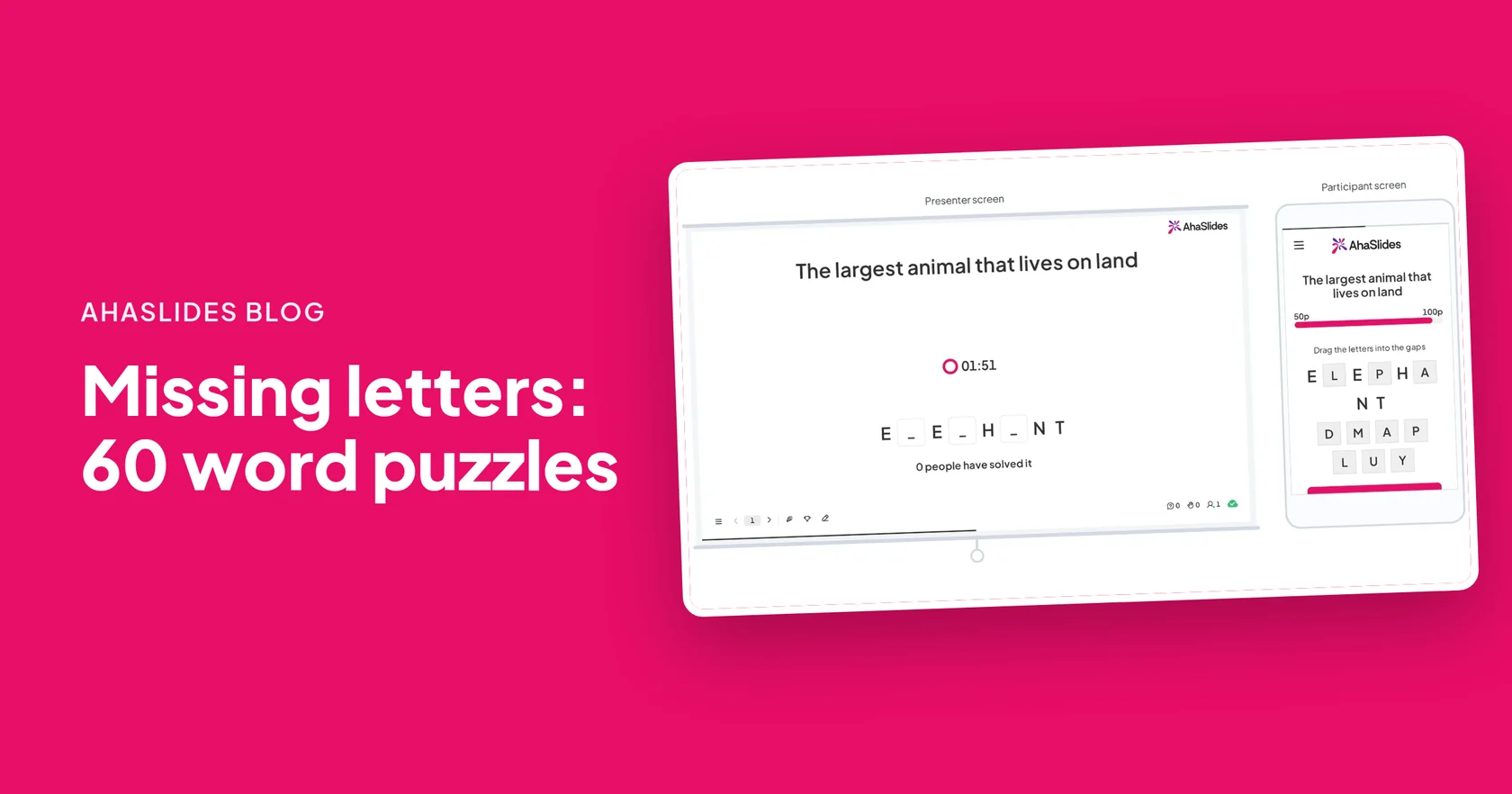
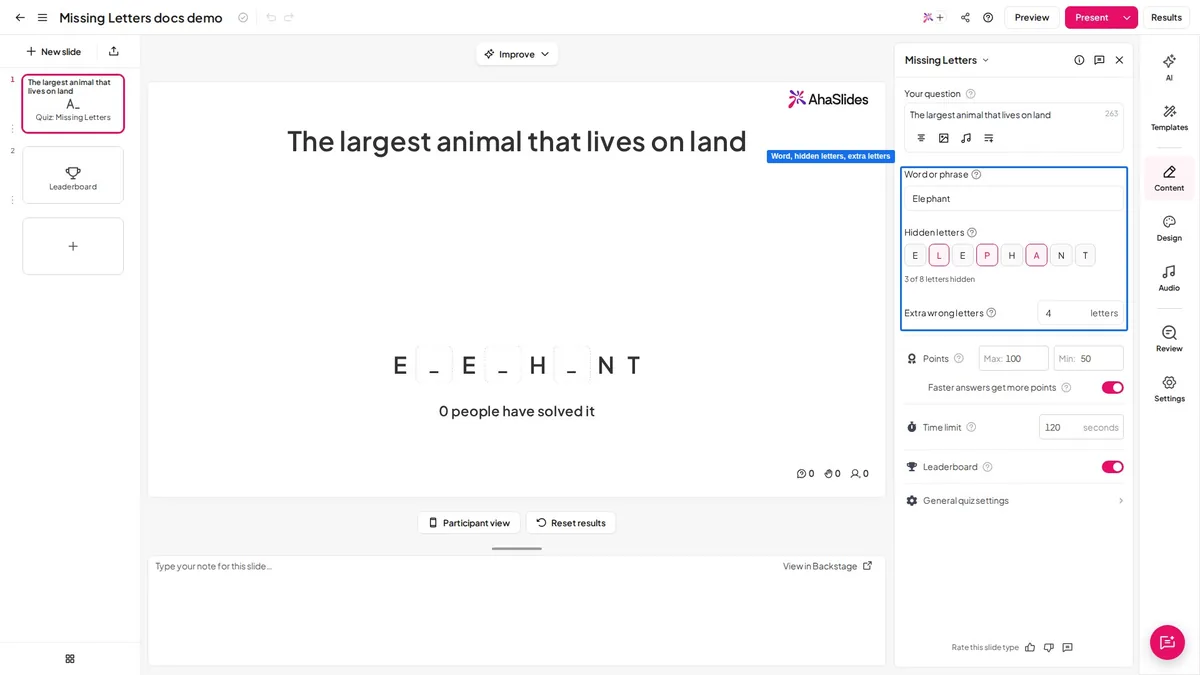
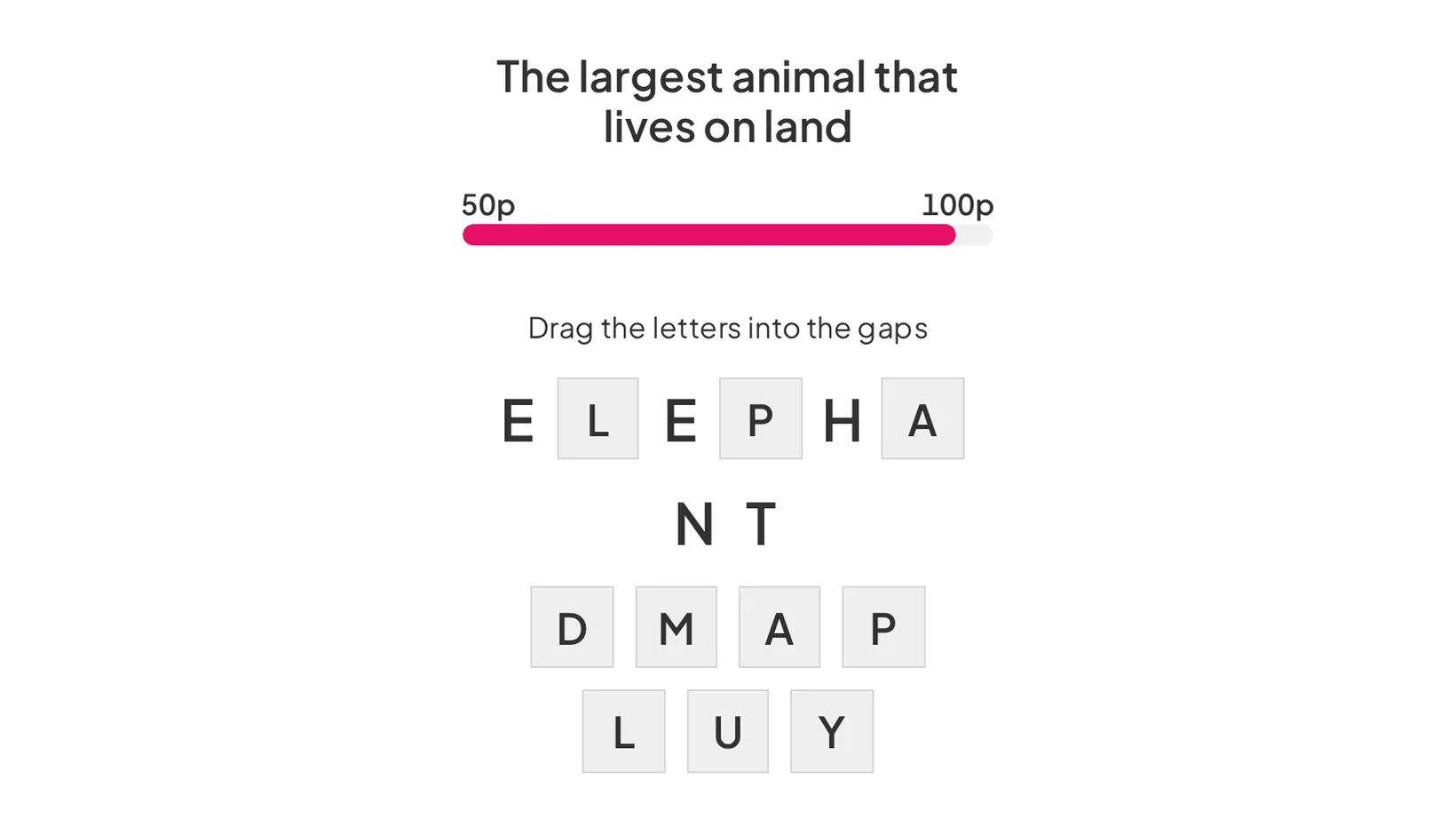
欠落した文字 hides some letters of a word or phrase, and players drag the right letters into the gaps. It suits the jargon new starters must learn and spell right on a label or a till note.
- Type the word or phrase. Up to 60 characters, such as WARRANTY or RECEIPT.
- Choose the letters to hide. Then add 0 to 8 extra wrong letters to make it harder.
- Add a clue. Write a short definition, or add a picture of the product.
- プレゼンターボタンを押してください。 Each player submits once. A correct answer scores 100 down to 50 points, faster scoring more, and one wrong letter scores 0.
8 Missing Letters words for retail staff
- W _ R R _ N T Y (a promise to repair or replace) 保証
- R E C _ _ P T (proof of purchase) レシート
- C A S H M _ R E (a soft goat wool) カシミヤ
- B L U E T _ _ T H (a wireless link) BLUETOOTH
- R E F _ N D (money given back) 払い戻し
- I N V _ N T _ R Y (all the stock you hold) 在庫
- E X C H _ N G E (swap for another item) 交換
- B A R C _ D E (the lines scanned at the till) バーコード
The full guide is the missing letters game. For a new starter's first week, pair it with task-based onboarding for seasonal retail staff.
Free product knowledge quiz templates to host
Open a ready-made game below, swap in your own products and run it at your next huddle.
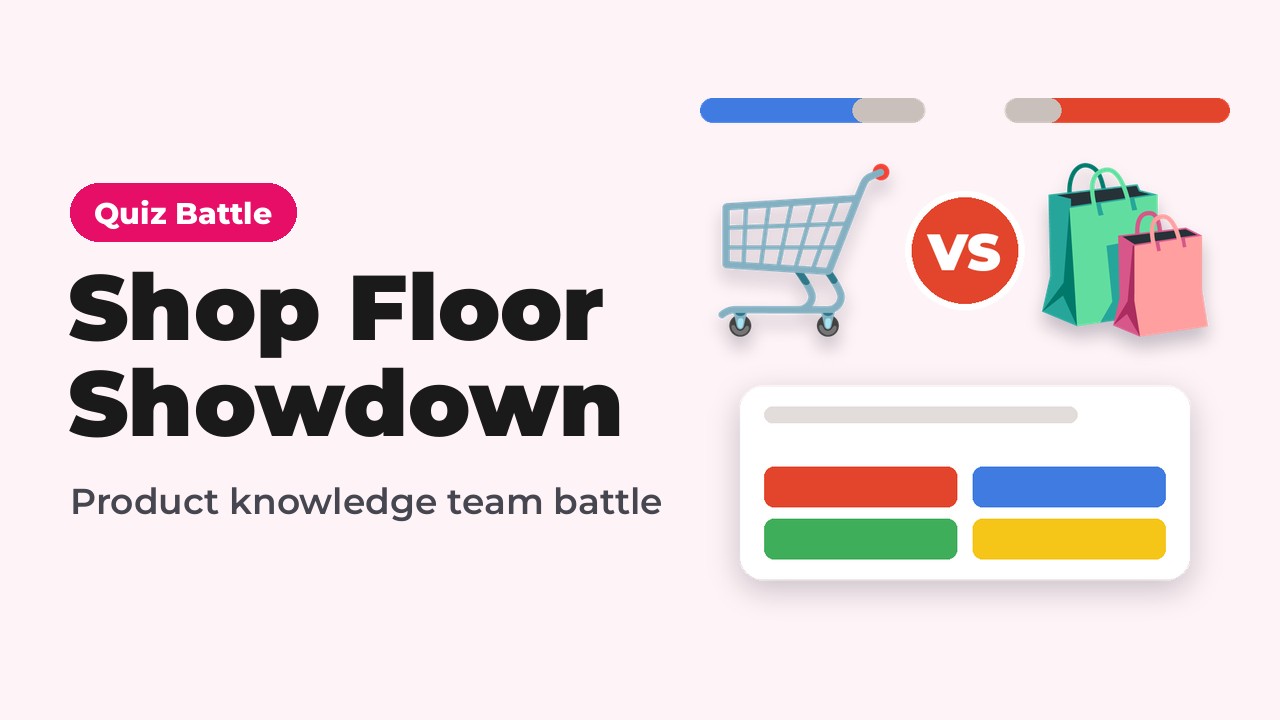
Shop Floor Showdown: Fennmoor Product Quiz Battle
A team quiz battle on matching products to customer needs.
このテンプレートを使用する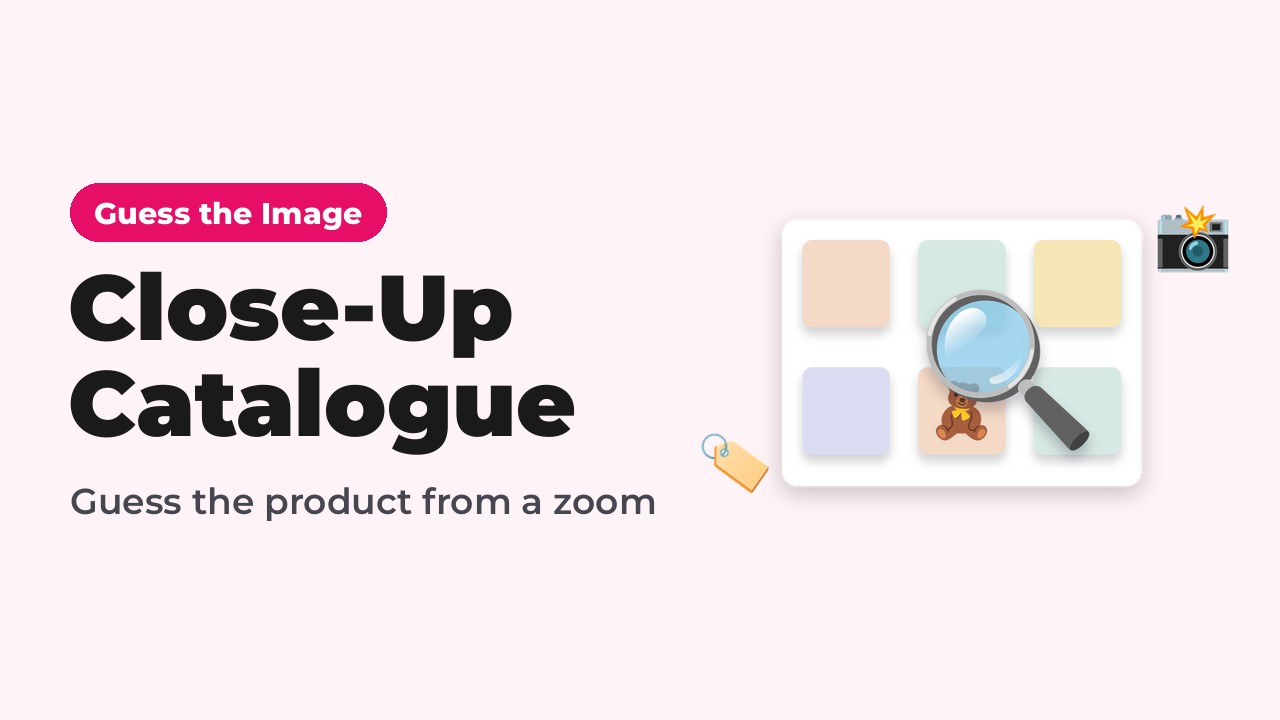
Close-Up Catalogue: Guess the Fennmoor Product
Each product starts as a close-up and zooms out until someone names it.
このテンプレートを使用する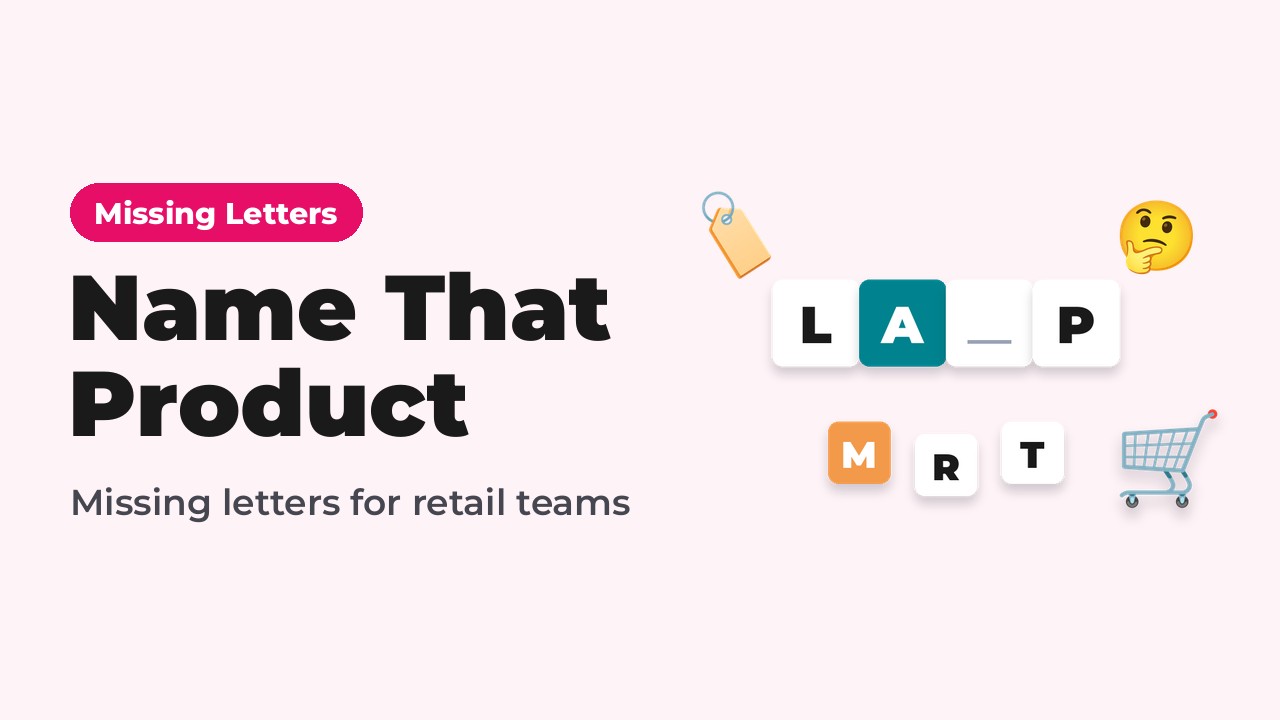
Name That Product: Fennmoor Missing Letters
Product names to complete, each clued the way a customer would ask.
このテンプレートを使用するTo build your own, add a Quiz Battle slide, upload your product sheet and press Present. The クイズバトル page has more ideas, and クイズの作り方 covers writing good questions.
Host your first product knowledge quiz
よくある質問
What is product knowledge training?
Product knowledge training teaches staff the features, benefits, care and policies of the products they sell. It helps them answer customer questions with confidence.
How do you make a product knowledge quiz?
Upload your product sheet to a Quiz Battle slide in AhaSlides, let AI draft the questions, check each answer, then press Present. Staff join on their phones by link or QR code.
What are good retail staff training games?
Good retail staff training games include a spec sheet quiz battle, a close-up picture round, a which-product-fits round, a jargon drill with missing letters and a department team battle.
How often should you run product knowledge training?
Run a short quiz whenever a new range or season lands, and a quick refresher in regular team huddles. Ten minutes is enough for one round.
Can staff play a product quiz on their own?
Yes. Share the Quiz Battle link and bots fill the arena, so staff on another shift can play alone.
Do staff need an app to play?
No. They join in their phone's browser by link or QR code. No app or account is needed.