
To create a PowerPoint presentation, open PowerPoint, choose New and pick Blank Presentation or a template. Add slides from Home > New Slide, type into the placeholders, insert pictures from the Insert tab, then save. Press F5 to present. The steps are the same on Windows and Mac; only a few shortcuts change.
本指南遵循 Microsoft’s own instructions, which we checked on 19 November 2026. One disclosure: AhaSlides is our product. The last step shows how to add a live poll with our free PowerPoint add-in. Everything before it works in PowerPoint alone.
Before you open PowerPoint: plan in three lines
Most weak decks go wrong before the first slide. Write down three things first:
- 房間裡都有誰?, and what they already know.
- The one thing they should remember, in a single sentence.
- Three to five points that support it. Each point becomes a section of slides.
That outline is your structure. Our guide on 如何寫演示文稿 goes deeper if you want to draft the talk before you design it.
How to create a PowerPoint presentation in PowerPoint alone
These steps work in PowerPoint for Microsoft 365, PowerPoint 2024, 2021 and 2019, on Windows and Mac. Where the two differ, both are given.
1. 開始新的演示
Open PowerPoint and select New。 選 空白演示 to start from scratch, or pick one of the templates for a ready-made design. If PowerPoint is already open, press 按Ctrl + N 在Windows上或 ⌘+N 在Mac上。
A template saves time if you’re new to design. A blank deck gives you more control. Either is fine for a first presentation.
2. 選擇主題
打開 設計 tab and click a theme. Themes set the fonts, colours and backgrounds for every slide at once. The 變體 next to them swap the colour palette without changing the layout.
Pick one theme and keep it. Mixing styles across slides is the fastest way to make a deck look unfinished.
3. Add slides and choose a layout
上 主頁 標籤,選擇 新幻燈片. The shortcut is 按Ctrl + M 在Windows和 ⌘+Shift+N on a Mac. To change how a slide is arranged, select 佈局 on the Home tab and pick Title and Content, Two Content, Section Header or another option.
Build one slide per idea. If a slide needs two headings, it’s two slides.
4. Add your text
Click inside a placeholder and type. Keep the text short: a headline that makes a point (“Sales rose 12% after the price change”) works harder than a label (“Q3 sales”). Put the detail in what you say, not on the screen.
For body text, aim for 24 pt or larger so the back row can read it. The default fonts in your theme are a safe choice.
5. Insert pictures, charts and icons
打開 插入 標籤。 圖片 adds a photo from your computer or from stock images, 圖表 builds a chart you can edit, 圖標 adds simple symbols, and 智能藝術 turns a list into a diagram. A single strong image beside a short headline usually beats a slide full of bullets.
If you subscribe to Microsoft 365, the 設計建議 button on the Design tab (called Designer in older versions) offers ready-made layouts for whatever you’ve put on the slide.
6. Add transitions and animations, sparingly
这 轉變 tab controls how one slide moves to the next. The 動畫 tab controls how items on a slide appear. Choose one subtle transition, such as Fade, and apply it to all slides. Use animation only to reveal points one at a time when that helps you tell the story.
7. Write speaker notes
點擊 筆記 at the bottom of the window to open the notes pane under each slide, and type what you plan to say. When you present with a second screen, you see these notes and the audience doesn’t. Our guide on 如何為 PowerPoint 新增註釋 covers formatting and printing them.
8.排練
上 幻燈片放映 標籤,選擇 和教練一起排練. PowerPoint’s Speaker Coach listens while you run through the deck and reports on your pace, filler words and whether you’re reading from the slides. 排練時間 on the same tab records how long you spend on each slide.
9. Save and present
媒體中心 按Ctrl + S (Windows)或 S + S (Mac) and save as a .pptx file. To present from the first slide, press F5 在Windows上或 ⌘+Shift+Return on a Mac, or select 從開始 on the Slide Show tab.
If you have a second screen and 使用演示者視圖 is ticked on the Slide Show tab, PowerPoint shows Presenter View: your notes, a timer and the next slide on your laptop, the slides on the big screen. Our PowerPoint presenter view guide walks through every control.
Where PowerPoint stops for a live audience
PowerPoint is excellent at showing things. It has no way to hear back from the room.
- You can’t ask everyone at once. A show of hands mostly tells you what the most confident people think.
- Questions arrive at the end, if at all. People hold back what they’re unsure of rather than interrupt.
- You don’t know whether people understood the point until it’s too late to explain it again.
A deck already takes hours to build. Making it interactive shouldn’t mean building it again somewhere else. That’s why the last step in this guide is one live poll, added inside the deck you just made.
Step 10: add one live poll before you present
AhaSlides is an all-in-one engagement platform for teams and classrooms. For a first deck, that means one poll your whole audience answers on their phones, so you hear from everyone while you present.
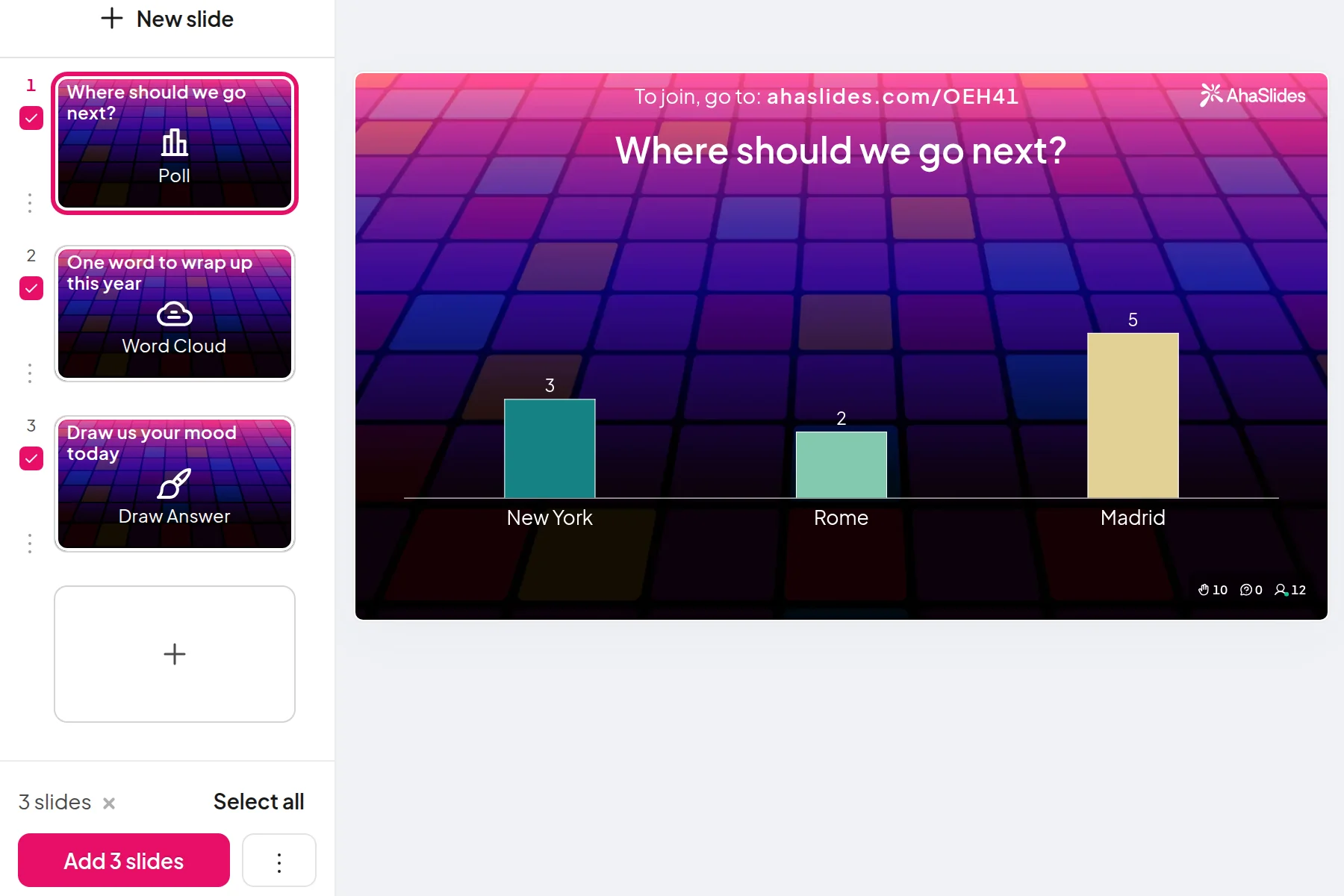
兩種快速入門的方法:
- 上傳你的牌組。 將您的 PowerPoint 檔案上傳至 AhaSlides 並讓 AI 透過它添加投票和測驗問題,從而將其變成一個互動式會話,而無需重新開始(AI PowerPoint 製作器).
- 或繼續用 PowerPoint 做簡報。 新增免費 AhaSlides 添加 並在您自己的幻燈片之間插入動態幻燈片。以下三個步驟即可完成。
The add-in is on every AhaSlides plan, including the free one, and works in installed Microsoft 365, PowerPoint 2024, 2021 and 2019, and in PowerPoint for the web (AhaSlides 幫助中心(2026年11月19日核實)。
- 安裝並登入。 上 主頁 標籤,選擇 加載項,然後 更多插件 (in PowerPoint for the web, use the 插入 tab; on an older Mac build, 插入 > 獲取加載項). Search for AhaSlides點擊此處成為Trail Hunter 新增,然後單擊 登入, 或者 立即註冊 if you're new.
- Add your poll. 點擊 選擇簡報 旁 AhaSlides presentation that holds your poll, or start from the template below. On desktop, tick the poll slide and click 新增幻燈片; on the web, select the slide and click 新增幻燈片.
- Present as normal. When you reach the poll, press Q to show the QR code and join link. People scan, answer, and the bars grow on screen.
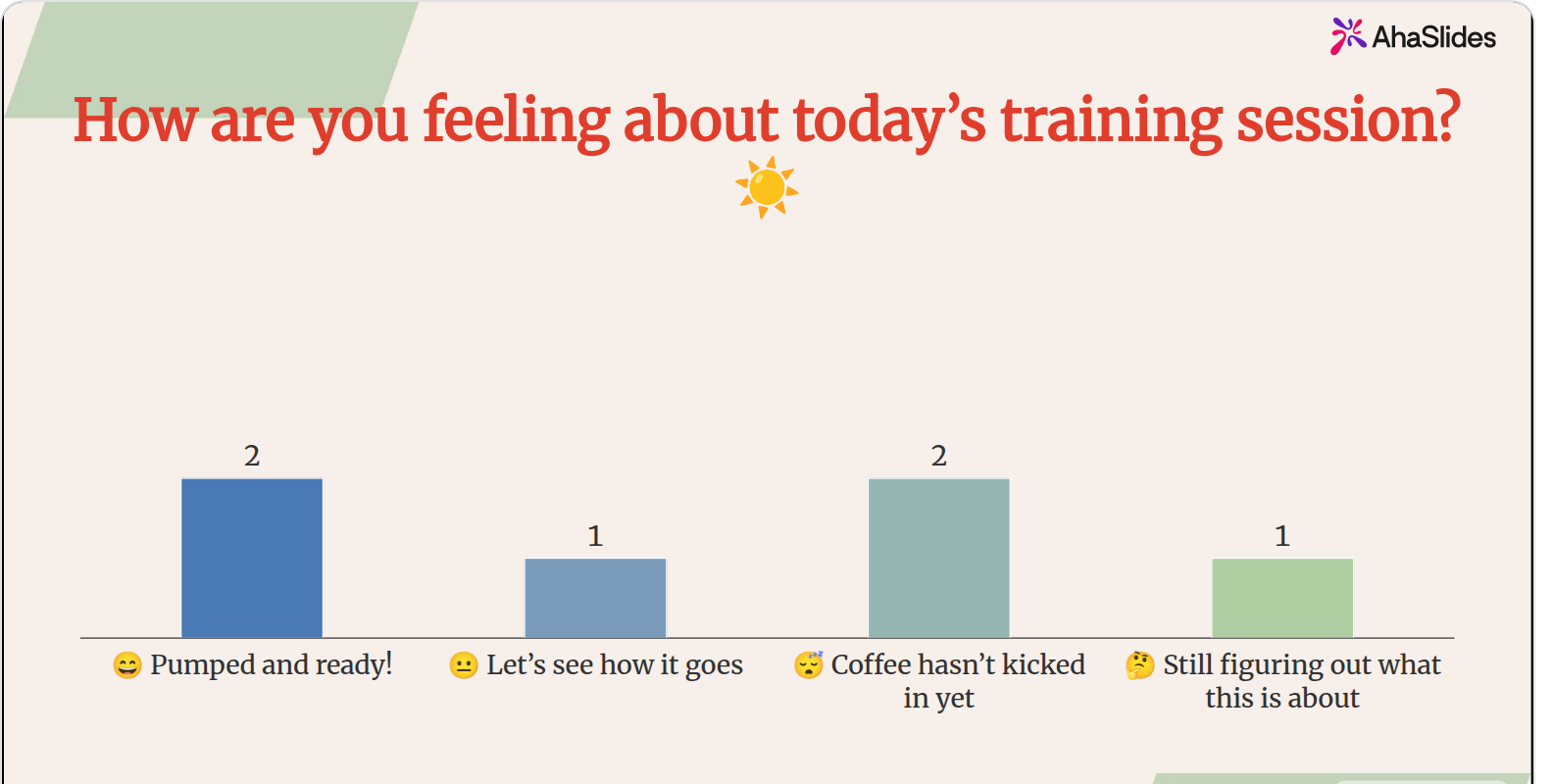
A mood check like the one above is an easy first poll. It takes 20 seconds, everyone answers, and you learn whether to speed up or slow down before you’ve said much at all.
5 ways to use a live slide in your first presentation
- Open with a mood or expectations poll. “How are you feeling about today?” or “What do you want from this session?” Everyone answers, including the people who’d never speak first. Our list of PowerPoint破冰遊戲 has more openers.
- Ask a question you’ll answer later. Run a quick poll on a claim, present your evidence, then show the result again. The change in the room is the point.
- Check understanding mid-way. One multiple-choice question after your hardest section tells you whether to move on. Our 在線測驗製造商 has the question types.
- Collect questions as you go. A Q&A slide lets people send questions during the talk, anonymously if you allow it, so you’re not met with silence at the end.
- Close with a quick rating. Ask people to rate how useful the session was, so you know what to change next time.
常見問題
How do you make a good PowerPoint presentation?
Start with one message and build every slide around it. Keep one idea per slide, use short headlines that make a point, choose one theme, and rehearse out loud. Adding one moment where the audience answers keeps attention through the middle.
What is the best font to use in PowerPoint?
A clean sans serif at 24 pt or larger for body text. The fonts in your chosen theme are the safest choice because they’re designed to work together. Avoid decorative fonts for anything people need to read quickly.
How do you add transitions in PowerPoint?
Select a slide, open the 轉變 tab and click a transition. To use the same one throughout, click 適用於全部. Subtle options such as Fade suit most talks.
What are the different PowerPoint views?
PowerPoint has Normal, Outline View, Slide Sorter, Notes Page and Reading View on the 查看 tab. Normal is where you build slides, Slide Sorter helps you reorder them, and Slide Show and Presenter View are for presenting.
讓這副牌組互動起來
我們的 製作互動式 PowerPoint 的指南 展示如何讓使用者在任何卡片組中進行回答、投票和提問。或者從…開始 我們的範本庫中提供免費的入門卡片組。 並將其添加到你的下次簡報中。
Ready to make your next deck two-way?
Add live polls, quizzes and Q&A to the deck you just built, and see every answer on your slide. The AhaSlides add-in for PowerPoint is free to start.