Onboarding games for new employees are short activities that help new hires learn names, tools and how the company works by doing something together, not by reading a handbook alone. The ones that work best are played by the whole group at once on their own phones, so nobody has to perform in front of a room of strangers on day one.
This guide gives 10 onboarding games you can run in a first-week orientation, with pair prompts, quiz questions to adapt and a sample first-week escape room. They use three AhaSlides slaidide tüübid: Juhuslike paaride generaator to pair people up, Viktoriinilahing for a company quiz and põgeneda tuba for a timed challenge.
Why do onboarding games work for new hires?
A new starter's first week is mostly listening: welcome talks, system logins, policy pages. Games turn some of that listening into doing, and they help in three ways.
- They give people a reason to talk. A pair task or a team quiz starts a conversation that a round of introductions rarely does, and new hires leave knowing a few names.
- They show you what landed. When everyone answers on their phone, you can see which facts the group already knows and which ones need another minute.
- They set the tone. A first session that is relaxed and a little competitive says more about the team culture than a slide that says the culture is friendly.
Games are one part of a good first week, not all of it. For the full plan, from paperwork to the first 90 days, see our guide to uute töötajate kaasamine.
What are good onboarding games for new employees?
Here are 10 games that suit a new-hire orientation. Most take under 15 minutes and need only a list of names or a handful of questions.
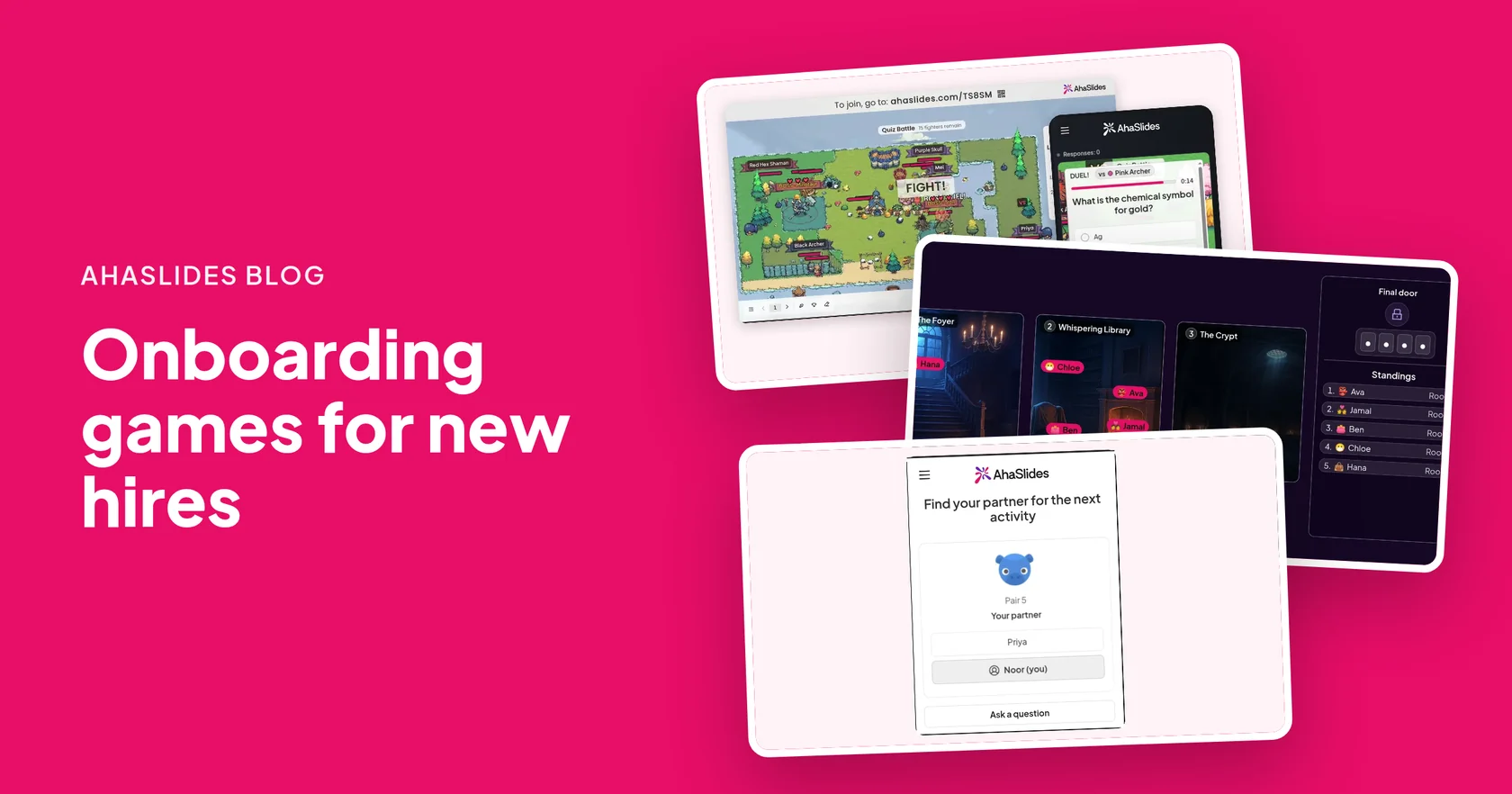
- Two-minute pair introductions. Shuffle the room with Juhuslike paaride generaator, give a prompt, and each partner talks for one minute. Shuffle again for a new partner. Three rounds and every new hire has met three people.
- New starter and team buddies. Turn on Categories of people in Random Pair Generator, with one category for new starters and one for current staff. Every pair then gets one of each, so each new hire has a named buddy for the week.
- Ask me anything tables. Make groups of 3 or 4 with one current employee in each, and give every table a short list of questions to ask. Our sisseelamisküsimused post has plenty to choose from.
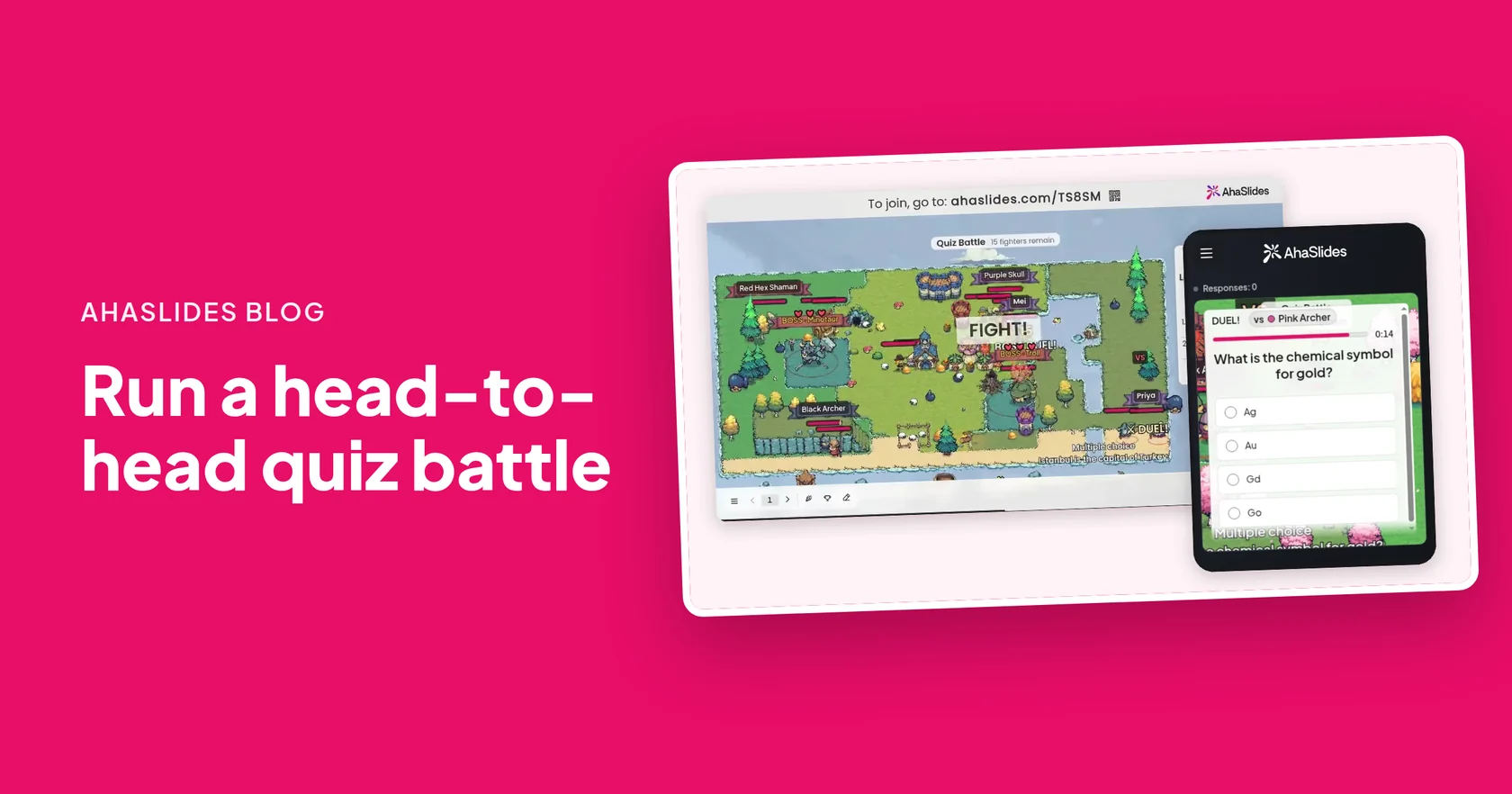
- Company quiz battle. Write 10 questions about the company: its history, its products and who does what. In Viktoriinilahing, every player gets a fighter and duels the others, so the whole intake is answering at once.
- Guess the colleague. Before the session, collect one fun fact from each person on the team. Turn each into a multiple-choice question with four names as the options. New hires learn faces and stories at the same time.
- Team battle by intake table. Turn on team mode in Quiz Battle and let each table play as a team. A new hire who does not know an answer yet is still in the game while a teammate survives.
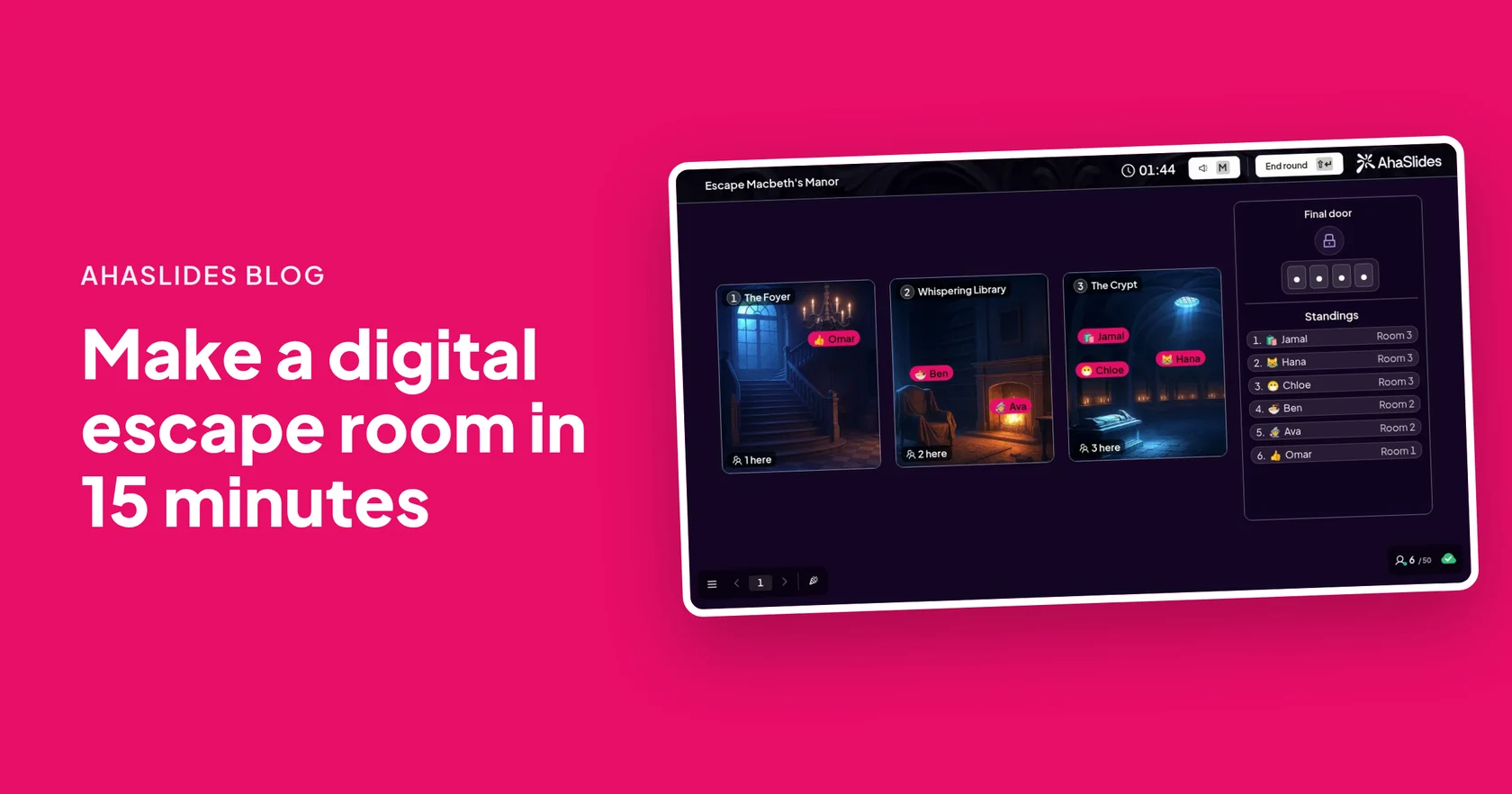
- First-week escape room. Build three rooms in põgeneda tuba: your first day, the tools we use and how we work. Every clue is a question from the welcome pack, and the door code opens the way out.
- Find the right person. An escape room where every clue asks who to go to for something: a laptop problem, a payslip question, a holiday request. It is the most useful thing a new starter can learn in week one.
- Mixed team challenge. Use Random Pair Generator set to Teams to mix new hires and current staff, then seat each team together for the escape room. Everyone answers on their own phone, but the team talks through every clue first.
- End-of-week recap with bots. Share the Quiz Battle link on Friday. Bots fill the empty places, so each new hire can replay the week's questions on their own and see what has stuck.
| Mäng | Parim on | Time or set-up |
|---|---|---|
| Pair introductions | Day one, before anyone knows a name | 2 minutes a round, no set-up |
| Buddy pairs | Linking each new hire to a current employee | One shuffle |
| Company quiz battle | Company facts, products and people | 10 questions, a few minutes |
| Guess the colleague | Learning faces and stories | One fact per team member |
| First-week escape room | Tools, processes and who to ask | About 15 minutes to build |
| End-of-week recap | Checking what stuck | Reuse the same quiz |
How do you run an onboarding game with AhaSlides?
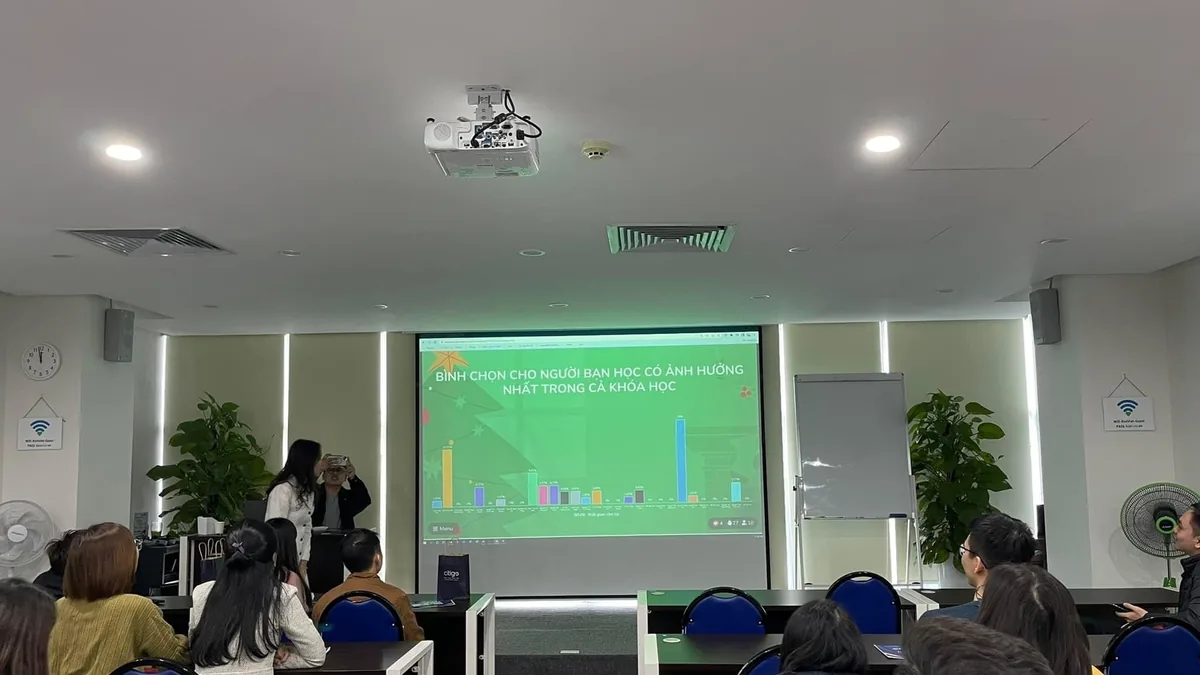
Every game above runs from one presentation. You show it on the big screen, or share it on a video call, and new hires join from their phones.
- Lisa slaid. Registreeru AhaSlides, open a presentation and add a Random Pair Generator, Quiz Battle or Escape Room slide.
- Add names or questions. Paste the intake's names into Random Pair Generator, or leave the list empty so people are added as they join. For Quiz Battle, write your questions, import them from your onboarding files, or generate them with AI from a topic.
- Vajuta nuppu Esita. The join link and QR code appear on the big screen.
- Let new hires join on their phones. They open the link or scan the QR code and type a name. No app or account is needed, which matters when half the group has no work laptop yet.
- Play, then talk about it. Spend a minute on the result: the hardest question, the fastest escape, the pair with the best story.
What should you ask in pair introductions?
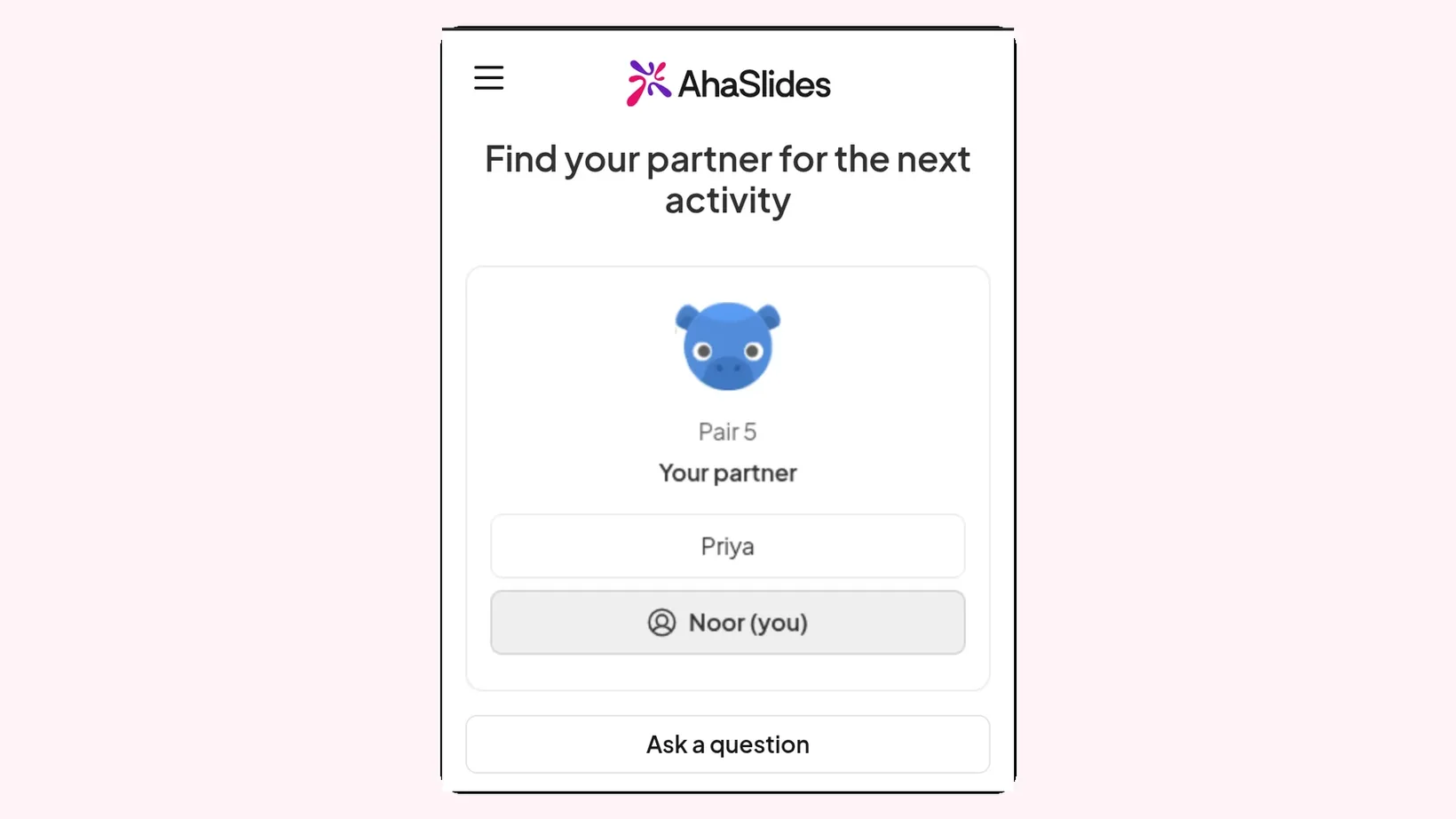
Pick a prompt that is easy to answer and says something real about the person. Each partner talks for one minute, then you shuffle. More ideas for paired work are in Suvalised paaristegevused tunniks: 15 ideed, and most work just as well with adults.
- What did you do before you joined, in one sentence?
- What is one thing you hope to learn in your first month?
- What is the best piece of work advice you have been given?
- What would your last team say you are good at?
- What do you do when you are not working?
- What is one thing about this company that surprised you so far?
- What is a tool or app you could not work without?
- Where in the world would you work from for a month, if you could?
Random Pair Generator makes the pairs at random and shows them on the big screen and on each phone. With an odd number, one pair gets 3 people, so nobody is left on their own. For a written welcome, see this tutvustage end uue meeskonna näitega.
What questions go in a company quiz battle?
Keep each question short, with one clear right answer, because a quiz battle is a race. Swap the answers in brackets for your own.
12 onboarding quiz questions to adapt
- In which year was the company founded? [Your founding year]
- Which city is our head office in? [Your city]
- Roughly how many people work here? [Your headcount, rounded]
- Which product or service brings in most of our customers? [Your main product]
- Who is our chief executive? [Their name]
- Which tool do we use for team chat? [Your chat tool]
- Where do you book time off? [Your HR system]
- Who do you contact first about a laptop problem? [Your IT desk]
- True or false: new starters can join any team's meetings in their first month. [True or false, for you]
- Which of these is one of our company values? [One of your values, with three made-up options]
- What is the name of our office dog, plant or mascot? [The answer everyone knows]
- True or false: you should report a suspicious email rather than delete it. Tõsi
Questions are multiple choice or true or false. The full set-up, team mode and question tips are in Viktoriin: kuidas korraldada klassis või tööl otsekohest viktoriini.
How do you build a first-week escape room?
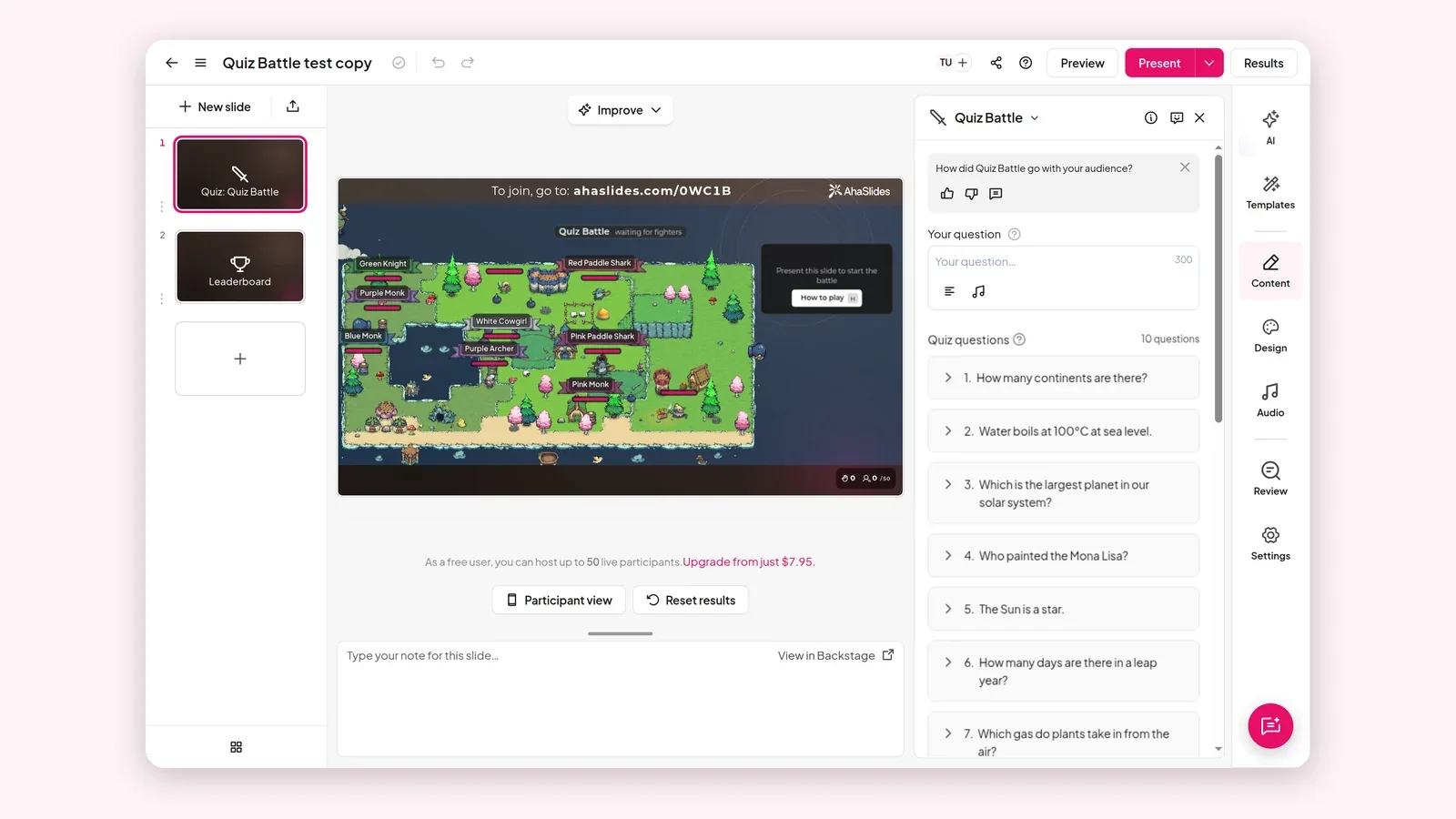
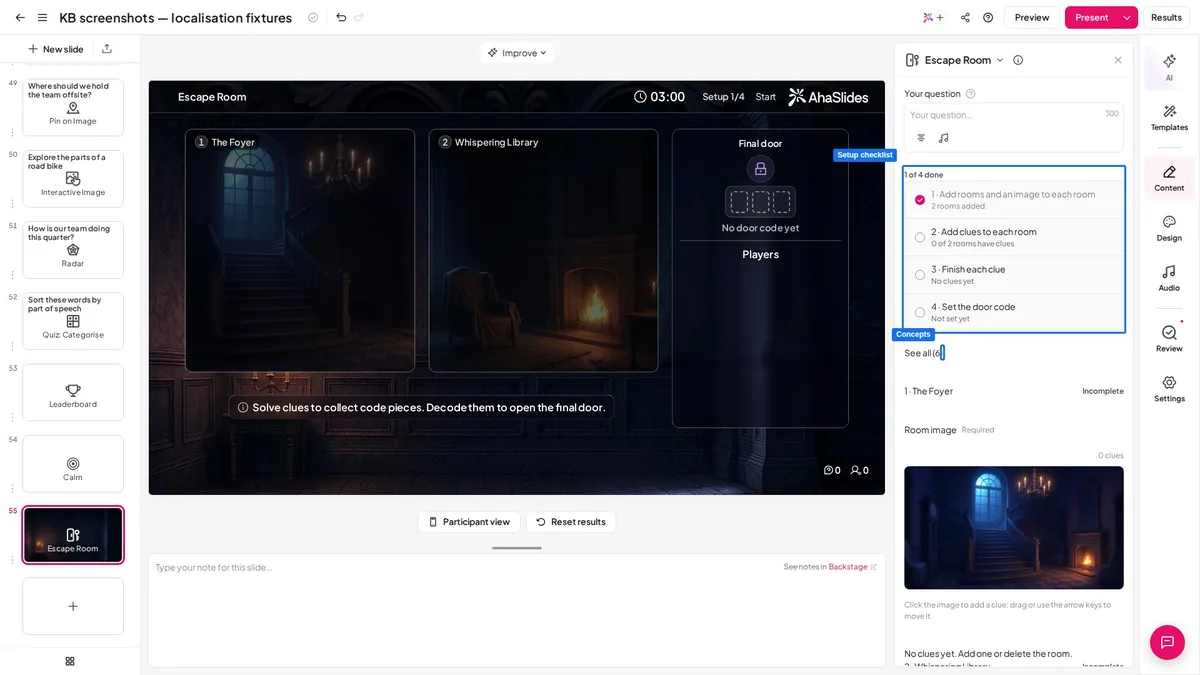
An escape room turns the welcome pack into a race. In AhaSlides you build 2 to 6 rooms with up to 15 clues, players answer the clues on their phones to collect code pieces, and they type the door code to escape. Kuidas luua digitaalne põgenemistuba 15 minutiga walks through every setting.
A sample first-week escape room with answers
Three rooms, three clues each. Change the answers to match your company.
- Room 1, Your first day. Clue 1: Where do you collect your access pass? [Reception, or your answer]. Clue 2: What time does the weekly team meeting start? [Your time]. Clue 3: Who is your buddy this week? Short answer, the buddy's first name.
- Room 2, The tools we use. Clue 4: Which tool holds our shared documents? [Your tool]. Clue 5: True or false: you can reset your own password. [True or false, for you]. Clue 6: Where do you log a request for IT? [Your help desk].
- Room 3, How we work. Clue 7: Who approves your holiday? Your manager. Clue 8: What should you do with a suspicious email? Report it to IT. Clue 9: Which of these is one of our company values? [One of your values, with three made-up options].
Use Short answer for answers people might spell differently, and add up to four other accepted answers. Capital letters, accents and extra spaces are ignored, so "it desk" and "IT Desk" both count.
How do you plan a 45-minute orientation session with games?
Here is one running order for new hire orientation activities on day one or two. It works in the room and on a video call.
- 0 to 10 minutes, meet people. Three rounds of pair introductions with Random Pair Generator.
- 10 to 20 minutes, the company. A short welcome talk, then a 10-question company quiz battle.
- 20 to 35 minutes, how things work. The first-week escape room, played in mixed teams of new hires and current staff.
- 35 to 45 minutes, questions. Ask me anything tables, with one current employee at each.
Running onboarding for remote starters? Share the presenter screen in Zoom, Microsoft Teams or Google Meet and put the join link in the chat. 8 virtuaalset ja hübriidset meeskonnatöö mängu otseülekande sessiooniks has more tips for mixed rooms.
Free onboarding game templates to host
Start from a ready-made deck, swap in your own company facts and present it to your next intake. When an Escape Room template opens, the editor first asks "Who takes the lead?". Answer it, then click Present Now.
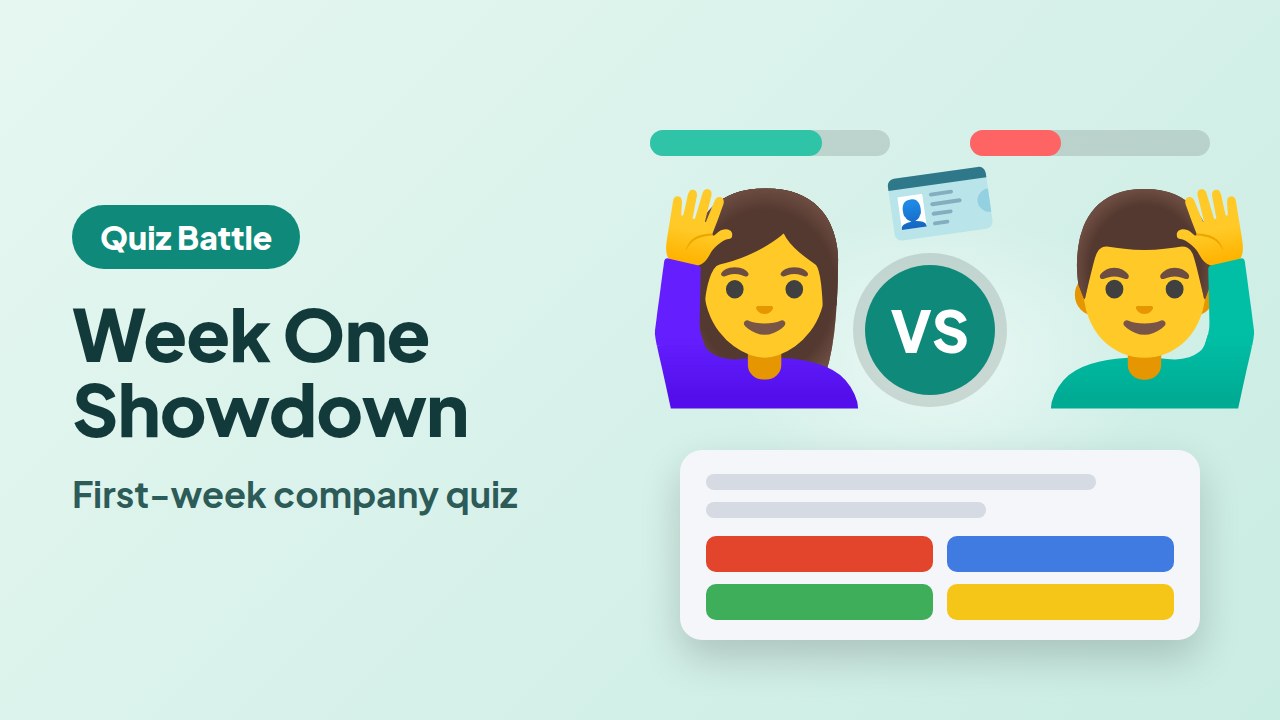
Week One Showdown: New Starter Quiz Battle
A first-week company quiz battle for a group of new starters.
Kasuta seda malli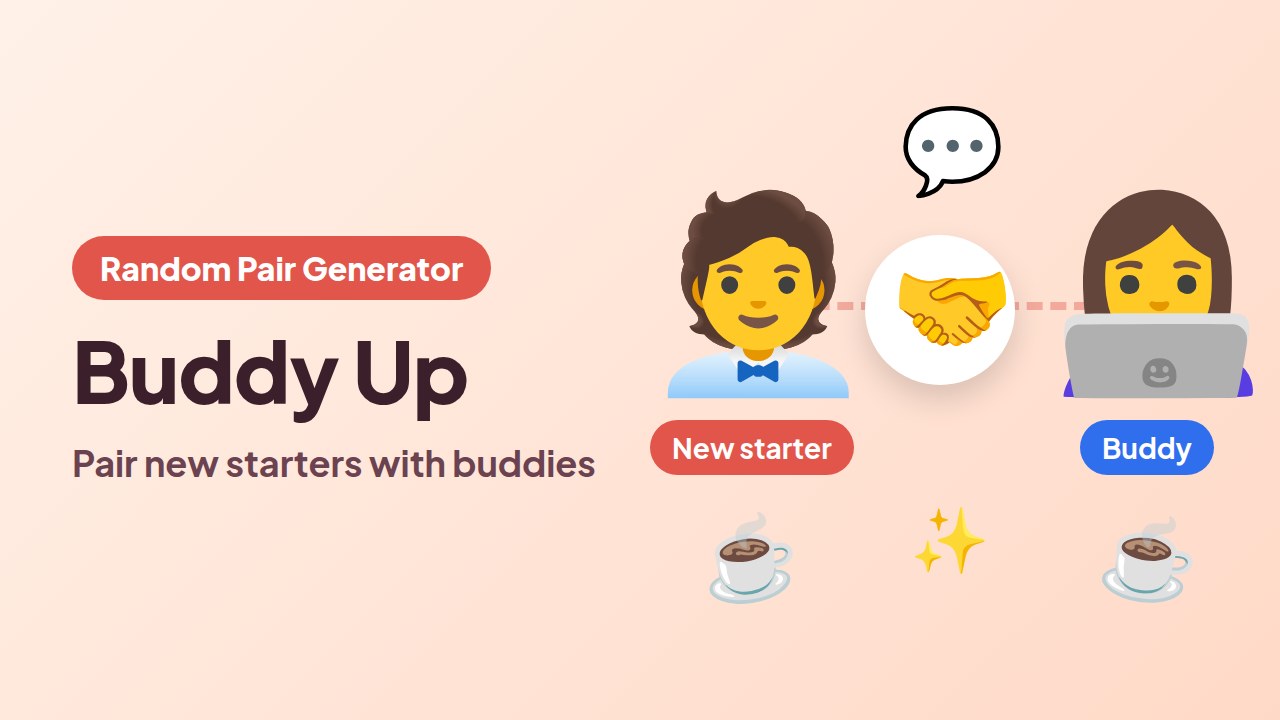
Buddy Up: Pair Every New Starter with a Buddy
Pair each new starter at random with a buddy from the team.
Kasuta seda malli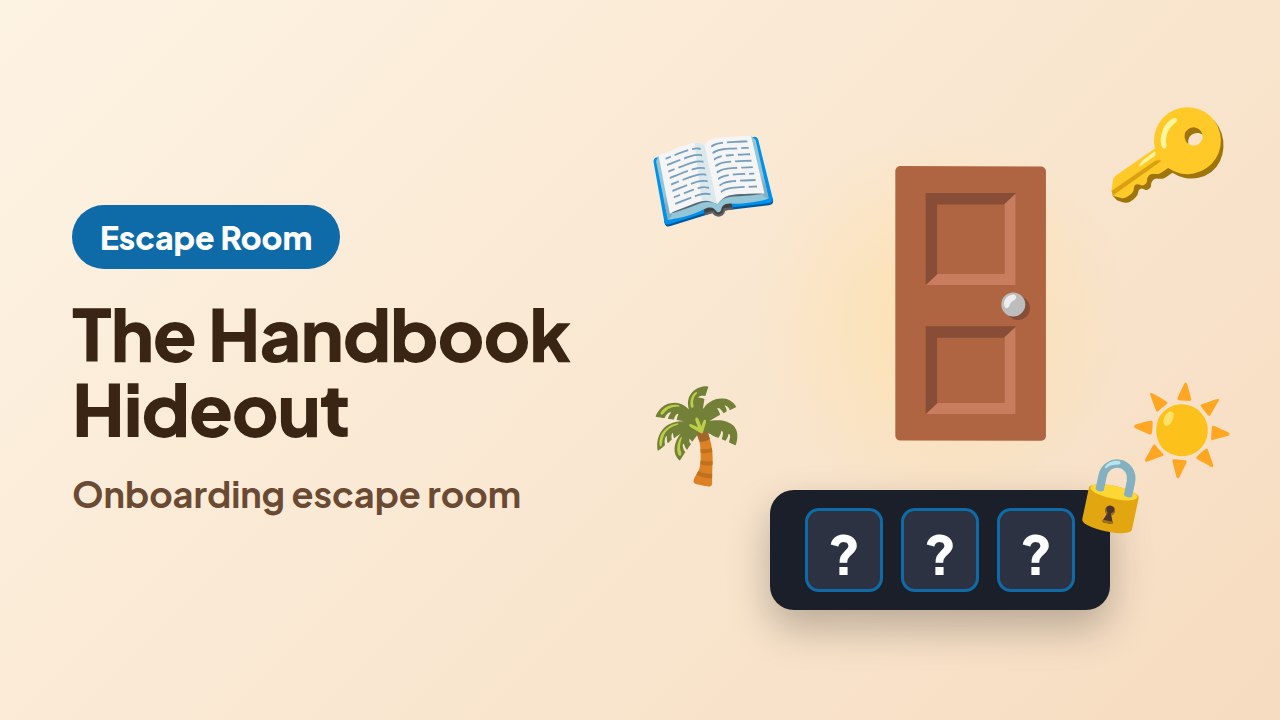
The Handbook Hideout: Onboarding Escape Room
New starters find the answers in the staff handbook to escape.
Kasuta seda malliWhen you are ready to build your own, add a Quiz Battle slide and put in your questions. The Viktoriinilahing lehel on rohkem kasutusvõimalusi.
Host your first onboarding game
Korduma kippuvad küsimused
What are onboarding games?
Onboarding games are short activities that help new employees learn names, tools and company facts by playing them. Common ones are pair introductions, a company quiz and an escape room built from the welcome pack.
What is gamified onboarding?
Gamified onboarding adds game elements, such as points, a timer or a leaderboard, to parts of a new hire's first weeks. A live quiz or escape room on what they have just learnt is the simplest way to start.
How do I make random pairs of new hires and current staff?
Use Random Pair Generator with Categories of people turned on: one category for new starters and one for current staff. Every pair then gets one person from each.
Do new employees need an app to play?
No. They open the link or scan the QR code in their phone's browser and type a name. No app or account is needed.
Can I run onboarding games for remote new hires?
Jah. Jaga oma esineja ekraani Zoomi abil. Microsoft Teams or Google Meet, and new hires join from the link on their own devices.
How long should an onboarding game take?
Five to fifteen minutes is enough. Pair introductions take two minutes a round, a quiz battle of 10 questions takes a few minutes, and an escape room runs for the time limit you set.