Team trivia that gets
the whole room playing

Build your own trivia game in minutes, split your group into teams and let everyone answer on their own phone. Team scores and a live leaderboard show who is ahead after every round, from office socials to trivia nights.


Create your trivia game free
דירוג 4.7 מתוך 5 ב-G2, בהתבסס על 428 ביקורות
  • לוגו של אוניברסיטת אבו דאבי
  • לוגו של איירבוס
  • לוגו בתי הספר בנד לה פיין
  • לוגו של BMC
  • לוגו של בוש
  • לוגו קריטאו
  • לוגו של פררו רושה
  • לוגו של אינטל
  • לוגו של מכללת אייבי טק הקהילתית
  • לוגו של Le Quiz Show

What is team trivia?

Team trivia is a quiz game where small groups compete instead of single players. Every team answers the same questions, points are added up round by round, and the team on top at the end wins. Playing together means the experts who rarely speak up and the confident guessers both have a part to play.

  • Teams answer together

    Each player answers on their own phone, and the team's score is built from those answers.

  • Rounds keep it moving

    Short themed rounds give every team a fresh chance to catch up.

  • A leaderboard settles it

    The team leaderboard shows who is ahead after each round, so every team still has a chance in the last round.
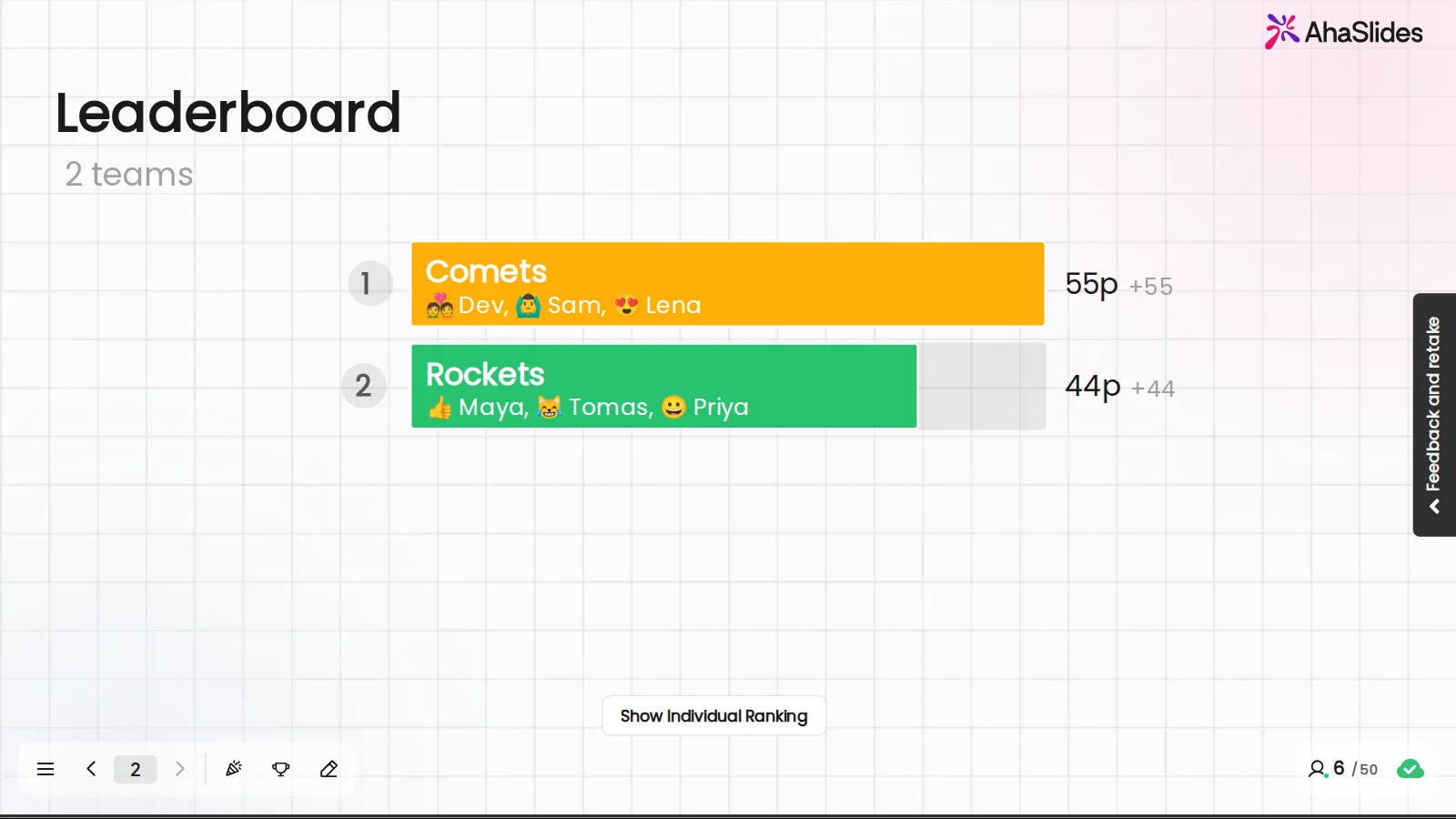
An AhaSlides team leaderboard for 2 teams: Comets with Dev, Sam and Lena lead on 55 points, Rockets with Maya, Tomas and Priya follow on 44

How team trivia works in AhaSlides

AhaSlides turns a set of questions into live, interactive trivia. You present from one screen, players answer on their phones, and the scores update the moment the timer ends.

  • Build your own trivia game

    Type a topic and AI writes the questions and answers, or upload a PDF, PowerPoint or Word file and get questions on what is in it. Edit anything before you play, or write every question yourself.

  • Players join on their phones

    Everyone scans the QR code or types the join code, picks a name and an avatar, and is placed in a team. No app and no account, so a room is ready to play in a minute.
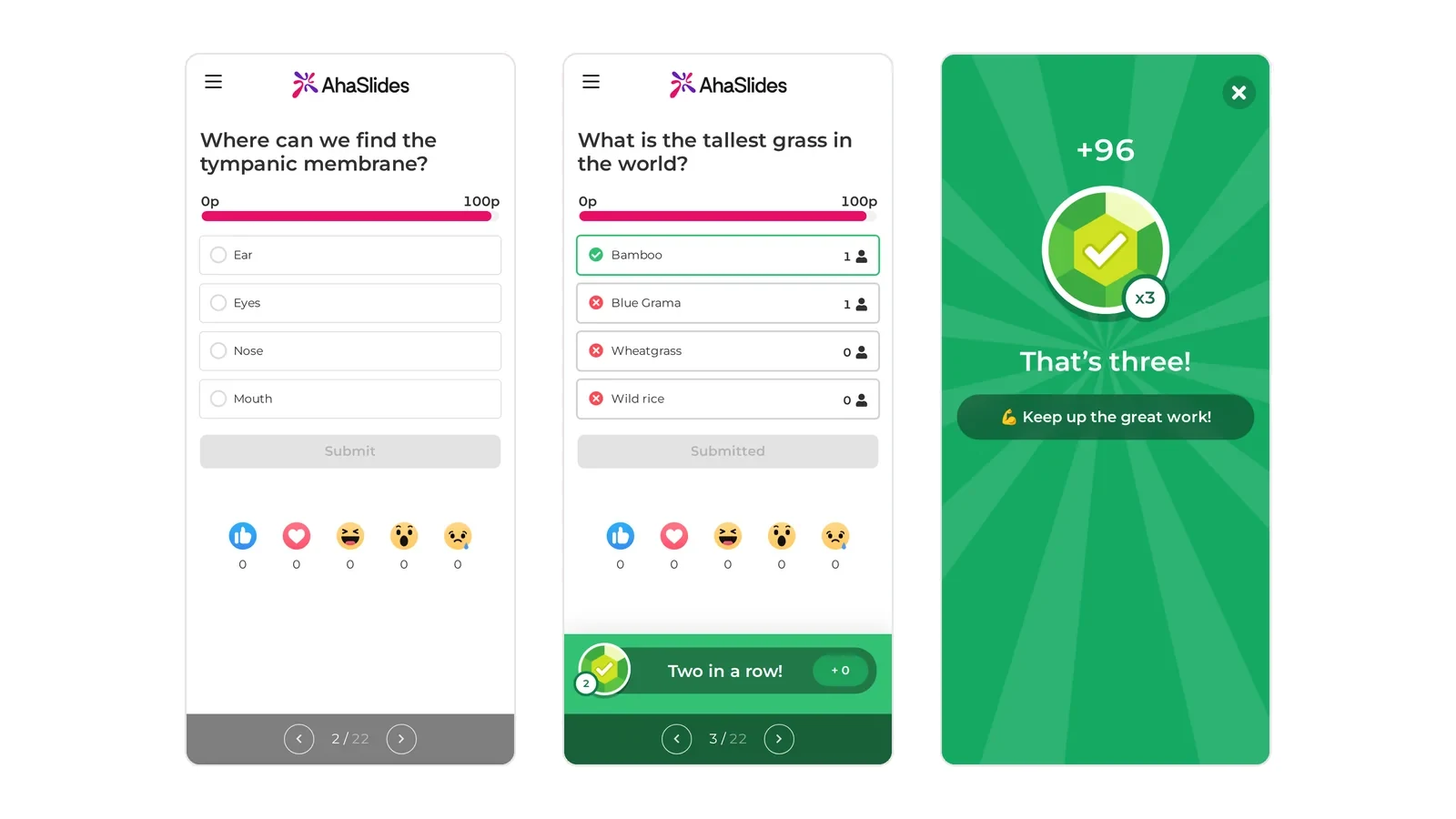
    Three phones in an AhaSlides quiz: two show quiz questions with answer options, and one shows +96 points for a third right answer in a row
  • Choose how teams score

    Count the average score of every member, the total score, or only each team's fastest answer. Faster right answers can earn more points, so every question can change the order on the leaderboard. Team play is on Pro, Enterprise, Edu Medium and Edu Large plans.

    An AhaSlides team leaderboard for 2 teams: Comets with Dev, Sam and Lena lead on 55 points, Rockets with Maya, Tomas and Priya follow on 44
Create your trivia game free

Play a trivia game right now

Click a card to play a real trivia game on this page, or host your own copy for your group.

  1. בחר תשובה

    Points for fast and right answers

  2. אמת או שקר

    נכון או לא נכון בנגיעה אחת

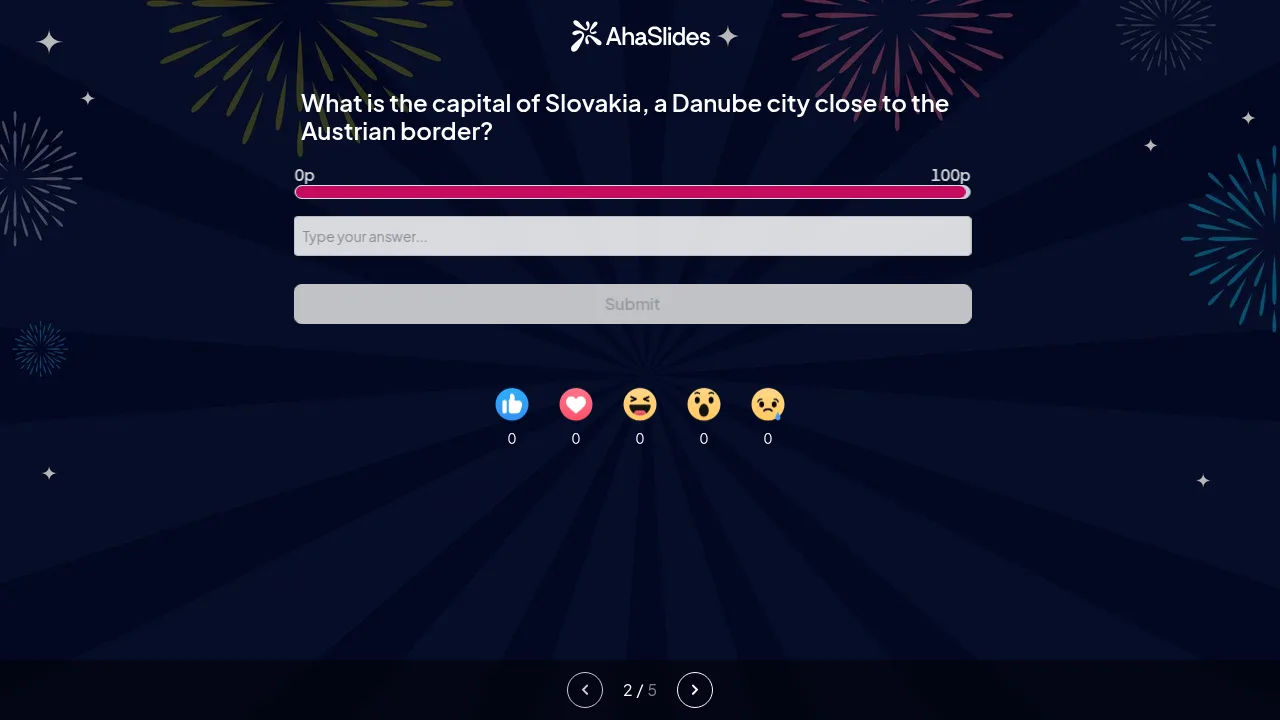
  3. תשובה קצרה

    הקלד את התשובה, אין אפשרות לנחש

    A Short answer slide on a phone asks for the capital of Slovakia, with a box to type the answer and a points bar
  4. התאימו זוגות

    קשר כל פריט לבן זוגו

How to host a trivia night, step by step

Hosting a trivia night takes one laptop, a screen everyone can see and a set of questions. Trivia hosting is easier when the scoring runs itself. These six steps take you from a blank deck to a winning team.

שלב 1: Plan your rounds

Decide how many rounds you want and give each one a theme, such as music, geography or your own company.

שלב 2: Build the questions

Start from a trivia template, write your own, or give AI a topic or a file. Mix question types to keep each round fresh.

שלב 3: Set up the teams

Turn on Play as teams in Quiz experience. Choose the number of teams, their names and how they score.

שלב 4: Get everyone joined

Show the join code and QR code on the big screen or in your video call. Players join on their phones, no app needed.

שלב 5: Host the rounds

Read out each question, let the timer run and reveal the answer. Reveal a hint when a question gets too hard.

שלב 6: Crown the winning team

Show the team leaderboard between rounds so every team knows what it needs to win. The team on top after the last question wins.

Create your trivia game free

Team trivia for work, events and remote teams

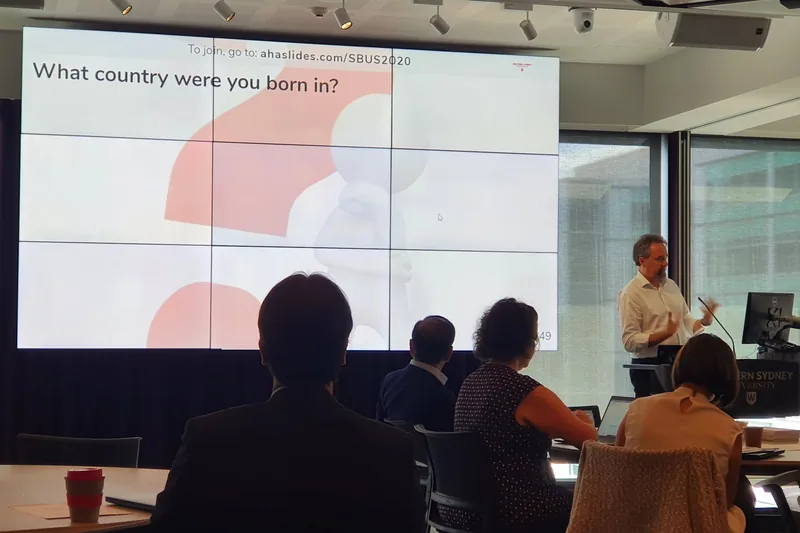
The same live trivia game works in a meeting room, a packed venue or a video call.

Create your trivia game free

Free trivia templates to start from

Each template is ready to host with questions and answers. Make a copy, change what you like and press Present.

See all team-building quizzes

Team trivia questions

Team trivia is a quiz game where players compete in small teams instead of alone. Every team answers the same questions, points are added up round by round, and the team with the most points at the end wins. It is popular for team building at work, trivia nights at bars and events, and remote teams on video calls.

Create a quiz, then go to Settings, open Quiz experience and turn on Play as teams. Set the number of teams, the team names and the scoring rule. When you present, players join on their phones with the join code and are placed in a team, or choose one themselves if you turn off Auto-assign teams. The full steps are in Running a team quiz.

You choose one of three rules. Average score counts every member, including zero for a wrong or missing answer, so teams of different sizes compete fairly. Total score adds up every member's points, which favours bigger teams. Fastest answer counts only the first answer from each team, even if it is wrong.

Play as teams is on the Pro, Enterprise, Edu Medium and Edu Large plans. On the Free plan you can build and host the same trivia quiz for up to 50 participants with individual scores, no credit card needed. See תמחור עבור הפרטים.

כן. שתף את שלך AhaSlides screen in the call, and players join on their phone or in a browser with the join code. AhaSlides also works inside זום ו Microsoft Teams, so remote and in-room players can compete on the same leaderboard.

No. Players scan the QR code or type the join code into a browser on their phone, pick a name and an avatar, and they are in. Only the host needs an AhaSlides חֶשְׁבּוֹן.

Yes. Type a topic and AI writes the questions and answers, or upload a PDF, PowerPoint or Word file and get questions on what is in it. You can edit every question before you play. For more on quiz types and the AI quiz generator, see the יצרנית חידונים מקוונת.

Up to 500 teams, with up to 1,200 players in a team. The number of players who can join a presentation depends on your plan.

Pick answer, True or false, Short answer, Match pairs, Correct order and Guess the image all score points for the leaderboard. For a game with a twist, try קרב חידון, where players duel head to head, or חידון חיפוש אוצרות. Seasonal rounds are ready in the holiday quizzes.