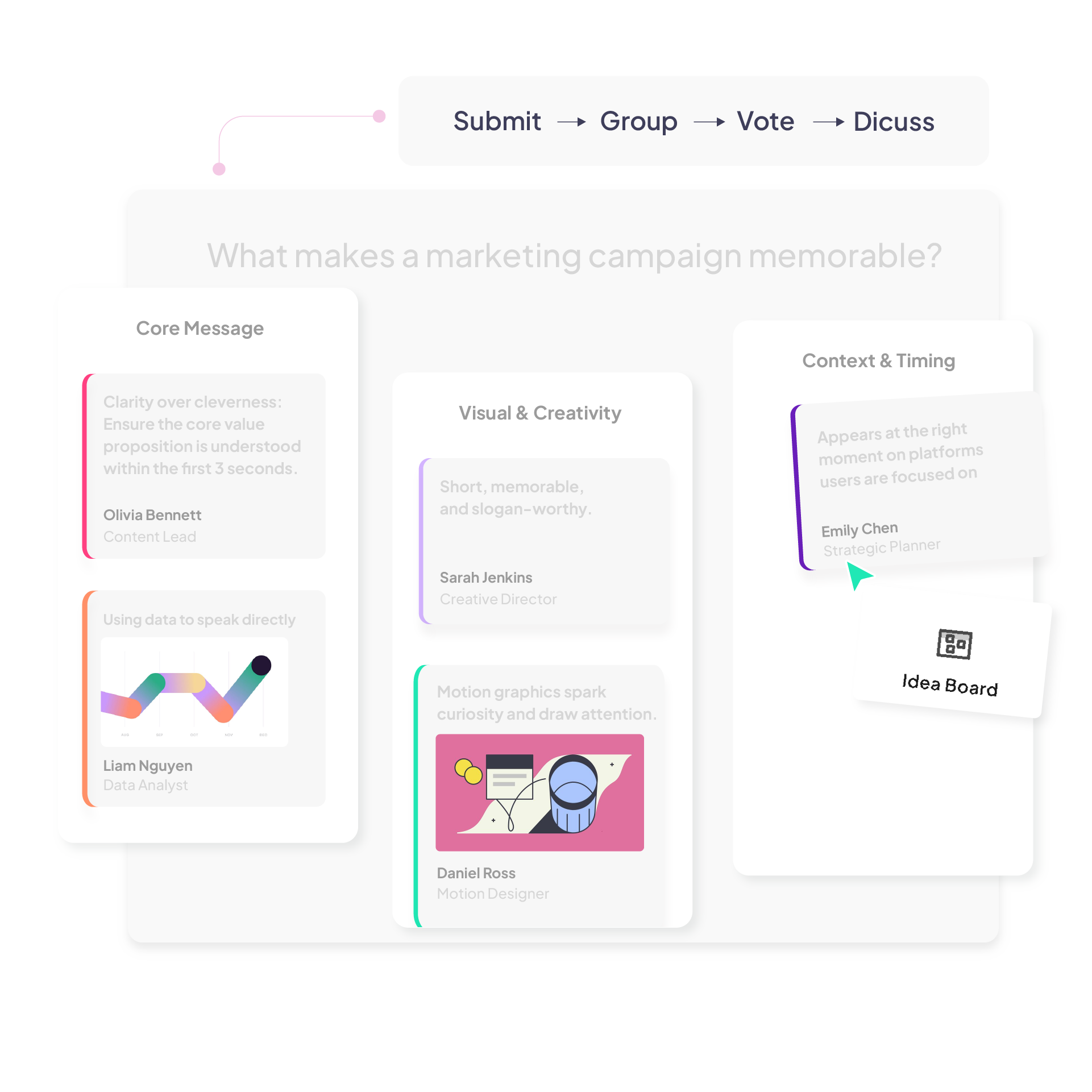
Idea Board — live brainstorming built into your presentation 

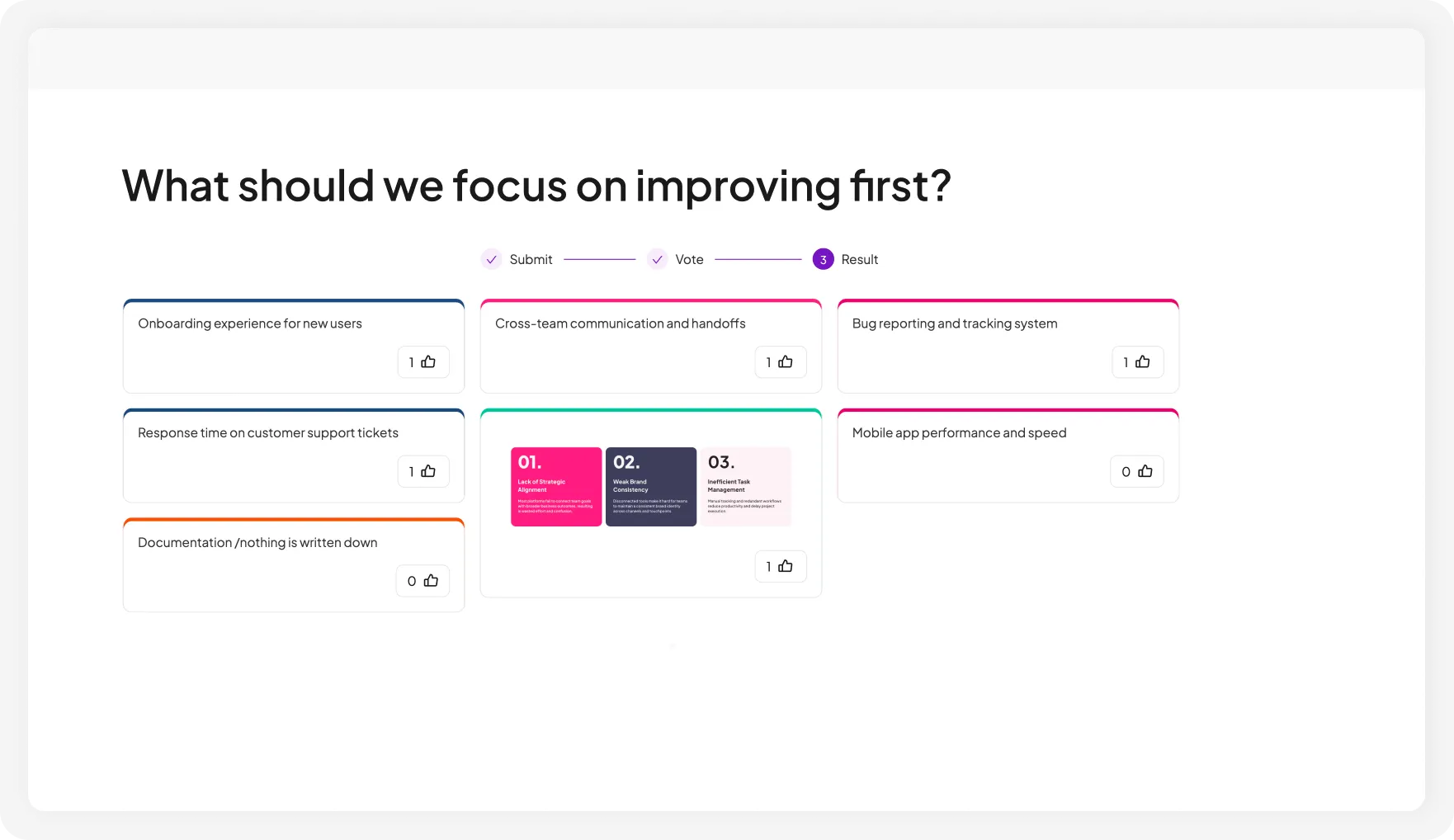
Collect and collaborate on ideas as text, images, and links — in preset columns or on one open board.

Group responses with AI, vote on the best ones, and keep everything inside your presentation.

Try Idea Board for free
AhaSlides 排名投票实时显示观众按优先级排序的反馈结果
受到全球顶级组织 4 多万用户的信赖
麻省理工学院大学校徽东京大学标志微软徽标剑桥大学徽标三星标志博世标志

One board, different ways to collect ideas

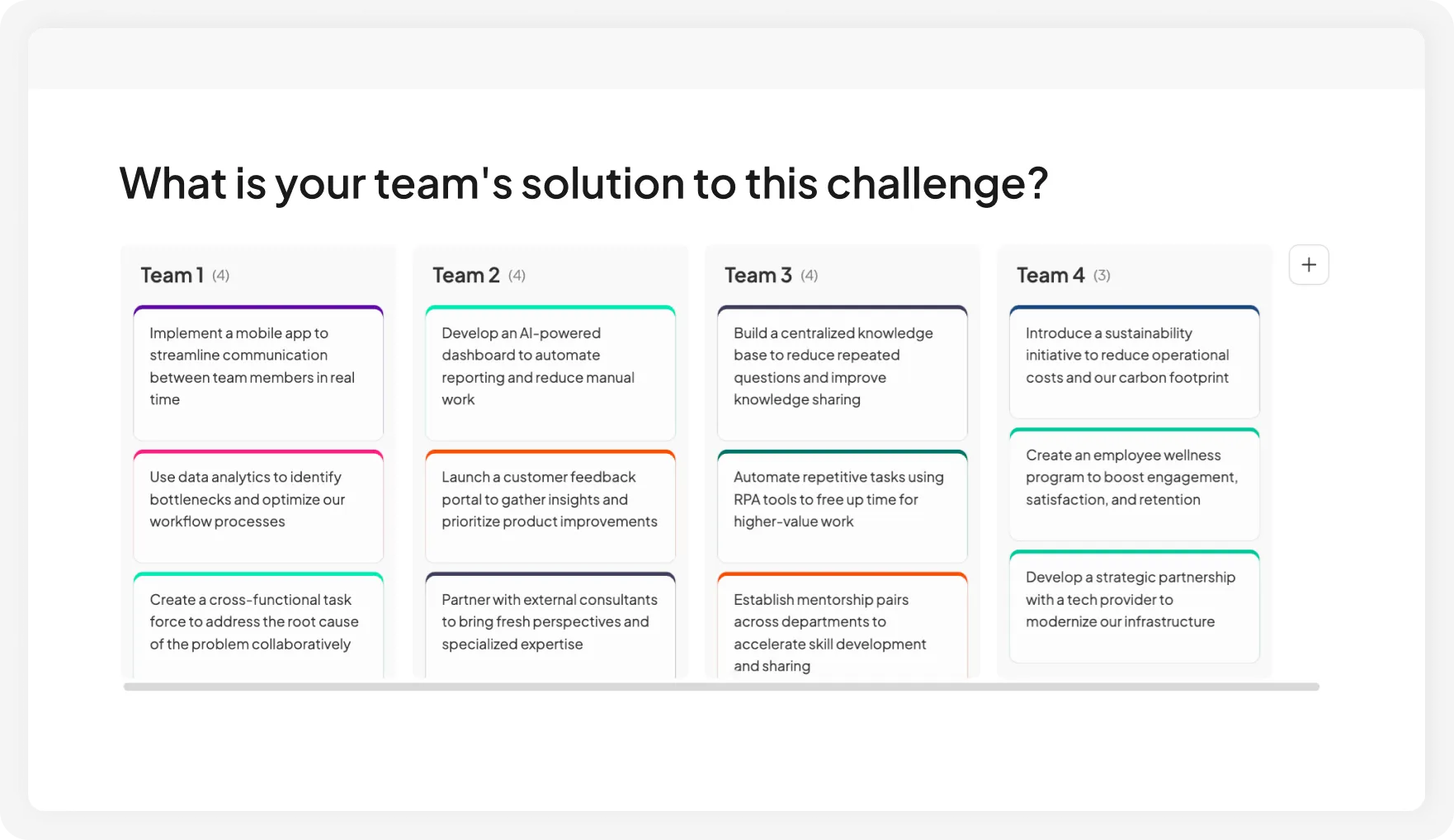
Give each team its own column so submissions stay separate, visible, and easy to discuss.

会议前使用 AhaSlides 排名投票来确定团队优先事项。

看看你的听众对关键概念的理解程度,而不仅仅是他们记住了什么。

AhaSlides排名调查用于测试观众对关键概念的理解程度

Put opinions on the table before the discussion begins.

AhaSlides排名投票在讨论开始前将观众意见公之于众

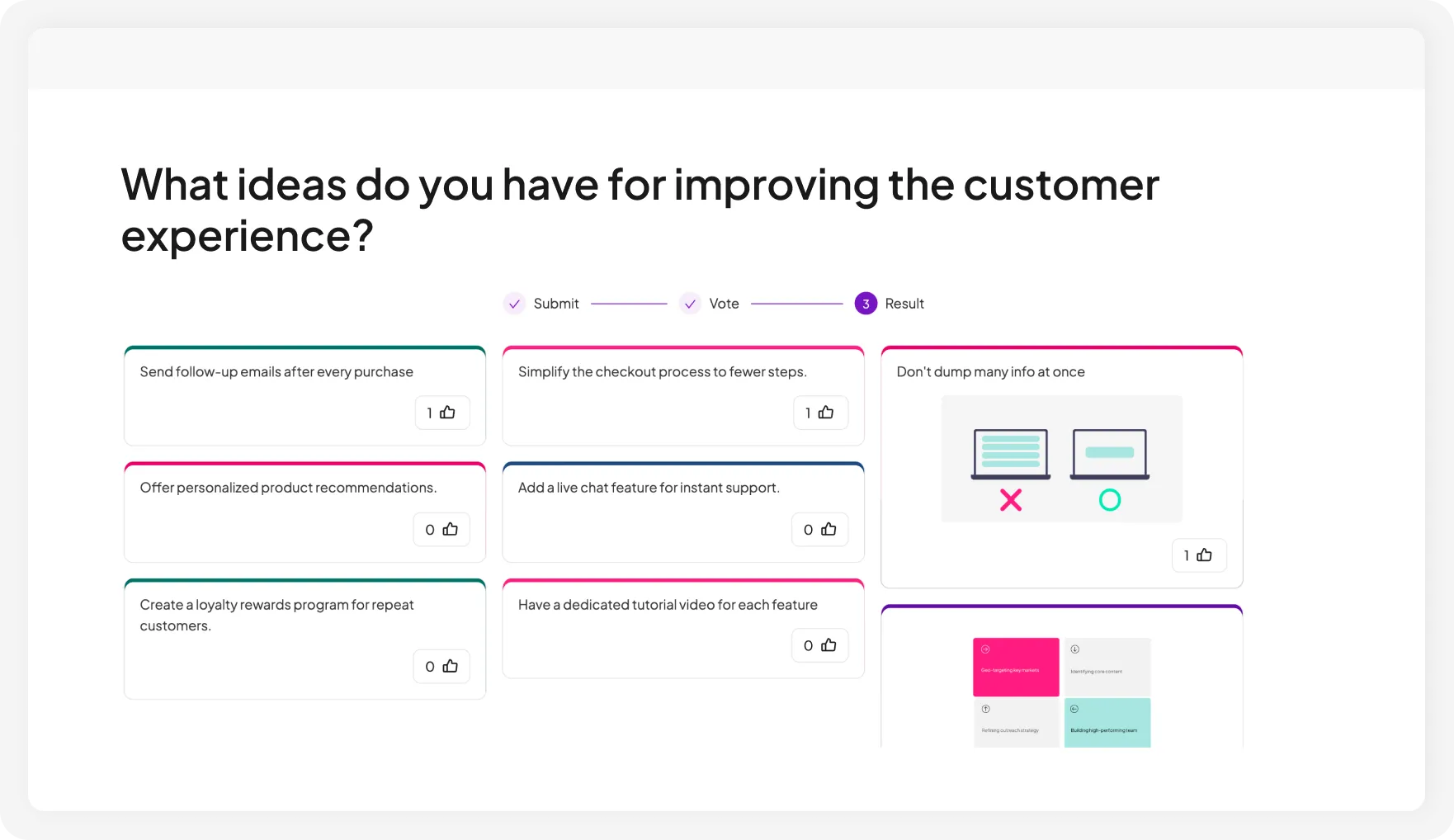
Open voting once the board fills up or after ideas are grouped. The strongest ideas rise, helping the group decide on the next step and keeping the discussion focused.

AhaSlides排名投票为所有人提供了一个共同的起点,以取代循环辩论。
Try Idea Board for free

Start an idea board in 3 simple steps

1. Add an idea board slide

Create or open a presentation and add an idea board from the question menu.

2. Set up your board

输入您的问题,填写答案选项,并根据需要自定义设置。

3. 分享和收集

Participants join by QR code or link. Vote, group, and download when you're done.

Trigger discussion in every setting

一群参加会议的人使用 AhaSlides 排名投票功能对会议主题进行投票。

会议和研讨会

Collect ideas from the audience without losing structure, live or remotely. Great for brainstorming, retrospectives, planning, prioritization, and decision-making.

会议团队使用 AhaSlides 排名投票工具来比较各项方案并对优先级进行排序。

培训与教育

Run group discussions, collaborative tasks, reflection activities, and classroom exercises by group or by topic, so responses stay organized and easy to follow.

培训师使用 AhaSlides 排名调查来评估学员对关键概念的信心。

活动和会议

Gather ideas, feedback, or audience input from a large crowd, then organize everything into clear categories or themes.

一名女子用手机扫描 AhaSlides 二维码,加入远程排名投票。

Remote & hybrid sessions

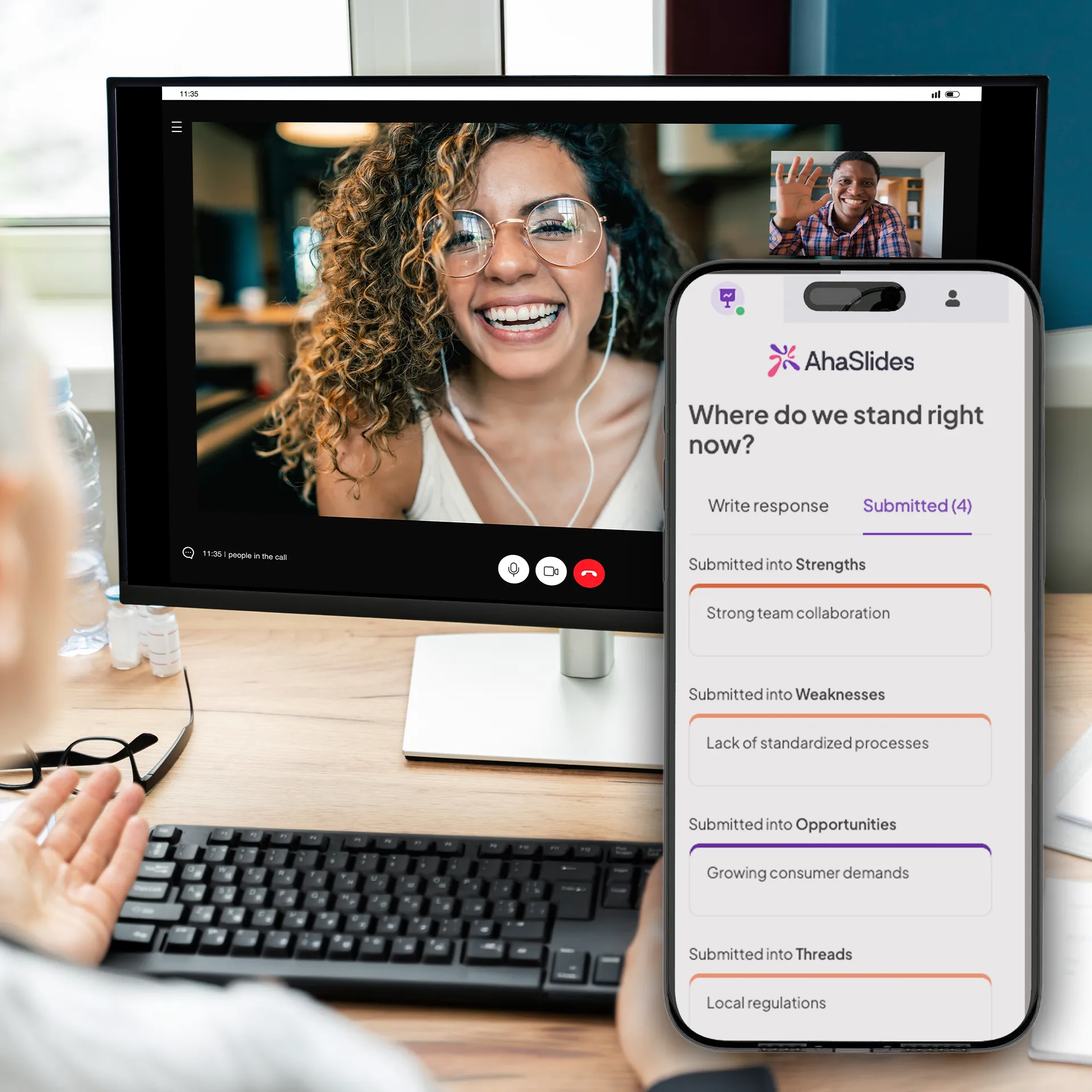
Run brainstorming sessions and retrospectives from anywhere while AhaSlides keeps ideas visible, grouped, and manageable.

我们的用户怎么说

AhaSlides彻底改变了我们的工作方式。我们不必再依赖会后人们上前提供联系方式——这些信息都已经包含在幻灯片里了。
Amber Vanderburg,Pathwayz集团创始人
安珀·范德堡
Pathwayz集团创始人
人们不再是被动的听众,而是积极参与到讨论中来。这在讨论职业发展道路、女性在STEM领域的发展以及学术经历等话题时尤为重要——因为聆听不同的声音能够丰富对话的内容。
Ana Laura Pérez Martínez,墨西哥国立自治大学工程学院教授
安娜·劳拉·佩雷斯·马丁内斯
墨西哥国立自治大学工程学院教授
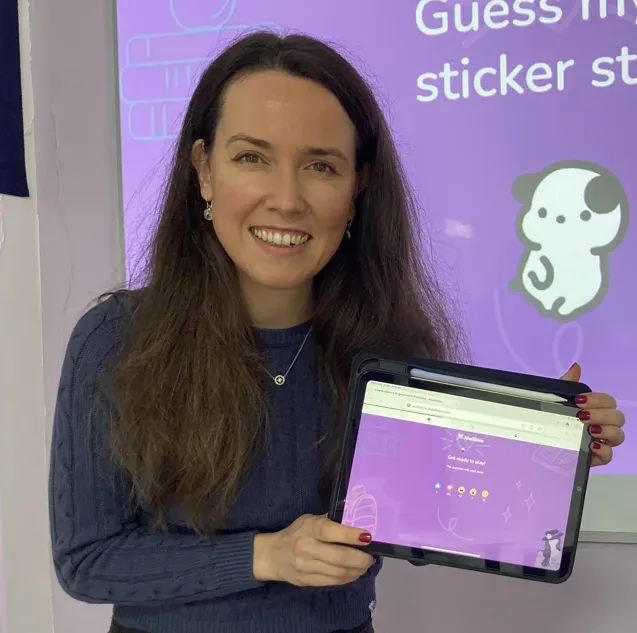
我简直不敢相信竟然有这么多不同类型的问题——而且它们都能融入到同一个演示文稿中。我立刻就开始使用它,并且马上就取得了成功。
Kristina Topalova,The English Lady 的创始人兼教师
克里斯蒂娜·托帕洛娃
创始人兼教师,“英国女士”

常見問題解答

What is an idea board?
An idea board lets participants submit ideas as text, images, or links into preset columns organized by topic or team, or freely on one open board. Think of it as a digital brainstorming board built into your presentation — no separate app, no extra link to manage. After submission, group ideas with AI and open voting to surface the strongest ideas.
How is it different from an open-ended question?
An open-ended question covers one topic and collects responses in a single stream. An idea board lets you run multiple topics or separate multiple teams on one slide using columns, so everything lands in the right place without extra slides or manual sorting afterward.
How is it different from tools like Miro, Notion, or FigJam?
Those are standalone apps. You leave your presentation to use them, then manage a separate link and a separate record. idea board is built into your slide — the session flow stays intact, the results stay with your deck, and there's nothing to chase down after the session.
How many participants can submit ideas at once?
Up to 2,500 participants can submit on the Pro plan. For larger sessions, our Enterprise plan supports up to 100,000 participants on demand
Can I create my own categories?
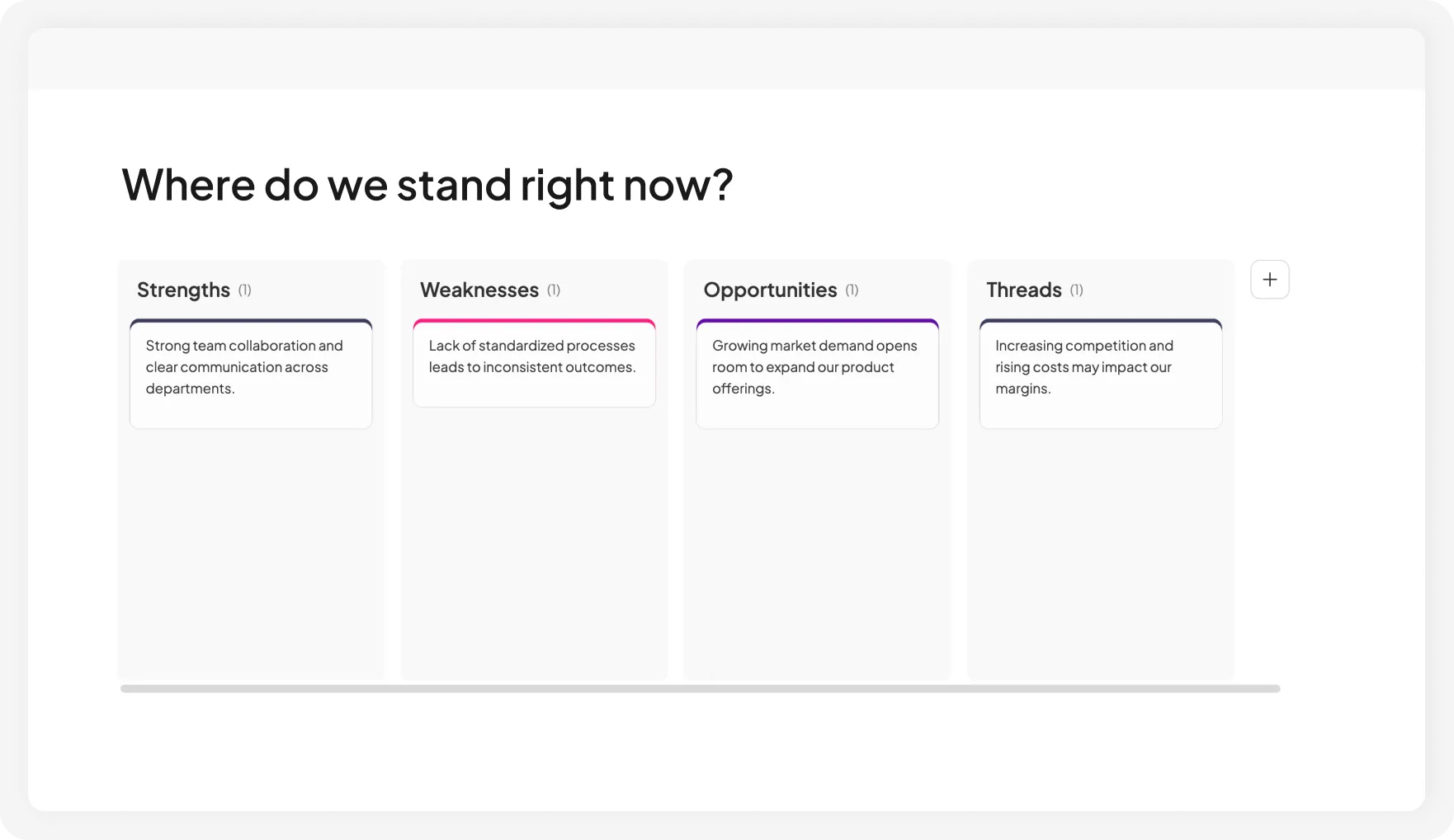
Yes. Set up columns in advance for any activity — team submissions, SWOT analysis, topic collection, pros and cons, or reflection prompts.
Can I use it without preset categories?
Yes. Keep the board open for free input and use AI to group similar ideas into themes afterward.
© 2026 AhaSlides 私人有限公司