
6 Thinking Hats Template
The Six Thinking Hats by Edward de Bono is a decision-making tool that fosters effective group thinking by addressing emotions, processes, risks, benefits, creativity, and facts in distinct ways.
The Six Thinking Hats by Edward de Bono is a decision-making tool that fosters effective group thinking by addressing emotions, processes, risks, benefits, creativity, and facts in distinct ways.
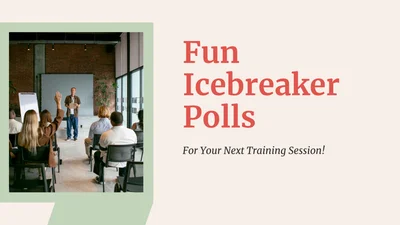
Welcome to today's session! We'll explore interactive icebreaker polls to enhance your training. Let’s kick off with fun activities to gauge moods, learning styles, and skill swaps!
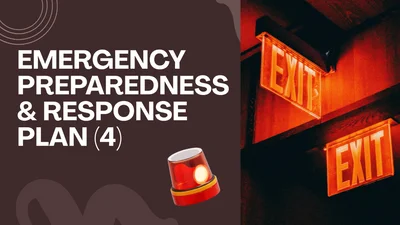
The ERP outlines roles in emergencies, including first aid, evacuation, and communication duties. Regular updates and drills are vital for safety, especially after store layout changes.

Ensure food safety with clean utensils, proper storage, pest control, and employee hygiene. Follow guidelines for cooking, cleaning, and monitoring temperatures to prevent contamination.
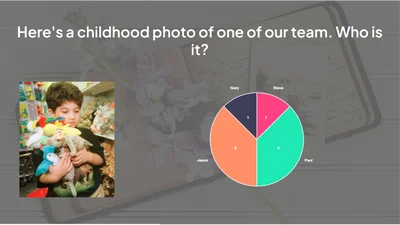
Introducing our Digital Marketing Slide Template: a sleek, modern design perfect for showcasing your marketing strategies, performance metrics, and social media analytics. Ideal for professionals, it
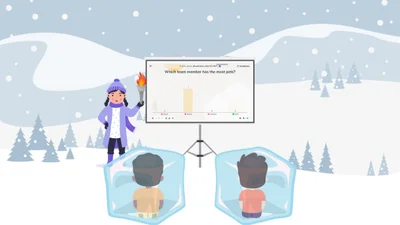
Unlock new opportunities, understand session goals, share knowledge, gain valuable insights, and improve skills. Welcome to today's training session!
Explore ancient civilizations through their monuments, contributions, writing systems, mythological figures, and regions. Test your knowledge and uncover the rich history that shaped our world!
Explore leadership at Santa's Workshop, focusing on delegation challenges, effective steps, key principles, and its vital role in leadership success.
A year of growth, challenges, and memorable moments! Let's reflect on achievements, core values, and how we can improve, while celebrating our team's spirit and looking forward to next year’s goals.
Explore overcoming year-end sales objections through effective strategies, common challenges, and the steps needed to handle them successfully in sales training.
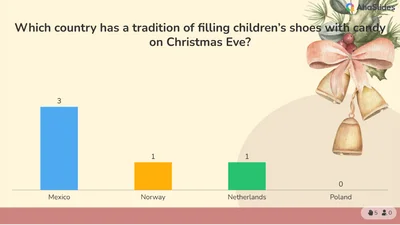
Explore global holiday traditions, from KFC dinners in Japan to candy-filled shoes in Europe, while uncovering festive activities, historical Santa ads, and iconic Christmas movies.
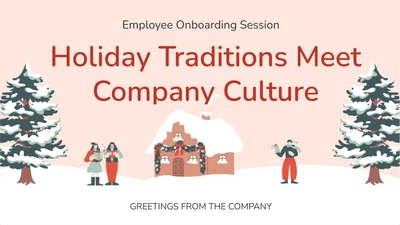
Explore how holiday traditions enrich company culture, suggest new traditions, align steps to integrate them, match values with traditions, and enhance connections during onboarding.
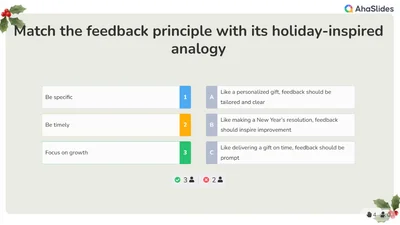
Explore the synergy of feedback and holiday spirit: match principles to analogies, share one word for great feedback, discuss challenges, sequence effective steps, and see feedback as a festive gift.
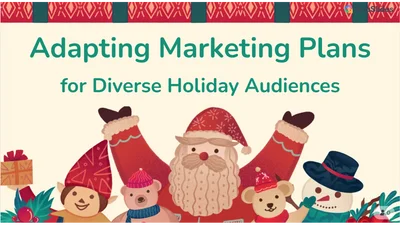
Explore inclusive holiday campaigns by identifying key audiences, adapting strategies, and recognizing the importance of tailoring marketing to diverse groups for effective outreach.

Explore International Women’s Day: Its history, current issues like FGM and violence, women's activism, and ways to empower women daily. Join the discussion on global gender equality challenges!
Discover global New Year traditions: Ecuador's rolling fruit, Italy's lucky underwear, Spain's midnight grapes, and more. Plus, fun resolutions and event mishaps! Cheers to a vibrant New Year!
A document management system can reduce costs, secure information, and improve access. Key steps include assessing current systems, documenting requirements, and organizing files effectively.

The Emergency Response Plan (ERP) guides staff in emergencies, detailing alarm activation, evacuations, first aid, and responsibilities, ensuring safe, effective communication and preparedness.
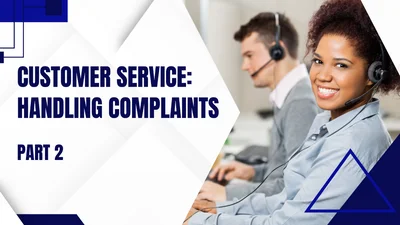
Address online complaints with the LAST strategy: Listen, Apologize, Solve, and Thank. Respond promptly to show you care, as ignoring issues can harm your reputation and customer trust.
Cybersecurity is vital to prevent cyber attacks, which aim to disrupt operations or steal data. Use firewalls, antivirus software, and update systems. Avoid opening untrusted email attachments.
We value your feedback on event satisfaction, organization, session quality, and areas for improvement. Please share your experiences and highlights. Thank you for helping us enhance future events!
Use unique passwords for each account, keep them private, and consider a password manager to store and generate secure ones. Always log off shared devices and focus on password length.
Be cautious of social engineering and phishing attacks disguised as emails from friends. Protect yourself by rejecting help offers, securing devices, and paying attention to details.
This lesson covers employee actions during security threats, medical emergencies, and evacuations, emphasizing communication, defined roles, and calm responses to ensure safety.
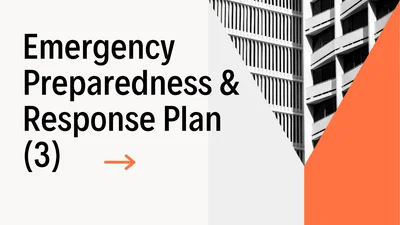
Emergency drills enhance readiness by simulating real incidents, while debriefs identify improvements. Employees should follow instructions, report hazards, and adapt drills to store changes.
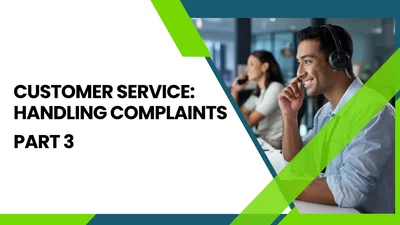
Owners succeed by responding promptly and explaining service costs politely. Brands, like Disney, leverage customer complaints to improve experiences, enhancing satisfaction and brand loyalty.
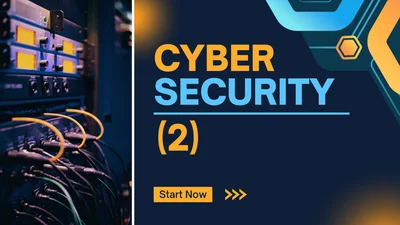
Always keep your mobile device with you, verify identities before sharing info, securely store and dispose of sensitive documents, and stay aware of your surroundings to protect company data.
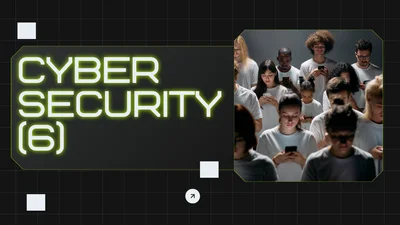
Cookies aren't meant to harm your computer. Be cautious of fake sites; check for "https://" and padlocks. Use browser security features and manage cookies for safer browsing.
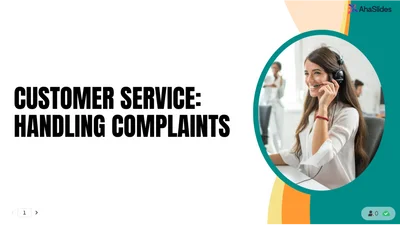
To effectively handle customer complaints, respond promptly, listen actively, take responsibility, personalize solutions, and follow up to enhance relationships and improve experiences.

This presentation covers noise exposure standards (85 dB for 8 hours), the importance of proper PPE, and the risks of ignoring signage in the workplace, highlighting safety compliance and awareness.
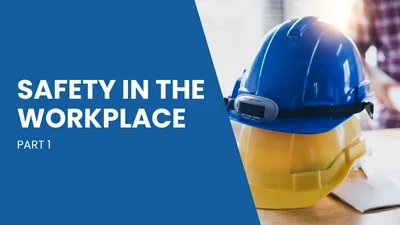
The presentation outlines workplace safety: proper footwear for sharp objects, immediate spill cleanup, clear emergency access, preventing falls, and maintaining good housekeeping practices.
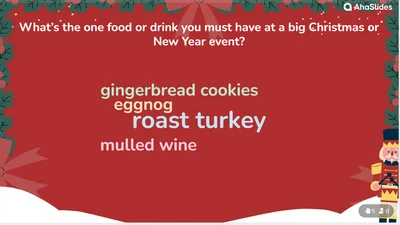
Explore essential festive traditions: must-have foods and drinks, unforgettable event features, unique customs like throwing out items in South Africa, and more worldwide New Year’s celebrations.

Maintain a tidy store by cleaning spills calmly, choosing shoes with grip, managing waste, and offering phone charging at the register. Remember: good housekeeping prevents accidents!

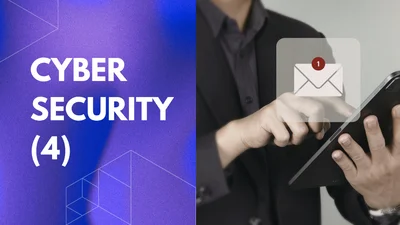
Learn email safety: use secure WiFi, antivirus, and spam filters. Avoid sharing sensitive info, opening suspicious emails, and clicking links. Create a separate email for public sites.
This document covers waste management, data protection policies, physical security measures, and employee access control, ensuring confidentiality and effective emergency procedures.

To reduce trips, slips, and falls, address potential hazards like clutter, poor lighting, and wet floors. Ensure umbrellas have a designated spot and maintain cleanliness for safety.

Learn safe lifting techniques: plan the lift, assess the load, maintain a stable stance, and follow the 7 steps for a safe execution. Team lifts require clear, single-direction instructions.
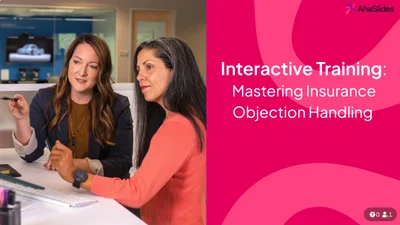
This training focuses on mastering objection handling in insurance sales, using the L-A-R-C framework, practice sessions, and strategies for addressing common objections effectively.
Ensure authorized access to systems, establish communication protocols, train staff on security, manage incidents effectively, and regularly review compliance and disaster recovery plans.
To better support our team, let's identify helpful resources, share ideas for workplace enjoyment, and focus on building a stronger, more collaborative environment together.
Successful workplace change hinges on effective tools, excitement, understanding resistance, measuring outcomes, and navigating change dynamics strategically.
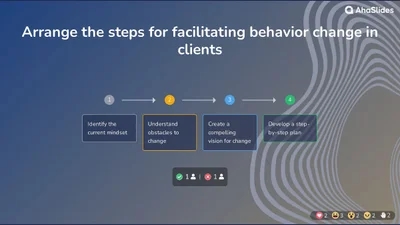
Elevate your coaching sessions and performance management training with this comprehensive, interactive slide deck!
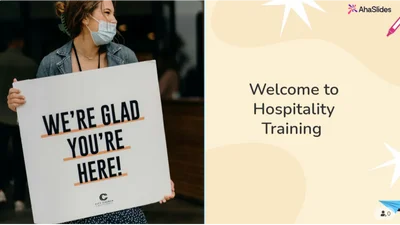
This training covers guest greetings, honest communication, effective upselling, positive language, handling complaints, first impressions, and cultural sensitivity in hospitality.
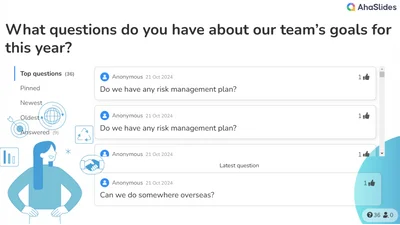
Seeking suggestions for team-building activities, collaboration improvements, and questions about our goals as we shape our team's future together. Your feedback is essential!
Explore how to collaborate with your manager: discover feedback preferences, recognition styles, decision-making, and experience, while sharing your expectations for a productive working relationship!
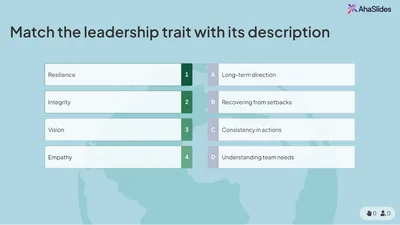
This leadership session explores essential skills, self-awareness, communication barriers, and action steps. Engage in activities to enhance your leadership style and empower future leaders.
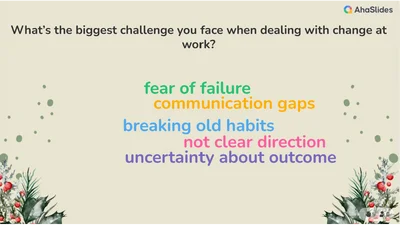
This discussion explores workplace change challenges, personal responses to change, proactive organizational shifts, impactful quotes, effective leadership styles, and defines change management.
Training templates that transform your sessions
Great training sessions don't happen by accident. They're built.
Our training templates are the foundation you've been looking for. It's designed with a simple truth in mind: the best trainers are both efficient and engaging.
Whether you're onboarding new hires, conducting soft skills workshops or providing technical instruction, we’ve got you covered. With AhaSlides’ training templates, you can save time on preparation while keeping participants engaged through integrated quizzes, polls, and live Q&A. Perfect for trainers aiming to deliver structured, clear, and interactive learning experiences!
Ready to build better workshops? Start with these training templates.
Official templates help you prepare interactive presentations for training, meetings, classes, and workshops. Community templates are created by users and shared to inspire others.
All templates are free to download and host, but some may exceed the free plan limits (5 quiz questions or 3 polls), which require a paid plan.