
Use our online quiz creator to turn any session into a game your audience wants to play. Build a quiz in minutes, share a join code, and watch the leaderboard do the rest.







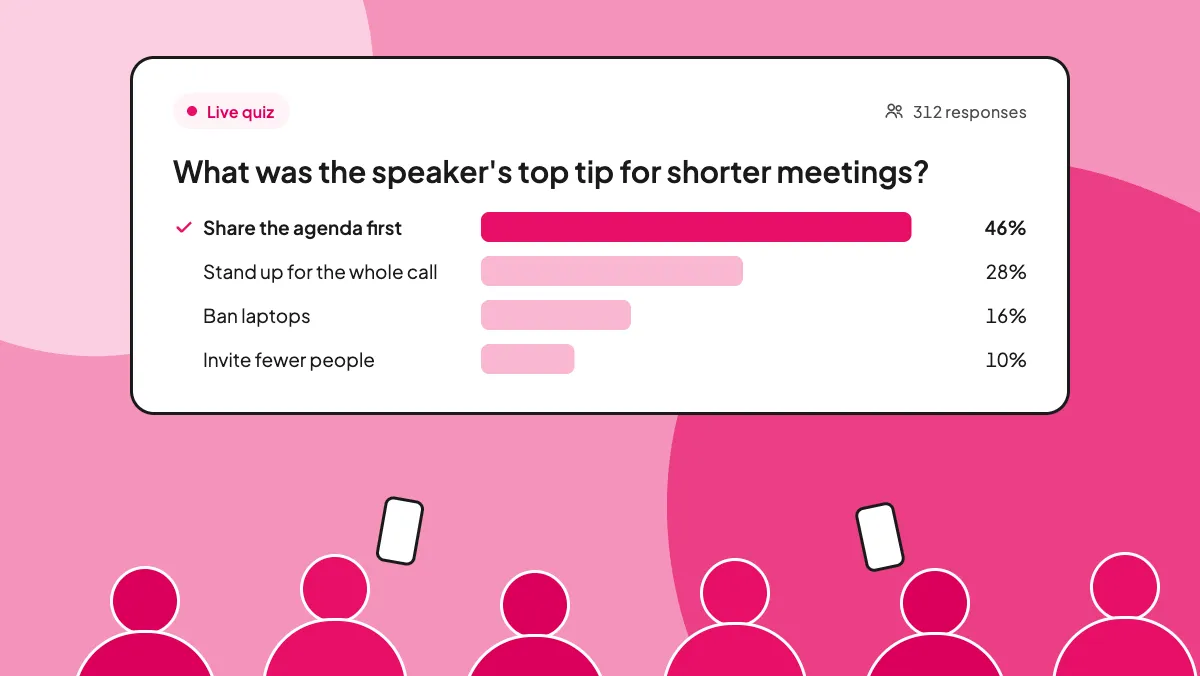
An online quiz creator lets you build a quiz and host it live. Your audience answers on their phones and a leaderboard shows who is ahead.
Yes. You can create and host live quizzes on the AhaSlides Free plan, with up to 50 participants per presentation. No credit card needed. Free includes 5 AI quiz generations from PDF or PowerPoint a month. Team play and answer shuffling come with Pro.
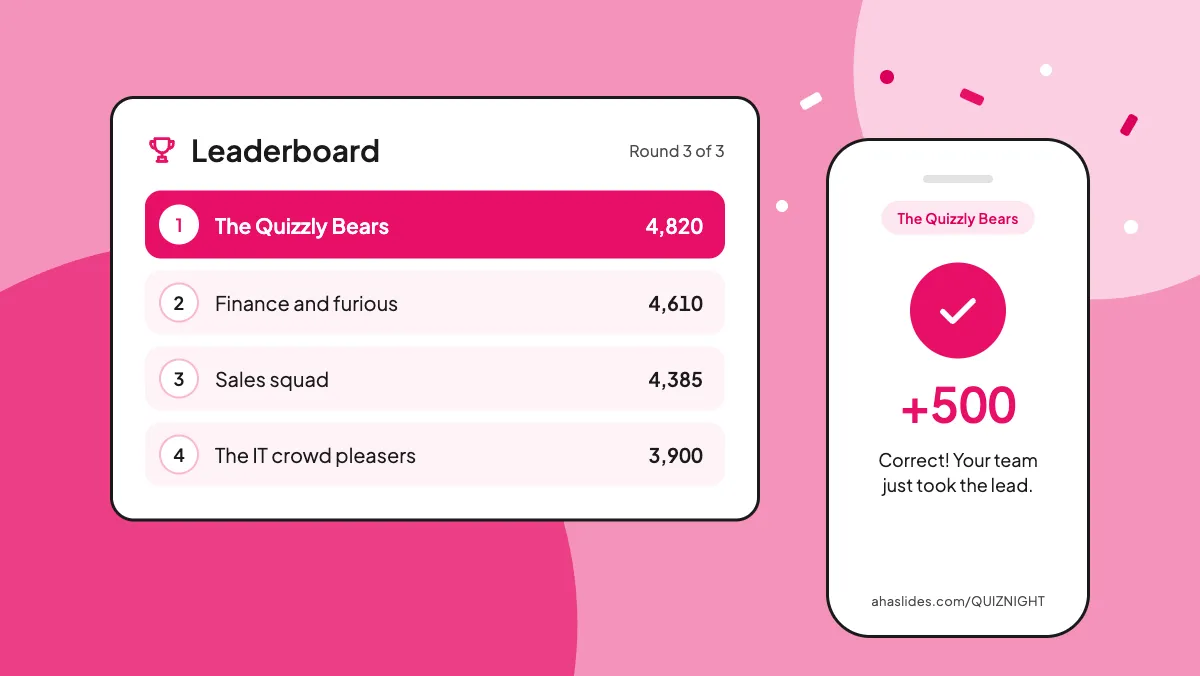
Write your questions or let AI draft them. Your audience joins on their phones with a QR code or join code, no app needed, and plays. Scores update live on your screen.
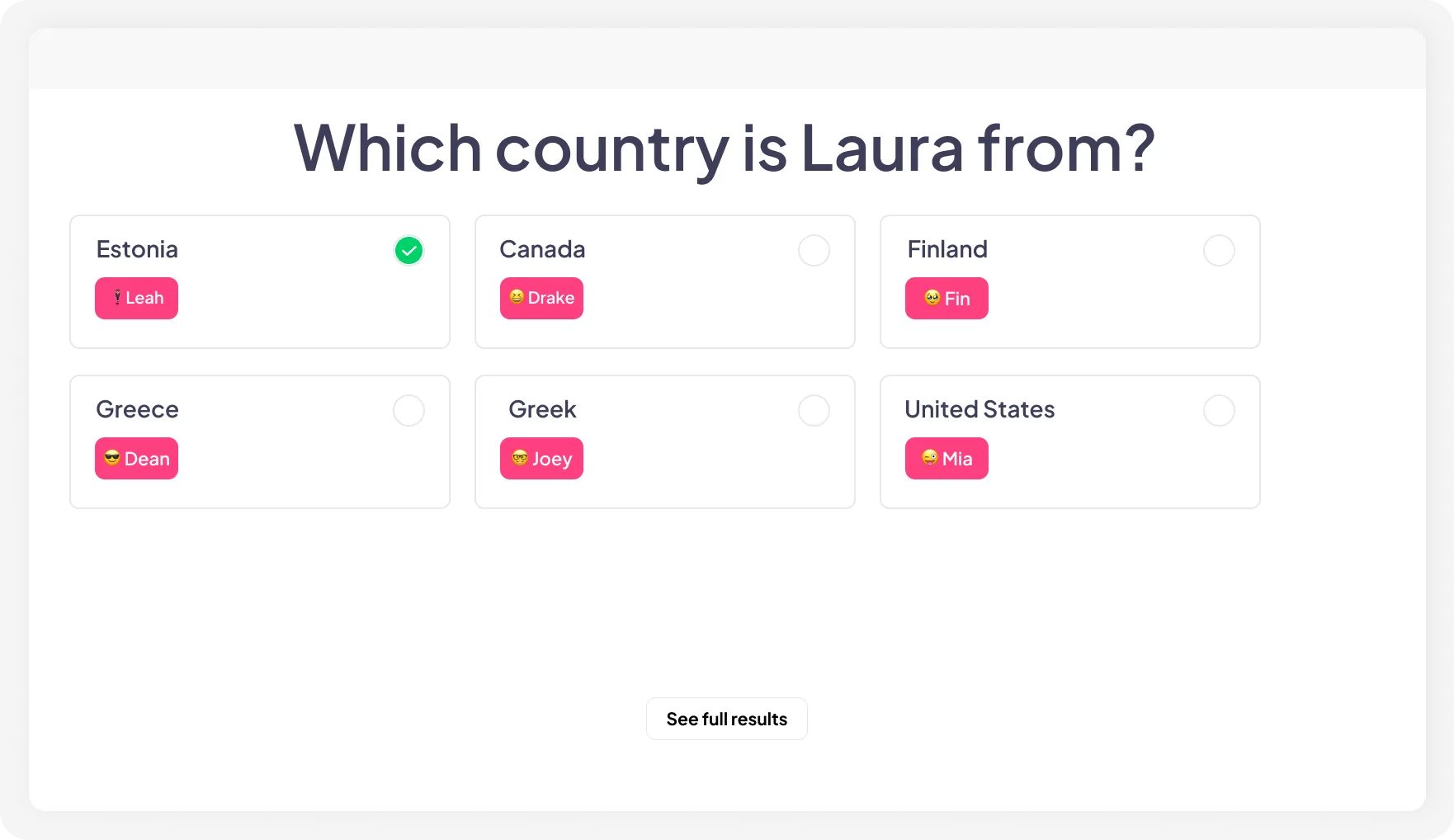
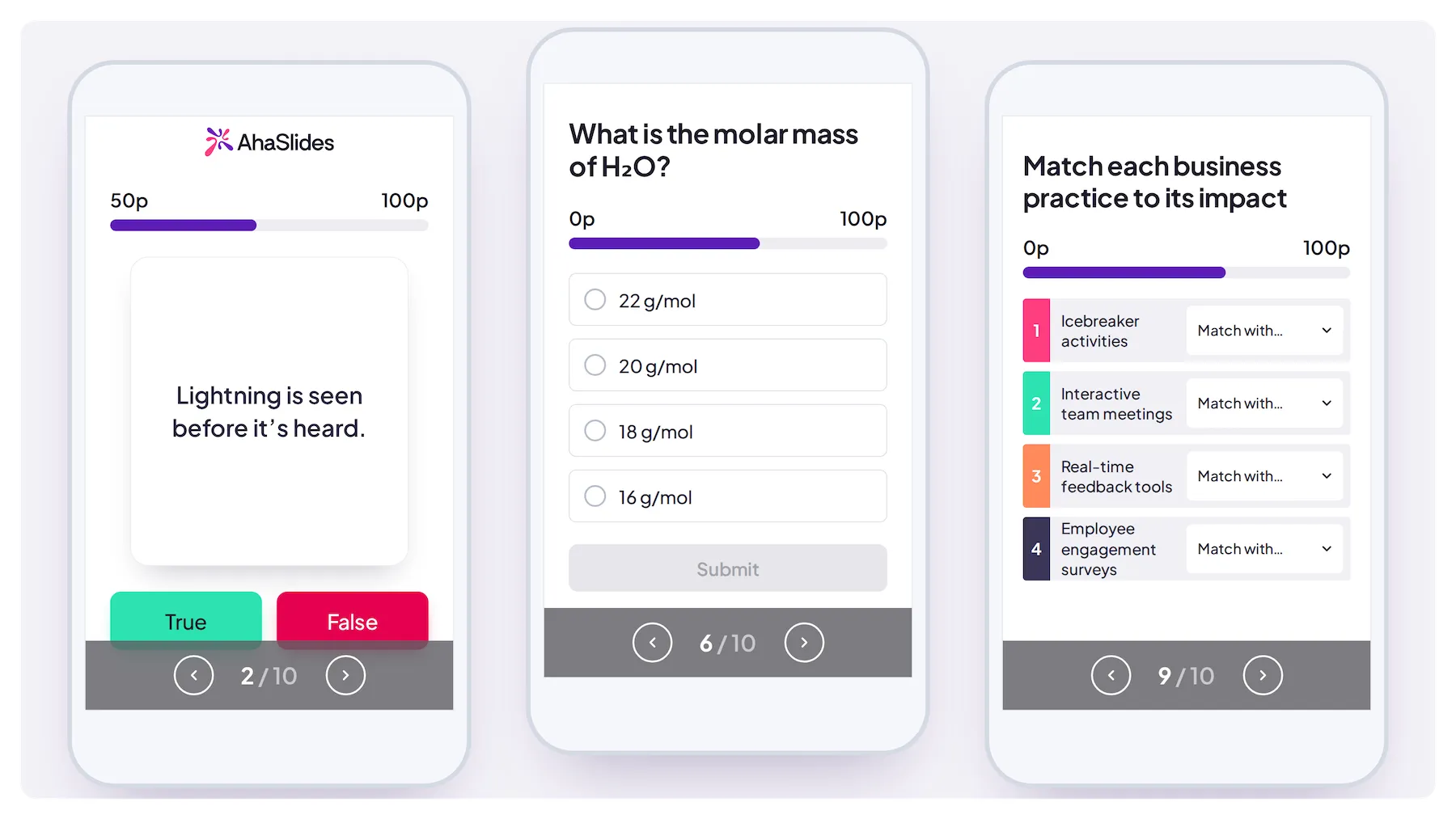
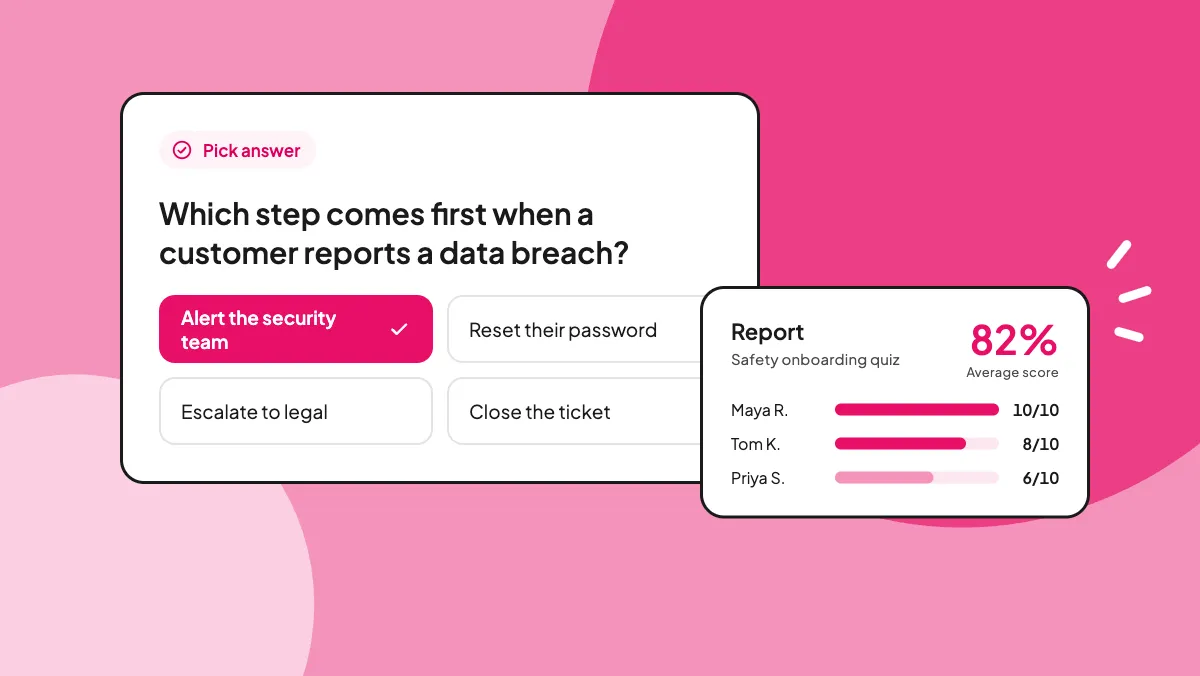
Let participants pick the correct answer(s) from 2 or more options.
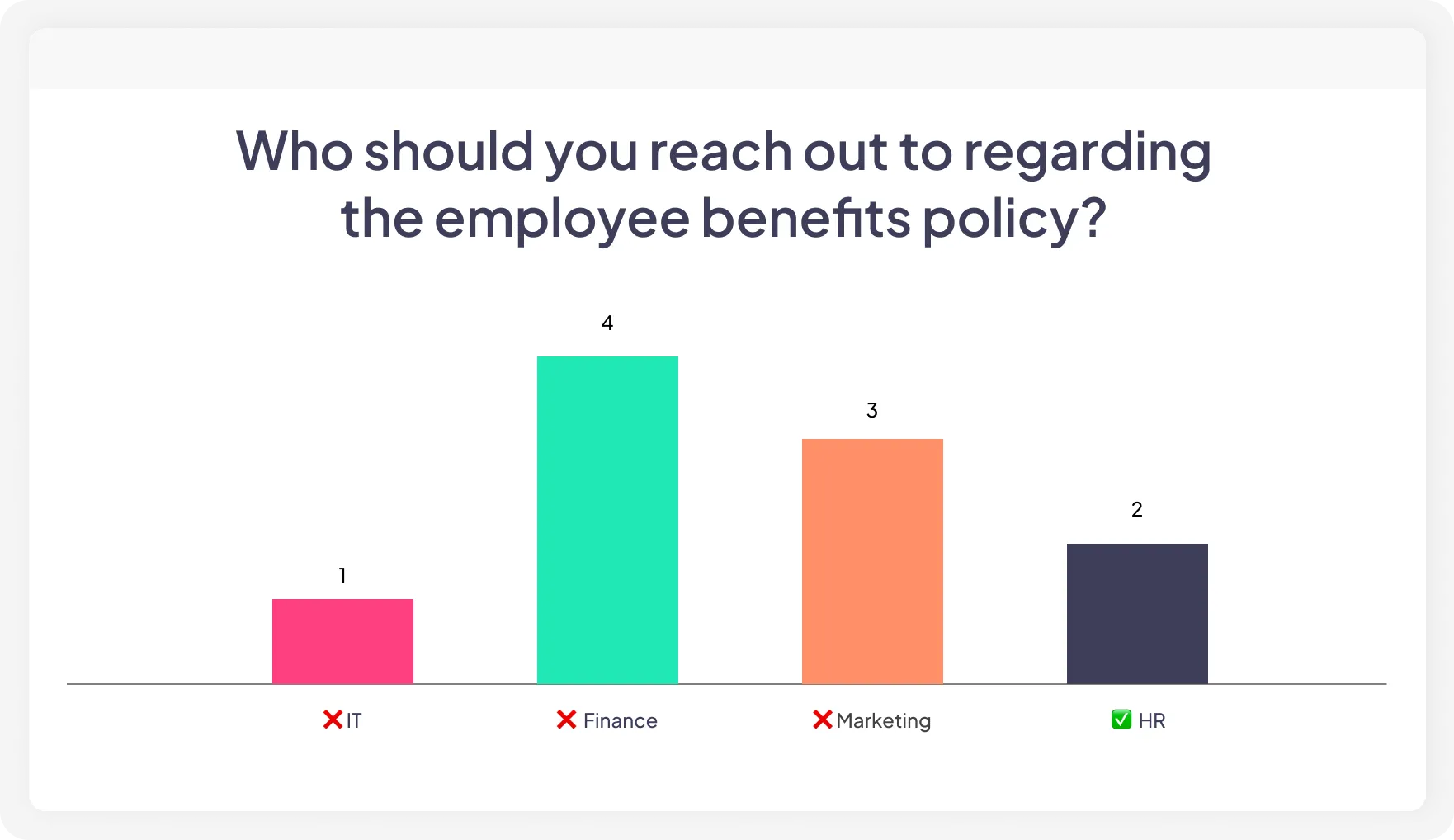
Let participants provide written responses to a question rather than select from given options.
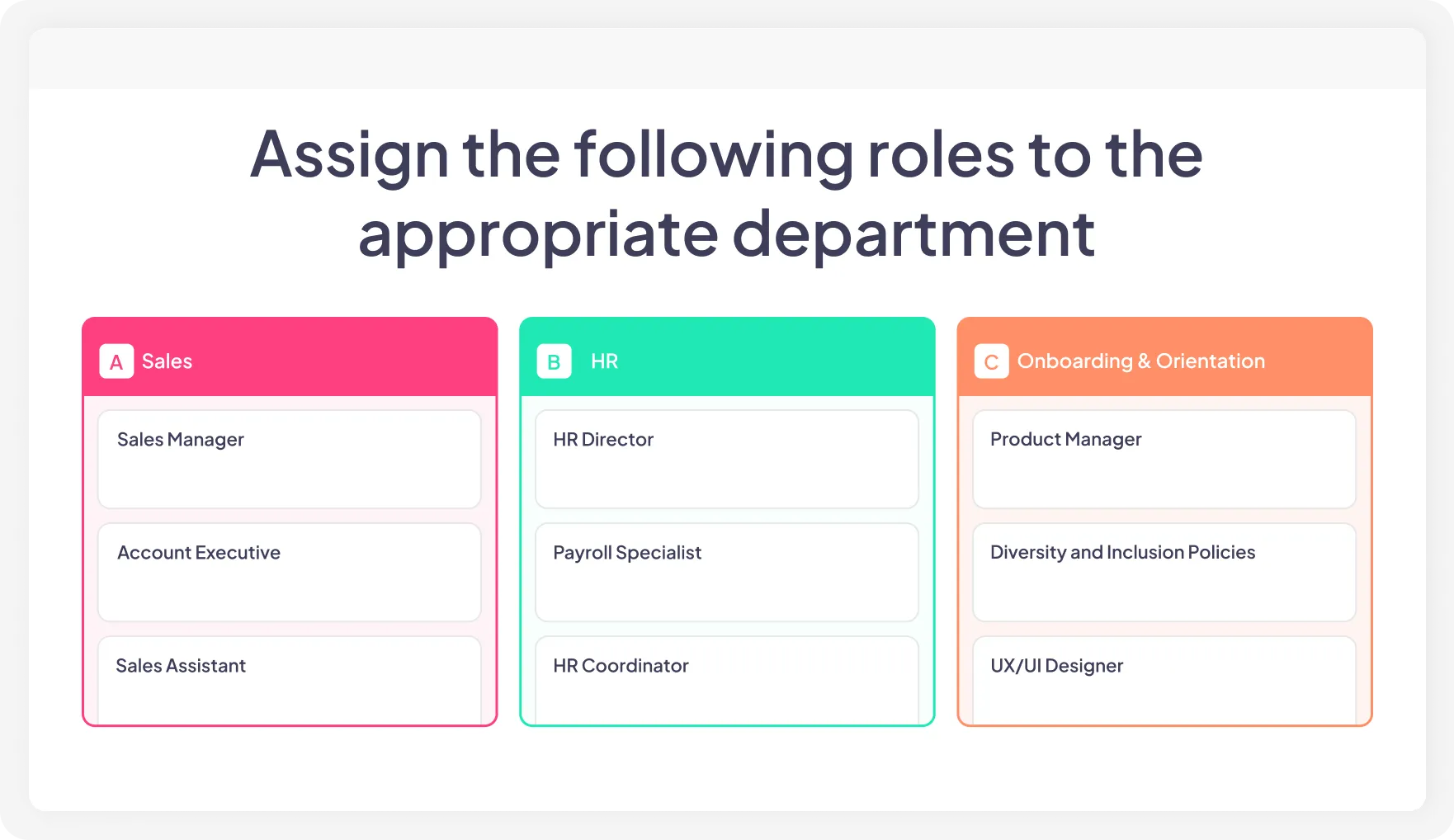
Organise items into their appropriate categories.
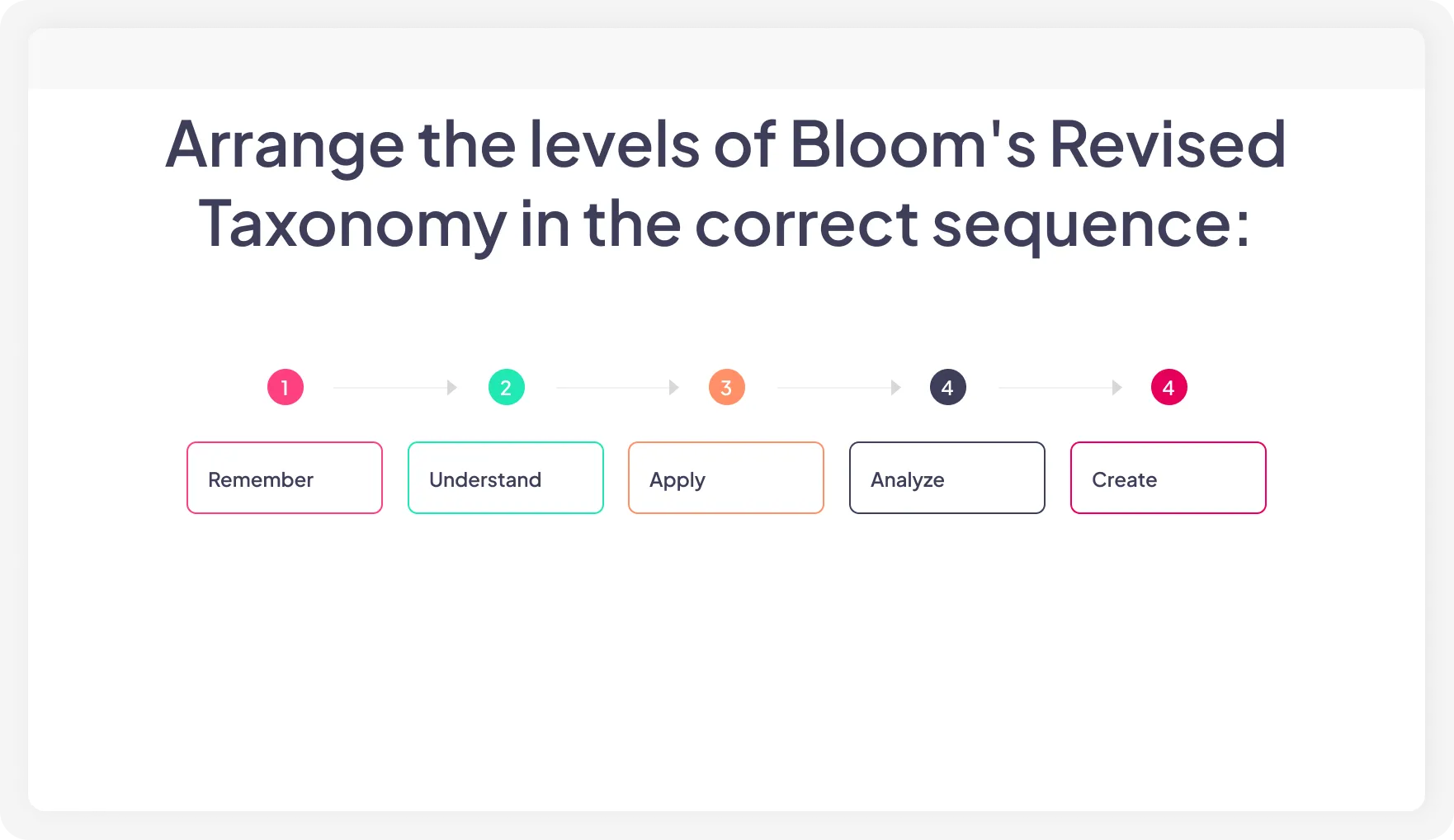
Arrange items in the correct order. Good for revising historical events.
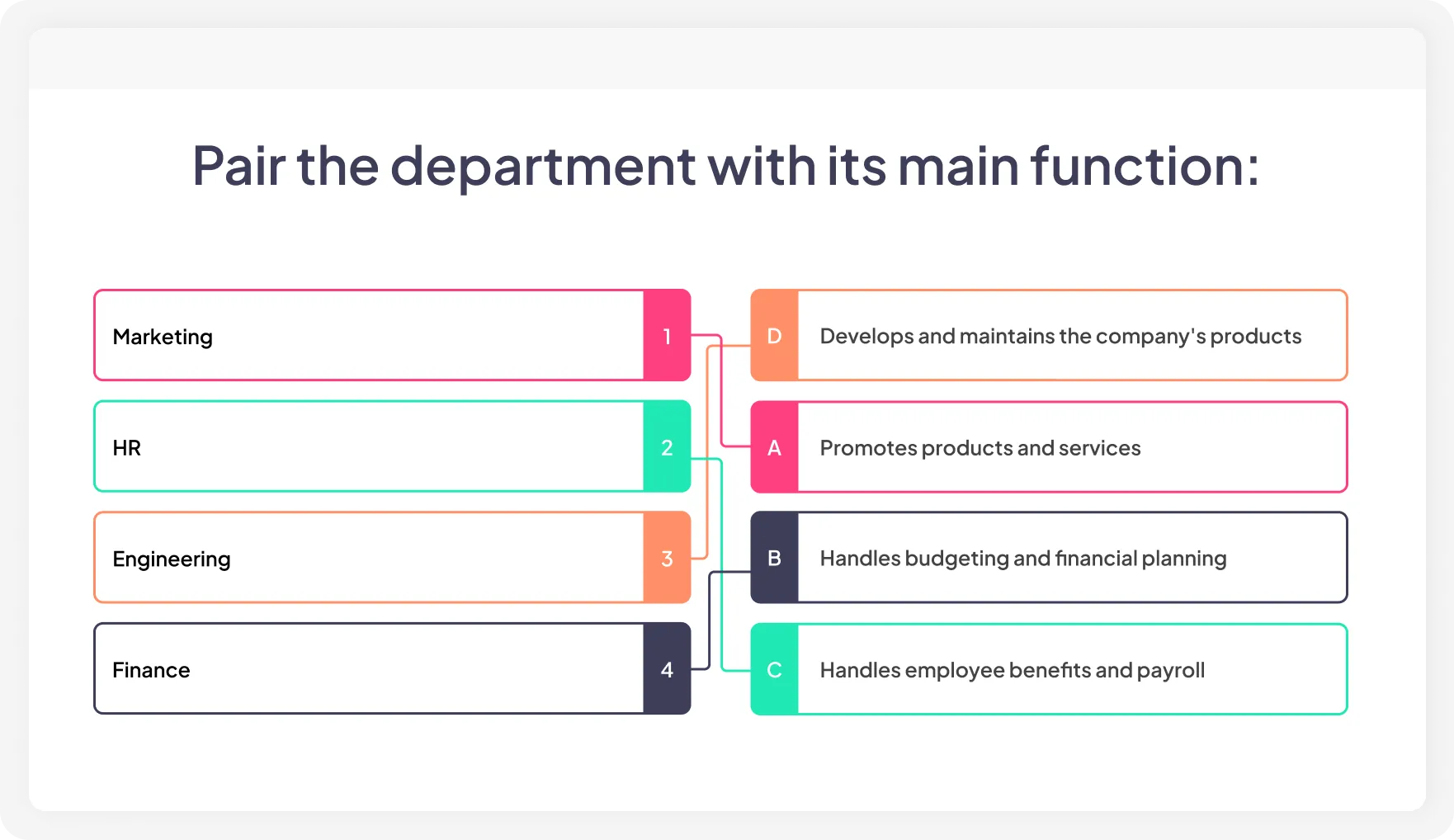
Match the correct response with the question, picture, or prompt.
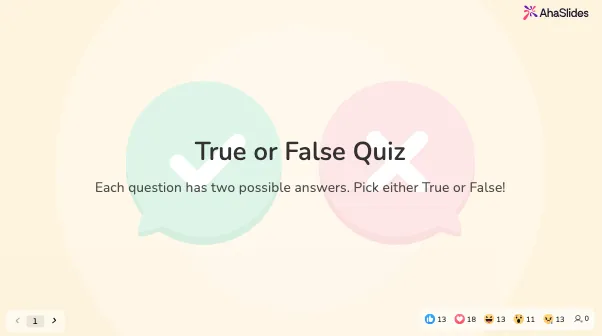
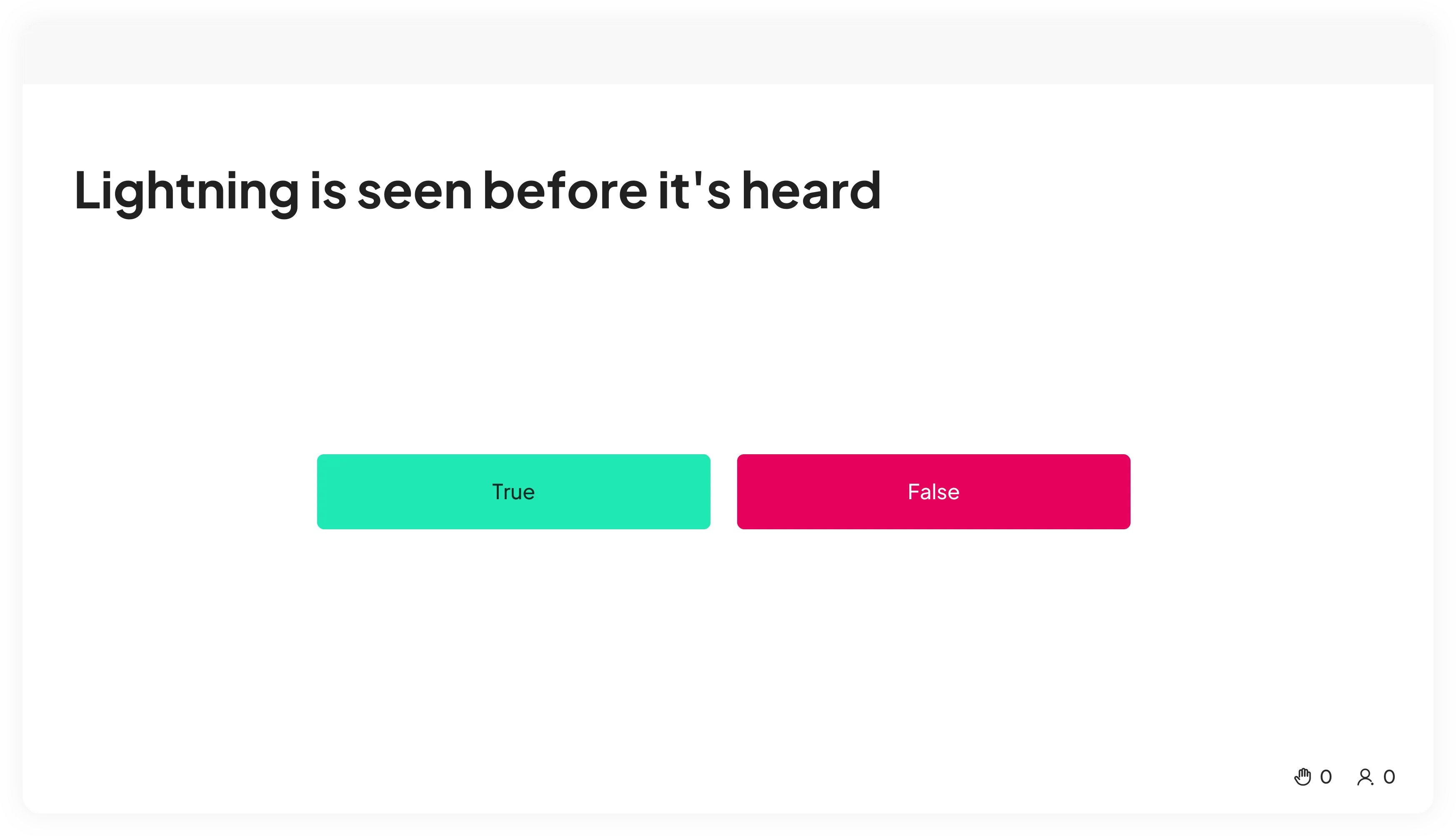
Two options, answered at speed. Perfect for rapid-fire rounds and quick knowledge checks.
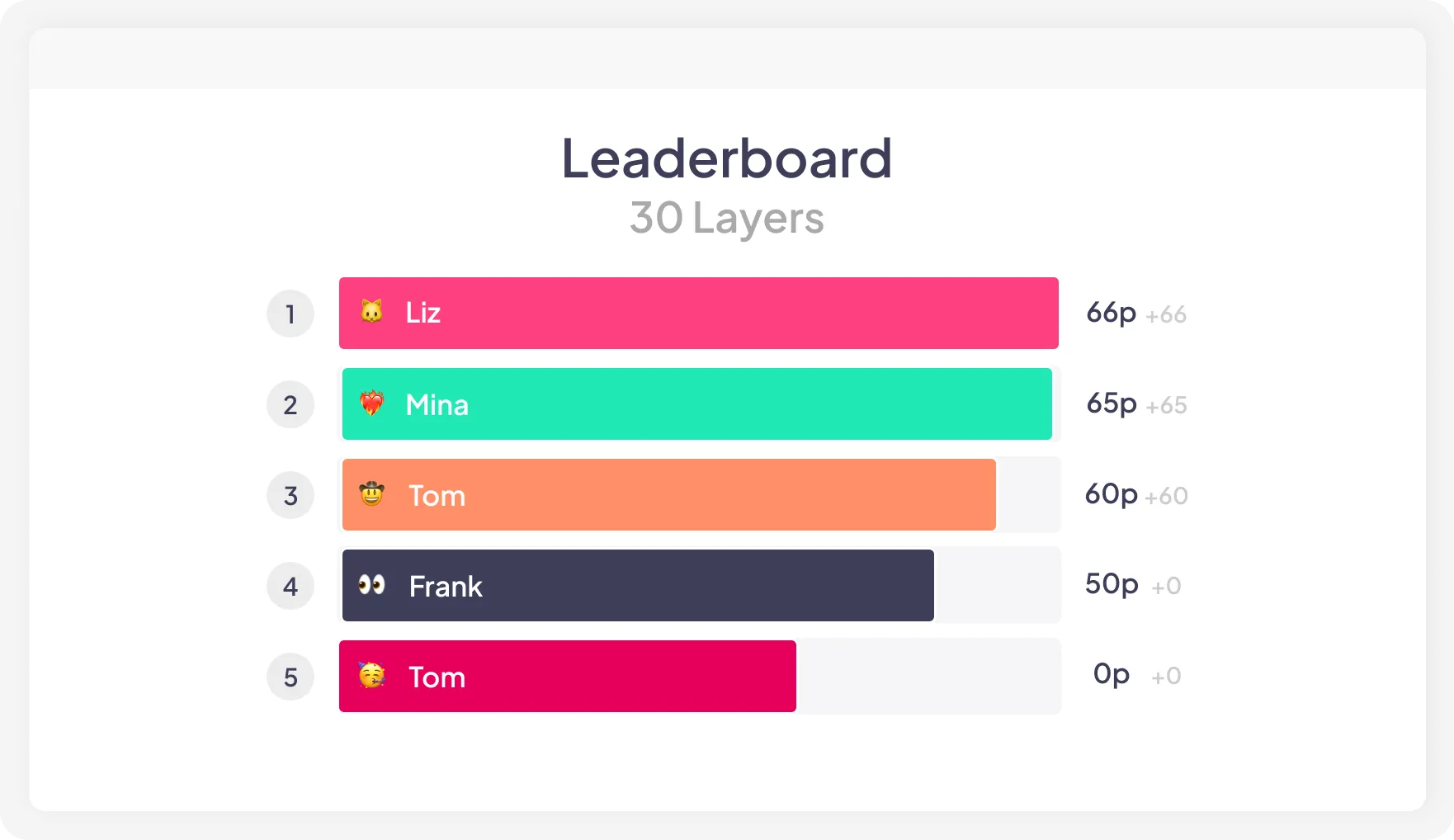
Show the individual or team's ranking.
Start from a blank slide, pick a template, or give AI a topic, PDF, PowerPoint or a doc. You'll have a full quiz with questions and answers in seconds, ready to edit.
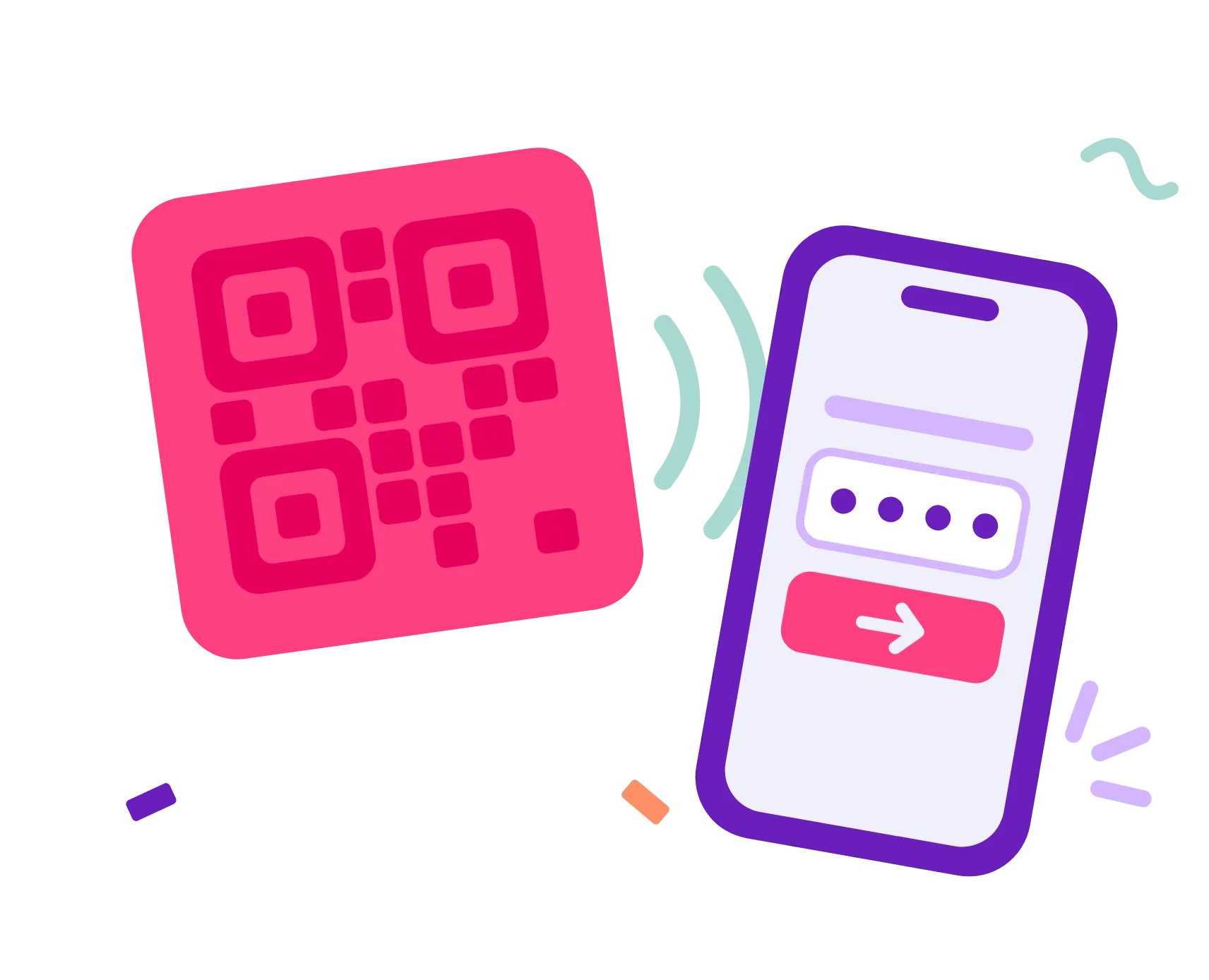
Your audience scans a QR code or types a short code on their phone. No app, no account.
Run it on the big screen with timers and a live leaderboard, or send it out for people to finish on their own time.
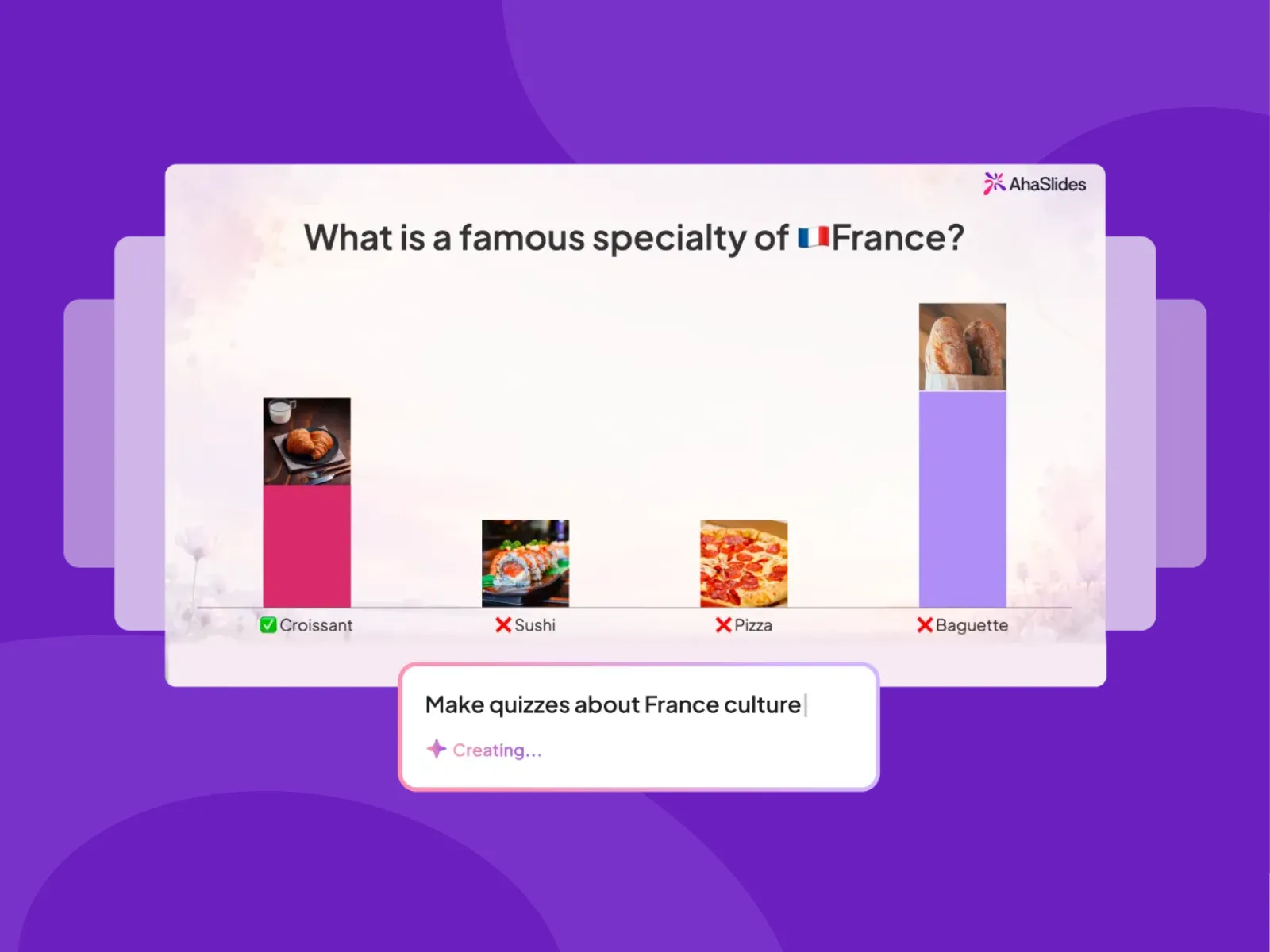
Describe a topic or upload a PDF or PowerPoint and AI writes a full quiz in seconds with custom branding, colours and font. Check knowledge retention and comprehension with targeted questions that reveal learning gaps.
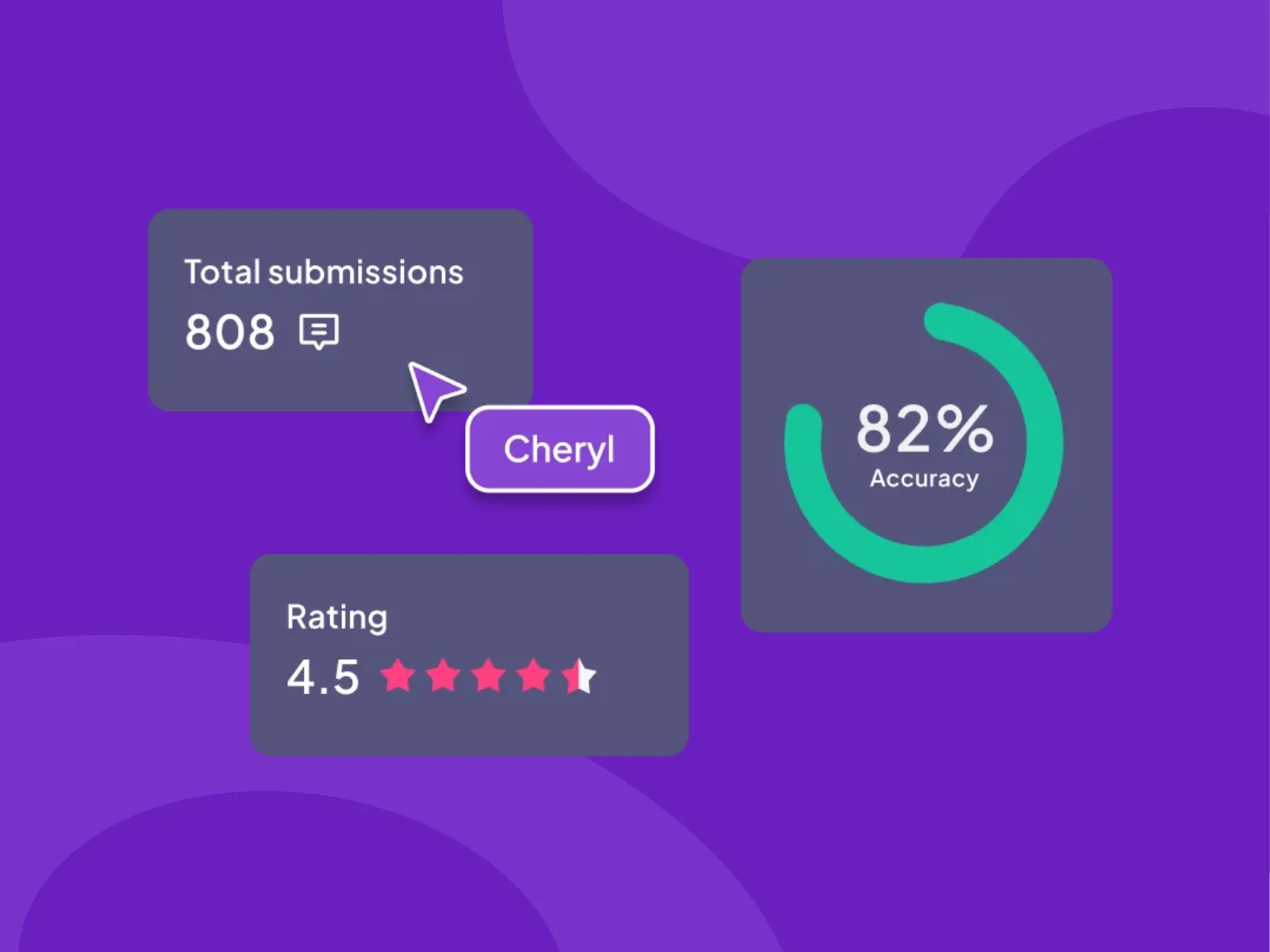
Every answer is saved after your session. Export the results, or ask the AI assistant to spot knowledge gaps and flag which questions tripped people up. You'll know exactly what to revisit before you plan the next session.



Yes. You can create and host live quizzes on our free plan, with up to 50 participants per presentation.
Yes. Give the AI a topic or upload a PDF, PowerPoint, or Word doc, and it generates a full quiz with questions and answers in seconds. You can then edit, reorder, or add questions before you play.