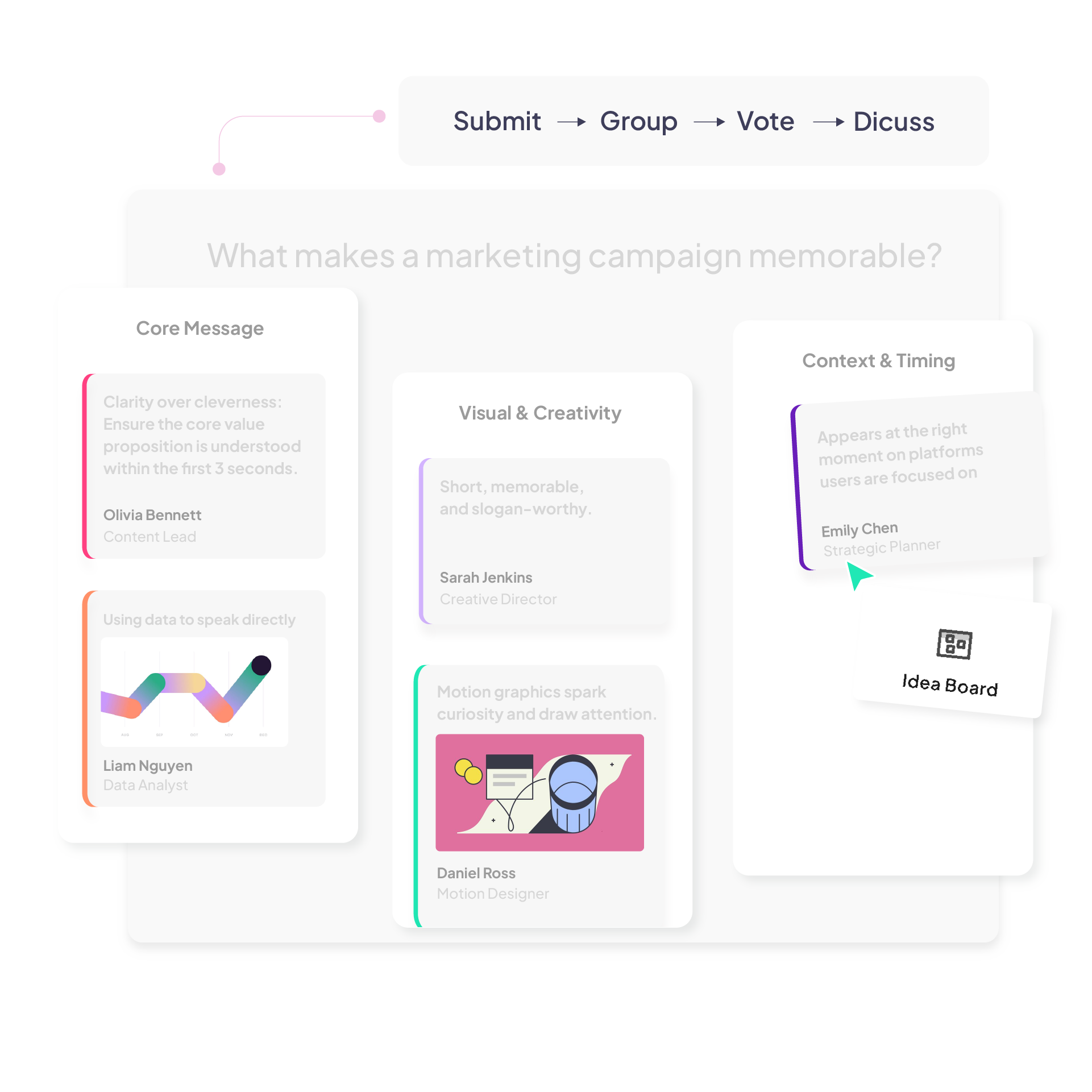
Idea Board — live brainstorming built into your presentation 

Collect and collaborate on ideas as text, images, and links — in preset columns or on one open board.

Group responses with AI, vote on the best ones, and keep everything inside your presentation.
Try Idea Board for free
AhaSlides ranking poll showing audience responses ranked by priority in real time
Trusted by 4M+ users from top organisations worldwide
MIT university logoUniversity of Tokyo logoMicrosoft logoUniversity of Cambridge logoSamsung logoBosch logo

One board, different ways to collect ideas

Give each team its own column so submissions stay separate, visible, and easy to discuss.
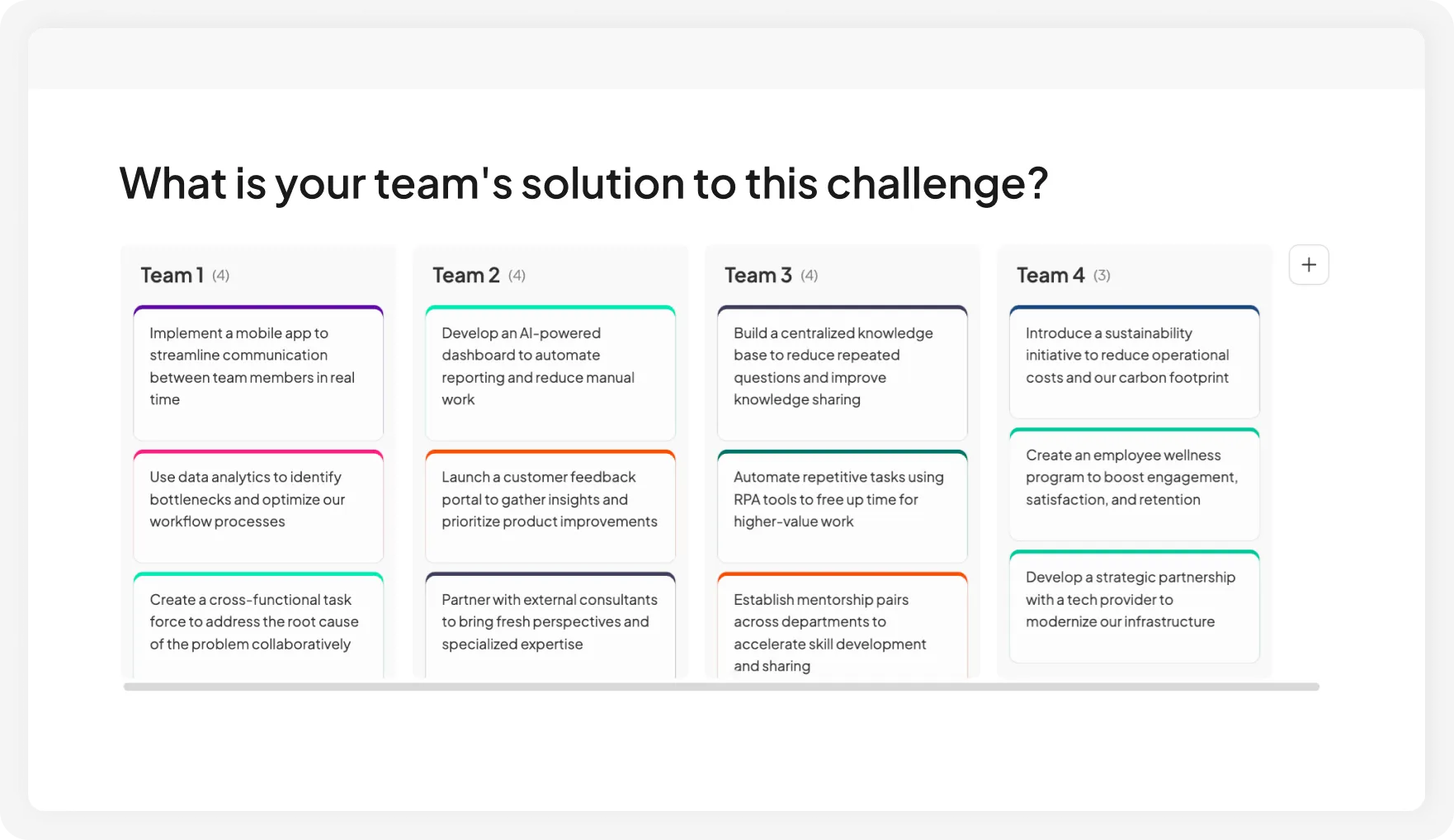
AhaSlides ranking poll used before a meeting to align on team priorities

See how well your audience understands key concepts, not just what they remember.
AhaSlides ranking poll used to test how well an audience understands key concepts

Put opinions on the table before the discussion begins.
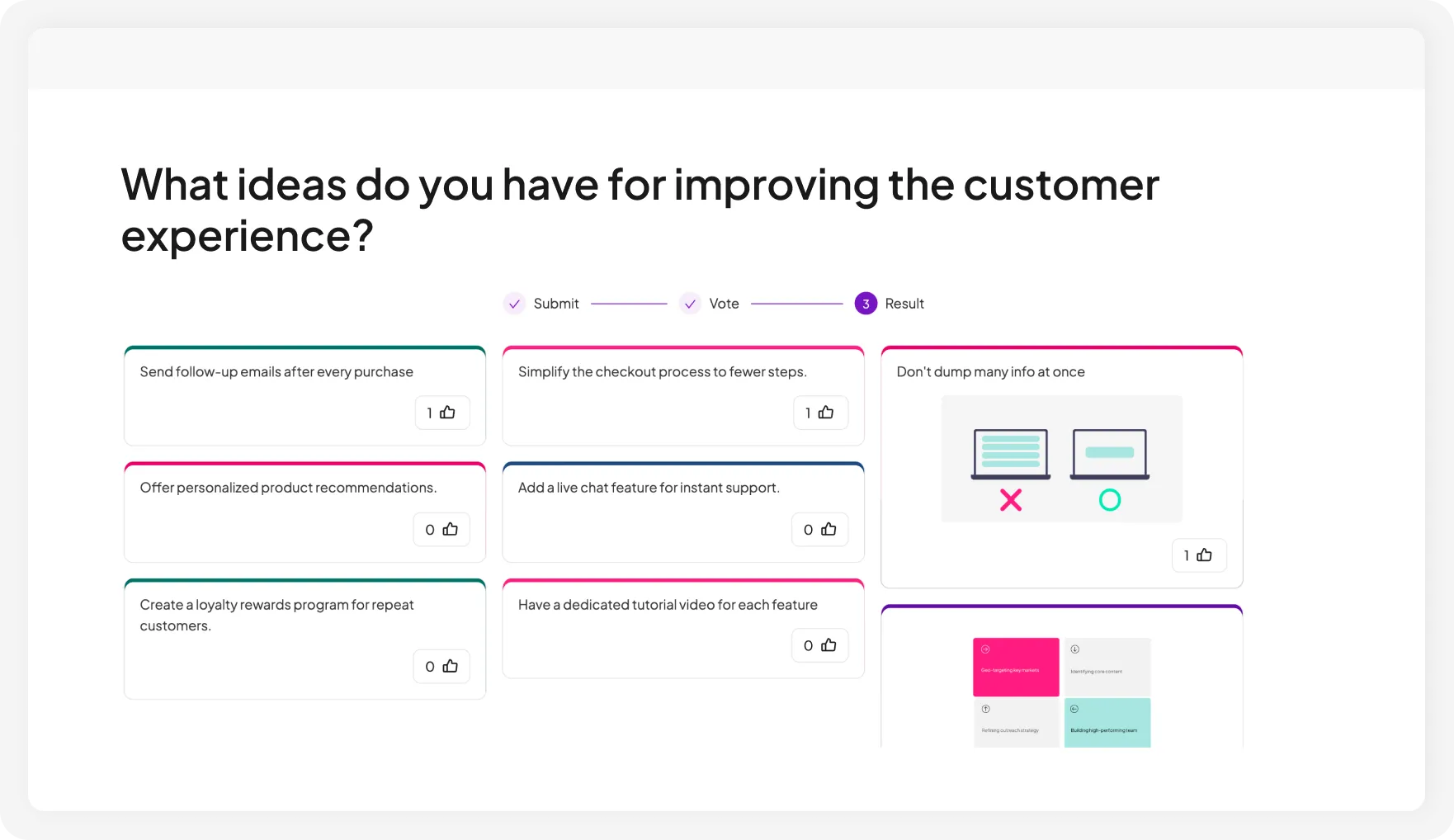
AhaSlides ranking poll putting audience opinions on the table before discussion starts

Open voting once the board fills up or after ideas are grouped. The strongest ideas rise, helping the group decide on the next step and keeping the discussion focused.
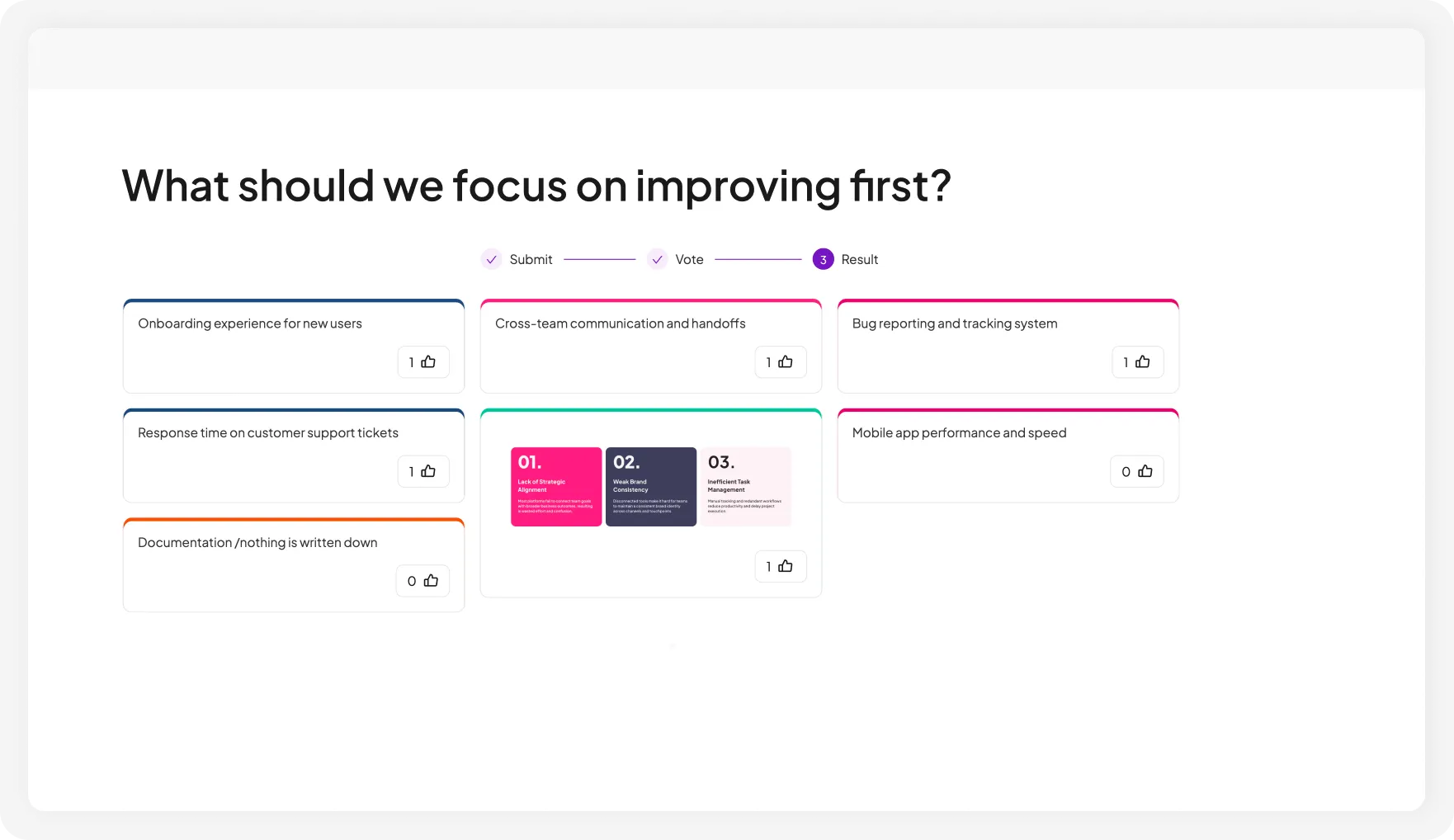

AhaSlides ranking poll giving everyone a shared starting point to replace circular debate
Try Idea Board for free

Start an idea board in 3 simple steps

1. Add an idea board slide

Create or open a presentation and add an idea board from the question menu.
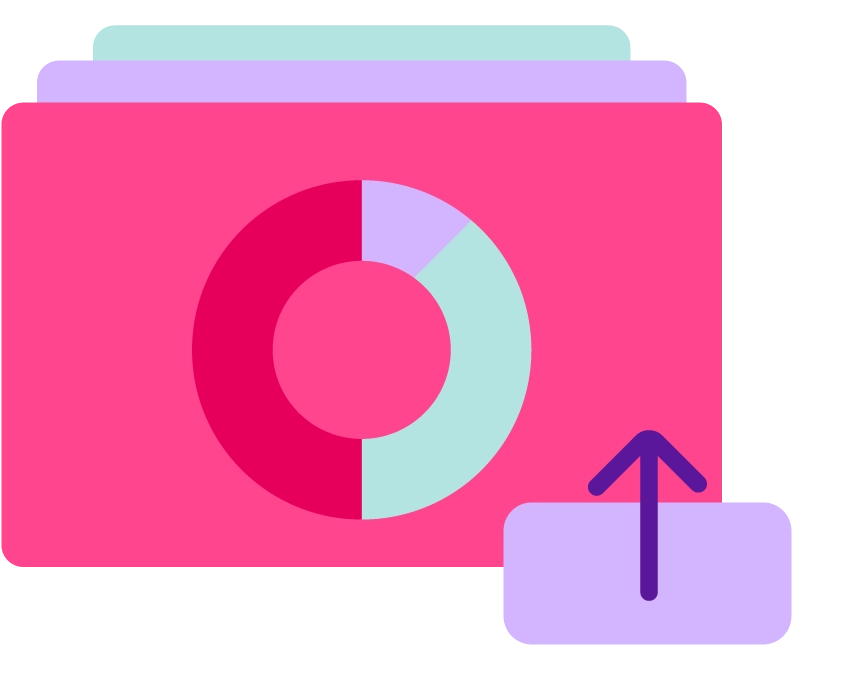
2. Set up your board

Enter your question, fill in the answer options, and customize the settings as needed.
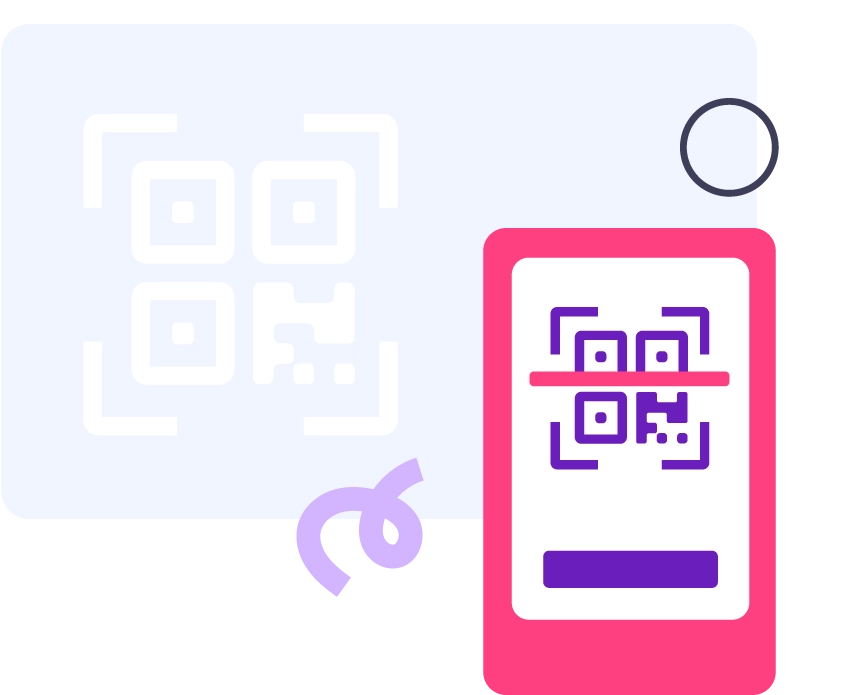
3. Share and collect

Participants join by QR code or link. Vote, group, and download when you're done.

Trigger discussion in every setting

A group of people at a conference using AhaSlides ranking poll to vote on session topics

Meetings & workshops

Collect ideas from the audience without losing structure, live or remotely. Great for brainstorming, retrospectives, planning, prioritization, and decision-making.

A team in a meeting using AhaSlides ranking poll to compare initiatives and rank priorities

Training & education

Run group discussions, collaborative tasks, reflection activities, and classroom exercises by group or by topic, so responses stay organized and easy to follow.

A trainer using AhaSlides ranking poll to assess learner confidence across key concepts

Events & conferences

Gather ideas, feedback, or audience input from a large crowd, then organize everything into clear categories or themes.
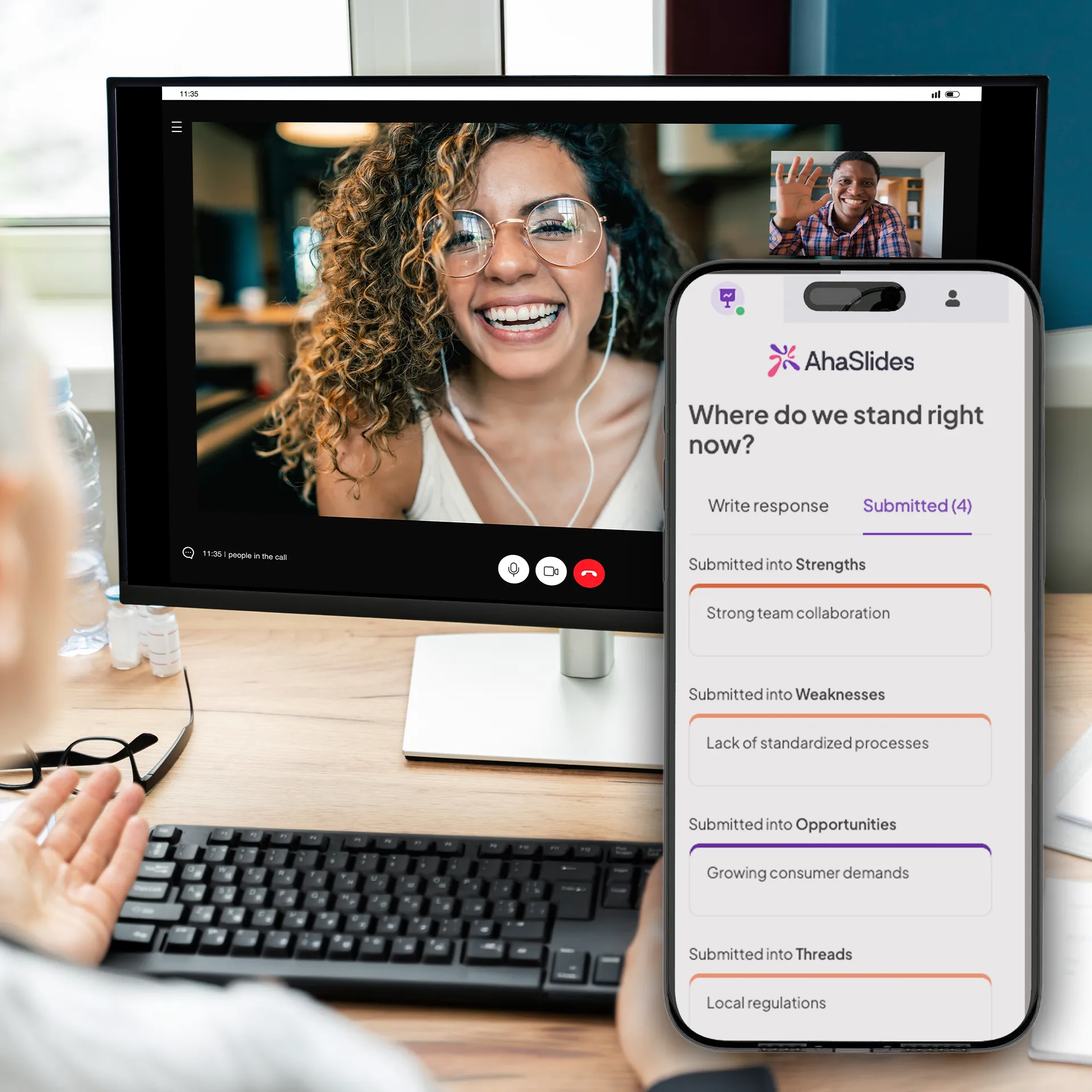
A woman scanning an AhaSlides QR code on her phone to join a remote ranking poll

Remote & hybrid sessions

Run brainstorming sessions and retrospectives from anywhere while AhaSlides keeps ideas visible, grouped, and manageable.


What our users say

AhaSlides has been game-changer for us. We don't have to rely on people coming up afterward to give us their contact information — it's already in the slides.
Amber Vanderburg, Founder of The Pathwayz Group
Amber Vanderburg
Founder of The Pathwayz Group
Instead of a passive audience, people become active participants in the discussion. This is especially valuable when discussing topics such as career paths, women in STEM, and academic experiences — where hearing many voices enriches the conversation.
Ana Laura Pérez Martínez, Professor at the Faculty of Engineering, UNAM
Ana Laura Pérez Martínez
Professor, Faculty of Engineering, UNAM
I couldn't believe the variety of question types available — and that they could all be part of the same presentation. I started using it right away, and it was an immediate success.
Kristina Topalova, Founder and Teacher at The English Lady
Kristina Topalova
Founder & Teacher, The English Lady

Frequently Asked Questions

What is an idea board?
An idea board lets participants submit ideas as text, images, or links into preset columns organized by topic or team, or freely on one open board. Think of it as a digital brainstorming board built into your presentation — no separate app, no extra link to manage. After submission, group ideas with AI and open voting to surface the strongest ideas.
How is it different from an open-ended question?
An open-ended question covers one topic and collects responses in a single stream. An idea board lets you run multiple topics or separate multiple teams on one slide using columns, so everything lands in the right place without extra slides or manual sorting afterward.
How is it different from tools like Miro, Notion, or FigJam?
Those are standalone apps. You leave your presentation to use them, then manage a separate link and a separate record. idea board is built into your slide — the session flow stays intact, the results stay with your deck, and there's nothing to chase down after the session.
How many participants can submit ideas at once?
Up to 2,500 participants can submit on the Pro plan. For larger sessions, our Enterprise plan supports up to 100,000 participants on demand
Can I create my own categories?
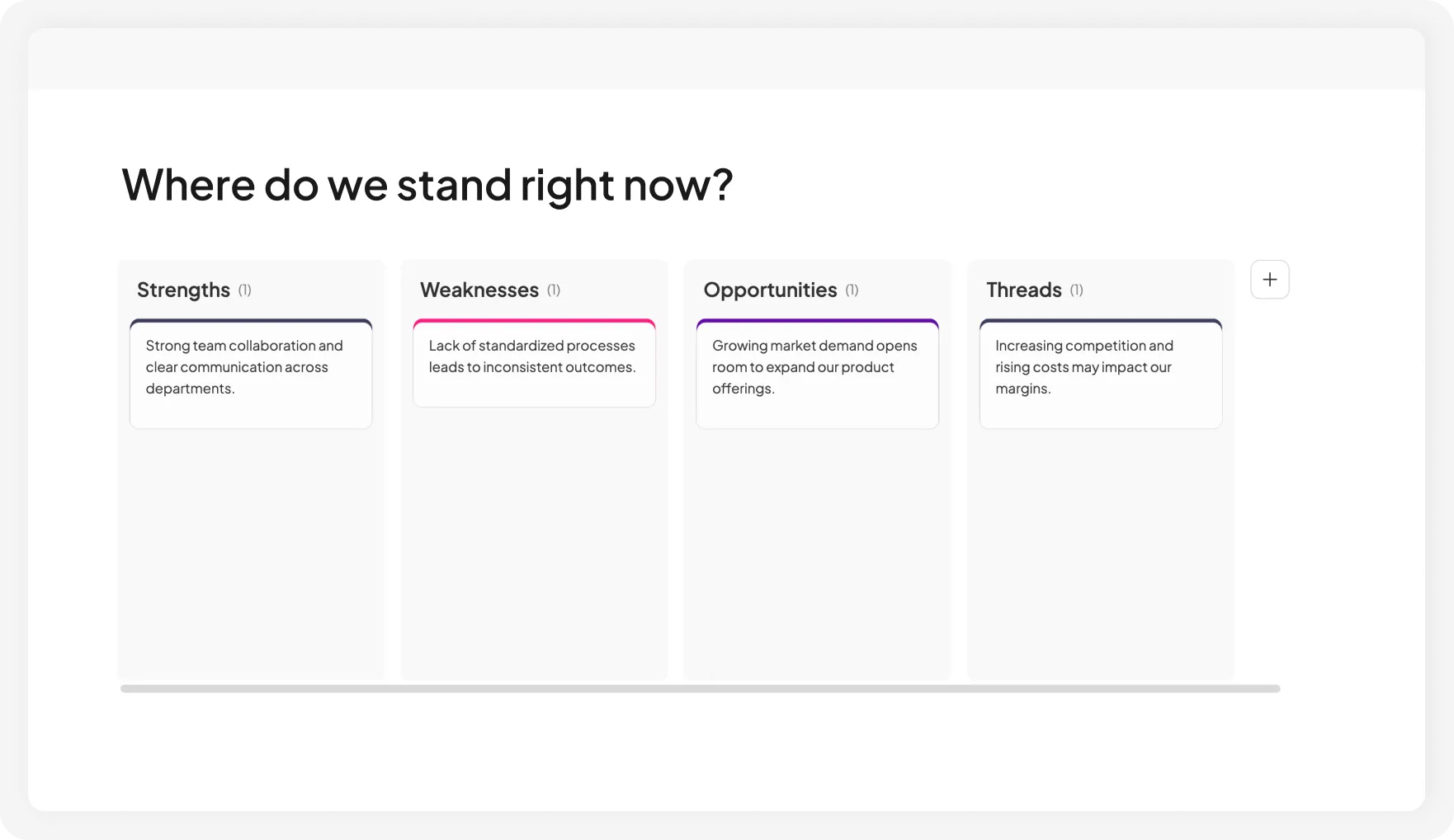
Yes. Set up columns in advance for any activity — team submissions, SWOT analysis, topic collection, pros and cons, or reflection prompts.
Can I use it without preset categories?
Yes. Keep the board open for free input and use AI to group similar ideas into themes afterward.
© 2026 AhaSlides Pte Ltd