background presentation
presentation sharing

Euro Football Championship Quiz - 4 rounds

29

225

AhaSlides Official AhaSlides Official author-checked.svg

A quiz about the European Soccer Championship with 4 rounds, 20 questions, including such questions as Goalkeeper with most clean sheets, Golden Boot winner in 2016, Germany's opening match opponent,

Categories

Slides (29)

1 -

2 -

3 -

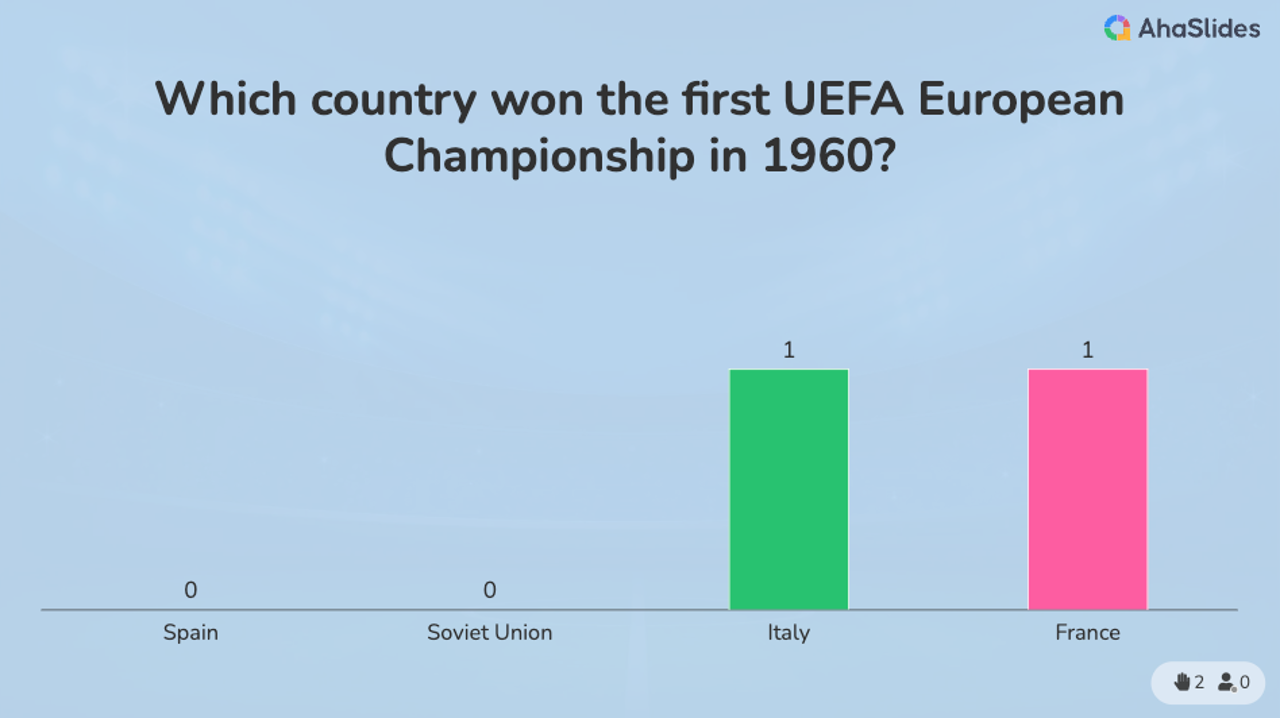
Which country won the first UEFA European Championship in 1960?

4 -

Which country has won the most Euro Championships?

5 -

In which year did Portugal win the Euro Football Championship?

6 -

Which stadium hosted the final of UEFA Euro 2020?

7 -

Who is the top scorer in a single UEFA European Championship tournament?

8 -

After Round 1

9 -

10 -

Who scored the winning goal in the UEFA Euro 2016 final?

11 -

What is the name of the UEFA European Championship trophy?

12 -

Which player has made the most appearances in UEFA European Championship history?

13 -

In which year did the UEFA European Championship expand to 24 teams?

14 -

Which country did Greece defeat in the final to win UEFA Euro 2004?

15 -

After Round 2

16 -

17 -

Which player scored a memorable overhead kick (volley) goal for Sweden against France in UEFA Euro 2012?

18 -

Which goalkeeper has kept the most clean sheets in UEFA European Championship history?

19 -

Who is the official mascot for Euro 2024?

20 -

Which player won the Golden Boot in UEFA Euro 2016?

21 -

Who was the captain of the Italian team that won UEFA Euro 2020?

22 -

After Round 3

23 -

24 -

Which team is making their debut in UEFA Euro 2024?

25 -

What new rule change is being introduced for UEFA Euro 2024?

26 -

Who was the youngest player to ever play in a UEFA European Championship match?

27 -

Who will host Germany play against in the opening match?

28 -

Which of these big names will appear in the Euro 2024?

29 -

And the winner is

Similar Templates

Frequently Asked Questions

How do I access the AhaSlides template library?

You can access templates from the Templates tab in your dashboard after logging in, from the Templates section on our website, or directly in the Editor app.

What are the templates designed for?

Official templates help you prepare interactive presentations for training, meetings, classes, and workshops. Community templates are created by users and shared to inspire others.

How do I host a session using a template?

Select a template, customize it by editing slides, themes, multimedia, and settings, then host it just like any other presentation.

Do I need to pay to use templates?

All templates are free to download and host, but some may exceed the free plan limits (5 quiz questions or 3 polls), which require a paid plan.

If I publish a template to share with my team, will it be visible to all other users?

Yes. Published templates are added to the public library and visible to all users. To keep a template private, share it with team members as collaborators instead.