Engage with confidence. Stay in control.

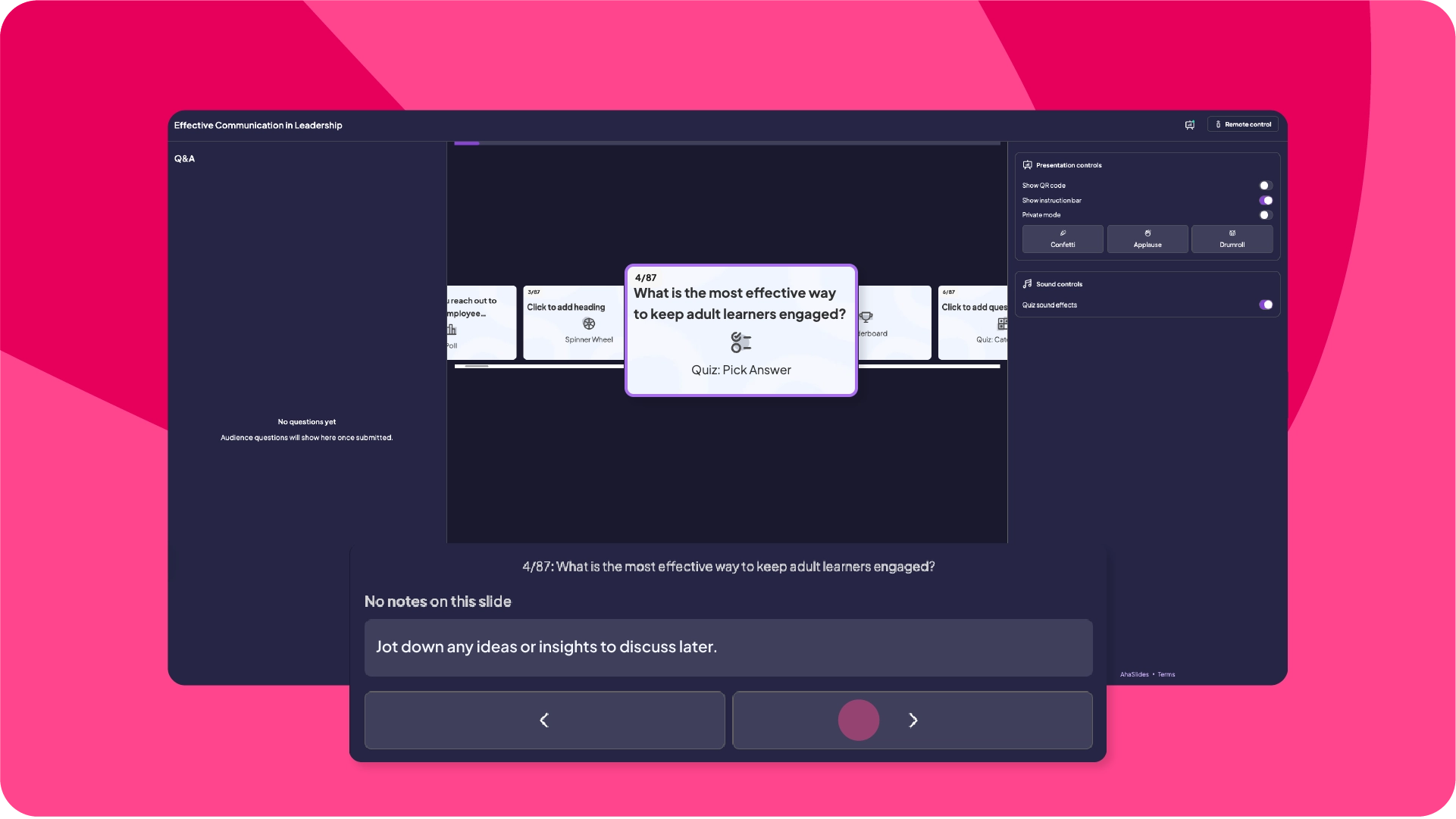
Own the room by using your phone as a remote control. It means you can stay one step ahead and focus on delivering your message.
Start for free
AhaSlides' online quiz maker
Abu Dhabi University logo
Airbus logo
Bend La Pine Schools logo
BMC logo
Bosch logo
Criteo logo
Ferrero Rocher logo
Intel logo
Ivy Tech Community College logo
Le Quiz Show logo
Abu Dhabi University logo
Airbus logo
Bend La Pine Schools logo
BMC logo
Bosch logo
Criteo logo
Ferrero Rocher logo
Intel logo
Ivy Tech Community College logo
Le Quiz Show logo

Total presentation control

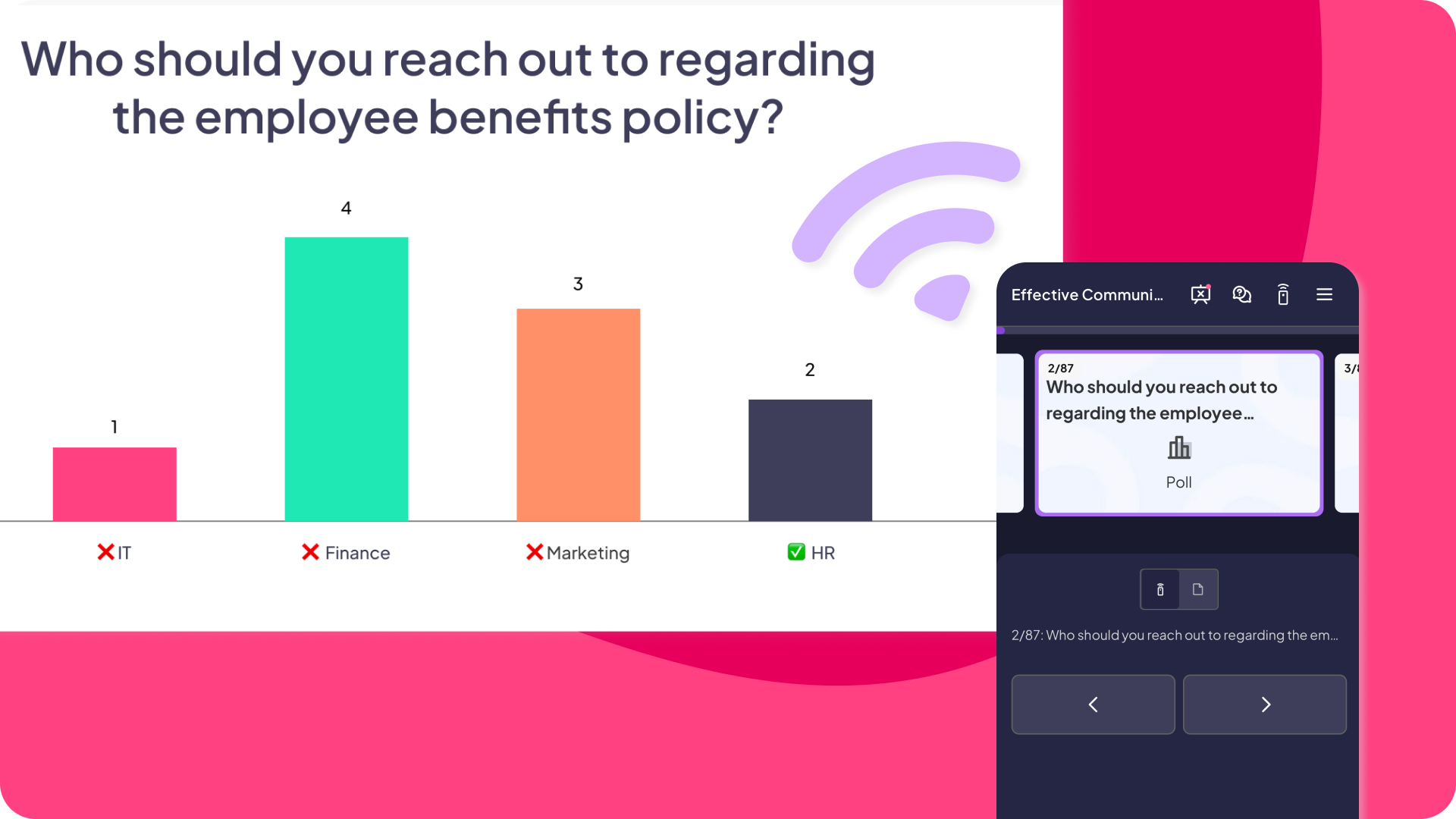
AhaSlides quiz used to icebreak during meetings

Slide preview

Read notes, see upcoming and previous slides on your phone, navigate easily without breaking eye contact.
AhaSlides quiz used to icebreak during meetings

Presentation clicker

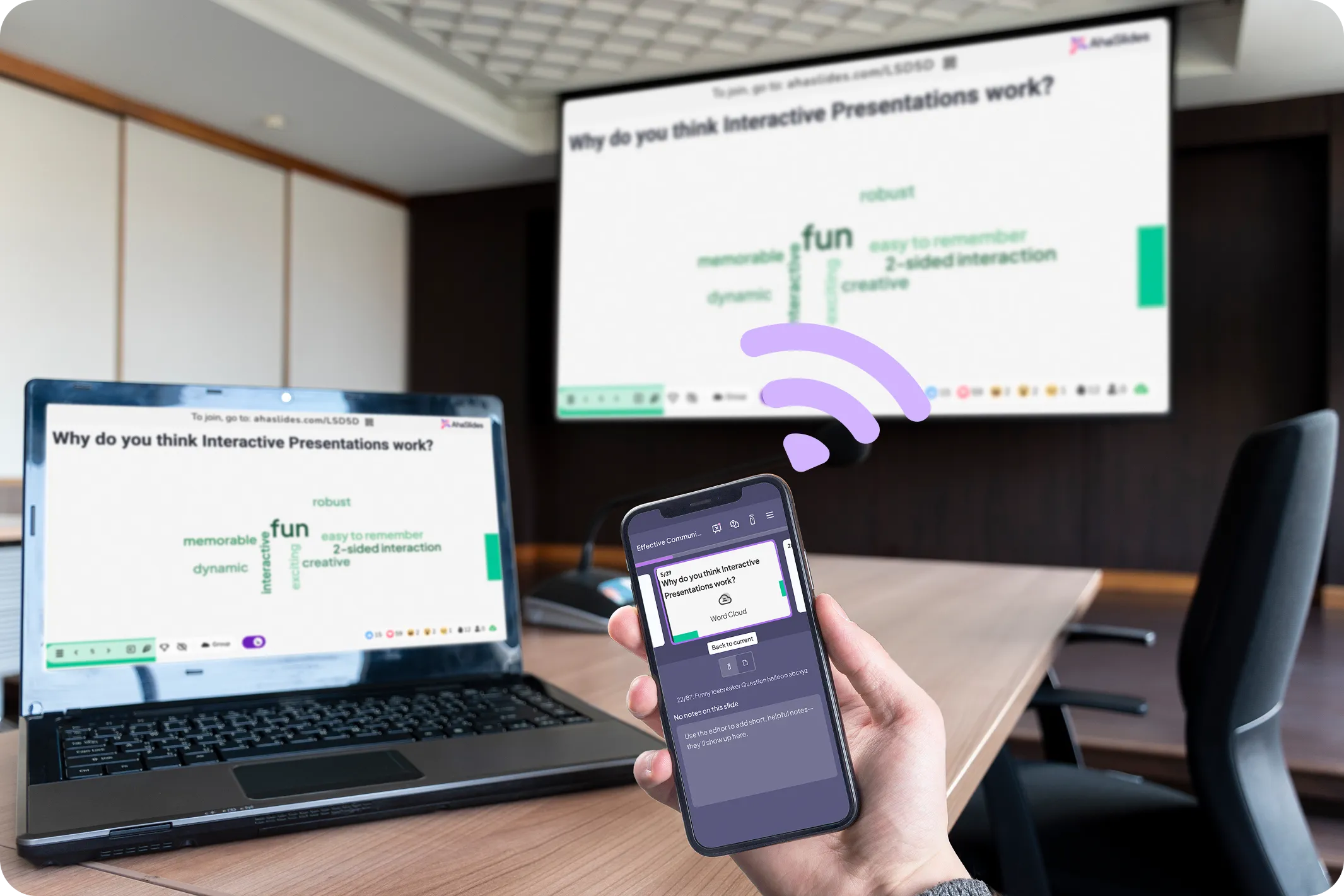
Turn your phone into a dependable slide advancer and presentation remote that can manage Q&A, adjust settings, and navigate slides.
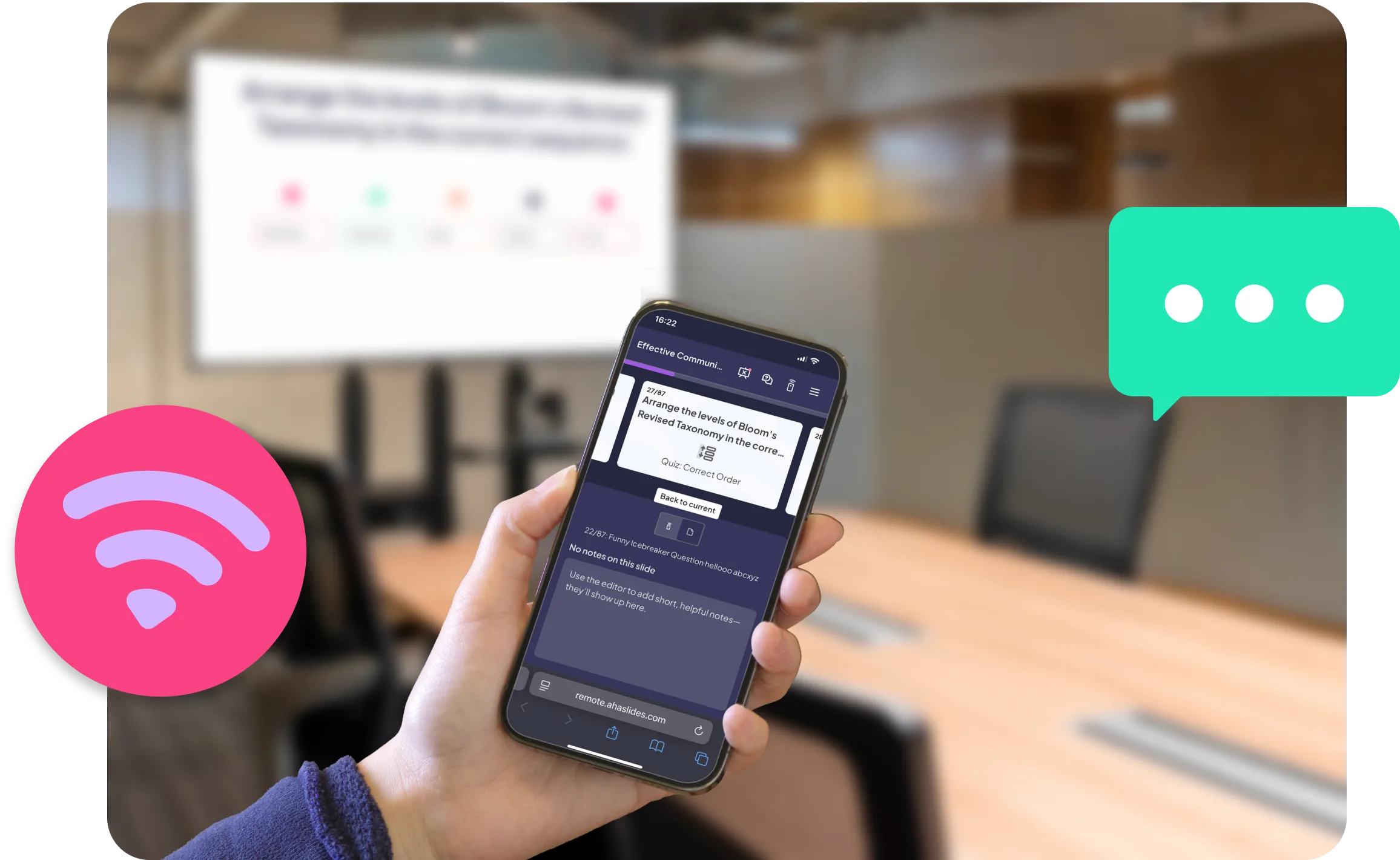
A presenter holding the phone which acts as the presentation controller on AhaSlides interactive presentation tool

Why it's a game-changer

Walk and talk like a pro
No more laptop leash. Move around the room with seasoned speaker confidence, using your phone as a wireless presentation clicker
Stay one step ahead
Preview slides and notes discreetly. Never lose your rhythm
Handle Q&A solo
Review audience questions from your phone. Respond without disrupting flow

How remote control actually works

Slide navigation

Move forward, backwards, or jump instantly
Live preview

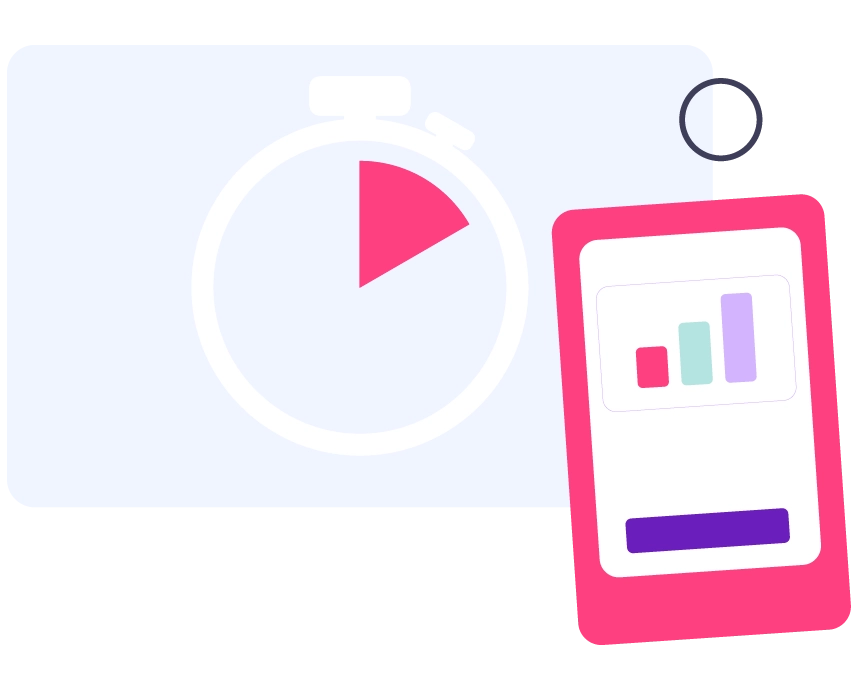
See current, next, and upcoming slides. Never lose your place

Speaker notes

Read private notes while maintaining eye contact. No more glancing back
Q&A management

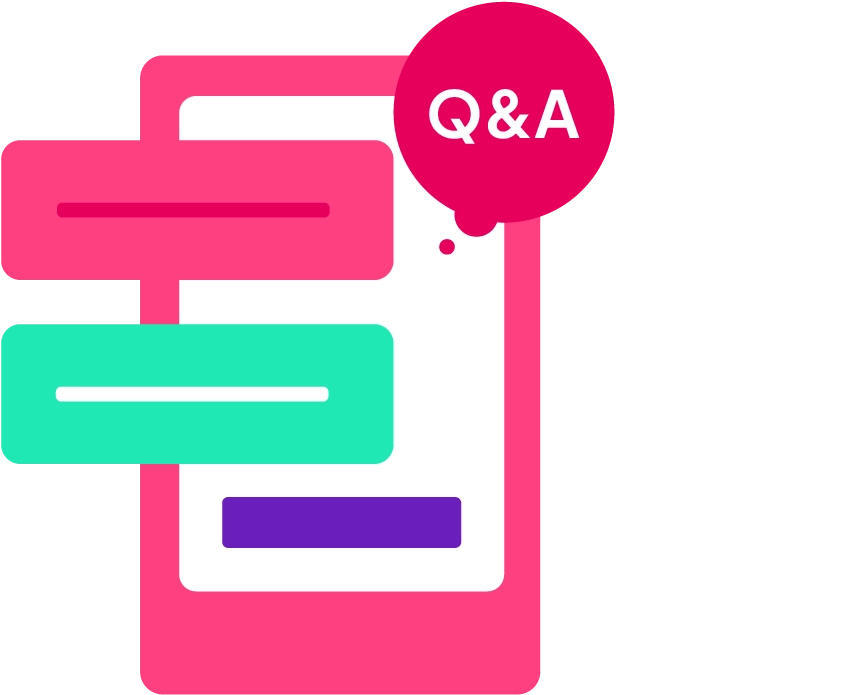
Questions appear instantly. Review and respond without anyone noticing
Live settings control

Adjust sound effects, confetti, leaderboard while presenting

What our users say

Hear from the teachers, trainers and teams who use it every day.

"Instead of a passive audience, people become active participants in the discussion. This is especially valuable when discussing topics such as career paths, women in STEM, and academic experiences — where hearing many voices enriches the conversation."

Ana Laura Pérez Martínez
Professor, Faculty of Engineering, UNAM

"They're using their phones to answer — not to check emails. They don't even realize how much they're reinforcing learning because they're trying to win."

Dave Choura
Managing partner, Elite Training Innovations, LLC

"It was key that the tool was prepared for large crowds and allowed the simultaneous connection of a considerable number of people, something that AhaSlides offered us with total reliability."

Paula Angulo
Marketing Manager at Casademont Zaragoza

Frequently Asked Questions

Do I need to install anything on my phone?
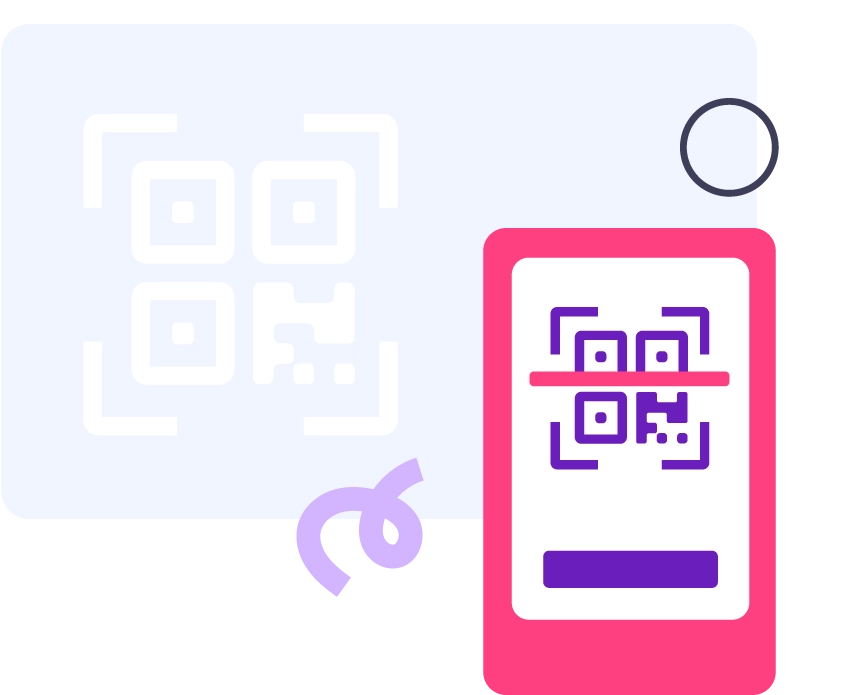
No, Remote Control works directly in your mobile browser. Click link or scan QR code and you're ready to present like a pro, whether you use it as a slide advancer, presentation clicker, or presentation remote.
What if my phone loses connection during the presentation?
Your presentation continues running on the main screen. Reconnect instantly and pick up exactly where you left off — your audience won't even notice.
Can I use this with my existing presentations?
Yes, Remote Control works with any presentation format — AhaSlides, PowerPoint imports, PDFs, or content created from scratch.
Can I use the Remote Control feature via laptop, desktop or other devices besides mobile phone?
Yes, Remote Control works on any device with a web browser. While it's optimised for mobile phones for the best presenting experience, you can access it from tablets, laptops, or desktop computers.

Take charge of your presentation from anywhere in the room

Get started free
© 2026 AhaSlides Pte Ltd