Interactive AI PowerPoint generator

Create live PowerPoint presentations that engage the audience and create impactful AHA! moments.

Rated 4.8 on Microsoft Marketplace
Get started for free
AI PPT maker
Trusted by million users at
MIT universityUniversity of TokyoMicrosoftuniversity of CambridgeSamsungBosch

Features of an AI PowerPoint generator

Easy access

Your audience joins instantly by scanning the QR code — no clunky downloads or frustrating logins needed

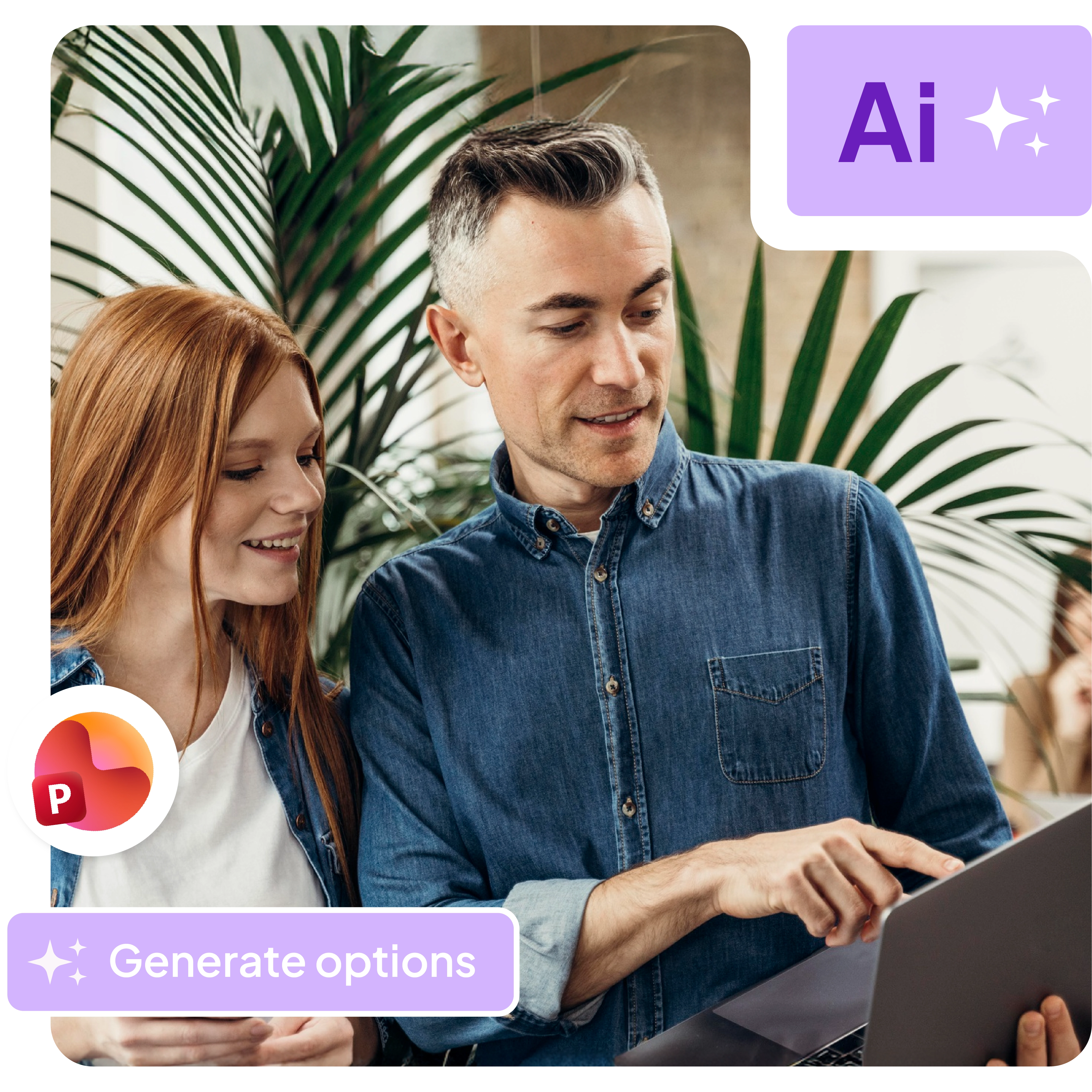
the AI PowerPoint generator will generates presentation based on a prompt

Topic recommendations

Get honest  feedback on your presentation structure, clarity and engagement
Generate from docs

Build your PowerPoint from existing PDF and even other PPT to save time
Post-event reports

Get post-session report of your participants for analysis and better follow-ups

Try AhaSlides - it's free!
A woman using AhaSlides' AI PowerPoint maker to generate interactive slides

The science of engagement meets the art of presentations

Produce presentations that are as effective as they are memorable

Our AI draws from learning science, cognitive psychology and engagement analytics to craft slide decks that are optimized for attention and retention.

It's not all algorithms and statistics

We add a splash of fun and humor to make even the driest subject matter come alive. Playful quizzes, friendly competitions and humorous interludes are strategically inserted to energize your audience and make your message stick.

As easy as 1-2-3

No learning curve

Chat with AhaSlides' AI assistant in PowerPoint to generate a slide deck, or upload your existing presentation and let our tools work their magic.

Integrate with ChatGPT for PPT slides creation

With AhaSlidesGPT, you can generate slide decks in seconds based on a simple prompt in ChatGPT. In minutes, you'll have an AI-enhanced presentation ready to rock your next meeting, class, conference or event.
A person instructing another person on how to use ChatGPT for AhaSlides easily

How to create PowerPoint using AI

Sign up for AhaSlides

Open AhaSlides and create a new presentation.

Prompt with the AI

Click the AI icon and tell what your presentation should be about.

Use AhaSlides add-in for PPT

Open PowerPoint and find the AhaSlides add-in in the Marketplace. The presentation you have created will be synced here.

What our users say

The AI assistance is great, as it autogenerates polls and questions directly into the traditional PowerPoint files, making the presentations more interactive. Uploading a file to AhaSlides allows the AI to process it and improve the presentation by adding interactivity.
Customer testimonial
Benjamin Lamb
Adjunct Professor, Virginia Western Community College
AhaSlides is so easy to use and you can get a lot out of it. I've used it multiple times in the workplace for engagement, presentation, feedback and the odd Workplace Quiz ;-)
Customer testimonial
Chris Perrin
Pleasurecraft Trading Manager at Geo Underwriting
I prefer AhaSlides because it is more visually engaging, offering a more dynamic and aesthetically pleasing experience with greater options for interactivity. The process of uploading PowerPoint presentations directly into AhaSlides to enhance them with interactive elements is straightforward.
Customer testimonial
Marilyn Pryle
Director of Professional Learning at the East Stroudsburg Area School District

Frequently Asked Questions

What is an AI PowerPoint generator?
An AI PowerPoint generator is a tool that uses artificial intelligence to help create or edit slide presentations automatically. These tools can handle both design elements (layouts, fonts, colors) and content generation (writing titles, bullet points, and text) based on your input or prompts. AhaSlides harnesses OpenAI technology to let users build interactive slides packed with engagement.
Is AI PowerPoint free?
Most AI PowerPoint tools offer free plans with limited features. AhaSlides' AI PowerPoint generator gives free users access to all slide types. Paid plans start from $7.95/month.
Are AI-generated slides editable?
Absolutely. All slides created with AI presentation tools are fully editable just like regular PowerPoint slides. You can modify text, change designs, add elements, and make any other customizations you need.
Can AI PowerPoint work with Google Slides too?
Yes. AhaSlides integrates with both PowerPoint and Google Slides to provide users with the most comfortable and hassle-free experience as possible.
What makes a good AI presentation prompt?
Effective prompts are detailed but concise (75-150 words). Include your topic, target audience, desired tone, key points to cover, and presentation length. Add specific instructions like "10-slide quiz questions about company culture" for better results.
How can AI help me create better PowerPoint presentations?
AhaSlides' AI suggests engaging content, designs captivating layouts, inserts interactive elements, and even suggest different audience engagement techniques. With AI doing the heavy lifting, you can focus on delivering your message with impact.

Your best presentations await!

Explore now
© 2026 AhaSlides Pte Ltd