

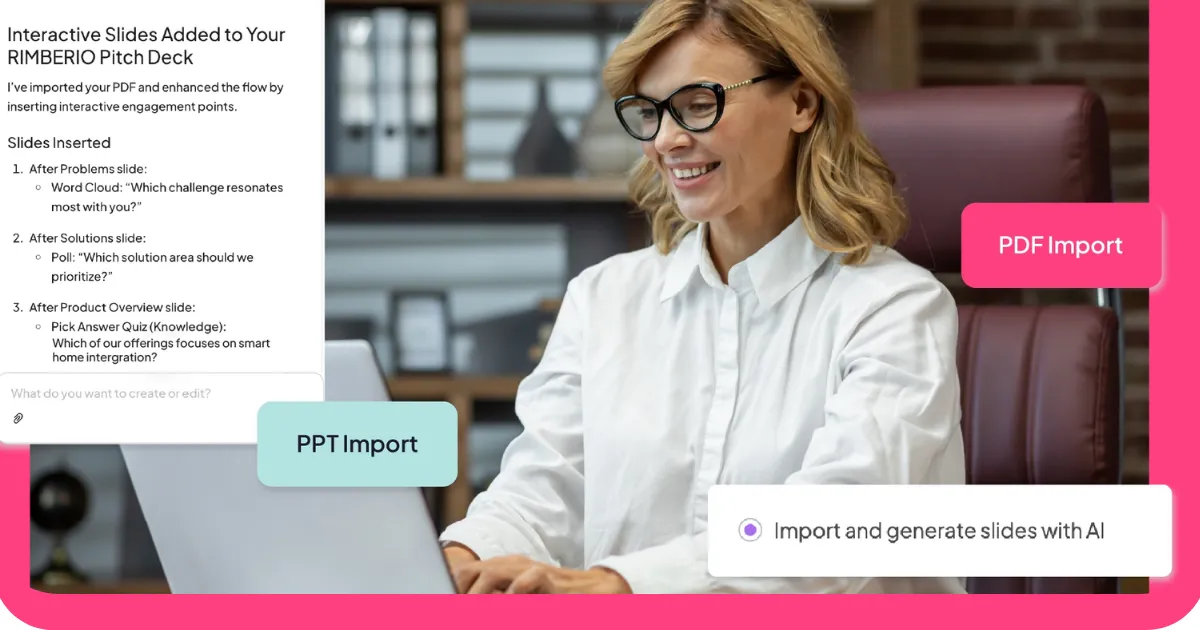
We make an interactive presentation tool. That means we have a perspective on this category, and it would be strange to pretend otherwise. It also means we've spent time with the other tools in this space, and we think an honest comparison is more useful to you than a guide that ignores the fact that we exist in it.
So here's how this works: we've assessed six AI presentation tools, including our own, against the same criteria. Where AhaSlides is the right choice, we'll say so. Where it isn't, we'll say that too. The goal is to help you find the tool that fits what you're actually trying to do, not to convince you that one answer fits every situation.
What AI presentation tools are actually solving
The two biggest obstacles to creating good presentations have always been time and design skill. Most people have neither in abundance. AI presentation tools address both: they compress the time required to build a structured deck and remove the design decisions that slow most people down.
The trade-off is customization. AI-generated presentations get you to a solid starting point faster than any other method. How much refinement that starting point needs depends on how specific your requirements are and how polished the final product needs to be. For some use cases the AI output is almost presentation-ready. For others it's a useful first draft that still needs significant work.
The six tools below cover different points on that spectrum. Each one is genuinely good at something. The question is whether what it's good at matches what you need.
1. Plus AI: best for teams already using Google Slides or PowerPoint
Plus AI works inside the tools you're already using rather than asking you to learn a new platform. If your team lives in Google Slides or Microsoft PowerPoint, that matters. The AI generates content and suggests layouts without requiring you to leave the environment where you'll eventually present.
The content quality is strong. It understands business presentation conventions well enough that the output requires less editing than most AI tools. Design is consistent with PowerPoint and Slides standards: professional and functional rather than distinctive.
The limitation is engagement. Plus AI produces static presentations. There are no real-time audience participation features, which means it's well suited for documents and decks but not for sessions where you need the room actively involved.
Best for: teams that want AI-assisted content generation inside familiar tools without switching platforms.
2. AhaSlides: best for audience engagement
This is our tool, so take this entry with appropriate skepticism. What we'd say honestly is this: AhaSlides is built around a different premise than most presentation tools. We're not primarily trying to make slide creation faster. We're trying to make presentations more interactive.
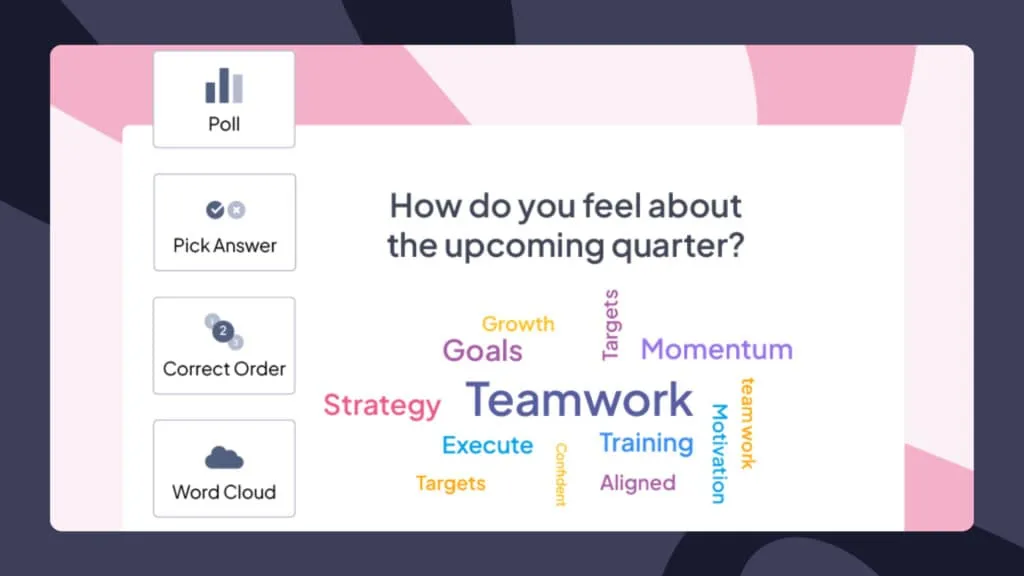
The AI generates polls, quizzes, word clouds, and Q&A sessions alongside standard slides. The output is designed for real-time audience participation rather than passive viewing. If you're presenting to a room or a remote group and you want them actively involved rather than watching, that's what AhaSlides is built for.
Where we're weaker: if you need highly polished visual design or detailed data visualization, there are better options on this list. Our templates are clean and functional. They're not the most visually distinctive.
Best for: trainers, educators, facilitators, and anyone presenting live who wants the audience doing something rather than just listening.
One practical note: AhaSlides requires an internet connection for the interactive features to work. If you're presenting somewhere with unreliable connectivity, factor that in.
3. Slidesgo: best for design quality
Slidesgo's strength is its template library. The designs are consistently polished and cover a wide range of styles and use cases. If visual quality is your primary concern and you're willing to do more manual content work, Slidesgo produces some of the best-looking starting points in this category.

The AI generates slides from a prompt and can modify existing ones, which is useful for iteration. The limitation is that the templates come with fixed color palettes, so customization has a ceiling. The AI presentation maker also isn't directly available for Google Slides, which matters if that's your primary tool.
The free tier allows three downloaded presentations. Paid plans start at around six dollars a month, which is reasonable given the design quality.
Best for: anyone who needs a visually impressive presentation quickly and is comfortable refining the content manually.
4. Presentations.AI: best for data-heavy presentations
Presentations.AI stands out for one specific capability: it scans your website to extract branding and can generate content from multiple sources including uploaded files and web content. For teams that present data regularly and want visualizations that reflect their actual brand, this is a meaningful differentiator.
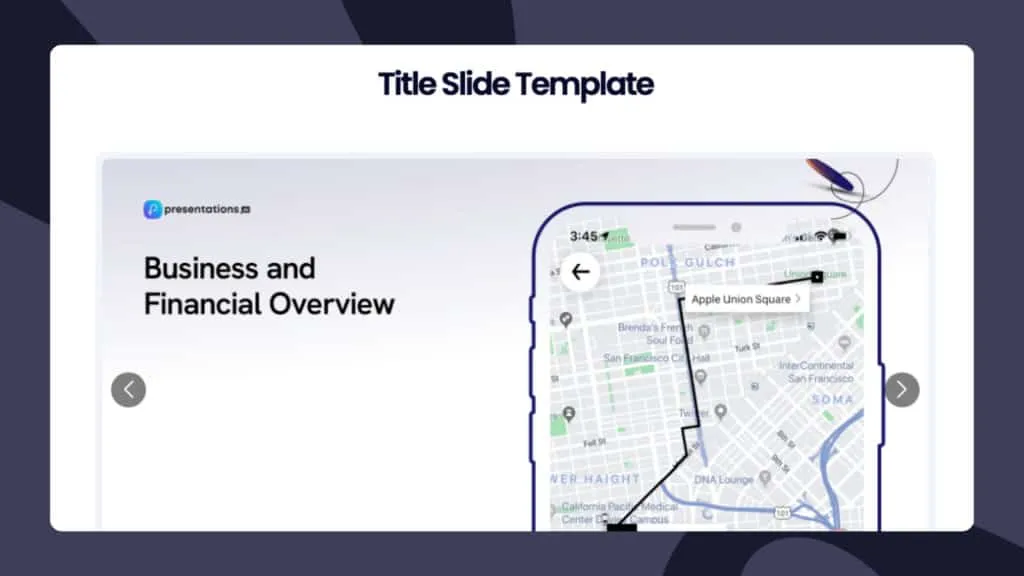
The AI understands data presentation conventions and suggests appropriate layouts and visuals for different data types. Content quality is solid and the interface is straightforward from prompt to slide creation.
The main drawback is price. At sixteen dollars a month for a paid plan, it's the most expensive tool on this list. Whether that's justified depends on how often you're creating data-heavy branded presentations.
Best for: teams that regularly present data and need consistent brand alignment across their slides.
5. PopAi: best for speed
PopAi does one thing faster than any other tool here: it generates a complete presentation in under sixty seconds. The ChatGPT integration and image generation capability make it the right choice when you need something presentable quickly and don't have time for refinement.
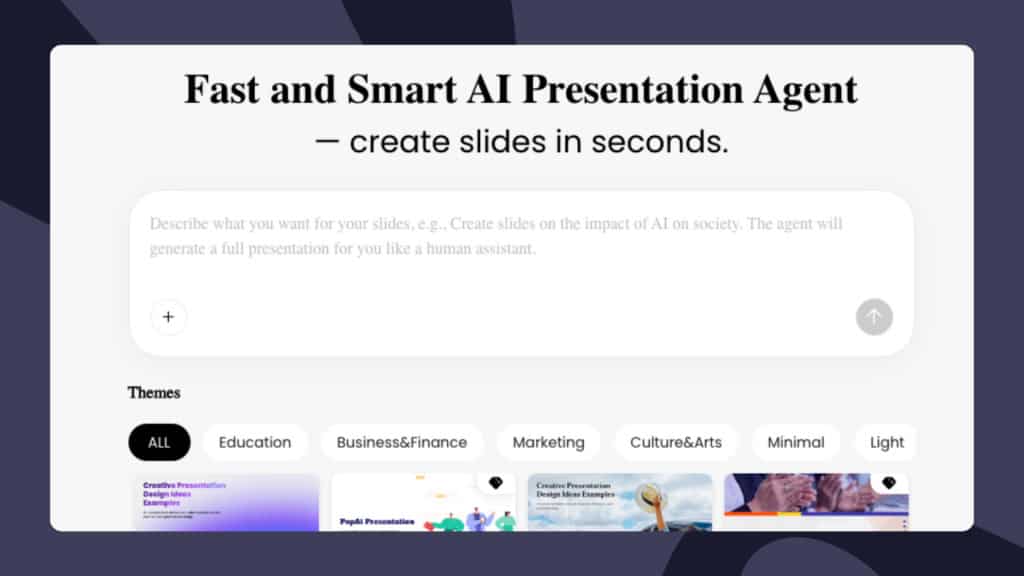
The trade-off is quality. The content is sometimes generic and the design options are limited. For internal presentations, quick pitches, or situations where speed genuinely matters more than polish, PopAi earns its place. For anything client-facing or high-stakes, you'll want more control over the output.
The free tier covers basic presentation creation. More advanced features are available on trial.
Best for: anyone who needs a presentation in the next hour and is comfortable editing the output.
6. Storydoc: best for sales and marketing documents
Storydoc operates on a different format than the others. Rather than a traditional slide deck, it produces scrollable interactive documents designed for sharing rather than presenting. Think proposal documents, sales decks sent by email, or investor materials that need to work without a presenter in the room.
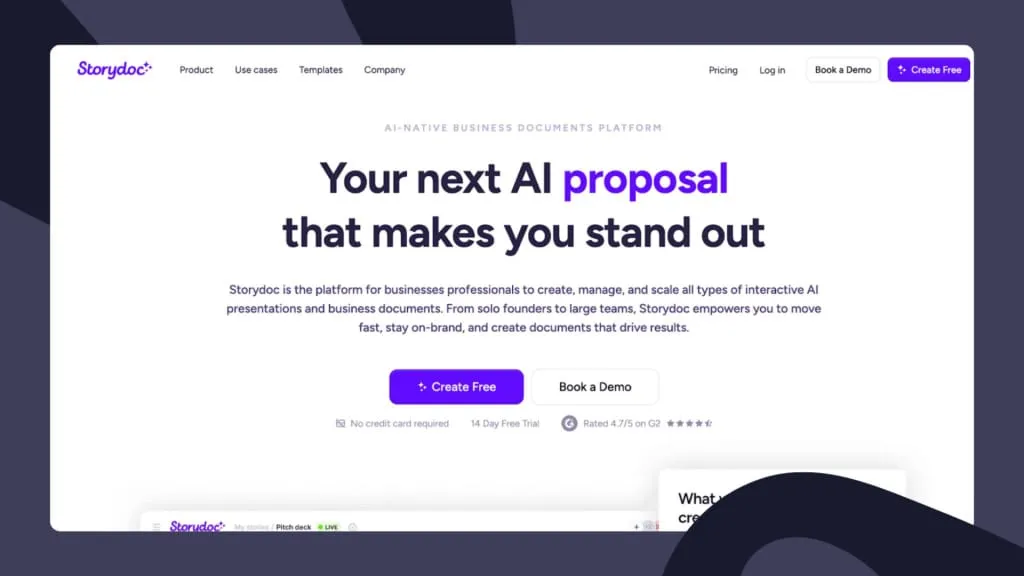
The AI is trained on your website and brand voice, which means the output feels more on-brand than most tools produce out of the box. The platform includes built-in analytics showing who read the document, how long they spent on each section, and where they dropped off. For sales teams that want to know whether their deck is being read, that's genuinely useful.
The interactive features are strong: embedded videos, lead generation forms, e-signatures, and calendars can all be built into the document. The scroll-based format takes some adjustment if you're used to traditional slides, and training the AI on your brand requires upfront effort. Paid plans start at seventeen dollars a month after a fourteen-day free trial.
Best for: sales and marketing teams creating documents meant to be read independently rather than presented live.
How to choose
The right tool depends on what you're actually trying to accomplish. Here's a quick way to narrow it down.
- If you're presenting live and want your audience actively involved rather than passively watching, AhaSlides is built for that.
- If you're working inside Google Slides or PowerPoint and want AI assistance without switching platforms, Plus AI is the natural choice.
- If visual design quality is your priority and you're comfortable doing more content work yourself, Slidesgo produces the best-looking templates.
- If you regularly present data and need consistent brand alignment, Presentations.AI is worth the higher price point.
- If you need something presentable in under an hour, PopAi is the fastest option.
- If you're creating documents meant to be read independently rather than presented live, Storydoc's scrollable format is worth exploring.
Most of these tools have free tiers or trials. The best way to find out which one fits your workflow is to run one real presentation through it before committing. The AI output varies more by use case than any comparison guide can fully capture. Your specific topic, audience, and style will interact with each tool differently.
Taking it further with AhaSlides
Since we've been transparent about our perspective throughout, we'll be direct here too: if engagement is what you're optimizing for, interactive elements are the most reliable way to get it.
A poll that surfaces what your audience already thinks before you tell them what you think changes the dynamic of a presentation before you've said anything substantive. A word cloud mid-session shows you in real time which ideas are landing and which aren't. An anonymous Q&A captures the questions people have but won't ask out loud. These moments don't replace good content. They keep people present long enough to absorb it.
AhaSlides is built to make these moments straightforward to create and natural to deliver. If you're already using another tool for your slides, AhaSlides integrates with Google Slides and PowerPoint so you can add interactive elements without rebuilding your deck. If you're starting from scratch, the AI generates interactive content directly.
The free tier supports unlimited presentations with up to fifty participants, which covers most use cases for trying it out without committing to a paid plan.
Wrapping up
AI presentation tools have genuinely changed what's possible in a reasonable amount of time. The gap between a presentation that looks professionally designed and one that doesn't has narrowed significantly. The gap between a presentation that engages its audience and one that doesn't is a different problem, and it's one that design alone doesn't solve.
Pick the tool that fits what you're trying to do. Try it on something real before deciding whether it works for you. And if engagement is part of what you're measuring, build the interaction in from the start rather than adding it as an afterthought.