



Getting students to pay attention during math class is harder than it sounds. Between smartphones, games consoles, and every app competing for their focus, a whiteboard and a worksheet rarely cut it. The good news: you can use that gaming instinct to your advantage.
These 10 classroom math games are built for exactly that. Each one turns a math lesson into something students actually want to do, whether you teach elementary arithmetic or high school algebra.
4 reasons to use math games in the classroom
Before the list, a quick case for why this approach works:
First, games increase practice volume. Students who are engaged complete more repetitions than they would with a worksheet, and repetition is what builds mathematical fluency. A student who plays five rounds of a multiplication game has practiced more problems than they would in a typical drill, without noticing the work.
Second, immediate feedback accelerates learning. When a student gets an answer wrong in a game, they find out instantly. That feedback loop is faster than waiting for a graded worksheet to come back the next day, and research consistently shows that immediate feedback improves retention.
Third, games reduce math anxiety. For students who find math stressful, the game frame lowers the stakes. Getting something wrong costs a life or a turn, not a grade. That shift in context allows students who typically disengage to participate more freely.
Fourth, games generate data. Digital math games track every answer, which means teachers can see exactly where the class is struggling without administering a separate assessment. That data is most useful when it is available in real time, during the lesson rather than after it.
10 math games to play in class
Here are 10 interactive math games that develop problem-solving skills through genuine mathematical challenges.
1. MathLand
Best for: Ages 6 to 14
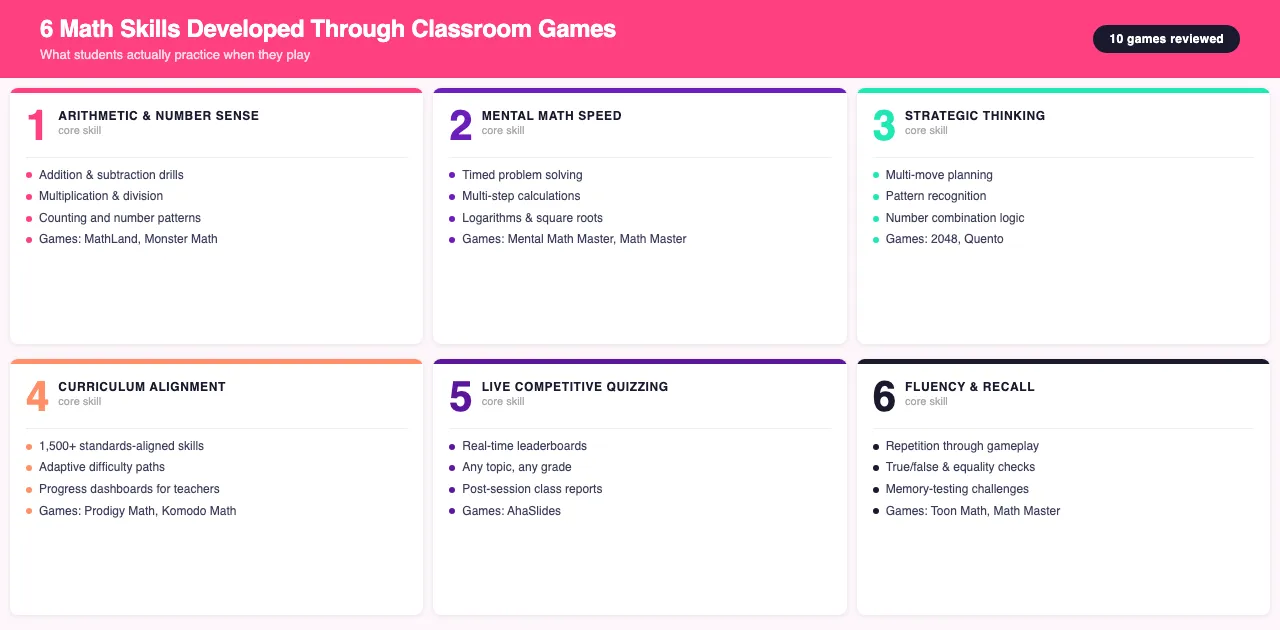
MathLand wraps core arithmetic inside a pirate adventure. Students play as Ray, who has to restore balance to the environment by navigating the sea using addition, subtraction, multiplication, division, and counting.
The game has 25 levels full of surprises. Basic features are free and it works on Android and iOS. The narrative wrapping is what makes it stick: younger students will play through levels they would abandon on a worksheet.
2. AhaSlides

Best for: Ages 11 and up
If you want to create your own classroom math game in minutes, AhaSlides lets you build one quickly. Build a live quiz for your students, who compete in real time from their phones, with streaks and leaderboards keeping motivation high.
After the session, a full class report shows exactly which questions your students struggled with, so you know what to revisit next lesson rather than guessing.
AhaSlides offers an Education plan for larger classes. Classes of fewer than 50 students can use it entirely for free. Check the current pricing at ahaslides.com/pricing.
3. Prodigy Math
Best for: Ages 4 to 14
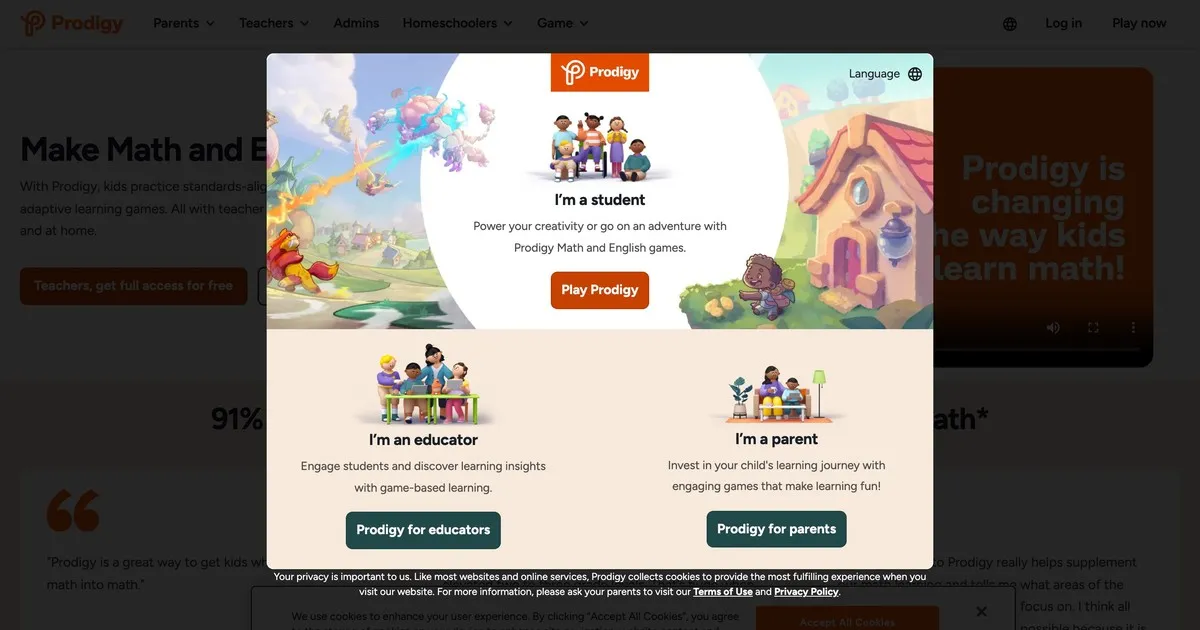
Prodigy Math covers more than 1,500 mathematics skills in an RPG format. Students battle through quests while working on curriculum-aligned problems, and teachers can monitor individual and class-wide progress through a real-time dashboard.
The automated assessment feature grades students during gameplay, so you get actionable data without extra grading time.
4. Komodo Math
Best for: Ages 4 to 11
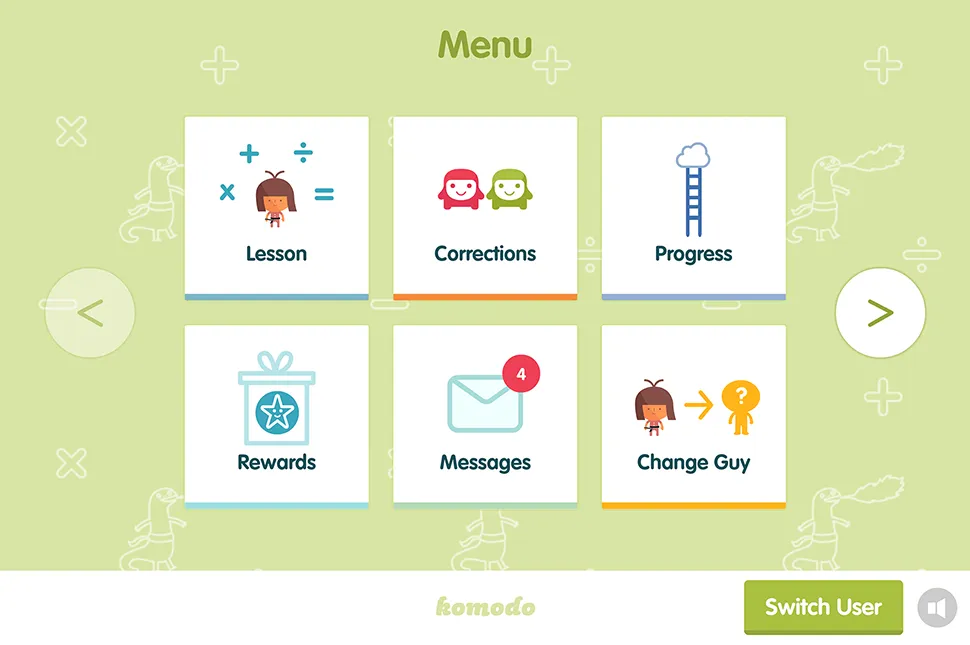
Komodo Math is designed to build solid mathematical foundations for elementary school children. It works on a Duolingo-style level system with personalized paths that adapt to each student's needs.
The dashboard tracks progress clearly, highlighting where each student is struggling. Parents can also use it at home, which extends math practice beyond the classroom without adding teacher workload.
5. Monster Math

Best for: Ages 5 to 9
Monster Math puts students in the role of a monster who has to defeat enemies to protect a friend. Every level requires solving arithmetic problems under a time limit, which builds calculation speed in early grades.
It is a straightforward game suited to students just starting with the basics: addition, subtraction, multiplication, and division.
6. Math Master
Best for: Ages 12 and up
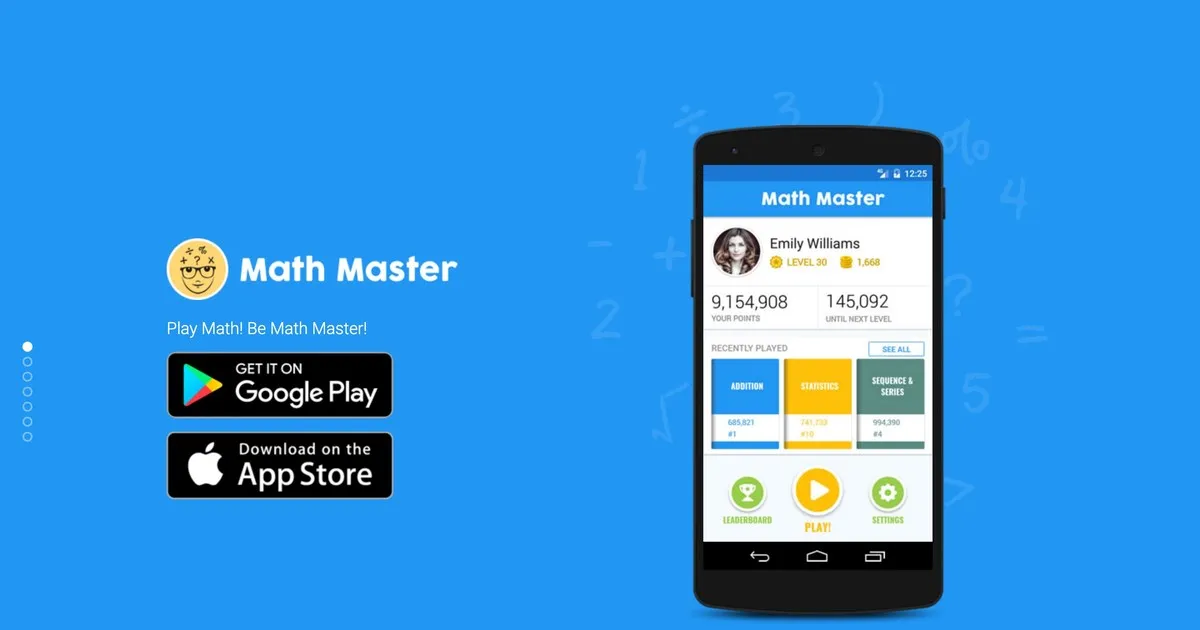
Math Master focuses on individual arithmetic categories: division, subtraction, multiplication, and more. Students can work on one operation at a time or mix them all together.
It includes true/false problems, equality questions, and memory-testing challenges. There is no narrative or adventure here, but it is well suited to exam preparation and drilling specific skills.
7. 2048
Best for: Ages 12 and up
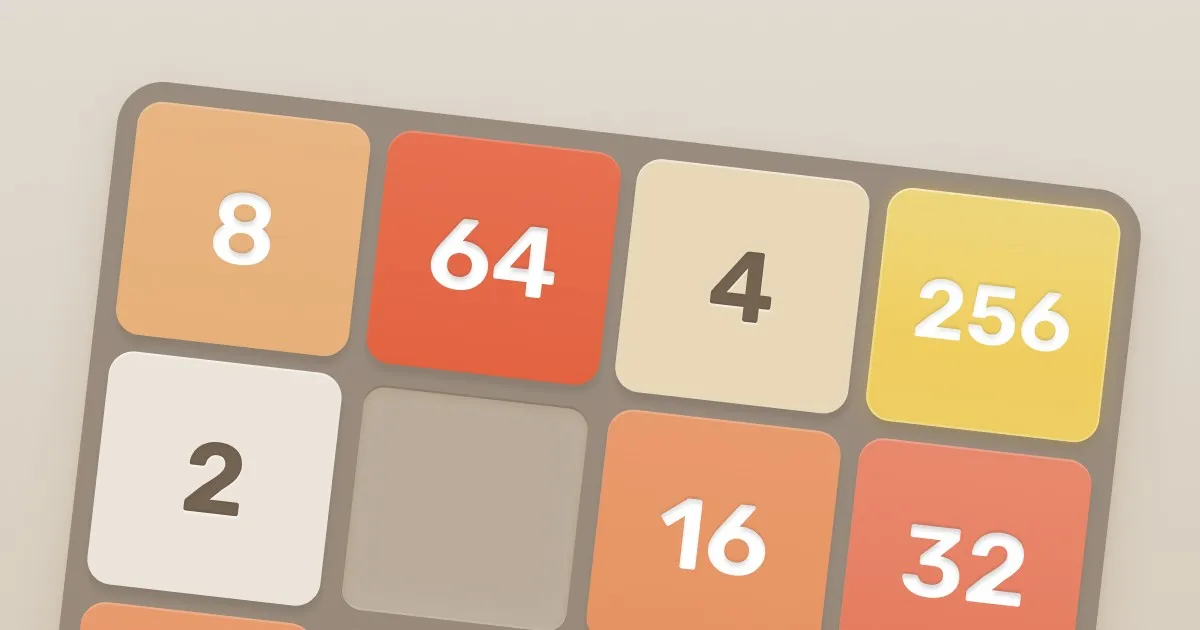
2048 is a wildcard entry. It is a puzzle game rather than a strict maths app, but it is addictive enough that students genuinely engage with multiplication logic along the way.
The game works on a grid of numbered tiles. When two tiles with the same number meet, they combine. The goal is to reach the tile numbered 2048. It demands strategic thinking and is well suited to older students. It is free, works on Android and iOS, and can also be played on a laptop for better classroom visibility.
8. Quento
Best for: Ages 12 and up
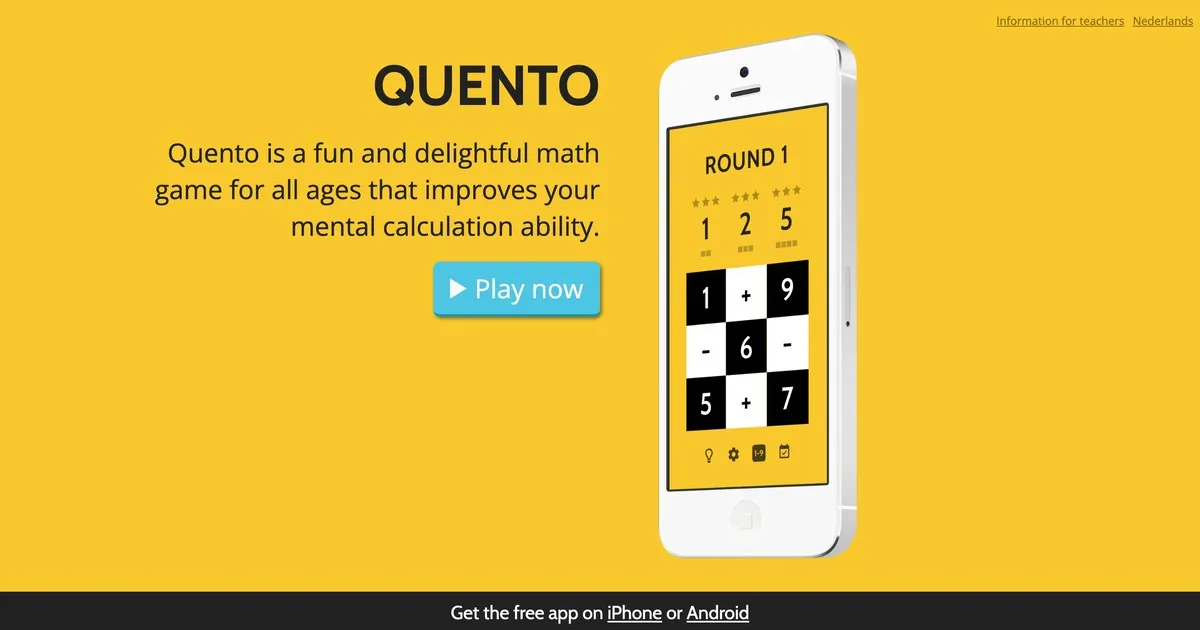
Quento is a clean, focused puzzle that asks students to reach a target number by combining tiles through addition and subtraction. It rewards logical thinking and the ability to plan multiple moves ahead, which makes it a good option for students who find straightforward arithmetic games too easy.
9. Toon Math
Best for: Ages 6 to 14
Toon Math is the closest thing to Temple Run in this list. A monster chases the student's character, and the only way to escape is to answer arithmetic problems by jumping into the correct lane.
The game is fast-paced and works well for students learning basic operations. Basic features are free, with optional upgrades up to $14.
10. Mental Math Master
Best for: Ages 12 and up
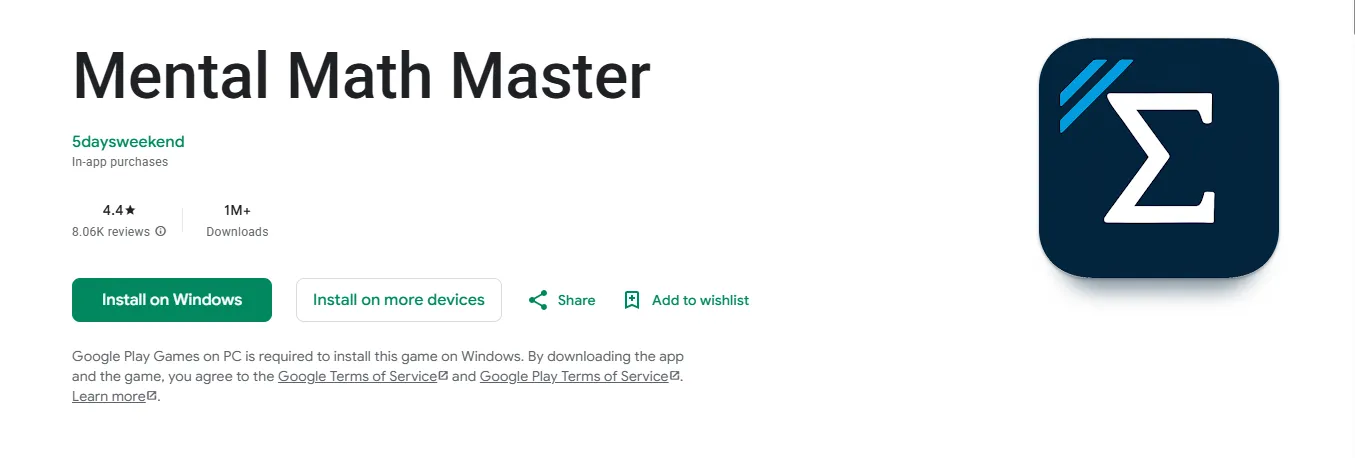
Mental Math Master has no characters, storylines, or adventures. What it does have is challenging multi-step mental math problems covering logarithms, square roots, and factorials.
It is best suited to students who already have a strong arithmetic foundation and want to push further. Each level requires a different problem-solving approach, which keeps the difficulty curve from flattening out.
Get started with AhaSlides
AhaSlides is built for exactly the problems in this list. Build a quiz, share the room code, and your students compete in real time from any device.
It is designed around what teachers actually run into:
You do not know which students are lost until it is too late. AhaSlides shows you answer data in real time, so you can see which questions are causing problems while the lesson is still happening. You can adjust before the confusion compounds.
Students disengage when there is nothing at stake. Leaderboards and streaks give students a reason to stay focused beyond just being told to pay attention.
Building a quiz from scratch takes time you do not have. AhaSlides has a library of ready-made math templates you can adapt in minutes, or you can build your own with the question types that match your lesson.
Frequently asked questions
What makes a good classroom math game?
A good classroom math game covers curriculum content, requires active thinking rather than passive watching, and provides feedback so students know whether their answers are correct. Games that adapt to each student's level and allow teachers to monitor progress are especially useful.
Are math games effective for learning?
Yes. Multiple studies show that game-based learning improves motivation and knowledge retention compared to traditional instruction [1][2]. Students who engage with mathematical problems through gameplay tend to complete more practice repetitions than they would with worksheets, which builds fluency faster.
Do math games work for older students?
Several games on this list are specifically designed for older students: Math Master, 2048, Quento, and Mental Math Master all target ages 12 and up. AhaSlides works for any age group where live quizzing fits the lesson.
Can I use these games without special hardware?
Most games on this list require only a smartphone or tablet. AhaSlides, 2048, and several others also work in a browser, so a laptop or classroom computer is sufficient.
Sources
[1] Vogel, J. J., et al. (2006). Computer gaming and interactive simulations for learning: A meta-analytic review. Journal of Educational Computing Research, 34(3), 229-243. https://doi.org/10.2190/FLHV-K4WA-WPVQ-H0YM
[2] Licorish, S. A., Owen, H. E., Daniel, B., & George, J. L. (2018). Students' perception of Kahoot!'s influence on teaching and learning. Research and Practice in Technology Enhanced Learning, 13(1), 9. https://doi.org/10.1186/s41039-018-0078-8