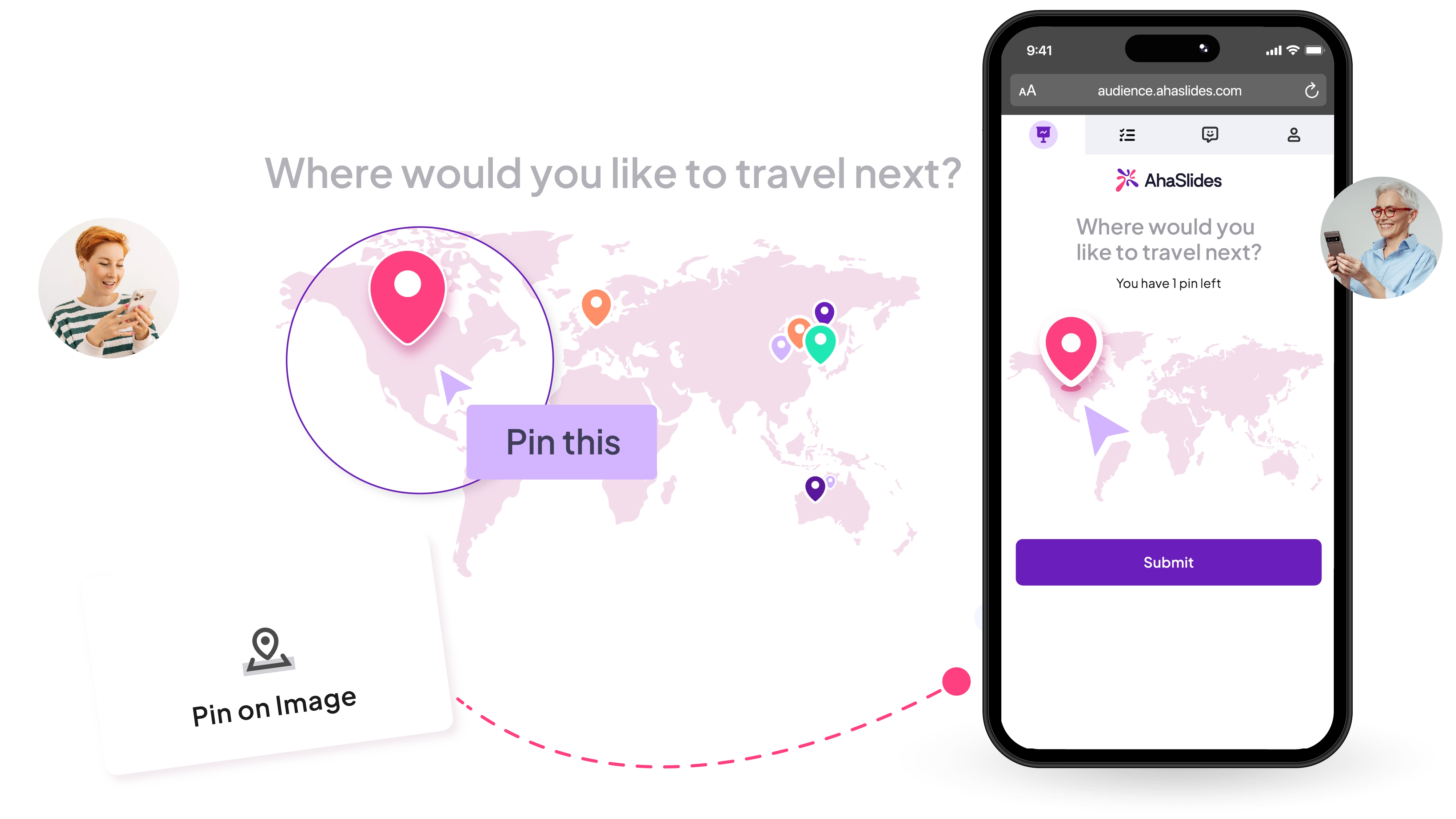
Pin on Image polls for icebreakers and live opinion voting

Upload any image and let your audience drop a pin. Run live image polls and see results instantly.
Sign up for AhaSlides
AhaSlides' pin on image slide activity
Abu Dhabi University logo
Airbus logo
Bend La Pine Schools logo
BMC logo
Bosch logo
Criteo logo
Ferrero Rocher logo
Intel logo
Ivy Tech Community College logo
Le Quiz Show logo
Abu Dhabi University logo
Airbus logo
Bend La Pine Schools logo
BMC logo
Bosch logo
Criteo logo
Ferrero Rocher logo
Intel logo
Ivy Tech Community College logo
Le Quiz Show logo

Pin polling made easy.

Use a world map for “Where are you joining from?” or “What’s your dream place to visit?”. One image, one pin, and the conversation begins.
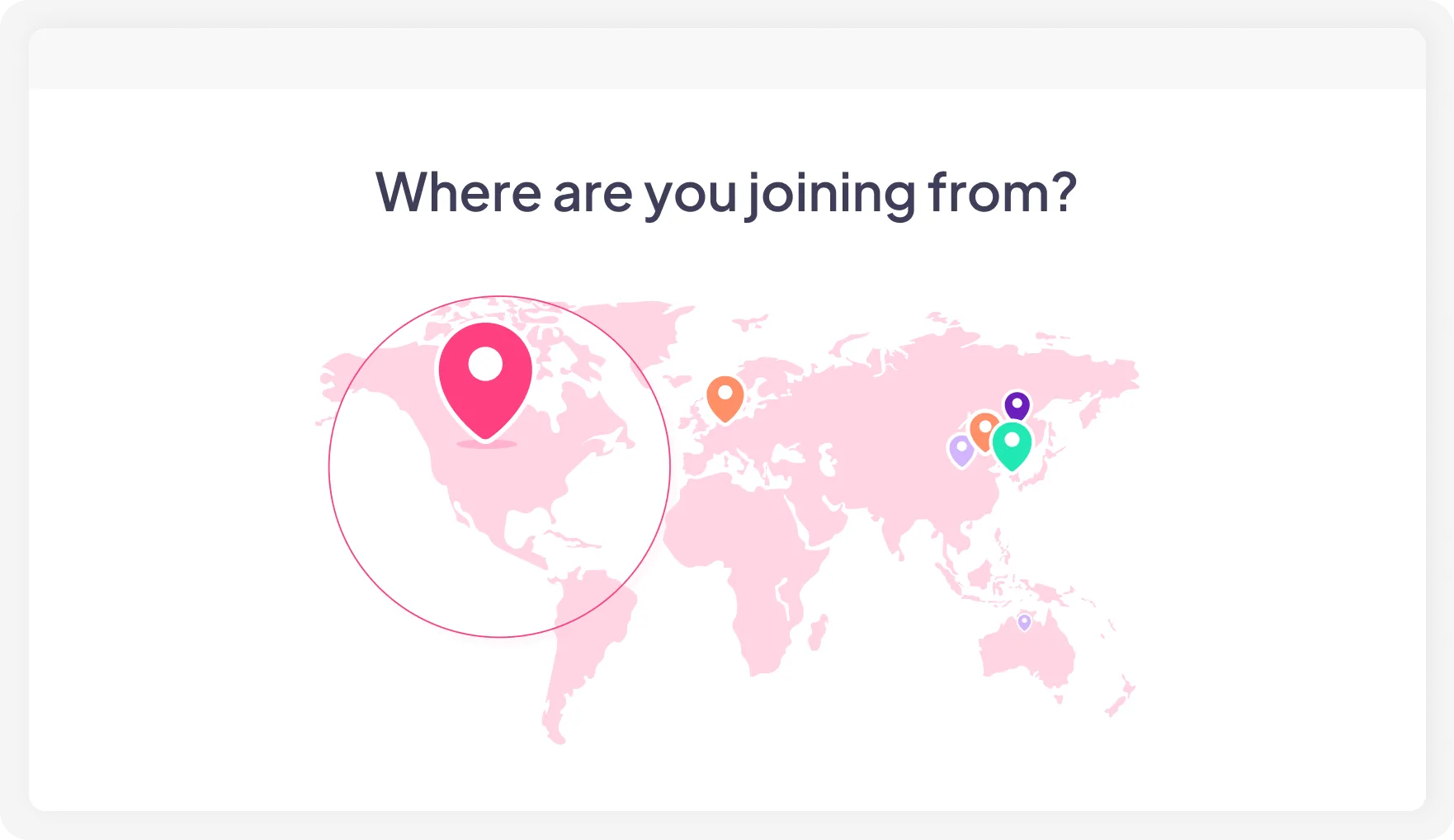
A pin on image poll with a world map on AhaSlides

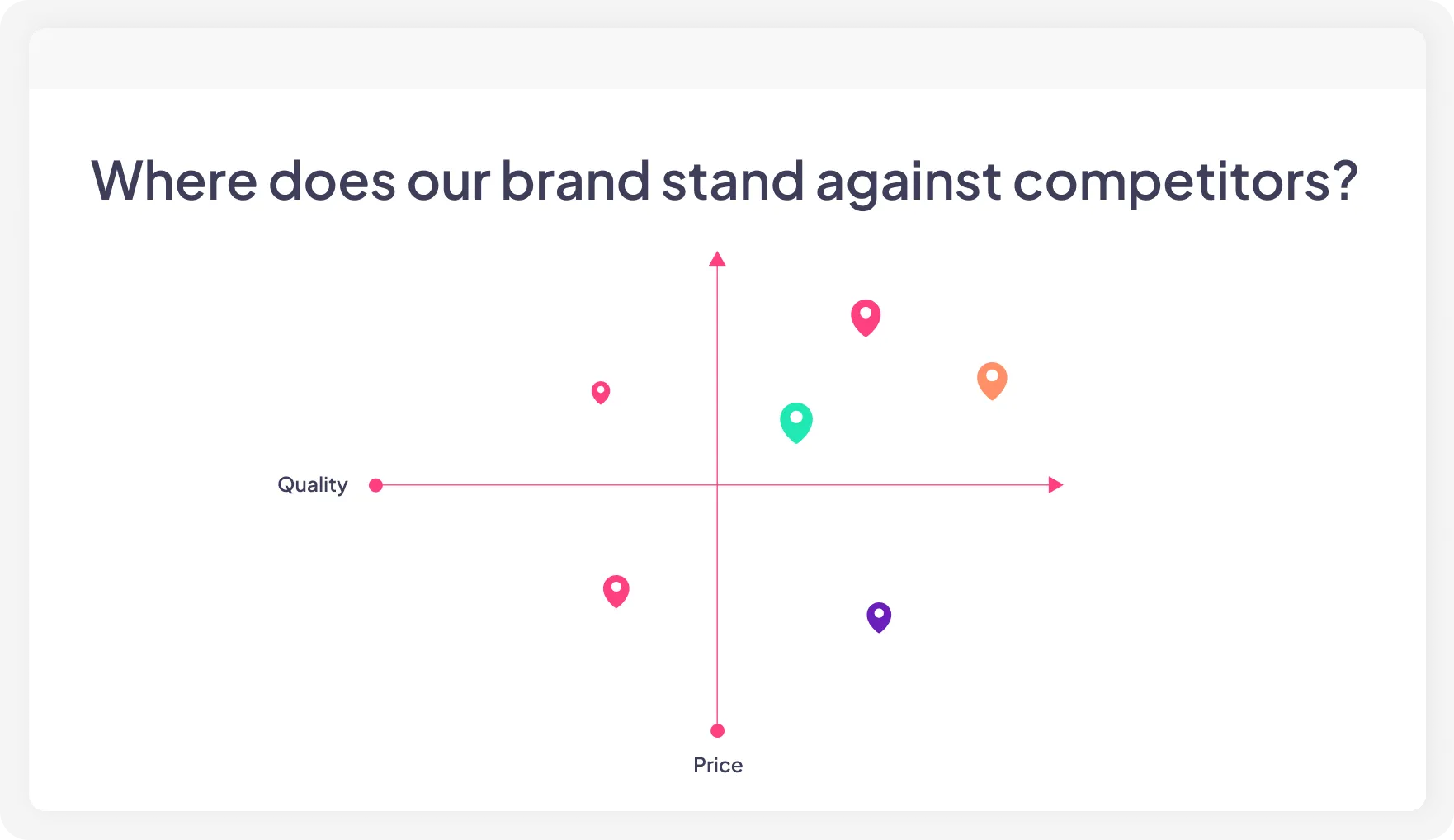
Upload a 2×2 grid, perceptual map, spectrum, or scatter plot. Let everyone pin first, then use the results to start the discussion.
A short answer quiz on AhaSlides

Upload a team photo and ask a question only your group can answer. It makes the interaction more personal, fun, and memorable.
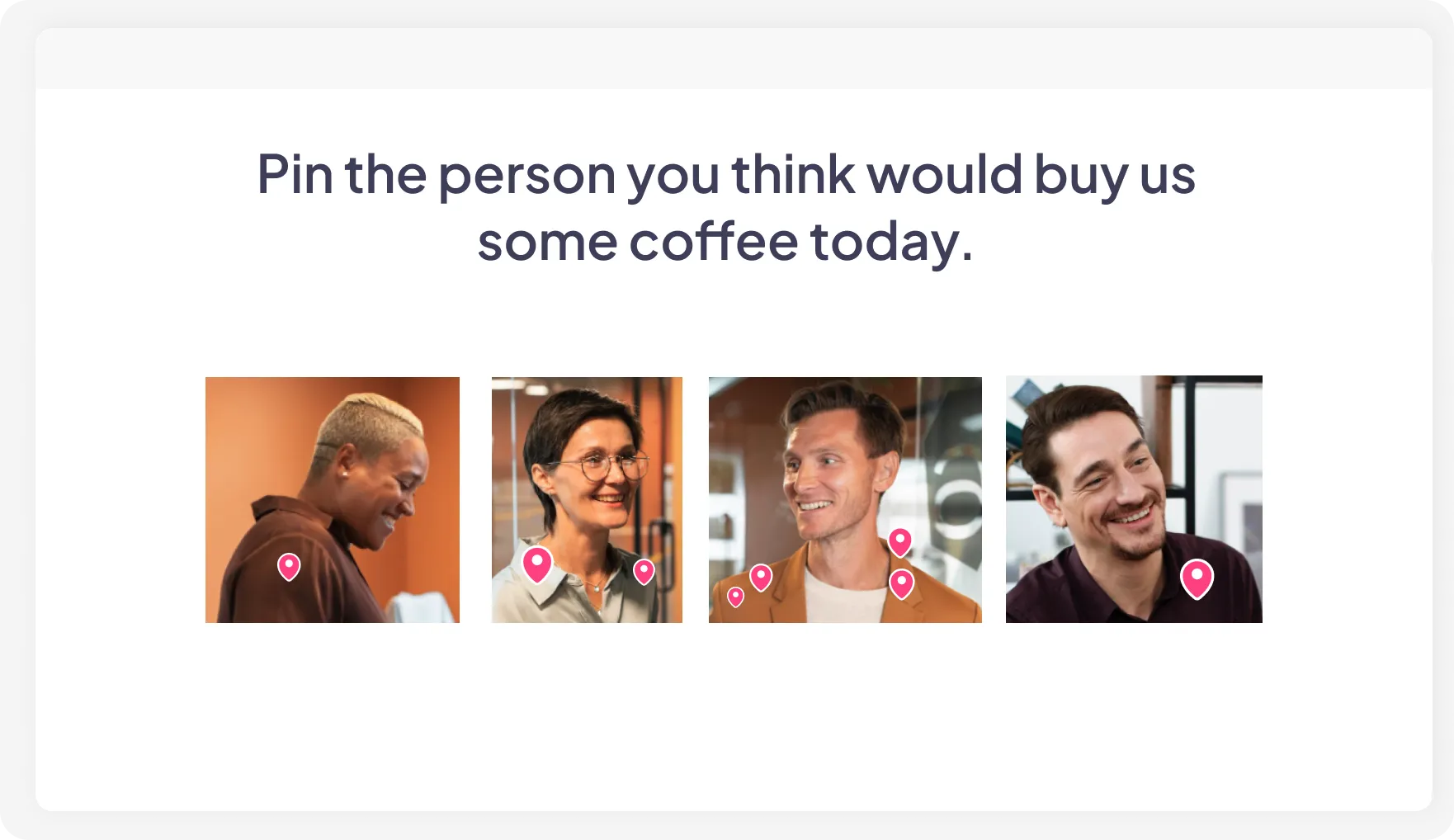
A team photo on AhaSlides with pins

Discuss first, then come back to the pin poll. One final pin helps everyone align on the same picture.
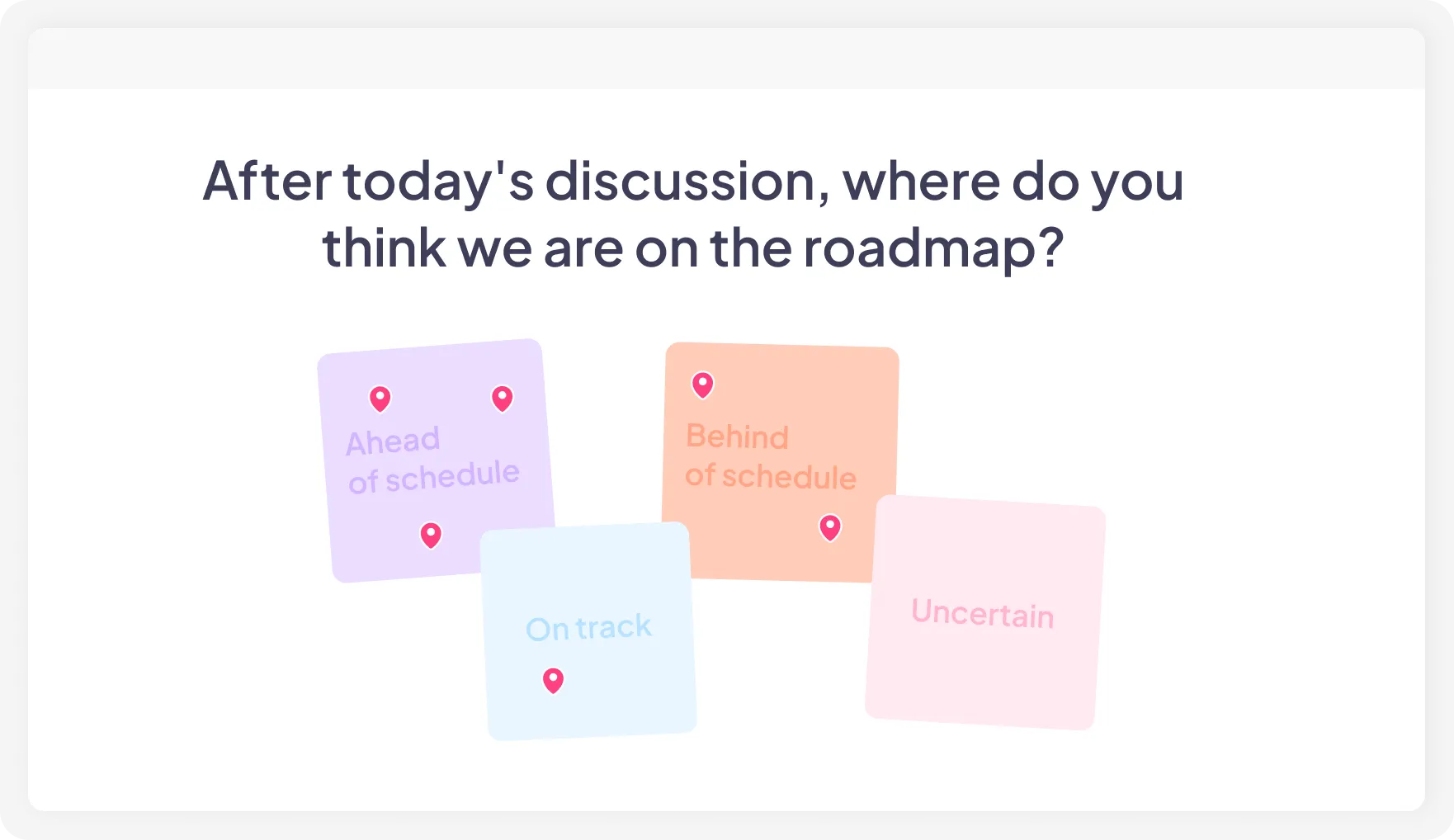

Sticky notes showing 4 different options for teams to pin on AhaSlides' pin on image activity
Try Pin on Image for free

Start a Pin on Image poll in 3 simple steps

1. Add Pin on Image slide

Open AhaSlides, create or continue a presentation, and add a Pin on Image slide from question menu.
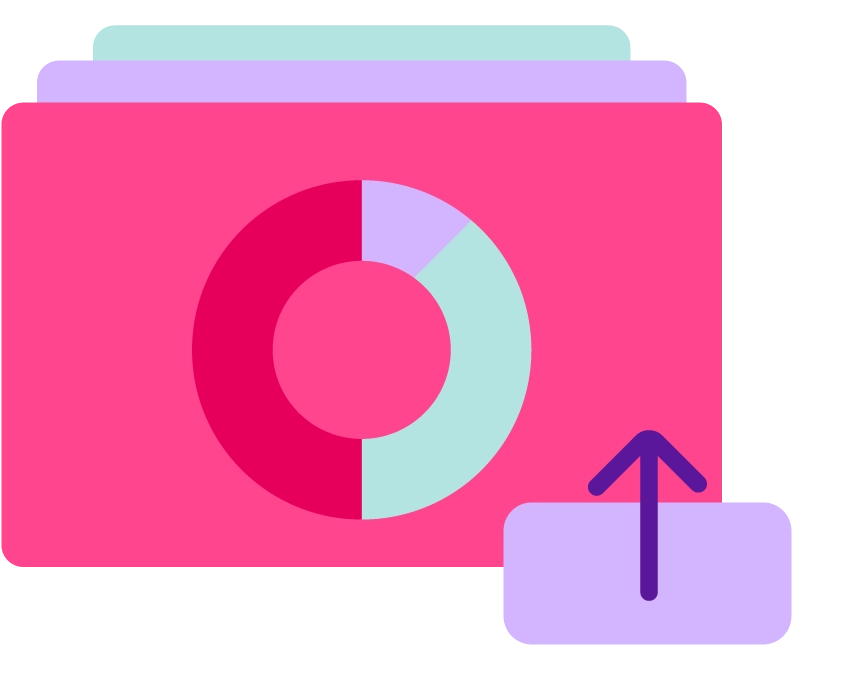
2. Upload your image

Any image works: a map, a grid, a team photo, a diagram, or a blank canvas you design yourself.
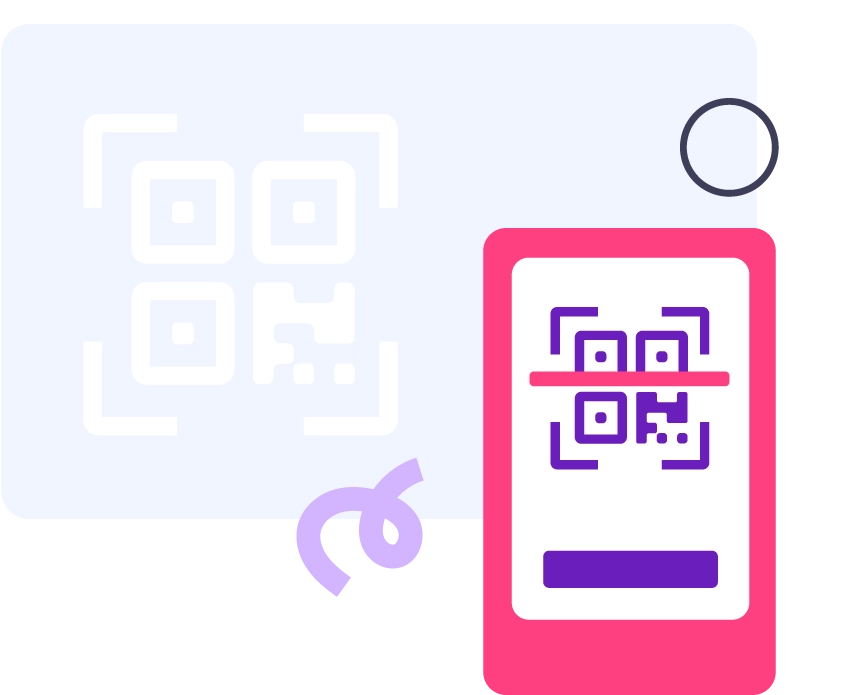
3. Share and collect

Participants join by QR code or link, drop their pin, and results appear live on your screen.

Visualize opinions in all contexts

A meeting of 5 people, behind them is the screen showing AhaSlides' pin on image activity

Meetings & workshops

Replace “let’s go around the room” activities with a single image poll. Thirty seconds. Every opinion is captured.
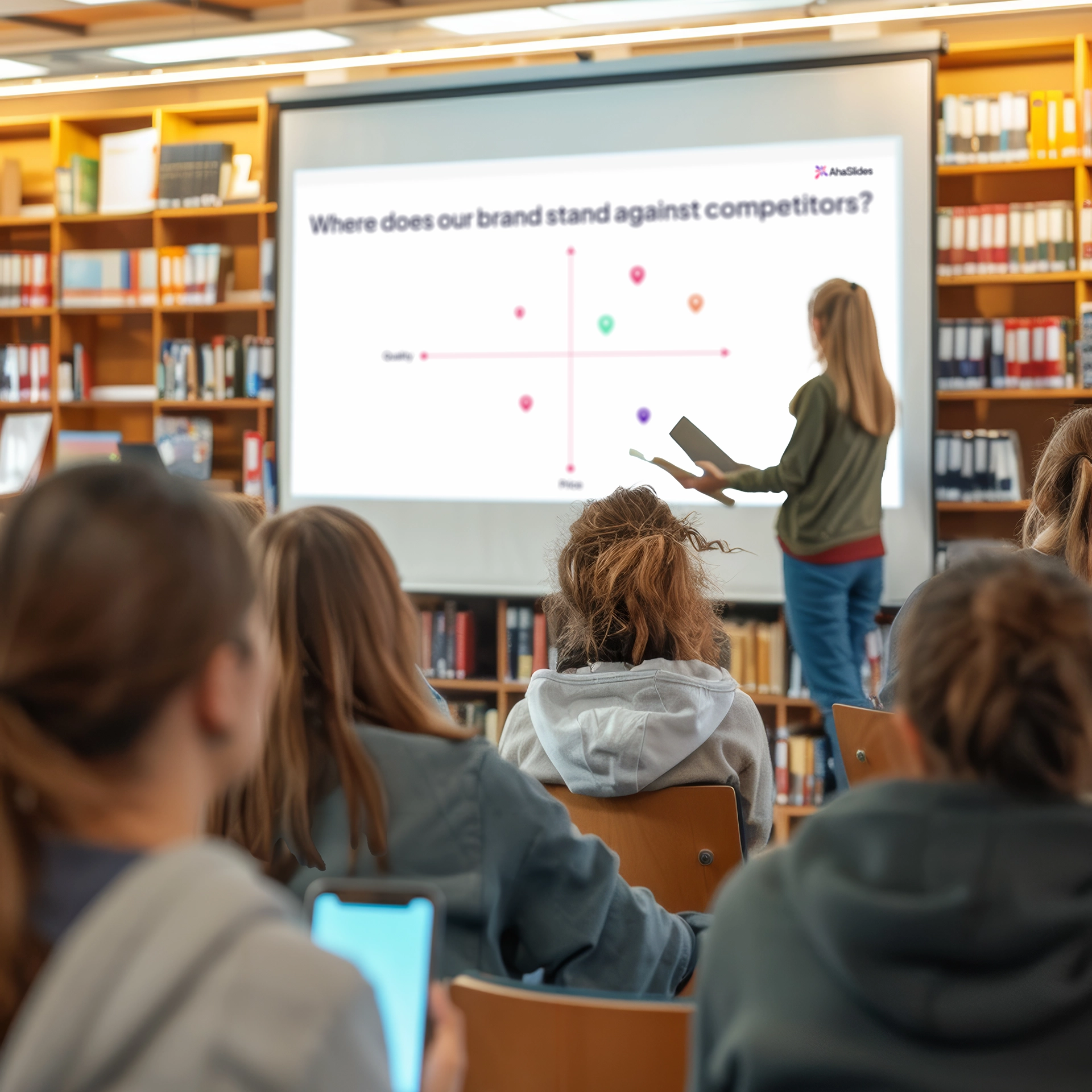
A classroom with students participating in AhaSlides' pin on image activity

Training & education

Use hotspot and other pin-based learning exercises at the beginning or end of a discussion. Join by QR code, no downloads, no logins.

A conference with speakers using AhaSlides' pin image activity to ice break

Events & conferences

Open with a world map icebreaker or close with a visual vote on where to head next. The room gets involved either way.
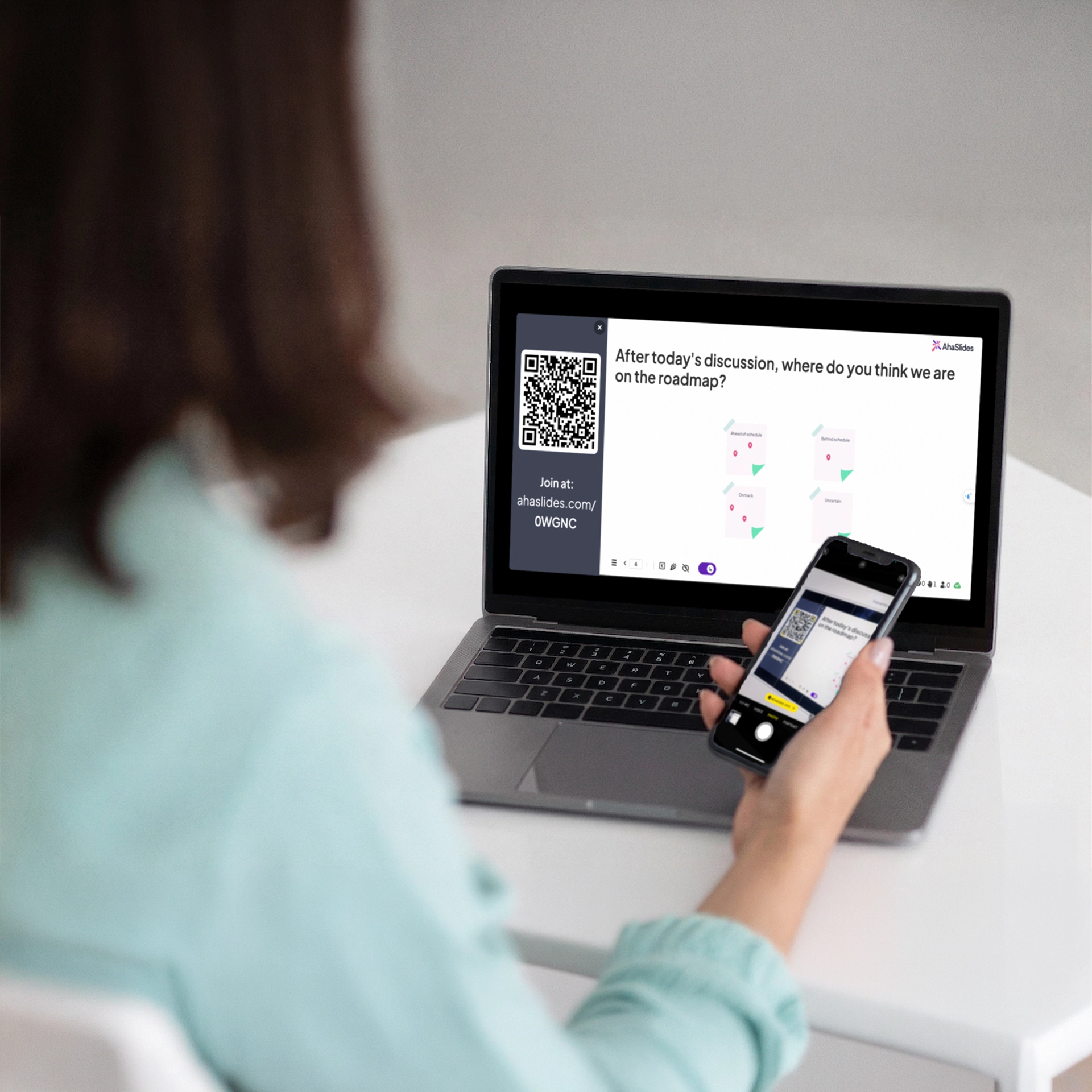
A women using her phone to scan the join code on AhaSlides

Online sessions

Participants join from any device and drop a pin to share their opinion. Everyone is heard without a bloated chat box.

Disvocover the templates

AhaSlides AI presentation maker interface

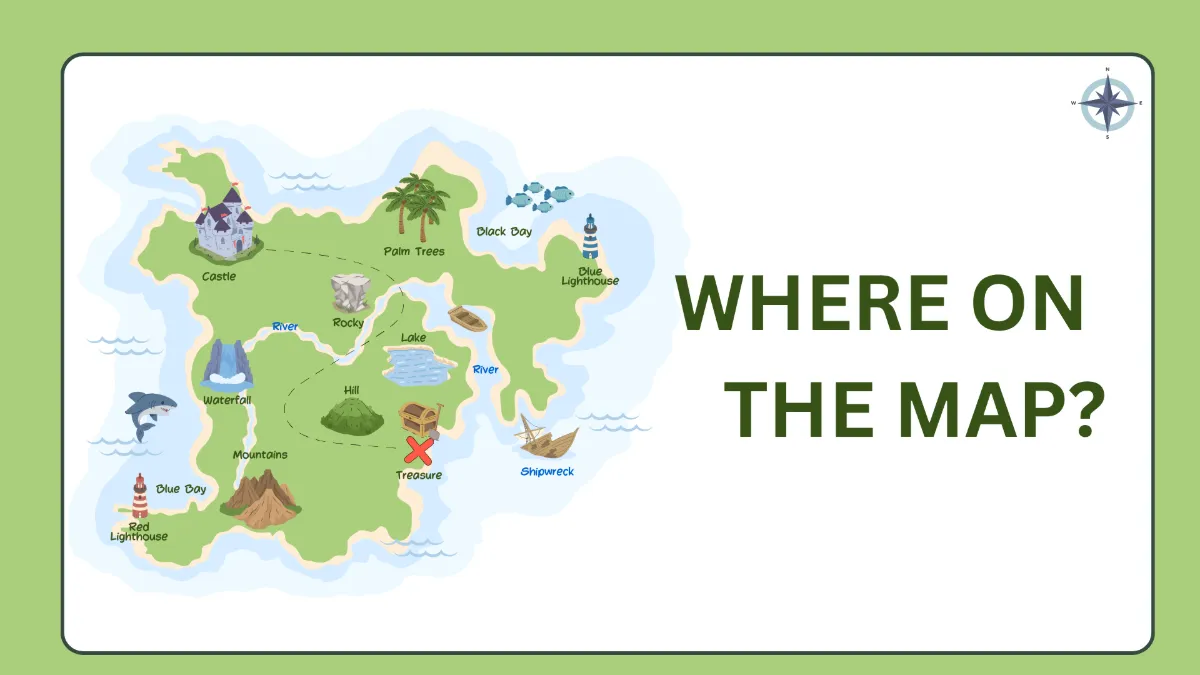
Where on the map?

AhaSlides AI presentation maker interface

Rank these photos

AhaSlides AI presentation maker interface

Who should be chosen?

AhaSlides AI presentation maker interface

Your favourite brands?

AhaSlides AI presentation maker interface

Spot the mistake

AhaSlides AI presentation maker interface

World Cup Trivia

Get started

What our users say

Hear from the teachers, trainers and teams who use it every day.

"Instead of a passive audience, people become active participants in the discussion. This is especially valuable when discussing topics such as career paths, women in STEM, and academic experiences — where hearing many voices enriches the conversation."

Ana Laura Pérez Martínez
Professor, Faculty of Engineering, UNAM

"They're using their phones to answer — not to check emails. They don't even realize how much they're reinforcing learning because they're trying to win."

Dave Choura
Managing partner, Elite Training Innovations, LLC

"It was key that the tool was prepared for large crowds and allowed the simultaneous connection of a considerable number of people, something that AhaSlides offered us with total reliability."

Paula Angulo
Marketing Manager at Casademont Zaragoza

Frequently Asked Questions

What is a Pin on Image poll?
A Pin on Image poll lets participants place a pin directly on an uploaded image. Results appear live on screen, showing exactly where responses cluster.
What images can I upload?
You can upload maps, team photos, mood wheels, 2×2 grids, journey maps, product screenshots, and more, as long as they are in a supported image format.
How many pins can each person place?
You can set the limit. One pin per person works well for clear votes. Multiple pins work better when you want a fuller picture.
Can pins be anonymous?
Yes. Pin responses are anonymous unless you require participants to submit their names or other information before responding.
Can I use it in a self-paced survey?
Yes. Add it to a self-paced presentation, share the link, and participants can respond in their own time.
Is it available on the free plan?
Yes, with limited usage. Visit the pricing page for full details.
© 2026 AhaSlides Pte Ltd