
Free Presentation Templates
Beautiful slide templates, 100% interactive! Save hours and engage better with slide deck templates for meetings, lessons and quiz nights.





My lifestyle
poll





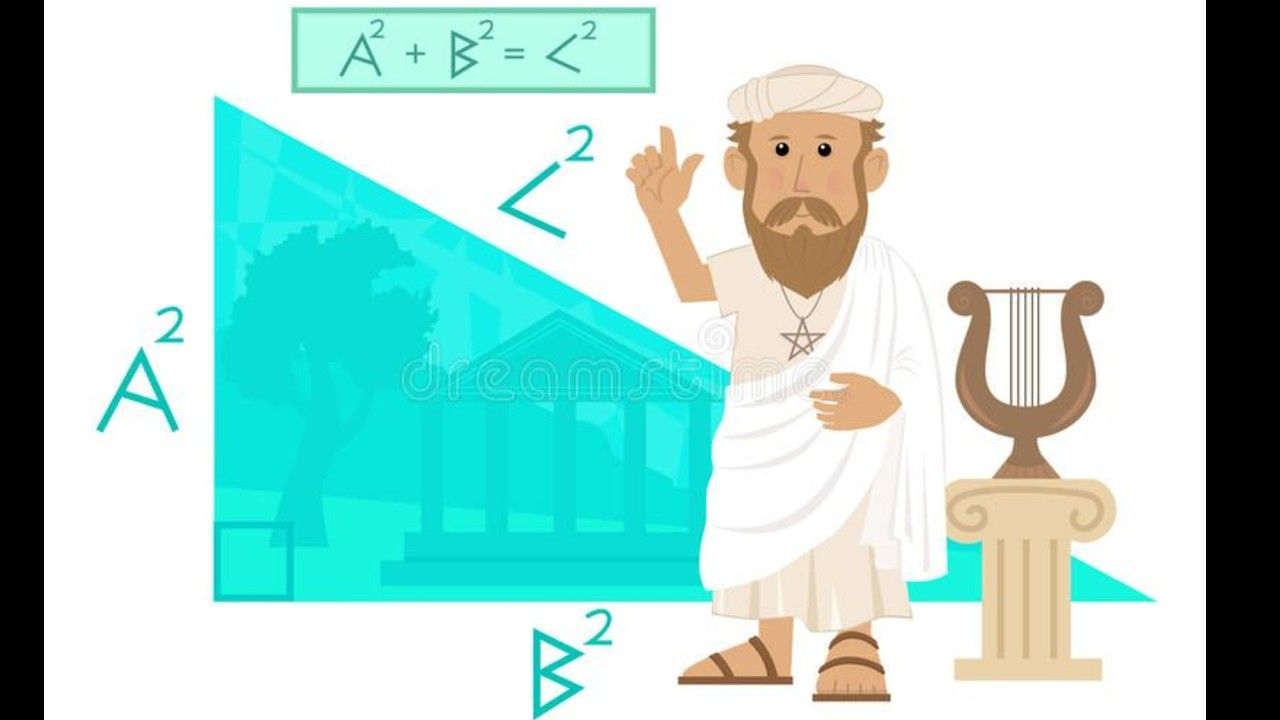
Théorème de Pythagore
Théorème de Pythagore + contraposer et réciproque


День матери
Brainstorm games and activities really get students thinking outside the box. This template has a few brainstorm question examples to try live in your class.


Викторина "Одежда и обувь"
5 вопросов по теме "Одежда и обувь"
You lost me-Overprotective
Disclaimer: This is not my work. No part of this was used to make money. All credit goes to the producers and writers of the discussion guide "You Lost Me".


Simon's Music Quizz
Music Quiz with a twist at the end

Ender's Game Chp 1-2
Overall impressions and comprehension for Chapters 1-2


hxh quiz (difficile)
Pour les puristes
NREMT PREP Camp - Airway
Wolfforth EMT Training Program


Chocolate Trivia
Chocolate Trivia

Winter Trivia
The ultimate Winter Trivia Quiz for those cold nights

Henkel KFest Year-End Party 2022
Dresscode

Năng lực thông tin-Nhóm 4
Xin chào mọi người, chúng mình là nhóm 4, mong các bạn hãy tham gia game một cách vui vẻ, thoải mái và cố gắng chiến thắng nha. :3 Cảm ơn các bạn rất nhiều ạ



Frequently asked questions
How do I access the AhaSlides template library?
You can access templates from the Templates tab in your dashboard after logging in, from the Templates section on our website, or directly in the Editor app.
What are the templates designed for?
Official templates help you prepare interactive presentations for training, meetings, classes, and workshops. Community templates are created by users and shared to inspire others.
How do I host a session using a template?
Select a template, customise it by editing slides, themes, multimedia, and settings, then host it just like any other presentation.
Do I need to pay to use templates?
All templates are free to download and host, but some may exceed the free plan limits (5 quiz questions or 3 polls), which require a paid plan.
If I publish a template to share with my team, will it be visible to all other users?
Yes. Published templates are added to the public library and visible to all users. To keep a template private, share it with team members as collaborators instead.