



Let AI assistants like Claude build and edit AhaSlides presentations for you, just by describing what you want. Create quizzes, polls, and full decks without opening the editor. Signs in securely with your existing AhaSlides account.
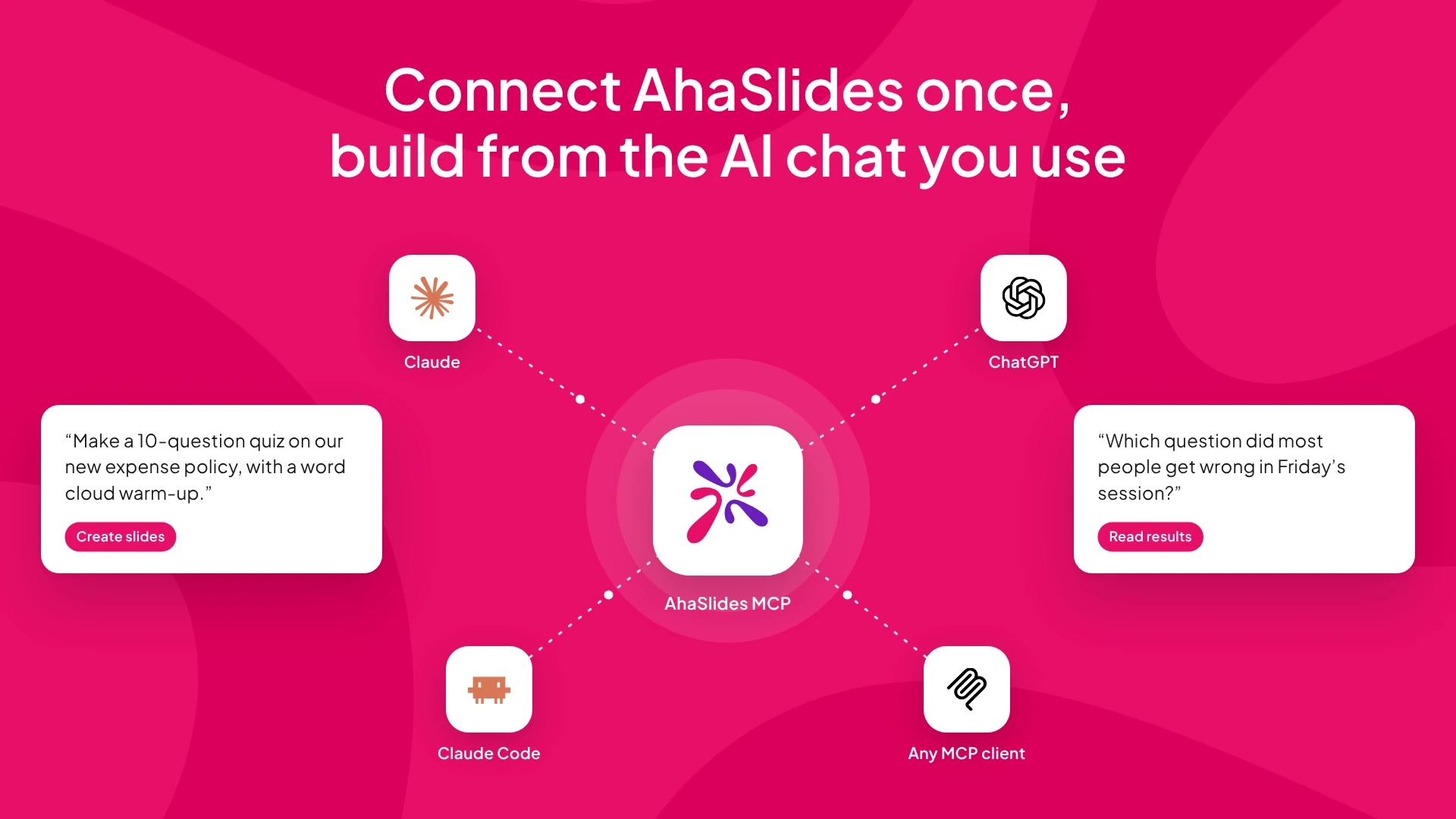
The AhaSlides MCP server lets AI assistants like Claude work inside AhaSlides for you. Just describe what you want in plain language — no app-switching, no coding.
Once connected, you can ask the AI to:
- Build presentations —create a new deck or view everything inside it.
- Create & edit slides — 17+ types including quizzes, polls, word clouds and content slides. Edit text, reorder, delete, or skip slides during a live session.
- Change the look — browse themes and apply one to any presentation.
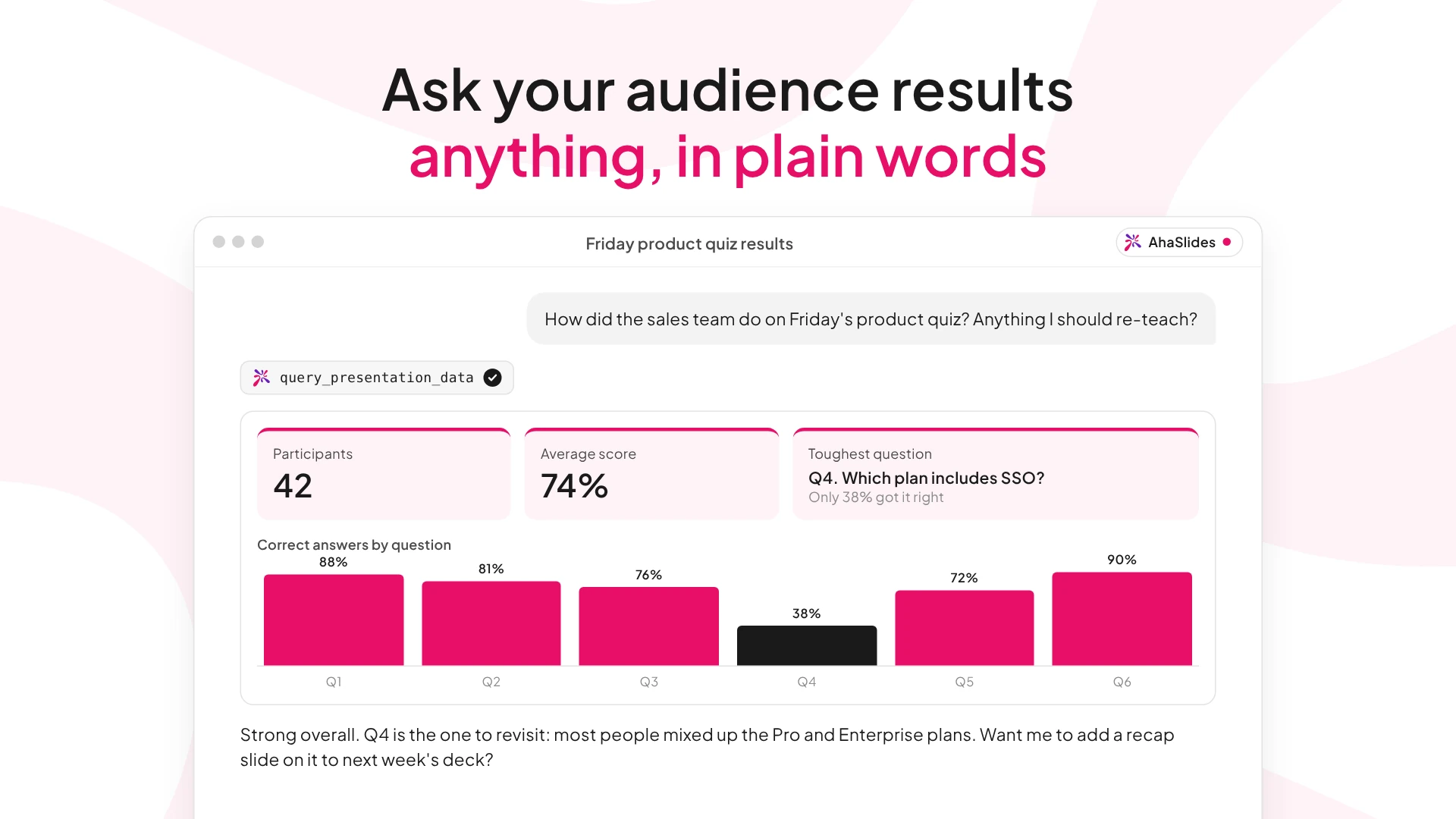
- Understand your audience — pull participation, quiz scores and poll results from your sessions.
What you'll need
An AhaSlides account (free or paid) and an AI assistant that supports custom MCP connectors — Claude, ChatGPT, or Claude Code. No API key needed — you'll sign in with your AhaSlides account. The server URL is the same everywhere: https://mcp.ahaslides.com/mcp
Claude (no code)
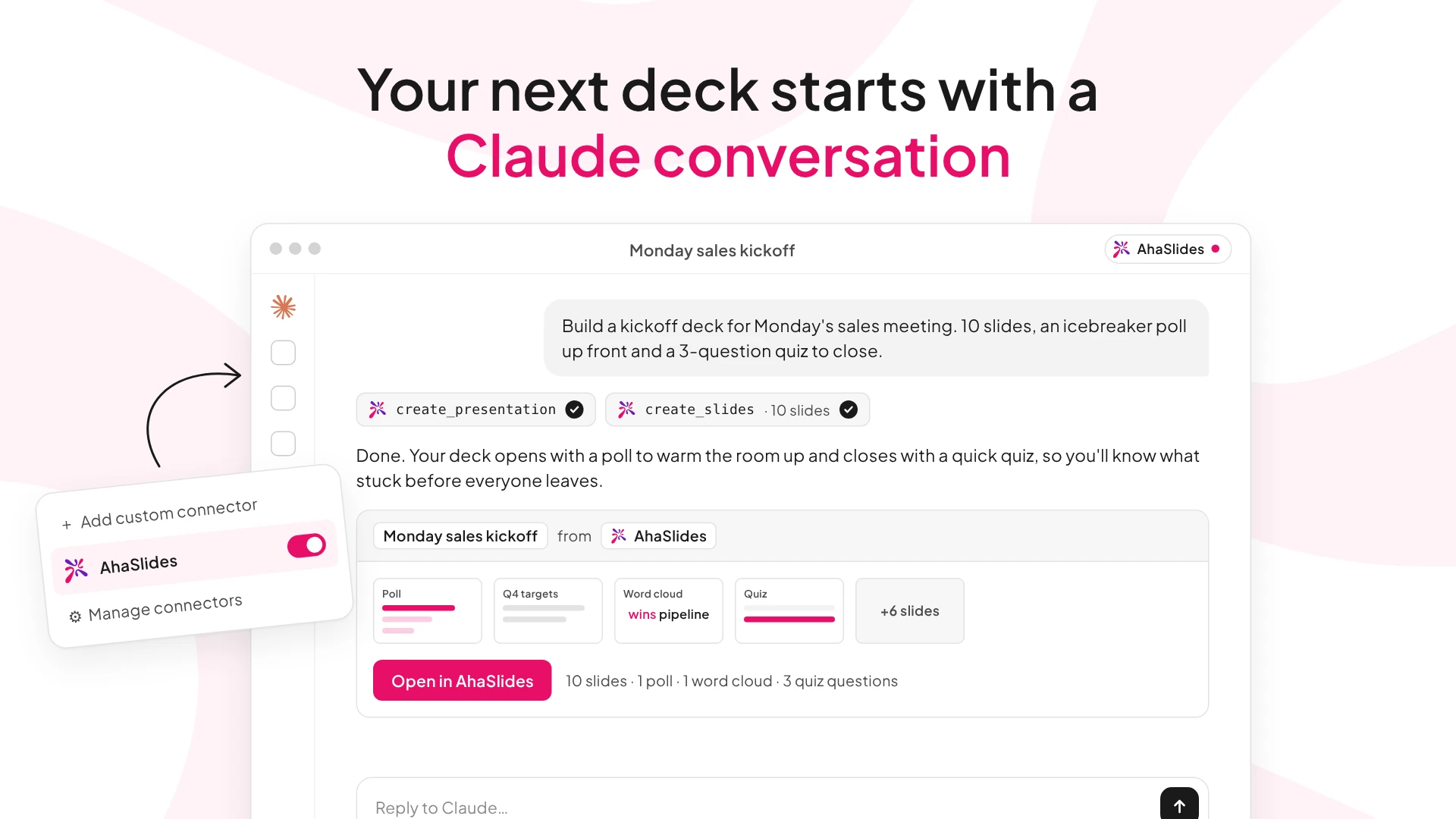
Open Settings → Connectors, choose "Add custom connector", paste the server URL, then sign in with your AhaSlides account when prompted. Custom connectors need a paid Claude subscription.
ChatGPT (no code)
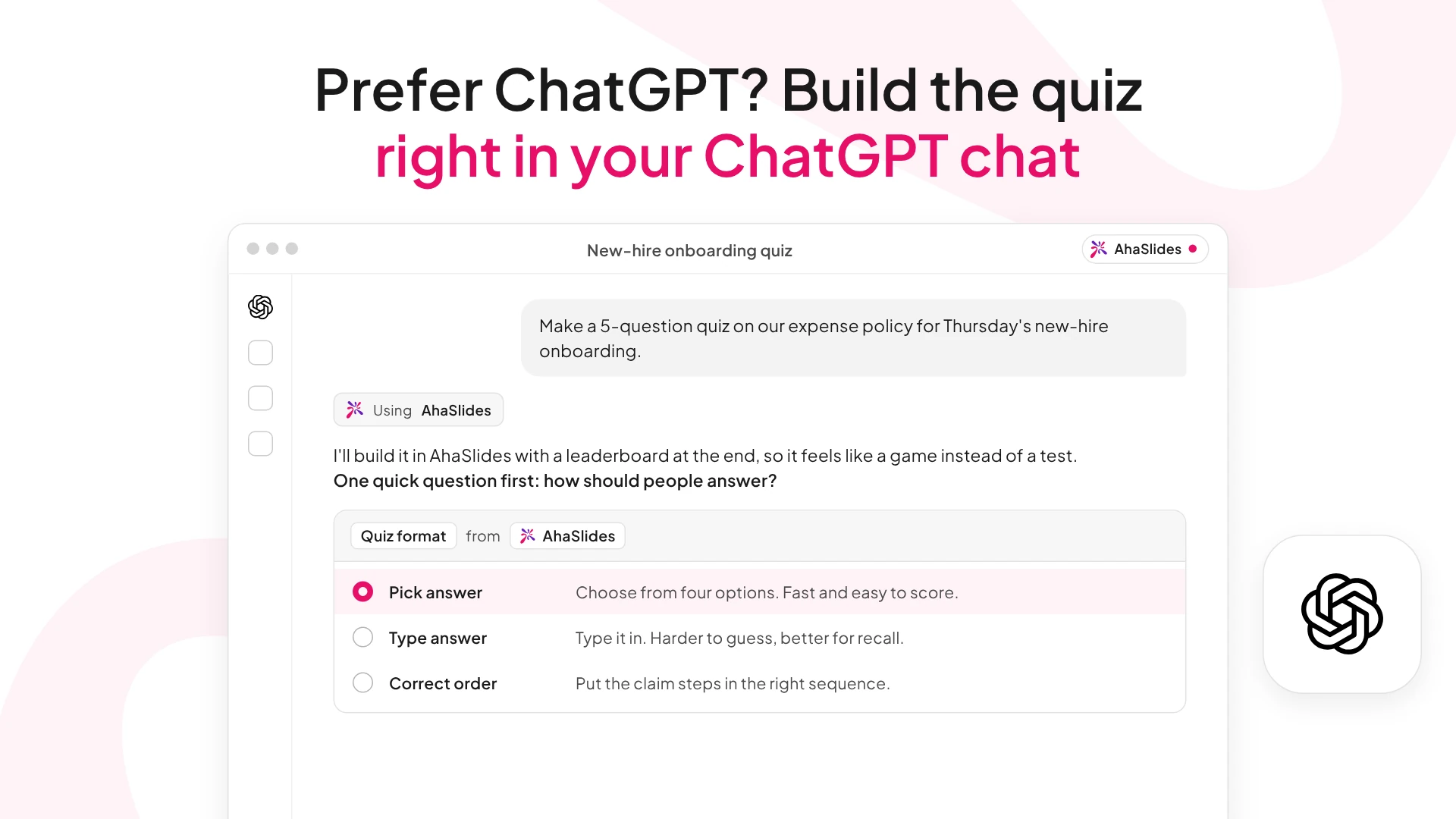
Turn on Developer mode in Settings, add a new connector with the server URL, then complete AhaSlides sign-in.
Claude Code (for developers)
Run this command in your terminal:
claude mcp add ahaslides --transport http https://mcp.ahaslides.com/mcp
Or add this to your Claude Code MCP settings (settings.json or .mcp.json):
{ "mcpServers": { "ahaslides": { "type": "url", "url": "https://mcp.ahaslides.com/mcp" } } }
Signing in
The first time you use an AhaSlides tool, a browser window opens to sign in with your AhaSlides account (email/password, Google, or Microsoft) over OAuth 2.0. That's it — you're ready to go.
Create slides by just asking
Describe what you want and the AI builds it — quizzes, polls, word clouds, brainstorms, content slides and more (17+ slide types).
Edit and organize
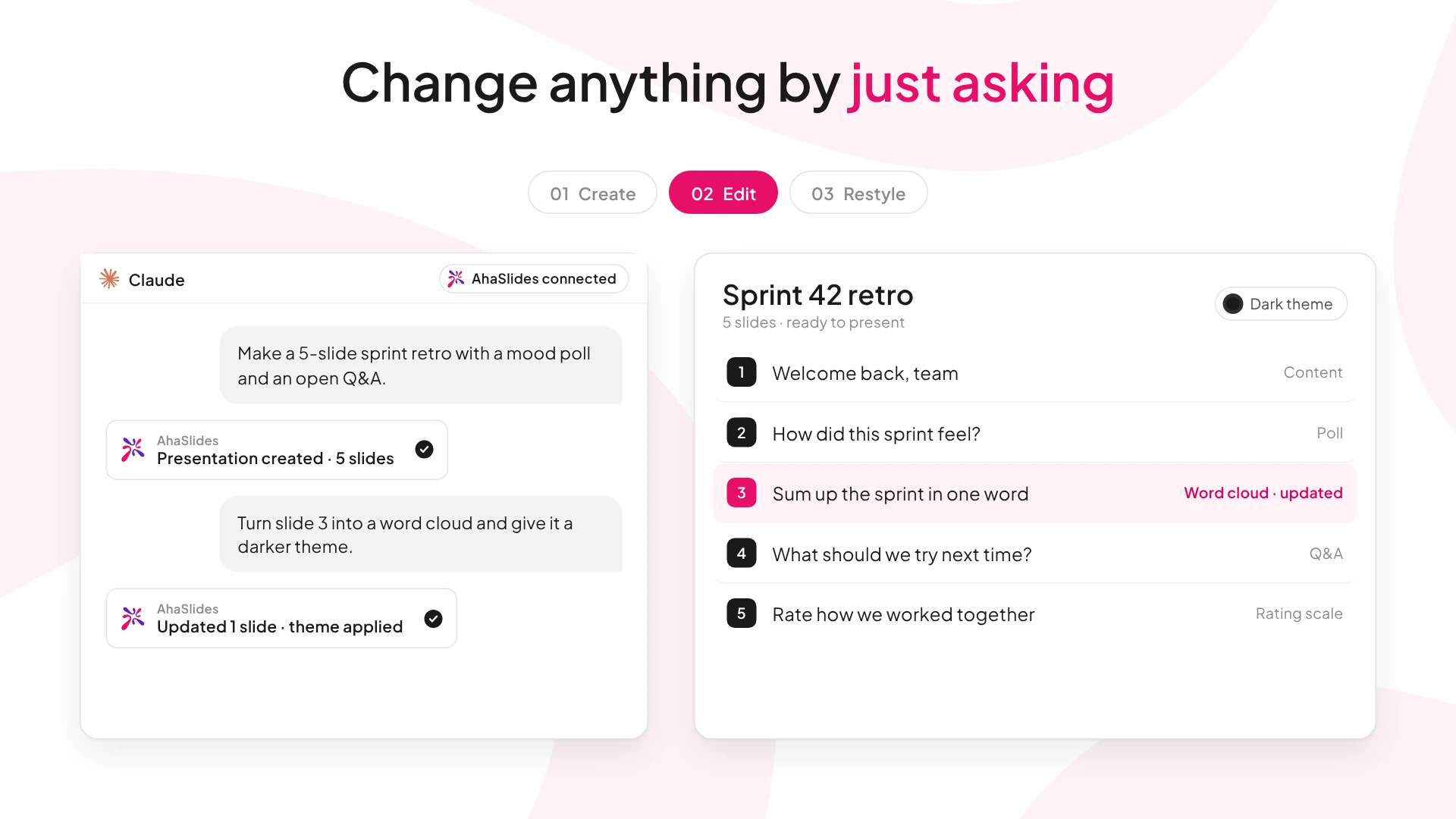
Update titles, options and answers, reorder slides, delete them, or skip a slide during a live session — all in plain language.
Themes in one step
Browse available themes and apply the one you like to any presentation.
Audience insights
Ask for participation numbers, quiz scores and poll results across your sessions — no exporting or digging required.
No API key, secure by default
Sign in with your existing AhaSlides account over OAuth 2.0. The AI only touches your presentations and only does what you ask — and you can revoke access anytime.