background presentation
presentation sharing

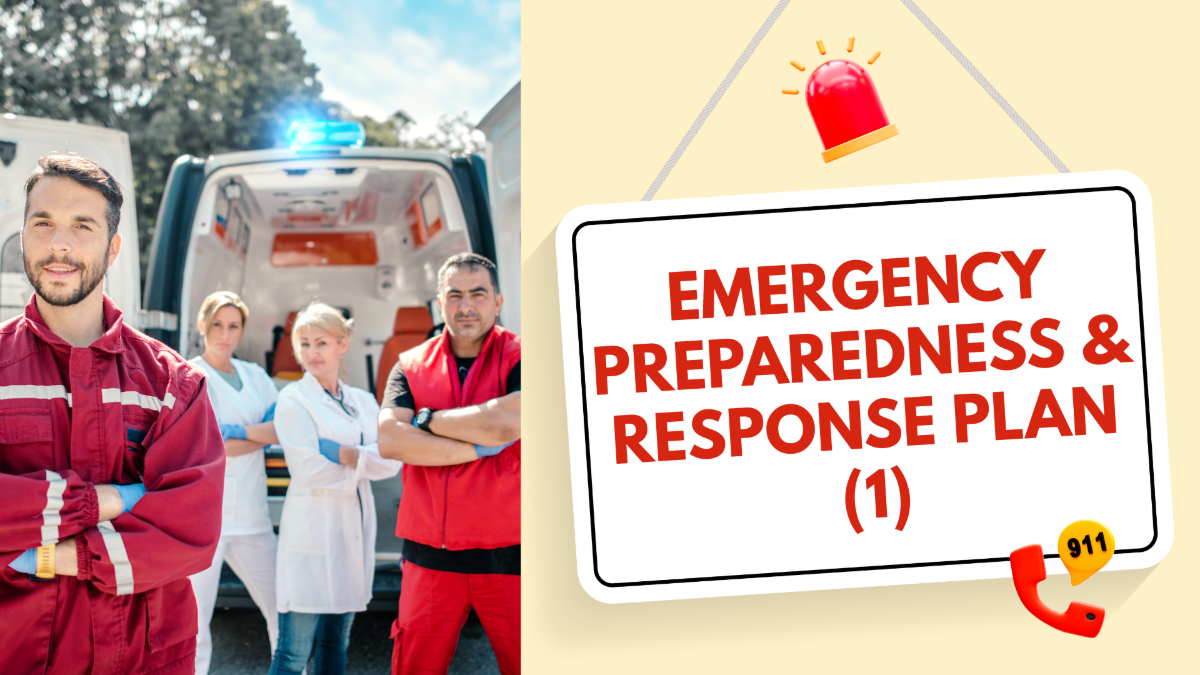
Emergency preparedness and response plan (Part 1)

37

23

AhaSlides Official AhaSlides Official author-checked.svg

The Emergency Response Plan (ERP) guides staff in emergencies, detailing alarm activation, evacuations, first aid, and responsibilities, ensuring safe, effective communication and preparedness.

Slides (37)

1 - Freestyle

2 - Freestyle

3 - Freestyle

4 - Freestyle

5 - Freestyle

6 - Freestyle

7 - Freestyle

8 - Freestyle

9 - Freestyle

10 - Freestyle

11 - Freestyle

12 - Freestyle

13 - Freestyle

14 - Freestyle

15 - Freestyle

16 - Pick Answer

Match each situation with its correct type of emergency.

17 - Freestyle

18 - Pick Answer

How do you think does an Emergency Response Plan (ERP) help employees during a critical incident?

19 - Freestyle

20 - Freestyle

21 - Freestyle

22 - Freestyle

23 - Freestyle

24 - Freestyle

25 - Freestyle

26 - Freestyle

27 - Freestyle

28 - Freestyle

29 - Pick Answer

Who is responsible for maintaining and updating the Emergency Response Plan (ERP)?

30 - Freestyle

31 - Freestyle

32 - Pick Answer

According to the ERP, staff must activate the alarm and notify the safety manager immediately after detecting smoke in the storeroom.

33 - Pick Answer

The ERP instructs staff to lead customers through designated exits and assemble at the safe point for a headcount.

34 - Pick Answer

The ERP states that trained first aiders should provide immediate care to anyone injured while another employee contacts emergency services.

35 - Freestyle

36 - Freestyle

37 - Freestyle

Similar Templates

Frequently Asked Questions

How do I access the AhaSlides template library?

You can access templates from the Templates tab in your dashboard after logging in, from the Templates section on our website, or directly in the Editor app.

What are the templates designed for?

Official templates help you prepare interactive presentations for training, meetings, classes, and workshops. Community templates are created by users and shared to inspire others.

How do I host a session using a template?

Select a template, customize it by editing slides, themes, multimedia, and settings, then host it just like any other presentation.

Do I need to pay to use templates?

All templates are free to download and host, but some may exceed the free plan limits (5 quiz questions or 3 polls), which require a paid plan.

If I publish a template to share with my team, will it be visible to all other users?

Yes. Published templates are added to the public library and visible to all users. To keep a template private, share it with team members as collaborators instead.