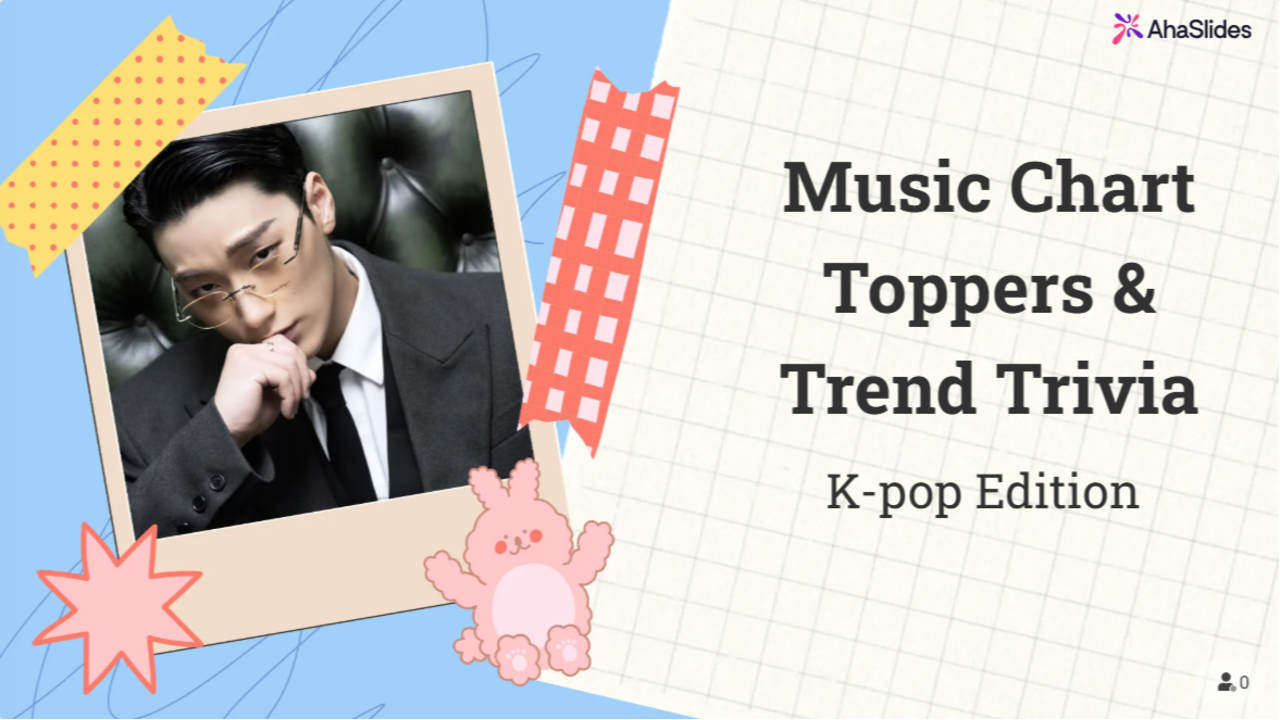
background presentation
presentation sharing

Music Chart Toppers & Trend Trivia: K-pop Edition

46

22

AhaSlides Official AhaSlides Official author-checked.svg

Join us for a K-pop trivia dive! Test your knowledge on idols, songs, albums, fun facts, and historic moments, like Guinness records and chart-topping hits. Let’s see who’s the ultimate fan!

Categories

Slides (46)

1 - Freestyle

2 - Freestyle

3 - Freestyle

4 - Bullet Points

📌 Instructions

5 - Pick Answer

Which K-pop group had the first Billboard Hot 100 No.1?

6 - Leaderboard

7 - Freestyle

8 - Pick Answer

Which girl group went viral globally with “Hype Boy”?

9 - Leaderboard

10 - Freestyle

11 - Pick Answer

Which boy group made their Billboard 200 Top 10 debut with “The Chaos Chapter: FREEZE”?

12 - Leaderboard

13 - Freestyle

14 - Pick Answer

Who holds the Guinness World Record for most-viewed YouTube video in 24 hours by a K-pop group (as of 2023)?

15 - Leaderboard

16 - Freestyle

17 - Freestyle

18 - Bullet Points

📌 Instructions

19 - Pick Answer

Match the song to the group

20 - Leaderboard

21 - Freestyle

22 - Pick Answer

Match the group to their fandom name

23 - Leaderboard

24 - Freestyle

25 - Pick Answer

Match the leader to their group

26 - Leaderboard

27 - Freestyle

28 - Pick Answer

Match the company to its artists

29 - Leaderboard

30 - Freestyle

31 - Freestyle

32 - Bullet Points

📌 Instructions

33 - Pick Answer

Order these BTS albums from oldest to newest

34 - Leaderboard

35 - Freestyle

36 - Pick Answer

Order these girl group debuts

37 - Leaderboard

38 - Freestyle

39 - Pick Answer

Order these viral K-pop songs by release date

40 - Leaderboard

41 - Freestyle

42 - Pick Answer

Order these male idols by debut year

43 - Leaderboard

44 - Freestyle

45 - Word Cloud

Who’s your favorite K-pop group or artist right now

46 - Freestyle

Similar Templates

Frequently Asked Questions

How do I access the AhaSlides template library?

You can access templates from the Templates tab in your dashboard after logging in, from the Templates section on our website, or directly in the Editor app.

What are the templates designed for?

Official templates help you prepare interactive presentations for training, meetings, classes, and workshops. Community templates are created by users and shared to inspire others.

How do I host a session using a template?

Select a template, customize it by editing slides, themes, multimedia, and settings, then host it just like any other presentation.

Do I need to pay to use templates?

All templates are free to download and host, but some may exceed the free plan limits (5 quiz questions or 3 polls), which require a paid plan.

If I publish a template to share with my team, will it be visible to all other users?

Yes. Published templates are added to the public library and visible to all users. To keep a template private, share it with team members as collaborators instead.