


Classroom polling is a teaching method that uses digital tools — like AhaSlides, Mentimeter, or Google Forms — to collect real-time responses from students during a lesson, turning passive listeners into active participants. Here's why it works, plus six of the best free classroom polling tools for 2026.
The case for classroom polling
Ask most teachers what frustrates them most, and student disengagement ranks near the top. The Gradient Learning 2023 poll of 1,400 teachers across grades 4 through 12 found that 80% of teachers report concerns about student engagement in classroom-based learning [1]. And disengagement is not just a management problem. Research by Donna Walker Tileston shows that learners can discard new information within 20 minutes unless they actively engage with it [2].
Classroom polling addresses both problems at once. A simple live poll, mid-lesson, transforms a room of passive listeners into active participants. When a teacher asks students to predict the outcome of a chemistry experiment and poll results appear on screen, the usually quiet corner lights up with whispered debates. That is not a technology effect. That is what happens when every student's voice counts simultaneously.
What is classroom polling and why does it matter?
Classroom polling is an interactive teaching method that uses digital tools to collect real-time responses from students during lessons. Unlike traditional hand-raising, polling allows every student to participate at the same moment while giving teachers instant data about understanding, opinions, and engagement levels.
The urgency for effective engagement tools has never been higher. Recent research reveals that engaged students are 2.5 times more likely to say they get excellent grades and 4.5 times more likely to be hopeful about the future compared to their disengaged peers. Yet 80% of teachers say they are concerned about their students' engagement in classroom-based learning.
Strategic ways to use classroom polling
Break the ice with an opening poll
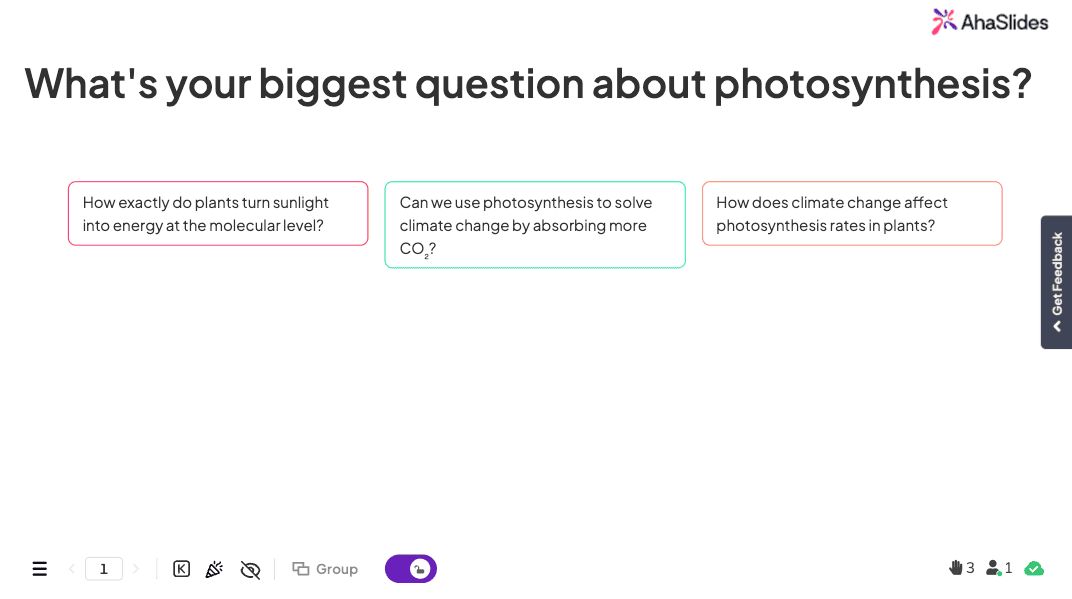
Start a course or unit by asking students what they hope to learn or what concerns them about the topic. An open-ended poll surfaces genuine student questions and helps you tailor the lesson to what students actually need. It also signals from the first moment that this class expects participation.
Example: "What's your biggest question about photosynthesis?"
An open-ended poll or Q&A slide type in AhaSlides works well here. You can address responses right away or return to them at the end of class.
Comprehension check-ins
Pause every 10-15 minutes to ensure students are following along. Ask your students how well they understand it.
Example poll: "On a scale of 1-5, how confident do you feel about solving these types of equations?"
- 5 (Very confident)
- 1 (Very confused)
- 2 (Somewhat confused)
- 3 (Neutral)
- 4 (Pretty confident)
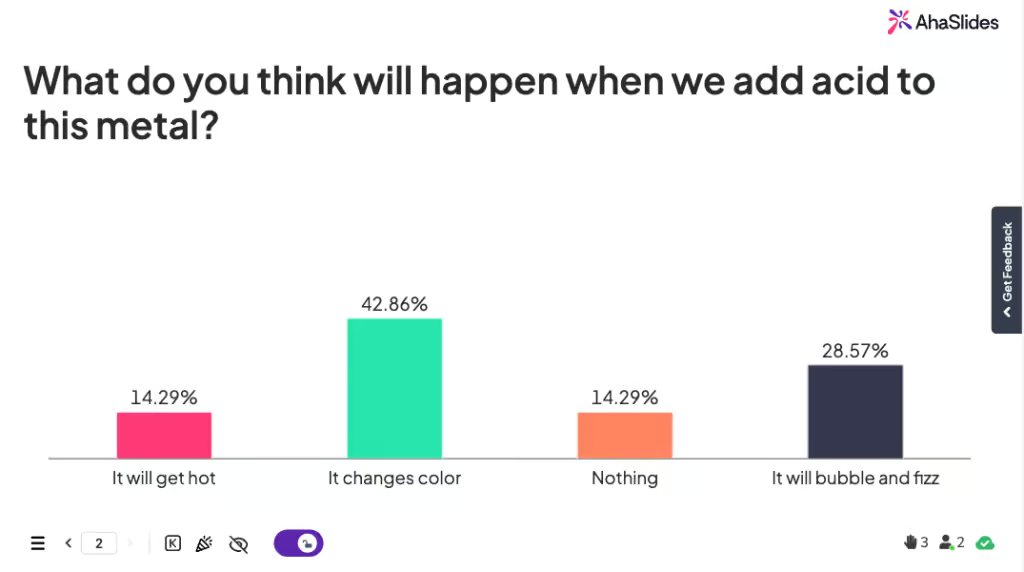
You can also activate prior knowledge and create investment in the outcome by laying out a prediction poll, such as: "What do you think will happen when we add acid to this metal?"
- A) Nothing will happen
- B) It will bubble and fizz
- C) It will change color
- D) It will get hot
Exit ticket polls
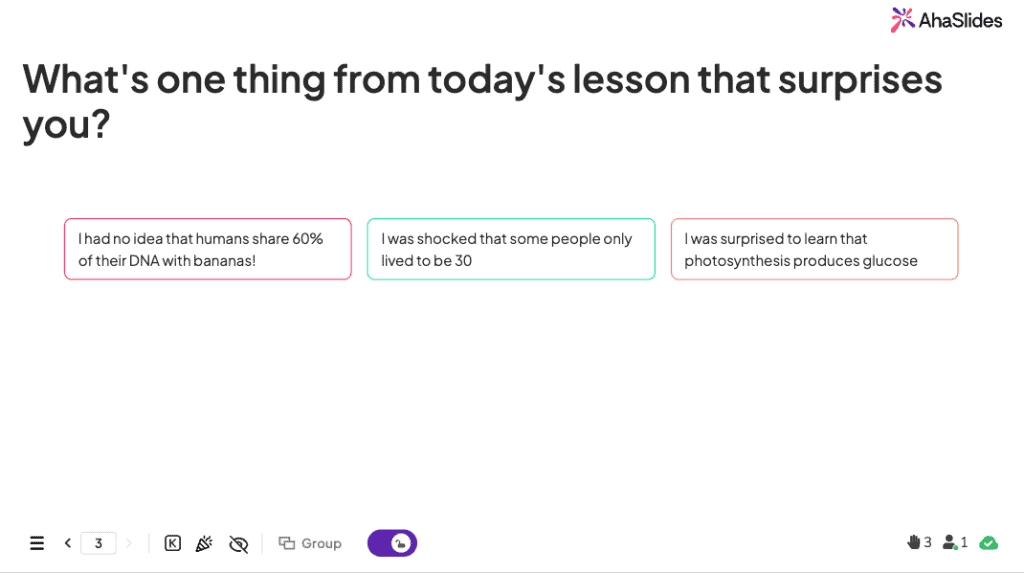
Replace paper exit tickets with a quick live poll at the end of class. The data is instant and actionable. Test whether students can apply new learning to a novel situation, or ask a reflection question.
Example: "What's one thing from today's lesson that surprises you?"
Multiple-choice and open-ended formats both work. The goal is diagnostic data you can use to open the next session.
Competitive quizzes
Low-stakes competition is a consistently effective engagement technique in classroom settings. A timed quiz with a leaderboard motivates students who are otherwise disengaged, and the immediate correct/incorrect feedback, paired with explanations, supports retention more than delayed grading.
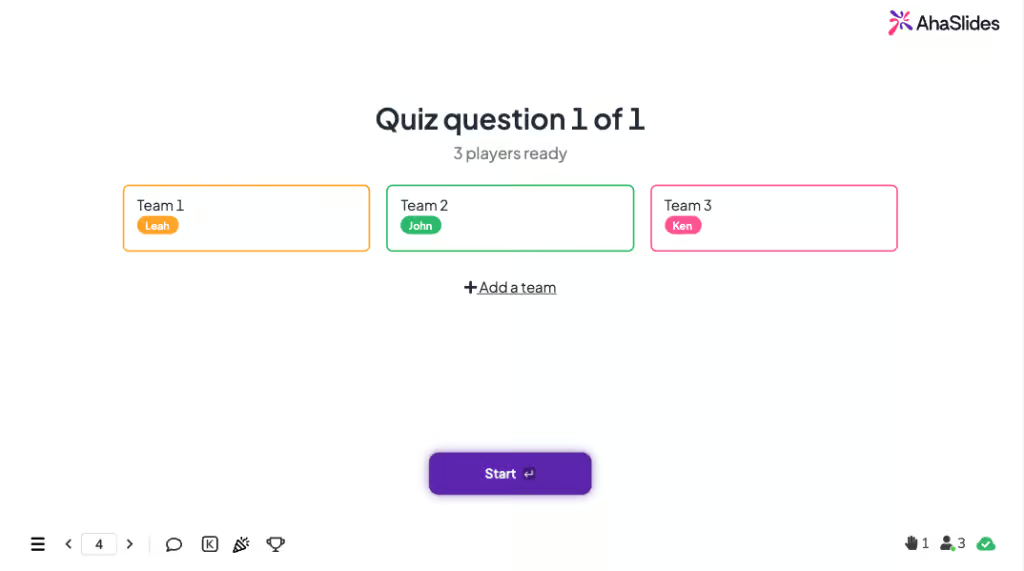
AhaSlides supports both individual quizzes and team quizzes where students choose their team and scores are calculated based on team performance. Use quizzes for review and reinforcement, not for first introduction to material.
Anonymous Q&A
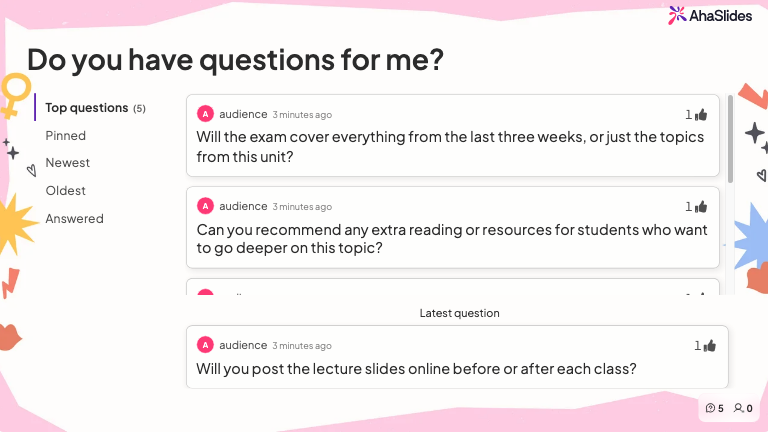
A live Q&A session where students can post questions anonymously levels the playing field for students who will not raise their hand. The questions that surface from anonymous sessions are often the most important ones, the questions everyone is thinking but no one wants to ask out loud.
Best free classroom polling apps in 2026
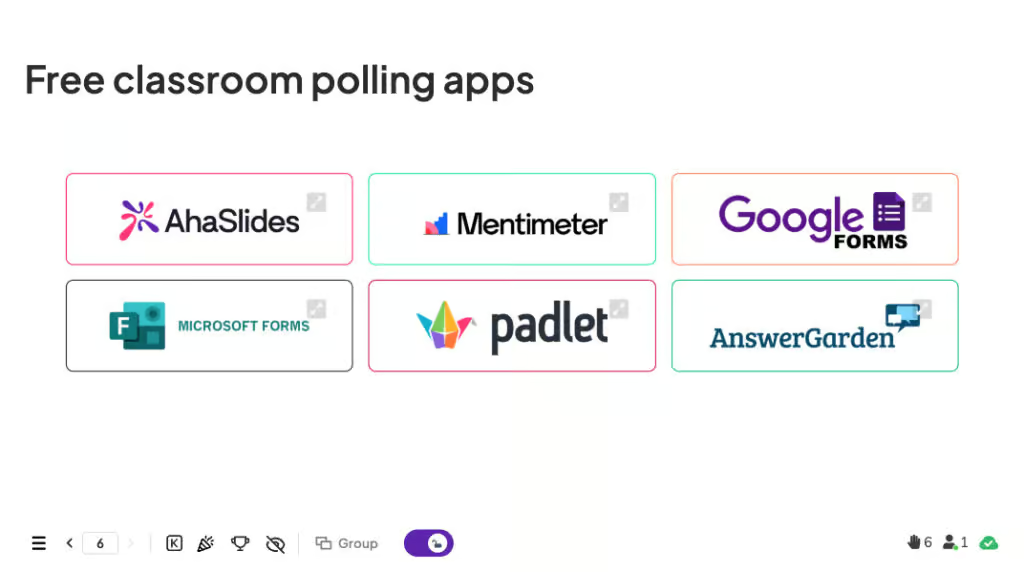
The six tools below are built for quick, no-signup polling during a live lesson. If you need deeper LMS grade-sync or dedicated clicker hardware instead, see our complete guide to classroom response systems.
AhaSlides
A live quiz and polling platform with free plan support for up to 50 participants. Offers quizzes with leaderboards, word clouds, open-ended questions, anonymous Q&A, and spinner wheels. Students join on any device with a room code. No account required for participants. Integrates with PowerPoint and Google Slides.
.jpeg)
Mentimeter
A presentation tool with built-in polling. Strong visual output including word clouds, scales, and ranking questions. Free plan supports unlimited slides but caps at 50 audience responses per month across all sessions. Well suited for occasional use or smaller classes.

Google Forms
A free survey tool from Google that works well for asynchronous polling and formal assessments. Results feed directly into Google Sheets for analysis. Not designed for live classroom interaction but useful for pre-lesson surveys, exit tickets, and homework checks.
Microsoft Forms
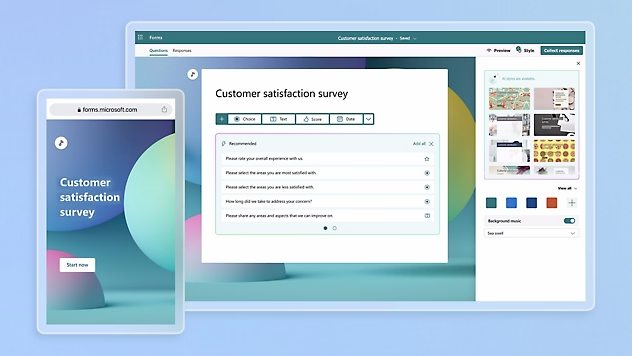
Microsoft's equivalent of Google Forms, integrated with Teams and the Office 365 ecosystem. Best suited for schools already using Microsoft tools. Supports branching logic and detailed response analytics.
Padlet
A collaborative visual board where students post responses as sticky notes, images, or links. Not a polling tool in the traditional sense but effective for open-ended brainstorming, gallery walks, and collaborative reflection activities. Free plan available with limited boards.

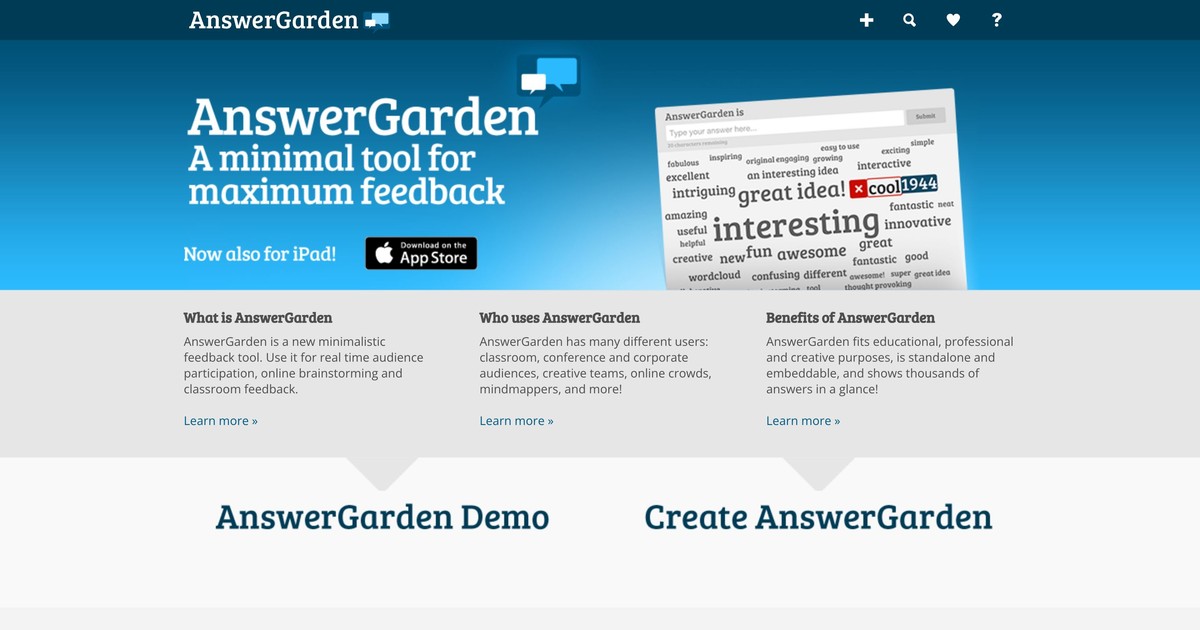
AnswerGarden
A minimal tool for generating live word clouds from student responses. Zero setup required. Students go to a URL and type one or two words. The simplest option on this list and the fastest to deploy mid-lesson.
Best practices for effective classroom polling
Question design principles
Make every answer plausible and base distractors on typical student errors. Avoid throwaway options that no student would realistically choose. Each answer should represent either a genuine alternative or a common misconception.
A well-designed multiple-choice poll on moon phases, for example, might look like this: 'What causes the phases of the moon? A) Earth's shadow blocks sunlight. B) The moon's orbit changes its angle to Earth. C) Clouds cover parts of the moon. D) The moon moves closer to and farther from Earth.' Only B is correct. The others represent genuine misconceptions students hold. That design gives you diagnostic information, not just a completion rate.
Include an 'I don't know' option in every factual poll. This prevents random guessing and gives you honest data about where students actually stand. A result showing 40% chose 'I don't know' is more useful than one showing 40% guessed randomly and happened to choose the right answer.
Timing and frequency
A rough guide: use opening polls to build energy and assess readiness before introducing new content. Mid-lesson polls check understanding before you move forward. Closing polls consolidate learning and give you data to open the next session with.
On frequency, less is more than teachers expect. For elementary classes, two to three polls in a 45-minute lesson is enough. Middle school classes can absorb three to four in a 50-minute period. High school students do well with two to three per block period. In higher education and corporate training, four to five polls in a 75-minute session works well when the content is complex and the audience is mixed in experience level. Beyond these ranges, polling starts to feel like an interruption rather than a learning tool.
Creating inclusive poll environments
Keep responses anonymous by default unless there's a specific reason not to. Offer backup participation options for students without devices. Ensure questions and answer choices are accessible and respectful of diverse backgrounds. Use tools that work with screen readers and provide alternative formats when needed.
Troubleshooting common challenges
Students cannot access the poll. Test technology before class. Provide multiple access methods: QR code, direct link, and a numeric code. Have a low-tech backup ready (hand-raising, paper).
Internet connectivity fails. Download offline-capable apps and have analog backup activities prepared.
Students are not participating. Start with low-stakes, fun questions to build comfort. Explain the value. Use anonymous options to reduce fear. Make participation an engagement expectation, not a graded requirement.
Poll results show most students got it wrong. This is valuable data. Do not skip over it. Have students discuss their reasoning in pairs, then re-poll after discussion to see whether thinking changes. Adjust lesson pacing based on results.
Results are exactly what you expected. Your poll may be too easy. Add complexity, target deeper misconceptions, or use results as a springboard for extension activities.
Get started with AhaSlides
AhaSlides offers the full classroom polling toolkit on a free plan: live polls, quiz competitions with leaderboards, word clouds, open-ended questions, and anonymous Q&A. Students join from their phones with no account required. Free plan supports up to 50 live participants per session.
If you already use PowerPoint or Google Slides, AhaSlides integrates directly. Add an interactive slide in minutes without rebuilding your existing materials.
If you want to turn these live sessions into a structured, self-paced unit, the AhaSlides Online Course Builder lets you package the same polls and quizzes into lessons students can revisit in their own time.
New to AhaSlides? See our step-by-step guide to creating a poll in 30 seconds before you build your first classroom session.
Frequently asked questions
What is classroom polling?
Classroom polling is a method of collecting real-time responses from all students simultaneously using digital tools. It gives teachers instant data about understanding and engagement, and gives every student a way to participate regardless of confidence level.
Is classroom polling effective?
Yes. Research consistently shows that active participation improves retention. The Gallup Student Poll links high engagement to measurably better academic outcomes and student wellbeing. The mechanism is cognitive: polling forces students to process and commit to a response, which creates stronger memory traces than passive listening.
What's the best free polling tool for classrooms?
It depends on your context. AhaSlides is best for mixed synchronous/asynchronous and corporate training settings. Google Forms and Microsoft Forms are best for detailed assessments. AnswerGarden is best for quick no-setup word clouds. Padlet is best for collaborative visual activities.
How do I handle students without devices?
Have a low-tech backup ready: paper cards, hand signals, or verbal responses. Some platforms also offer SMS-based response options for students without smartphones. Most importantly, do not cancel polling because one or two students lack devices; adapt the activity to include them.
For live polling in meetings and training sessions, the AhaSlides online poll maker handles setup, live results, and export in one place. For the full survey creation process from objective-setting to analysis, see: How to create an online survey: the complete guide.
Sources
[1] Gradient Learning. (2023). 2023 Gradient Learning Poll on student engagement. Survey of 1,400 teachers across grades 4 through 12.
[2] Tileston, D. W. (2010). Ten best teaching practices: How brain research, learning styles, and standards define teaching competencies (3rd ed.). Corwin Press.
[3] Gallup. (2023). Gallup Student Poll: Engaged today, leaders tomorrow. Retrieved from https://www.gallup.com/education/
[4] CourseArc. (2017). How to increase student engagement using polls and surveys. Retrieved from https://www.coursearc.com/how-to-increase-student-engagement-using-polls-and-surveys/