
New in August 2026
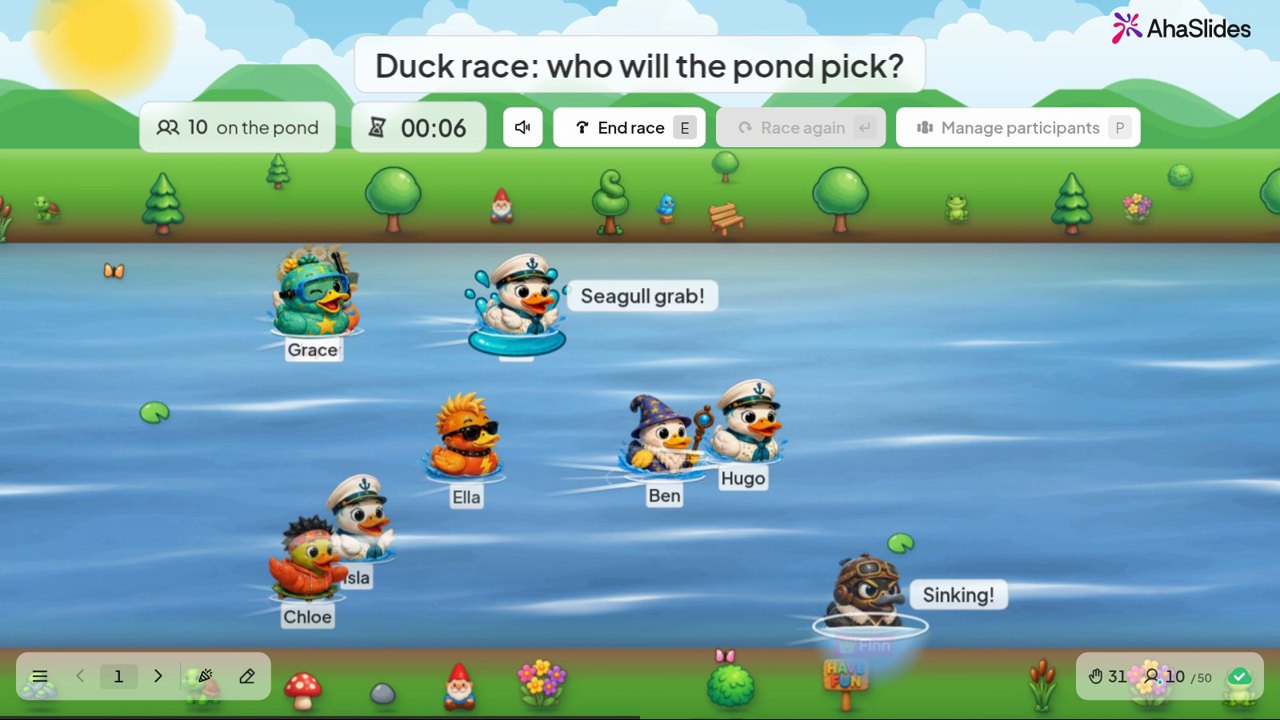
Duck race
Everyone picks a duck and luck decides the winner. A quick laugh for an opening or an afternoon slump.
Try the template (opens in a new tab)41 slide types in one tool, and many more to come.
Shown from live sessions: Duck race, Radar, Annotate, Halloween race, 2x2 Matrix, Split the points, Draw answer, True or false, Fill in the blanks and Interactive image.







New in August 2026
Everyone picks a duck and luck decides the winner. A quick laugh for an opening or an afternoon slump.
Try the template (opens in a new tab)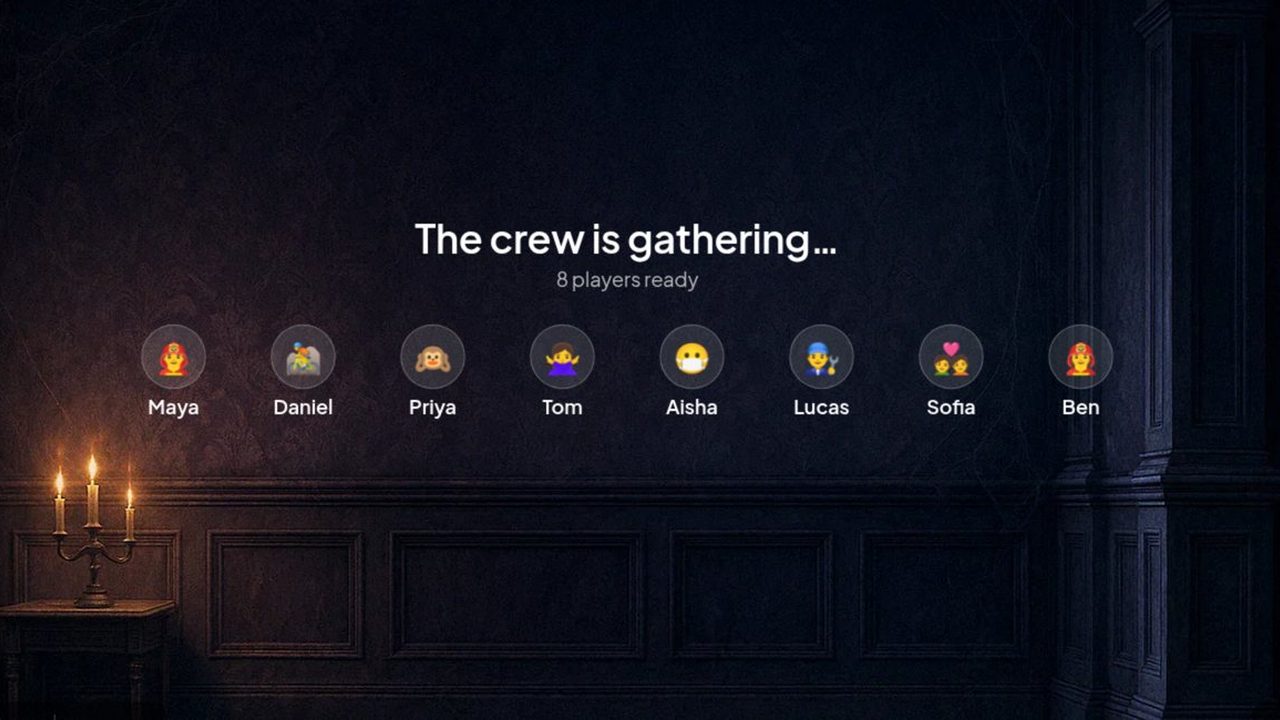
New in October 2026
Turn quiz questions into a race against the clock. Solve the clues in each room to escape.
New in July 2026
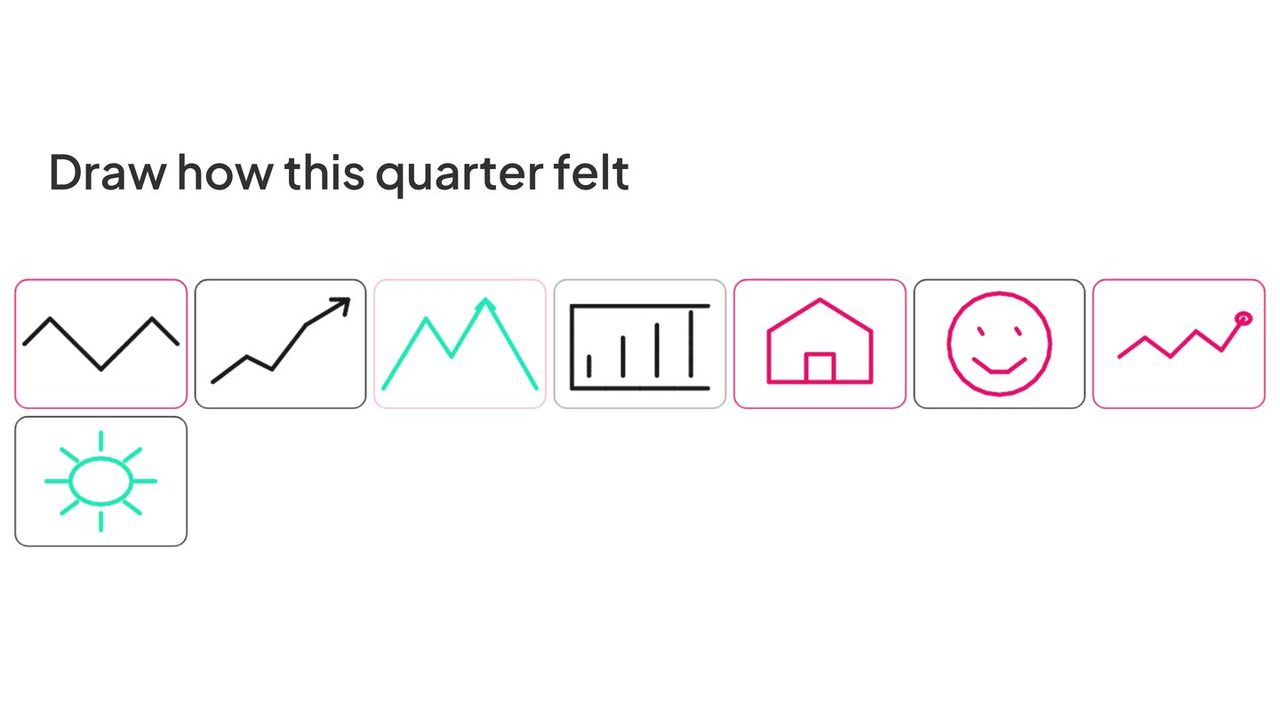
People answer with a sketch on their phone and every drawing appears on the big screen.
Try the template (opens in a new tab)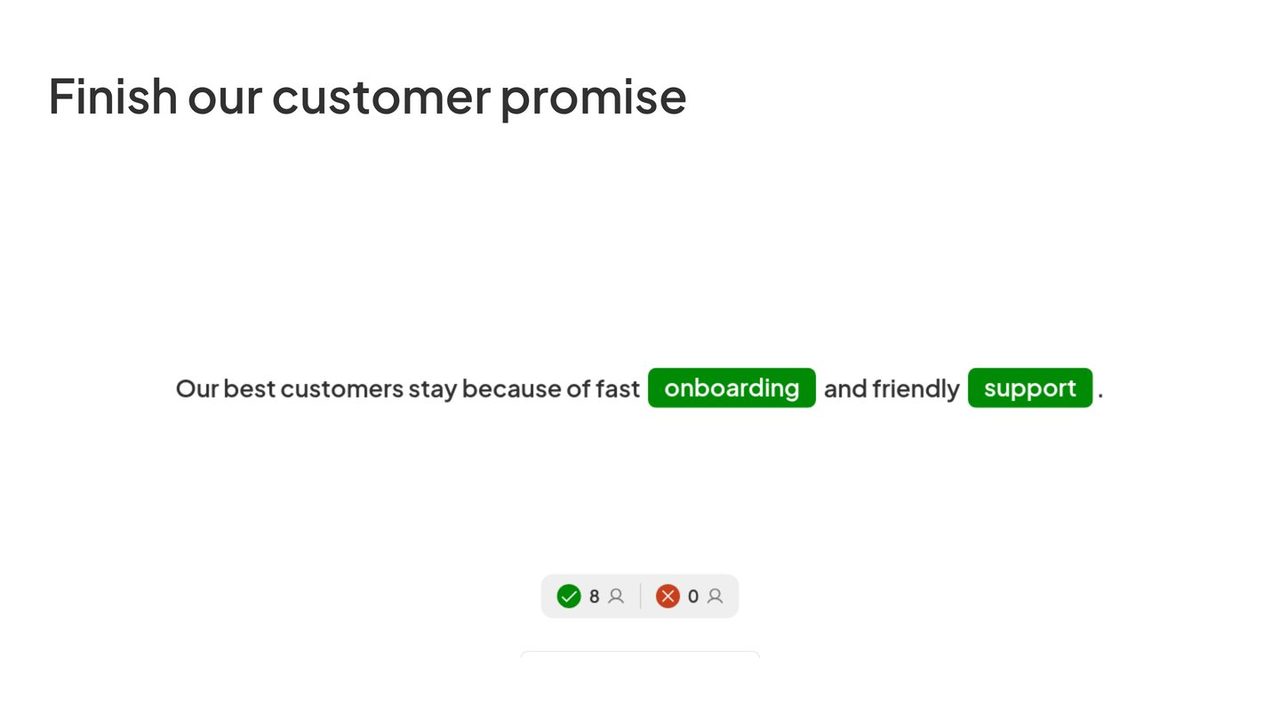
New in September 2026
Blank out the key words in a sentence. People fill the gaps by typing or picking from a dropdown.
Try the template (opens in a new tab)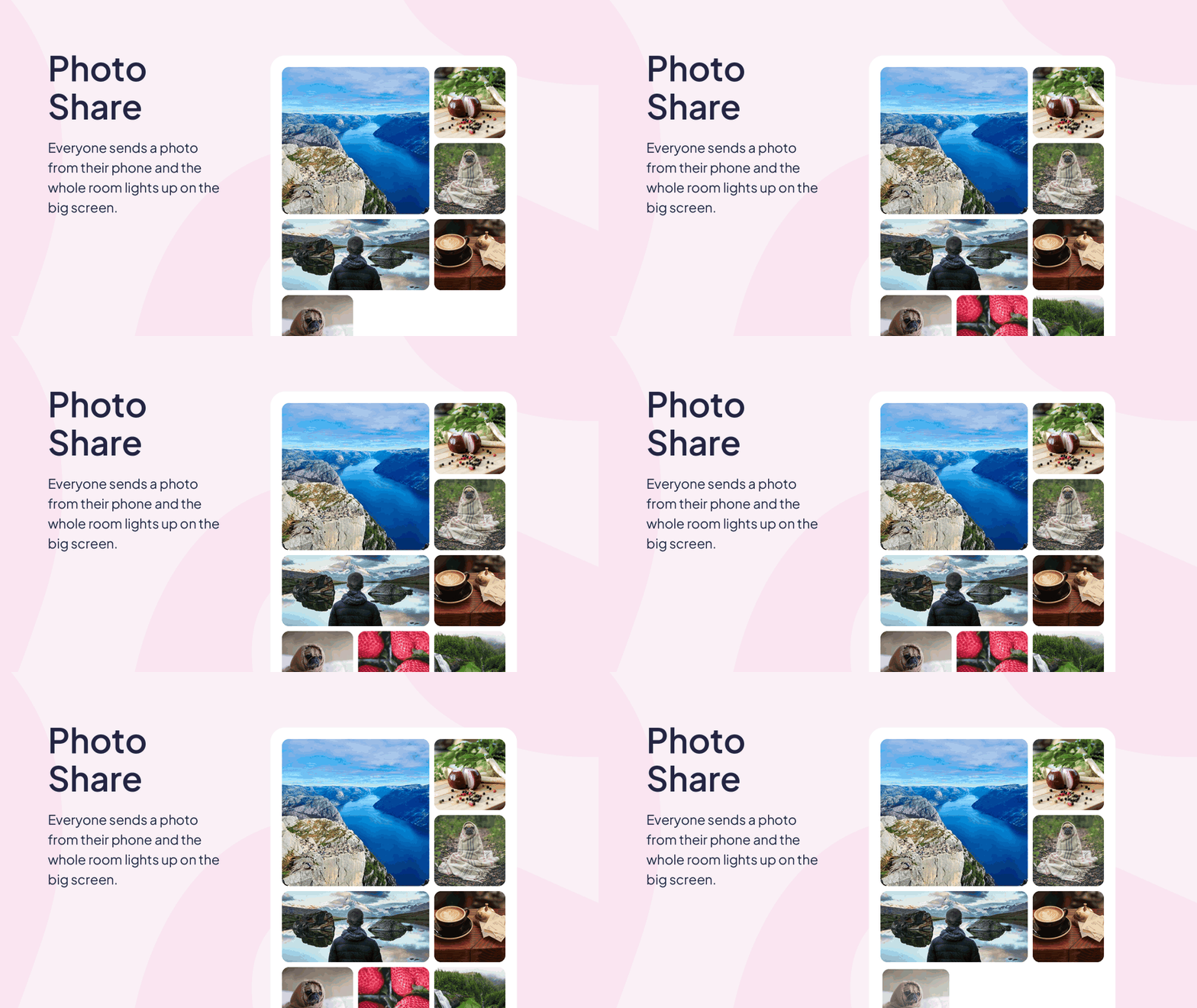
New in August 2026
Everyone replies with a photo, shown live as a slideshow or a photo wall.
Try the template (opens in a new tab)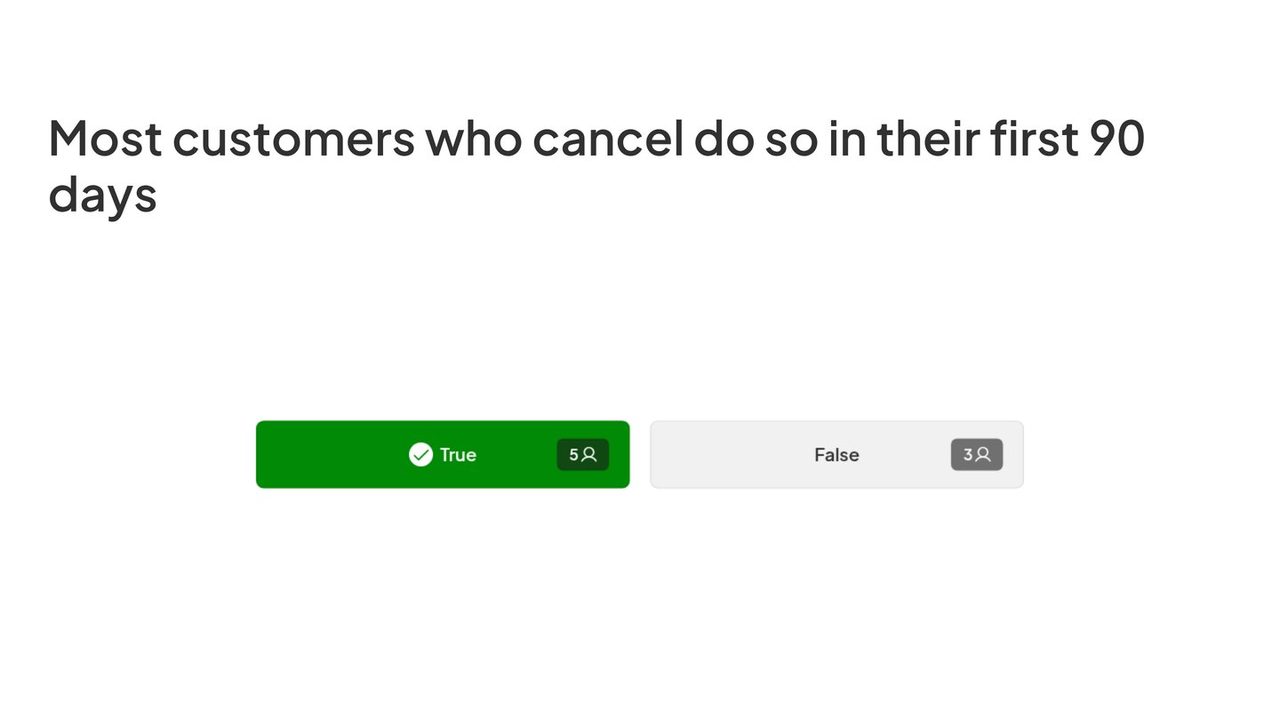
New in August 2026
Turn any statement into a quick quiz, or swap the answers for your own pair, like Yes or No.
Try the template (opens in a new tab)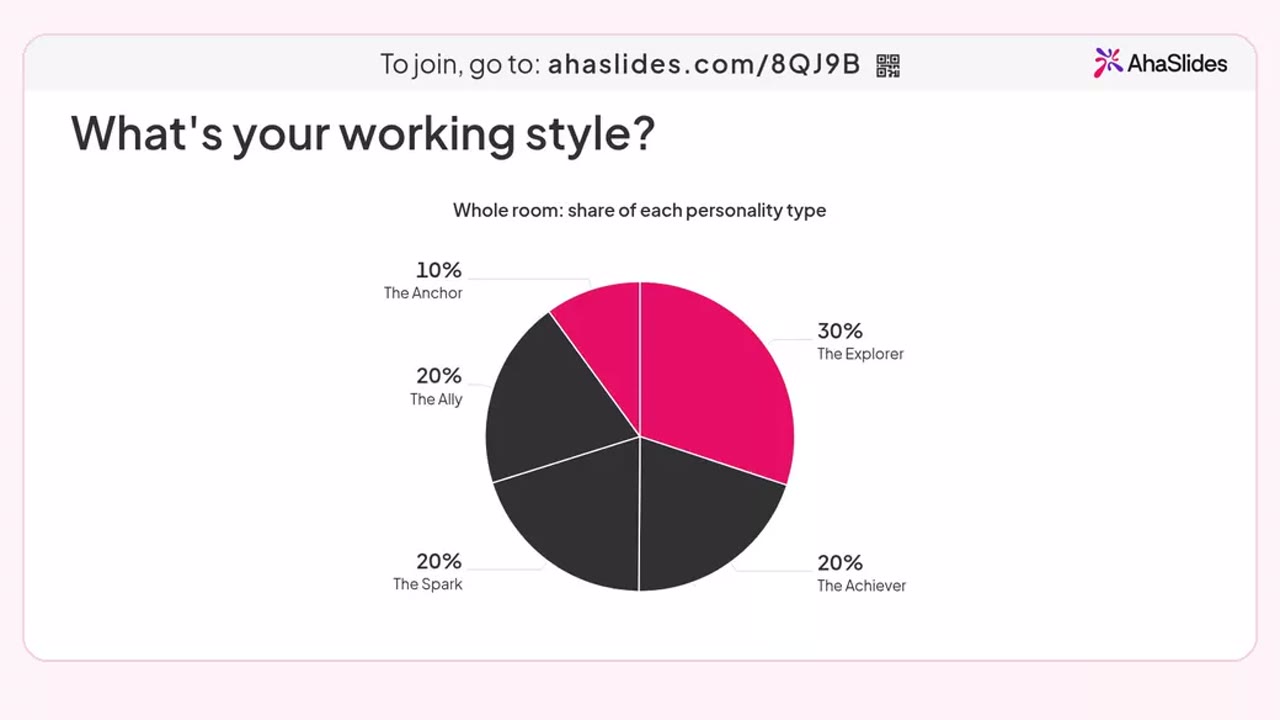
New in November 2026
Everyone answers ten quick statements and finds their type, while your screen shows the mix of the room.
New in November 2026
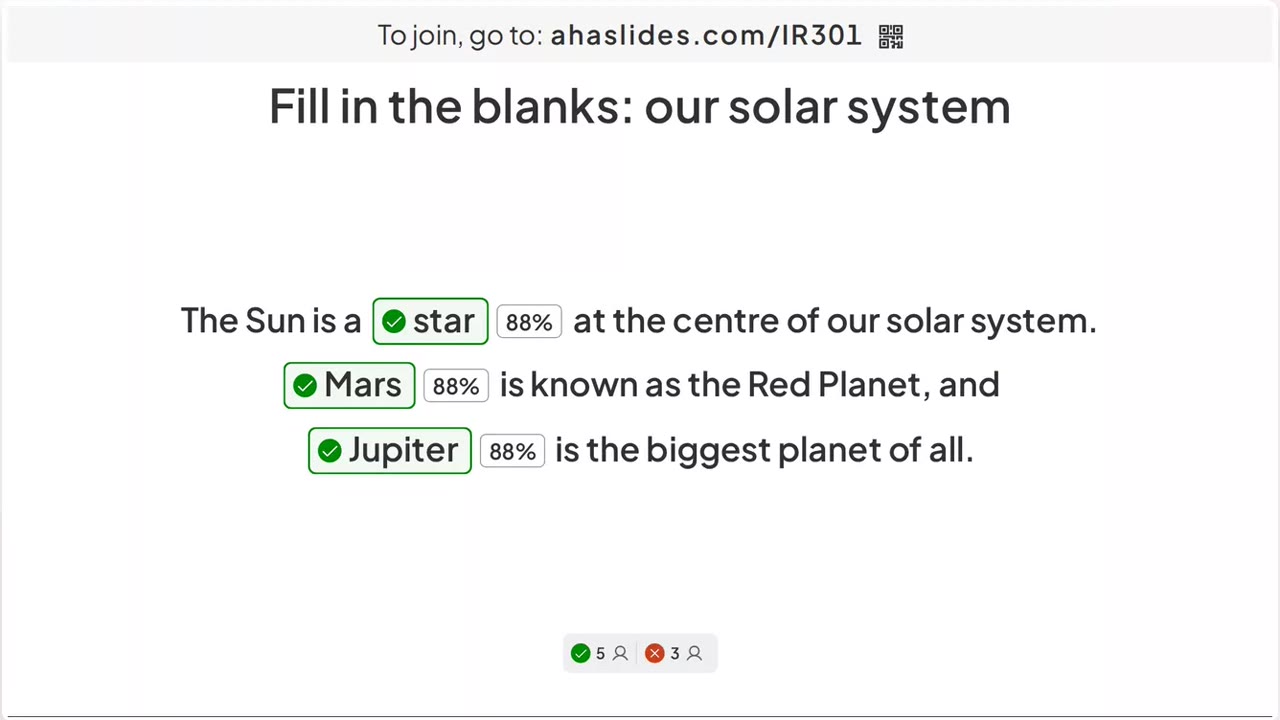
Hide the key words in a sentence and players drag the right tiles into place, scored live.
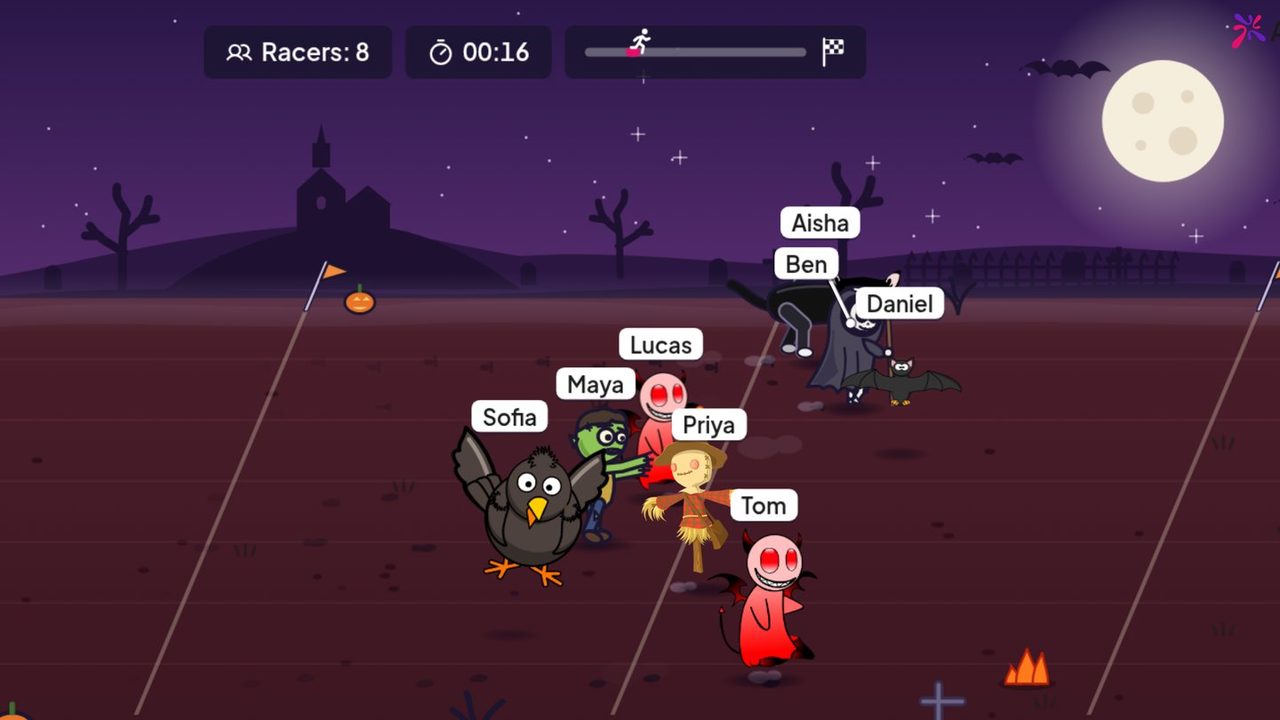
New in October 2026
Everyone picks a monster on their phone and chance picks the winner. Free on every plan, just in time for Halloween.
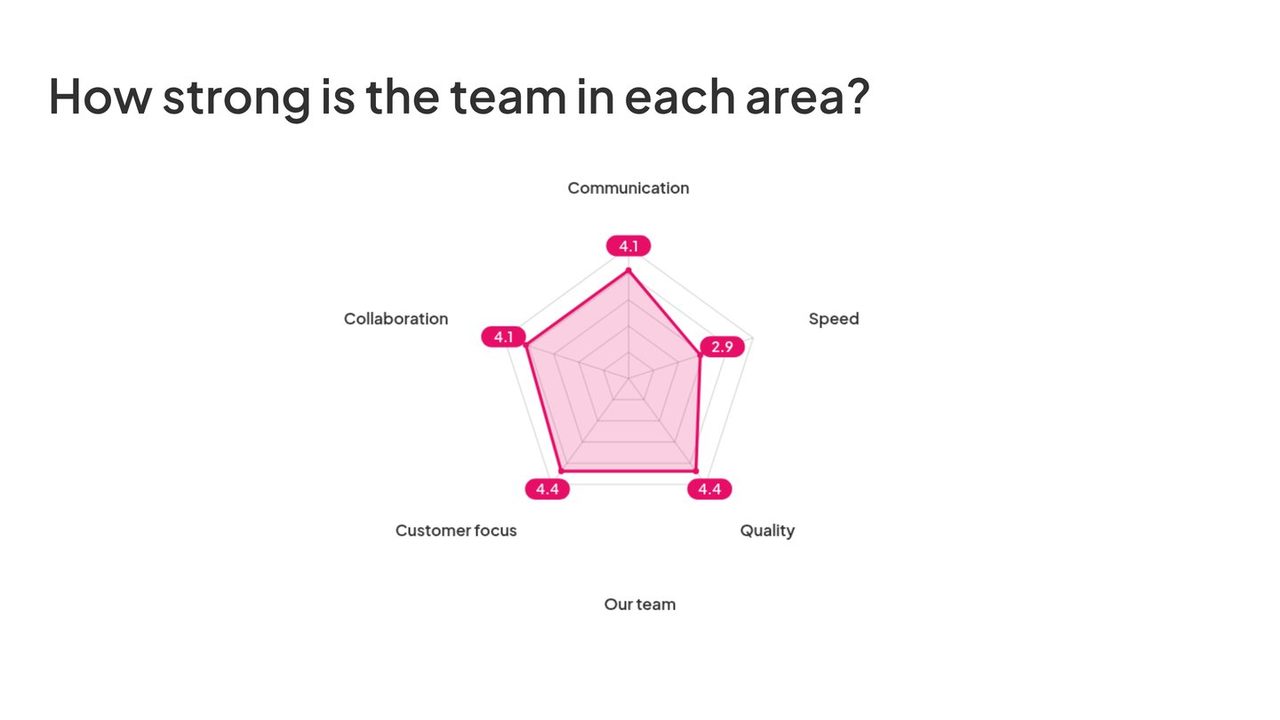
New in October 2026
People rate 3 to 8 criteria and the room’s average builds a live spider chart. Made for team health checks and retros.
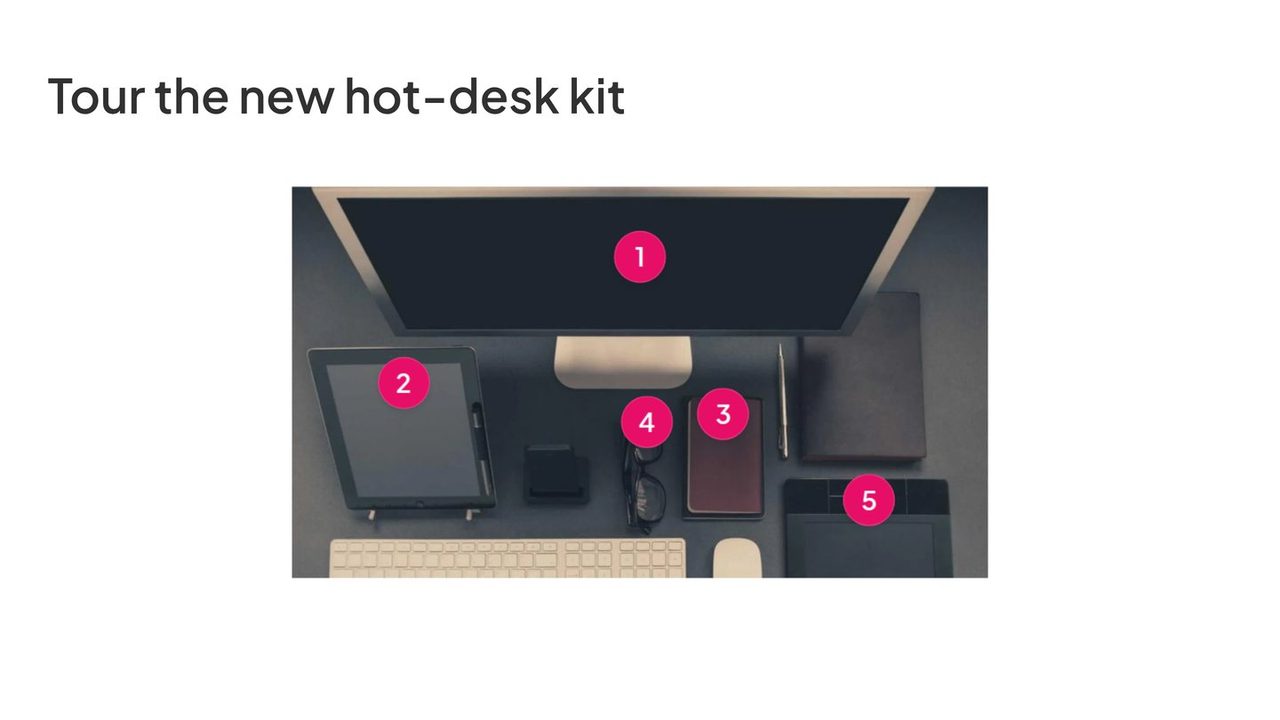
New in August 2026
Pin up to 8 notes to an image. Your audience taps each pin and reads at their own pace.
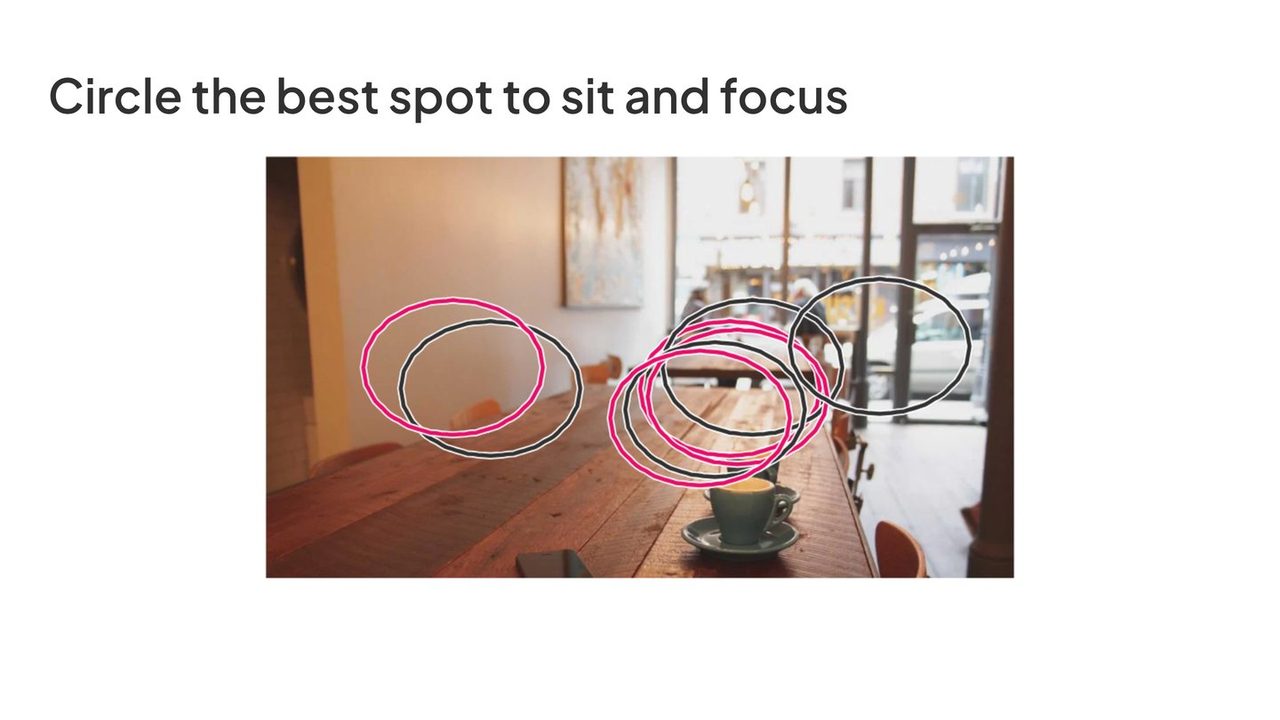
New in October 2026
Add an image and ask a question. Everyone draws on it from their phone, so you see at a glance where the room agrees.
New in July 2026
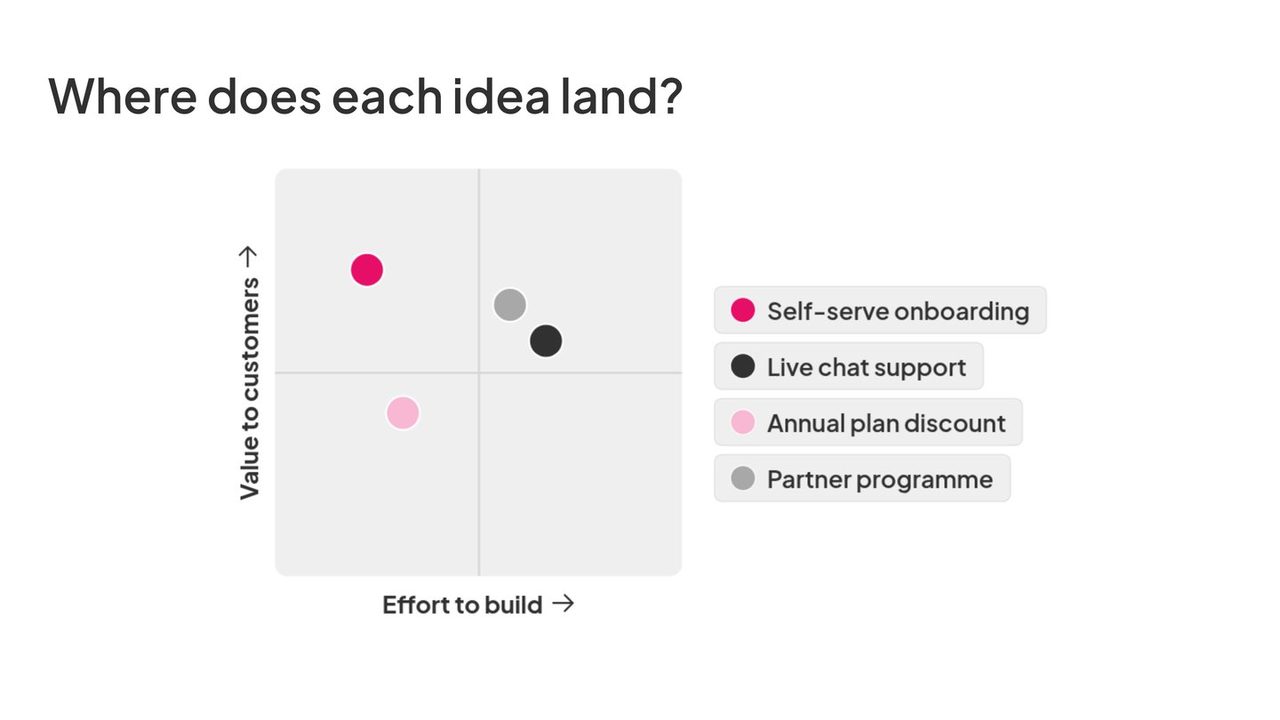
Map ideas by impact and effort, or any two scales, and watch them settle into four quadrants.
New in July 2026
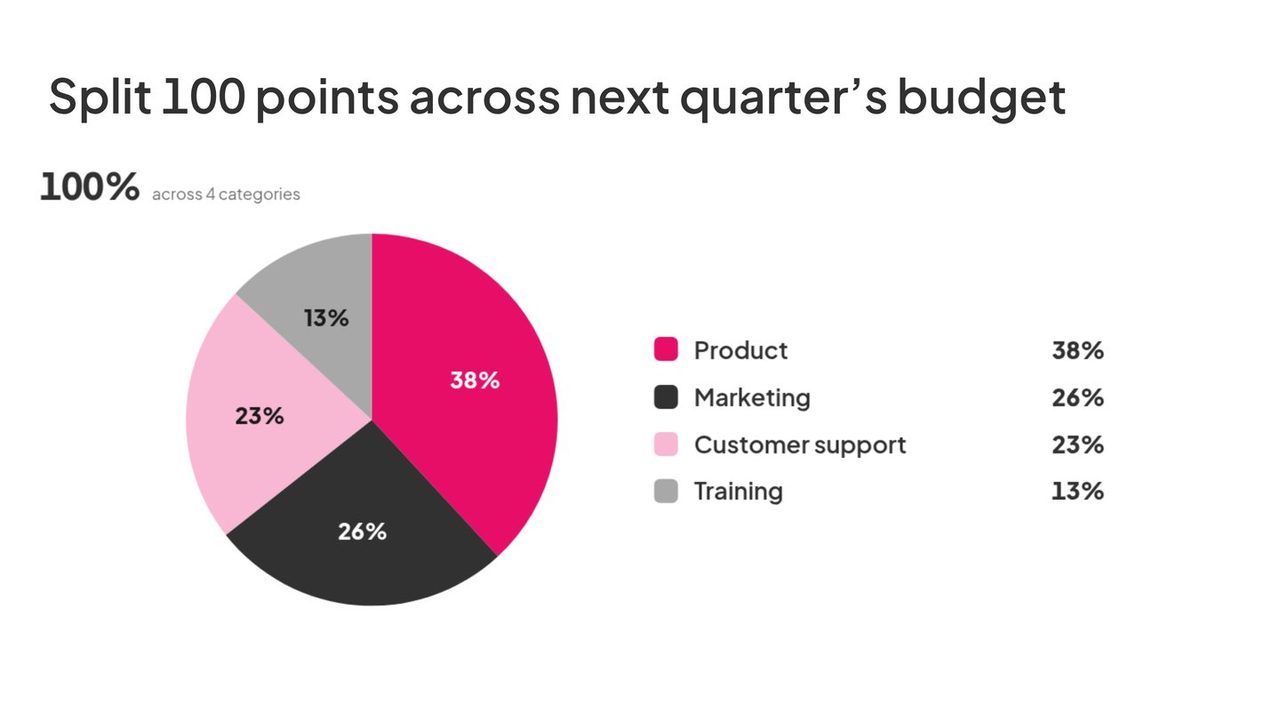
Everyone divides a fixed total across your options, so you see what the group would really put first.
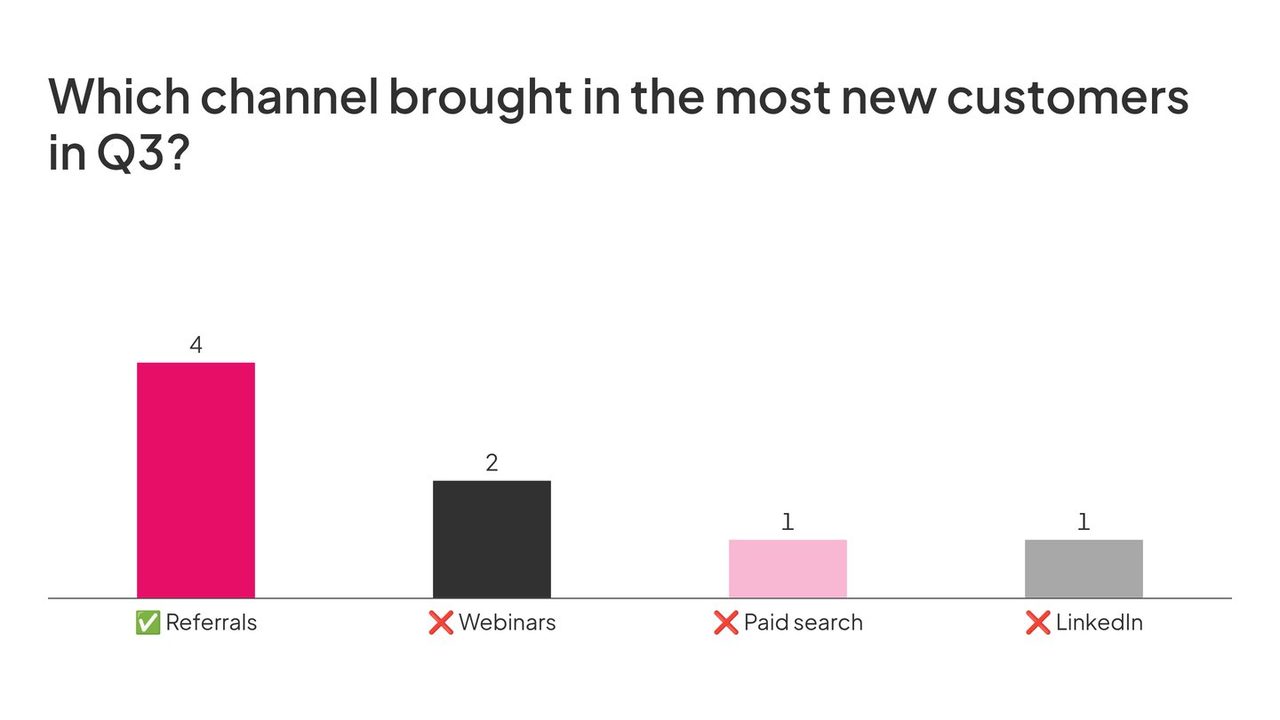
Check what people know, from a two-minute warm-up to an end-of-module test.
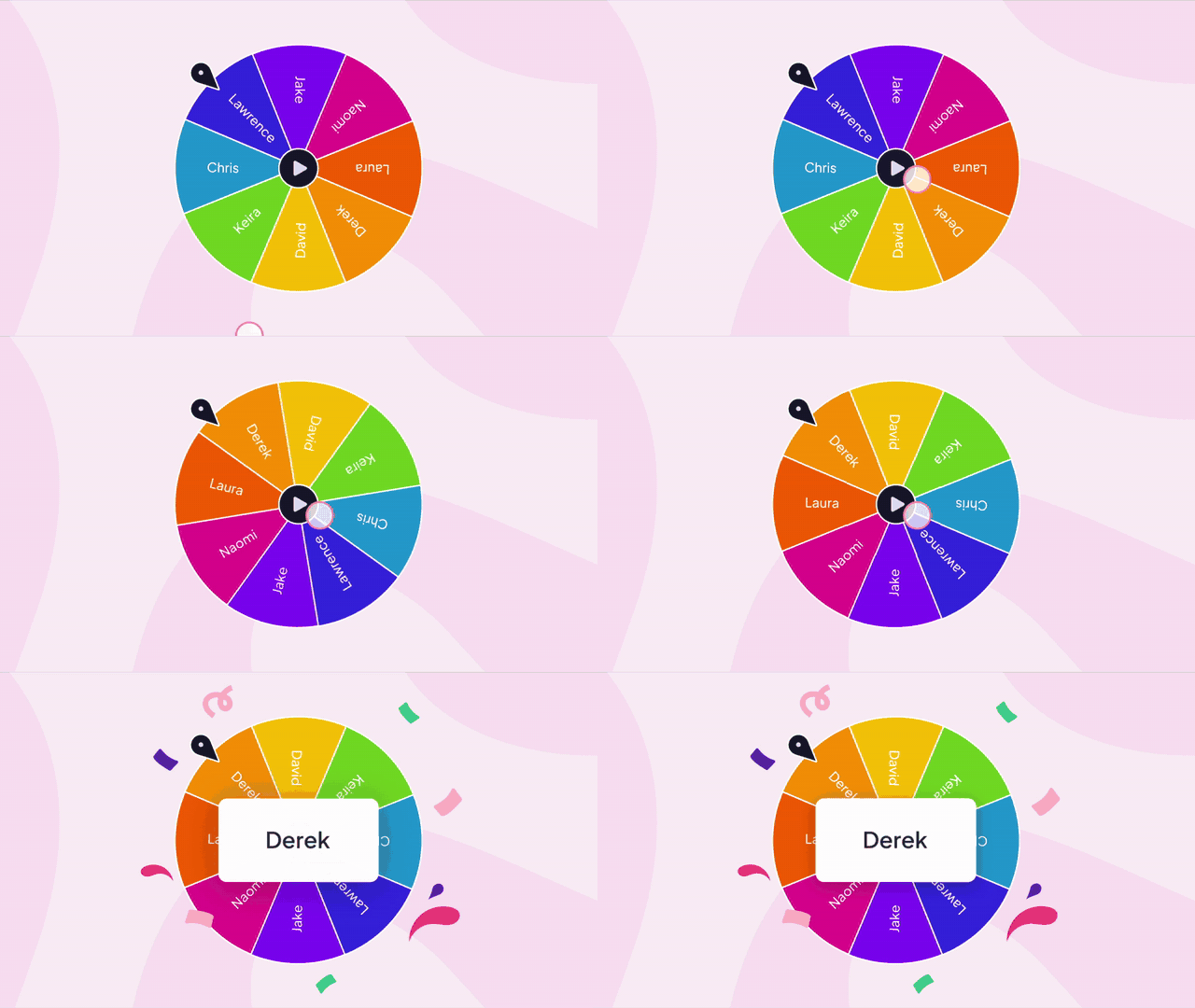
Pick a volunteer, settle a tie or turn a quiz into a race.
Find out where the room stands and what it would do first.
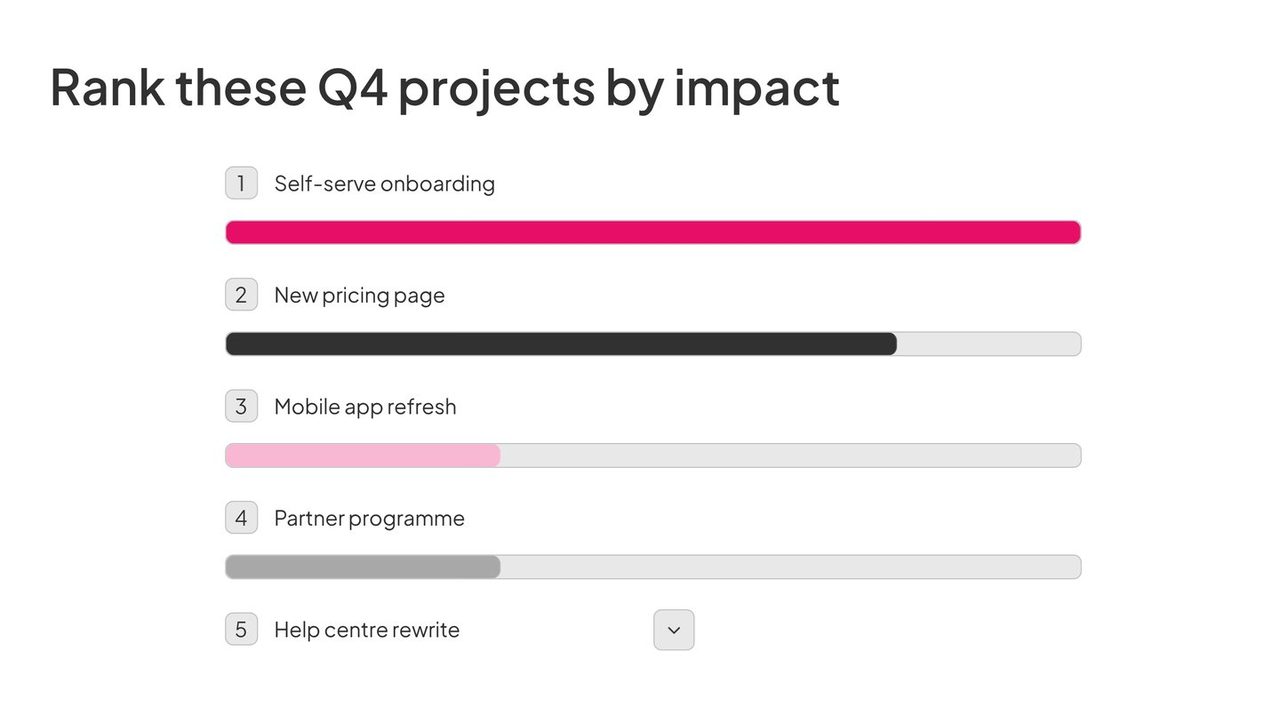
Everyone adds a word, a question, a sketch or a photo.
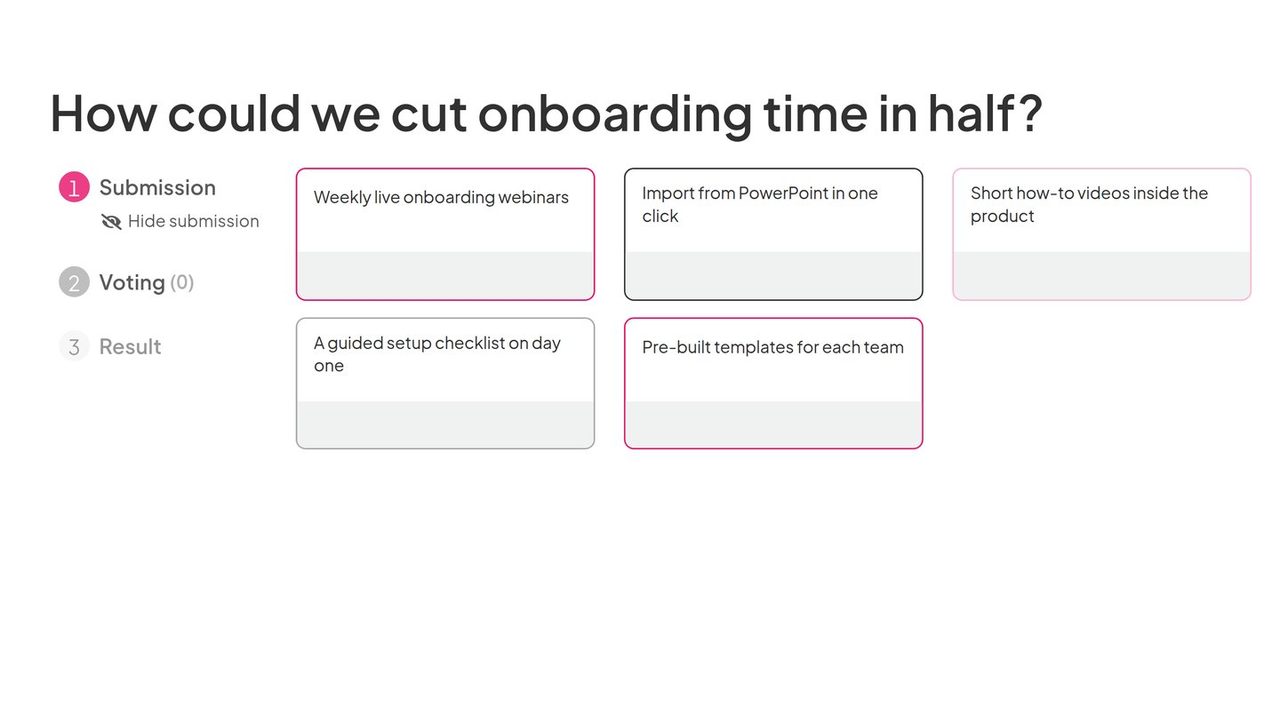
Teach and present in the same deck you quiz and poll in.
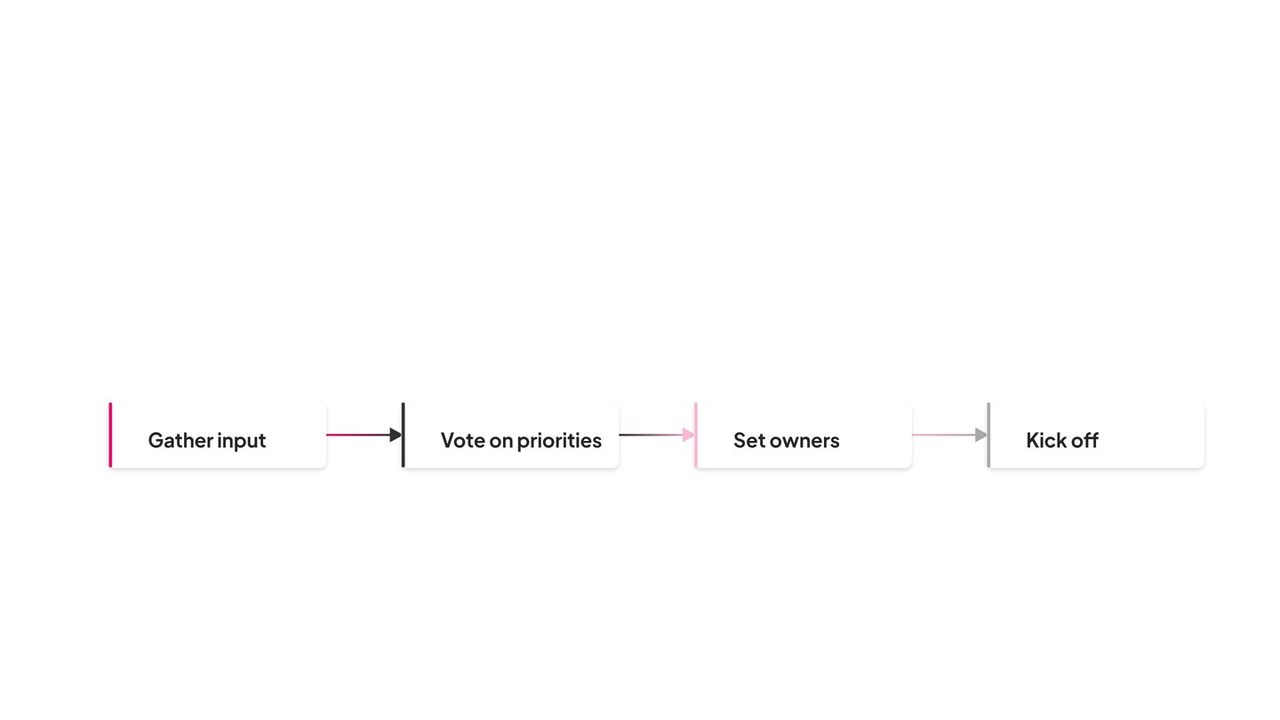








A slide type is the kind of slide you add to an AhaSlides deck, such as a quiz question, a poll, a game or a content slide. It decides what your audience does on their phone and what the big screen shows.
41 in total, as of November 2026: 30 interactive slide types and 11 content slides. That is 8 quiz types, 4 games, 8 poll types, 10 slide types for ideas and questions, and 11 content slides for headings, lists, images, diagrams, video, Google Slides and more. The exact list in your editor can change as new types roll out.
How does that compare with other tools? Mentimeter’s help centre lists 13 question and quiz slide types, and Slido’s product page lists five poll types next to its quizzes, Q&A and surveys (both checked on 28 October 2026).
Most months. We have added 20 slide types since March 2026, including 6 in October 2026 and 2 so far in November 2026: Pin on image, Ranking, Idea board, Diagram, Draw answer, 2x2 Matrix, Split the points, True or false, Duck race, Interactive image, Photo share, Fill in the blanks, Radar, Escape room, Halloween race, Annotate, Calm, Pumpkin head swap, Drag and drop and Personality test.
To find a new slide type, choose New slide in the editor. New types sit in the same menu as the ones you already use, grouped into Quiz, Game, Poll and Content.
AhaSlides is an all-in-one engagement platform for teams and classrooms. Quizzes, polls, games and content slides sit in one deck, so you never switch between apps mid-session.
One tool for the whole session: every slide type works with the tools around it, so you build, run and review a session in one place.
Yes, you can try it for free. The free plan needs no card, and you can add slide types to a deck straight away. Plan limits are on our pricing page.
No. Participants join in the web browser of any device, so there is no app to download, and they do not need an AhaSlides account. They scan the QR code on your screen, or type the join link (ahaslides.com/ followed by your access code). Some slides ask for a name, such as quizzes and Q&A, and you can turn on audience verification if you need to know who joined.
Quiz slides have a right answer. They score speed and accuracy, then show who is in the lead on a live leaderboard. Poll slides have no right answer: they show where the room stands, from a simple poll to a ranking, a radar chart or a 2x2 matrix. Game slides add chance and play: Spinner wheel, Duck race and Halloween race pick a winner, and Escape room turns quiz questions into a race against the clock.
Yes. The AhaSlides add-in for PowerPoint embeds live interactive slides inside your PowerPoint deck, and the Google Slides add-on puts polls, quizzes and word clouds inside your Google Slides deck. You can also import a PDF, PowerPoint or Word file into AhaSlides, or present inside Microsoft Teams, Zoom and Canva.
Yes. Five of the cards under The newest slide types have a Try the template link that opens a ready-made deck in a new tab, so you can see how the slide type works before you build your own.