

Your team adds ideas on their own phones, you group them on the big screen, everyone votes, and the top groups become action items. No points, no leaderboard.
Rated 4.8 out of 5 on G2, based on 1000 reviews







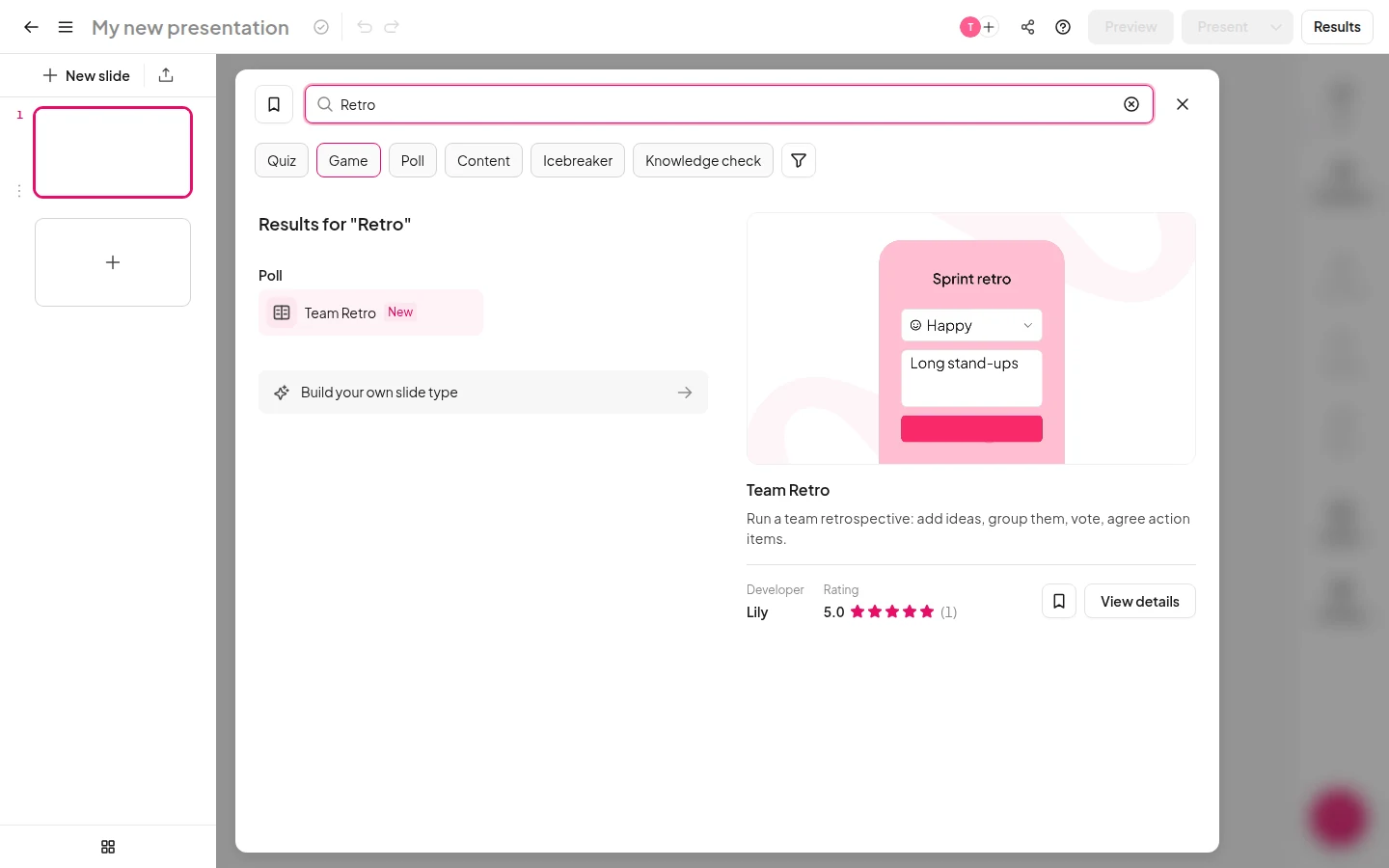
Search the slide picker for Team Retro. It sits under Poll.
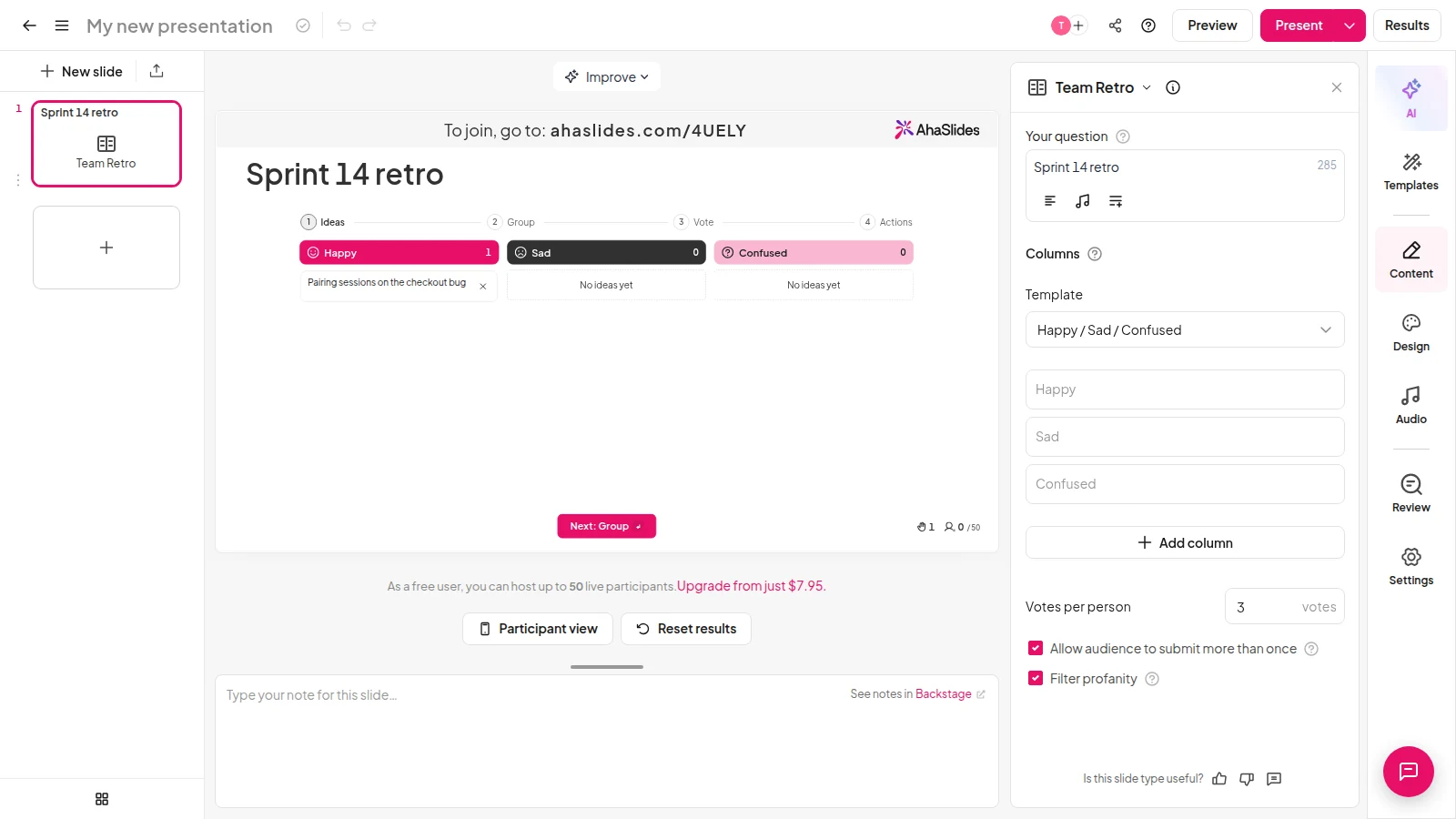
Choose Happy, Sad, Confused or another set, then rename the columns to suit your team.
Your team scans the QR code, opens the link or types the join code on their own phone. No app needed.
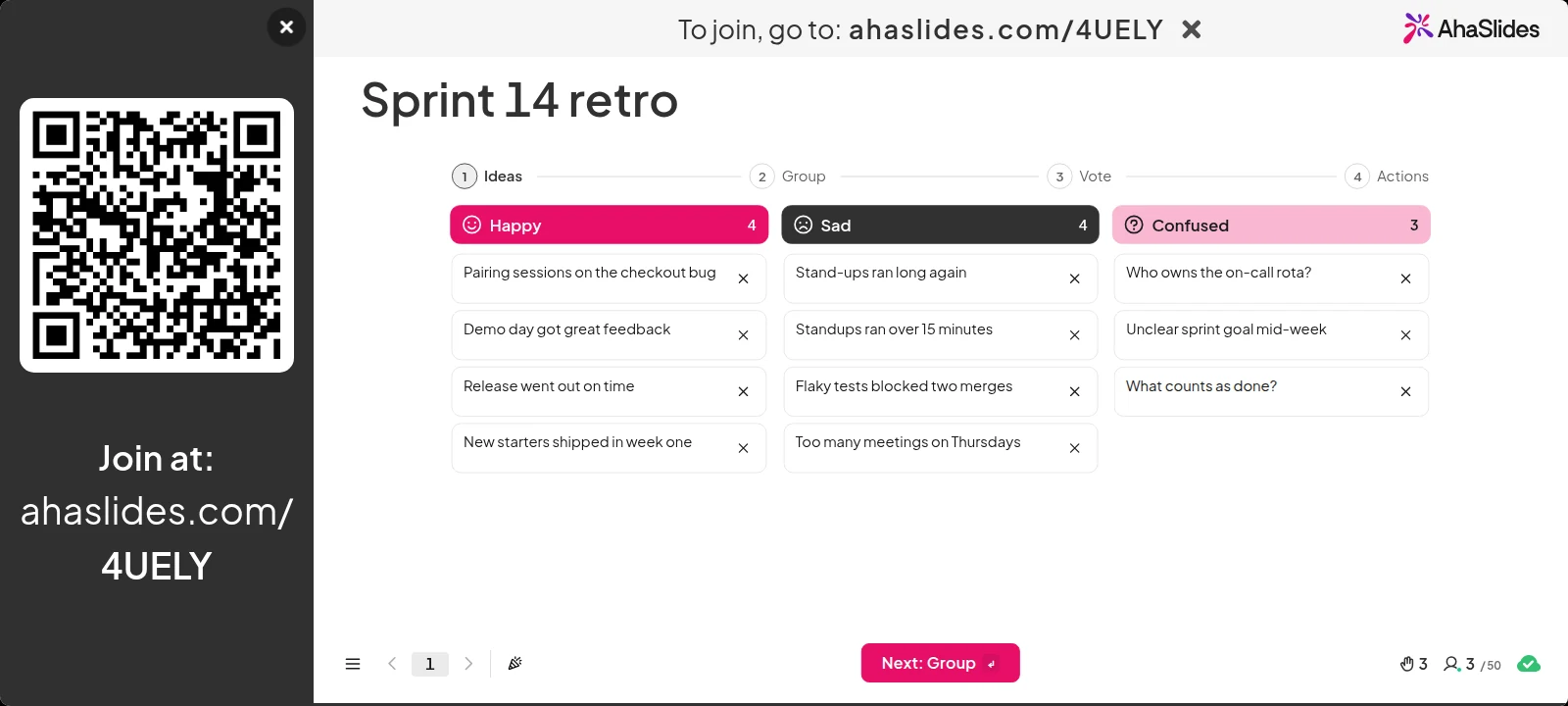
Four stages, one slide
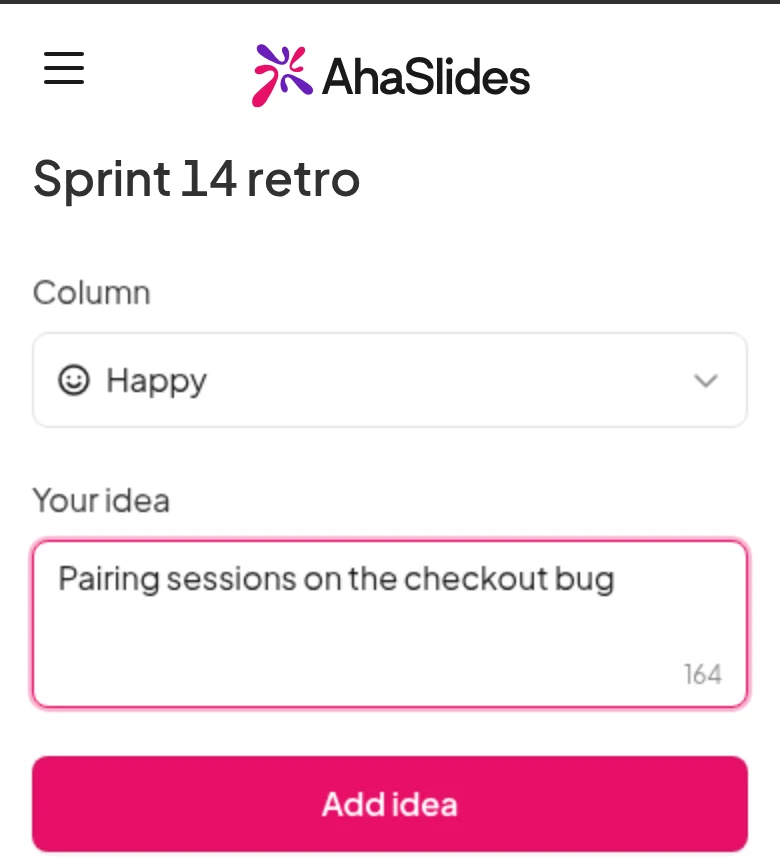
People pick a column and type up to 200 characters. Ideas reach the big screen without names, so honest feedback comes easier.
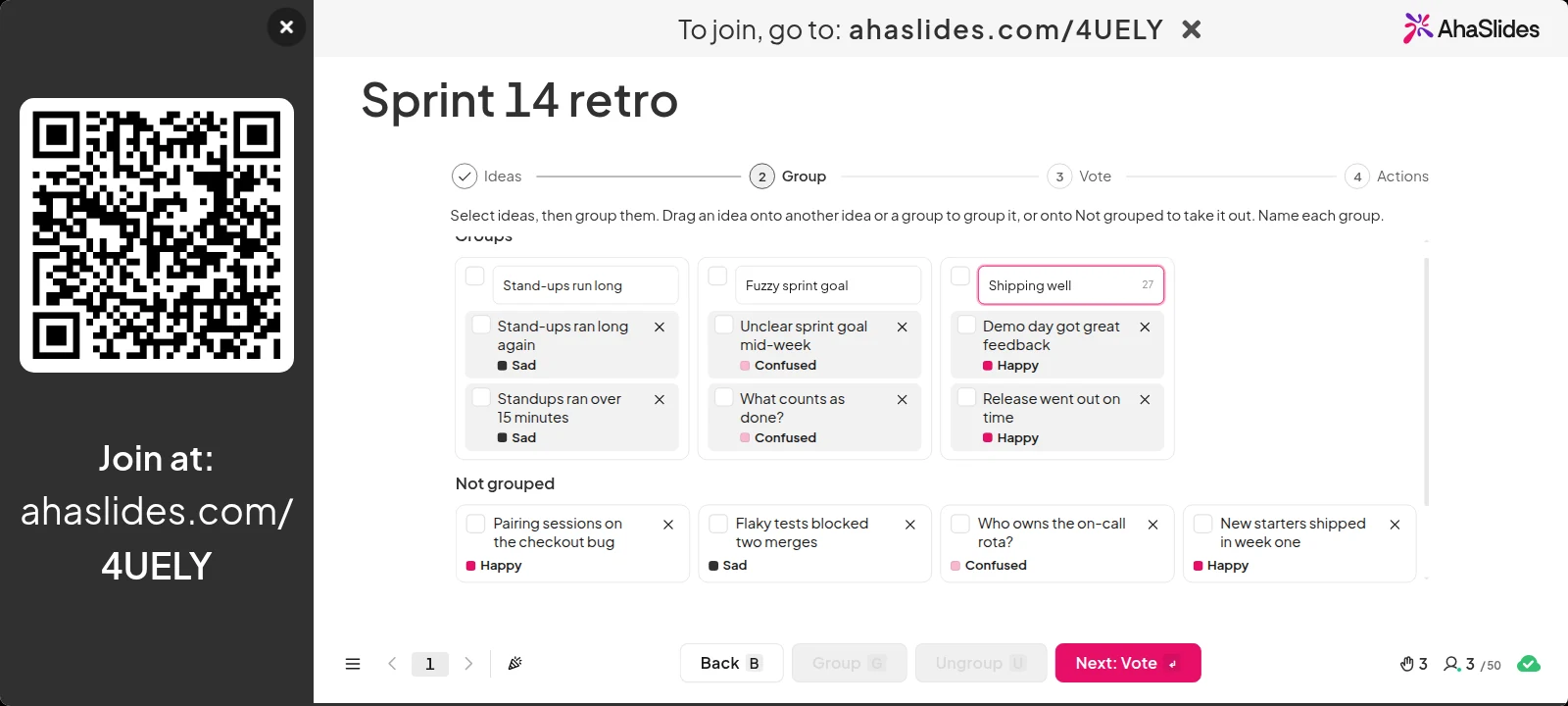
Select similar ideas and group them, or drag one onto another. Name each group. Only you can group, so the room stays on track.
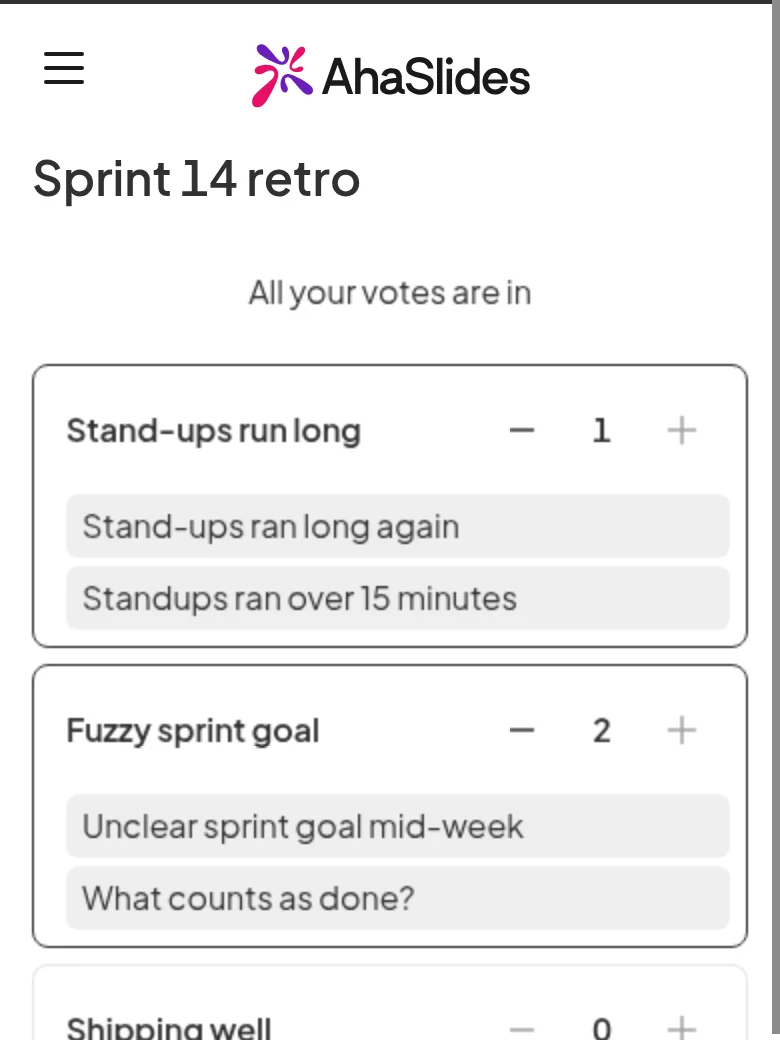
Everyone gets 3 votes by default, from 1 to 10, and can put more than one on a group. Totals stay hidden until voting ends.
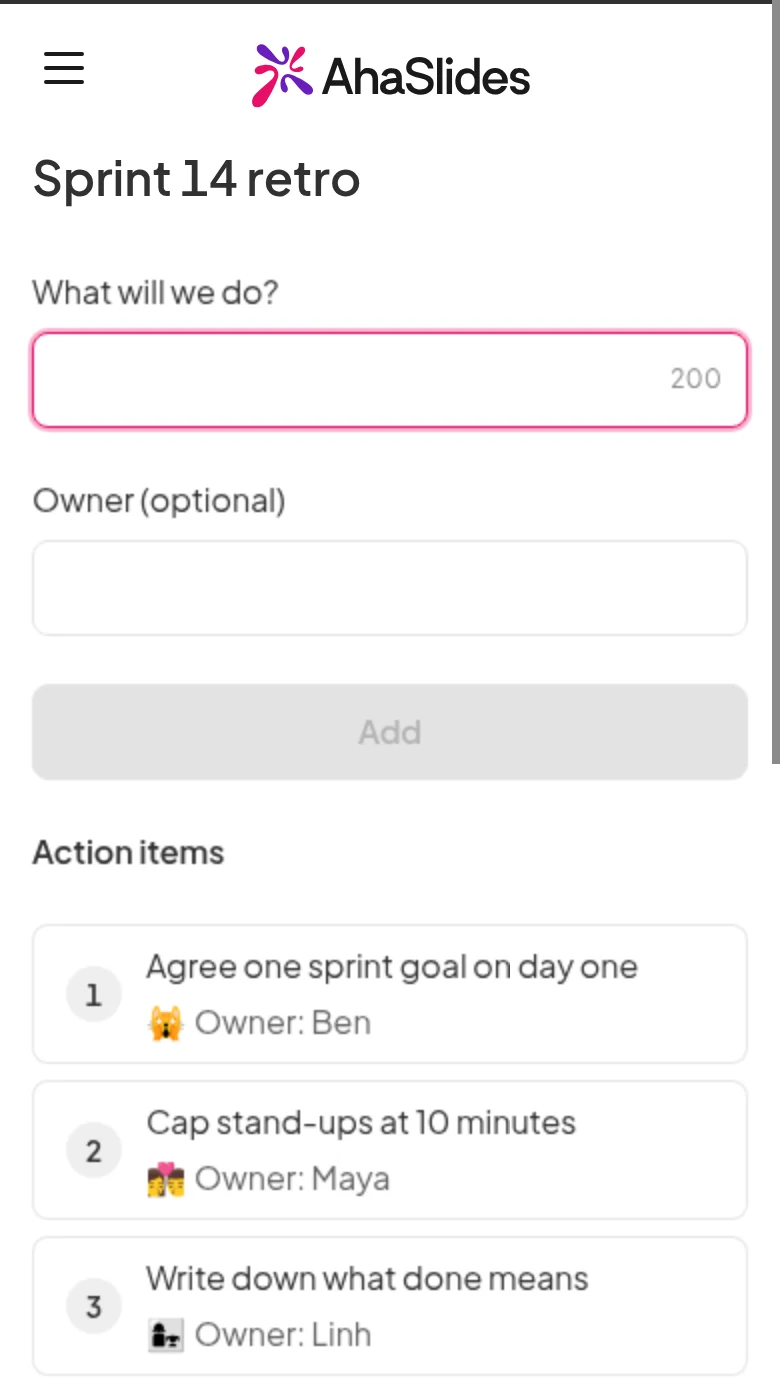
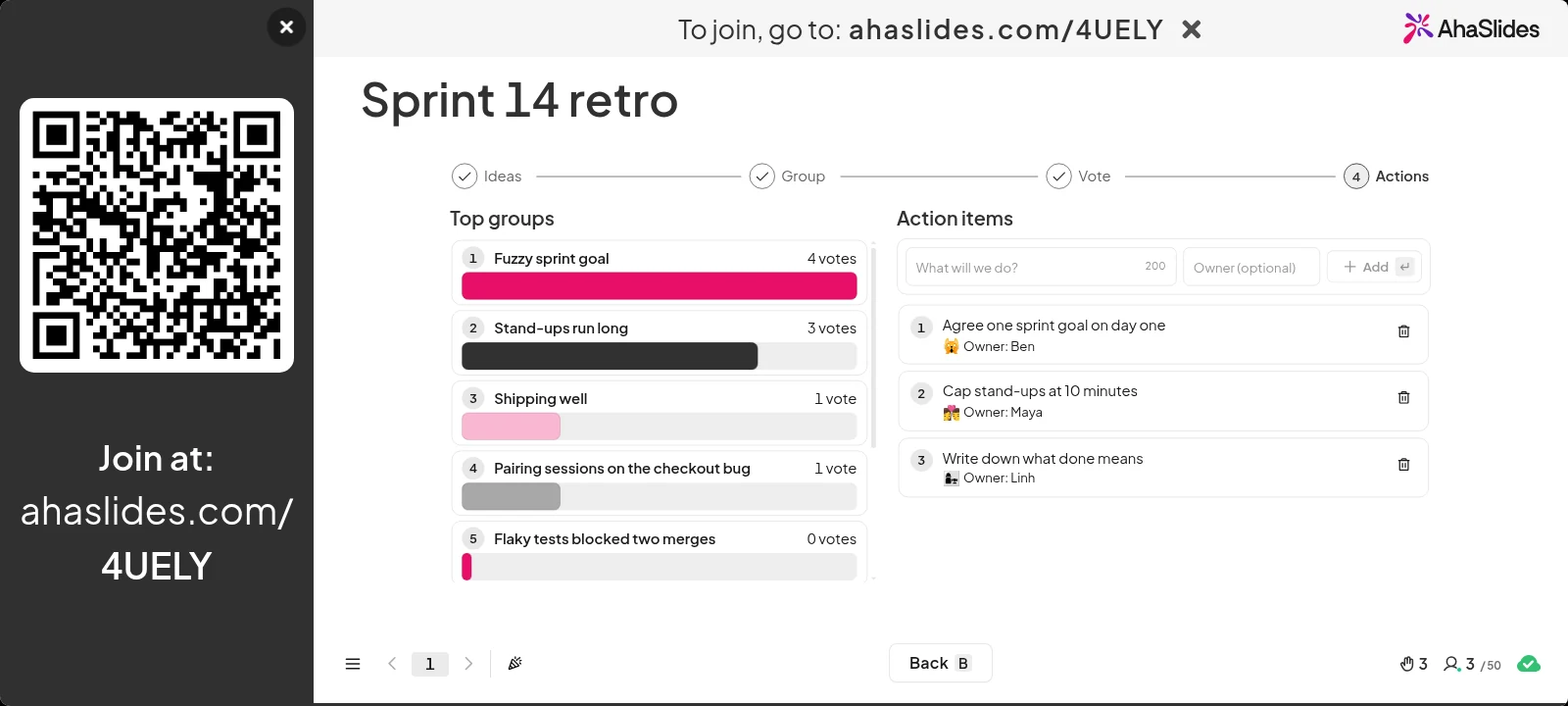
The top groups appear ranked by votes. Your team adds action items, each with an optional owner picked from the people who joined.
Fit it to your team
Start with Happy, Sad, Confused, or switch to Start, Stop, Continue or Mad, Sad, Glad.
Add or remove columns and rename them with up to 40 characters.
Give each person between 1 and 10 votes. The default is 3.
Use cases
Close each sprint with what went well, what did not and what to change.
Collect lessons after a launch, then agree who owns each fix.
Ask how the team is doing and let the votes show what matters most.
No. It has no points or leaderboard. The votes only rank the groups, so your team can see what to fix first.
Ideas appear on the big screen without names.
Only the presenter. Participants add ideas, vote and add action items.
Three by default. You can set anything from 1 to 10 votes per person in the slide settings.
Yes. Reset the slide results and the stages start from Ideas.
Brainstorm ranks single ideas. Team Retro adds columns, grouping, group votes and action items, so a whole retro fits on one slide.
Yes. You can use it on the Free plan, and it is live on every plan.




