I have spent the last few years helping teams build presentations that actually hold attention, and one thing has become clear: the tool you choose shapes the outcome more than most people realize. A great online presentation maker should do more than arrange text on slides. It should help you design faster, collaborate without friction, and (if you are presenting live) keep your audience engaged from start to finish.
Below, I have tested and compared five of the best online presentation makers available right now. Each tool gets an honest breakdown of what it does well, where it falls short, and which professional use case it fits best.
Table Of Contents
What to look for in an online presentation maker
Before diving into individual tools, it helps to know what separates a solid online presentation maker from a mediocre one. After testing dozens of platforms, I keep coming back to four criteria.
Speed to first draft. How fast can you go from a blank screen to a presentable deck? AI-powered tools have dramatically reduced this, with some platforms generating a full 10-slide presentation in under a minute. According to recent industry data, AI presentation tools can reduce design time by roughly 40%, which matters when you are building decks weekly for training sessions or client meetings.
Collaboration and sharing. If your team touches the deck before it hits the stage, real-time editing, commenting, and version history are non-negotiable. Cloud-based access means no more emailing file attachments back and forth.
Design quality without design skills. Templates and smart layouts should do the heavy lifting. Research consistently shows that well-designed slides increase presenter confidence (91% of professionals agree, according to Venngage survey data) and boost information retention among audiences.
Live audience engagement. This is where most tools stop short. Static slides with animations are one thing. Real-time polls, quizzes, word clouds, and Q&A that pull your audience into the conversation are something else entirely. If you facilitate training, workshops, or large meetings, this capability is a dealbreaker.
Top Online Presentation Makers in the Market
| Feature | AhaSlides | Google Slides | Prezi | Canva | Slidebean |
| Templates | ✅ Diverse for various purposes | ✅ Basic & professional | ✅ Unique & Modern | ✅ Extensive & beautiful | ✅ Investor-focused |
| Interactive Elements | Polls, quizzes, Q&A, word cloud, scales, and more | No (limited add-ons) | Zooming canvas, animations | Limited interactivity | None |
| Price | Free + Paid ($14.95+) | Free + Paid (Google Workspace) | Free + Paid ($3+) | Free + Paid ($9.95+) | Free + Paid ($29+) |
| Teamwork | Real-time collab | Real-time editing & commenting | Limited real-time collab | Comments & Sharing | Limited |
| Sharing | Links, QR codes. | Links, embed codes | Links, social media | Links, social media | Links, social media |
The key to success is to choose the right Online Presentation Maker that perfectly fits your needs.
- For interactivity and audience engagement: AhaSlides 🔥
- For collaboration and simplicity: Google Slides 🤝
- For visual storytelling and creativity: Prezi 🎉
- For design and all-in-one visuals: Canva 🎨
- For effortless design and investor focus: Slidebean 🤖
1/ AhaSlides: The Interactive Engagement Master
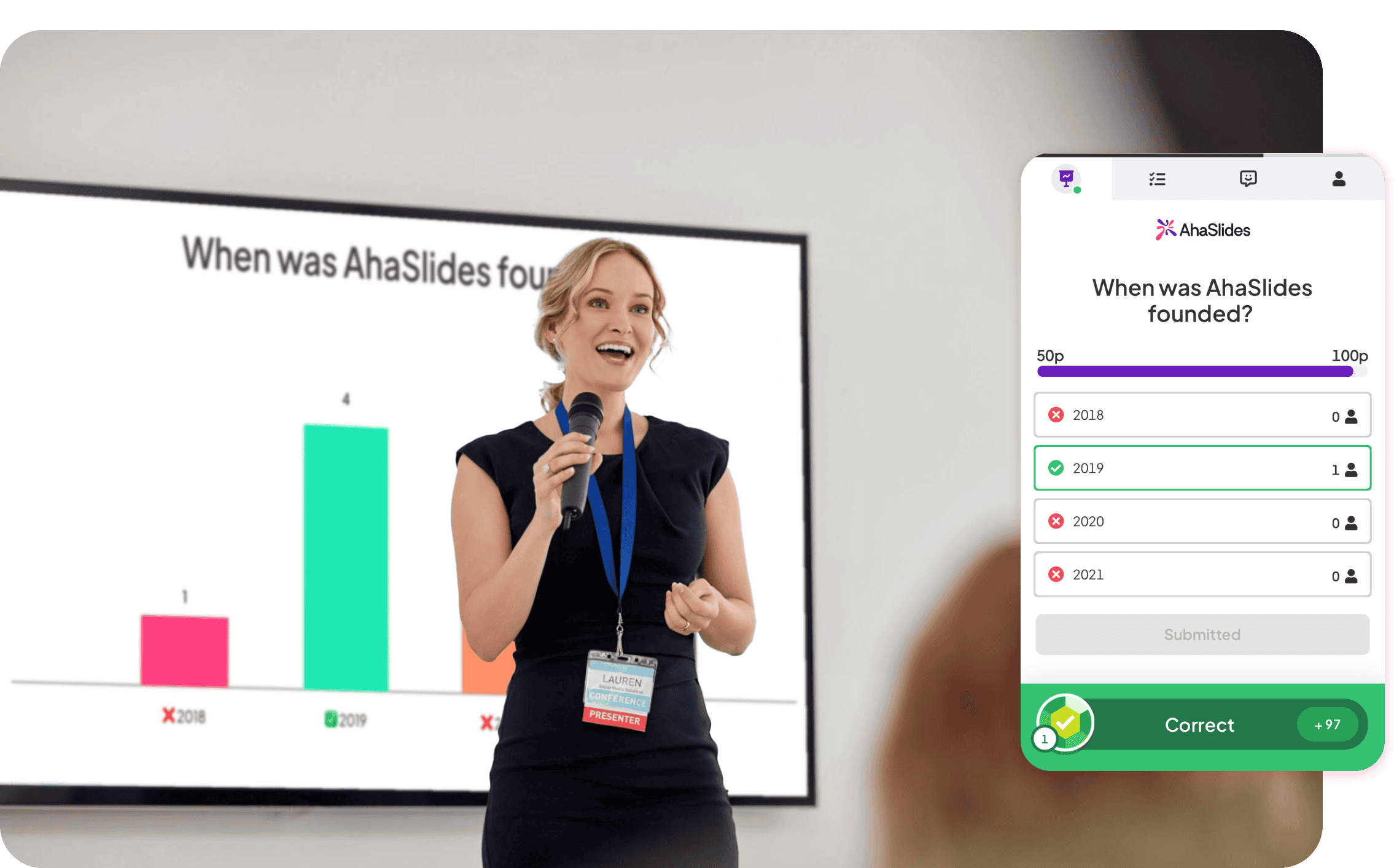
Using AhaSlides as a free online presentation maker feels like you're bringing your audience into the presentation with you. This level of interaction is fantastic for keeping your audience attentive and engaged.
👊Benefits: Increased engagement, real-time feedback, audience insights, dynamic presentations, and more!
👀Ideal for: Teachers, trainers, presenters, businesses, and anyone who wants to make their presentations interactive and engaging.
✅Key Features:
- Live Polls and Quizzes: Engage audiences in real-time with interactive polls, quizzes, and surveys using mobile devices.
- Q&A and Open-Ended Questions: Foster two-way conversations through live Q&A and encourage idea sharing with open-ended questions.
- Interactive Slides: Use a variety of formats like the word cloud and rating scale, customizable to fit presentation themes.
- Real-Time Interaction: Enable instant audience participation via QR codes or links and share live results for dynamic presentations.
- Templates and Design: Start quickly with ready-made templates designed for various purposes, from education to business meetings.
- Audience Engagement Meter: Track and display audience engagement in real-time, allowing for adjustments to keep interest high.
- Custom Branding: Customize presentations with logos and branded themes for consistency with your brand identity.
- Easy Integration: Seamlessly integrate AhaSlides into existing presentation workflows or use it as a standalone tool.
- Cloud-Based: Access, create, and edit presentations from anywhere, ensuring they are always available online.
- AI Slide Builder: Creates pro slides from your text & ideas.
- Export Data: Export data from interactions for analysis, offering valuable insights into audience feedback and understanding.
💵Pricing:
- Free Plan
- Paid Plans (Starting at $14.95)
2/ Google Slides: The Collaborative Champion
Google Slides revolutionizes team collaboration with its user-friendly design, cloud-based access, and seamless integration with Google Workspace.
👊Benefits: Collaborate & create effortlessly with real-time editing, cloud access, and seamless integration with other Google apps.
👀Ideal for: Perfect for teams, students, and anyone who values simplicity and efficiency.

✅Key Features
- User-Friendly: Part of Google Workspace, Google Slides is celebrated for its simplicity and ease of use, making it a go-to for beginners and those who value a no-fuss interface.
- Real-Time Collaboration: Its standout feature is the ability to work on presentations simultaneously with your team, anywhere, anytime, which is ideal for group projects and remote collaboration.
- Accessibility: Being cloud-based means access from any device, ensuring your presentations are always at your fingertips.
- Integration: Integrates effortlessly with other Google apps, simplifying the use of images from Google Photos or data from Sheets for a seamless experience.
💵Pricing:
- Free plan with basic features.
- Additional features with Google Workspace plans (starting at $6/user/month).
3/ Prezi: The Zooming Innovator
Prezi offers a unique way to present information. It allows for engaging storytelling that stands out in any situation, thanks to its dynamic, non-linear canvas.
👊Benefits: Experience a captivating and visually appealing presentation with a modern design and various formats.
👀Ideal for: Creative minds and visual enthusiasts seeking to break the mold with stunning presentations.
✅Key Features:
- Dynamic Presentations: This online presentation maker takes a non-linear approach to presentations. Instead of slides, you get a single, large canvas where you can zoom in and out to different parts. It's great for storytelling and keeping your audience engaged.
- Visual Appeal: With the Prezi online presentation maker, presentations look sleek and modern. It's ideal for those who want to stand out and make a memorable impression.
- Versatility: Offers different formats like Prezi Video, which allows you to integrate your presentation into a video feed for webinars or online meetings.
💵Pricing:
- Free plan with limited features.
- Paid plans start at $3/month and offer more features and customization.
4/ Canva: The Design Powerhouse
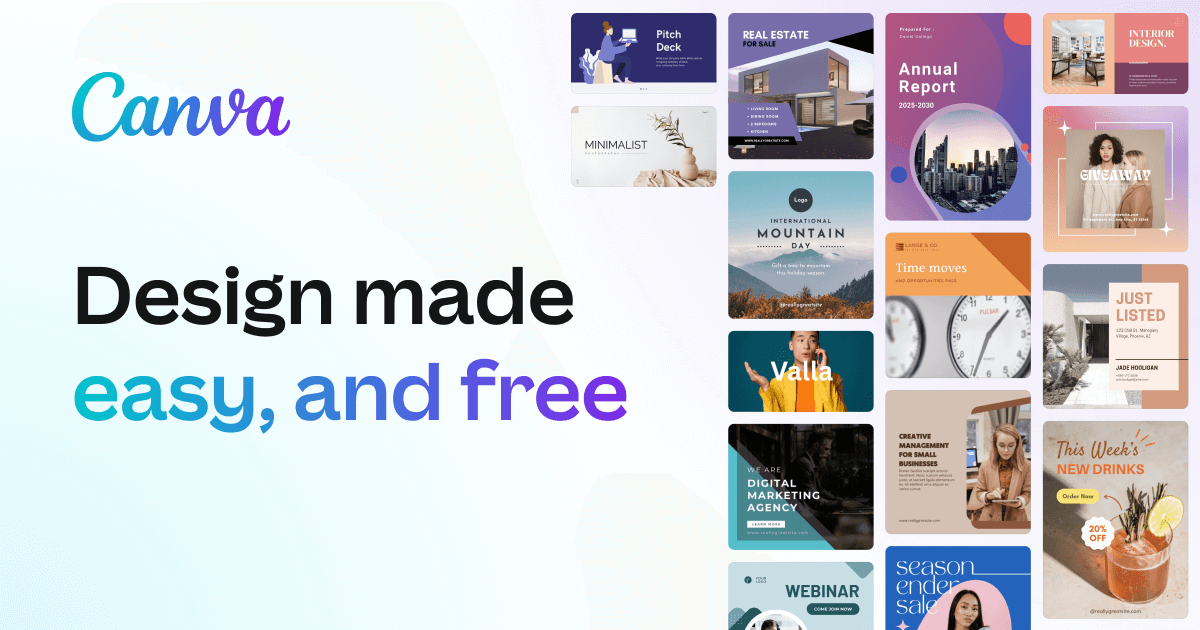
Canva empowers you to design like a pro with thousands of templates, perfect for all your design needs, from presentations to social media
👊Benefits: Design like a pro, effortless & beautiful. Presentations, social media & more - all in one place. Team up & boost creativity!
👀Ideal for: Multi-taskers: Design all your visual content - presentations, social media, branding - in one platform.
✅Key Features:
- Aesthetic Templates: This online presentation maker shines with its design capabilities. It offers thousands of templates and design elements, making it easy to create presentations that look professionally designed.
- Drag-and-Drop: Features a user-friendly drag-and-drop interface that's perfect for those with no design background.
- Versatility: Beyond presentations, Canva is a one-stop shop for all design needs, from social media graphics to flyers and business cards.
- Collaboration: Allows for easy sharing and commenting, though real-time editing with others is a bit more limited compared to Google Slides.
💵Pricing:
- Free plan with basic features.
- Pro plan unlocks premium templates, photos, and advanced features ($9.95/month).
5/ Slidebean: The AI Assistant
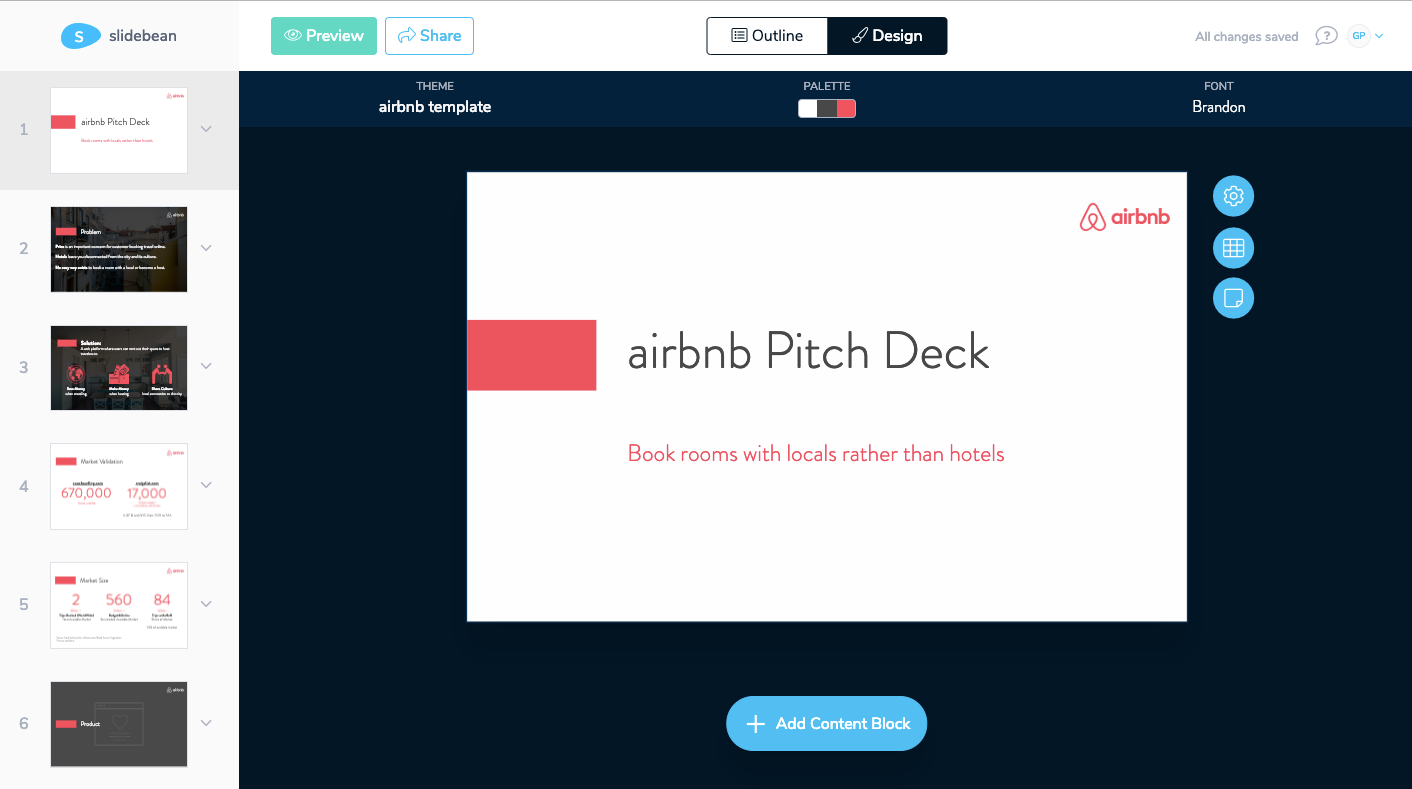
Slidebean offers effortless, AI-driven presentation design, perfect for startups and non-designers to easily create impactful slides.
👊Benefits: Offers effortless design by automatically formatting your slides for a professional look, allowing you to focus more on your message and less on design.
👀Ideal for: Ideal for startups, busy presenters, and non-designers needing to create professional presentations quickly and without hassle.
✅Key Features:
- Automated Design: This online presentation maker stands out with its AI-powered design assistance, helping you automatically format your presentations to look great with minimal effort.
- Focus on Content: You input your content, and Slidebean takes care of the design aspect, making it great for those who want to focus on their message rather than spend time on layout and design.
- Investor-Friendly: Offers templates and features specifically designed for startups and businesses looking to pitch to investors.
Pricing:
- Free plan with limited features.
- Paid plans start at $29/month and offer more templates, AI features, and customization.
Are you a Mac user and struggling to find the right software? 👉 Check out our comprehensive guide to choosing the best presentation software for Mac.
Bottom Line
In conclusion, an online presentation maker is a game-changer for anyone looking to create professional and engaging presentations effortlessly. Whether you're a startup aiming to impress investors, a presenter on a tight schedule, or someone without any design background, these tools make it simple and quick to convey your message with impact.