
You're 15 minutes into a training session and the room has gone quiet. Cameras off. Chat empty. You ask a question and get nothing back.
Live polling solves this problem faster than almost anything else. One well-timed poll can pull an entire audience back into the conversation, give you instant feedback on whether your message is landing, and make every participant feel like their input matters.
But with dozens of polling tools available, finding the right free option can be tricky. Some tools are built for async surveys shared via link. Others are designed for live, in-the-moment polling during presentations. The difference matters.
I've compared free online polling tools below, focused on what matters most for professional use: participant limits, question types, presentation integrations, real-time results, and analytics.
Top Free Online Polling Tools
Comparison Table
| Feature | AhaSlides | Slido | Mentimeter | Poll Everywhere | ParticiPoll |
|---|---|---|---|---|---|
| Best for | Educational settings, business meetings, casual gatherings | Small/medium interactive sessions | Classrooms, small meetings, workshops, events | Classrooms, small meetings, interactive presentations | Audience polling inside PowerPoint |
| Question types | Multiple-choice, open-ended, scale ratings, Q&A, quizzes | Multiple-choice, rating, open-text | Multiple-choice, word cloud, quiz | Multiple-choice, word cloud, open-ended | Multiple-choice, word clouds, audience questions |
| Synchronous and asynchronous polls | Yes✅ | Yes✅ | Yes✅ | Yes✅ | No |
| Customisation | Moderate | Limited | Basic | Limited | No |
| Usability | Very easy 😉 | Very easy 😉 | Very easy 😉 | Easy | Easy |
| Free plan limitations | No data export | Poll limit, limited customisation | Participant limit (50/month) | Participant limit (40 concurrent) | Only works with PowerPoint, participant limit (5 votes per poll) |
1. AhaSlides
Free plan highlights: Up to 50 live participants, polls and quizzes, 3000+ templates, AI-powered content generation
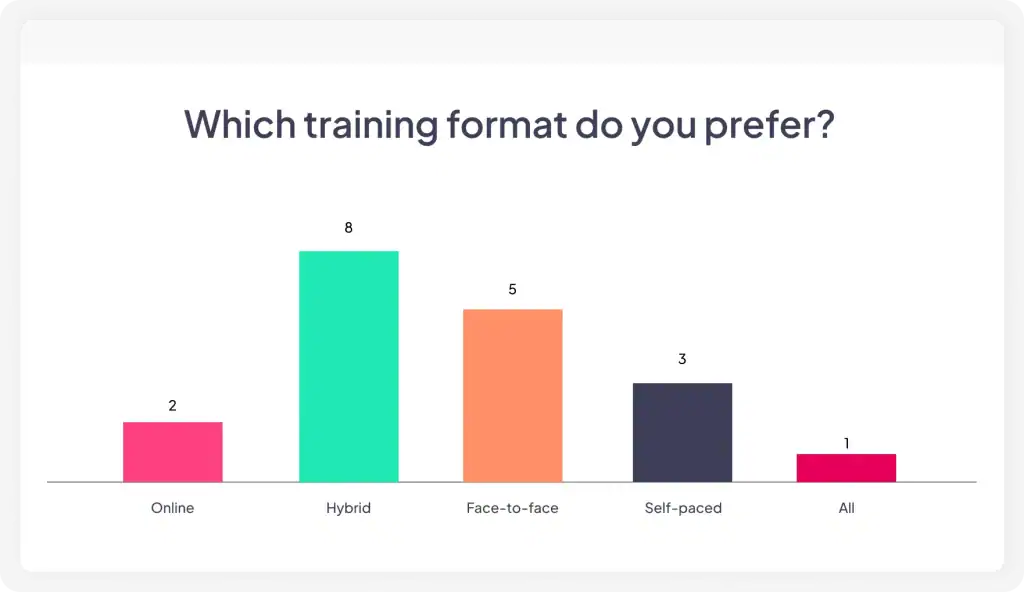
AhaSlides stands out because it embeds polls directly inside a full presentation experience. You're not switching between a slide deck and a separate polling app. Your polls, quizzes, word clouds, and Q&A sessions live within the same presentation your audience is already watching.
Key Features of AhaSlides
- Versatile question types: AhaSlides offers a wide array of question types, including multiple-choice, word cloud, open-ended, and rating scale, allowing for varied and dynamic polling experiences.
- AI-powered polls: You only need to insert the question and let the AI generate the options automatically.
- Customisation options: Users can customise their poll with different charts and colours.
- Integration: AhaSlides' poll can be integrated with Google Slides and PowerPoint so you can let the audience interact with the slides while presenting.
- Anonymity: Responses can be anonymous, which encourages honesty and increases the likelihood of participation.
- Analytics: Although detailed analytics and exporting features are more robust in paid plans, the free version still offers a solid foundation for interactive presentations.
2. Slido
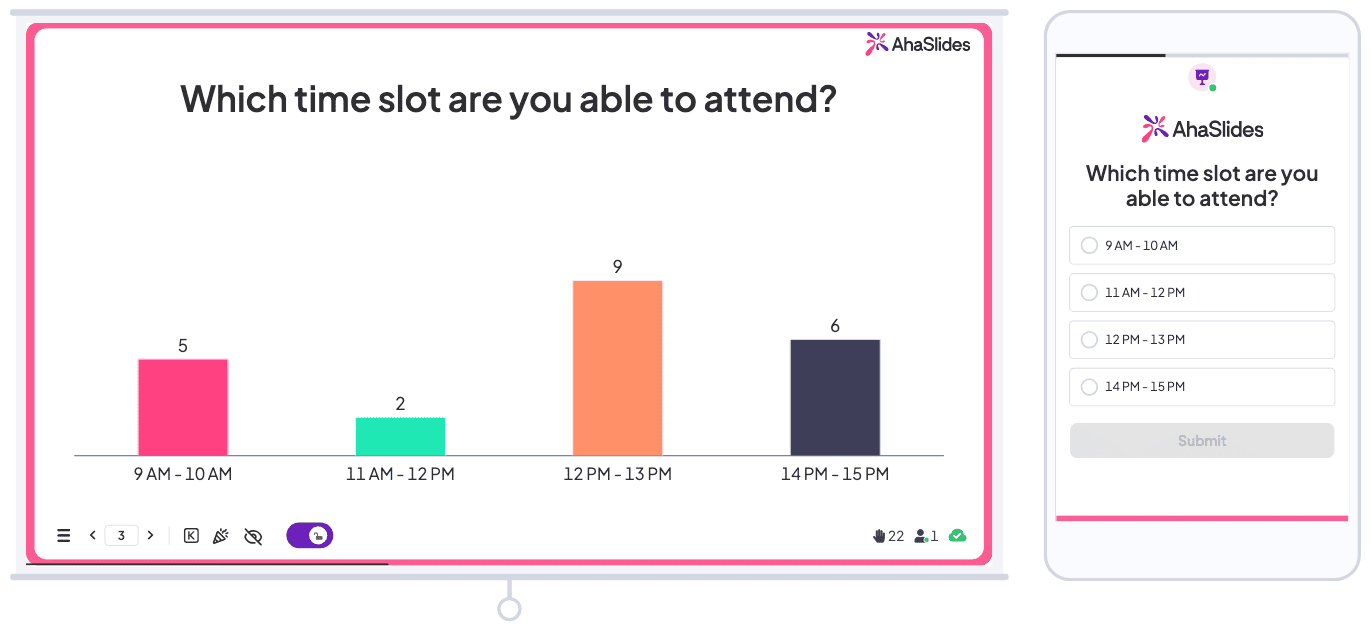
Free plan highlights: 100 participants, 3 polls per event, basic analytics
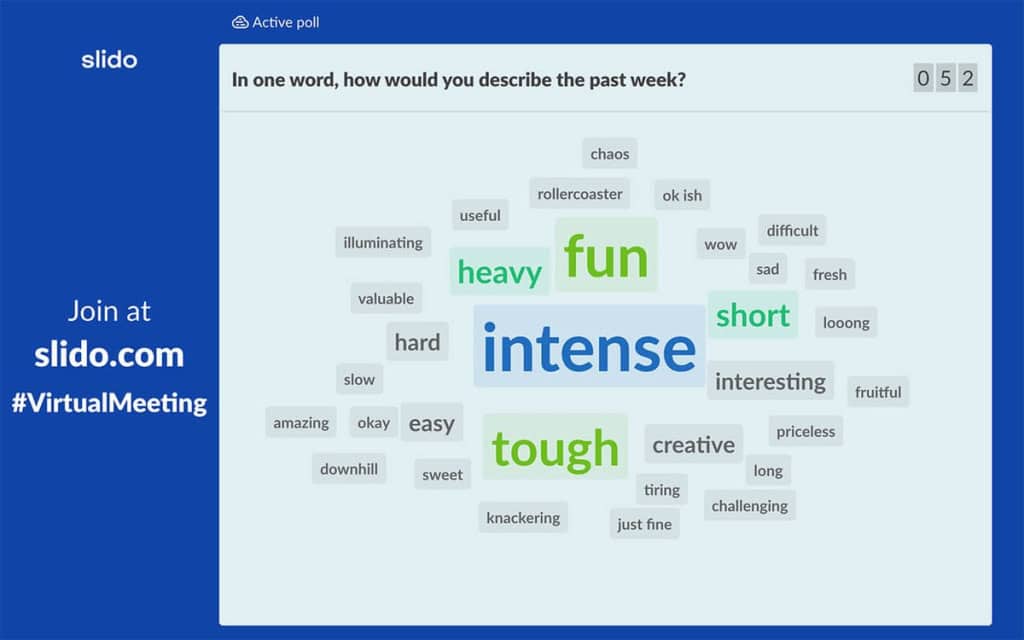
Slido (now owned by Cisco) has built a strong reputation for moderated Q&A and live polling in corporate settings. The free plan gives you 100 participants, though you're limited to three polls per event. It integrates with Google Slides, PowerPoint, and video conferencing platforms.
Best For: Small to medium-sized interactive sessions.
Key Features
- Multiple poll types: Multiple-choice, rating, and open-text options cater to different engagement goals.
- Real-time results: As participants submit their responses, the results are updated and displayed in real-time.
- Limited customisation: The free plan offers basic customisation options, allowing users to adjust some aspects of how polls are presented to match the tone or theme of their event.
- Integration: Slido can be integrated with popular presentation tools and platforms, enhancing its usability during live presentations or virtual meetings.
3. Mentimeter
Free plan highlights: 50 live participants per month
Mentimeter is a widely-used interactive presentation tool that excels in turning passive listeners into active participants. Its free plan comes packed with polling features that cater to a variety of needs, from educational purposes to business meetings and workshops.

Key features
- Variety of question types: Mentimeter does offer multiple-choice, word cloud, and quiz question types, providing diverse engagement options.
- Unlimited polls and questions (with a caveat): You can create an unlimited number of polls and questions on the free plan, but there's a participant limit of 50 per month and a presentation slide limit of 34.
- Real-time results: Mentimeter displays responses live as participants vote, creating an interactive environment.
4. Poll Everywhere
Free plan highlights: 40 responses per poll, unlimited polls, LMS integration
Poll Everywhere is an interactive tool designed to transform events into engaging discussions through live polling. The free plan provided by Poll Everywhere offers a basic but effective set of features for users looking to incorporate real-time polling into their sessions.
Key features
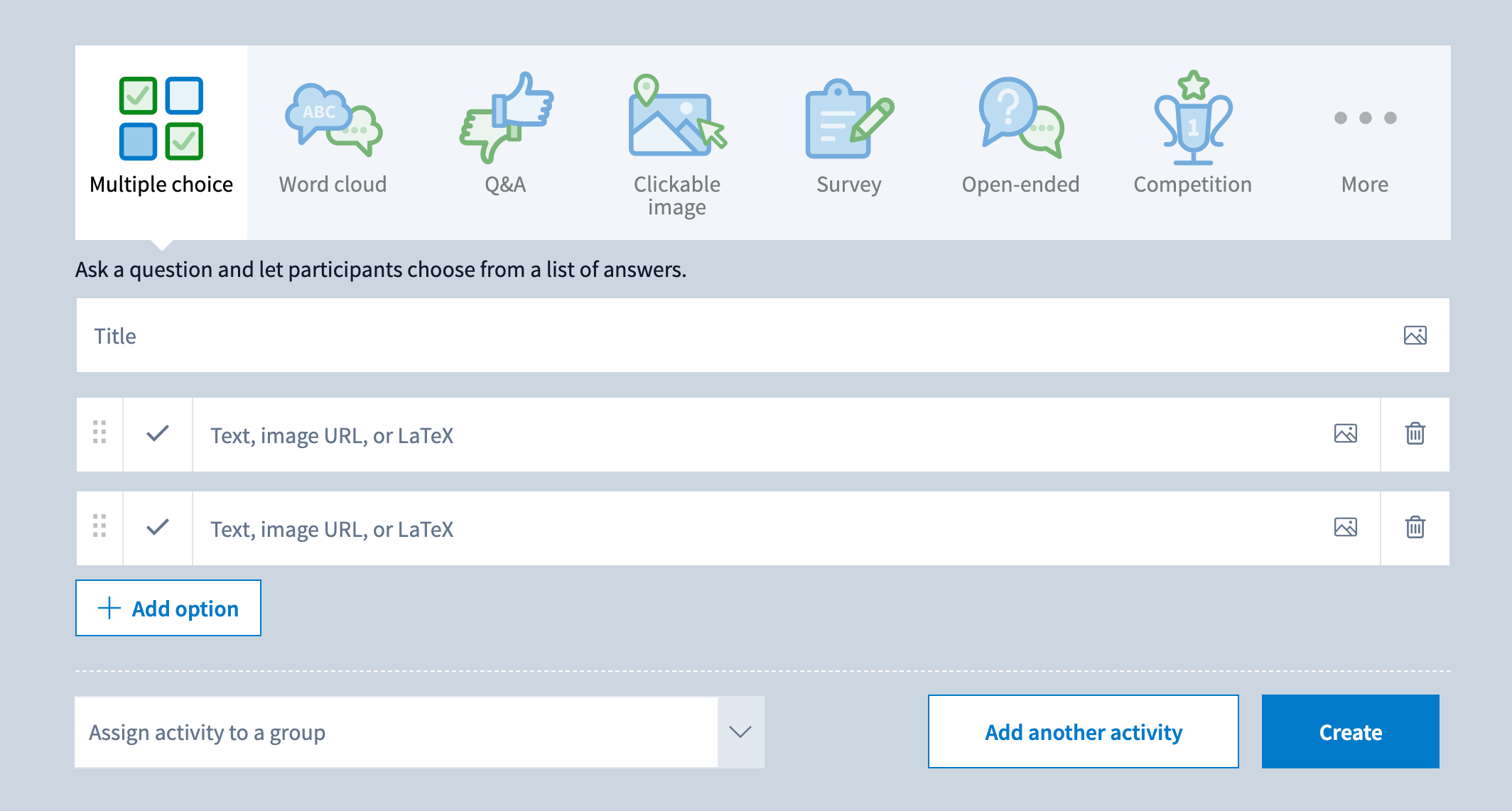
- Question types: You can create multiple-choice, word cloud, and open-ended questions, offering diverse engagement options.
- Participant limit: The plan supports up to 40 concurrent participants. This means only 40 people can actively vote or answer at the same time.
- Real-time feedback: As participants respond to polls, results are updated live, which can be displayed back to the audience for immediate engagement.
- Ease of use: Poll Everywhere is known for its user-friendly interface, making it simple for presenters to set up polls and for participants to respond via SMS or web browser.
5. ParticiPolls
Free plan highlights: 5 votes per poll, 7-day free trial
Poll Junkie is an online tool designed for creating quick and straightforward polls without the need for users to sign up or log in. It's an excellent tool for anyone looking to gather opinions or make decisions efficiently.
ParticiPolls is an audience polling add-in that works natively with PowerPoint. While limited in responses, it's ideal for presenters who want to stay within PowerPoint rather than switching between applications
Key features
- PowerPoint native integration: Functions as a direct add-in, maintaining presentation flow without platform switching
- Real-time results display: Shows polling results instantly within your PowerPoint slides
- Multiple question types: Supports multiple-choice, open-ended, and word cloud questions
- Usability: Functions on both Windows and Mac versions of PowerPoint
5 tips for running effective live polls
Having the right tool is only half the equation. How you use it determines whether polls improve engagement or feel like an interruption.
Time polls every 10-15 minutes. Research on attention patterns shows learners experience dips as early as 30 seconds in, with recurring lapses every 7-10 minutes. Strategic polling resets attention and provides natural check-in points throughout longer sessions.
Ask questions that matter. "How are we doing so far?" is filler. "Which of these three strategies would work best in your department?" gives you real-time data you can use to adapt your session on the spot.
Show results and react to them. Displaying live results builds trust and makes participants feel heard. If 70% chose option B, explore why. This turns a poll from a gimmick into a genuine conversation.
Use anonymous options for sensitive topics. When polling about organizational challenges or leadership feedback, anonymity dramatically increases participation and honesty.
Keep the barrier to entry low. The fewer steps between "presenter shows poll" and "participant responds," the higher your response rate. Tools that work via a simple link or QR code with no app download consistently outperform those that add friction.