



Method 1: Run a live sound quiz with AhaSlides
This is the option for scenarios where a group is engaging at the same time: team meetings, training sessions, live events, or a classroom review. Participants join from their phones with a code, you play the clip from your shared screen, and everyone submits an answer before the timer runs out.
How it works:
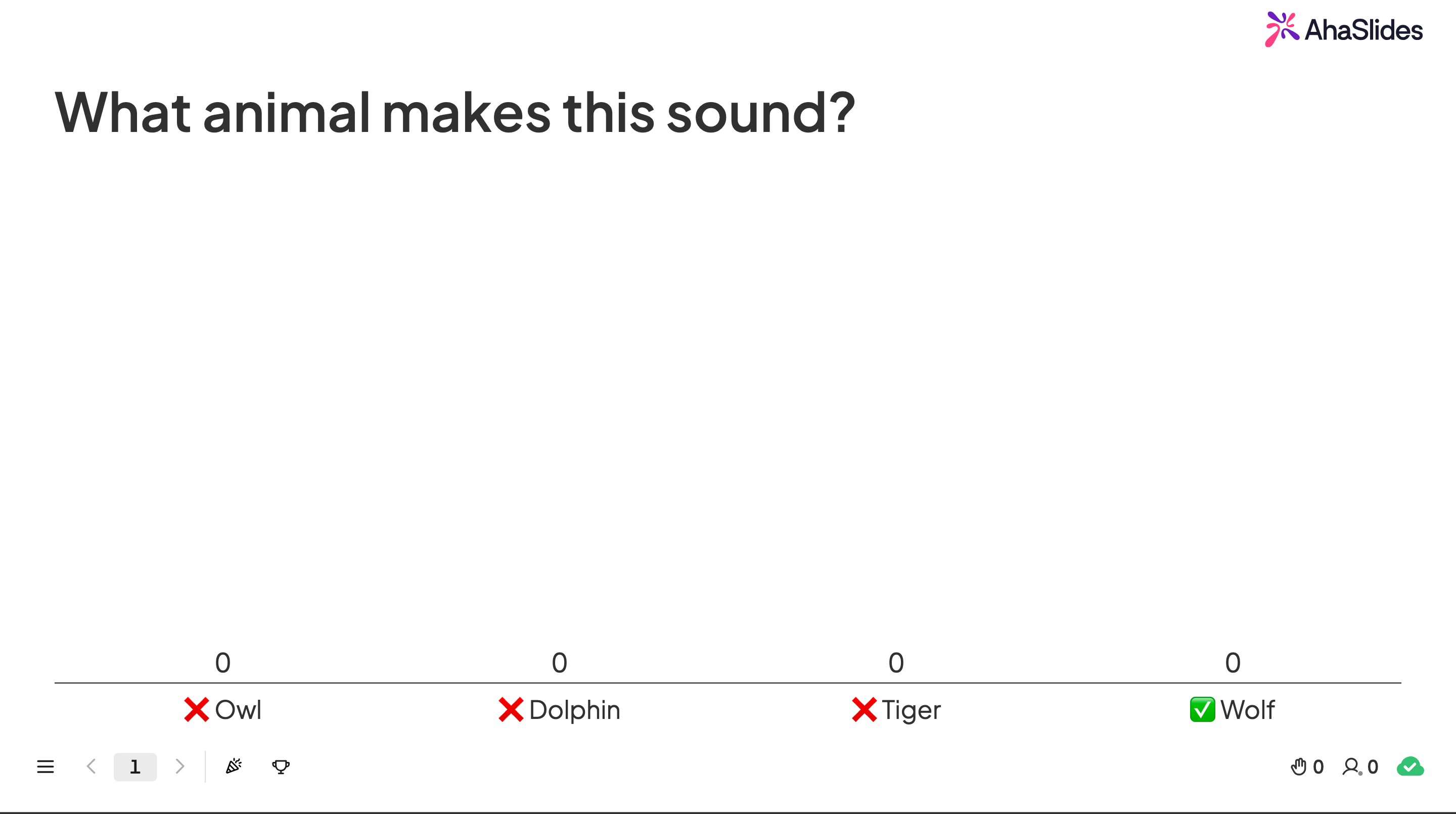
You build a presentation with one or more quiz slides. Each slide displays on your screen while participants follow along and answer from their own devices. When the audio plays, everyone hears it together (or individually, if you turn on audio for participant devices), submits a guess, and watches the results land on the leaderboard in real time.
Setting up your sound quiz:
1. Create a free AhaSlides account and start a new presentation
2. Add a quiz slide (multiple choice, type answer, or image choice all work) and write your question
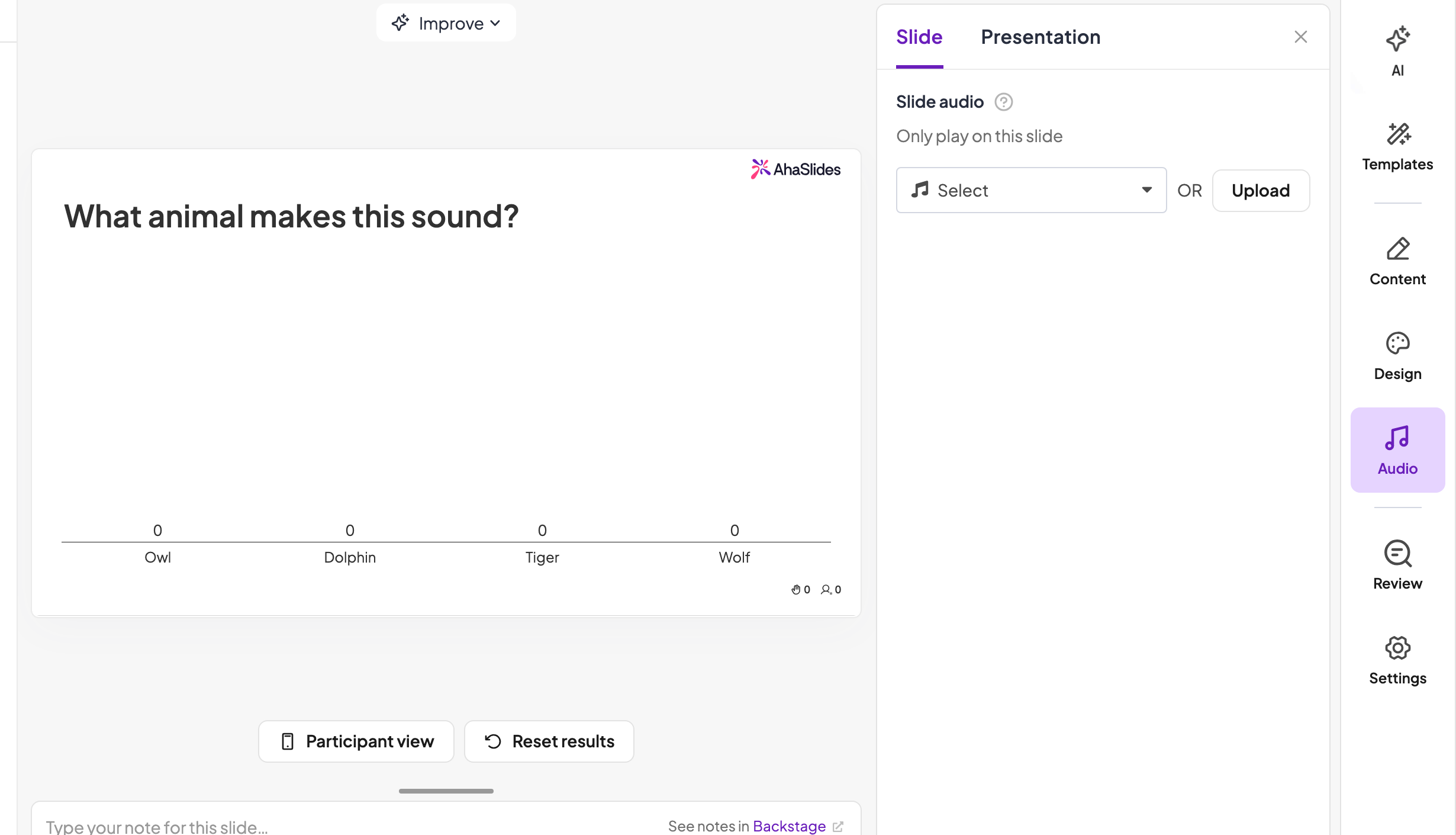
3. Open the audio tab and upload your clip (MP3 format, up to 15MB per file)
4. Choose playback settings: autoplay when the slide opens, or manual control
5. Run through the quiz once yourself, then present it live

Features that make sound rounds land:
1. Audio on participant devices. Useful for self-paced rounds or rooms with patchy acoustics, since each person controls their own playback instead of relying on the room speaker.
2. Live leaderboard. Showing standings after each question adds the competitive pull that keeps a sound round moving.
3. Team mode (paid plans). Groups discuss before submitting, which suits sound quizzes well since recognizing a clip often benefits from a second opinion ("wait, is that a dolphin?").
4. Per-question timers. A 10-second clip followed by a 15-second answer window keeps pace. Without a limit, sound rounds slow down as people overthink.
Where this works best: weekly team meetings, training knowledge checks, hybrid or virtual events, and any session where you need to see participation happen live.
Honest limitations: everyone needs a device and a connection, and the free plan caps at 50 participants, so larger events will need a paid tier.
Method 2: Build a DIY sound quiz in PowerPoint
If the quiz is meant to be completed alone, self-paced, or offline, building it directly in PowerPoint gives you full control without needing a live audience.
Basic setup:
1. Create your quiz slide with the question and answer options
2. Go to Insert, then Audio, then Audio on My PC
3. Select your sound file (MP3, WAV, or M4A all work)
4. Adjust the playback settings in the Audio Tools tab
Making it interactive:
1. Hyperlinked answers. Turn each answer option into a shape, then link the correct one to a "Correct!" slide and the wrong ones to a "Try again" slide.
2. Triggered playback. Set the clip to play only when clicked, so the person controls when they hear it and whether they replay it.
3. Progress numbering. Label slides "Question 3 of 12" so it's clear how far along the quiz is.
4. Animated feedback. A green check or red X on click gives instant feedback even without separate result slides.
Where this works best: self-paced homework, async onboarding checks, or any setting where a live platform isn't practical.
Honest limitations: no simultaneous multi-person participation, more manual build time per question, and no analytics beyond what you track by hand. If you already build decks in PowerPoint, the AhaSlides add-in lets you add a live quiz round without leaving the file.
Live platform vs. DIY: which one fits
What you needBest fitA group answering together, liveAhaSlidesReal-time leaderboard and team scoringAhaSlidesA quiz someone completes alone, anytimeDIY PowerPointNo internet or app dependencyDIY PowerPointFast setup with minimal manual workAhaSlidesFull control over slide designDIY PowerPoint
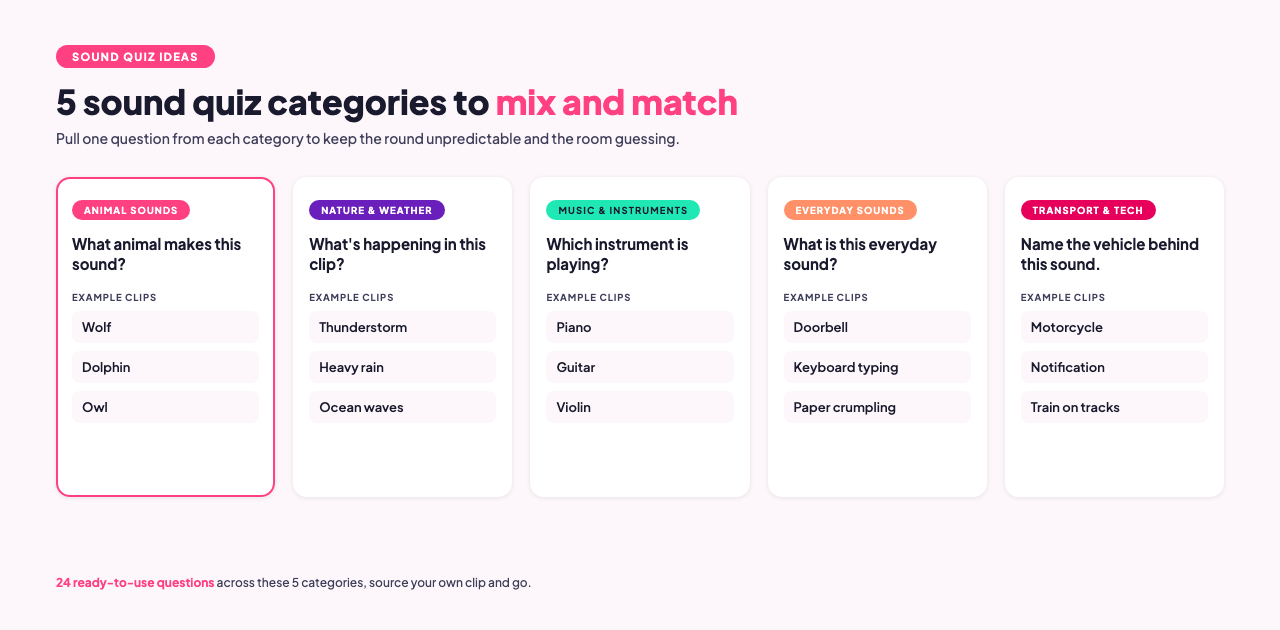
24 free sound quiz questions and answers
Press play on each clip, lock in your guess, then check the answer below it. Mix questions across categories to keep the round unpredictable when you run it with your own group. [3]
Animal sounds
1. Q: What animal makes this sound?
A: Wolf
2. Q: Guess the big cat from its roar.
A: Tiger
3. Q: Which sea mammal is this?
A: Dolphin
4. Q: Which bird is hooting?
A: Owl
5. Q: Name the animal behind this trumpeting sound.
A: Elephant
Nature and weather
6. Q: What's happening in this clip?
A: Thunderstorm
7. Q: Which natural sound is this?
A: Ocean waves
8. Q: What kind of weather produces this sound?
A: Windstorm
9. Q: What natural sound is this?
A: A stream flowing over rocks
10. Q: What's falling in this clip?
A: Heavy rain
Music and instruments
11. Q: Which instrument is playing?
A: Piano
12. Q: Name the instrument in this clip.
A: Guitar
13. Q: Which genre is this clip from?
A: Jazz
14. Q: Name the instrument in this short riff.
A: Violin
15. Q: Which instrument family does this belong to?
A: Brass
Everyday sounds
16. Q: What is this everyday sound?
A: Doorbell
17. Q: What's happening in this clip?
A: Paper fluttering
18. Q: What's being eaten in this clip?
A: Carrots
19. Q: What sound is this?
A: Fingers typing on a keyboard
20. Q: What's happening in this clip?
A: A bird flapping its wings
Transport and tech
21. Q: Name the vehicle behind this sound.
A: Motorcycle
22. Q: What's making this sound?
A: A phone vibrating on a table
23. Q: Name the mode of transport.
A: Train on tracks
24. Q: What's this notification sound from?
A: A messaging app
For themed variations, browse the AhaSlides general knowledge quiz or guess the movie questions and swap in the audio-first format above, or check the free templates library for ready-made sound rounds.
Frequently asked questions
How long should a sound quiz clip be?
3 to 10 seconds is usually enough for recognition without giving the answer away too early. Longer clips work for harder categories like instrumental music or ambient nature sounds.
What audio file formats can I use?
AhaSlides accepts MP3 files up to 15MB per upload. For a DIY PowerPoint build, MP3, WAV, and M4A all work.
Can I run a sound quiz without an internet connection?
Yes. The DIY PowerPoint method works fully offline since the audio and slides are self-contained in the file. A live platform like AhaSlides needs a connection for participants to join and submit answers.
Is there a free sound quiz template?
Yes, AhaSlides has ready-made templates you can duplicate and swap the audio in, including music-themed and general knowledge sound rounds, in the free templates library.
The bottom line
A sound quiz builds better attention, not better memory. Use AhaSlides when you need a live group answering together with a leaderboard and real energy in the room, and use a DIY PowerPoint build when the quiz needs to work solo, offline, or async. Either way, the 24 questions above are ready to plug in for your next round.
Sources
[1] Cohen, M.A., Horowitz, T.S., Wolfe, J.M. (2009). Auditory recognition memory is inferior to visual recognition memory. Proceedings of the National Academy of Sciences. https://www.pnas.org/doi/10.1073/pnas.0811884106
[2] Mayer, R.E. Cognitive Theory of Multimedia Learning. Cambridge Handbook of Multimedia Learning. https://educationaltechnology.net/mayers-principles-of-multimedia-learning/
[3] Pixabay. https://pixabay.com/sound-effects/