


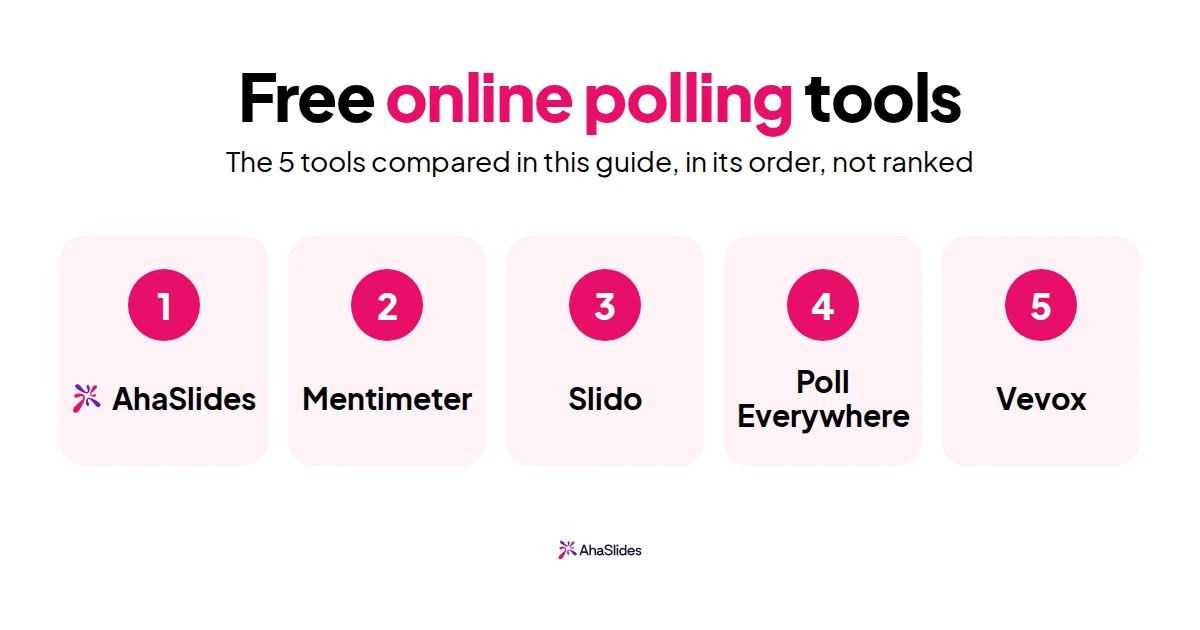
The best free online polling tools for meetings and training in 2026 are AhaSlides, Mentimeter, Slido, Poll Everywhere and Vevox. Each lets everyone answer at once, from their own phone or laptop, with no app to download.
A bigger meeting should not mean fewer people get heard. A live poll gives the person who never speaks up the same vote as the loudest person in the room. The catch is that "free" means different things on each platform. Poll Everywhere caps the audience at 40. Check Slido's pricing page for its poll limits. Mentimeter and Vevox keep result exports for paid plans. This guide sets out what each tool gives you at no cost, so you can pick one that fits your sessions without hitting a wall halfway through.
What to look for in a free online polling tool
For most meeting hosts, trainers and HR facilitators, the checklist is short: how many people can join, how many polls you can run, how easy it is to join (no app downloads), whether you can export results, and whether the tool works inside the presentation you already use.
Here are five tools worth using in 2026. We make AhaSlides, so it comes first; every limit for the other four is from the vendor's own site.
1. AhaSlides
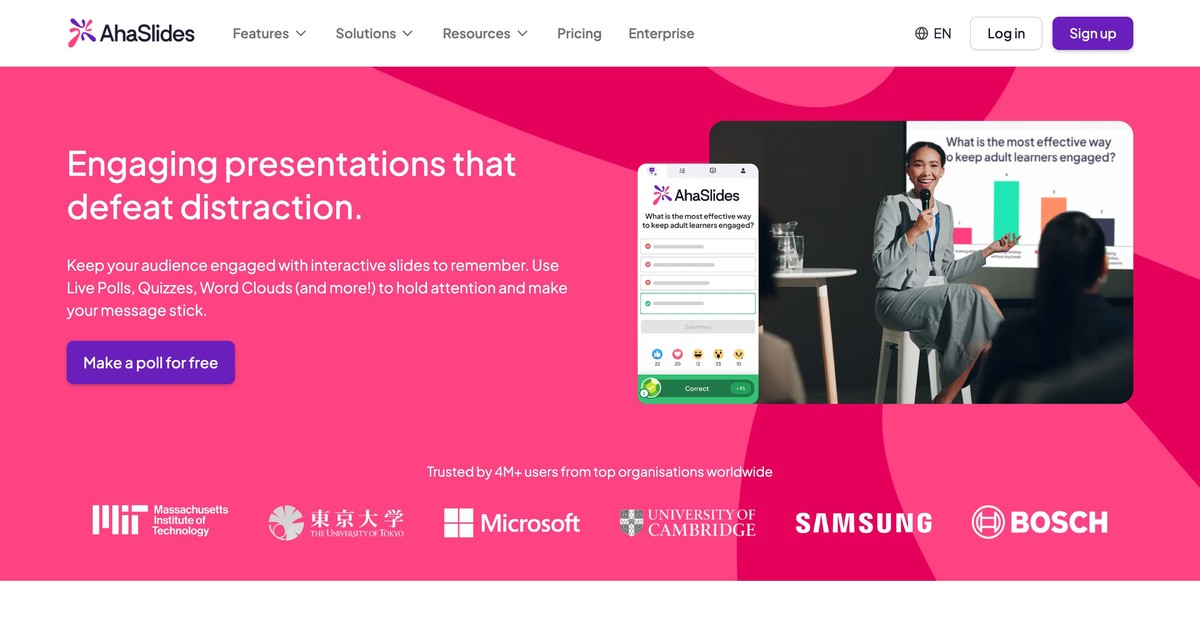
AhaSlides is an all-in-one engagement platform for teams and classrooms. Polls sit inside the presentation itself, next to quizzes, Word Cloud, Open Ended, Rating Scale and Q&A slides, out of more than 40 slide types across its plans.
What the AhaSlides free plan includes: up to 50 live participants at a time, unlimited presentations. The Free plan includes interactive slides like quizzes and word clouds, with some limits. Paid plans remove those limits and unlock every slide type. Paid plans raise the cap to 100 participants on Essential and 2,500 on Pro; the pricing page has current prices.
Participants join by scanning a QR code or typing a short code into their browser. They need no app and no account.
For training and HR sessions, the benefit is that you do not switch tools. A trainer can move from a content slide to a live poll to a word cloud in the same deck, and talk through the results with the group while the session is still running. Ready-made templates give you a starting point, so you only need to change the questions.
Best for: L&D trainers and facilitators who run regular sessions and want polls, quizzes and Q&A in one deck rather than in a separate app.
2. Mentimeter
Mentimeter's free plan lets you create unlimited presentations, with one important limit: 50 participants a month, and once a month one session can go over that limit, with 8 hours to finish it [1]. The count resets each month on the date you created your account.
For a single small team meeting, that is fine. For a trainer running weekly sessions of 20 or more people, the monthly cap runs out fast. Excel and PDF exports of results start on its paid Basic plan [2].
Mentimeter's strength is how its results look. Word clouds, bar charts and scales display cleanly on screen, which makes it useful for opening icebreakers, knowledge checks and opinion polls in workshops. If word clouds are your main use, our comparison of Mentimeter word cloud options goes deeper.
Best for: occasional users who run one or two small sessions a month and want polished visuals.
3. Slido
Slido is part of Webex (Cisco) and works with PowerPoint, Webex and Microsoft Teams, which gives it a natural advantage where those tools are standard. Slido calls an event a slido. For its free-plan participant, poll and quiz limits and current plans, see Slido's pricing page [3].
Slido is known for live Q&A, which suits town halls and all-hands meetings where anonymous questions matter most. For more options built around questions, see our guide to free Q&A apps.
Check Slido's pricing page for what export it includes. If you need to download results, here is our pick of a free Slido alternative.
Best for: corporate teams already on Microsoft or Cisco tools who want audience polling without leaving them.
4. Poll Everywhere
Poll Everywhere has a broad range of question types, covering multiple choice, word clouds, Q&A, clickable image polls, ranking and open-ended responses. It also works with PowerPoint and Google Slides.
The limit is audience size. The free Intro plan caps your audience at 40, which is the smallest audience per session on this list. Data export is included on every plan, the free one too [4]. In practice, the free plan suits small team meetings.
Best for: small teams who want varied question types and their data afterwards.
5. Vevox
Vevox has the largest free audience here. The free plan supports up to 100 participants and includes unlimited multiple-choice polls, quizzes and Q&A, AI-assisted question creation, and Teams and PowerPoint integrations [5].
The trade-off is in what sits on paid plans. Word clouds, more poll types, surveys and data exports start on Starter, and Q&A moderation and branding on Pro [5]. For internal sessions that only need multiple-choice polls, those limits rarely matter.
Best for: trainers and facilitators running sessions of up to 100 people who mostly need multiple-choice polls.
How the free plans compare
Vevox allows the most people on a free plan, up to 100. Figures checked on 6 November 2026 against each vendor's plans page; Slido's limits are on its pricing page. For AhaSlides, see its free plan above.
| Tool | Free audience | Poll limits | Export on free plan | Source |
|---|---|---|---|---|
| Mentimeter | 50 participants a month, plus one session a month over the limit (8 hours to finish it) | Unlimited presentations | No: Excel and PDF export starts on Basic | Mentimeter plans |
| Slido | See Slido's pricing page | See Slido's pricing page | See Slido's pricing page | Slido pricing |
| Poll Everywhere | 40 at a time | Unlimited questions | Yes | Poll Everywhere plans |
| Vevox | Up to 100 participants | Unlimited multiple-choice polls; word cloud on Starter | No: exports start on Starter | Vevox pricing |
Each tool limits something different: Mentimeter caps people per month, Poll Everywhere and Vevox cap people per session, and Slido's poll limits are on its pricing page. Plans change often, so check the vendor's page before you build a session around a limit.
Common mistakes to avoid
Four mistakes are worth avoiding: picking a tool from its demo, skipping a device test, running too many polls and leaving exports too late.
Choosing a tool from the demo, not the free limits
Most polling platforms show you their full feature set in a demo. You only meet the participant cap or poll limit when you run a real session. Check the free plan's limits before you build a session around a tool.
Forgetting to test on the devices your audience uses
A poll that works on a laptop may load slowly on an older Android phone or be blocked on a corporate network. Do a dry run as a participant, on the kind of device your audience will use.
Building too many polls into one session
Give each poll a job. When every slide is a poll, people stop thinking about their answers, so keep polls for the moments you need the group's input or want to see the range of opinion.
Leaving data collection until after the session
If your tool exports results, download them before you close the session. On Mentimeter and Vevox, exports need a paid plan, and Slido's pricing page lists its own, so check yours before you rely on it. Make exporting a habit at the end of every live session, even if you do not plan to analyse the data straight away.
Choosing the right tool for your context
If you run regular training sessions and want everything in one place, try AhaSlides or Vevox first. If you work in a Microsoft-heavy company and mostly need Q&A at all-hands meetings, Slido's integrations may outweigh its free-plan limits. If you run small sessions now and then and value visual polish, Mentimeter's free plan is enough.
The practical test: sketch your most common session, count your usual attendance and check whether the free plan covers it without a workaround. You only meet a free plan's limits in a real session, so run a short test first.
Using AhaSlides for live polling
Setting up a poll in AhaSlides takes three steps. Pick a slide type (Poll, Pick Answer, Rating Scale, Open Ended or Word Cloud), type your question and share the join code or QR code. Participants answer on any device without logging in, and results appear live on your screen. For a full walkthrough with screenshots, see our guide on how to create a poll in 30 seconds.
For training evaluations, Rating Scale slides take custom labels, which fit the standard "how did you rate this training?" questions (Kirkpatrick Level 1). For team meetings, Word Cloud and Open Ended slides let people answer anonymously, which can bring out views they would not say aloud. Our icebreaker polls template is a ready-made start.
Polls for meeting decisions
A show of hands tells you what most people prefer. It does not tell you how strongly, or what comes second. Three slide types help a team decide:
- Ranking: everyone orders the options, such as agenda items or project ideas, and the combined order updates on screen.
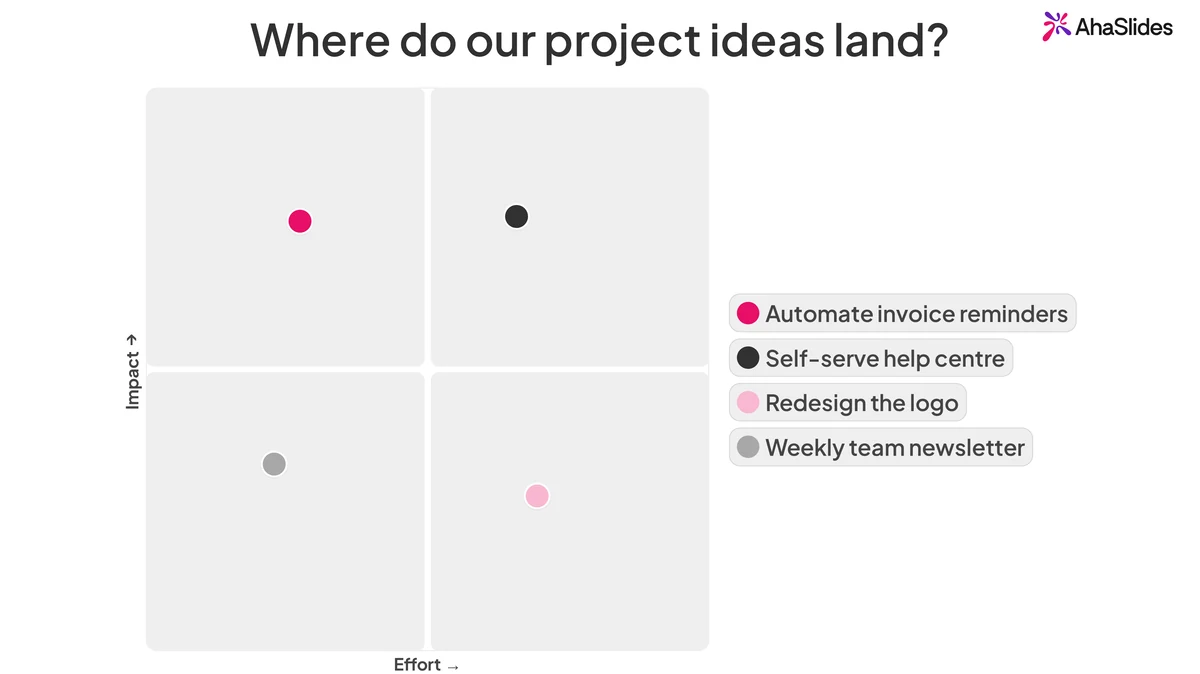
- 2x2 Matrix: each person places options on two scales, such as effort and impact, so you can see which ideas sit in the "worth doing first" corner. Our tool feedback 2x2 Matrix template rates tools on ease and usefulness.
- Split the Points: each person shares out a fixed number of points across the options, which shows how much people care, not only what they pick. It suits budget and priority calls.
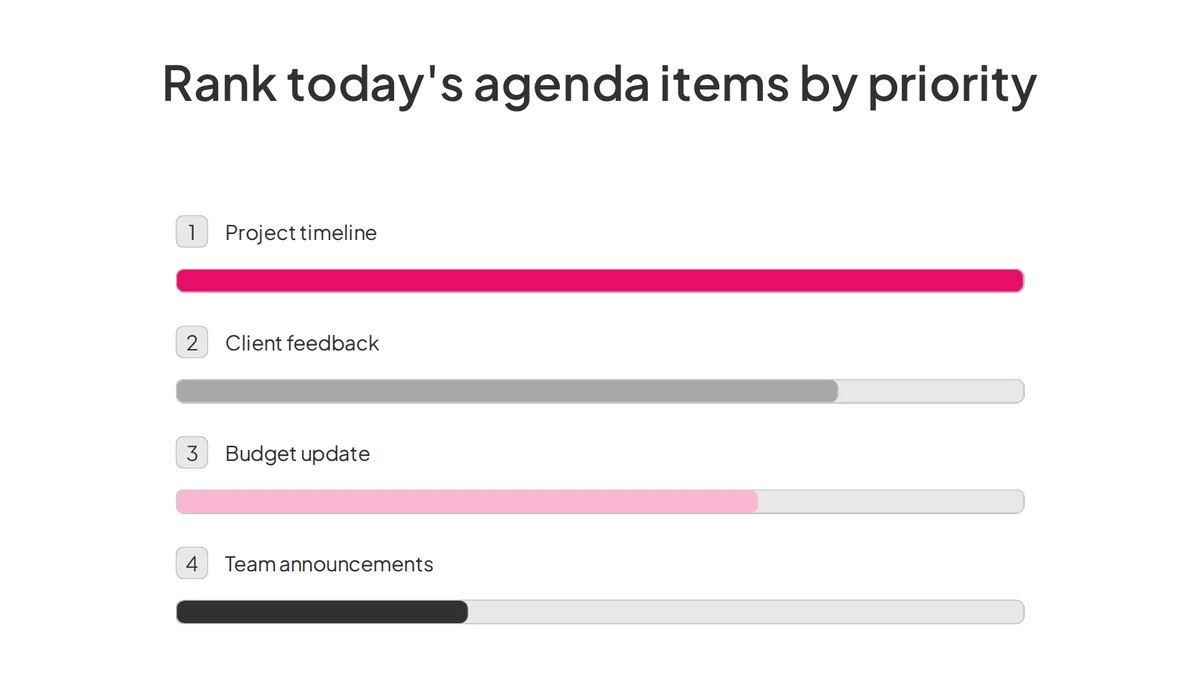
Try it with the template below: a Split the Points slide that asks a team how to spend next quarter's budget.
Frequently asked questions
Can participants join a poll without downloading an app?
Yes. AhaSlides, Mentimeter, Slido, Poll Everywhere and Vevox all let people join from a browser. Participants join by typing a short code or scanning a QR code in their phone's browser. This matters at work, where IT rules often stop people installing software on company devices.
Do free polling tools work for hybrid meetings?
Yes, as long as the join code or QR code is clearly on screen for remote attendees. Browser joining means remote people connect the same way as those in the room. If you present through a video call, make the QR code large enough to read through the screen share; most tools also show a short code as a fallback.
What happens to poll results after a session ends?
Of the tools compared here, Poll Everywhere includes result export on its free plan, Mentimeter's starts on Basic and Vevox's on Starter. For Slido, check its pricing page; for AhaSlides, check which plan includes export. If you need session data for reports or compliance, check the export policy before you choose.
Is there a free poll tool with no participant limit?
Not among the tools we could check. Free plans cap the audience, from 40 people at a time on Poll Everywhere to 100 on Vevox, and Mentimeter counts 50 people a month; check Slido's pricing page for its limits. Pick the plan that covers your usual group size.
For live polling in meetings and training sessions, the AhaSlides online poll maker handles setup and live results in one place. For the full survey process from objectives to analysis, see how to create an online survey: the complete guide.
Our verdict
For meeting hosts and L&D trainers who need more than a single polling link, AhaSlides puts live polls, word clouds, open-ended questions and Q&A in one deck, with no app for participants. If you only run the odd small session and want polished charts, Mentimeter's free plan works. If you need 100 people on multiple-choice polls, look at Vevox; if you live in Teams or Webex, look at Slido.
More alternatives guides
These guides compare other polling and engagement tools:
- Best Kahoot alternatives
- Mentimeter alternatives
- Best alternative to Slido
- Poll Everywhere alternatives
- AhaSlides alternatives
Sources
[1] Mentimeter Help Center. What is included in the free account? Checked 6 November 2026. help.mentimeter.com
[2] Mentimeter. Plans. Checked 6 November 2026. mentimeter.com/plans
[3] Slido. Pricing. Checked 6 November 2026. slido.com/pricing
[4] Poll Everywhere. Plans. Checked 6 November 2026. polleverywhere.com/plans
[5] Vevox. Business pricing. Checked 6 November 2026. vevox.com