


Looking for a free alternative to Slido? We make one of the tools below, so here's where we stand up front: AhaSlides is our pick if you want quizzes, games and polls in one place, but it doesn't win everywhere. Slido's free plan takes 100 participants to our 50.
An overview of Slido
Created in 2012 in Slovakia, Slido is a Q&A and polling platform for meetings. Presenters can run live polls, Q&A and surveys to hear what the audience thinks.
Features
- Core features: Q&A with upvoting, six kinds of live poll (multiple choice, rating, word cloud, open text, ranking, ideas), surveys, and quizzes with timers and leaderboards.
- Customisation: Branding comes with the Professional plan and up.
- Gamification: Multiple choice quizzes, leaderboards and timers.
- AI: Suggests polls, refines their wording and can generate polls from your slides.
- Presentations: Slido adds polls to your deck in PowerPoint or Google Slides, rather than importing it. Its help centre lists PowerPoint Online as not supported (checked 5 November 2026), while the AhaSlides add-in works in PowerPoint for the web.
Pricing
- Free plan: Allows up to 3 polls per slido (Slido's name for an event) and one quiz, for up to 100 participants, with basic Q&A functionality. Customisation and advanced analytics are limited.
- Paid plans: See Slido's pricing page for current plans and amounts.
Where Slido is the better pick
- Free participants: Slido's free plan takes 100, twice the 50 on AhaSlides' free plan.
- Q&A depth: Slido's Q&A adds labels, replies and sentiment analysis (in beta) to anonymous questions, upvoting and moderation. That matters if Q&A is your whole session.
- Webex and Teams: Slido is part of Webex and has integrations for Webex and Microsoft Teams meetings. If your company runs on them, that's one less tool to roll out.
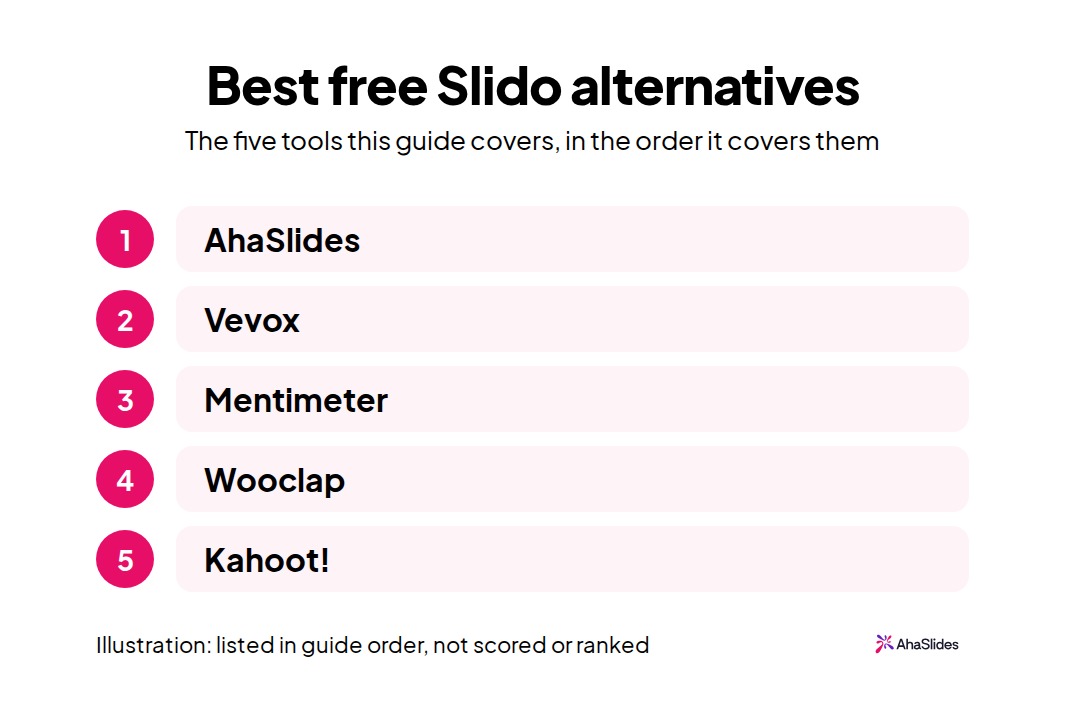
Slido works well for corporate meetings. If your sessions need something else, here are the 5 best alternatives to Slido and the audience each one suits:
1. AhaSlides
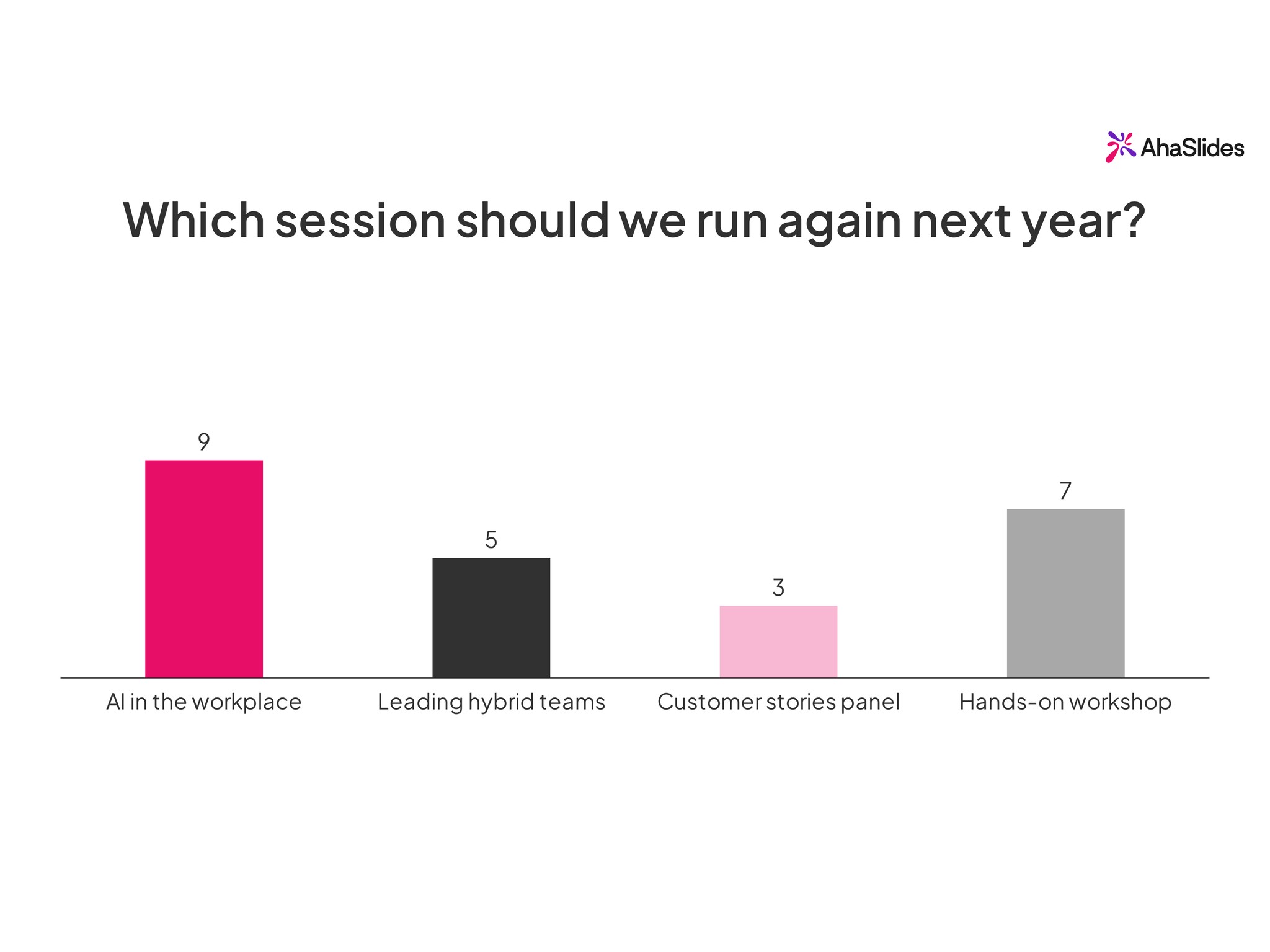
AhaSlides is an all-in-one engagement platform for teams and classrooms that adds live polls, quizzes, Word Cloud and Q&A to any presentation. Built for trainers and higher education instructors, it also suits meeting hosts, event organisers, casual events and entertainment.
Features
- Core features: More than 35 slide types, including live polls, quizzes, Word Cloud, Q&A, Spinner Wheel, Categorise, and self-paced quizzes for education and meeting engagement.
- Customisation & branding: Logos, colours, fonts, slide designs, and transitions.
- Templates: Thousands of ready-made templates for quick presentation creation.
- Gamification: Leaderboards and Spinner Wheel for engaging professional and educational audiences.
- Integration: Import your .pptx as editable slides, then change the text, shapes and layout in AhaSlides. It's in beta, complex elements may come in as images, and it's not on EU accounts. Google Slides syncs through Google Drive: edit at source, then press Update. Also works with Zoom and Microsoft Teams.
- AI: AI can draft slides from your prompt for you to edit.
Pricing
- Free plan: $0 for up to 50 live participants at a time, with unlimited presentations. It includes polls, quizzes and Q&A, a practical option for small groups.
- Paid plans: For paid plans, amounts and limits, see current AhaSlides prices.
Use cases
- Training & workshops: Gamified quizzes, polls, and knowledge checks to assess understanding.
- Team building: Trivia competitions, collaborative challenges, and real-time leaderboards to bring teams closer together.
- Meetings: Pre-meeting surveys, live Q&A, discussion prompts, and instant feedback collection to make every meeting two-way.
- Conferences & events: Live polls, voting, and quiz competitions that energise audiences.
- Social & community: Family gatherings, school reunions, church events, and community meetups.
- Post-event feedback: Surveys you can run on their own: share a link, embed it on a page, or use it live in a presentation. Slido's surveys start on its paid Engage plan; on AhaSlides you can create and share one for free. Not on EU accounts.
For an all-hands, the town hall template lets staff react with emoji as each update is shown. For a weekly catch-up, the team huddle template settles small decisions in a tap.
Moving over from Slido? Q&A is the slide type you will probably want first:
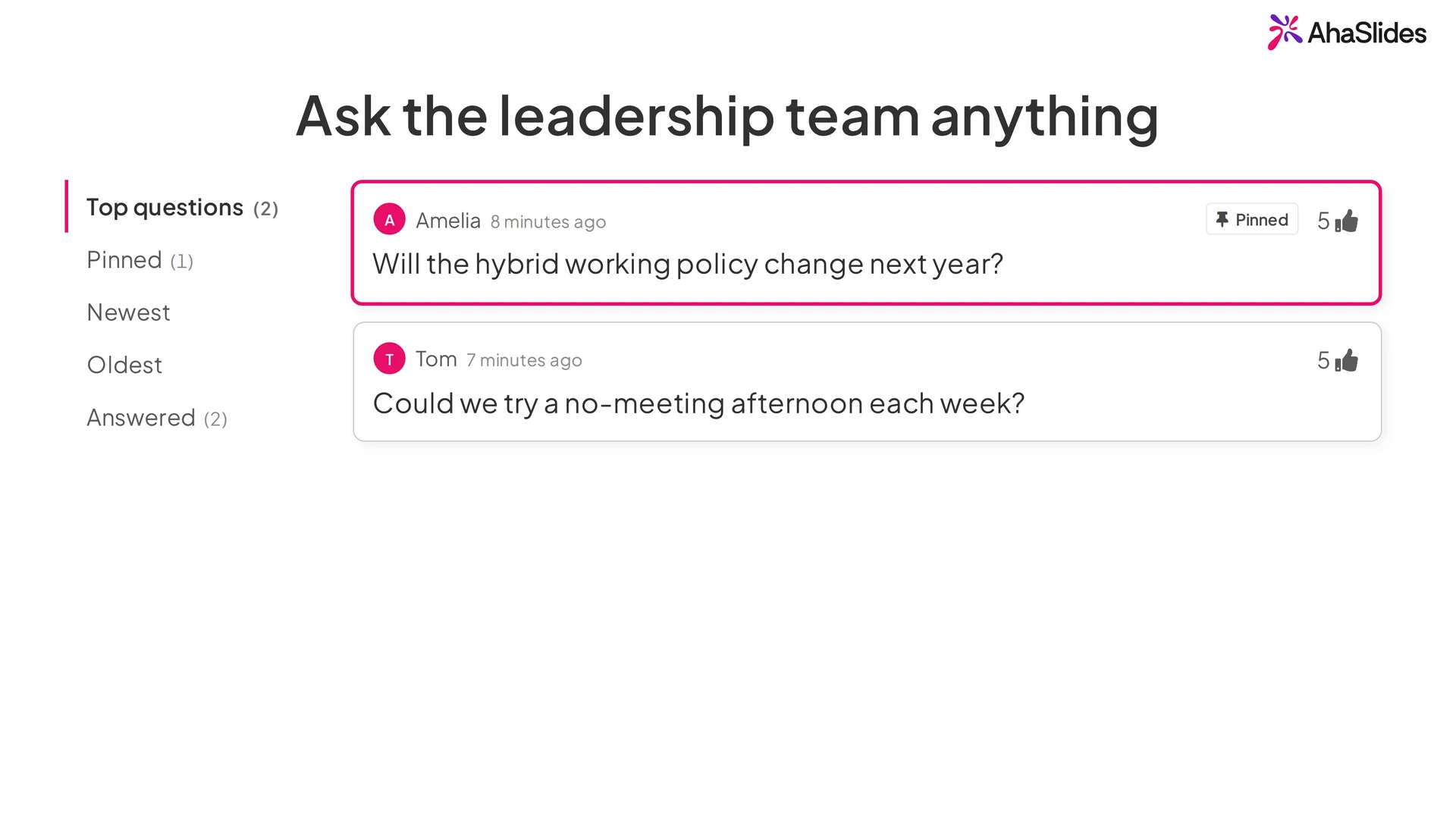
Q&A lets people send questions from their phones and upvote them, so the most popular rise to the top.
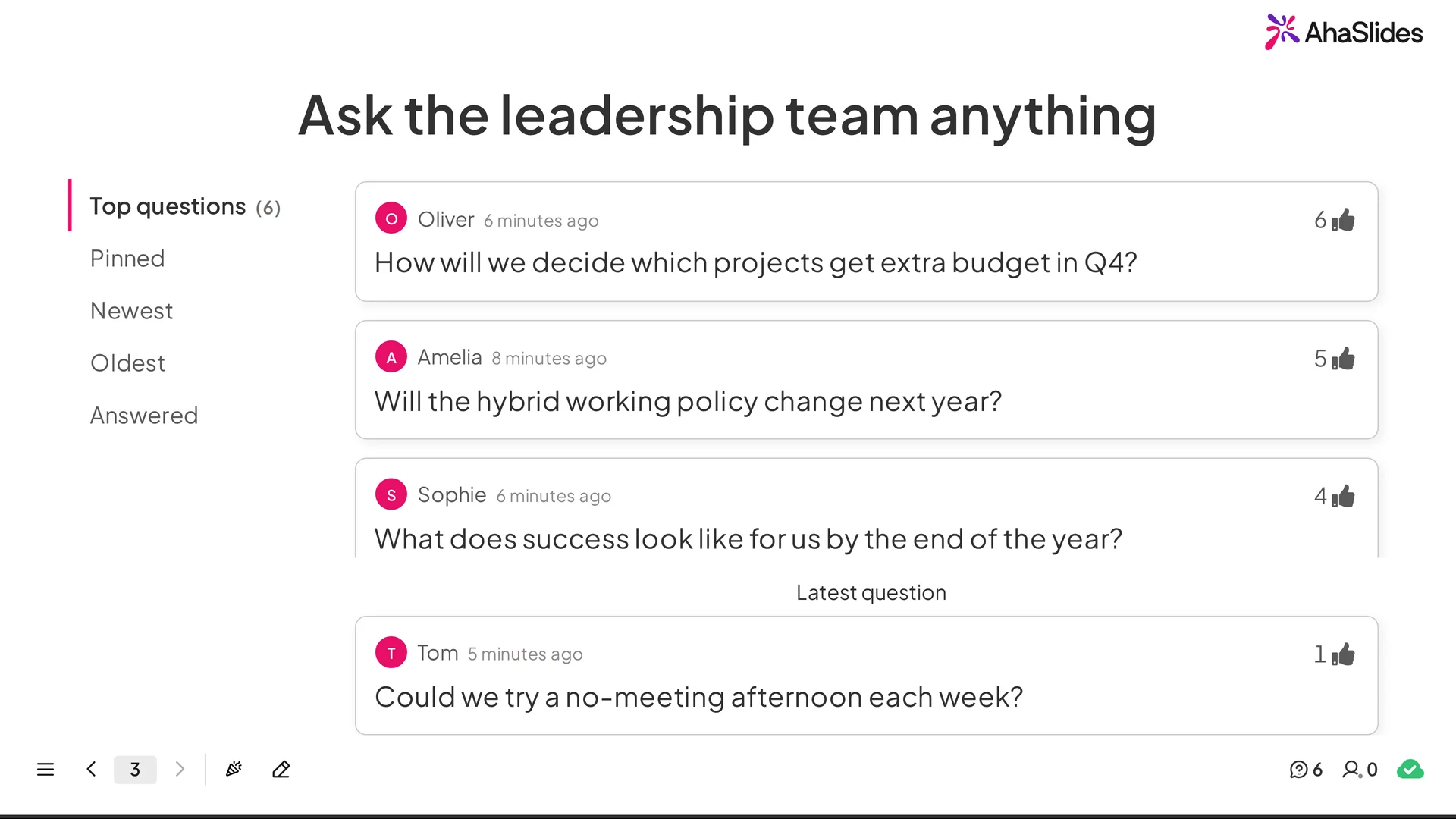
This short video shows the flow from the audience's phones to the host's screen.
Questions arrive live from phones, upvotes lift the top one, and the host marks questions answered or pins the next one.
Here is the host's view of incoming questions.
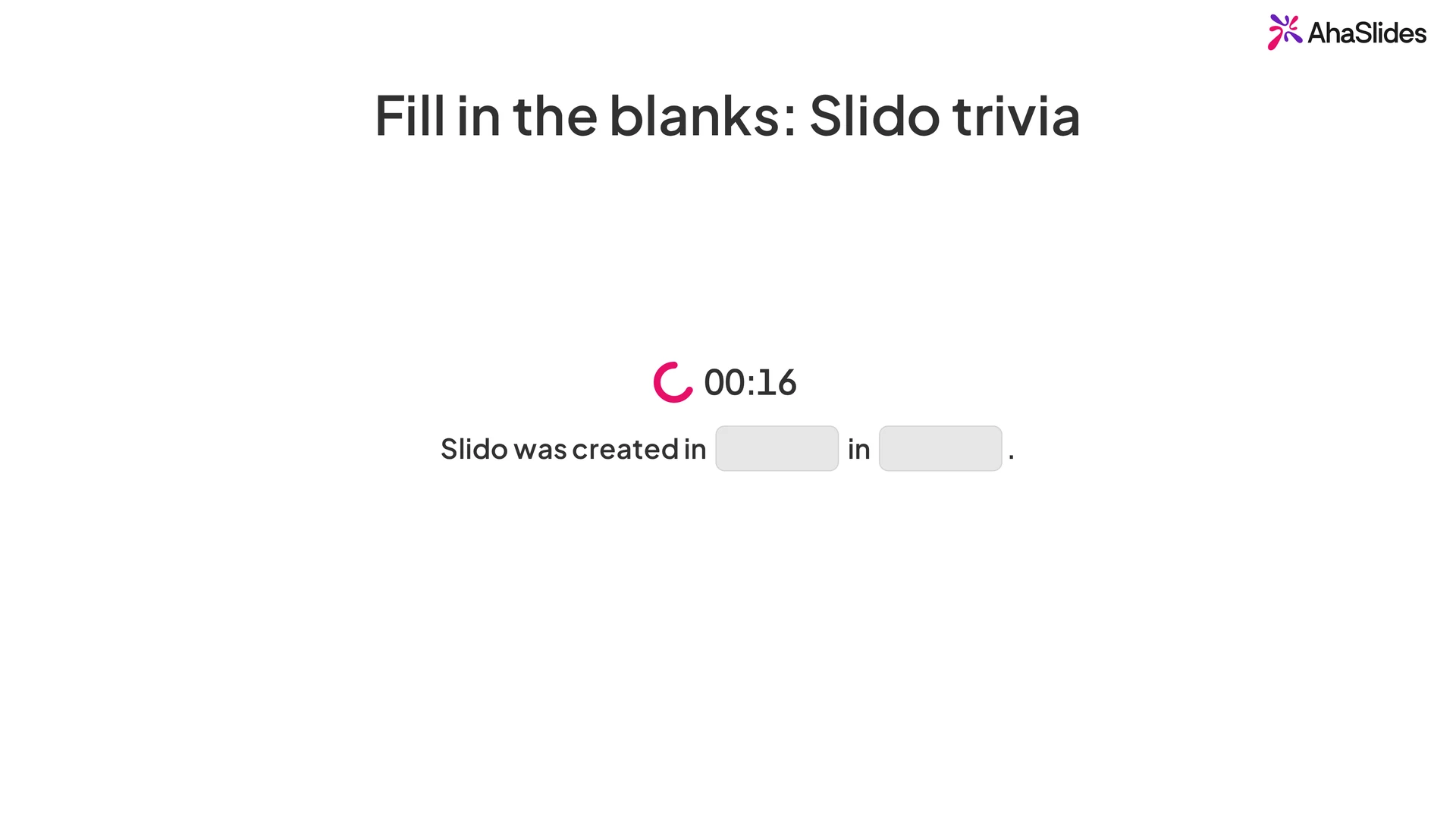
The slide-type library goes well past polls and Q&A. One example is Fill in the Blanks:
Fill in the Blanks invites the audience to type the missing word or words to complete a sentence, marked live as they answer.
This clip shows notes pinned to chosen spots on an image, which the audience taps to explore at their own pace.
2. Vevox
Vevox is a tool for polls, questions and surveys in online, hybrid and in-person meetings. It puts real-time interaction and anonymity first, and it is aimed at organisations, universities, and small and medium event organisers.
Features
- Core features: Polls (multiple-choice, word clouds, ranking, open-text), Q&A, and basic quizzes. Anonymity options and live attendance tracking for hybrid events.
- Customisation: Basic branding (colours, logos) on the Pro plan. Prioritises ease of use over visual design.
- Integration: Microsoft ecosystem (Teams, PowerPoint), LMS platforms (Canvas, Blackboard, Moodle), and video tools (Zoom, Webex).
Pricing
- Free plan: Supports up to 100 participants with unlimited basic multiple-choice polling, quizzing and Q&A. That's Slido's free participant limit without the 3-poll cap.
- Paid plans: Starter is $11.95/month, billed $143.40 a year, for up to 250 participants. Pro is listed at $24.95/month for up to 1,500, with Q&A moderation and branding. Enterprise is custom, for up to 5,000, or 100,000 on request.
Checked 5 November 2026 on Vevox's business pricing page.
Use cases
- Meeting & conference engagement: Live polling, Q&A, and instant feedback.
- Workplace training: Basic quizzes, word cloud, and Q&A.
3. Mentimeter
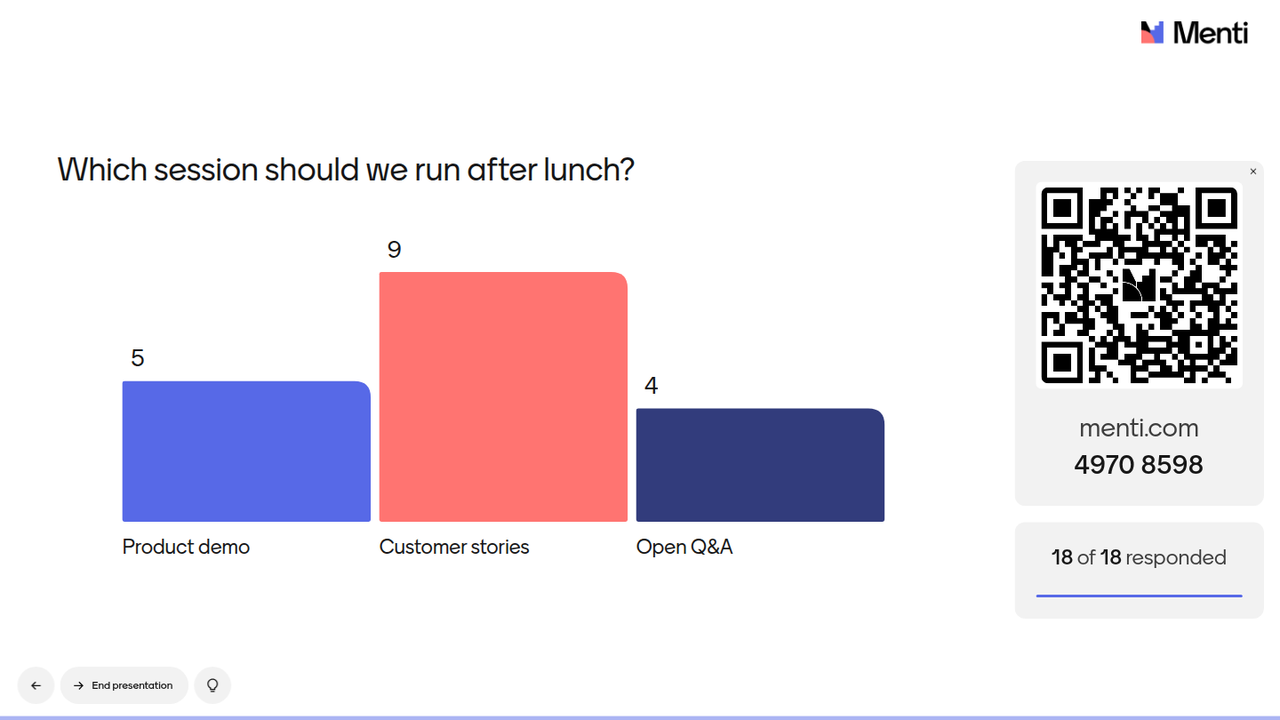
Mentimeter is a live polling and presentation tool offering polls, word clouds, quizzes, and Q&A sessions. Mentimeter has a clean, modern interface and is popular in both corporate and educational settings.
Features
- Core features: Multiple poll types, word clouds, open-ended questions, quizzes with leaderboards, and AI-powered question generation.
- Customisation: Adjustable themes, fonts, colours, logos, images, and videos. Phone remote control on the Pro plan.
- Integration: PowerPoint, Google Slides, Zoom, Teams. Excel and PDF exports.
Pricing
- Free plan: Up to 50 participants a month, not per session. Once a month, one session can go over that limit, with 8 hours to finish it. Advanced features (custom branding, data exports, slide import) restricted.
- Paid plans: Prices are per presenter and mostly billed yearly. Basic includes unlimited participants, PowerPoint, Keynote and PDF import, and exports. Pro adds more design options and workspace collaboration. Education pricing is listed separately.
Checked 5 November 2026 on Mentimeter's plans page, where amounts vary by region, so we have left them to that page. The education plans have their own page.
Use cases
- Training & education: Quizzes for knowledge checks and polls for classroom engagement.
- Conferences & meetings: Live polls, Q&A, and anonymous feedback.
- Company engagement: Surveys and Q&A for honest feedback, plus quizzes.
4. Wooclap
Wooclap is a live question tool built for learning, with many question types. It is popular with educators for its focus on teaching and analytics, and it suits classrooms, training sessions, and small and medium-sized meetings.
Features
- Core features: Multiple-choice, open-ended, matching, fill-in-the-blanks, image labelling, word clouds, polls, and brainstorming sessions. Supports asynchronous activities for self-paced learning.
- Customisation: Adjustable templates, colours, fonts, and logos. Upload PowerPoint, Keynote or PDF files, though slides become images, so animations and links are lost.
- Gamification: Competition Mode with leaderboards, timers, and scoring.
- Integration: LMS platforms on the Corporate plan (Moodle, Canvas, Blackboard, Brightspace, LTI-standard systems), PowerPoint, Google Slides, Teams, and Zoom.
Pricing
- Free plan: Starter gives you 5 questions per month, all 21 question types and up to 1,000 participants per event, a limit in Wooclap's FAQ.
- Paid plans: Business Basic gives unlimited questions, self-paced sessions and exports. Pro adds AI features, custom branding and moderator mode. Both are billed annually per presenter, and education pricing is listed separately.
Checked 5 November 2026 on Wooclap's business and education pricing pages, where amounts are shown for your region.
Use cases
- Training & education: Quizzes and assessments for knowledge checks.
- Meetings: Polls, Q&A, and feedback collection.
- Social & events: Quiz games and group activities that bring fun and connection.
5. Kahoot!
Kahoot! is a game-based learning platform founded in 2012 and launched in 2013, with its head office in Oslo, Norway. It turns educational content into quizzes and learning activities, and it is widely used by teachers.
Features
- Core interactive features: Multiple-choice quizzes, true/false, puzzles, polls, word clouds, and slide content. Team mode adds depth.
- Customisation and branding: Quiz templates with adjustable themes and branding.
- Gamification and engagement: Leaderboards, points-based scoring, team competitions, avatars, and music.
- Integration: PowerPoint, Zoom, and Microsoft Teams. Import slides from PowerPoint, Keynote or PDF.
Pricing
- Free plan: A free personal account supports up to 10 players per session. Kahoot's pricing page gives two different limits for its free teacher plan, 10 and 40, so check it before you plan a class (checked 6 November 2026). On a free business account (Kahoot! 360 Express), the limit is 15 participants on kahoots you create, with live sessions of up to 15 minutes. That suits very small groups or a trial.
- Paid plans: For work, Kahoot! 360 Pro Start is $9 a month, billed $108 annually, and live Q&A is not part of it. Higher plans take more participants. For personal plans, see Kahoot!'s plans page.
Checked 5 November 2026 on Kahoot!'s pricing page.
Use cases
- Schools: Quizzes and assignments to boost student participation.
- Employee engagement: Quiz-based activities and team modes that energise sessions.
- Social & entertainment: Icebreakers and trivia nights for lively engagement.
Our verdict on the best free alternative to Slido
AhaSlides is our pick for presenters who want a free alternative to Slido. It covers Slido's core Q&A and polling, then adds quiz formats beyond multiple choice and more than 35 slide types, so one tool can carry a whole session. It doesn't win on every count: Slido's free plan takes 100 participants to our 50, and Vevox takes 100 without a poll cap, so either may suit a larger free session of polls and Q&A. If you already run on Webex or Microsoft Teams, Slido's integrations may keep it relevant.
To see how it feels with your own group, host your next Q&A on AhaSlides for free.
Frequently asked questions
What is the best free alternative to Slido?
We'd pick AhaSlides for range: its free plan takes up to 50 live participants at a time, with unlimited presentations, and includes live Q&A with upvoting, multiple poll types, scored quizzes and Word Cloud. If you need more people on a free plan, Slido and Vevox both take 100. Mentimeter suits teams that want a clean, minimal interface.
Is Slido still free in 2026?
Yes, Slido has a free plan limited to 3 polls per slido and up to 100 participants. Cisco acquired it in 2021 and it is now part of Webex, so it is a natural fit if your company already uses Cisco tools.
Can I use AhaSlides instead of Slido?
Yes. AhaSlides covers Slido's core use cases: live Q&A with audience upvoting, multiple-choice polls, Word Cloud, Rating Scale and Survey. Both have quizzes with leaderboards. AhaSlides adds a Spinner Wheel, which Slido's site doesn't list, and quiz formats beyond Slido's multiple choice questions, such as Short Answer and Match Pairs (checked 5 November 2026). Participants join AhaSlides by URL or QR code with no account required.
Which Slido alternative works best for hybrid meetings?
AhaSlides and Mentimeter both work well for hybrid meetings: participants join on their own devices while the presenter shares the results screen. If your organisation runs on Microsoft Teams, Slido's Teams integration may make setup easier. Otherwise, AhaSlides runs in any browser, with no plugin to install.
What is the difference between Slido and Mentimeter?
Slido focuses on Q&A and live polling for corporate meetings and conferences, with strong Webex and Teams integration and audience upvoting. Mentimeter takes a presentation-first approach. Slido's free plan allows 100 participants but 3 polls per slido, while Mentimeter's allows 50 participants a month, with one session a month allowed to go over that limit. Pick Slido when Q&A in a big meeting matters most, and Mentimeter when you want slides and questions in one place.
More alternatives guides
Comparing other tools? These guides cover them: