Sound recognition happens faster and triggers stronger memory than visual or text-based recall. When you hear a familiar tune, voice, or sound effect, your brain processes it through multiple pathways simultaneously: auditory processing, emotional response, and memory retrieval all fire at once. This creates what researchers call "multimodal encoding" - information stored through multiple senses simultaneously, which means better retention and faster recall.
Sound quizzes exploit this neurological advantage. Instead of asking "What band performed this song?" with text options, you play three seconds of audio and let recognition do the work.
This guide shows you how to create sound quizzes that actually work - whether for team meetings, training sessions, classroom engagement, or events. We'll cover the two practical methods (interactive platforms vs. DIY), and 20 ready-to-use questions across categories.
Table of Contents
Create your Free Sound Quiz!
A sound quiz is a great idea to liven up lessons, or it can be an icebreaker at the beginning of meetings and, of course, parties!
How to Create a Sound Quiz
Method 1: Interactive Platforms for Live Audience Participation
If you're running sound quizzes during live presentations, meetings, or events where audiences are present simultaneously, interactive platforms designed for real-time engagement work best.
Using AhaSlides for Sound Quizzes
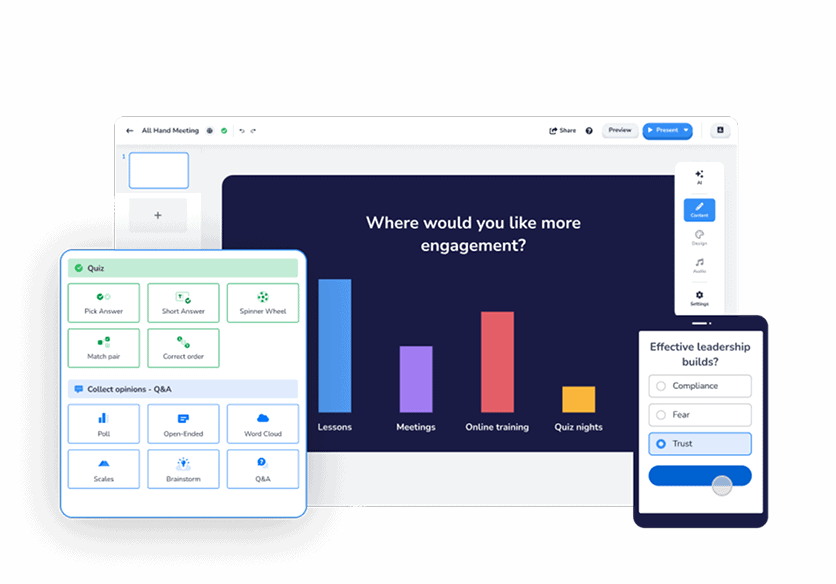
AhaSlides integrates sound directly into quiz presentations where audiences participate from their phones whilst results display live on screen. This creates the "game show" atmosphere that makes sound quizzes engaging rather than just assessment.
How it works:
You build a presentation that includes quiz slides. Each slide displays on your shared screen whilst participants join via simple code on their phones. When you play audio, everyone hears it through your screen share or their own devices, submits answers on their phones, and results appear instantly for all to see.
Setting up your sound quiz:
- Create a free AhaSlides account and start a new presentation
- Add quiz slide (multiple choice, type answer, or image choice formats all work), and type your question

- Head over to the 'Audio' tab, upload your audio files (MP3 format, up to 15MB per file)
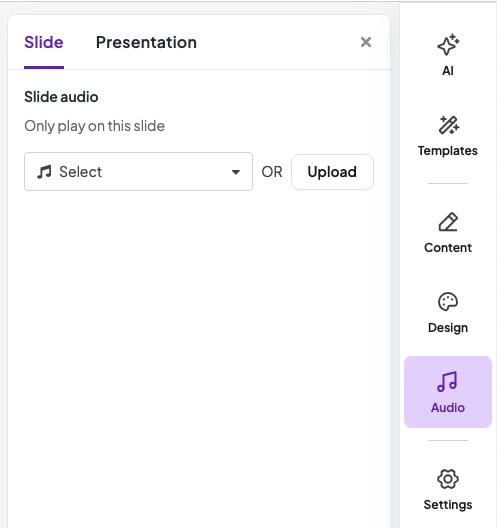
- Configure playback settings - autoplay when slide appears, or manual control
- Refine your quiz setting, and play it in front of your participants to join

Strategic features for sound quizzes:
Audio on participant devices option. For self-paced scenarios or when you want everyone to hear clearly regardless of room acoustics, enable audio playback on participant phones. Each person controls their own listening.
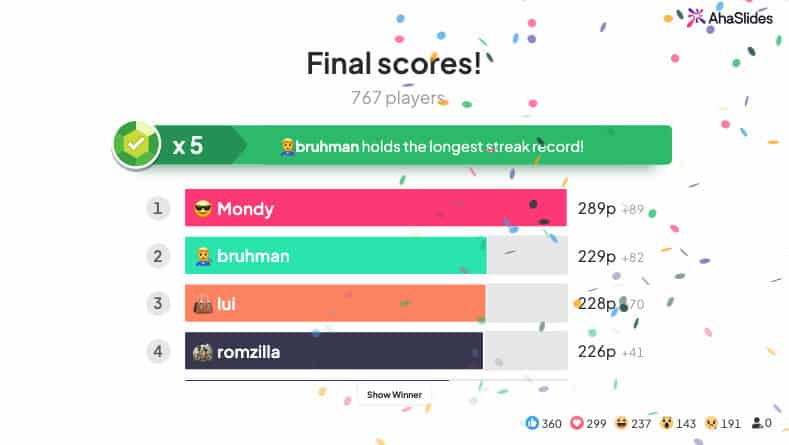
Live leaderboard. After each question, display who's winning. This gamification element creates competitive energy that keeps engagement high throughout.
Team mode. Split participants into groups who discuss answers together before submitting. This works brilliantly for sound quizzes because recognition often requires group validation - "wait, is that...?" becomes collaborative discovery.
Time limits per question. Playing a 10-second audio clip then giving participants 15 seconds to answer creates urgency that maintains pace. Without time limits, sound quizzes drag as people overthink.
When this method excels:
- Weekly team meetings where you want quick engagement
- Training sessions with knowledge checks via audio comprehension
- Virtual or hybrid events where participants join from different locations
- Conference presentations with large audiences
- Any scenario where you need real-time participation visibility
Honest limitations:
Requires participants to have devices and internet. If your audience lacks smartphones or you're presenting where connectivity is problematic, this approach doesn't work.
Costs money beyond free tier limits. AhaSlides free plan includes 50 participants, which handles most team scenarios. Larger events require paid plans.
Method 2: DIY Approach Using PowerPoint + Audio Files
If you're building self-paced sound quizzes that individuals complete alone, or if you want complete control over design and don't need real-time participation features, the DIY PowerPoint approach works perfectly.
Building Sound Quizzes in PowerPoint
PowerPoint's audio functionality combined with hyperlinks and animations creates functional sound quizzes without external tools.
Basic setup:
- Create your quiz slide with question and answer options
- Go to Insert > Audio > Audio on My PC
- Select your sound file (MP3, WAV, or M4A formats work)
- The audio icon appears on your slide
- In Audio Tools, configure playback settings
Making it interactive:
Answer reveals via hyperlinks: Create shapes for each answer option (A, B, C, D). Hyperlink each to a different slide - correct answers go to "Correct!" slide, wrong answers to "Try Again!" slide. Participants click their answer choice to see if they're right.
Triggered audio playback: Instead of audio auto-playing, set it to play only when participants click the audio icon. This gives them control over when they hear the clip and whether they replay it.
Progress tracking through slide counts: Number your slides (Question 1 of 10, Question 2 of 10) so participants know their progress through the quiz.
Answer feedback with animations: When someone clicks an answer, trigger an animation - green checkmark fades in for correct, red X for wrong. This immediate visual feedback works even without hyperlinks to separate slides.
Limitations to acknowledge:
No real-time participation from multiple people simultaneously. Everyone's still watching the same screen in presentation mode. For live audience engagement, you need interactive platforms.
More time-intensive to build. Each question requires manual audio insertion, hyperlinking, and formatting. Interactive platforms automate much of this structure.
Limited analytics. You won't know who answered what or how participants performed unless you build elaborate tracking mechanisms (possible but complicated).
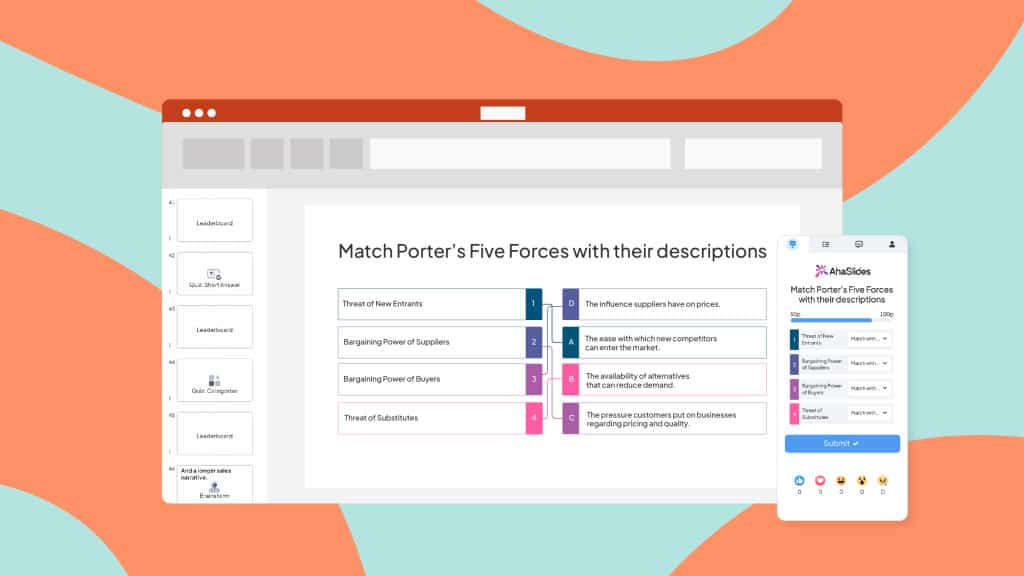
Expert tip: AhaSlides has a built-in PowerPoint integration to create live quizzes right within PowerPoint.
Free & Ready-to-Use Templates
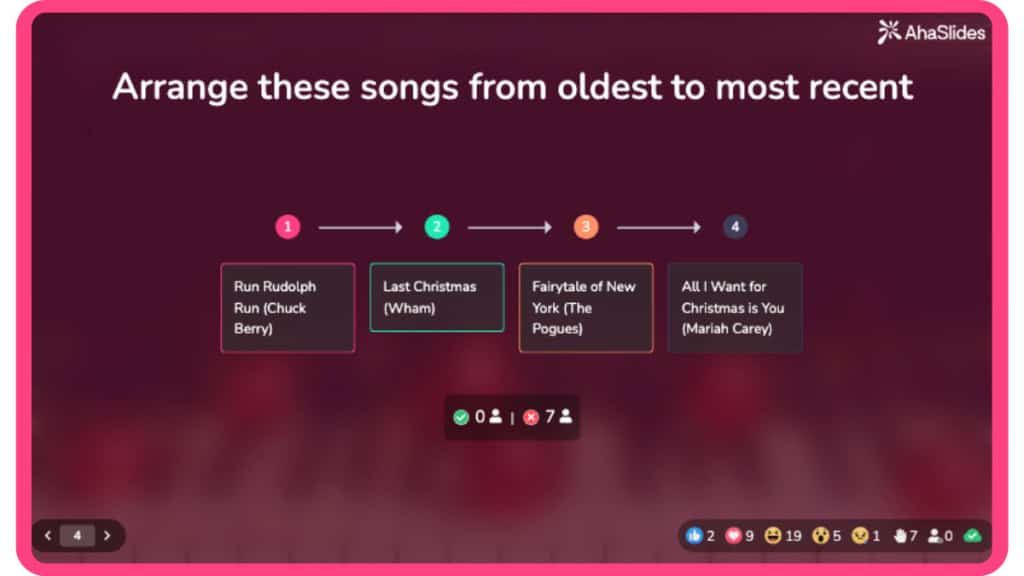
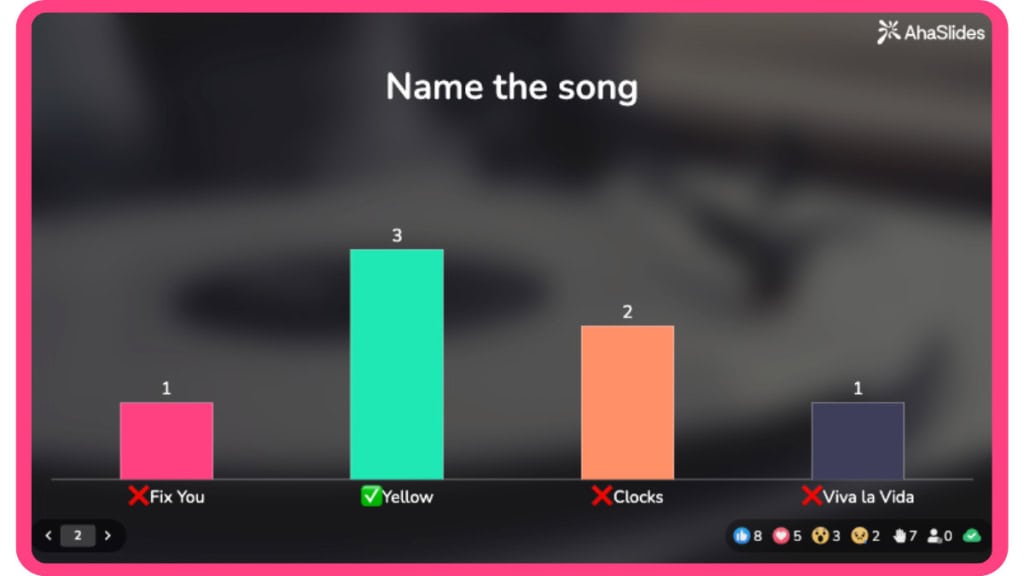
Click a thumbnail to head to the template library, then grab any premade sound quiz for free!
Guess the Sound Quiz: Can You Guess All These 20 Questions?
Rather than building quizzes from scratch, adapt these ready-to-use questions organised by type.
Question 1: What animal makes this sound?
Answer: Wolf
Question 2: Is a cat making this sound?
Answer: Tiger
Question 3: Which musical instrument produces the sound you're about to hear?
Answer: Piano
Question 4: How well do you know about bird vocalisation? Identify the sound of this bird.
Answer: Nightingale
Question 5: What is the sound you hear in this clip?
Answer: Thunderstorm
Question 6: What is the sound of this vehicle?
Answer: Motorcycle
Question 7: Which natural phenomenon produces this sound?
Answer: Ocean waves
Question 8: Listen to this sound. What type of weather is it associated with?
Answer: Windstorm or strong wind
Question 9: Identify the sound of this musical genre.
Answer: Jazz
Question 10: What is the sound you hear in this clip?
Answer: Doorbell
Question 11: You are hearing an animal sound. Which animal generates this sound?
Answer: Dolphin
Question 12: There is a bird hooting, can you guess which the bird species is?
Answer: Owl
Question 13: Can you guess which animal is making this sound?
Answer: Elephant
Question 14: Which musical instrument is played in this audio?
Answer: Guitar
Question 15: Listen to this sound. It is a bit tricky; what is the sound?
Answer: Keyboard typing
Question 16: Which natural phenomenon generates this sound?
Answer: The sound of the stream water flowing
Question 17: What is the sound you hear in this clip?
Answer: Paper flutter
Question 18: Someone is eating something? What is it?
Answer: Eating carrots
Question 19: Listen carefully. What is the sound you are hearing?
Answer: Flapping
Question 20: Nature is calling you. What is the sound?
Answer: Heavy rain
Feel free to use these audio trivia questions and answers for your sound quiz!
The Bottom Line
Sound quizzes work because they tap into recognition memory rather than recall, create emotional engagement through audio, and feel like games rather than tests. This psychological advantage over text-based quizzes translates to measurably higher participation and retention.
The creation method matters less than matching it to your scenario. Interactive platforms like AhaSlides excel for live team engagement where real-time participation visibility matters. DIY PowerPoint builds work perfectly for self-paced content where individuals complete quizzes independently.
Ready to create your first sound quiz?
Try AhaSlides free for live team quizzes - no credit card, works in minutes, 50 participants included.
Reference: Pixabay Sound Effect