


An MCP server lets an AI assistant such as Claude or ChatGPT work inside another app for you. For presentations, that means you describe the deck and the assistant builds it, edits it or reads it, instead of only writing text for you to paste. We compared seven PowerPoint and Google Slides MCP servers on what they make, what they need to run and what they cost to start. Every detail comes from each vendor’s own documentation or GitHub page, checked on 30 October 2026.
One disclosure first: AhaSlides is our product. We include it because it does something the others do not, live quizzes and polls inside your deck, and we say plainly where the other tools are the better fit.
PowerPoint and Google Slides MCP servers at a glance
The servers fall into three groups. Some generate a new .pptx file from a prompt. Some edit a deck that is already open. One adds live audience interaction to the slides.
| Server | What it makes | Edits existing decks | Runs where | Cost to start |
|---|---|---|---|---|
| AhaSlides MCP | Interactive slides, quizzes, polls, surveys and courses; a .pptx with live slides | Yes, in AhaSlides | Hosted, sign in with your account | Free plan Up to 50 live participants |
| Plus AI | Native, editable PowerPoint decks | Yes | Hosted | Pro, Team or Max plan 7-day free trial |
| Gamma | Presentations, docs and webpages; export to PPTX | Yes, in Gamma | Hosted | All plans Generations use credits |
| Canva | Designs from a prompt; export to PPTX | Yes, in Canva | Hosted | All plans Brand kits need Pro |
| Google Slides MCP | Changes to Google Slides decks | Yes | Hosted, Developer Preview | Preview programme access Plus your own OAuth client |
| SlideSpeak | Native .pptx from a prompt or document | Not listed | Hosted or Docker, API key | From $49/month Free trial |
| ppt-mcp | Live edits in the PowerPoint app you have open | Yes | Your computer, Windows 11 or macOS | Free, open source Needs PowerPoint |
What to look for in a presentation MCP server
- What it outputs. A native .pptx you can edit slide by slide, a design in another app that you export, or interactive slides that run live.
- Whether it edits what you already have. Generators start from a prompt or a template. A few can change an existing deck.
- Where it runs. A hosted server needs only a URL and a sign-in. A local server runs on your computer and may need PowerPoint, Python or Docker installed.
- How it signs in. OAuth sign-in with your existing account is simpler and safer than pasting an API key into a config file.
- What it costs to start. Some work on a free plan. Others need a paid plan, API credits or a company admin.
1. AhaSlides MCP: interactive slides, quizzes and polls
Best for: trainers, teachers and presenters who want the audience to take part, not just watch.
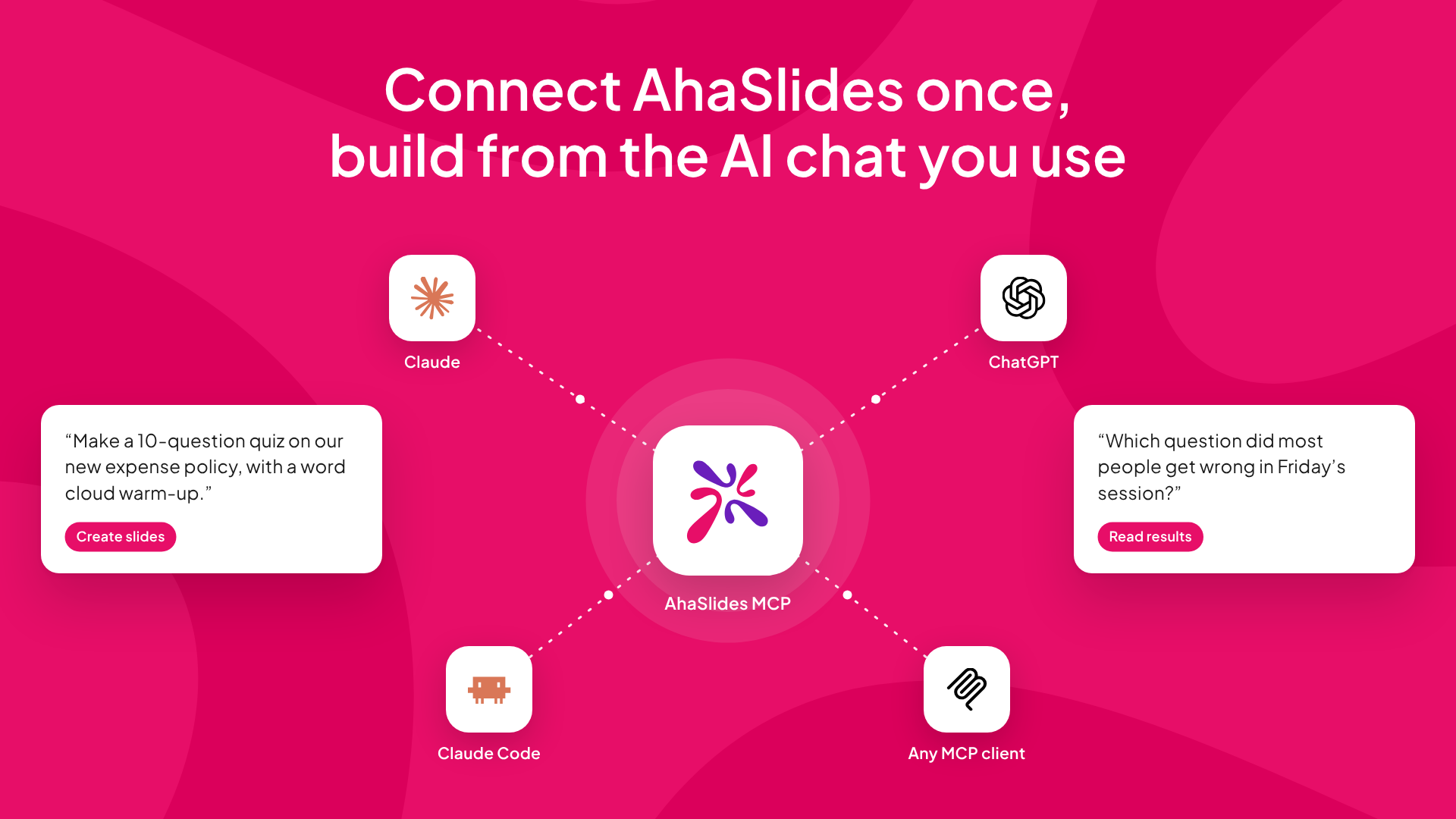
AhaSlides MCP connects Claude, ChatGPT or Claude Code to your AhaSlides account. You ask for a lesson, a training session or a team meeting presentation, and the assistant builds it. Your audience joins on their phones and answers live.
AhaSlides is now in ChatGPT’s plugin directory and replaces our AhaSlides GPT before OpenAI retires custom GPTs in December, so open the Plugins tab, search for AhaSlides and click Install plugin.
What it can do, according to the AhaSlides MCP guide:
- Build a PowerPoint deck with live slides. Ask for a PowerPoint presentation with interactive slides and the assistant hands you one .pptx file with live AhaSlides quizzes, polls and word clouds built in.
- Complete design control. Edit titles, options, answers, images and speaker notes, reorder slides, apply a theme or set your own theme colours.
- Build surveys and courses. Create and publish a survey, or a course with lessons and quick checks.
- Moderate live Q&A. Read questions as they arrive and approve or dismiss them.
- Read your results. Ask about participation, quiz scores and poll results, and save the answer as a report you can share.
Cost to start: The AhaSlides MCP server is free across all plans.
2. Plus AI MCP: native PowerPoint decks from a prompt
Best for: business users who want an editable, well-designed PowerPoint file.
The Plus AI MCP server lets an assistant create, edit and refine native PowerPoint presentations, each slide formatted and editable like a normal slide. It offers six tools, including quick template-based generation, a full presentation agent and follow-up edits, and it works with Plus AI’s templates or your own. Plus AI says it works in Claude, ChatGPT and Claude Code. One catch from its page: Claude.ai cannot pass attachments to the tools, so you upload existing decks through the Plus AI web app first.
Cost to start: the MCP server needs a Pro, Team or Max plan, and agent runs use AI credits. Plus AI offers a 7-day free trial.

3. Gamma MCP: AI decks you can export to PowerPoint
Best for: quick, good-looking first drafts that you finish in Gamma.
Gamma MCP powers Gamma’s connectors in ChatGPT and Claude. It creates presentations, documents, webpages and social posts, and it can edit an existing gamma from a plain-language instruction, though it cannot add new pages to a multi-page gamma. You can export to PDF, PPTX or PNG, so a PowerPoint file is one request away. The deck is designed in Gamma first, so expect some layout clean-up after export.
Cost to start: it works on all Gamma plans. Generations, edits and images use credits, while reading and exporting do not.

4. Canva MCP: on-brand designs with PPTX export
Best for: marketing teams that already keep brand kits and templates in Canva.
According to Canva’s developer docs, the Canva MCP server creates designs from text descriptions, applies changes to existing designs in plain language and exports them in formats including PDF, PNG, JPG, PPTX and MP4. Like Gamma, the presentation is a Canva design first and a PowerPoint file second.
Cost to start: design generation, editing and exports are on all Canva plans. Brand kits, brand templates, autofill and resizing need Canva Pro or above.
5. Google Slides MCP: Google’s own server, in preview
Best for: Google Workspace teams with an admin who can join a preview programme.
Google’s Slides MCP server is the official way to connect an assistant to Google Slides. Google’s guide describes two main tools: read_presentation reads a deck’s structure, styles and layouts, and update_presentation changes layouts, slides and elements. It uses your own Google permissions.
It is not plug-and-play yet. It is a Developer Preview, so you need membership of the Google Workspace Developer Preview Program, a Google Cloud project and your own OAuth client. In Claude, Google’s guide says you need a Pro, Max, Team or Enterprise plan to add it as a connector. Google’s page does not say whether it can create a brand-new presentation, so plan on editing existing decks.
If you are weighing Google Slides against other tools more broadly, see our guide to Google Slides alternatives.
6. SlideSpeak MCP: PowerPoint generation through an API
Best for: teams automating reports or recurring decks.
The SlideSpeak MCP server connects an assistant to the SlideSpeak API, which generates native .pptx files from a prompt or a document. Its top plan also lets you use your own PowerPoint master templates. You can use the hosted server at https://mcp.slidespeak.co/mcp (it needs Node.js) or run it locally with Docker. Either way you need a SlideSpeak API key in your config file, so it suits people comfortable editing JSON.
Cost to start: SlideSpeak’s API page lists plans from $49 a month for 1,000 credits, with a free trial.
7. ppt-mcp: control the PowerPoint app you have open
Best for: power users who want the assistant to edit the deck on their screen.
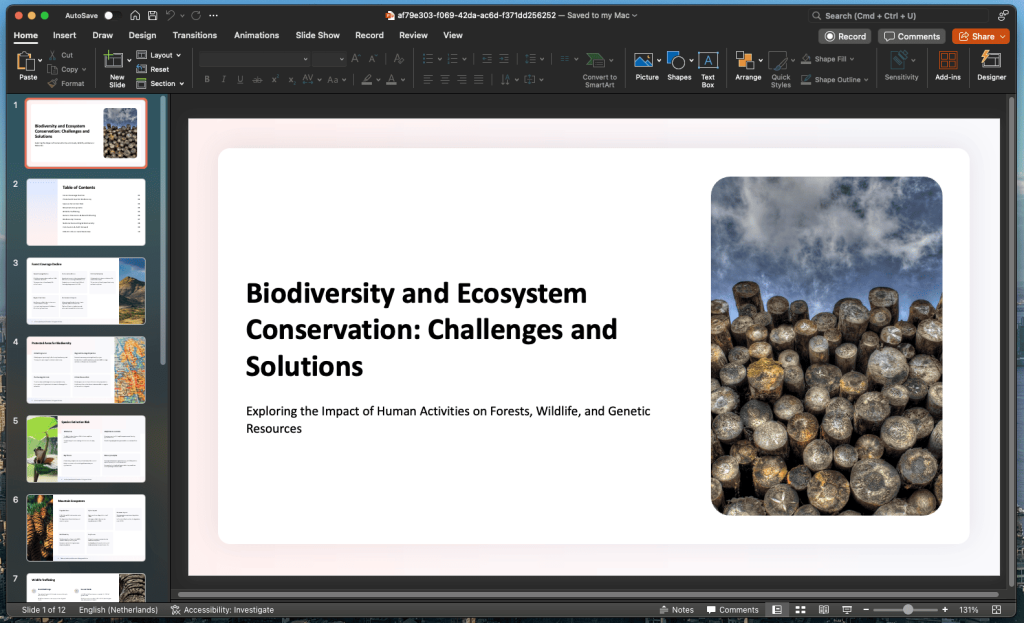
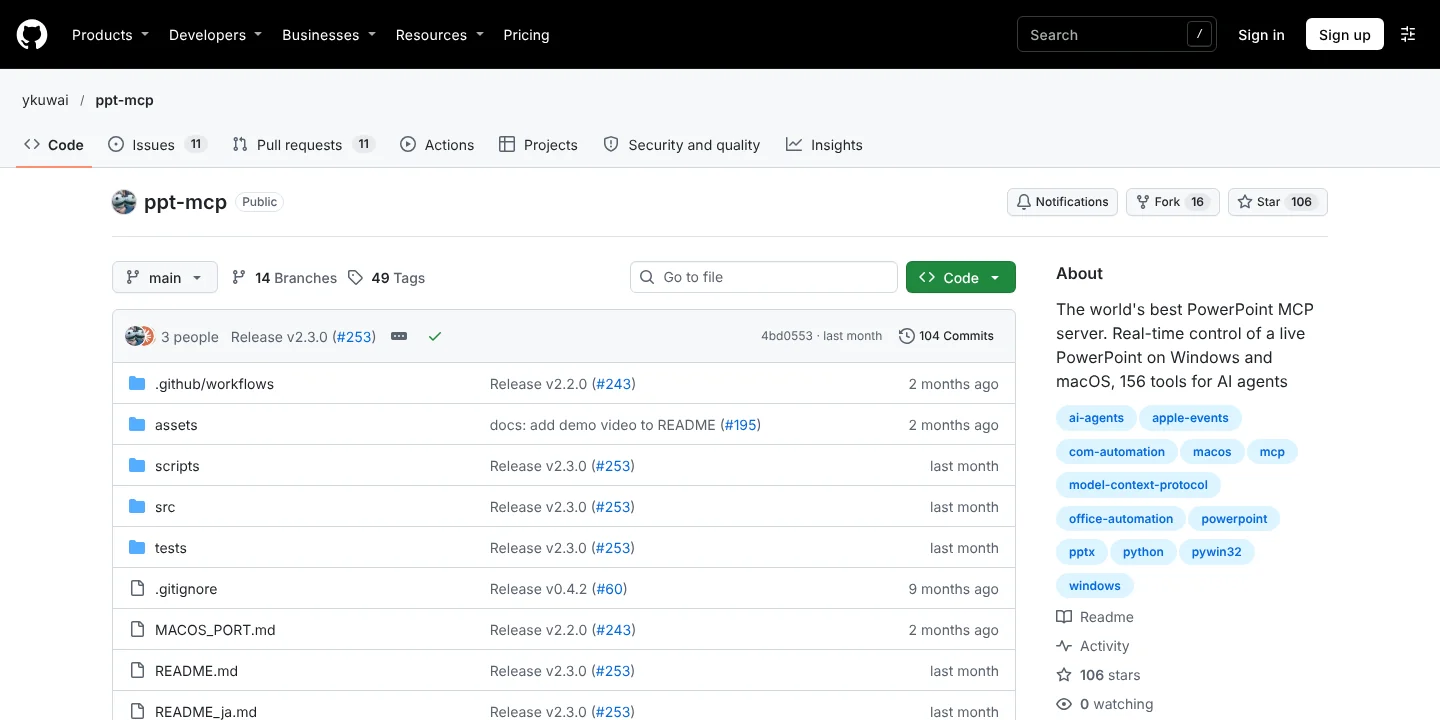
ppt-mcp is a free, open-source (MIT) server that drives a running copy of PowerPoint, through COM on Windows and Apple Events on macOS. Changes appear on screen as they happen, and it offers 156 tools across 26 categories, from shapes and tables to charts and animation. You need Windows 11 or macOS, PowerPoint itself and the uv Python tool. In Claude Code, add it with claude mcp add powerpoint uvx ppt-mcp.
A note on Office-PowerPoint-MCP-Server. This open-source python-pptx server still ranks well in search, but its owner archived the repository on 3 March 2026, so it is read-only and no longer maintained.
Which PowerPoint MCP server should you choose?
- You want the audience to answer, vote and compete: AhaSlides MCP. It is the only one here that builds live quizzes, polls and Q&A, and it can hand you a .pptx with those slides built in.
- You want a polished, editable .pptx from a prompt: Plus AI or SlideSpeak.
- You want a fast draft you can restyle: Gamma or Canva, then export to PPTX.
- Your team lives in Google Workspace: Google’s Slides MCP, once your admin has preview access.
- You want the assistant to edit the deck open on your screen: ppt-mcp.
You can also combine them. Build the main deck with a generator, then ask AhaSlides MCP for the interactive slides and add them with the AhaSlides PowerPoint add-in. For more ways to keep a room engaged, read our guide to making an interactive PowerPoint.
Frequently asked questions
Is there a PowerPoint MCP?
Yes, several. Plus AI and SlideSpeak generate native .pptx files, ppt-mcp controls the PowerPoint app on your computer, Gamma and Canva export to PPTX, and AhaSlides MCP builds a .pptx with live interactive slides. We found no PowerPoint-specific MCP server from Microsoft.
Is there a Google Slides MCP?
Yes. Google has an official Slides MCP server, but it is a Developer Preview: you need to join the Google Workspace Developer Preview Program and set up your own OAuth client in Google Cloud.
Can ChatGPT make PowerPoint slides with MCP?
Yes. Gamma and Plus AI both say their servers work in ChatGPT, and Gamma exports to PPTX. AhaSlides MCP also works in ChatGPT for building interactive presentations. Its .pptx output needs an assistant that can create files and run code, such as Claude or Claude Code.
Do I need to code to use a PowerPoint MCP server?
No, not for the hosted ones. AhaSlides, Gamma and Plus AI connect by pasting a URL or picking a connector, then signing in. Local servers such as ppt-mcp, and SlideSpeak with its API key, need some comfort with a terminal or config file.
Is AhaSlides MCP free?
Yes. It works with a free AhaSlides account, which covers up to 50 live participants, and paid plans raise that limit. See AhaSlides pricing.