


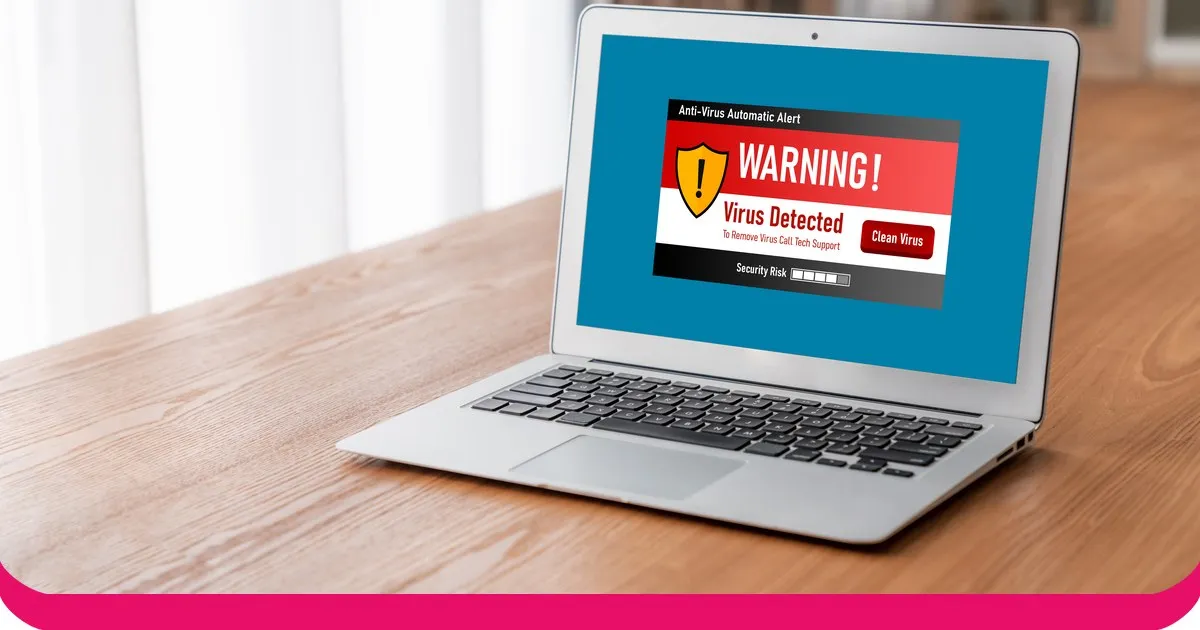
Social engineering is, in the words of the US Cybersecurity and Infrastructure Security Agency (CISA), an attack where "an attacker uses human interaction (social skills) to obtain or compromise information about an organization or its computer systems". It works because it targets people, not software. Verizon's 2026 Data Breach Investigations Report found the human element was present in 62% of breaches, up from 60% the year before.
Here are 15 social engineering examples in 3 sets of 5. Each one comes with a red flag to look for and a stop action to take. Set 1 covers the phishing family, set 2 covers pretexting and impersonation, and set 3 covers physical attacks and baiting. Each set ends with an Our pick, the example we would train first, with a one-line reason.
All the example companies, people and messages below are made up.
Set 1: The phishing family
- Email phishing. A message that looks like it comes from a bank, a supplier or your own IT team asks you to click a link and sign in. CISA says phishing attacks use email or malicious websites to solicit personal information by posing as a trustworthy organisation. Red flag: a sender address that imitates a real business, a generic greeting such as "Dear Valued Customer", or a link whose address does not match the text when you hover over it. Stop: do not click. Go to the site by typing the address yourself, or report the message.
- Spear phishing. The same trick, aimed at one person. The sender uses your name, your manager's name and a project you really work on, which can be pieced together from public information. Red flag: a request that is oddly specific yet out of character, such as "send me the Atlas contract today". Stop: ask the sender on a different channel, such as a call to a number you already have.
- Smishing. Phishing by text message. CISA describes smishing as social engineering that exploits SMS messages, with links, numbers or addresses that open a browser or dial a call when tapped. Red flag: a "parcel on hold" or "account locked" text with a short link. Stop: delete it and open the real app or site yourself.
- Vishing. Phishing by voice. CISA says vishing uses voice calls and that caller ID can be spoofed, so a call that shows a familiar name proves nothing. Red flag: a caller who creates pressure and asks for a code or password. Stop: hang up and call back on the number printed on a statement or the company website.
- QR-code phishing. A QR code hides the address it leads to. The FBI has warned of unsolicited packages containing a QR code that asks the recipient for personal and financial information or installs data-stealing software. Red flag: a code you did not expect, with no sender information. Stop: do not scan QR codes from unknown origins.
Our pick: example 4, vishing. Verizon found that in phishing simulations, the median click rate in mobile-centric vectors such as voice and text messaging was 40% higher than via email. People have learned to distrust email faster than they have learned to distrust a phone call.
Set 2: Pretexting and impersonation
Verizon defines pretexting as an attacker tactic in which a trusted relationship is built through concocted scenarios to trick the user into an action that compromises the organisation, frequently by voice but also by email or text. It reached 6% of all breaches in the 2026 report, against 16% for phishing.
- CEO fraud and business email compromise. The FBI's Internet Crime Complaint Center (IC3) defines business email compromise (BEC) as a scam that targets businesses and works through compromised email accounts and other communications to cause unauthorised transfers of funds. In 2025 IC3 logged 24,768 BEC complaints and about $3.05 billion in reported losses. Red flag: an urgent request from a senior leader to pay or buy gift cards, with a "don't tell anyone" line. Stop: confirm any payment request by phone or in person.
- Fake IT support. Someone claims to be from the help desk and needs your password or remote access "to fix a problem". IC3 received 47,794 tech-support complaints in 2025, with reported losses above $2.1 billion. Red flag: IT contacting you first, and asking for a password or a one-time code. Stop: real IT teams do not need your password. Hang up and raise a ticket through the usual route.
- Vendor invoice change. An email, apparently from a regular supplier, says its bank details have changed. IC3's BEC definition covers scams that target businesses working with suppliers and regularly making wire transfers. Red flag: new bank details with a payment deadline. Stop: call the supplier on a number already on file before you change anything.
- Fake recruiter. A "recruiter" approaches a staff member with a role that looks like a promotion, then asks for personal documents, or for a test task that needs a download. IC3 received 24,688 employment-scam complaints in 2025. Red flag: an offer you did not apply for, with fast-moving steps. Stop: check the recruiter through the company's own careers page, and never install software for an interview.
- Deepfake voice. A cloned voice that sounds like your director asks for an urgent payment. IC3 says voice cloning can be used to request wire payment and that businesses reported losses of over $30 million in 2025 to BEC scams involving AI. Red flag: a voice message or call that pushes you to act before you can check. Stop: agree a code word or call-back rule for payments, so a convincing voice is not enough.
Our pick: example 6, CEO fraud and BEC. It is the costliest example here, ahead even of tech-support scams in IC3's 2025 figures, and the stop action is cheap: one phone call to a known number before any money moves.
Set 3: Physical attacks and baiting
These attacks need no keyboard. They matter because a stranger in the building can reach what a firewall protects.
- Tailgating. Someone follows you through a secure door "because their hands are full". Red flag: a person without a badge who is relaxed and friendly. Stop: politely ask them to badge in themselves, or walk them to reception.
- Baiting with USB drives. A USB stick labelled "Salary review 2027" is left in the car park or lobby. Red flag: any removable drive you did not buy. Stop: never plug in a found device. Hand it to IT, who can inspect it safely.
- Shoulder surfing. Someone reads your screen or watches you type a PIN on a train or at a hot desk. Red flag: a person standing too close or angling a phone at your screen. Stop: use a privacy filter, lock your screen when you step away and sit with your back to a wall.
- Dumpster diving. Printed emails, org charts and meeting notes thrown into an ordinary bin give an attacker names, phone numbers and project titles for the next call. Red flag: paper with names or numbers in an open bin. Stop: use a shredder or locked bin, and keep a clear-desk habit.
- Fake delivery. A courier in a branded jacket asks to be let in past reception, or to leave a parcel in the server room. Red flag: a delivery nobody ordered, or one that cannot go to reception. Stop: take it at the front desk, and check unexpected parcels with the person named on the label.
Our pick: example 11, tailgating. It needs no skill and costs nothing, and good manners are what make it work. Give staff a polite script, so that challenging someone feels normal and not rude.
How to stop all 15
The 15 examples have one thing in common: they push you to act fast and to act alone. Three habits break that.
- Verify through a second channel. If a request involves money, a password, a code or access, confirm it by another route, using contact details you already have. CISA advises that if you are unsure whether a request is real, verify it by contacting the company directly, and not with contact information supplied in the message.
- Report it. CISA's advice for suspected phishing is to report the message and then delete it. Make reporting a one-click, no-blame habit, so the first person to spot something warns everyone else.
- Slow down. CISA lists urgent or emotionally appealing language among the common signs of phishing. CISA also notes that perfect grammar is no longer proof of safety, since some emails now have perfect spelling thanks to AI. When a message demands speed, that is the signal to pause.
Training is how habits stick. With the human element present in 62% of breaches, per Verizon's 2026 report, a team that has practised spotting these 15 examples is a real part of your defence. For a wider programme, see our guide to cybersecurity awareness training.
Ways to host a social engineering session with AhaSlides
Run the 15 examples live, in a room or on a video call, with the answers on screen as people respond.
- Pick Answer: "Real or phish?" Show a made-up message for each example and ask whether it is genuine. Reveal the red flag and discuss.
- Word Cloud: "The scam you get most". The biggest word shows what to practise first.
- Rating Scale: "How confident are you at spotting a fake?" Ask for a rating from 1 to 5 before and after the session, and compare the averages.
- Open Ended: "A suspicious message I received". Collect real examples, with names removed, and use the best one as the next round's scenario.
The Phishing & social engineering course template gives you ready-made slides to adapt, and the Insider threat awareness template is a good follow-up for the whole team.
Frequently asked questions
What are examples of social engineering?
Phishing, pretexting, baiting and tailgating are the main ones. This post lists 15, from email phishing and vishing to fake IT support, USB baiting and fake deliveries.
What is the most common type of social engineering?
Phishing. Verizon's 2026 report puts phishing at 16% of all breaches, against 6% for pretexting, and IC3 received 191,561 phishing and spoofing complaints in 2025.
How do you prevent social engineering?
Verify requests through a second channel and report suspicious ones. Add short, regular training, because the attacks change faster than any one-off course.
What is pretexting?
A made-up story used to get information or access. The attacker builds trust through a believable scenario, such as a help-desk call, then asks for a password, a payment or a door to be held open.
Where to start
Pick one set and run it at your next team meeting. If you only have time for one example, make it vishing, then ask everyone what they would do on the next unexpected call.