



The best interactive presentation ideas for students are live quizzes with leaderboards, anonymous word cloud warm-ups, Q&A with upvoting, open-ended story-completion slides, and collaborative brainstorming boards. Quizzes with leaderboards work best for knowledge checks with competitive energy that raises attention — especially mid-session after 10–15 minutes of content; word clouds for low-stakes participation that includes introverts without requiring anyone to speak aloud; anonymous Q&A for removing the social risk of asking questions in front of peers; open-ended slides for collecting creative responses like story endings or scenario solutions; and brainstorming boards for simultaneous ideation where every student contributes at the same time. All of these work in person and online, with no app download required.
Whether you teach in a classroom, lead corporate training sessions, or run workshops, the challenge is the same: keeping your audience genuinely engaged rather than politely present. Research confirms that active participation improves outcomes measurably. A 2014 meta-analysis published in the Proceedings of the National Academy of Sciences found that learners in active-learning environments outperform those in traditional lecture formats by an average of half a letter grade and fail at rates 1.5 times lower [1].
The foundational tools (stories, examples, visuals, video) still work well. The upgrade is layering in interaction so participants contribute to the session, not just consume it. Here are 14 interactive presentation ideas for student audiences, usable in person or online with minimal setup. Whether you teach in a school, run corporate training, or lead workshops, these work at every level and can be adapted for small groups or large classrooms equally.
Storytelling activities
Stories catch attention quickly and work as natural icebreakers or resets after demanding content.
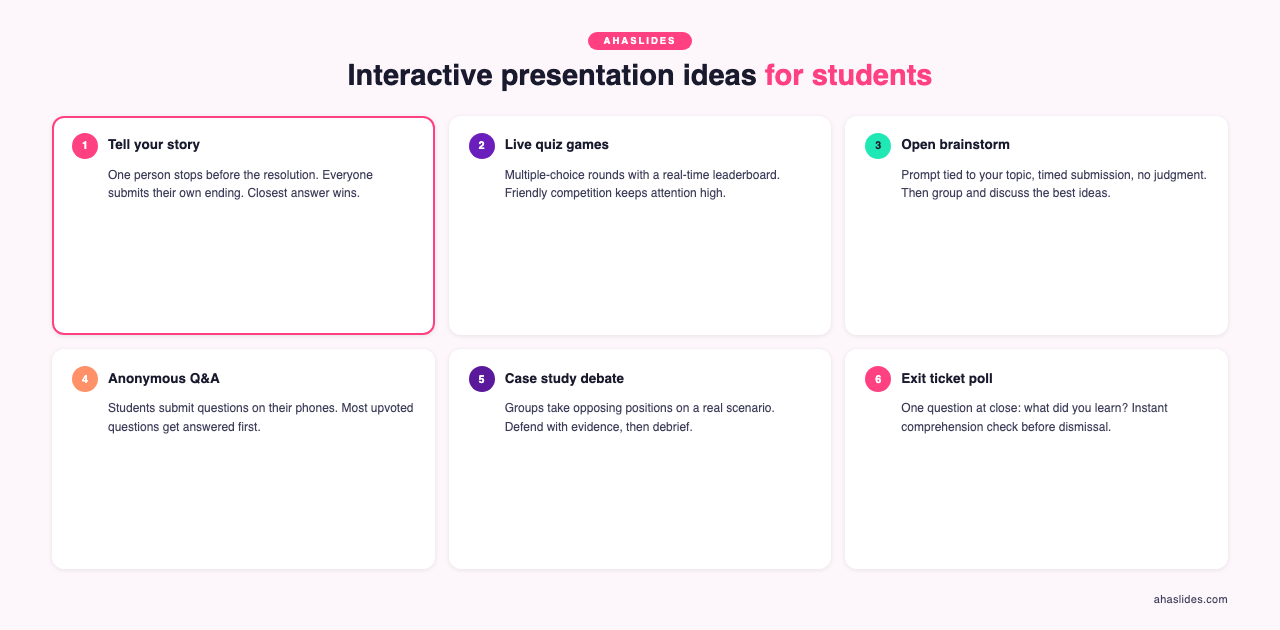
1. Tell your story
Works well for any age group
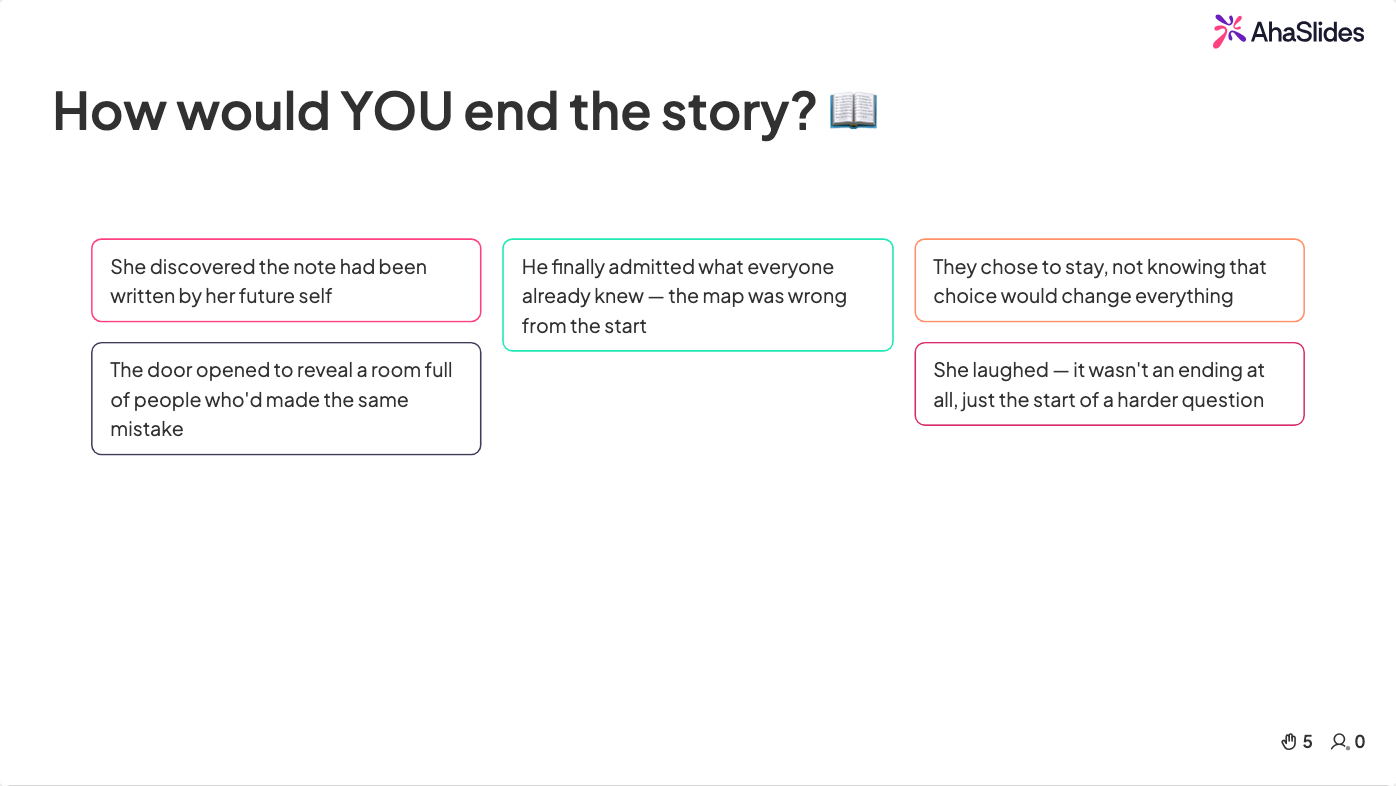
One participant or team shares a story but stops just before the resolution. Everyone else submits their own ending using an open-ended response slide. Answers appear on the main screen in real time, and the original teller reveals the true ending. The closest guess wins a small prize.
Running this through AhaSlides means every response is visible to the whole room simultaneously, which drives engagement and discussion without requiring anyone to speak up first.
Setup time: 5 minutes. Works in person and online. For virtual sessions, use the open-ended response feature so every participant's ending appears on screen simultaneously — this removes the awkwardness of one person reading their answer aloud while everyone else waits.
Interactive games
Games raise energy and attention. These three work in person and online.
2. Pictionary
Works well for all ages
Play in pairs or split participants into teams. In a remote session, your video platform's whiteboard works well, or try Drawasaurus, which supports up to 16 players at once.
3. Ambassadors
Works well for intermediate and advanced learners
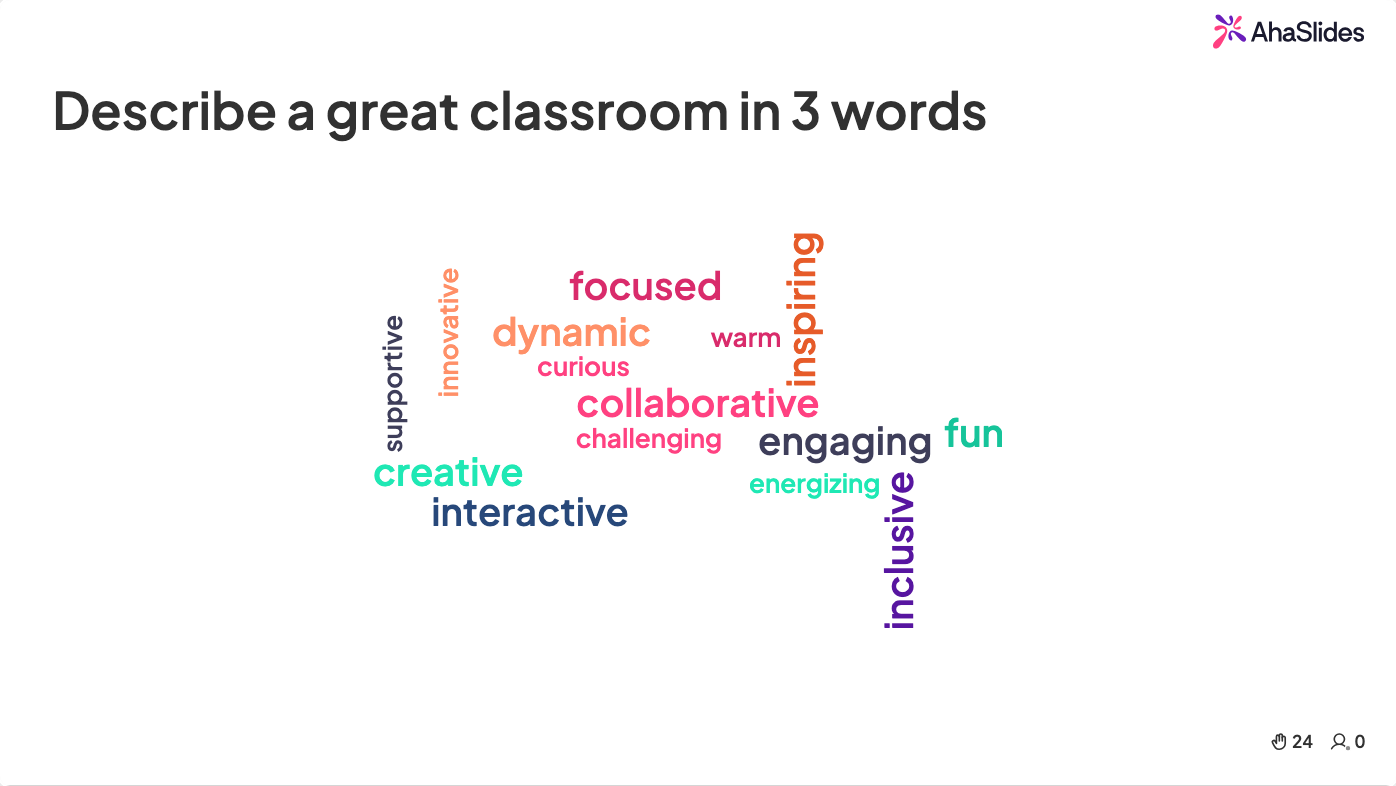
Each participant is assigned a subject (a country, a company, a historical figure) and must describe it using facts, without naming it. Others guess using a live word cloud, where popular answers appear larger. This works for geography, history, business case studies, or any content that benefits from descriptive recall.
4. Show and tell
Works well for younger learners or onboarding groups
Participants choose an object connected to the lesson topic and share a brief story about it. Connecting new vocabulary or concepts to personal experience improves retention significantly. This approach also works in corporate onboarding when new hires bring in objects representing something about their professional background.

Quiz formats
5. Quizzes
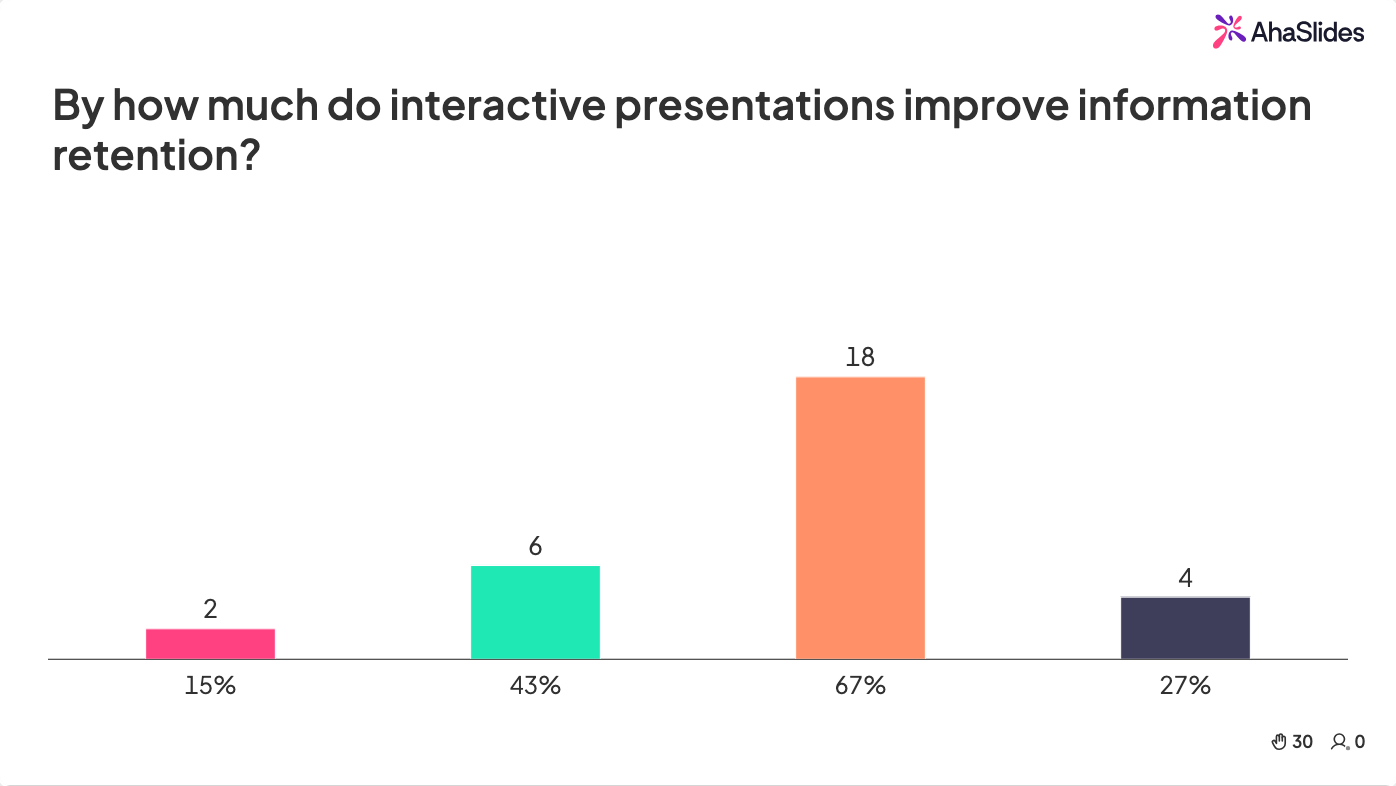
Quizzes fit almost any point in a session. Use them to introduce material, check comprehension, or re-energize a group mid-session. Multiple-choice, image-based, audio, and matching-pairs formats each target different cognitive processes.
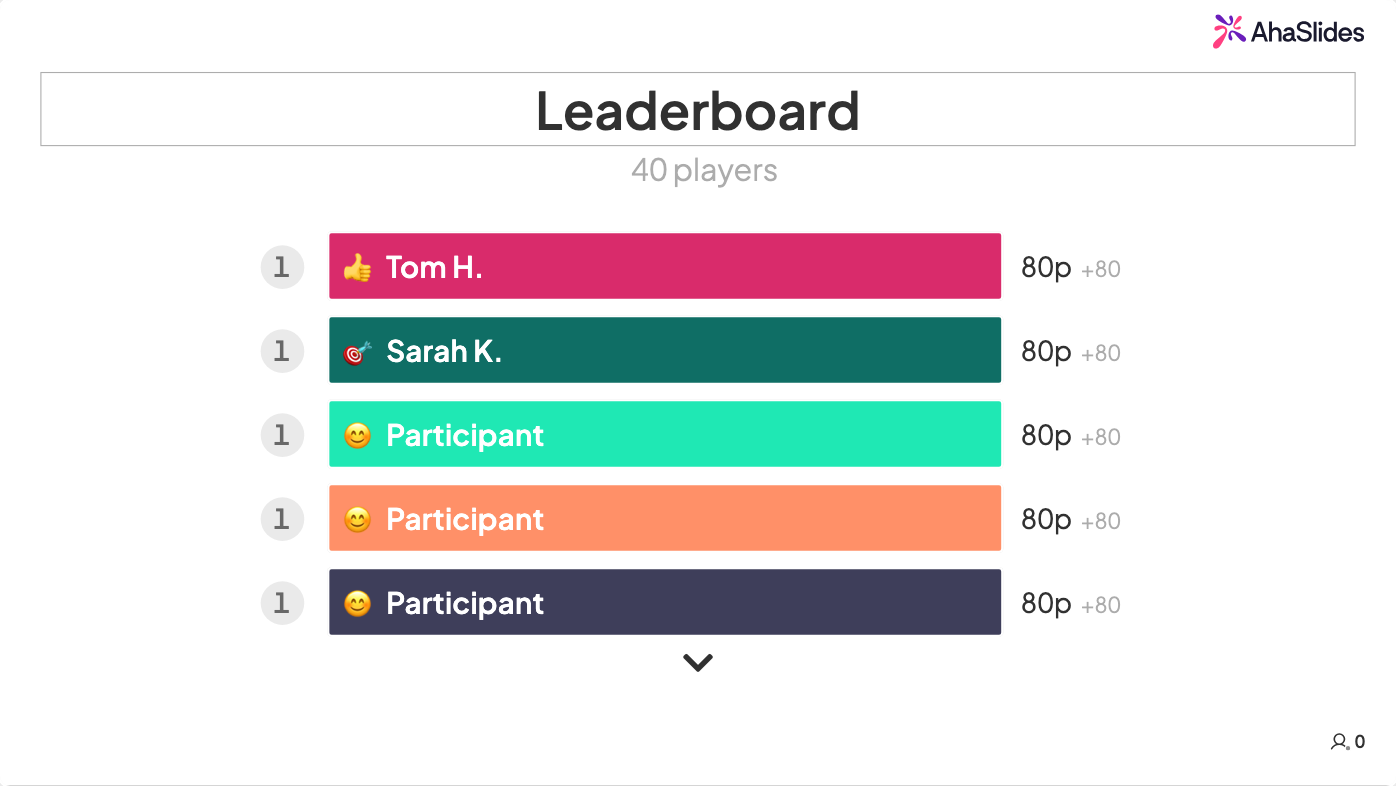
Rotating formats prevents fatigue. With AhaSlides, quiz results feed into a live leaderboard so participants see how their understanding compares to the group, which creates natural motivation to pay closer attention.
When to use: Quizzes work best mid-session (to check comprehension before advancing) and at the end (to consolidate learning). Avoid opening with a quiz before participants have encountered the material — it creates anxiety rather than curiosity. Three to five questions is the optimal length for a mid-session check; longer than that and it starts to feel like a test.
Brainstorming games
Most sessions reward the single correct answer. Brainstorming activities change that dynamic by making ideation the goal, which trains participants to think across possibilities rather than converge too quickly on one solution.
6. Open brainstorm session
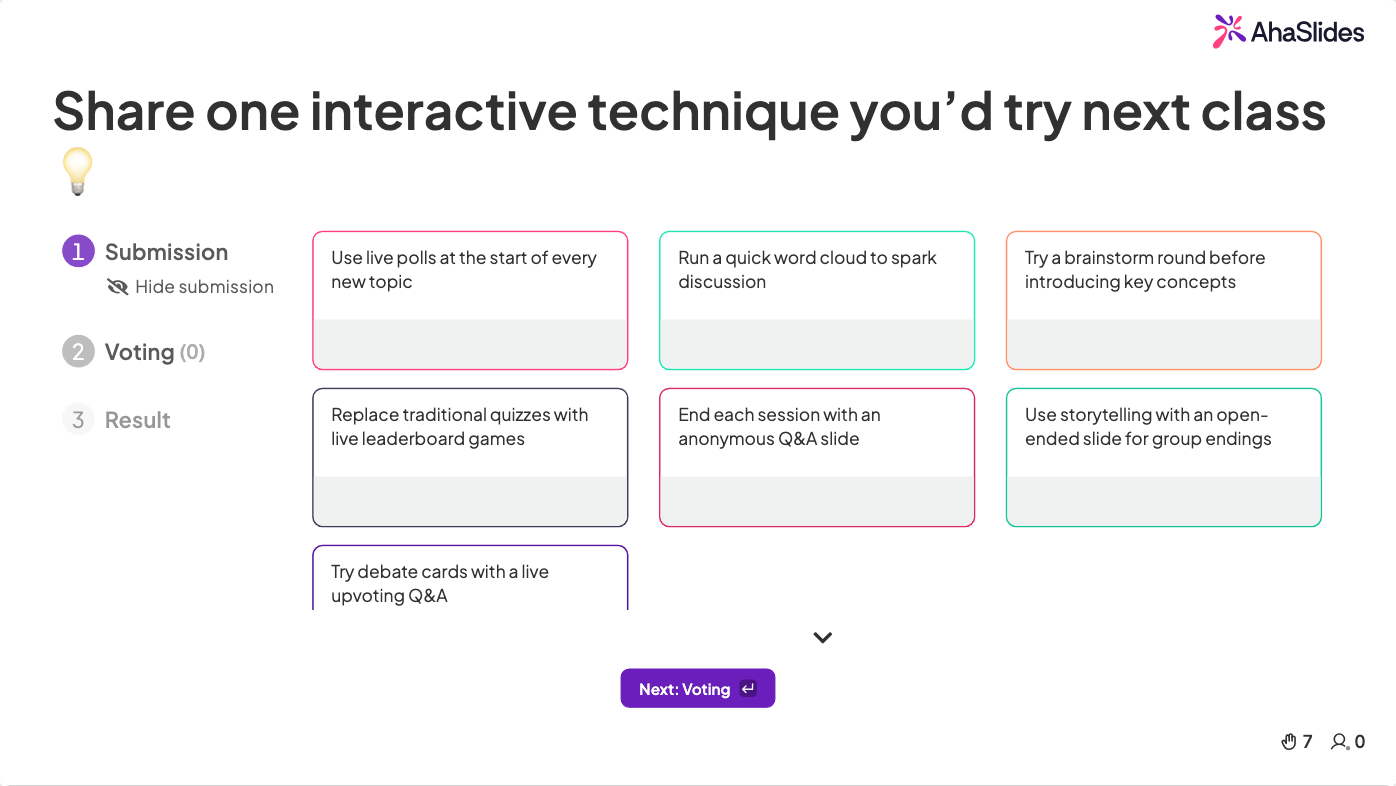
Give participants a prompt tied to your lesson or training objective, set a timer, and invite all ideas without judgment during the generating phase. Group the ideas afterward and discuss which warrant further development. This structure builds critical thinking and shows that complex problems rarely have a single solution.
7. Tick-Tock
Works well for all ages
Groups work in a circle. Each team gets a theme and every participant names one item in that category within a short time limit, then passes. Anyone who cannot respond in time is eliminated. The last one standing wins.
This works as an energy reset or as a direct vocabulary review tied to current content.
8. Bridge the words
Works well for language learning and vocabulary training
Participants receive a list of words and generate as many compound words as possible from each one within a time limit. Difficulty scales with the audience level. For visual learners, a matching-pairs format works better than open-ended writing.
Q&A and discussion
9. Live Q&A
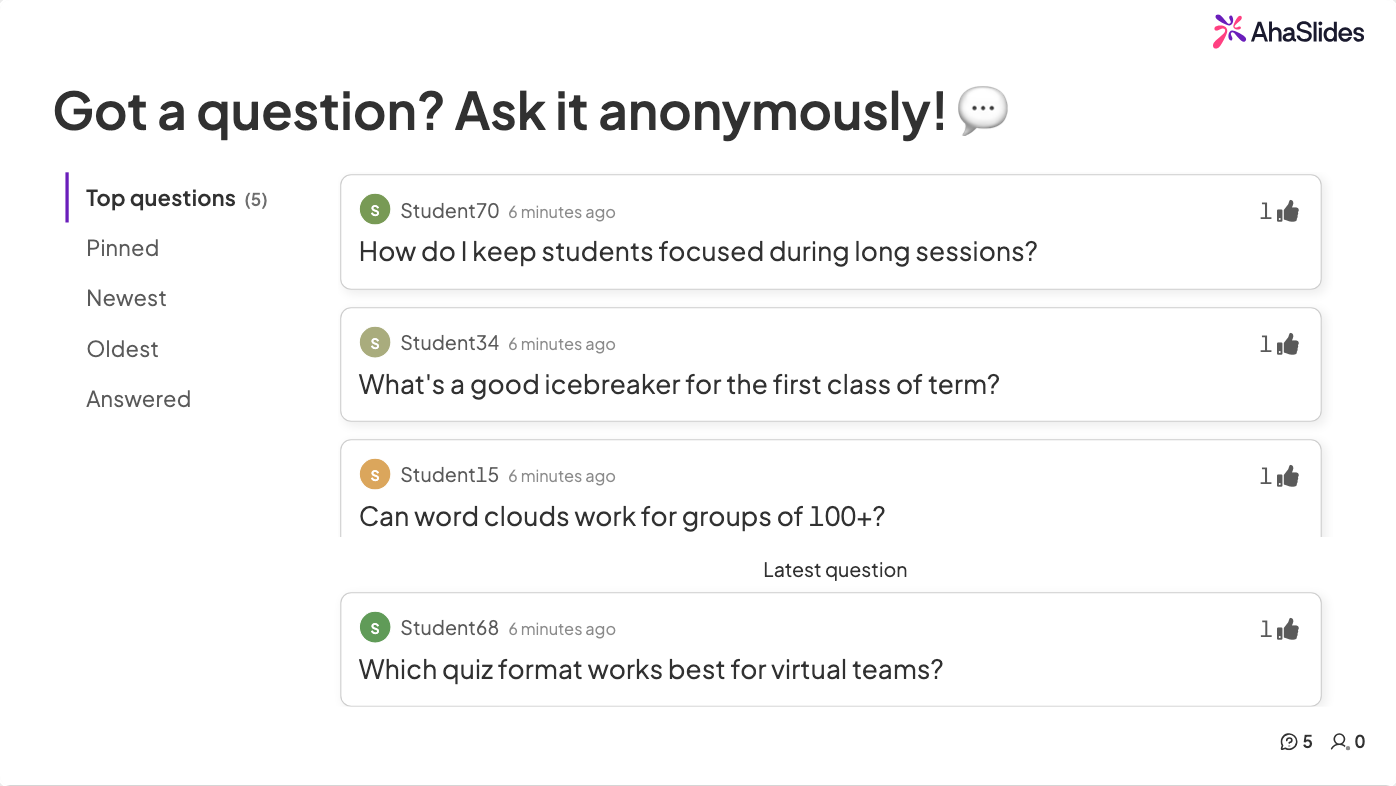
Participants almost always have questions, but most will not ask them publicly. In traditional sessions, a few confident voices dominate while others disengage. An anonymous Q&A format solves this: participants submit questions via their device, others upvote the ones they share, and the presenter works through them in priority order.
With AhaSlides Q&A, the most-upvoted questions float to the top automatically, so presenters spend time on what the group actually needs clarified rather than fielding questions from the most vocal participants.
Creative and performance activities
10. Sing a song
Music is an underused learning tool at any level. Setting key terms or frameworks to a familiar melody helps learners encode and recall material in a different way. It also reduces social inhibition: participants who would not volunteer to answer a question will often join in group singing. Use this sparingly, right after a dense explanation or to open a new section with a change of energy.
11. Host a short play
Drama builds skills that lectures rarely touch: vocal projection, empathy, collaborative problem-solving, and the ability to represent an idea through behavior rather than description. Participants involved in writing, directing, or performing a five-minute scene about a concept must understand it well enough to embody it.
Key outcomes:
- Improved confidence in public communication
- Stronger empathy by requiring participants to inhabit another perspective
- Higher retention because performance creates episodic memory tied to the content
- Team collaboration under a shared creative constraint
Debates and discussions
Structured debate gives participants an organized framework to express positions and defend them with evidence. This builds confidence, teaches constructive criticism, and surfaces assumptions that direct instruction often leaves unchallenged.
12. Government and citizens
Works well for in-person sessions
Divide participants into groups, each representing a different stakeholder: citizens, local government, the finance sector, the media. Present a policy problem and ask each group to argue their position. This structure works for civics lessons, business strategy workshops, and ethics training equally well.
The cross-group debate that follows reveals how the same facts look different from different vantage points, which is a transferable insight in almost any professional context.
13. Debate cards
Create index cards labeled "comment" and "question" and give one to each participant. They can only speak when they play their card, and they save it for a genuinely valuable moment. This prevents the usual dynamic where a few voices dominate.
Strong contributions earn an additional card, reinforcing that quality matters more than volume.
14. Case study discussions
Works well for higher education and corporate training
Present a real scenario tied to the subject: a product launch that underperformed, a clinical decision with mixed outcomes, an engineering failure. Groups analyze root causes and propose solutions, then share findings with the full room.
Using live word clouds or open Q&A to aggregate group responses lets the whole room see where analysis converged and where it diverged, which is a more honest reflection of professional complexity than any single correct answer.
Run these activities with AhaSlides
Most of these activities work without any technology. A digital platform becomes valuable when you want responses aggregated instantly, every participant to contribute simultaneously, and data from the session available after the fact.
Try AhaSlides free and run your first interactive activity in under five minutes, with no app download required for participants.
Quick answers
What are the best interactive presentation ideas for students?
The best interactive presentation ideas for students are live quizzes with leaderboards, anonymous word cloud warm-ups, Q&A with upvoting, open-ended response slides, and brainstorming boards. Quizzes work best for knowledge reinforcement with competitive motivation; word clouds for inclusive low-stakes participation; anonymous Q&A for removing social pressure from questioning.
How do you engage students during a presentation?
Start with a low-stakes activity (word cloud or single-question poll) before moving to higher-participation formats (quizzes, debates, case studies). Anonymous response tools remove the fear of judgment that prevents most students from participating. Aim for one interactive element every 10–15 minutes.
What tools work best for student presentations?
AhaSlides, Kahoot, Mentimeter, and Nearpod work best for student presentations. AhaSlides supports the widest variety of slide types — quizzes, word clouds, Q&A, brainstorming, scale ratings — without requiring a student app download; Kahoot for competitive quiz games; Mentimeter for visual polls; Nearpod for curriculum-integrated lessons.
How do you handle students who won't participate?
Use anonymous response tools. A student who won't raise their hand will often answer a poll or submit a question anonymously. Start with the lowest-stakes formats first and build participation norms gradually before introducing higher-exposure activities like debates or case study presentations.
Frequently asked questions
How do you make a presentation interactive for students?
Add activities that require a response: polls, quizzes, open-ended questions, or group discussion. Make it easy to contribute anonymously so participation feels low-risk. The goal is to shift the session from one-directional delivery to shared inquiry.
How do you present in class creatively?
Rotate formats deliberately. Use a story to open, a quiz to check understanding, a brainstorm to generate ideas, and a debate to pressure-test conclusions. Predictability is the enemy of engagement. A well-placed unexpected activity signals that the session is alive, not just running through a script.
For the full guide covering techniques, tools, and ideas for every context, see: How to make a presentation interactive: the complete guide.
Making these ideas work in your setting
In-person classrooms and training rooms
The advantage of in-person settings is ambient social energy: participants see each other's reactions, which creates natural participation momentum. Use higher-energy activities (debates, quizzes with leaderboards, show and tell) when energy is low — typically after lunch or in the second half of a long session. Structure lower-energy activities (reflection prompts, anonymous Q&A) at points where you need depth rather than momentum.
Online and virtual sessions
Virtual sessions lose the social presence that drives in-person participation. Compensate by increasing interaction frequency: aim for one interactive element every 10 to 12 minutes. Anonymous Q&A and polls are especially effective in this context because they remove the social awkwardness of speaking on camera. For virtual-specific tactics, see: 7 Zoom presentation tips to combat fatigue and boost engagement.
Hybrid settings
The main risk in hybrid is that remote participants become invisible to the room. Phone-based interaction tools solve this directly: everyone in person and online submits responses to the same poll, quiz, or word cloud, and results appear aggregated on screen. Remote participants see their contributions appear alongside in-room ones, which counters the disconnection that makes hybrid sessions difficult to manage.
Timing and cadence
A 60-minute session works well with three to four interactive moments: one at the start to establish participation norms, one or two in the middle to check understanding and re-engage attention, and one at the close to consolidate learning. More than that becomes tiring for participants. Fewer than that risks the session drifting into passive lecture.
More frequently asked questions
Which of these ideas work for large groups?
Polls, quizzes, word clouds, and anonymous Q&A scale to any group size because participants respond on their own devices rather than speaking aloud. Show and tell and role-play work best with groups under 30. Storytelling and brainstorming activities work at any size when run through a platform that aggregates responses on screen simultaneously.
How do you handle participants who refuse to engage?
Anonymous tools remove the biggest barrier: fear of judgment. A participant who won't raise their hand will often answer a poll or submit a question anonymously. Start with the lowest-stakes activities first (word clouds, single-question polls) before advancing to higher-exposure ones (debates, case study presentations). Build the participation norm gradually and it tends to stick for the rest of the session.
For more engagement strategies and ideas, see: 15 interactive presentation ideas, 10 interactive presentation techniques, 15 interactive games for training sessions, and 11 interactive presentation games.
Sources
[1] Freeman, S. et al. (2014). Active learning increases student performance in science, engineering, and mathematics. Proceedings of the National Academy of Sciences, 111(23), 8410-8415. https://doi.org/10.1073/pnas.1319030111