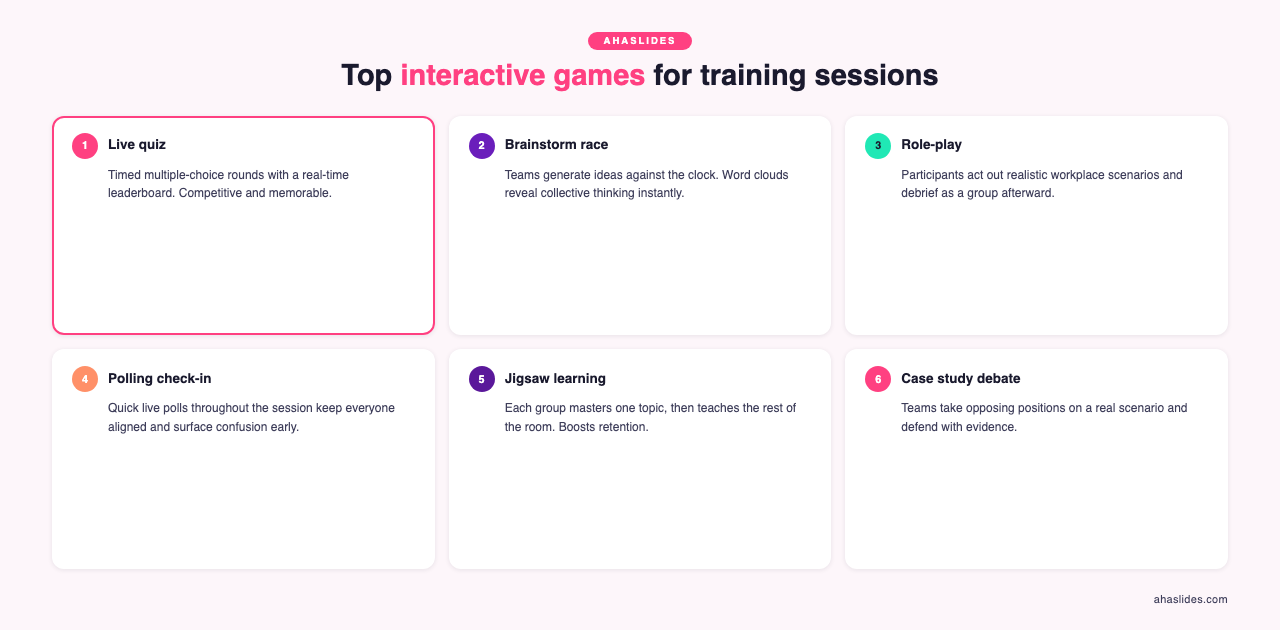
The best interactive games for training sessions are live pulse-check polls, lightning-round trivia, word cloud brainstorms, team quiz competitions, and peer teaching activities. Polls read the room before you start, trivia locks in what you just covered, word clouds surface every perspective at once, team quizzes build camaraderie while checking comprehension, and peer teaching makes people process content deeply enough to explain it.
You're 20 minutes into your quarterly training session. Half the team is checking phones under the table. The other half has perfected looking engaged while mentally planning dinner.
Cognitive science has a clear answer for this. People remember more when they actively retrieve and use information than when they passively hear it [1]. Interactive training games aren't about "fun for fun's sake". They're engagement tools that turn passive audiences into active learners. Run with purpose, they're the difference between training that's forgotten by Tuesday and learning that sticks.
Why games work in professional settings
Retrieval beats rereading. Every quiz question forces the brain to pull information back out, and that act of recall strengthens memory far more than hearing the content again. Researchers call it the testing effect [1].
Expecting to teach changes how people learn. In one study, learners who expected to teach the material recalled more of it, and organized it better, than learners who expected a test [2]. Peer teaching games put that effect to work.
Remote sessions need it most. Without a shared room, minds wander within minutes. Games that ask for a response every few minutes turn passive screen-watching into participation.
Teams get closer. Well-chosen games strengthen working relationships and build the psychological safety that helps teams perform under pressure.
Quick 5-minute energizers
1. Live pulse check poll
Use it for: Opening any meeting or training by taking the team's temperature: energy, confidence on today's topic, or workload stress.
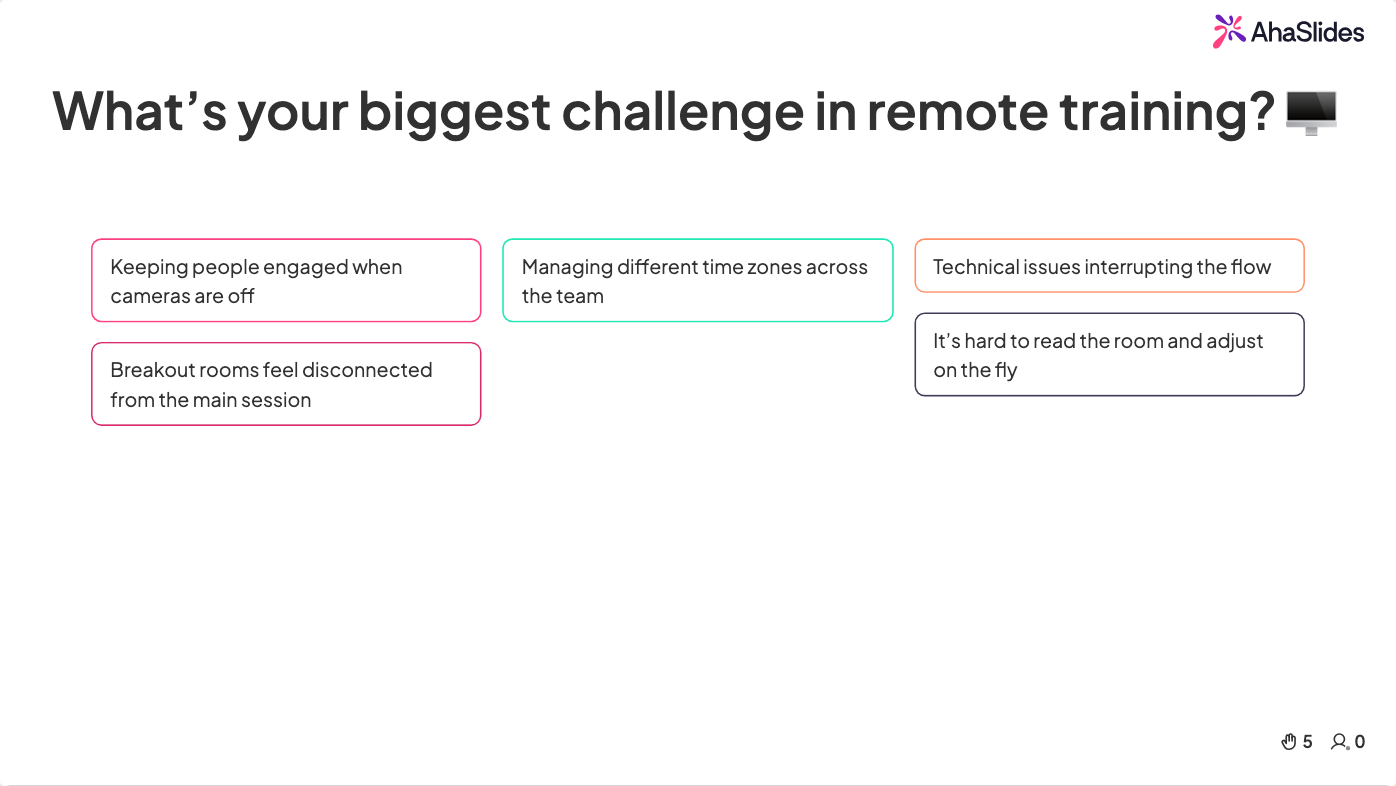
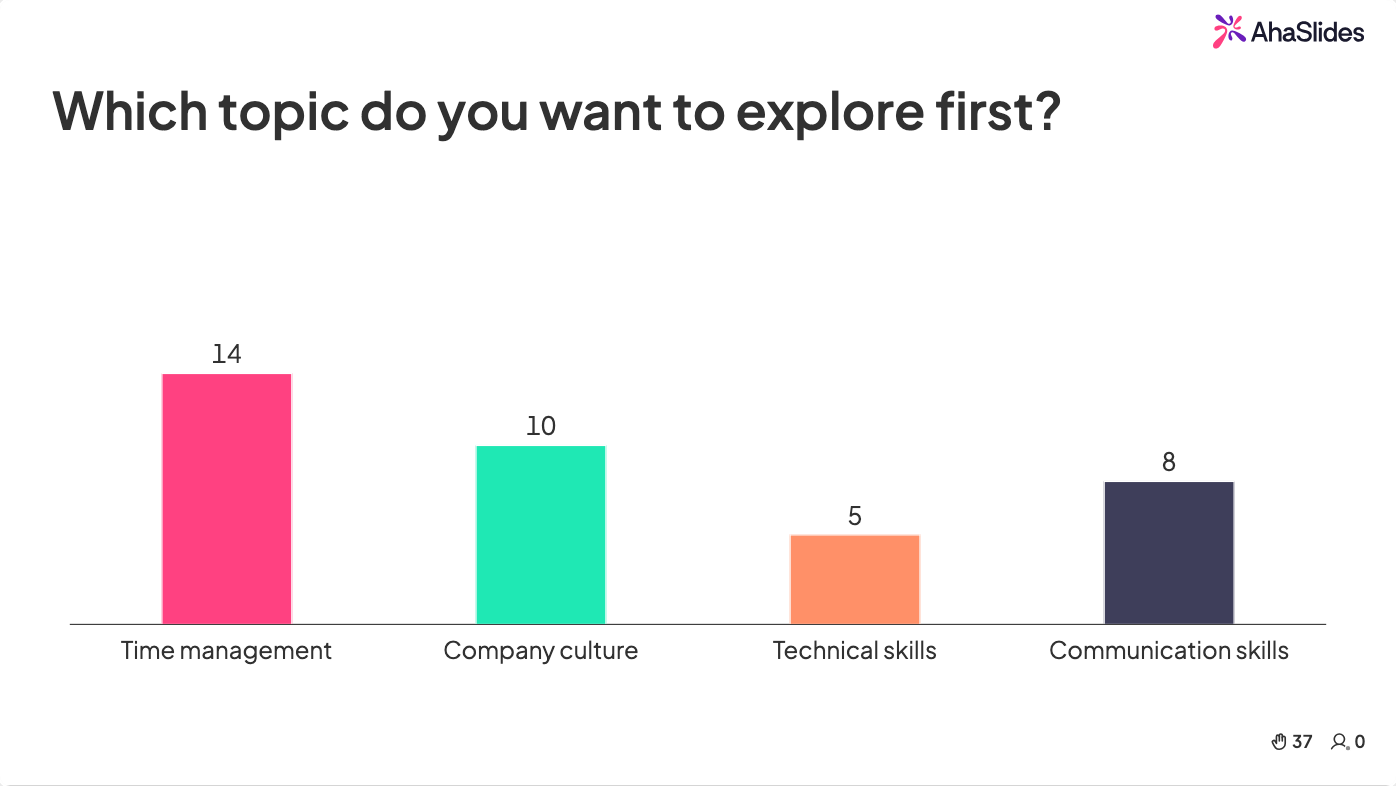
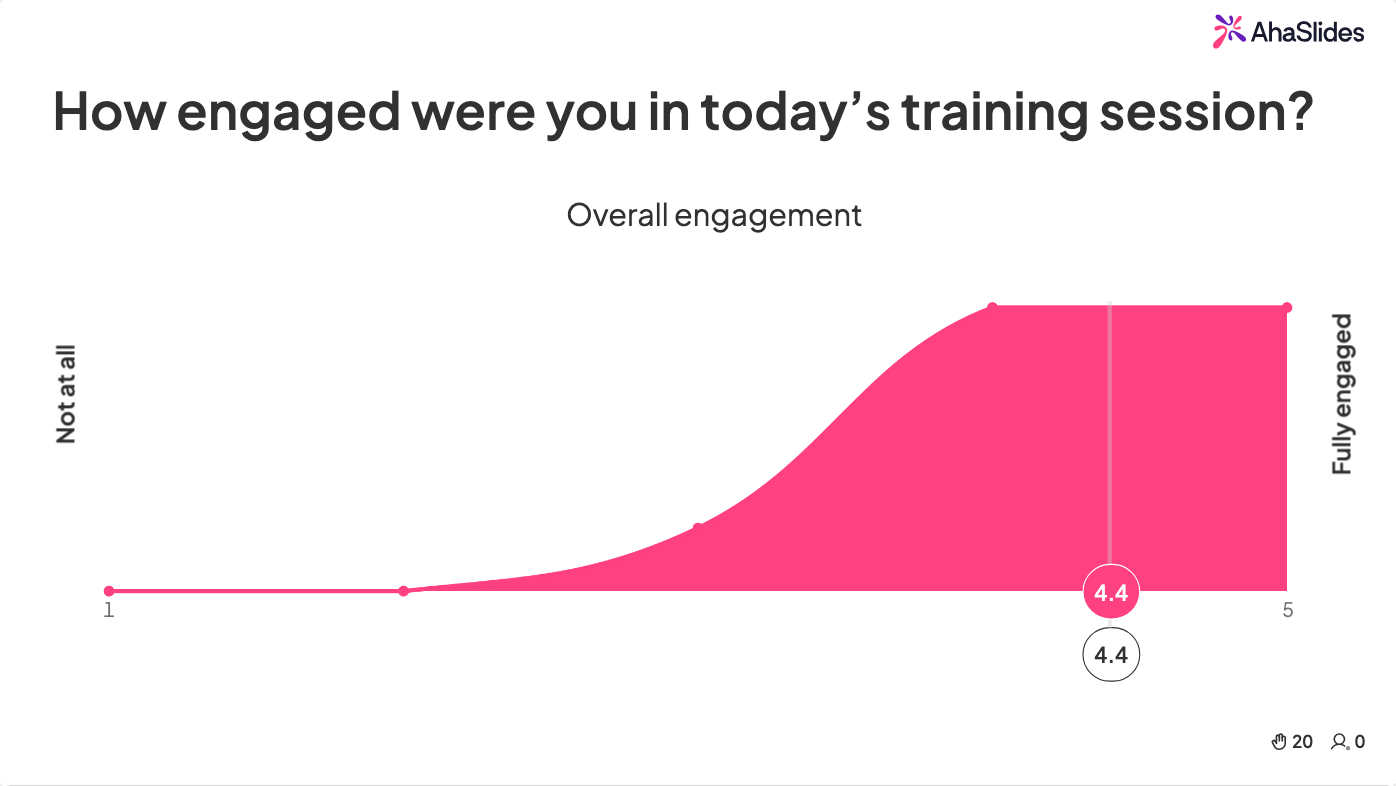
How to run it in AhaSlides: Create a quick multiple-choice poll such as "On a scale of 1 to 5, how ready do you feel for today's topic?" or an open-ended "What's your biggest challenge this week?" Participants answer on their phones and results appear on screen instantly.
Why it works: Everyone answers at once, so there's no awkward silence. Responses can be anonymous, and you learn where the room actually stands before you start.
Time: 3 minutes | Group size: Any
2. Lightning round trivia
Use it for: Reinforcing knowledge right after you cover complex material, while keeping energy high.
How to run it in AhaSlides: Write 5 to 7 quick-fire questions on the content you just covered and set a 20-second timer on each quiz slide. The leaderboard adds friendly competition without high stakes.
Why it works: Instant results show what landed and what needs another pass. The timer keeps things moving and stops overthinking.
Time: 5 minutes | Group size: Any
3. Word cloud brainstorm
Use it for: Kicking off strategy discussions or gathering diverse views before detailed planning.
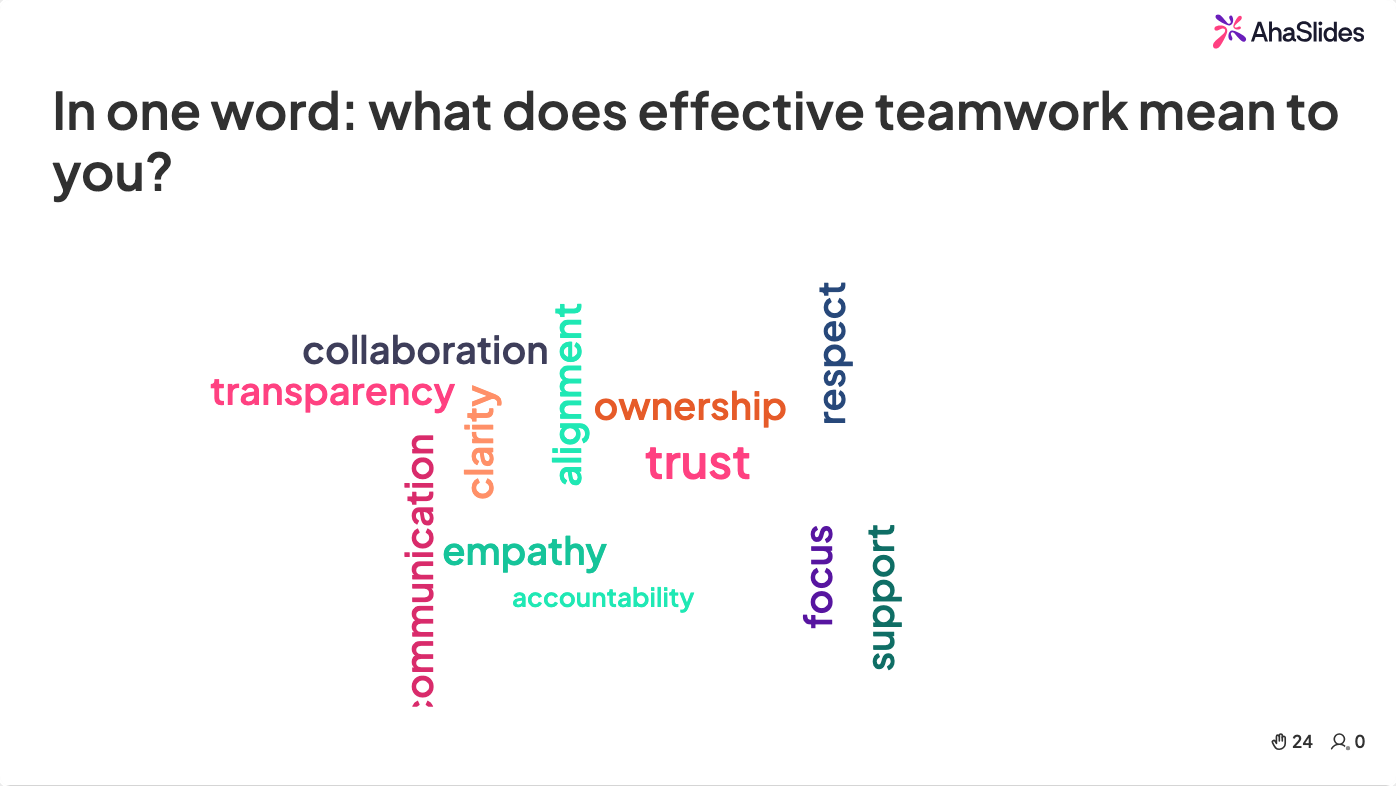
How to run it in AhaSlides: Ask an open question like "In one word, what's our biggest growth opportunity?" Answers build into a live word cloud, with the most common responses growing largest.
Why it works: Introverts contribute as much as anyone, patterns show up at a glance, and the cloud becomes a shared starting point for discussion.
Time: 3 minutes | Group size: Any
Team building games (15-20 minutes)
4. Team quiz competition
Use it for: Building team cohesion while reinforcing learning.
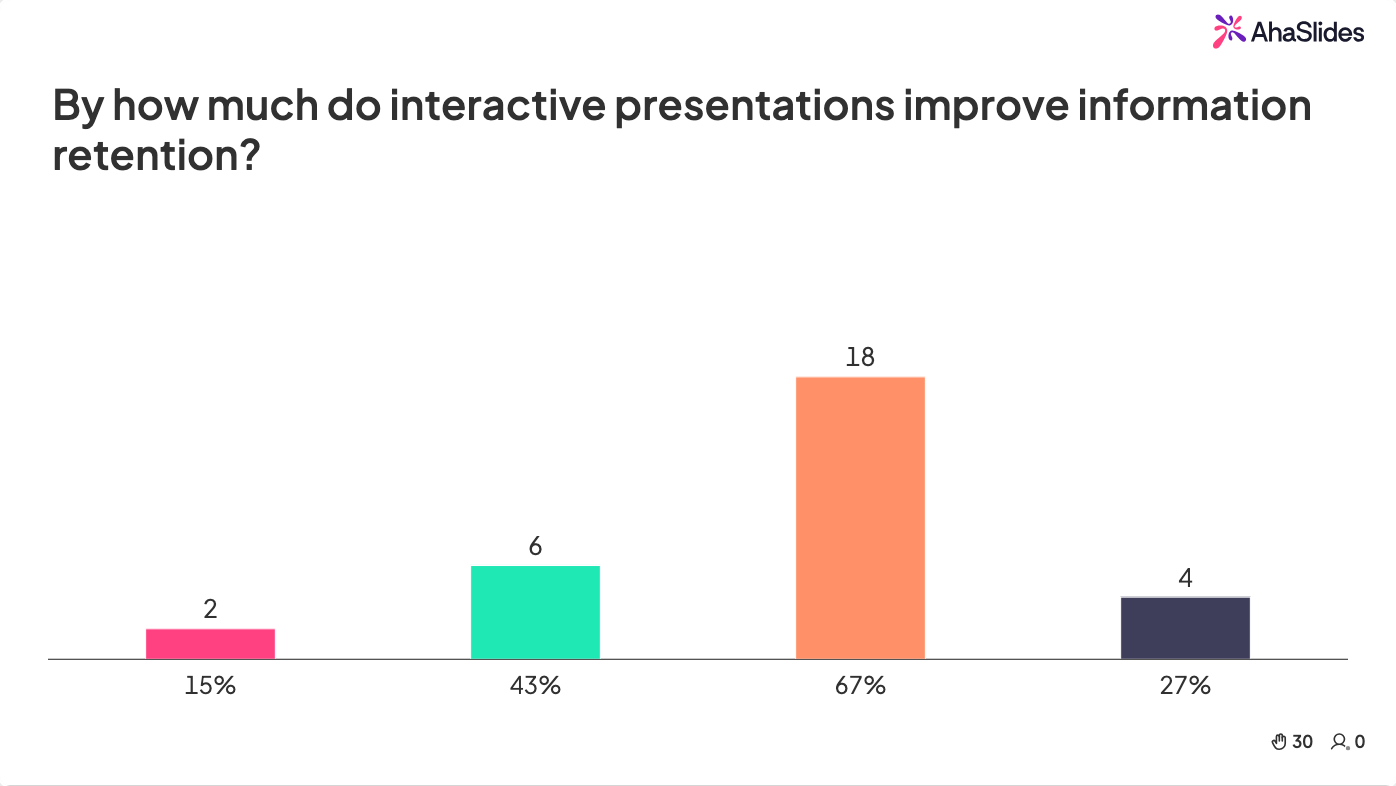
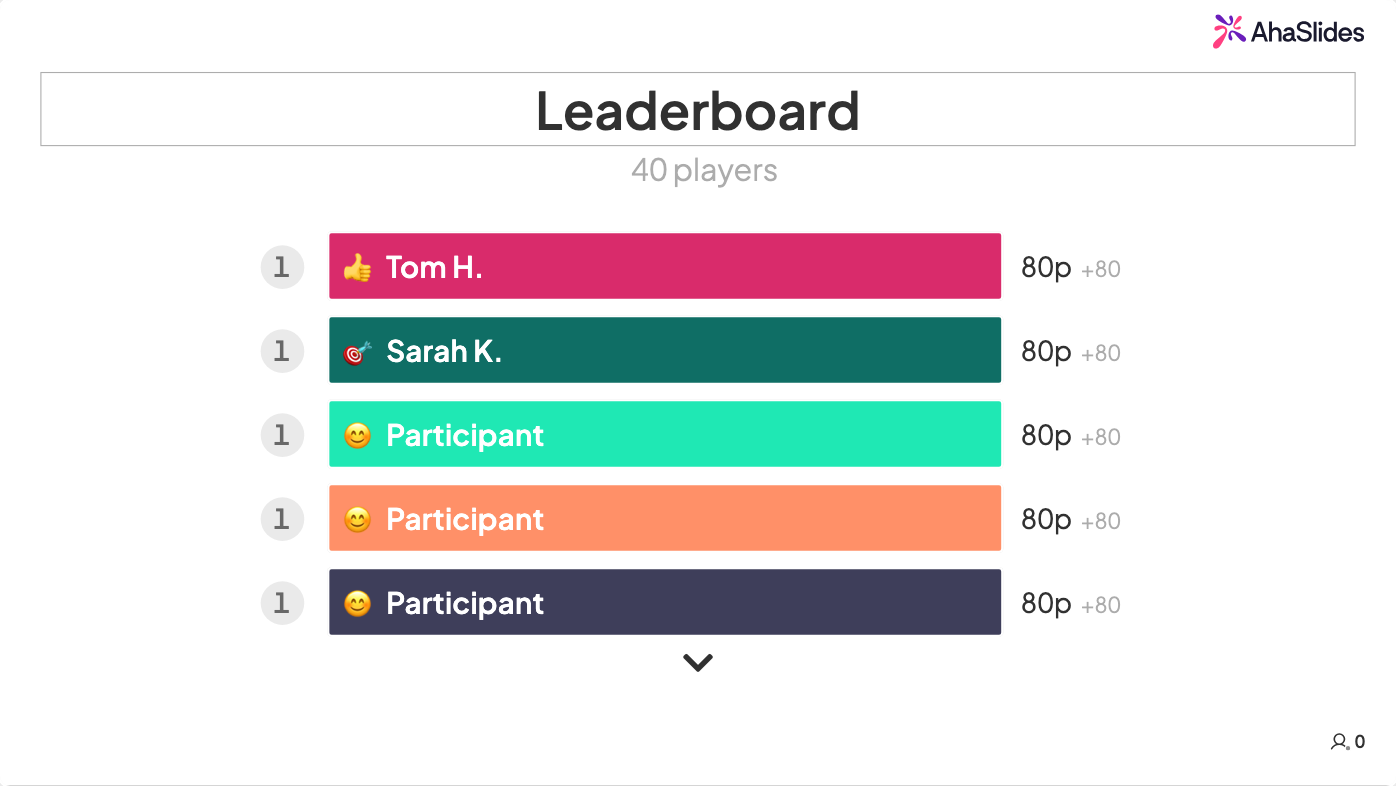
How to run it in AhaSlides: Build a quiz around your training content and split the room into teams that agree on each answer before they submit. AhaSlides tracks the scores and shows a live leaderboard.
Why it works: Teams have to talk answers through, which strengthens communication. Explaining why an answer is right embeds the learning far deeper than listening ever could.
Time: 15-20 minutes | Group size: 3-30 (teams of 4-6 work best)
5. Collaborative scavenger hunt
Use it for: In-person or hybrid sessions where you want movement, problem-solving, and a break from screens.
How to run it in AhaSlides: Write clues tied to your training content or company knowledge. Teams find the item or answer, photograph it, and upload the photo so every discovery appears on the big screen.
Why it works: Movement fights mental fatigue, teams have to apply knowledge creatively, and the shared moments stick.
Time: 15-20 minutes | Group size: 12+ in small teams
6. Two truths and a lie
Use it for: Breaking down barriers and building connection beyond job titles.
How to run it in AhaSlides: Each person writes three statements about themselves, two true and one false. Show them one at a time as a poll and let everyone vote on the lie, then have the author reveal the answer and the story behind it.
Why it works: It humanizes colleagues, builds trust, and the reveals get genuine laughs. People often learn something new about teammates they've worked beside for years.
Time: 15-20 minutes | Group size: 5-20
Creative problem-solving games (20-30 minutes)
7. Reverse brainstorm
Use it for: Getting past brainstorm paralysis, when people only offer obvious ideas.
How to run it in AhaSlides: Instead of "How do we improve customer retention?", ask "How could we guarantee our customers leave?" Collect the terrible ideas on a brainstorm slide, then flip each one into a solution.
Why it works: Bad ideas feel safe to share, and flipping them sparks the unconventional thinking a standard brainstorm rarely reaches.
Time: 20-25 minutes | Group size: 8-30
8. Innovation pitch challenge
Use it for: Surfacing hidden talent and fresh perspectives on a real business problem.
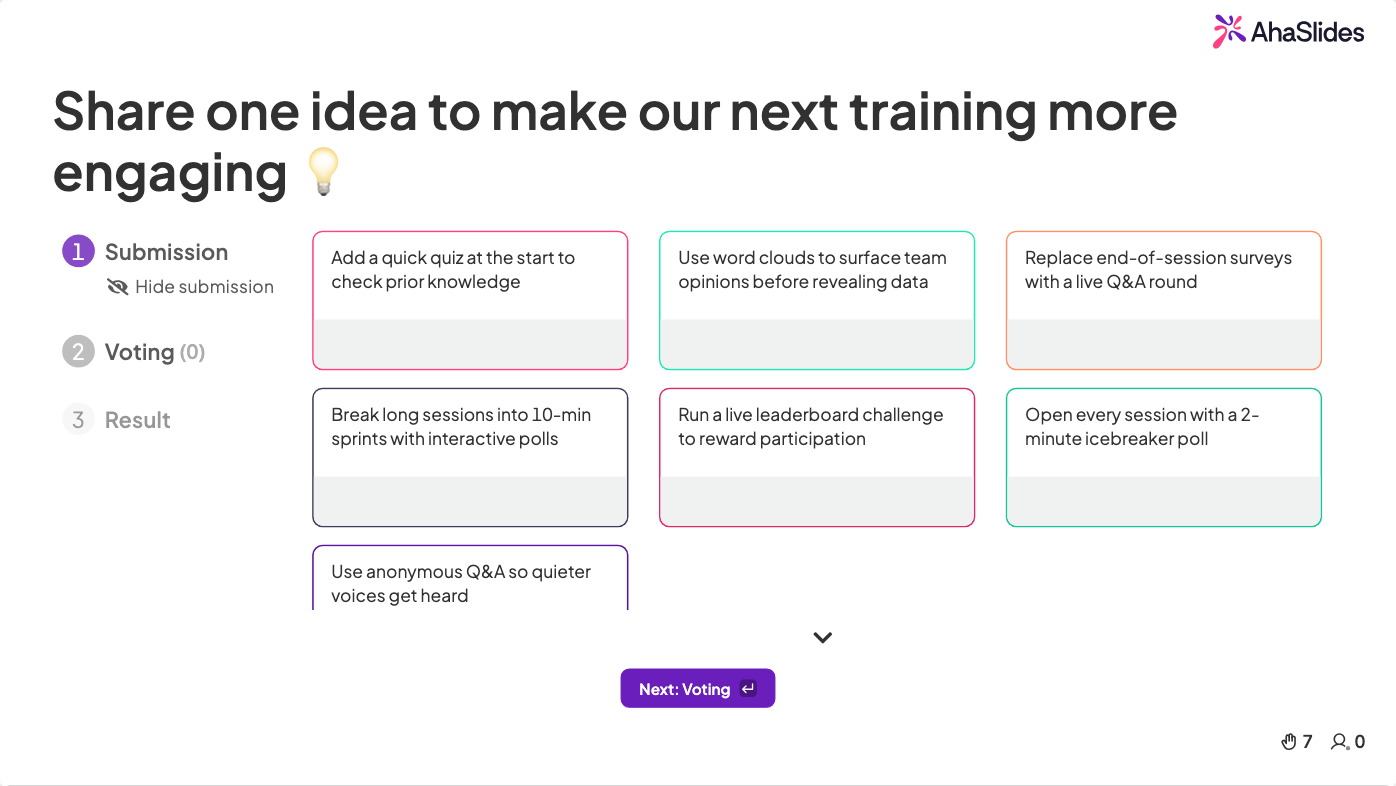
How to run it in AhaSlides: Present a challenge and give teams 10 minutes to build a solution and a 2-minute pitch. After the pitches, the room votes on the most innovative idea with a live poll.
Why it works: People take ownership when their ideas get serious consideration, and the best solutions often come from unexpected places.
Time: 25-30 minutes | Group size: 12-40
9. Story building chain
Use it for: Practicing active listening and showing how individual contributions shape a shared outcome.
How to run it in AhaSlides: One person starts a story tied to your training theme, such as "A customer walked into our store...". Each person adds one sentence through an open-ended slide, and the story grows on screen.
Why it works: Nobody knows when their turn is coming, so everyone listens. The final, slightly absurd story gets real laughs.
Time: 15-20 minutes | Group size: 8-25
10. Virtual escape room challenge
Use it for: Applying learning to scenarios under time pressure.
How to run it in AhaSlides: Design 3 to 4 puzzles that can only be solved with knowledge from your training. Put each one on a quiz slide so solving one unlocks the next, and use the leaderboard to show which team is ahead.
Why it works: The urgency sharpens focus, and teams have to apply what they learned rather than simply recall it.
Time: 20-30 minutes | Group size: 15-40 in teams of 4-5
Games for remote and hybrid teams (15-20 minutes)
11. Online Pictionary
Use it for: Bringing energy back into virtual training with a quick mental break.
How to run it in AhaSlides: One person draws on a shared screen while everyone else submits guesses on an open-ended slide, and the first correct guess wins the round. For a version where everyone plays at once, give the whole room the same term on a Draw Answer slide and let them vote on the best sketch.
Why it works: It keeps cameras on, the visual element activates different thinking, and laughter builds connection across screens.
Time: 15 minutes | Group size: 6-30
12. Remote team trivia tournament
Use it for: Reinforcing training content while building camaraderie across distributed teams.
How to run it in AhaSlides: Build team trivia that mixes serious questions (product knowledge, industry trends) with lighter ones (company culture, fun team facts). Remote participants join on their own devices and follow the live leaderboard.
Why it works: Competition holds attention, team discussion mirrors real work, and the mix of serious and light questions balances learning with connection.
Time: 20 minutes | Group size: 10-100+
Learning reinforcement games (10-20 minutes)

13. Knowledge check quiz
Use it for: Testing comprehension right after training, while the content is fresh.
How to run it in AhaSlides: Prepare 8 to 10 questions on the key concepts, mixing multiple choice, true or false, and short answer. Review the results together and treat wrong answers as teaching moments, not failures.
Why it works: Retrieval practice strengthens memory [1], anonymous answers reduce performance anxiety, and the results show exactly what needs reinforcing.
Time: 10 minutes | Group size: Any
14. Concept application challenge
Use it for: Moving from recall to application, the bridge between training and behavior change.
How to run it in AhaSlides: Present a realistic workplace scenario that needs the concept you just taught. After a session on conflict resolution, for example, describe a tense client situation and ask "What would you do?" Show the responses anonymously and discuss the different approaches.
Why it works: People practice real-world skills in a low-stakes setting and see several valid approaches, which builds confidence.
Time: 15 minutes | Group size: 8-40
15. Peer teaching activity
Use it for: Deepening learning by having participants teach each other.
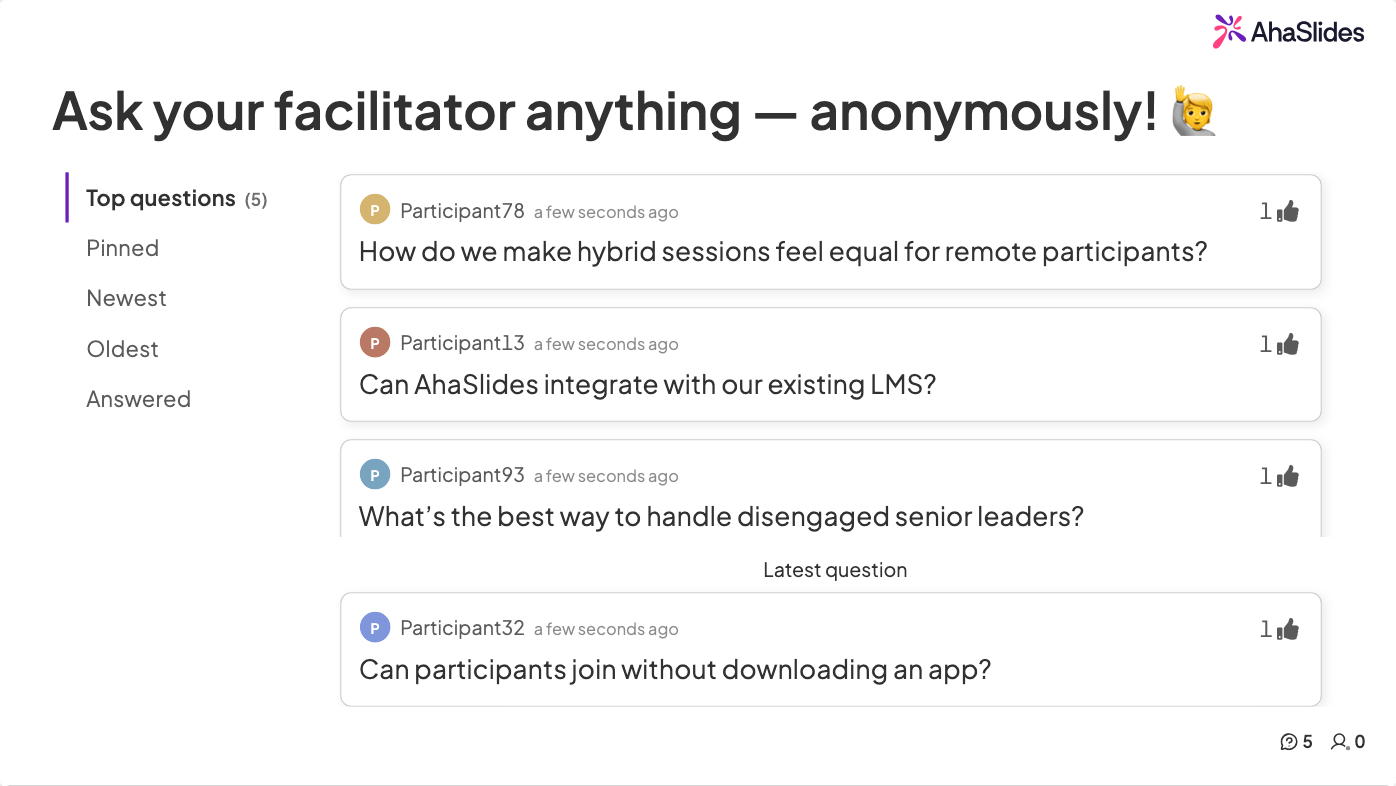
How to run it in AhaSlides: Split the content into chunks and assign one to each small team. Teams get 10 minutes to prepare a short teaching segment and present it, while everyone else submits questions through Q&A.
Why it works: Preparing to teach pushes people to organize the material, not just memorize it [2]. It also creates accountability to peers.
Time: 20 minutes | Group size: 12-30
How AhaSlides makes training games easy to run
Traditional training games are logistically painful: collecting handwritten answers, tallying votes by hand, and managing turn-taking chaos. AhaSlides removes that work.
Everyone participates at once. Thirty people can answer, vote, or share an idea in the same 20 seconds, so momentum never stalls.
Anonymity builds psychological safety. Quieter team members contribute freely, and you'll be surprised by what surfaces when people don't feel watched.
Every response becomes data. Answers and votes are recorded automatically, so you can spot knowledge gaps, track participation, and export results to plan future sessions.
Results hold attention. Word clouds forming, poll bars moving, and leaderboards shifting keep the room watching far better than static slides.
It works in any setup. In-room, remote, or hybrid, everyone joins from their own device and gets the same experience.
Newer slide types open up even more game formats:
- Draw Answer: players sketch on their phones and drawings appear live on screen. Use it for a Pictionary-style round on company jargon.
- 2x2 Matrix: teams place ideas on two axes, such as effort versus impact, then defend their spots.
- Split the Points: players spread a fixed pool of points across options, so priorities show up as weighted bets.
- Idea Board: ideas land in columns the room can vote on. Run a keep, stop, start retro and vote the winners to the top.
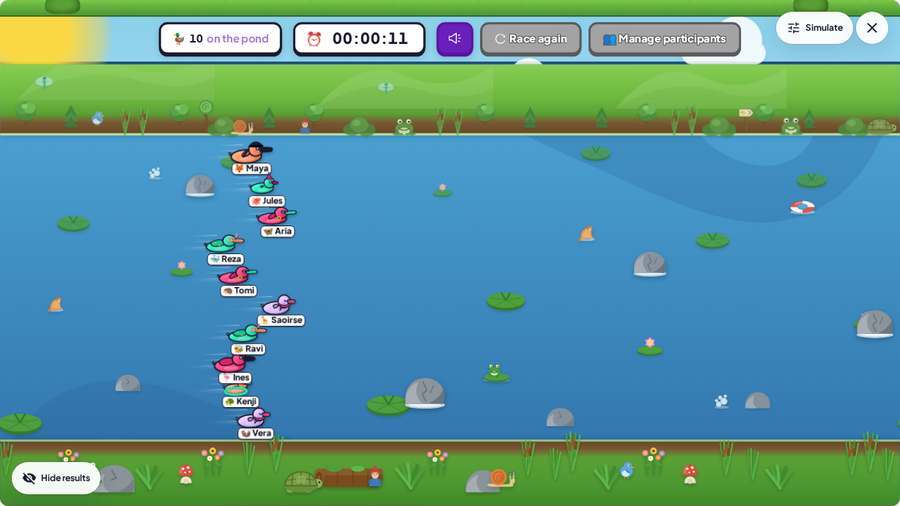
- Duck Race: cartoon ducks race across the screen and one wins at random. Use it to pick which team goes first, assign a task, or hand out a prize.
Best practices for facilitators
Set expectations upfront. Frame games as learning tools. A simple "We're using this quiz to check our understanding before we move on" heads off the eye-rolling.
Match the game to the objective. Teaching negotiation? Use role-play scenarios. Building cohesion? Use collaborative challenges. Checking retention? Run a quick quiz.
Keep it short. Most games should last 3 to 15 minutes: long enough to shift the energy, short enough not to crowd out core content.
Always debrief. The reflection after the game is where the learning happens. Spend 2 to 3 minutes asking "What did you notice?" or "How does this connect to our work?"
Make your next training session stick
Training games aren't about making work "fun". They're about making learning work. Pick one energizer, one team game, and one reinforcement activity from this list, and your next session will feel very different from the last.
To add live polls, quizzes, word clouds, and Q&A to your next session, AhaSlides handles all of it from a free account, across PowerPoint, Google Slides, or its own editor. If you want to package these activities into a self-paced module participants can revisit, the AhaSlides online course creator does that too. For techniques, tools, and ideas for every context, see How to make a presentation interactive: the complete guide.
Frequently asked questions
What are the best interactive games for training sessions?
Live pulse-check polls for reading the room, lightning-round trivia for reinforcement, word cloud brainstorms for diverse perspectives, team quiz competitions for camaraderie with comprehension checks, and peer teaching for deep learning. Research shows that expecting to teach material improves how well people recall and organize it [2].
How do you make corporate training more engaging?
Break up lecture blocks with an interactive segment every 10 to 15 minutes. Start with a pulse-check poll, add trivia after each content section, use word clouds for strategy discussions, and close with a knowledge check quiz.
What training games work best for remote teams?
Polls, live quizzes, word clouds, anonymous Q&A, and rating scales, because everyone responds on their own device and the facilitator can see engagement in real time. These formats also give junior or quieter participants an equal voice.
How long should training games last?
Quick energizers take 3 to 5 minutes and fit between content blocks. Team challenges take 15 to 20 minutes and work well at the session midpoint. Avoid games longer than 20 minutes unless the game is the main content.
How do you debrief a training game effectively?
Spend 2 to 3 minutes asking "What surprised you about these results?" or "How does this connect to what we just covered?" Without a debrief, the game is entertainment. With one, it becomes a teaching moment people remember.
For more engagement ideas, see 15 interactive presentation ideas, 10 interactive presentation techniques, 14 interactive presentation ideas for students, and 7 Zoom presentation tips to combat fatigue.
Sources
[1] Roediger, H. L., & Karpicke, J. D. (2006). Test-enhanced learning: Taking memory tests improves long-term retention. Psychological Science, 17(3), 249-255.
[2] Nestojko, J. F., Bui, D. C., Kornell, N., & Bjork, E. L. (2014). Expecting to teach enhances learning and organization of knowledge in free recall of text passages. Memory & Cognition, 42(7), 1038-1048.