



A classroom response system lets you ask a question and see every student's answer instantly on screen, replacing raised hands with real-time participation from any phone, tablet, or laptop. The best options in 2026 are AhaSlides, iClicker, Poll Everywhere, Wooclap, Socrative, and GimKit, each built for a different class size, budget, and teaching style. Below, you'll find what each platform does well, what it costs, and which one fits your classroom.
Classroom response systems have transformed how educators engage learners. These tools convert passive lecture halls into active environments where every participant responds, understanding gets measured in real time, and instructors can adjust on the fly. A 2014 study in the Proceedings of the National Academy of Sciences found that active learning formats reduce failure rates by 1.5 times compared to traditional lectures [1]. Classroom response systems are one of the most practical ways to shift a session from passive to active.
Whether you teach secondary school, lecture at a university, or run corporate training, this guide covers what modern classroom response systems offer and how to choose the right platform for your context.
What are classroom response systems?
A classroom response system (CRS), also called a student response system or audience response system, is technology that lets instructors pose questions and collect participant responses in real time.
The category started in the 2000s with physical "clickers": remote-control devices costing around $20 each, limited to five buttons, and capable only of multiple-choice answers. Forgotten devices, technical failures, and significant per-device costs made them impractical for many institutions.
Today's systems run entirely through web browsers. Participants respond using smartphones, tablets, or laptops they already own. Modern platforms go far beyond basic polling: they run quizzes with live leaderboards, gather open-ended responses, host anonymous Q&A sessions, and generate detailed participation analytics. What once required capital investment now runs on free or low-cost software and devices students carry anyway.
Why classroom response systems improve learning
The case for these tools goes beyond novelty. Several mechanisms explain why they produce better outcomes.
Active retrieval over passive listening
Traditional lectures put learners in passive roles. Classroom response systems change that by requiring participants to formulate and submit answers. This activates retrieval practice, which cognitive research has consistently shown to strengthen memory formation more effectively than re-reading or re-listening.
Real-time formative assessment
When 70% of your class misses a quiz question, you know immediately that the concept needs revisiting. When everyone answers correctly, you can move forward with confidence. This feedback loop is unavailable in a lecture-only format, where confusion only surfaces at exam time. For ready-to-use questions and pacing guidance on running these checks live, see our classroom polling guide.
Inclusive participation
Not every learner raises their hand. Some need extra processing time, some feel social pressure, and some simply prefer not to speak in large groups. Anonymous response systems give every participant a voice regardless of personality type. Research on equity in education consistently shows that participation gaps narrow when anonymous systems replace traditional call-and-response.
Analytics that inform instruction
Modern platforms track participation, question performance, and individual progress over time. These data points reveal which concepts consistently confuse learners, where engagement drops, and which participants may need additional support. That information is difficult to observe informally but straightforward to act on when a platform surfaces it clearly.
Applicability beyond school
Classroom response systems have expanded well beyond K-12 and higher education. Corporate trainers use them to assess knowledge retention in professional development sessions. Event presenters use them to maintain audience attention. The underlying mechanism is the same in all contexts: converting one-way communication into interactive dialogue.
How to implement classroom response systems effectively
Buying a platform is the easy part. Using it well requires a few deliberate practices.
Start with purpose, not platform. Before comparing features, define what you need. Checking comprehension at key moments requires different tools than running gamified quizzes or facilitating open discussion. Clarity on your primary use case prevents you from paying for features you will never use.
Design questions intentionally. The quality of engagement depends on question quality. Multiple-choice works for factual recall. Open-ended prompts work better for gauging understanding of concepts. Mix formats to assess different cognitive levels and prevent predictability from dulling attention.
Time deployments strategically. Classroom response systems lose impact when overused. Use them at natural transition points: warming up at the start, checking understanding after complex explanations, refreshing energy mid-session, and closing with exit-ticket questions. More than a few interactions per segment and participants start treating them as friction rather than engagement.
Act on the data. Responses only matter if you respond to them. If 40% of your group misses a question, pause and re-explain before moving on. If participation drops, adjust your approach. The feedback loop these systems provide is useless without responsive follow-through.
Start small. Your first session with any new tool will feel awkward. Begin with one or two simple polls. Expand as you and your participants become comfortable. Persistence past the initial learning curve is what separates instructors who see transformed engagement from those who abandon the tool after one clunky session.
Top 6 classroom response systems in 2026
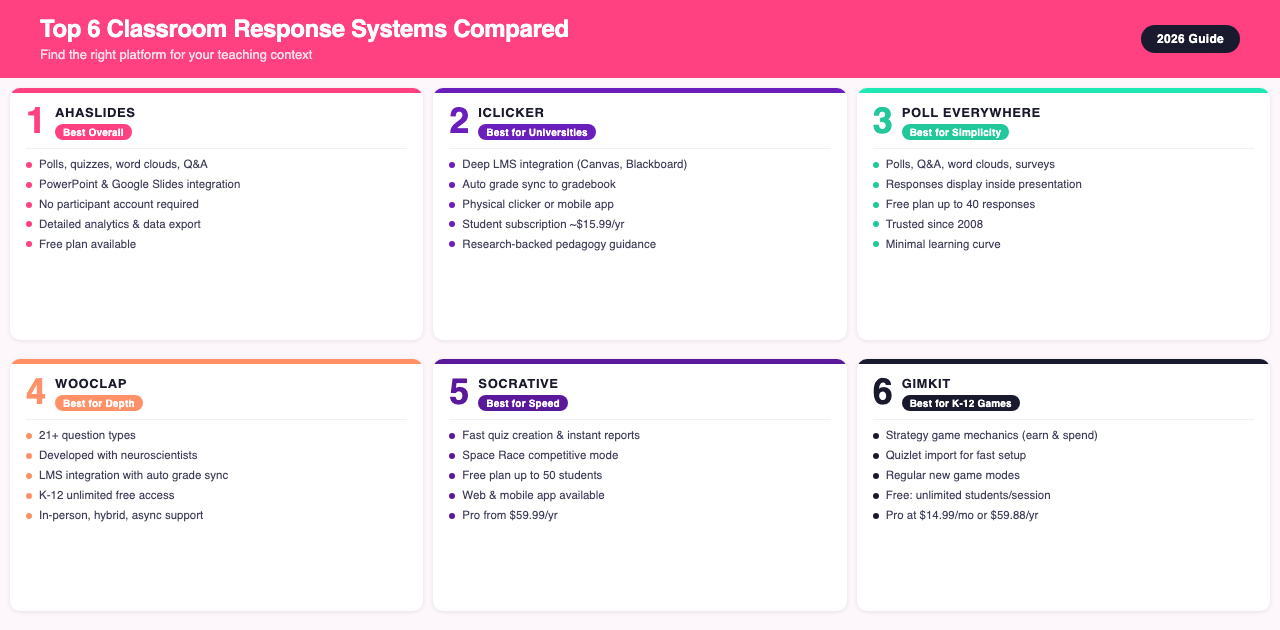
1. AhaSlides
Best for: Educators and trainers who want a single engagement platform that works alongside their existing tools.
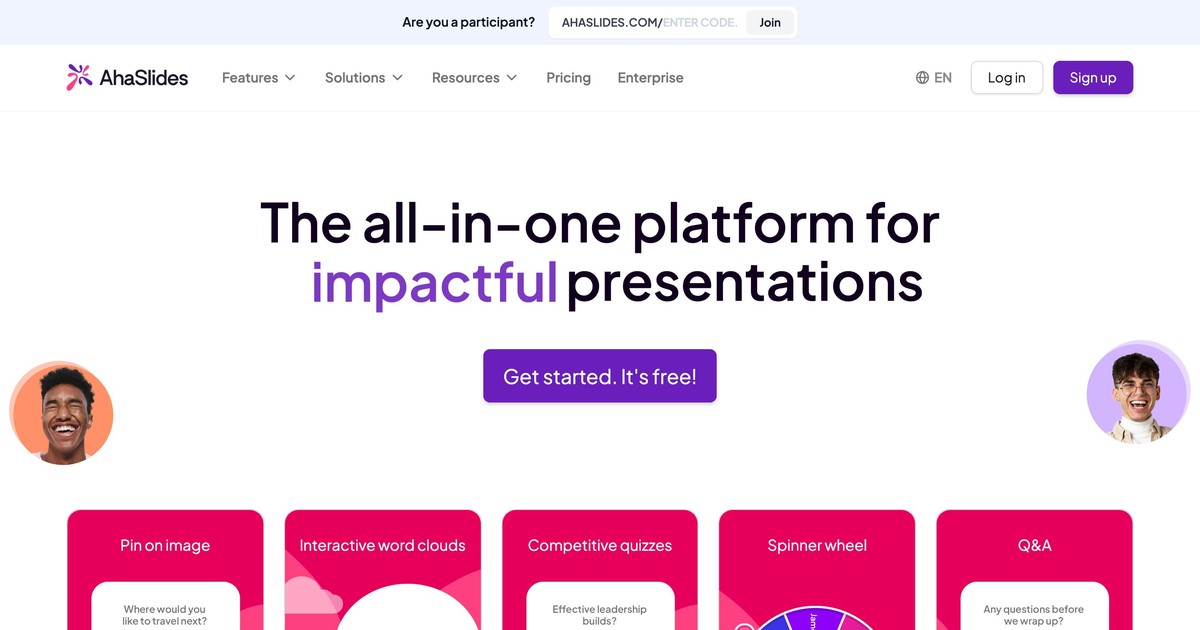
AhaSlides is a classroom response system built around getting every participant to respond, not just the most vocal ones. It integrates directly with PowerPoint, Google Slides, and Microsoft Teams, so you can add live polls, quizzes, word clouds, and Q&A to sessions you are already running without rebuilding anything.
Question types include live polls, quizzes with leaderboards, word clouds, anonymous Q&A, open-ended responses, scales, and brainstorming prompts. Participants join via a code from any device without creating an account, which removes a common barrier for one-off sessions or participants who resist software installs. New to AhaSlides polls specifically? Our step-by-step guide shows you how to build one in 30 seconds.
Analytics go beyond headcounts: AhaSlides tracks which questions challenged participants most, shows individual progress over time, and exports data to Excel for further analysis. Instructors focused on data-informed improvement find this depth useful when diagnosing comprehension gaps session by session.
Pros: Works alongside existing tools via PowerPoint, Google Slides, and Teams integrations; no participant account required; detailed analytics and data export; broad question variety; free plan supports meaningful use.
Cons: Free plan caps participant numbers; participants need internet access.
2. iClicker
Best for: Higher education institutions with established learning management system (LMS) infrastructure.
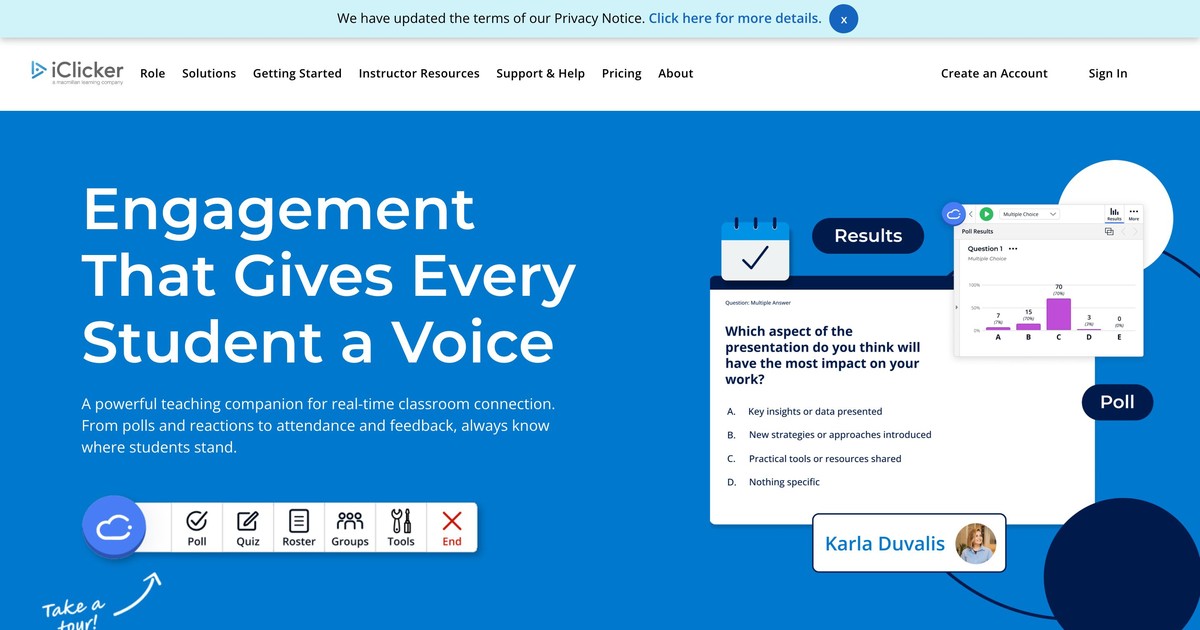
iClicker has been a fixture in university lecture halls for years. Physical clickers are still available, but most institutions now use the mobile app or web interface. The platform's main strength is deep LMS integration: grades sync automatically to Canvas, Blackboard, and Moodle, and attendance data flows into gradebooks with minimal manual work.
Student subscriptions run around $15.99 per year. Research-backed pedagogical guidance is included, helping instructors design more effective questions rather than just adopting a technology tool.
Pros: Robust LMS integration; detailed analytics; flexible hardware or software delivery; strong institutional track record.
Cons: Requires student subscriptions for full access; steeper setup than simpler tools; best suited to institutional adoption rather than individual instructors.
3. Poll Everywhere
Best for: Simple, reliable polling for smaller groups or occasional use.
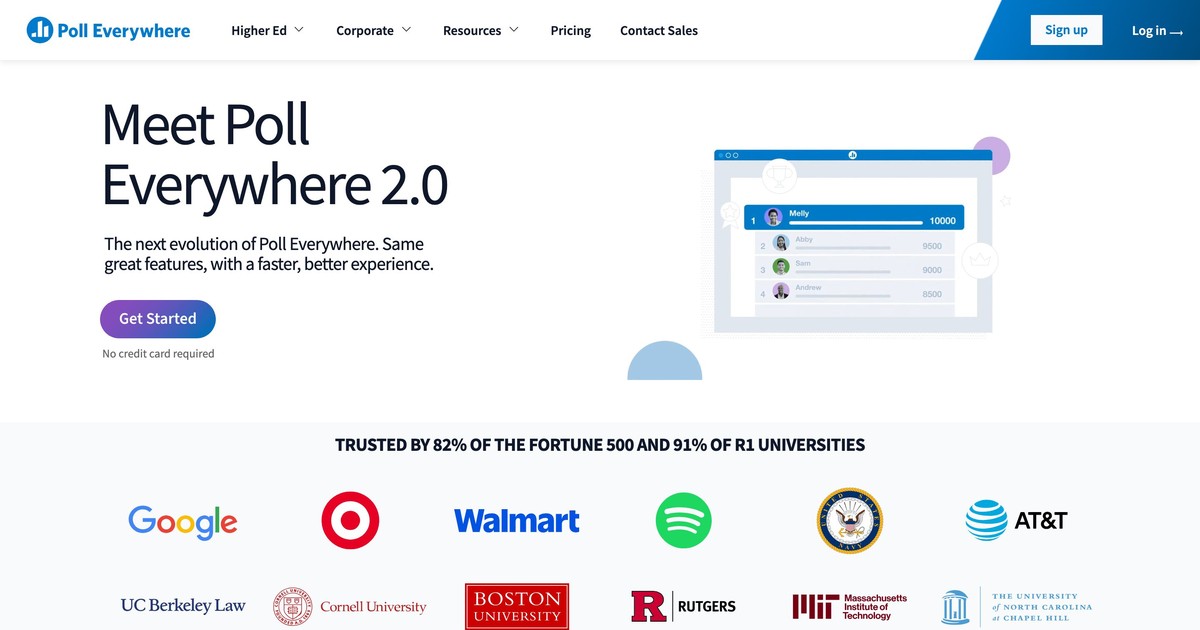
Poll Everywhere focuses on doing a few things well: polls, Q&A, word clouds, and surveys. Responses appear directly in your existing presentation, so there is no application switching mid-session. The free plan supports up to 40 responses per poll.
Founded in 2008 and widely used across universities, corporate training, and live events, Poll Everywhere has a track record that newer tools have not yet matched. If straightforward polling without complexity is the goal, this platform delivers it reliably.
Pros: Minimal learning curve; free plan for small groups; multiple question types; responses display directly in presentations; proven reliability.
Cons: Free plan limits participants to 40; limited customization; not suited for complex quizzes or gamified formats.
4. Wooclap
Best for: Higher education and professional training with a focus on collaborative learning and pedagogical depth.
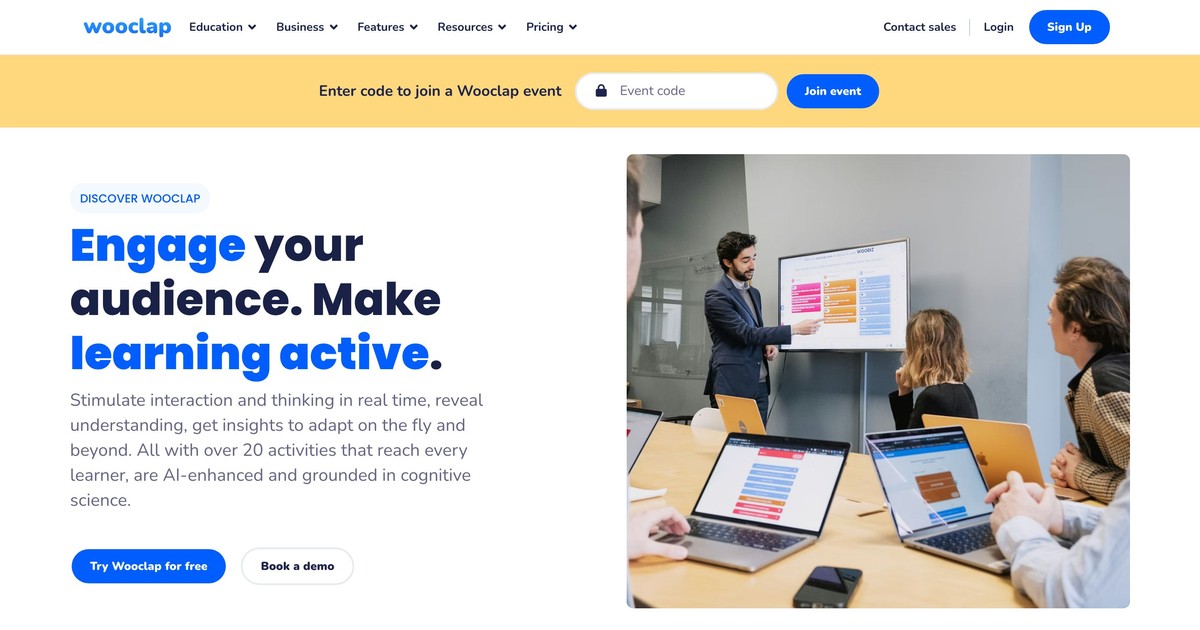
Wooclap offers more than 21 question types developed in collaboration with neuroscientists and learning technologists. Beyond standard polls and quizzes, you get brainstorming activities, image-labeling exercises, gap-fill questions, SWOT analysis frameworks, and more.
Pricing: free Starter plan (up to 5 active questions); Basic at $6.99/month billed annually; Pro at $14.99/month; Campus plans for institutions. K-12 schools get unlimited free access.
Pros: 21+ question types covering a range of cognitive tasks; built with input from learning scientists; strong LMS integration with automatic grade syncing; works across in-person, hybrid, remote, and asynchronous formats.
Cons: Interface is less gamified than Kahoot or GimKit; some features require time to explore; better suited to higher education and professional contexts than younger learners.
5. Socrative
Best for: Fast formative assessment and instant grading.
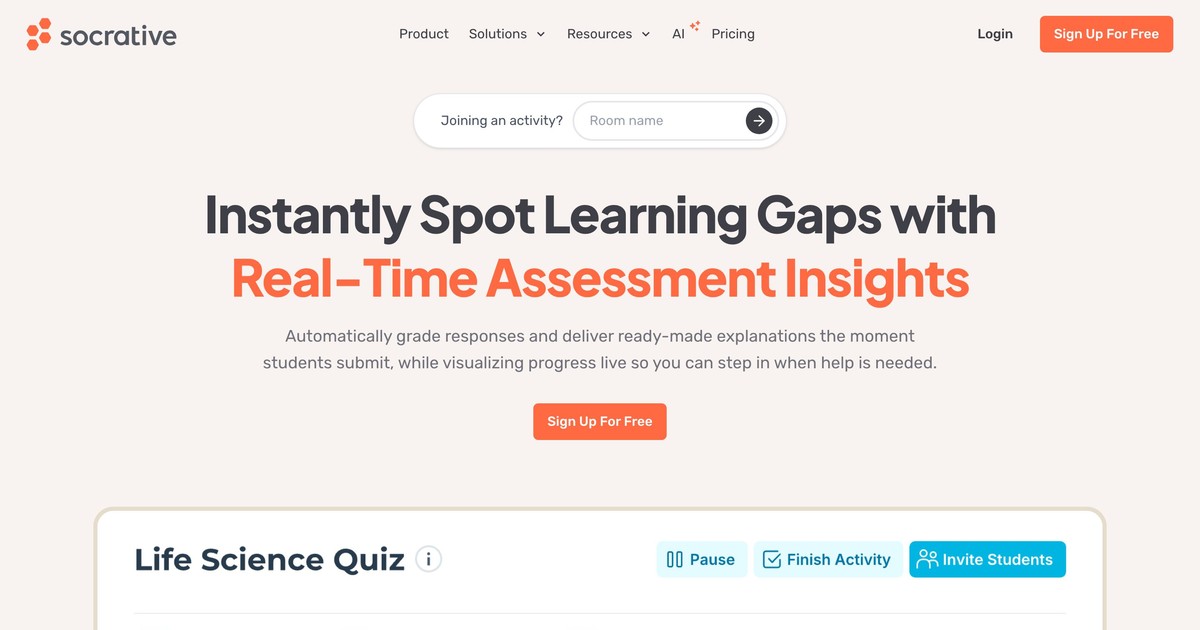
Socrative is designed around speed. Creating a quiz, launching it, and receiving instant class-wide performance reports takes minutes. The "Space Race" mode adds competitive energy without the constant leaderboard updates of heavily gamified platforms.
Pricing: free plan for up to 50 students in one room; Pro for K-12 at $59.99/year; Pro for Higher Ed and Corporate at $99.99/year.
Pros: Fast quiz creation; instant performance reports; Space Race gamification; simple room management; available on web and mobile.
Cons: Limited question types (no matching or advanced formats); no built-in question time limits; visually basic compared to competitors.
6. GimKit
Best for: Game-based learning with K-12 students.
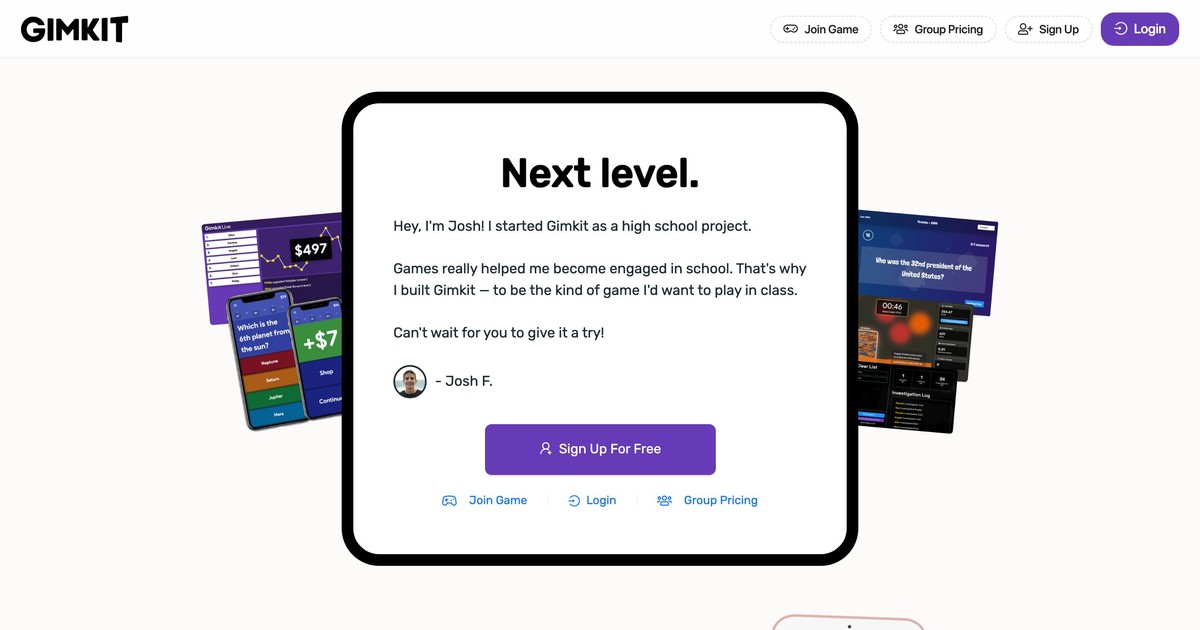
GimKit reimagines quizzes as strategy games. Students earn in-game currency by answering correctly, then spend it on power-ups and advantages. This "game within a game" mechanic sustains attention more effectively than simple point accumulation.
Question sets can be imported from Quizlet, reducing setup time. The platform regularly adds new game modes to maintain novelty. Basic access is free with unlimited students per session; GimKit Pro costs $14.99/month or $59.88/year and unlocks additional modes and features.
Pros: Engaging game mechanics; Quizlet import; regular new game modes; strong results with younger students.
Cons: Quiz-only focus limits versatility; less suitable for professional training contexts.
Choosing the right platform
| If you need... | Choose... |
|---|---|
| Engagement platform that integrates with existing tools and provides rich analytics | AhaSlides |
| Seamless LMS grade sync for university courses | iClicker |
| Simple, reliable polling for small groups | Poll Everywhere |
| Advanced question variety and learning science backing | Wooclap |
| Fast quiz creation with instant grading | Socrative |
| Game-based engagement for K-12 | GimKit |
Beyond platform features, consider your audience size, session format (in-person, remote, or hybrid), budget, and how much technical complexity you and your participants can manage. Most platforms offer free tiers or trials, so testing before committing is straightforward.
Getting started
Your first session with any classroom response system will feel slightly off. Questions will not land exactly right, timing will be awkward, and one participant's device will fail to connect. This is normal. Start with one or two polls, collect the data, and adjust your approach for the next session.
The instructors who report the strongest results are those who persist past the initial discomfort. Once the tool becomes familiar, the feedback loop it creates changes how you teach: you stop guessing what participants understood and start knowing.
If you want to extend that same interactive format beyond live sessions, the AhaSlides Online Course Builder lets you turn your polls and quizzes into a self-paced course participants can work through on their own.
Try AhaSlides free and run your first interactive session today. No participant accounts required.
Frequently asked questions
What is the difference between a classroom response system and a student response system?
The terms are used interchangeably. "Classroom response system" is most common in K-12 and higher education. "Student response system" appears more in academic research. "Audience response system" describes the same technology in non-education contexts such as corporate training and events.
Do classroom response systems improve learning outcomes?
Yes, when implemented thoughtfully. The mechanisms are well documented: active retrieval practice strengthens memory, immediate feedback allows learners to correct misconceptions in real time, and inclusive participation reduces the gap between engaged and disengaged students. The technology alone does not produce results; question quality, strategic timing, and follow-up on data determine actual impact.
Do classroom response systems work for remote and hybrid sessions?
Yes. Modern platforms run in browsers, so participants can join from any location with internet access. In hybrid sessions, in-room and remote participants respond to the same questions and see the same results. This flexibility made these tools especially valuable during the shift to remote learning and continues to support hybrid formats.
Sources
[1] Freeman, S. et al. (2014). Active learning increases student performance in science, engineering, and mathematics. Proceedings of the National Academy of Sciences, 111(23), 8410-8415. https://doi.org/10.1073/pnas.1319030111