


Looking for free word art generators to visualize responses dynamically? This article goes through 8 of the best tools and each one's pros and cons so you can make an easy decision.
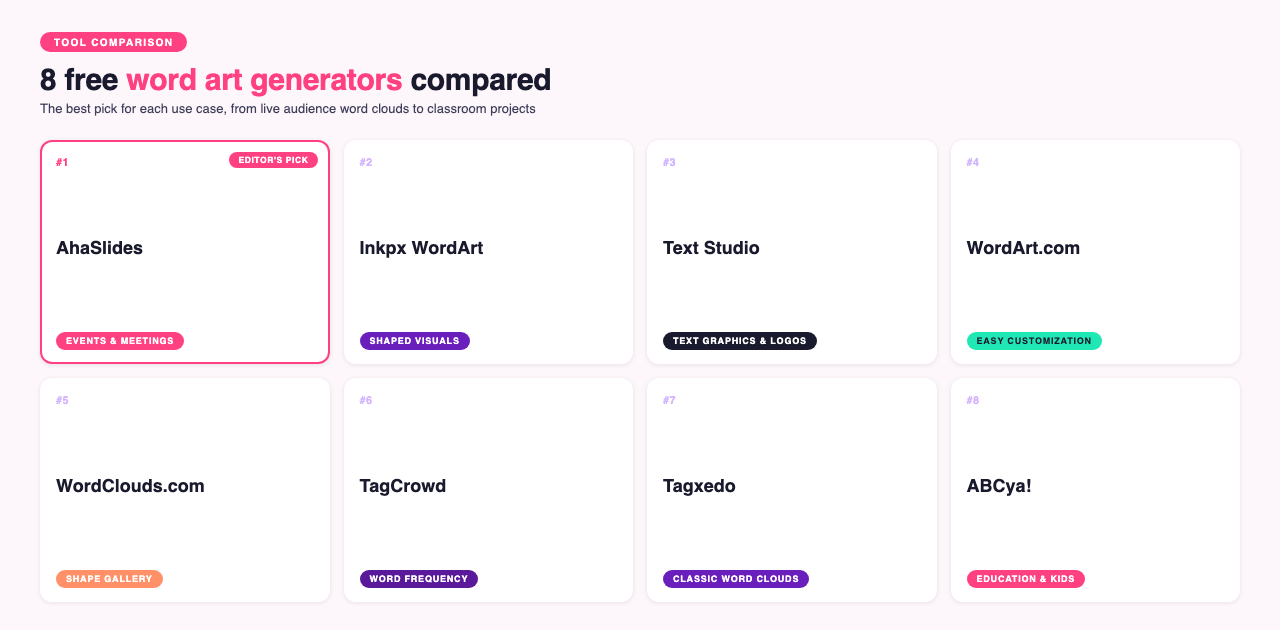
8 free word art generators
- AhaSlides
- Inkpx WordArt
- Text Studio
- WordArt.com
- WordClouds.com
- TagCrowd
- Tagxedo
- ABCya!
#1. AhaSlides
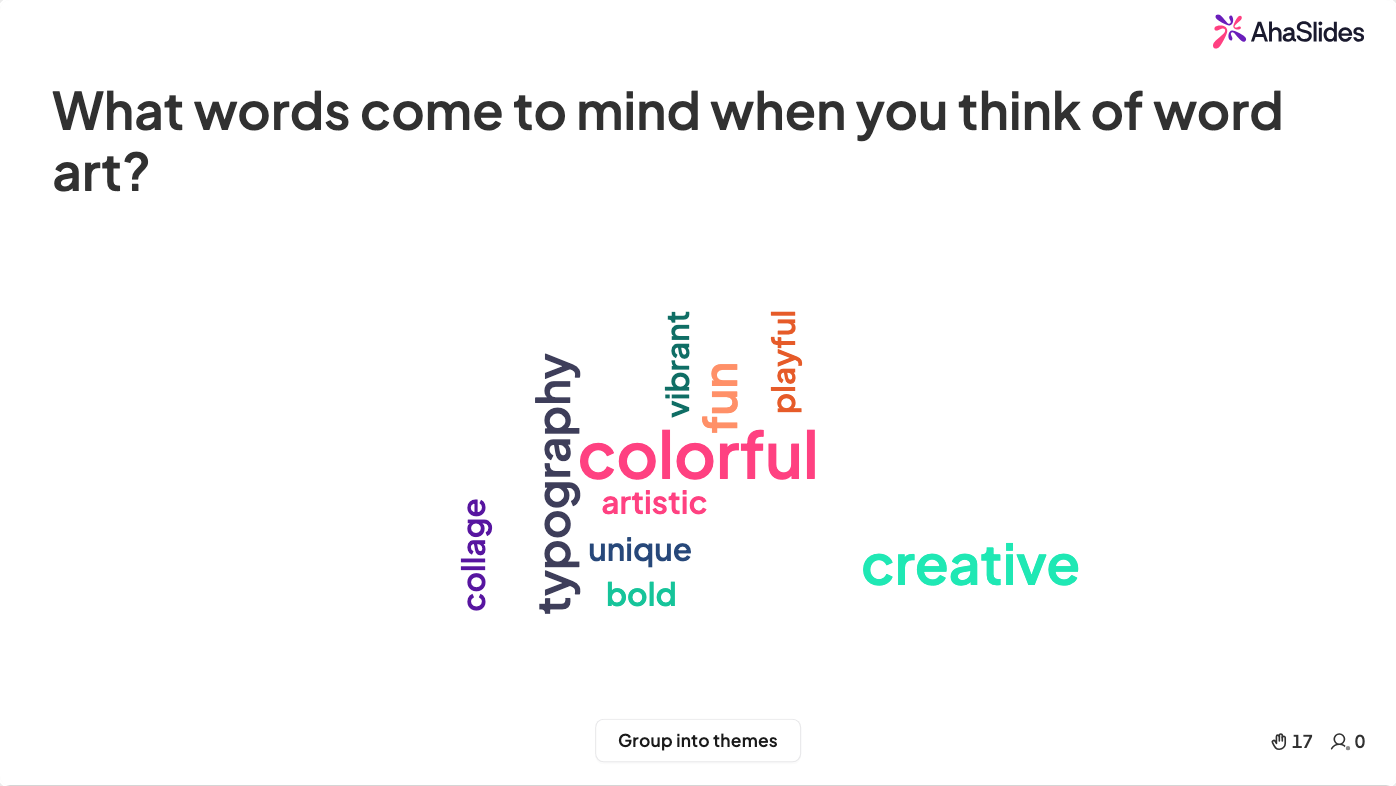
You can customize your word art in simple steps with the AhaSlides word cloud generator. Its built-in word cloud feature can be creatively tailored with an interactive, intelligent user interface.
Pros:
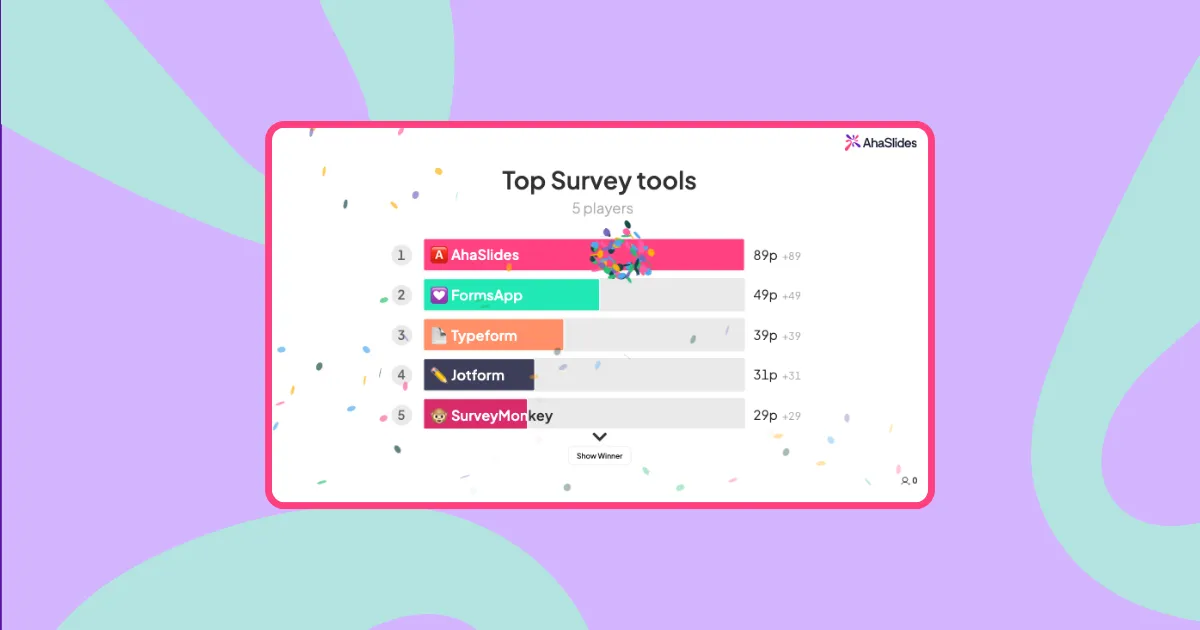
Its best advantage is visualizing live audience input in presentations, letting participants respond to a prompt, for example "What are random English words?". Audiences can respond quickly and simultaneously see the live word cloud display of all responses in real time.
- Resizes each word automatically based on how often it's submitted, so popular answers stand out
- Integrates with the AhaSlides presentation platform for interactive audience engagement
- Visually dynamic with different color palettes
- Scales to handle large audience participation, up to 2,500+ on paid plans (the free plan caps at 50)
- Filters inappropriate content automatically
Cons: Requires an AhaSlides account to use fully.
#2. Inkpx WordArt
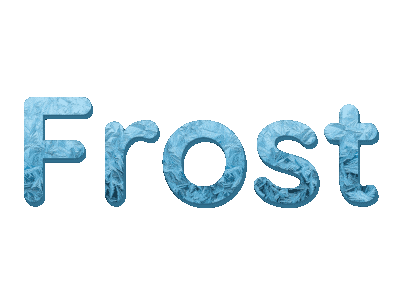
Pros: Inkpx WordArt offers a range of text graphics that transform your input text into visual word art immediately. You can download it for free in PNG format. If you want themed word art like birthday and anniversary cards and invitations, its library has plenty of ready-made options. Style-based categories like natural, animal, overlay and fruit make it quick to find a look that fits.
Cons: The font and style selection for single-word art is more limited than its card design feature, making complex designs harder to pull off.
#3. Text Studio
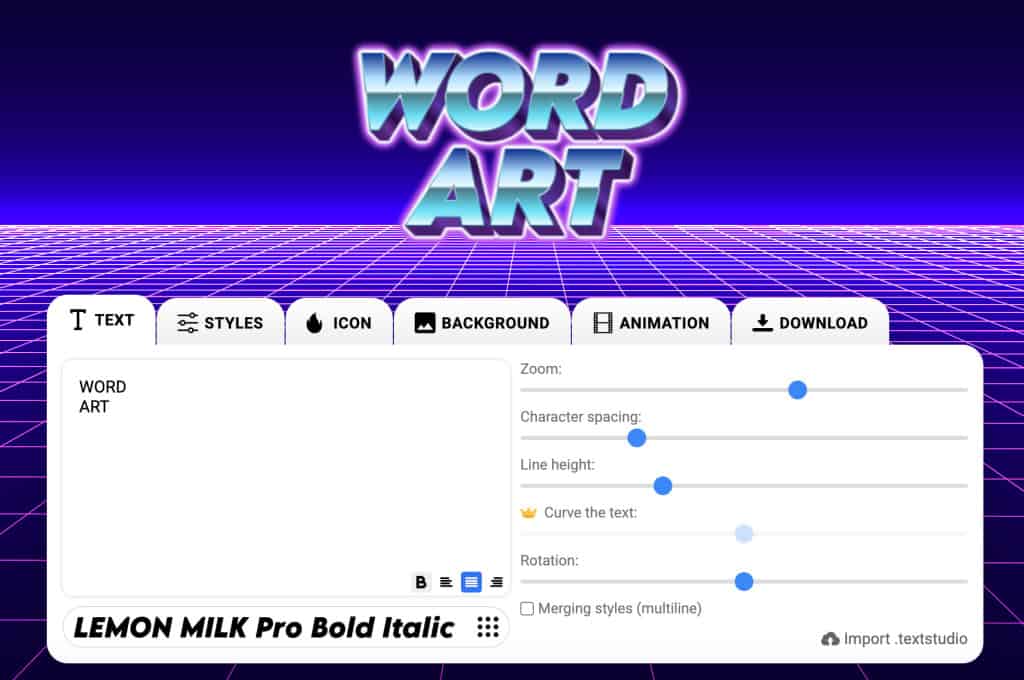
Pros: This free word art/text graphic generator lets users input text and transform it into visually appealing designs using various fonts, shapes, colors and arrangements. It's built for eye-catching text-based graphics such as logos, headings or social media posts.
Cons: It's purely a tool for creating appealing word art, so it works differently from other word cloud generators.
#4. WordArt.com
Pros: WordArt.com aims to help you get a great result with ease, fun and customization. It's a free word art generator suited to newcomers who want professional-looking word art in a couple of steps. Its standout feature is shaping the word cloud however you like, with plenty of editable shapes to adapt in no time.
Cons: You can download sample HQ images before buying, but the high-quality output used for real materials like outfits and mugs needs to be paid for.
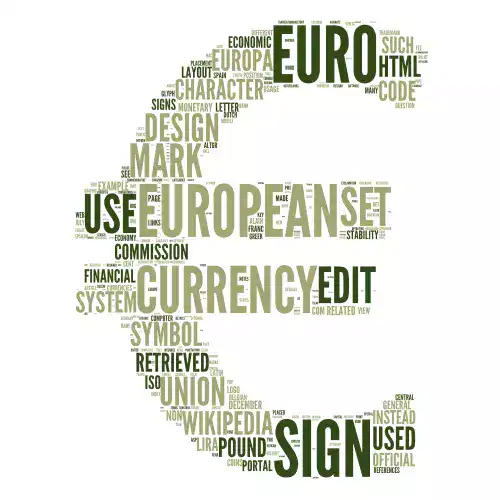
#5. WordClouds.com
Pros: WordClouds.com turns boring single texts and phrases into visual art, similar to WordArt.com. Its gallery has plenty of samples to customize directly, plus hundreds of shapes, icons, letters and even uploaded shapes to build a word cloud however you like.
Cons: If you want an interactive word cloud platform for live audiences, it isn't the best fit.
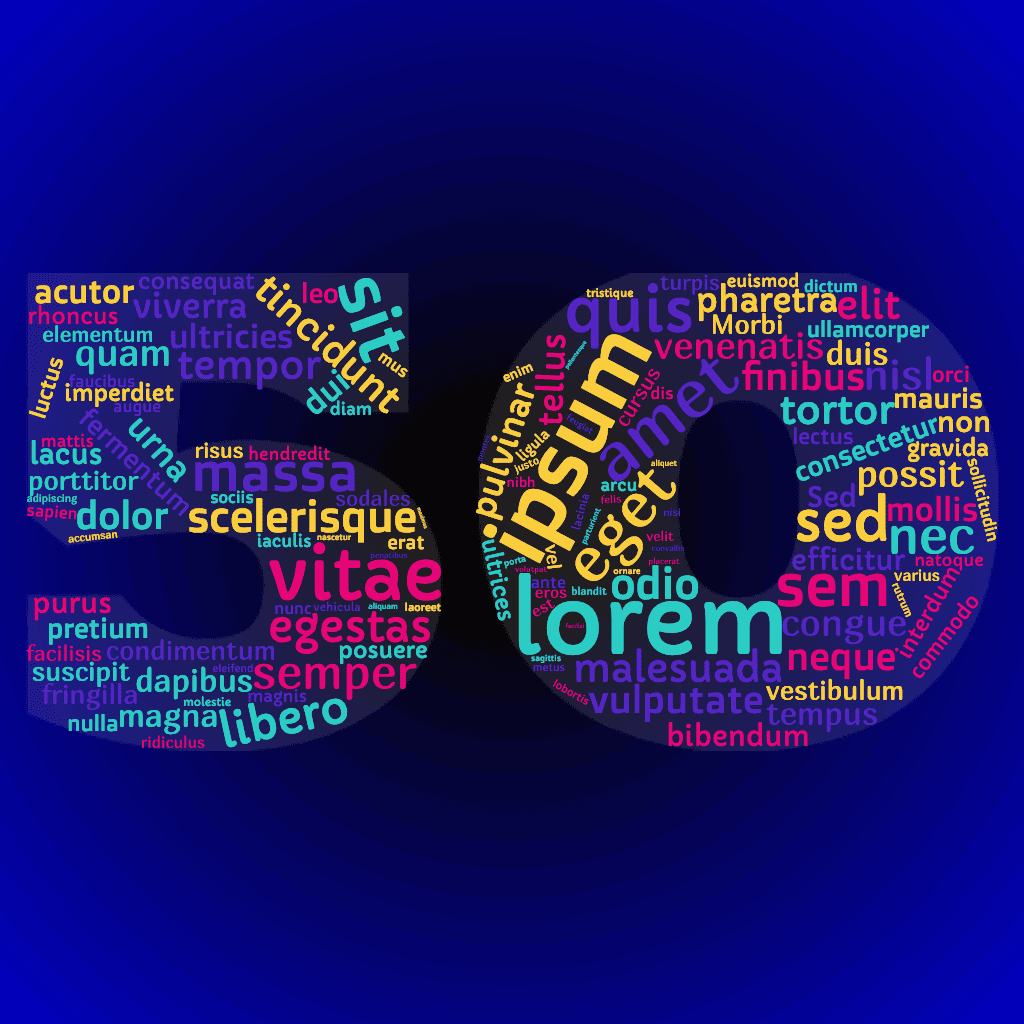
#6. TagCrowd
Pros: TagCrowd visualizes word frequencies from any text source, whether plain text, a web URL or a file. It converts text into an elegant, informative word cloud, text cloud or tag cloud, shows frequency counts, and supports more than 10 languages [1] while automatically grouping words into clusters.
Cons: TagCrowd favors minimalism and efficiency, so the word art can look monochromatic or plain, without many shapes, backgrounds, fonts or styles.
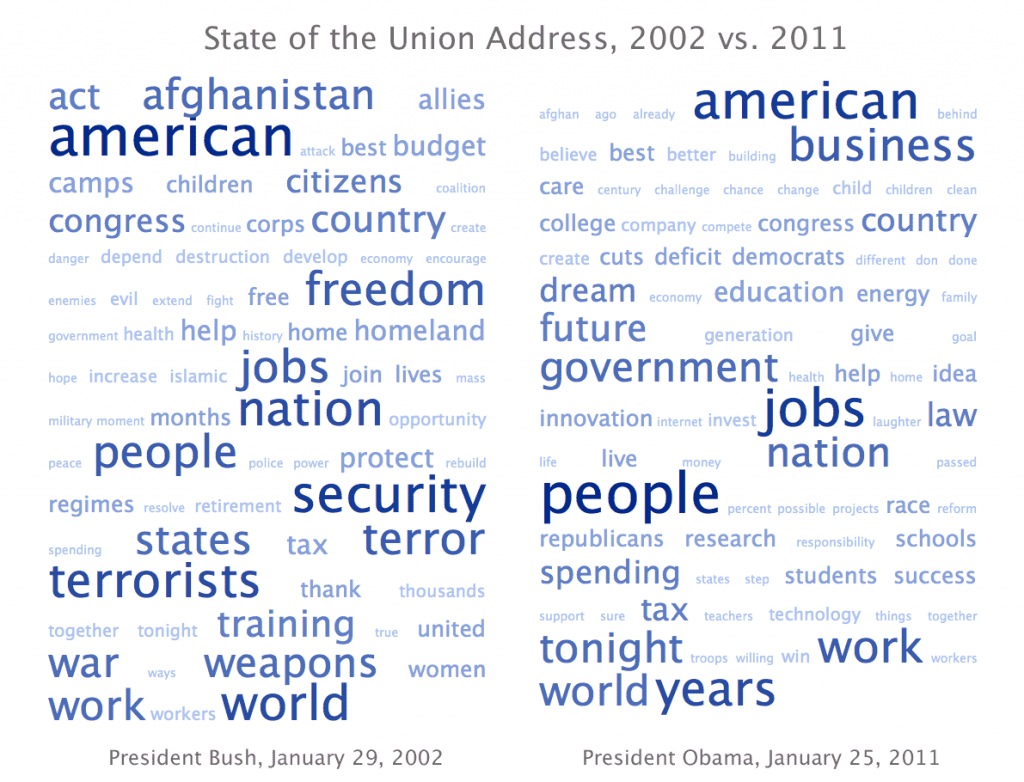
#7. Tagxedo
Tagxedo was a popular tool for shaping word clouds into custom silhouettes, but its site returned a server error on every check at the time of writing [3], so treat it as an option to verify rather than a sure thing.
Pros: When it's up, Tagxedo is great for creating beautiful word cloud shapes and turning words into appealing visuals by highlighting text frequency.
Cons:
- The site is currently unreliable and often fails to load [3]
- Built on Silverlight, a browser plugin that major browsers stopped supporting years ago [4]
- Limited functionality compared to newer word cloud tools
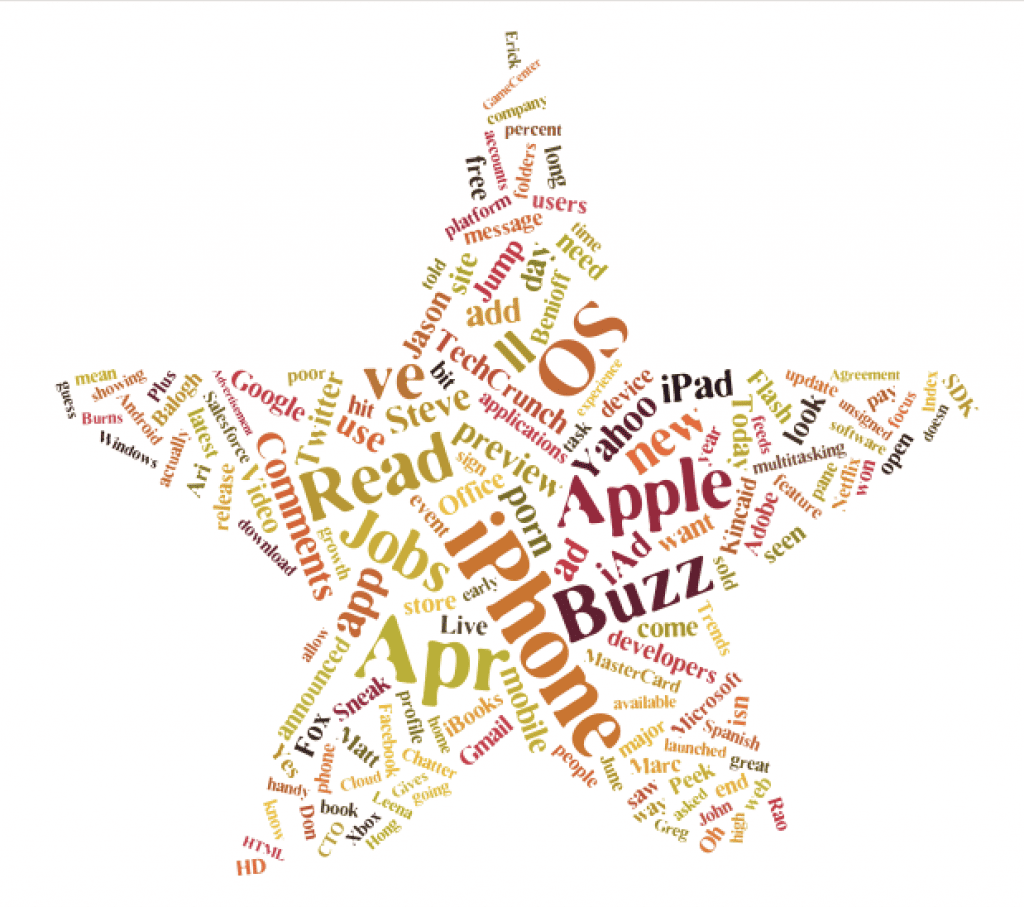
#8. ABCya!
Pros: ABCya's word art generator is a strong pick for kids, helping them learn through quizzes and games. Its annual plan works out to about $5.83 a month [2], suitable for schools and families.
Check out ABCya! pricing.
Cons:
- Fewer font choices than specialized word cloud software
- A more basic shape library than some alternatives
Word art generator overview
| Best word art for | Tool |
|---|---|
| Events and meetings | AhaSlides Word Cloud |
| Education | ABCya! |
| Describing word frequency | TagCrowd |
| Themed word art visuals | Inkpx WordArt |
| Pairing with another engagement feature | Spinner wheel |
Frequently asked questions
What is the best free WordArt generator?
It depends on what you need. WordArt.com keeps the nostalgic feel of classic WordArt while adding modern shape and font tools, and the 8 tools above cover different use cases, from AhaSlides for live audience word clouds to ABCya! for classroom use.
Is there a free AI that makes art from words?
Yes. AI text-to-image tools such as Canva's Text to Image, Microsoft Bing Image Creator, Craiyon and Leonardo.ai can turn a text prompt into art. Free access and limits vary by tool and change over time, so check each provider's current pricing page before relying on a free tier.
Is there WordArt in Google Docs?
Google Docs doesn't have a feature called "WordArt" specifically, but its Drawing tool offers similar functionality:
- Go to Insert → Drawing → New
- Click the Text box icon "T"
- Draw your text box and enter text
- Use the formatting options to change colors, borders and effects
- Click "Save and close"
Sources
- TagCrowd language support: https://tagcrowd.com/
- ABCya! subscription pricing: https://www.abcya.com/subscribe/
- Tagxedo site status, checked directly at time of writing: https://www.tagxedo.com/
- Microsoft Silverlight end of support: https://learn.microsoft.com/en-us/lifecycle/products/silverlight-5
.webp)



