


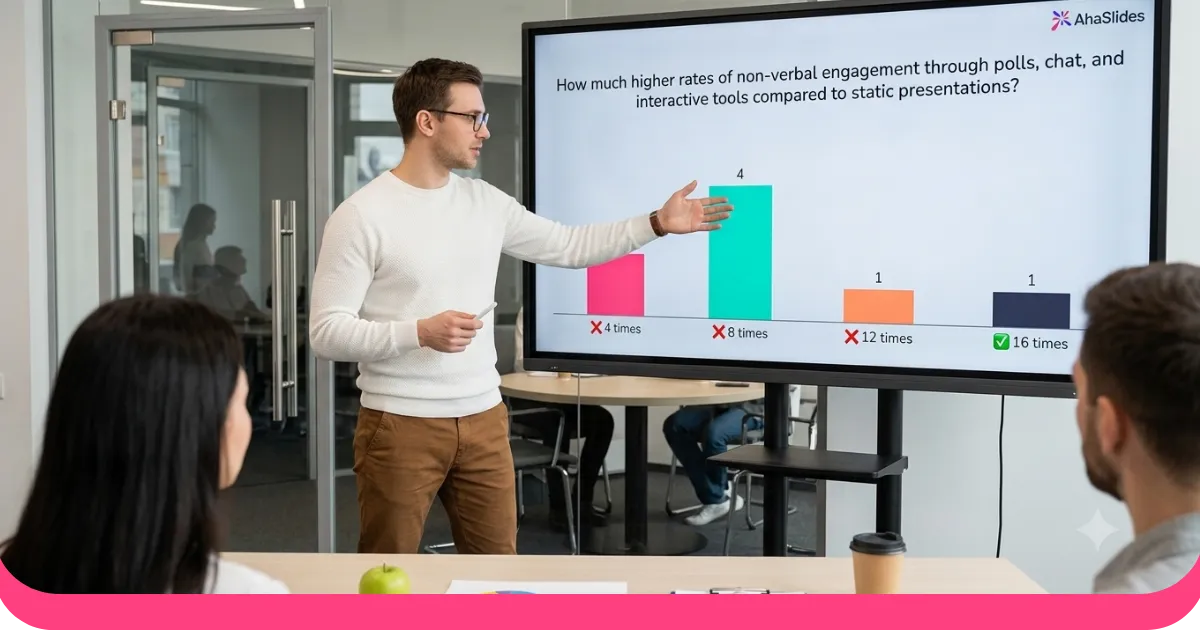
AhaSlides has been in the quiz business (the 'quizness') since before quiz fever took over the world. Here's a quick guide on how to make a quiz in 4 steps, with 12 tips to reach a quizzing triumph.

When and how to make a quiz
Quizzes work in almost any setting, virtual or live:
At work: Team bonding doesn't need to be elaborate. A few rounds of icebreaking trivia can turn an obligatory get-together into something people enjoy.
At the pub: New quiz software turns the classic pub quiz into a multimedia event complete with audio clips, image rounds, and live leaderboards.
At an event or conference: Quizzes are one of the best ways to warm up a crowd, break up a long agenda, or check comprehension after a training session.
At home: A quiz is a natural fit for a games night. No venue, no budget required.
Psst, need some free quiz templates?
You're in luck! Sign up for AhaSlides and use them instantly!
Step 1: Choose your structure
Before writing a single question, define the shape of your quiz:
How many rounds will you have?
What will each round cover?
In what order will the rounds run?
Will there be a bonus round?
Most of those decisions are straightforward. The hard one is figuring out what your rounds should be. These tips help.
Tip 1: Mix general and specific rounds
A common approach is to weight your quiz toward general knowledge, with a smaller slice of specialist topics. Think roughly three-quarters general, one-quarter specific.
General rounds cover topics most people have some exposure to: geography, science, history, current events, music. If you could have learned it in school, it qualifies.
Specific rounds go narrower: football, a particular film franchise, celebrity gossip, niche history. Not everyone will answer every question, but fans of that topic will love you for it.
The point is balance. Too many specialist rounds alienate players who don't share those interests. Too few and the quiz can feel flat.
Tip 2: Include a personal round
If you know your audience, personal rounds are the highlight of the night:
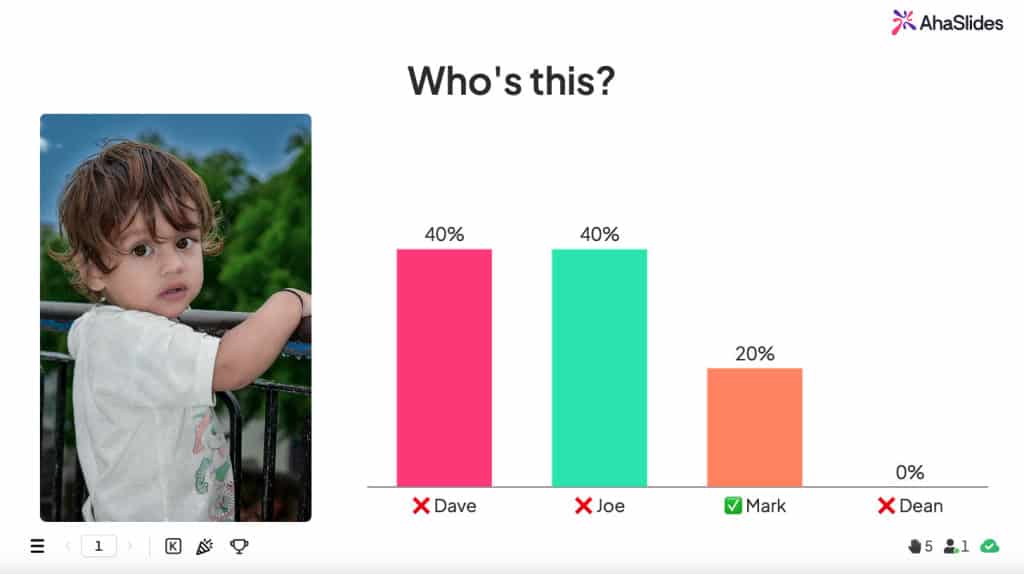
Who's this? Collect baby photos from participants and ask others to identify them. Works every time.
Who said it? Screenshot old group chat messages or social posts and have players guess the author. Comedy guaranteed.
Who drew it? Give everyone the same abstract prompt ("disappointment", "a Monday morning"), collect the drawings, then have players guess the artist. Prepare for chaos.
Personal rounds take a little prep but reward generously in laughs and engagement.
Tip 3: Add a puzzle round
Puzzle rounds break the question-and-answer rhythm and test people's brains in a different way. Here are three formats that work well:
Name it in emojis
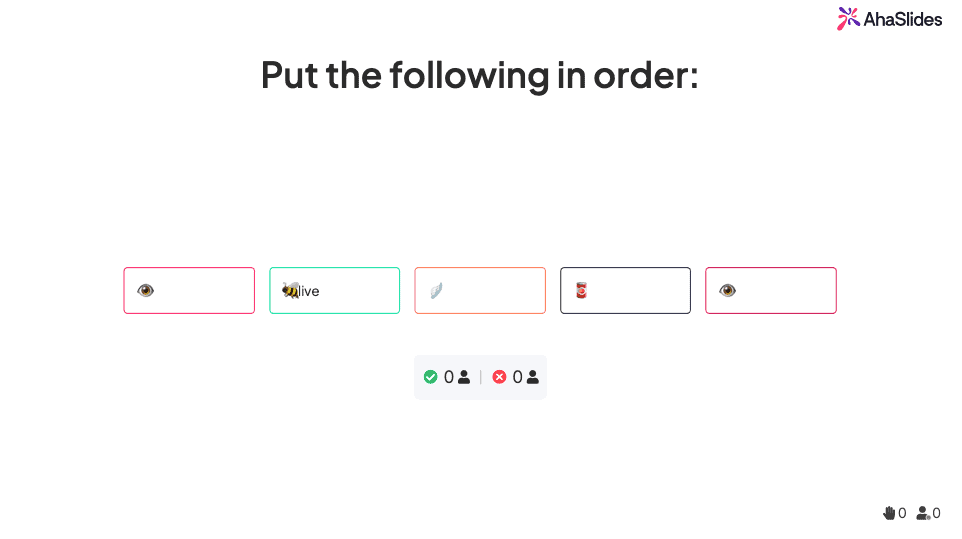
Show the emojis out of order. Players rearrange them. Use the Correct Order slide type on AhaSlides for this.
Zoomed-in images
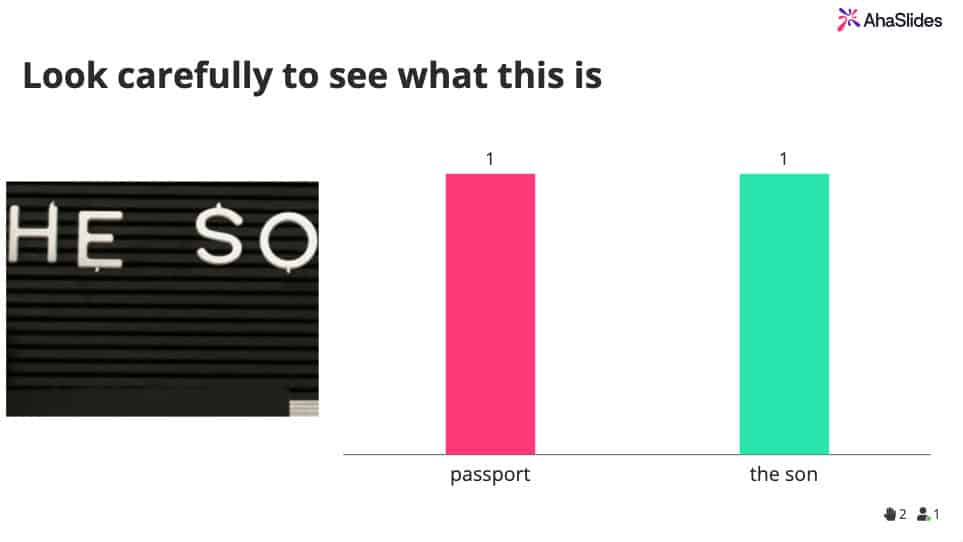
Players guess what the full image is from a tight crop. Upload a picture to a pick-answer or type-answer slide, crop it to a small section, then reveal the full image as the leaderboard background on the next slide.
Word scramble
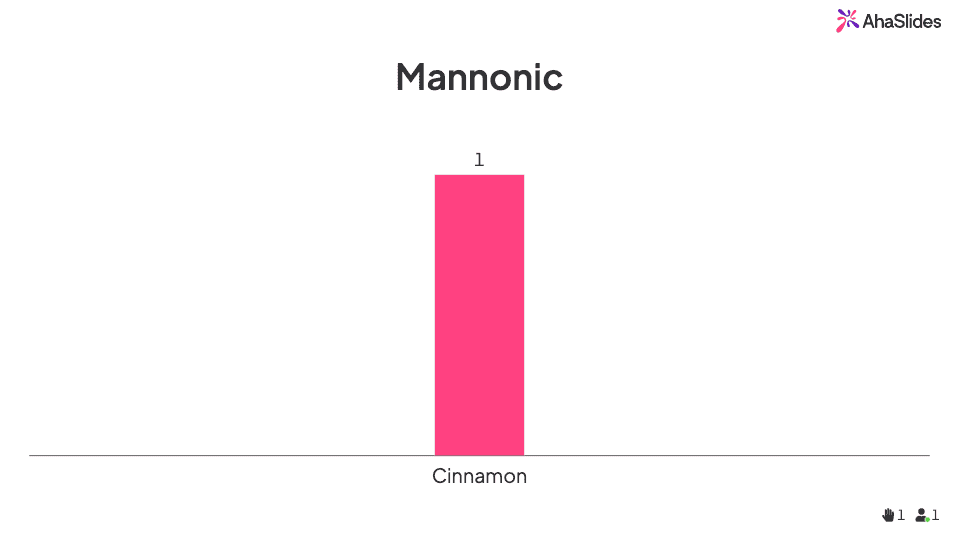
Give players an anagram to unscramble. Classic for a reason.
Tip 4: Use a bonus round
A bonus round is where structure goes out the window. Break away from questions entirely and try one of these:
Household recreation: Players recreate a famous scene using only items from around the house. Put it to a group vote and award points to the winner.
Scavenger hunt: Give everyone the same list of descriptions and five minutes to find matching items at home. The more abstract the prompts, the funnier the results.
More like this You'll find more ideas in this article: 30 Totally Free Virtual Party Ideas.
Step 2: Choose your questions
Your questions need to be:
Relatable to your audience
A mix of easy and difficult
Short and clearly worded
Varied in type
You can't cater to everyone with every question. Keeping things simple and varied is the most reliable path to a quiz that works.
Tip 5: Keep it relatable
Unless you're in a specialist round, keep questions as broadly accessible as possible. A batch of niche pop culture questions in a general knowledge round will lose anyone who doesn't follow that franchise or show.
Test your questions on someone with a different background or age group before the event. If they look blank, rewrite or move that question to a dedicated specialist round.
Tip 6: Vary the difficulty
A round where every question is equally easy (or equally hard) loses people fast. Mix it up within each round:
Easy to hard: Questions get progressively harder through the round. This is standard pub quiz format and works well.
Random order: Easy and hard questions alternate unpredictably. It keeps players on their toes and prevents the energy from dropping once the hard questions arrive.
The key point: make sure difficulty is varied. An audience that finds the whole quiz boringly easy or frustratingly hard will check out.
Tip 7: Keep questions short and clear
Questions should be readable in one pass. If someone has to ask you what the question means, it needs a rewrite. This matters even more when you award points for speed: if players are racing the clock, every extra word costs them.
A good test: read the question aloud. If it takes more than two breaths, trim it.
Tip 8: Use a variety of question types
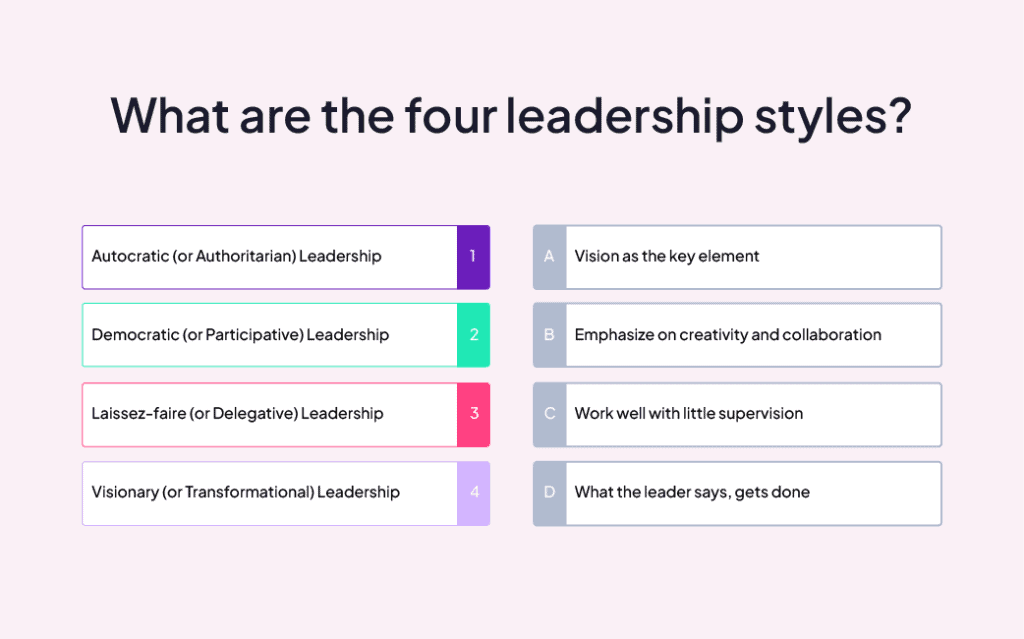
Forty multiple-choice questions in a row is a slog. Mix in other types to keep the format fresh:
Multiple choice: Four options, one correct answer. Simple and effective.
Image choice: Four images, one correct. Great for geography, art, and sport rounds.
Type answer: No options, players type freely. Raises the difficulty and rewards precise knowledge.
Categorize: Players sort items into the right groups. Works well for educational content.
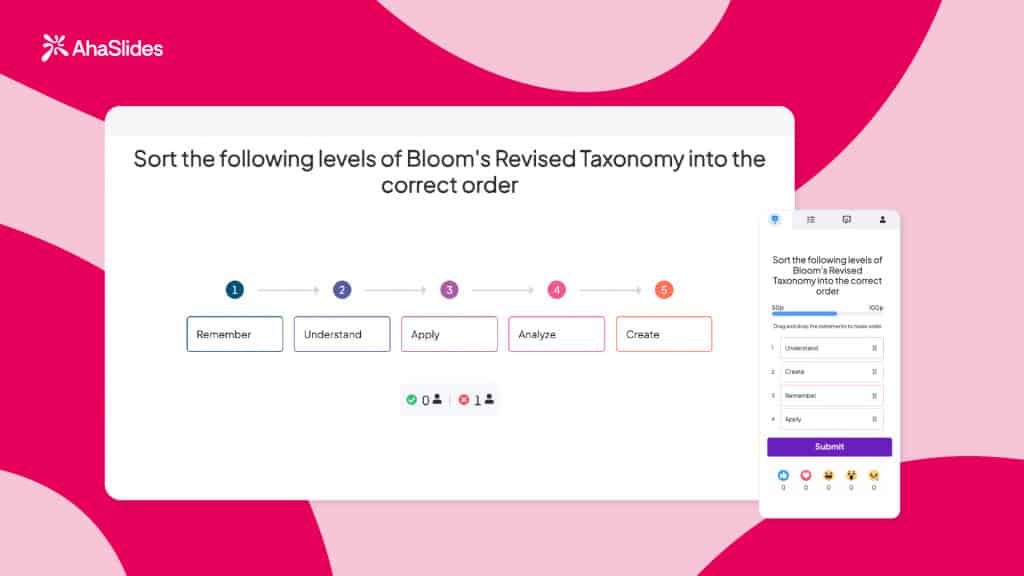
Correct order: Players arrange a set of items in the right sequence. Good for history and process-based questions.
Audio: Attach a sound clip to any question type. Excellent for music rounds or nature identification.
Step 3: Make it interesting
Structure and questions are sorted. Now make the quiz worth looking at and worth competing in:
Add backgrounds to slides
Enable team play
Reward faster answers
Control when the leaderboard appears
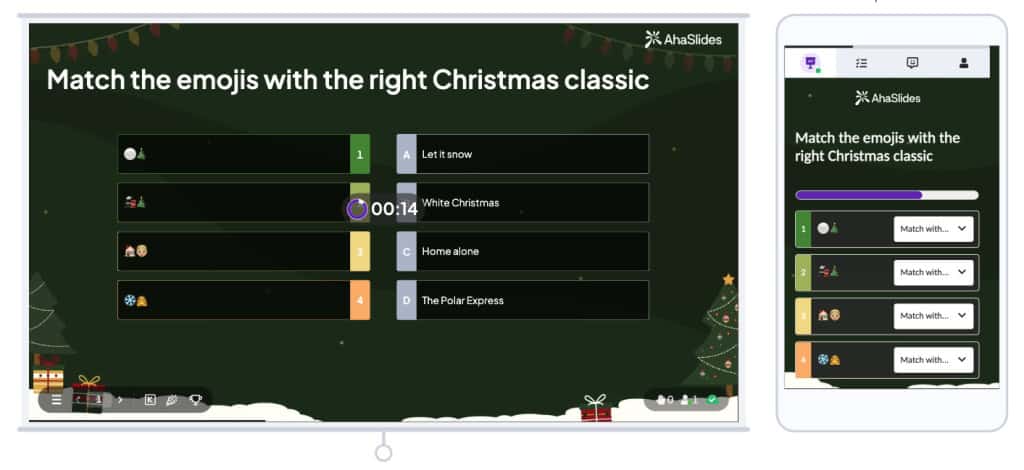
Tip 9: Add backgrounds
A well-chosen background transforms how a quiz round feels. It can set a theme, add a visual clue for a hard question, or make the slides look less bare.
A few ways to use them:
One background per round: Use the same image or GIF for every slide in a round. This unifies the round visually and signals the theme at a glance.
A different background per question: More prep, but it keeps every slide feeling fresh.
Backgrounds as clues: A subtle visual hint on a hard question is a thoughtful touch.
Backgrounds as the question itself: The zoomed-in image round from Tip 3 is the clearest example.
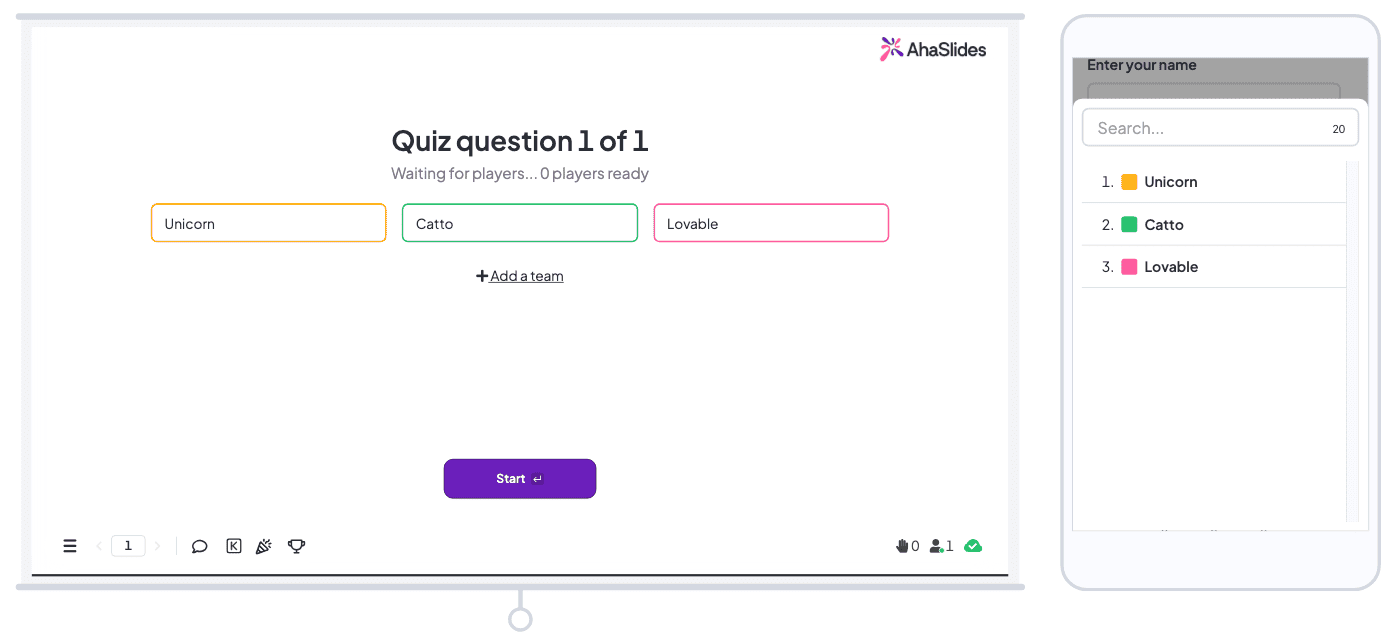
Tip 10: Enable team play
Team competition raises the stakes without changing your questions at all. Players who might coast through a solo quiz suddenly care a lot more when their teammates are watching.
On AhaSlides, team scoring can be set to average score or total score across all members. Average score is the fairer option for teams of different sizes; total score rewards large teams but cranks up the pressure on every player.
Tip 11: Withhold the leaderboard
Suspense is a quiz's best friend. If everyone knows where they stand at all times, there's no drama at the end.
Two approaches:
Reveal only at the end: One final leaderboard after all rounds. No one knows their position until the very last moment.
Reveal after each round: A leaderboard at the end of every round so players can track progress, but you still control the pacing of the reveal.
AhaSlides attaches a leaderboard to every quiz slide by default. Remove it by clicking "remove leaderboard" on the slide or deleting it from the navigation menu.
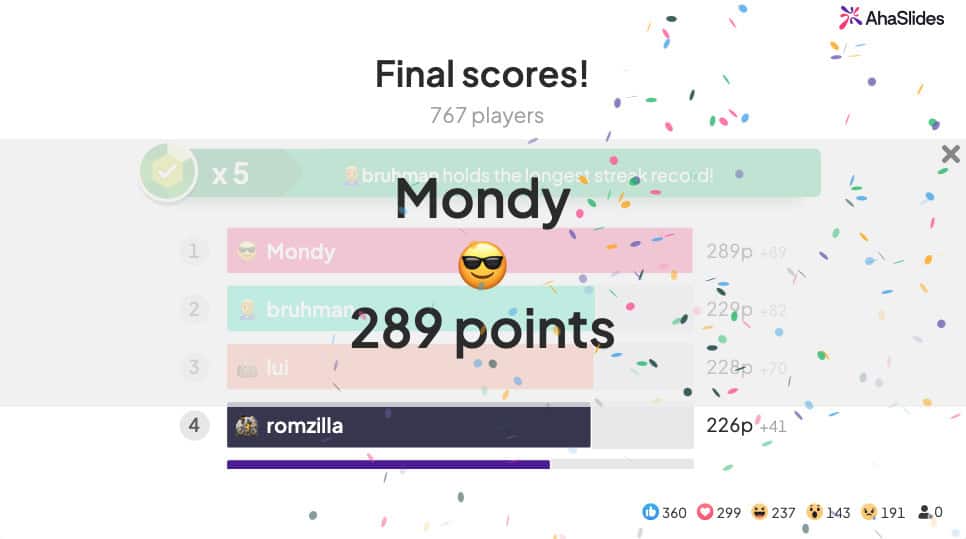
Protip Add a heading slide between the last quiz slide and the final leaderboard. Use it to build anticipation through text, music, or a countdown. The contrast between that pause and the reveal lands every time.
Step 4: Present like a pro
A well-built quiz can still fall flat with a weak delivery. Here's how to host it well.
Introduce each round properly
Don't launch straight into questions. Before each round, tell players:
What the round covers
How many questions to expect
Any special rules
How scoring works
Use a heading slide with clear instructions. The fewer questions players have to ask mid-round, the better.
Read questions aloud
Even though the text is on screen, read every question out loud. It's more engaging, more professional, and makes sure no one misses the question because they were looking elsewhere.
Practical tips for reading aloud:
Speak louder than feels necessary: rooms absorb sound
Slow down: slower than natural usually lands just right
Read it twice: the second read catches people who spaced out the first time
Stress the key words: help players identify what the question is actually asking
Share facts after each answer
After revealing the correct answer, add a sentence about why it's interesting or what the context is. People enjoy learning odd facts, and it makes the quiz feel like more than a score chase.
Keep the energy moving
Show genuine enthusiasm. If you look bored, they will be.
React to the room: celebrate close answers, acknowledge a hard question.
Keep the pace up. Long silences between questions lose momentum fast.
Prepare for tech issues, because they happen. Have a backup plan.
Wrapping up
Making a good quiz comes down to four things: a clear structure, well-chosen questions, some visual polish, and a confident delivery.
Whether you're running a team training session, hosting an event, or setting up a games night, these four steps give you a framework that works across all of them.
Know your audience. Keep it varied. Don't overthink it. Quizzes are supposed to be fun.
Ready to build yours?
AhaSlides has templates, multiple question types, team scoring, speed bonuses, and everything else you need to run a quiz people will want to come back for.

.webp)