Draw Answer: let everyone sketch live

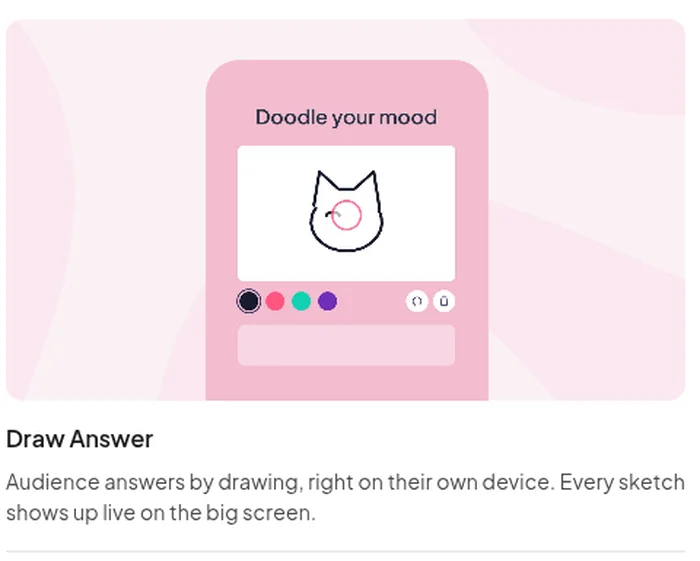
Ask one question and everyone draws their answer on their own phone. Every sketch lands on the big screen the moment it is sent.

Try Draw Answer free

Interactive drawing on the Free plan, for up to 50 participants.

Rated 4.8 out of 5 on G2, based on 1000 reviews
  • Abu Dhabi University logo
  • Airbus logo
  • Bend La Pine Schools logo
  • BMC logo
  • Bosch logo
  • Criteo logo
  • Ferrero Rocher logo
  • Intel logo
  • Ivy Tech Community College logo
  • Le Quiz Show logo

Rooms that join in

  • 95%

    Student engagement rate, Academic Tutoring Centers

  • 600,000

    Students and teachers in Denmark, SkoleTube

Try Draw Answer free

Set up a drawing round in three steps

  • AhaSlides slide picker searching for draw, with the Draw Answer slide type and its preview

    Step 1: Add the slide

    Search the slide picker for Draw Answer. It sits under Poll.
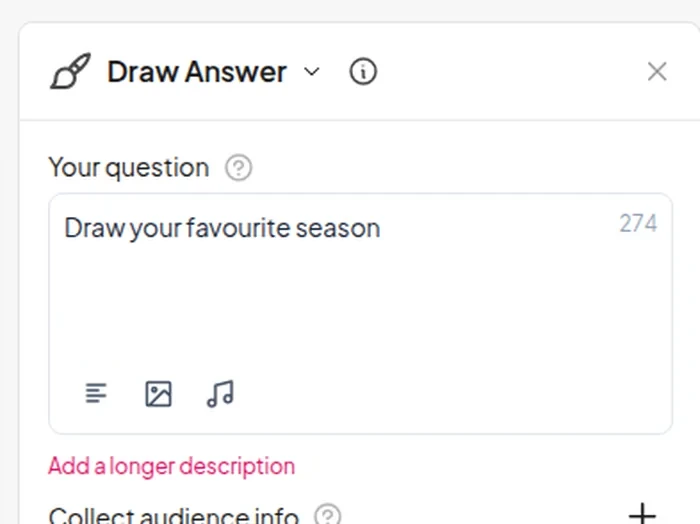
  • AhaSlides editor with the prompt Draw your favourite season in the Draw Answer settings panel

    Step 2: Write the prompt

    Type your question, such as Draw your favourite season. The prompt is all you write.
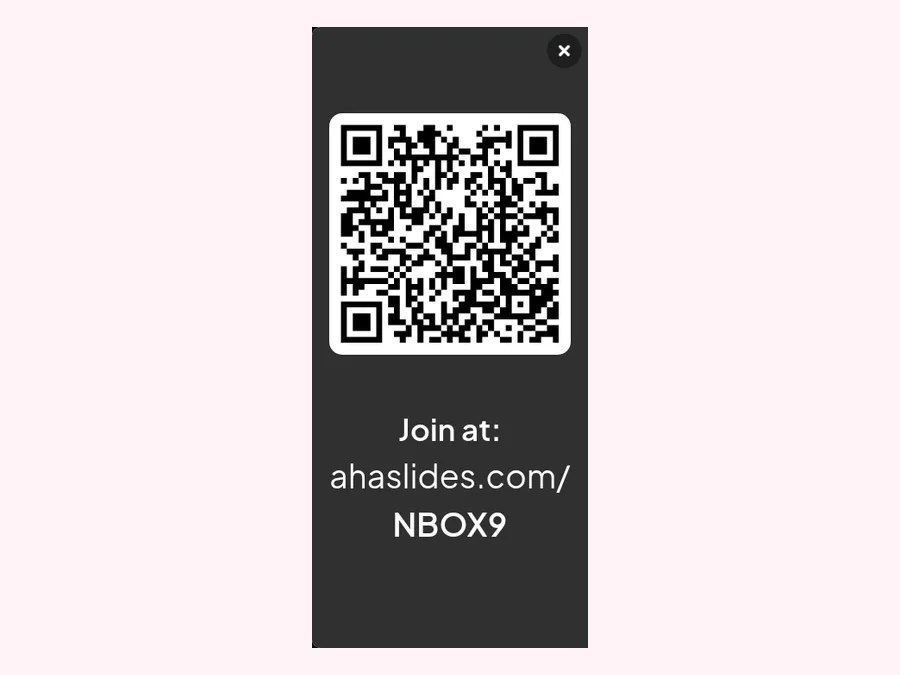
  • Join panel on the presenter screen with a QR code and the link ahaslides.com plus the join code

    Step 3: Show the code

    Players scan the QR code, click the access link or type the join code. No app, no account.

Try Draw Answer free

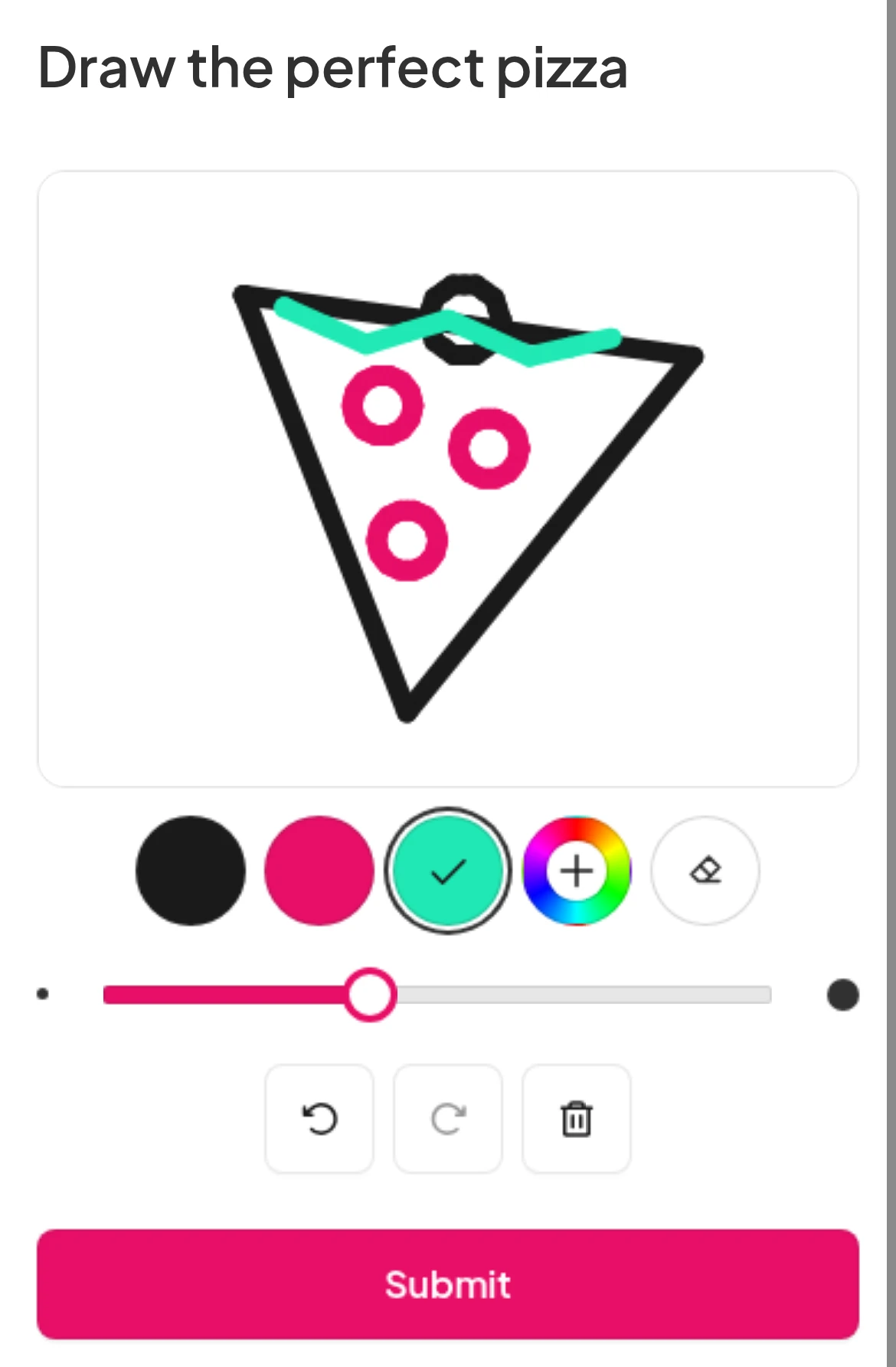
Everyone gets their own sketchpad

Try Draw Answer free
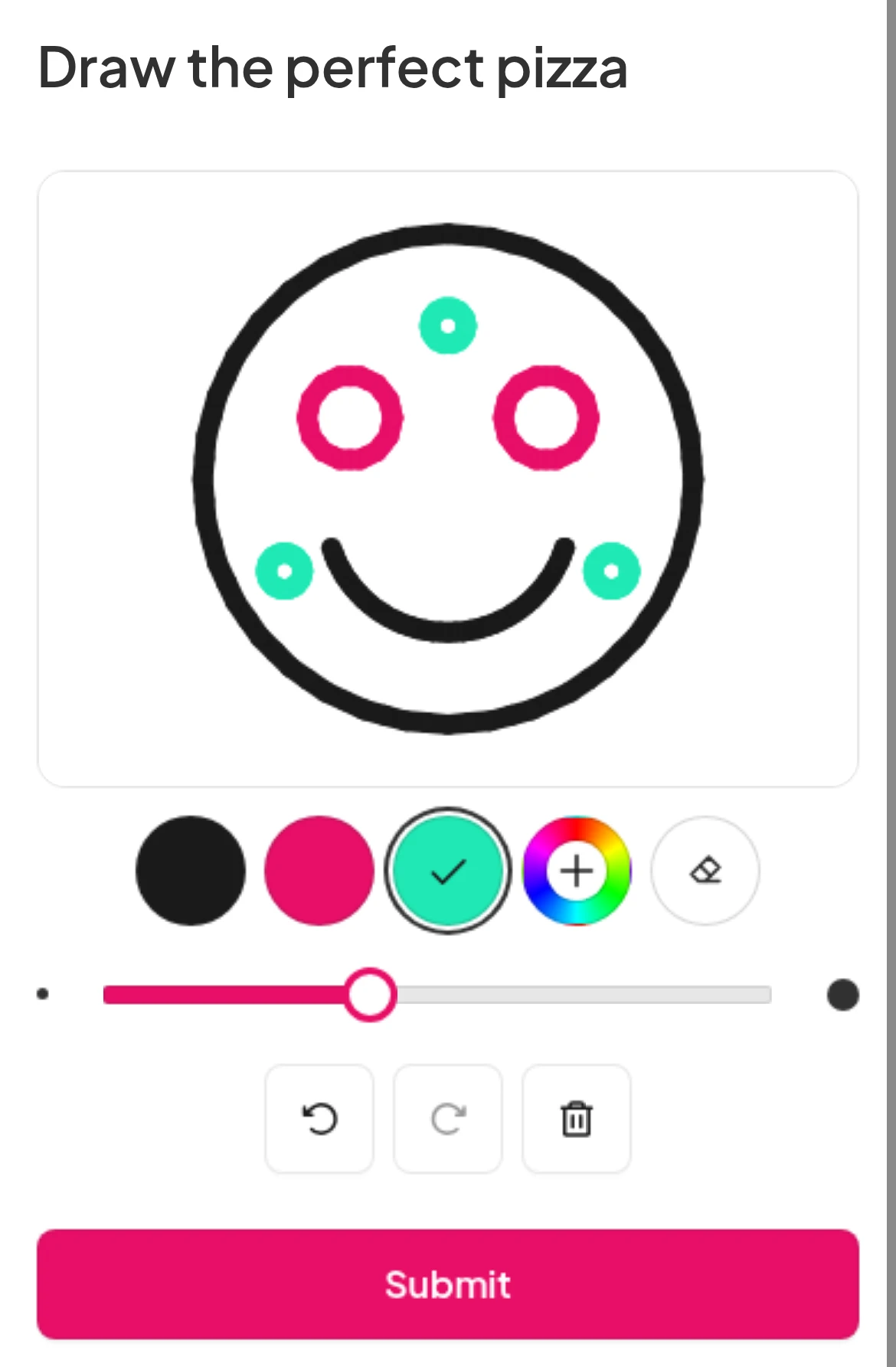
Phone sketchpad with a pizza drawn in black, pink and teal, the colour dots, brush size, eraser, undo, clear and a Submit button

Three ways to get a room drawing

  • Warm up a new group

    Ask people to sketch their week. A drawing breaks the ice faster than a name round.

  • Close with one sketch

    End with the key idea as a drawing. The wall shows what stuck, and it takes a minute.

  • Build a shared scrapbook

    Ask for a best moment of the year, term or trip. Every memory lands on the same screen.

Try Draw Answer free

What hosts, teachers and trainers say

  • “My players love AhaSlides, too. I'm getting feedback from when I host - they think it's incredible!”

    Gervan KellyFounder of The QuizMasta
  • “It was key that the tool was prepared for large crowds … something that AhaSlides offered us with total reliability.”

    Paula AnguloMarketing Manager at Casademont Zaragoza
  • “AhaSlides for me was a big win. Without a doubt it gives a voice to my students to speak and feel valued.”

    Jo PattonRemote Teacher for Church of England
Read customer stories (opens in a new tab)

Start from a ready-made template

Pick one for your occasion and change the prompts. Each one already has a Draw Answer slide.

Browse all templates (opens in a new tab)

Questions before you start

A slide type where the audience answers a question by drawing on their own phone. Each sketch appears on the big screen as soon as it is sent.

Yes. Tick "Allow audience to submit more than once" in the slide settings. Until you do, each person sends one drawing.

On their own phone, players scan the QR code, click the access link you share, or type the join code at ahaslides.com. No app and no account needed.

A brush in black, pink, green or a custom colour, a brush size slider, plus eraser, undo and clear.

Yes. Every drawing on the presenter screen has a Remove drawing button.

No. It has no points, leaderboard or correct answer, which keeps it light for warm-ups and reflection. Add a quiz slide to the same deck when you want scores.

Yes. Import your slides into AhaSlides, or add AhaSlides activities inside PowerPoint or Google Slides with our add-ins.

Yes. It is on the Free plan, which hosts up to 50 live participants. Paid plans add settings such as a time limit.
Read the docs (opens in a new tab)