

Add word clouds, polls, quizzes and more to your PowerPoint

Run them inside your slides with the AhaSlides add-in. Your audience answers on their phones and the results appear on your slide.

Get started free

Free, no card needed. Works in PowerPoint on Windows, Mac and the web.

Rated 4.7 out of 5 on G2, based on 408 reviews
  • Abu Dhabi University logo
  • Airbus logo
  • Bend La Pine Schools logo
  • BMC logo
  • Bosch logo
  • Criteo logo
  • Ferrero Rocher logo
  • Intel logo
  • Ivy Tech Community College logo
  • Le Quiz Show logo

Up and running in three steps

  1. Step 1: Get AhaSlides in PowerPoint

    Sign up free, then find AhaSlides in the PowerPoint add-in store.
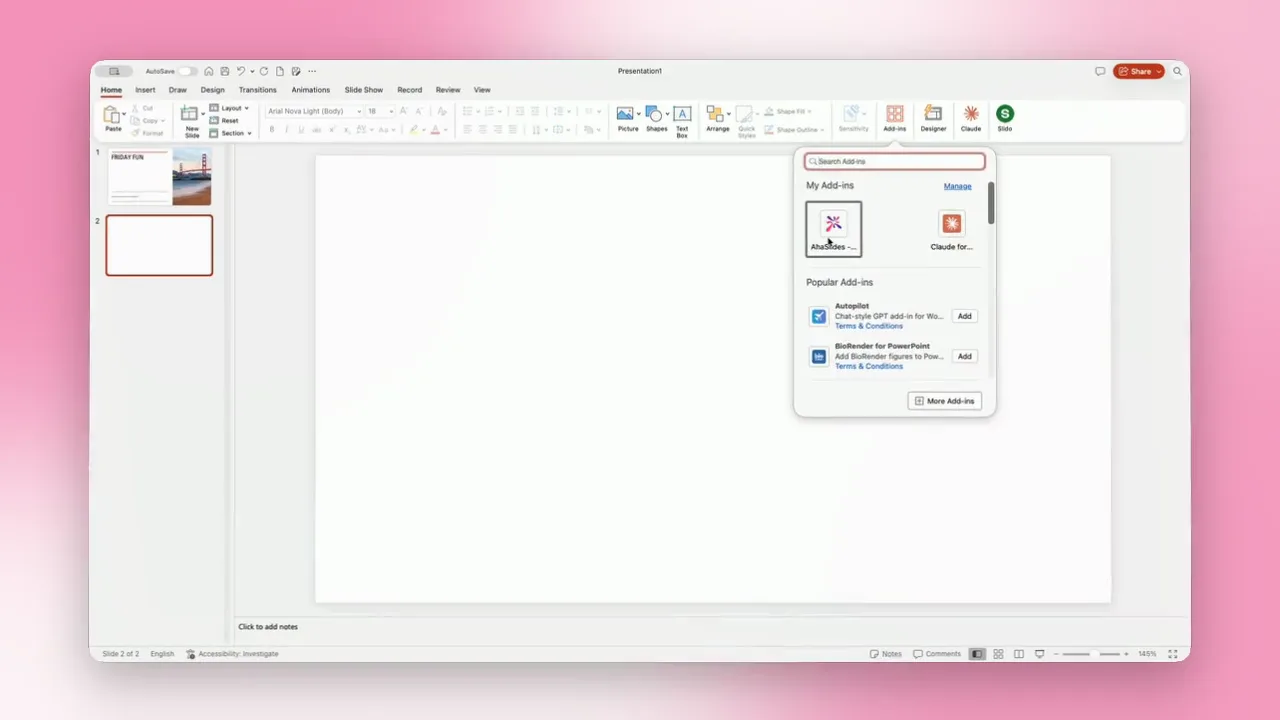
    The AhaSlides add-in listed in the PowerPoint add-in store
  2. Step 2: Add a word cloud, poll or quiz slide

    Pick a slide type in the AhaSlides panel and type your question.
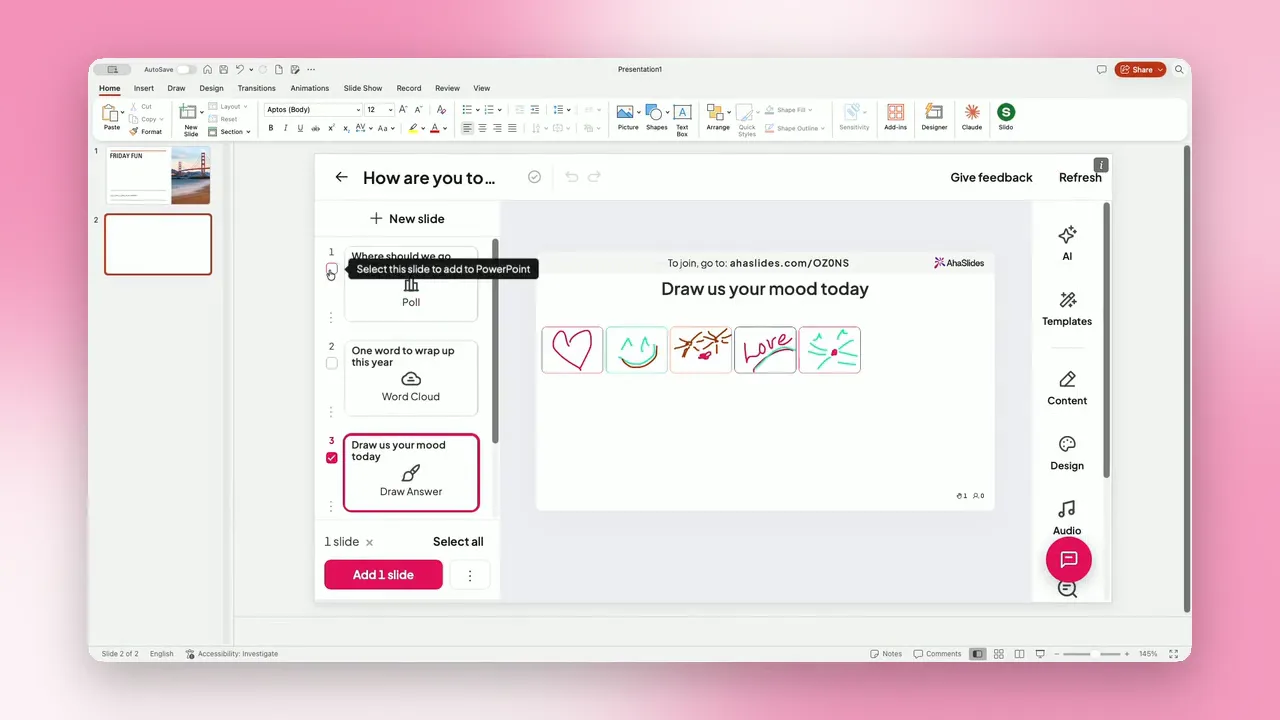
    The AhaSlides panel in PowerPoint showing the slide types you can add
  3. Step 3: Present

    Your audience scans the QR code and joins on their phones. No app to download.
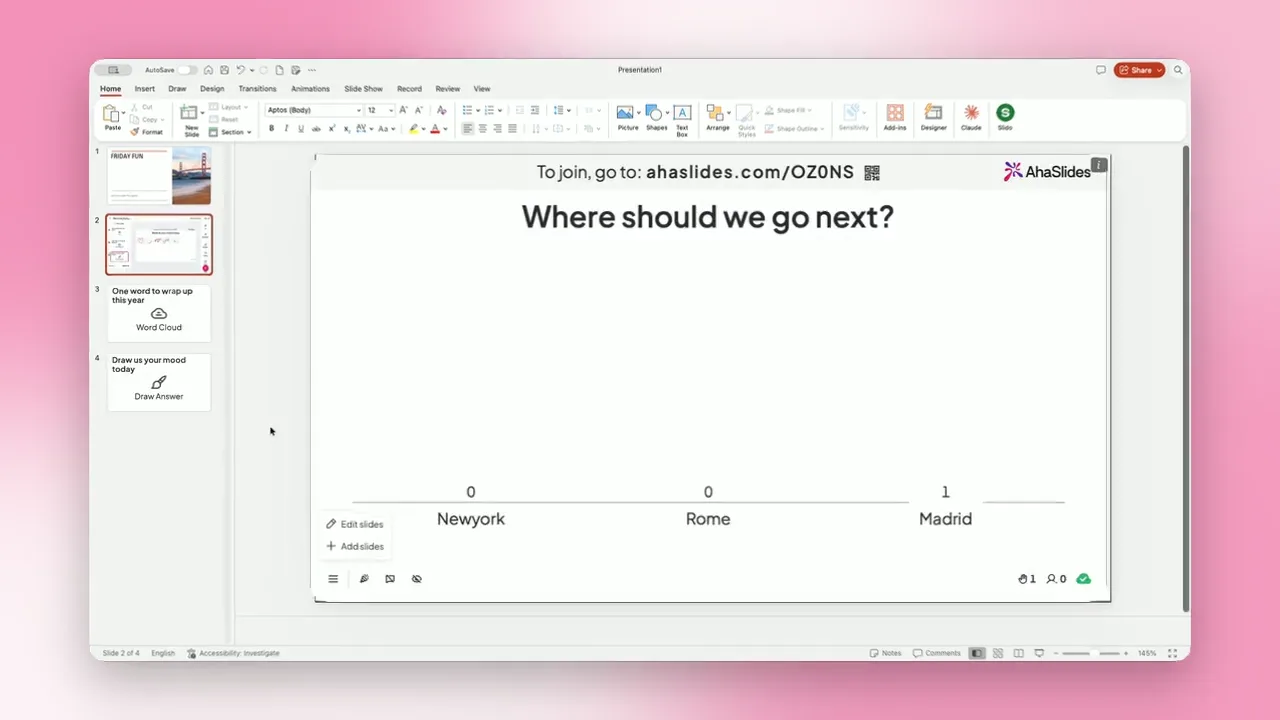
    A poll presenting in PowerPoint with the join link at the top of the slide
Get started free

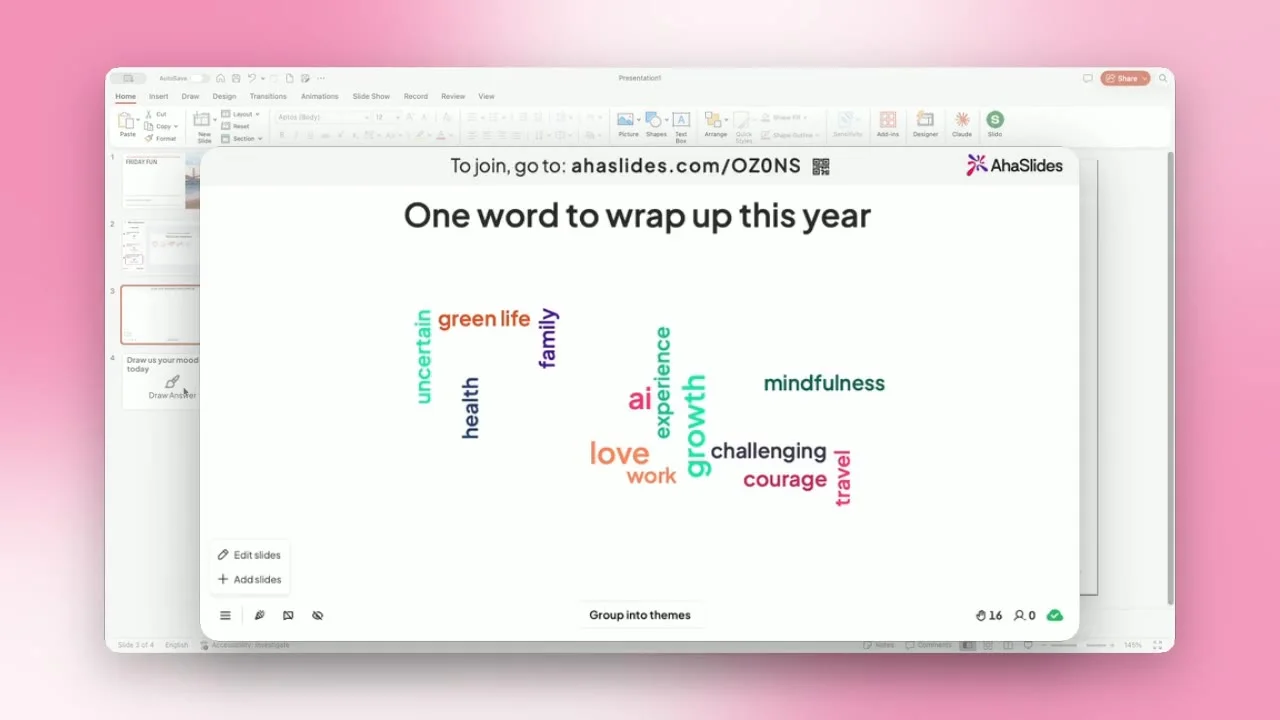
Word clouds that build live on your slide

Ask for one word and watch the most popular answers grow as they come in.

  • Hear from everyone

    Every person adds their words from their own phone, not just the loudest few.

  • See the theme at a glance

    Common answers grow bigger, so the mood of the room is clear in seconds.

  • Stay in PowerPoint

    The word cloud sits in your deck, so you never switch windows mid-talk.
Get started free
A word cloud slide made with the AhaSlides add-in inside PowerPoint

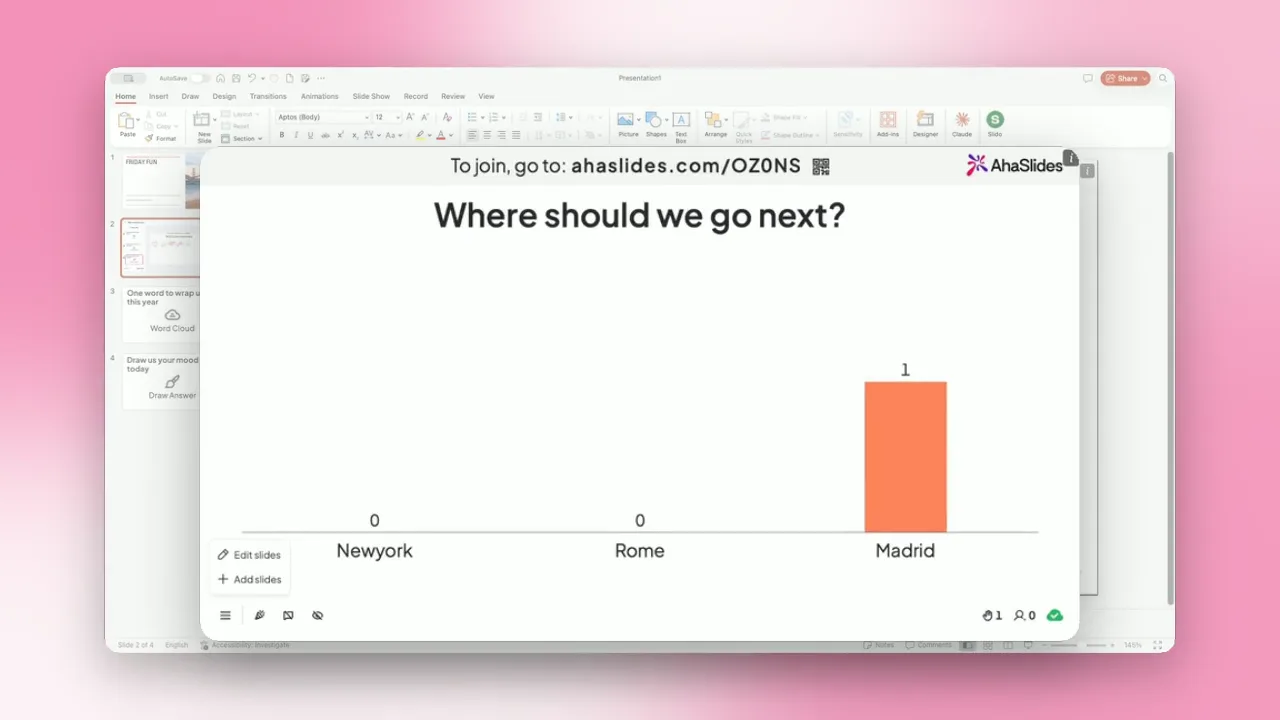
Polls that show results the moment people vote

Ask a question and watch the bars rise on your slide as answers arrive.

  • Check the room in seconds

    Find out what people already know, then pitch your talk to fit.

  • Results live on your slide

    Bars update with every vote, right inside PowerPoint.

  • One phone, one vote

    Everyone votes from their own phone, so every voice counts.
Get started free
A live AhaSlides poll with results showing in PowerPoint

Quizzes that keep the whole room playing

Points for speed and accuracy, with a leaderboard after every question.

  • Check what stuck

    Turn your key points into quick questions at the end of a section.

  • A little friendly competition

    A leaderboard keeps everyone playing to the last question.

  • Set the pace

    Give each question a timer so the quiz keeps moving.

Get started free
Gabor Toth

“It’s a very very fun way to build teams. Regional managers are super happy to have AhaSlides because it really energises people. It’s fun and visually attractive.”

Gabor TothTalent Development and Training Coordinator