



We make one of the tools in this comparison. That means we have a perspective on this category, and the same transparency we brought to our AI tools guide applies here: an honest assessment of all five options, including our own, is more useful to you than a guide that quietly puts a thumb on the scale.
So here's the deal: we've assessed five Q&A tools against the same criteria. Where AhaSlides is the right choice, we'll say so. Where another tool serves a particular use case better, we'll say that too. The goal is to help you find the tool that fits what you're actually trying to do.
What Q&A tools are actually solving
The problem with questions in presentations isn't that audiences don't have them. It's that the conditions for asking them are usually bad. Raised hands favor the confident. Open floors favor the loud. Most people with genuine questions stay quiet because asking feels risky or awkward.
Digital Q&A tools change the conditions. Anonymous submission removes the social risk. Upvoting surfaces what the room actually wants to know rather than what one person happens to ask. Moderation keeps things on track. The result is more questions, more honest questions, and a clearer picture of what your audience is actually thinking.
The five tools below approach this problem from different angles. Each one is genuinely good at something. The question is whether what it's good at matches what you need.
What to look for before you choose
The right tool depends on your specific context. A few questions worth answering before comparing options: How many people will you be presenting to, and does the free tier cover that? Do you need anonymous submission, and is that the default or an option you have to enable? How much moderation control do you need over what questions appear on screen? Do you need the tool to integrate with your slides, or can it run standalone? And how much time do you have to set it up before your next presentation?
The answers will narrow the field faster than any feature comparison. The sections below give you what you need to make the final call.
Five Q&A tools worth knowing
Here's how they compare.
1. AhaSlides: best for integrated presentations
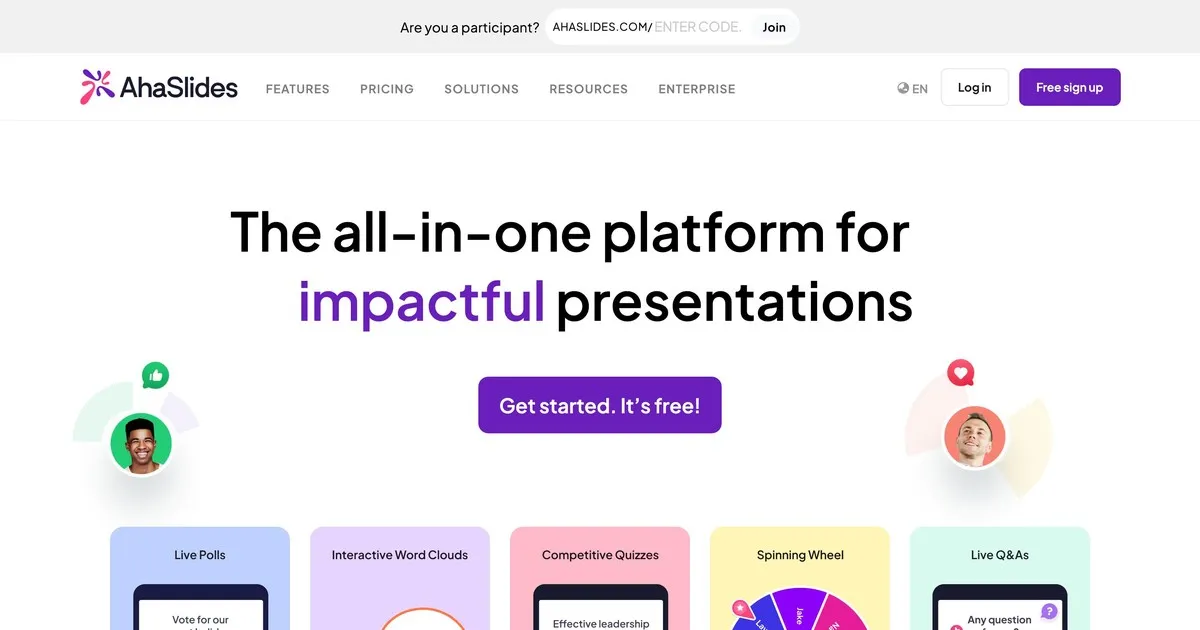
This is our tool, so take this entry with the same skepticism you'd apply to any self-assessment. What we'd say honestly: AhaSlides is built around the idea that Q&A works better when it's part of a broader interactive session rather than a bolt-on at the end.
The Q&A functionality is solid. Anonymous submission is built in. You can moderate questions before they appear on screen. Audience members can upvote questions they want answered. Where AhaSlides differs from the other tools here is that Q&A sits alongside polls, word clouds, quizzes, and live slides in a single platform. If you want to run an interactive session rather than just collect questions, that integration matters.
Where we're weaker: AhaSlides is primarily a presentation tool that includes Q&A, not a dedicated Q&A platform. If question management is your primary need and you're presenting to large audiences, Slido's moderation capabilities are more advanced. The free tier supports up to fifty participants, which covers most classroom and small meeting settings but not large events.
Best for: teachers, corporate trainers, and anyone running sessions where Q&A is one of several interactive elements rather than the primary focus.
2. Slido: best for large corporate events
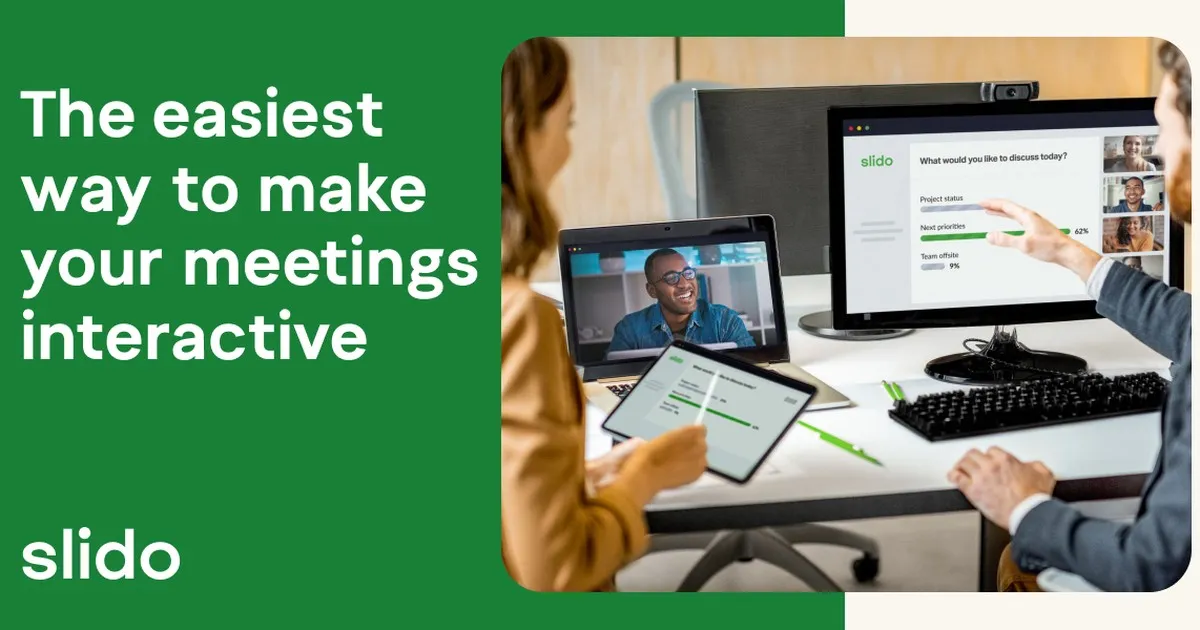
Slido is the most purpose-built Q&A tool on this list. Where the other platforms offer Q&A alongside other features, Slido has developed its question management capabilities further than anyone else here. For large audiences where dozens or hundreds of questions arrive simultaneously, Slido's moderation controls, duplicate detection, and question grouping make a genuine difference.
Anonymous submission is standard. Audience upvoting surfaces the most popular questions automatically. Moderators can review, edit, group, and delete questions before they appear publicly. Post-event analytics show which questions generated the most interest and what topics the audience cared about most.
The limitation is focus. Slido does question management exceptionally well and the rest competently. If you want the broader interactivity of polls, word clouds, and gamified content alongside Q&A, other tools on this list integrate those more naturally. The free tier supports one hundred participants. Paid plans start at around seventeen dollars a month.
Best for: conferences, all-hands meetings, earnings calls, and any large corporate presentation where managing a high volume of questions is the primary challenge.
3. Mentimeter: best for classroom engagement
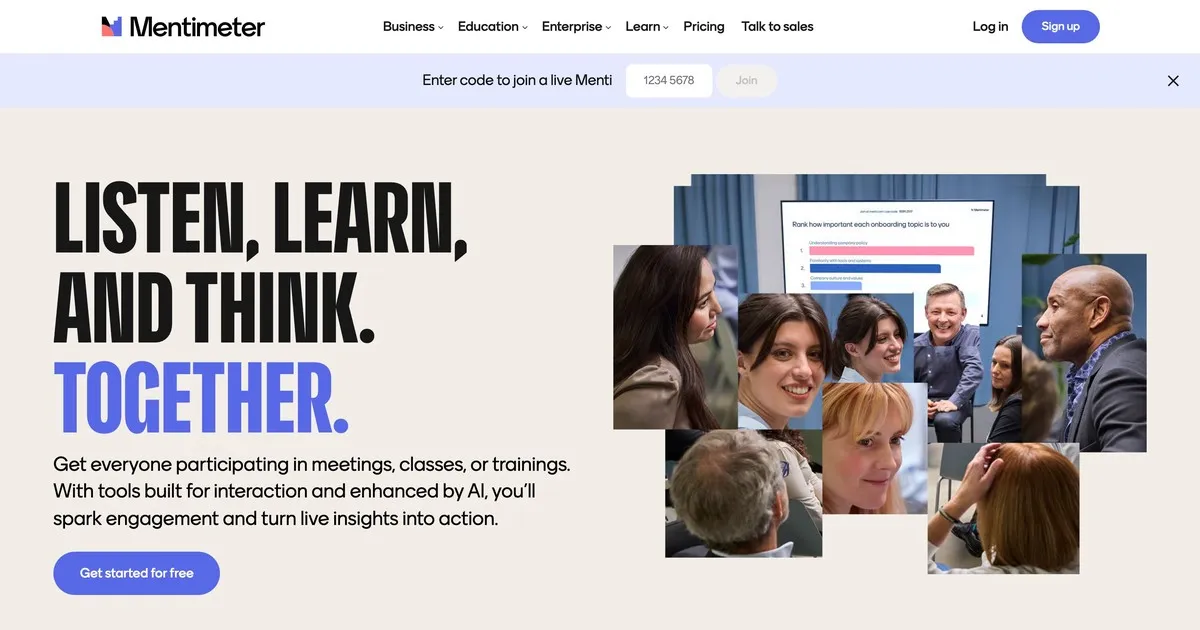
Mentimeter built its reputation in education and still excels there. The interface is fast, the setup is minimal, and the visual design is appealing enough that it feels modern without being distracting. Teachers who aren't particularly technical find it accessible in a way that some other tools aren't.
The Q&A functionality is straightforward: anonymous submission, moderation options, and real-time display. Where Mentimeter stands out is in its broader polling and visualization capabilities, which suit the rhythm of a classroom session better than a dedicated Q&A platform would. Quick comprehension checks, live opinion polls, and open questions all sit naturally within a single Mentimeter session.
The free tier is more limited than some alternatives: fifty participants per month across a maximum of five presentations. For regular classroom use, a paid plan is likely necessary. Paid plans start at around twelve dollars a month.
Best for: teachers, trainers, and educators at any level who want Q&A as part of a broader interactive classroom experience.
4. Vevox: best for higher education
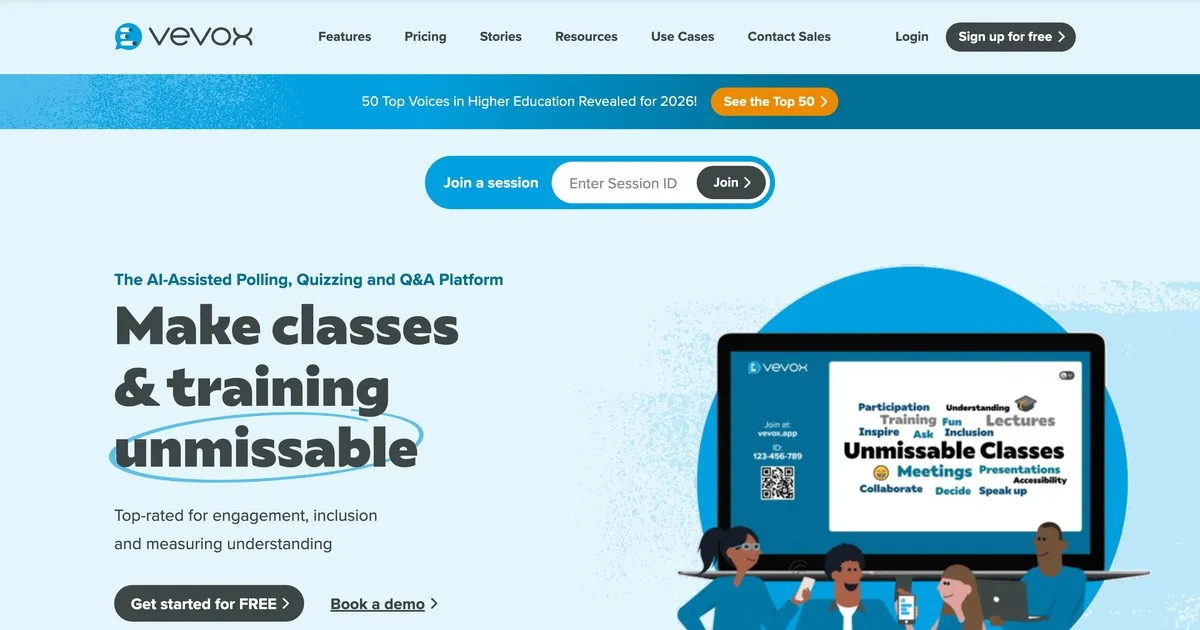
Vevox prioritizes reliability and moderation control over visual polish. It's built specifically for educational settings where the ability to review and filter questions before students see them matters more than how the interface looks. Universities and large lecture settings are where it performs best.
Anonymous submission is the default rather than an option, which matters in settings where students are unlikely to ask questions if their name is attached. The moderation controls are strong: instructors can review, edit, group, and delete questions before they appear. Teaching assistants can manage the queue while the instructor presents.
The interface requires slightly more navigation than Mentimeter or AhaSlides, which is worth knowing if ease of setup is a priority. Education-specific pricing makes it accessible for institutions. The free tier is limited and primarily suited to small groups.
Best for: university lecturers, professors, and educators in higher education settings where anonymous submission and strong moderation are the primary requirements.
5. Pigeonhole Live: best for multi-session events
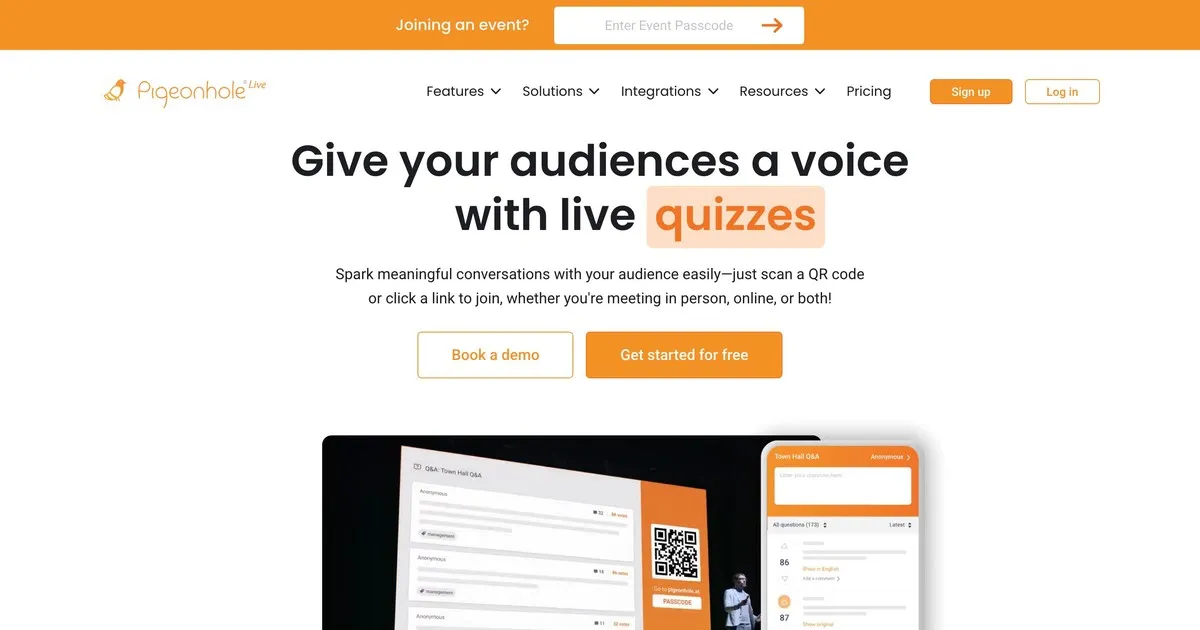
Pigeonhole handles complexity that the other tools on this list weren't designed for. If you're running a conference with dozens of sessions happening simultaneously, each with different speakers, rooms, and timing, Pigeonhole manages that logistical structure in a way that simpler tools can't.
Session-specific Q&A means questions route to the right speaker rather than appearing in a single shared pool. Organizers can manage questions across all sessions simultaneously. Attendees can engage with multiple sessions. Post-event analytics show which sessions generated the most engagement and which topics drew the most questions across the event.
The trade-off is setup complexity and price. Pigeonhole requires more configuration than the other tools here and doesn't offer a meaningful free tier. For a single presentation or small event, it's more than you need. For a multi-day conference with multiple simultaneous tracks, it's likely the right choice.
Best for: conference organizers managing multi-session events where routing questions to specific speakers and tracking engagement across sessions is a genuine operational requirement.
How the tools compare
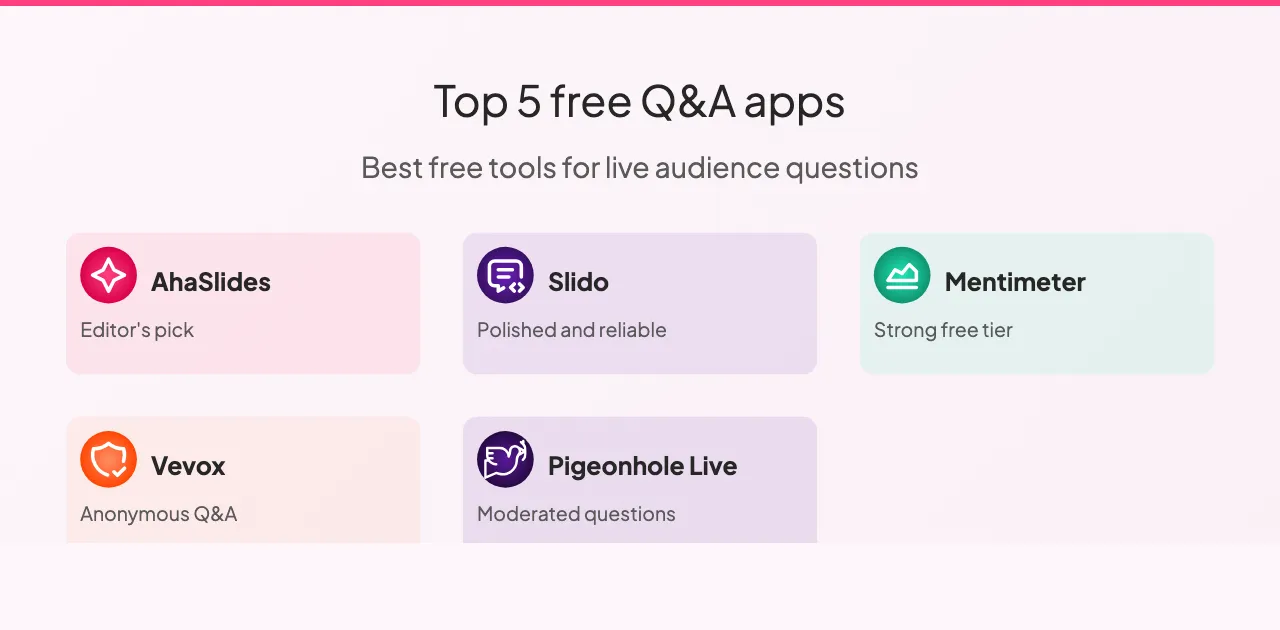
All five tools support anonymous questions and audience upvoting, with the exception of Vevox where upvoting is limited. Moderation capabilities vary more significantly: Slido and Pigeonhole offer the most advanced moderation controls, Vevox is strong, and AhaSlides and Mentimeter cover the basics well enough for most settings.
Slide integration is where the tools diverge most clearly. AhaSlides integrates natively with your slides, Slido offers integration with major presentation platforms, Mentimeter has limited integration, and Vevox and Pigeonhole don't integrate with slides at all.
On free tiers: Slido is the most generous at one hundred participants, AhaSlides and Mentimeter support fifty, Vevox's free tier is limited to small groups, and Pigeonhole offers no meaningful free tier. For most classroom and small meeting settings, any of the first three cover the typical audience size without a paid plan.
Pricing across all five follows a similar pattern: monthly plans ranging from around eight to eighteen dollars for expanded participant limits and advanced features. Slido and Pigeonhole offer enterprise pricing for organizations running frequent large events. AhaSlides, Mentimeter, and Vevox offer the most accessible entry points for individuals and small teams.
Getting the most out of Q&A tools
A few practices make a consistent difference regardless of which platform you choose.
Test before you present. Run a quick session with a colleague to confirm the setup works, check your internet connection, and get comfortable with the interface. Technical surprises during a presentation are distracting in a way that a two-minute pre-check prevents entirely.
Tell your audience how it works before they need to use it. Explain where questions go, how to submit them, and whether submissions are anonymous. Thirty seconds of explanation at the start produces significantly more participation than leaving people to figure it out mid-session.
Show questions on screen. Visibility keeps engagement high. People see what others are asking, which often prompts questions they wouldn't have thought to ask independently.
Read questions aloud even when they're visible on screen. It maintains conversational flow and ensures everyone in the room, including people who might not be able to see the screen clearly, heard the question.
Discuss what you see rather than just moving on. Acknowledging a question, even briefly, signals that the input mattered. People who feel heard participate more. People who feel ignored don't ask again.
Review the analytics afterward. Most platforms provide post-session reports. The questions your audience asked, and the ones they upvoted most, tell you what they actually cared about. That's more reliable feedback than impressions from memory.
There are also a few patterns worth avoiding. Launching without explaining the tool means most of your audience won't use it. Collecting questions and then not addressing them is worse than not collecting them at all: it signals that the participation was performative. Running over your allocated time consistently signals disrespect for your audience's schedule, and Q&A is usually what gets cut when that happens.
Wrapping up
The best Q&A tool is the one that matches the scale and complexity of what you're actually doing. For most classroom and small meeting settings, AhaSlides or Mentimeter get you running in under five minutes. For large corporate events where managing high volumes of questions is the primary challenge, Slido's moderation capabilities are worth the higher price point. For multi-day conferences with multiple simultaneous sessions, Pigeonhole handles the complexity nothing else here does.
Start with the free tier of whichever tool fits your context. Run one real session through it before committing. The difference between a presentation where questions go unasked and one where your audience feels genuinely heard is smaller than it looks. It's mostly a matter of creating the conditions for participation rather than hoping it happens on its own.