Notes from running team quizzes for remote and in-office groups, written for the person who has been asked to "organize something fun for the team" and does not want another round of forced small talk.
A team building quiz is one of the few activities that works for a group that barely knows each other and a group that has sat together for five years. The reason is simple: a good quiz gives everyone the same small job at the same moment, and it does it without asking anyone to share a feeling in front of their manager. People who never speak up in a retrospective will argue passionately about which decade a movie came out. That is the whole point. You are not testing knowledge. You are giving the team a low-stakes reason to talk to each other.
The trouble is that most team quizzes are either too hard, too long, or too obviously a trivia night someone found online and pasted in. This guide covers how to build one that fits your team, which question types keep people engaged, and three rounds you can put together this week.
Why a quiz works better than most team building activities
Team building has a reputation problem, and a lot of it is earned. Trust falls and rope courses tend to produce a good afternoon and no lasting change. But the research on team building as a category is more encouraging than the eye-rolling suggests.
Klein and colleagues ran a meta-analysis of team building studies, published in Small Group Research in 2009 ("Does Team Building Work?", 40(2), 181-222). Pooling results across the studies they reviewed, they found that team building had a positive, moderate overall effect on team outcomes, with the strongest effects showing up in how teams felt about working together and how well their internal processes ran, rather than in raw task performance. In plain terms: team building reliably improves the affective and process side of a team, the trust, the communication, and the sense that these are people worth cooperating with, and those are exactly the things a quiz touches.
A quiz earns that effect for a specific reason. It creates repeated, low-risk turns. Every question is a fresh chance to participate, and because getting one wrong costs nothing, the quiet members of the team keep playing instead of shutting down. Over twenty questions, a person who started the session silent has now made twenty small contributions. That is a far better foundation for the next real conversation than a single icebreaker prompt everyone dreads.

Four things that separate a good team quiz from a bad one
Before the questions, the format. These four choices decide whether people lean in or check their phones.
Personalize it to the team, not the internet
A generic trivia pack signals that no one bothered. Mix in questions only your team could answer: the name of the meeting room everyone hates, which colleague once replied-all to the whole company, the year the office moved. Insider questions get the biggest reactions because they reward paying attention to each other, which is the behavior you want to build.
Score it as teams, not individuals
An individual leaderboard rewards the one person who already knows everything and leaves everyone else behind. Splitting the room into small teams changes the game entirely. Now the quiz is an excuse to huddle, debate, and decide on an answer together, which is the cooperation you are trying to practice. Team Quiz mode in AhaSlides groups players and scores them collectively, so a strong specialist lifts a whole table instead of topping a solo chart.
Mix the question types
Twenty multiple-choice questions in a row flatten out, no matter how clever they are. Variety keeps attention high: a fast picture round, a slower matching puzzle, a "put these in order" challenge. Each format asks the brain to do something slightly different, and the change of pace is what stops the energy from sagging around question ten.
Leave room for opinions, not just facts
Not every question needs a right answer. Dropping in a poll ("best office snack, settle it") or an open question gives people something to react to and laugh about. These moments are where the bonding happens, so treat them as features, not filler.
Question types that keep a team quiz moving
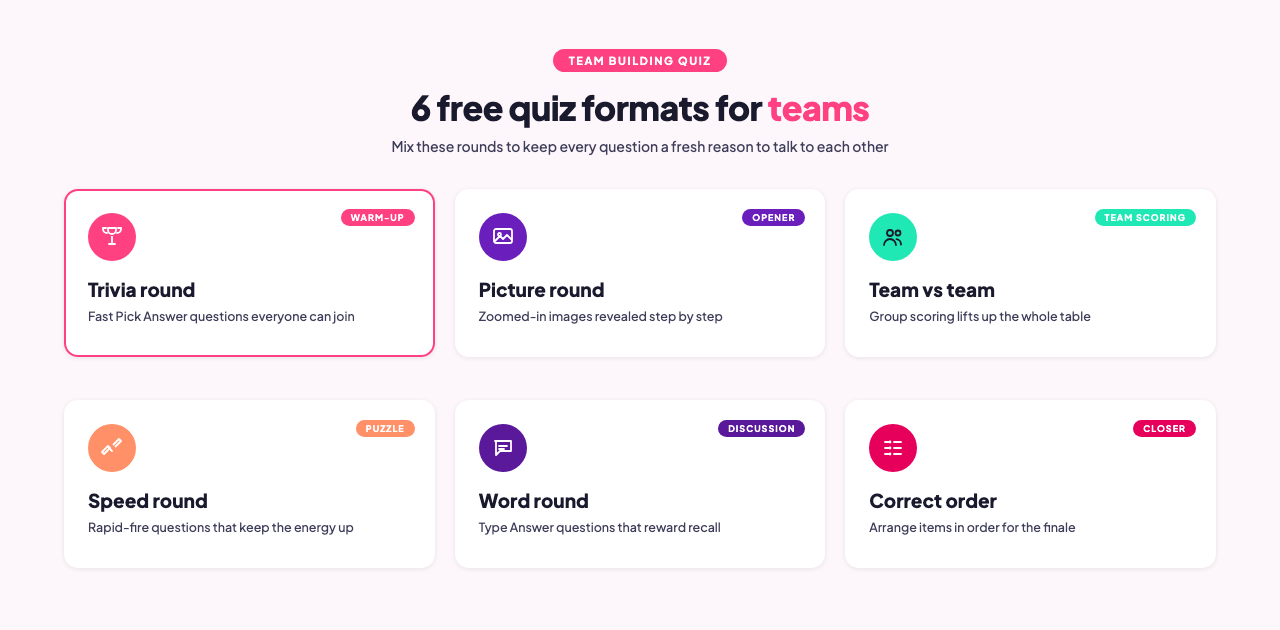
AhaSlides ships several interactive question types, and a strong team quiz uses three or four of them rather than leaning on one. Here is when each earns its place.
| Question type | What it does | Best used for |
|---|---|---|
| Pick Answer | Classic multiple choice, tap one option | The backbone of the quiz: fast trivia, warm-up rounds |
| Type Answer | Players type a short answer, no options shown | Harder recall questions where options would give it away |
| Match Pairs | Connect items in one column to another | Matching colleagues to fun facts, logos to brands, quotes to movies |
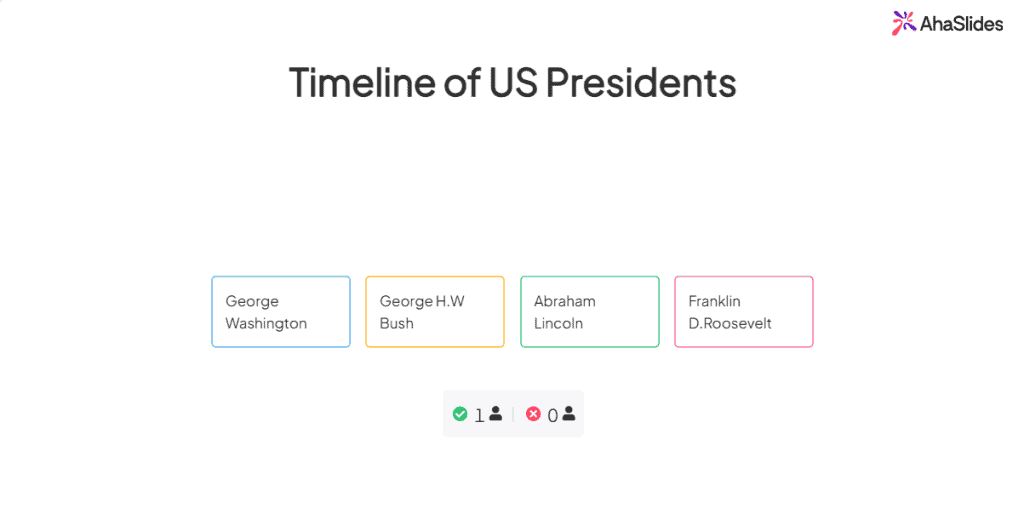
| Correct Order | Arrange items into the right sequence | Timelines, rankings, "order these by size" puzzles |
| Categorise | Sort items into the right buckets | Sorting rounds: which team, which decade, which country |
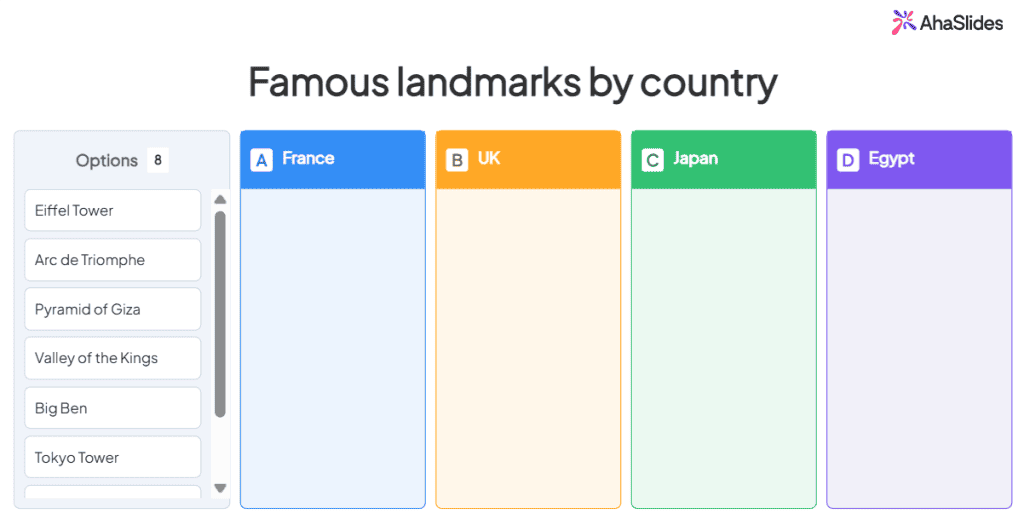
A reliable structure is to open with a couple of Pick Answer rounds to warm the room up, drop in a Match Pairs or Categorise round in the middle where the puzzle-solving happens, and use a Correct Order question as a final tiebreaker. The variety does the heavy lifting.
Three team building quiz rounds you can run this week
Here are three rounds that travel well across almost any team, remote or in person. Each one uses a different question type on purpose.
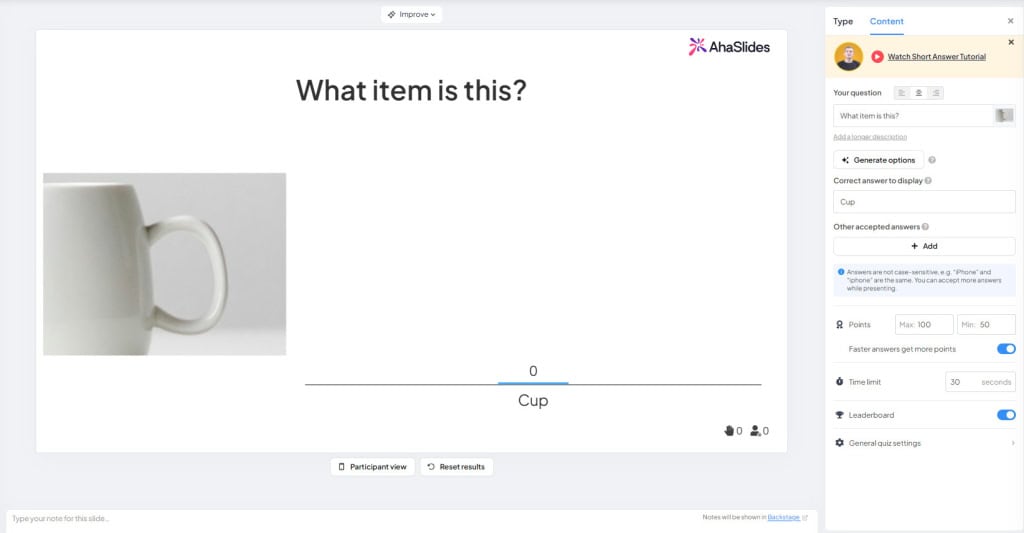
Round one: picture zoom (Pick Answer)
Take a well-known object, logo, or landmark and crop in so tightly that it is almost unrecognizable, then reveal it as a multiple choice question. Zoom out one step per question if the room is stuck. Picture rounds are the best possible opener because they are instantly visual, need no specialist knowledge, and produce loud reactions the moment someone guesses right. Build five to eight of these and you have a warm-up that gets every table talking before the harder rounds arrive.
Round two: match the colleague (Match Pairs)
Ahead of the session, ask everyone for one surprising fact about themselves ("I once met a head of state", "I have run six marathons", "I cannot whistle"). In the quiz, use Match Pairs to connect each fact to the right person. This is the round that consistently lands best, because it rewards knowing your teammates and reliably surprises people who assumed they already did. For a new or recently merged team, it doubles as a genuine introduction.
Round three: put it in order (Correct Order)
Give the teams a set of five items and ask them to arrange them: countries by population, movies by release year, your product features by launch date, coffees by caffeine content. Correct Order questions force a real discussion, because the team has to reason together rather than each person silently picking a letter. That makes it a strong closer or tiebreaker, when you want one last burst of collaboration before you announce the winners.
Adding the small touches that make it feel live
Two features turn a functional quiz into one people talk about afterward.
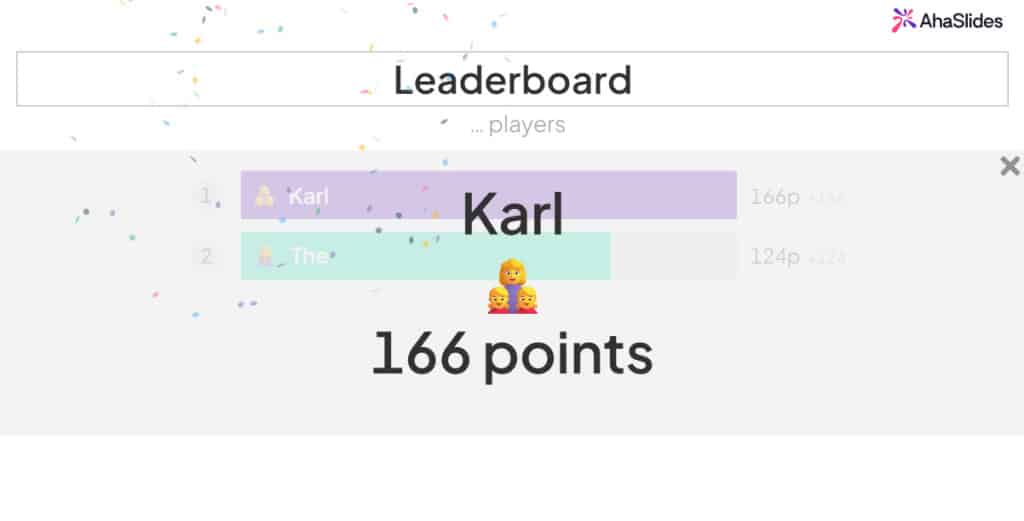
A leaderboard between rounds gives the session its arc. Showing the standings after each round, rather than only at the end, keeps trailing teams in the game and gives the leaders something to defend. The competition stays friendly as long as you are scoring teams rather than individuals.
A Spinner Wheel loaded with everyone's name solves the "who goes first" and "who reads the next question" problem without anyone feeling singled out. It is also a quick, fair way to hand out a small prize at the end. The randomness is the point: nobody can argue with the wheel.
Setting it up for free
You can start for free. On AhaSlides, the free plan lets you build a short quiz, add the question types above, and have your team join from their phones with a code, no app install required. The free plan is capped, currently around five quiz questions and up to 50 participants per presentation, which is enough for one sharp round or a quick warm-up. A longer multi-round session with Team Quiz mode scoring runs on a paid plan, so check the current limits on the AhaSlides pricing page before you build. The workflow is short:
- Create a new presentation and add your questions using Pick Answer, Match Pairs, Categorise, and Correct Order slides.
- To score tables against each other, turn on Team Quiz mode, which groups players and scores them collectively. Team Quiz mode is a paid feature; on the free plan you can still split the room into teams informally and track them on a single leaderboard.
- Add a leaderboard slide between rounds and a Spinner Wheel for prizes.
- Share the join code or link, and run it live on a shared screen or over a video call.
The same quiz works whether the team is in one room, fully remote, or split across both, because everyone answers from their own device regardless of where they are sitting.
The point is the conversation, not the score
The winning team will forget their score by lunch. What sticks is that the new hire got the picture round right and everyone cheered, that two people from different departments ended up on the same table and kept talking after, that the quiet developer turned out to know an unreasonable amount about geography. A quiz for team building is worth the half hour because it manufactures those moments on purpose, cheaply, and without asking anyone to do a trust fall. Build it around your own team, keep the rounds varied, score it in groups, and let the competition stay light. The rest takes care of itself.
Ready to build one? Create a free team quiz on AhaSlides and have your team playing from their phones in a few minutes.