


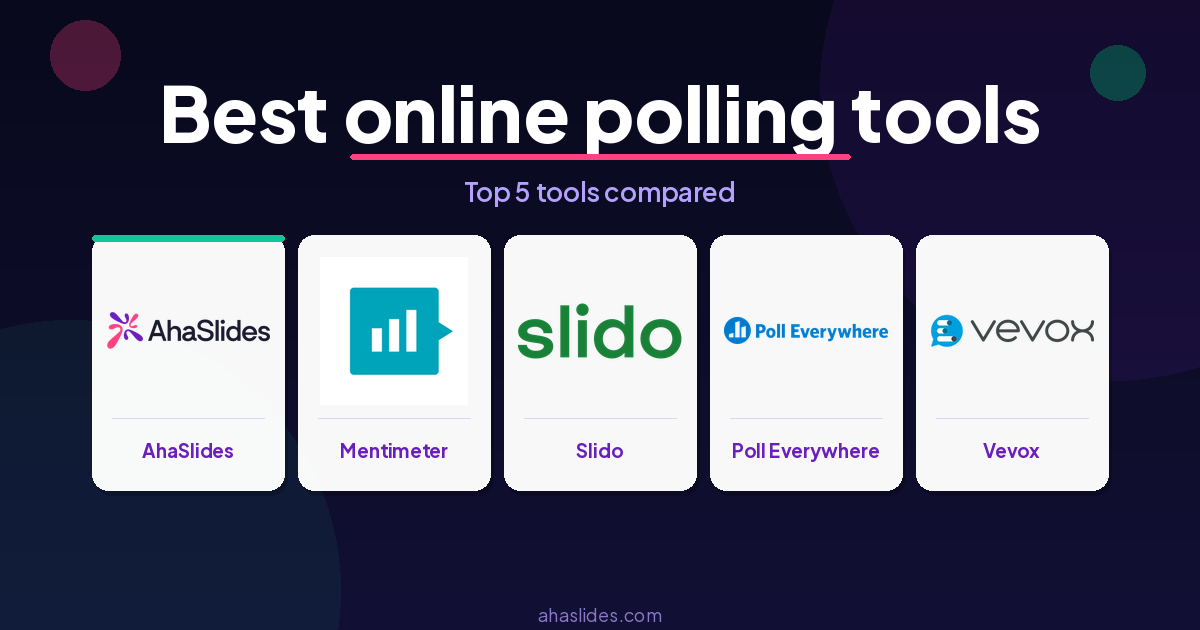
The best free online polling tools for meetings and training in 2026 are AhaSlides, Mentimeter, Slido, Poll Everywhere, and Vevox — each lets everyone respond at once, anonymously, from their own device, with no app download required.
The catch is that “free” means different things across platforms. Some cap participants at 25. Others limit the number of polls per session. A few restrict access to result exports entirely. This guide breaks down what each tool actually gives you at no cost, so you can pick one that fits your use case without hitting a wall mid-session.
What to look for in a free polling tool
Before comparing specific tools, it helps to define what matters. For most meeting hosts, trainers, and HR facilitators, the practical checklist looks like this: participant capacity, poll variety, ease of joining (no app downloads), result exports, and whether the tool works inside your existing presentation workflow.
With that in mind, here are five tools worth using in 2026.
1. AhaSlides
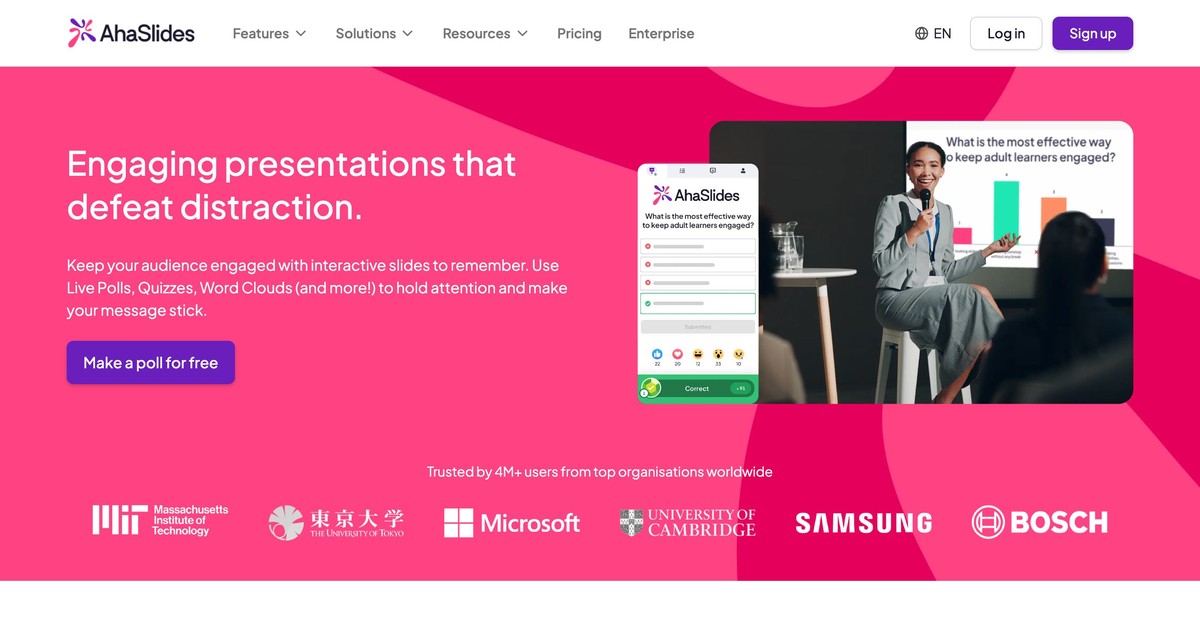
AhaSlides is built around live audience interaction. The free plan supports up to 50 participants per session and includes multiple poll types across scored and unscored activities: multiple choice quizzes, open-ended polls, word clouds, rating scales, live Q&A, and more. One thing worth knowing upfront: the free plan caps you at 5 quiz slides and 3 poll slides per presentation, so plan your session structure before you build. No credit card required to sign up.
Participants join by scanning a QR code or entering a short URL. No app download, no account on their end.
What sets AhaSlides apart for training and HR use is that polling is embedded directly into the presentation rather than bolted on as an add-on. A trainer can move from a content slide to a live poll to a word cloud inside the same deck, rather than switching between tools. Results appear instantly and can be discussed with the group while the session is still live.
The free tier also includes an AI slide generator and over 3,000 templates, which means you can build a polling session in a few minutes rather than from scratch.
Best for: L&D trainers and facilitators running regular sessions who need quizzes, polls, and Q&A baked into the presentation, not bolted on from a separate app. If you run weekly sessions with groups under 50 and want everything in one place, this is your strongest free-tier option.
2. Mentimeter
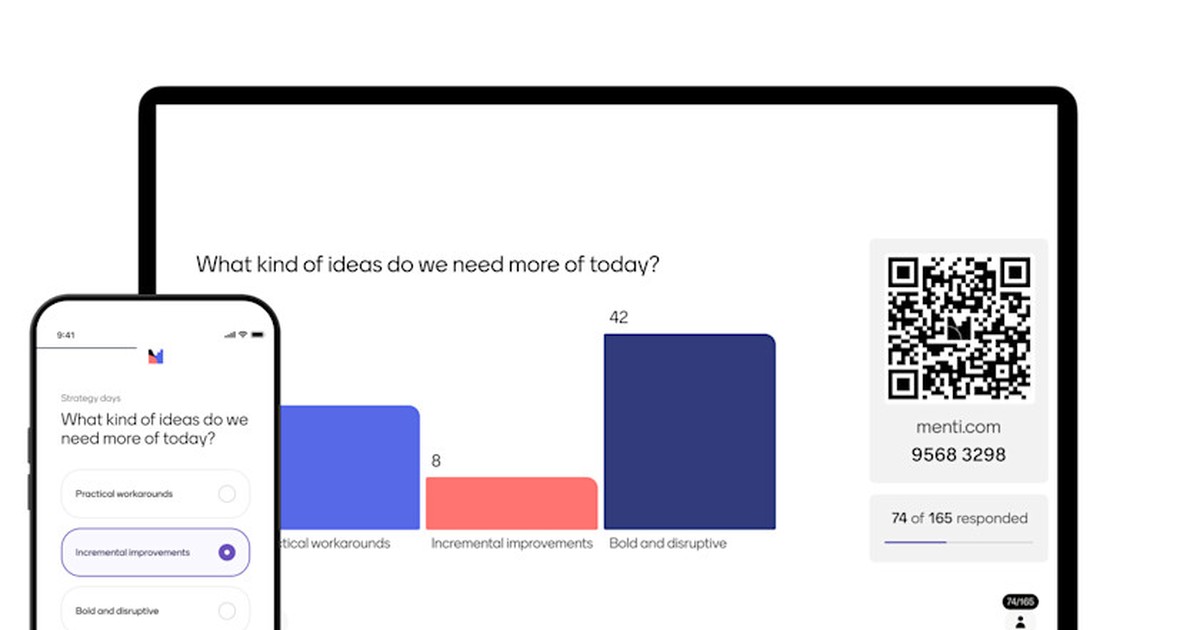
Mentimeter is one of the most widely used polling tools in corporate settings. The free plan lets you create an unlimited number of presentations and use almost every question type the platform offers, with one important constraint: you can present to a combined total of 50 participants per month across all sessions. That counter resets on your account creation date each month.
For a single small team meeting, that's fine. For a trainer running weekly sessions with 20+ people, the monthly cap becomes a real limitation quickly.
Mentimeter's strength is its visual output quality. Word clouds, bar charts, and scatter plots all render cleanly and can be displayed directly during a presentation, making it useful for opening icebreakers, knowledge checks, and opinion polls in workshops.
Best for: Occasional users who run one or two small sessions a month and want polished visuals without a steep learning curve.
3. Slido
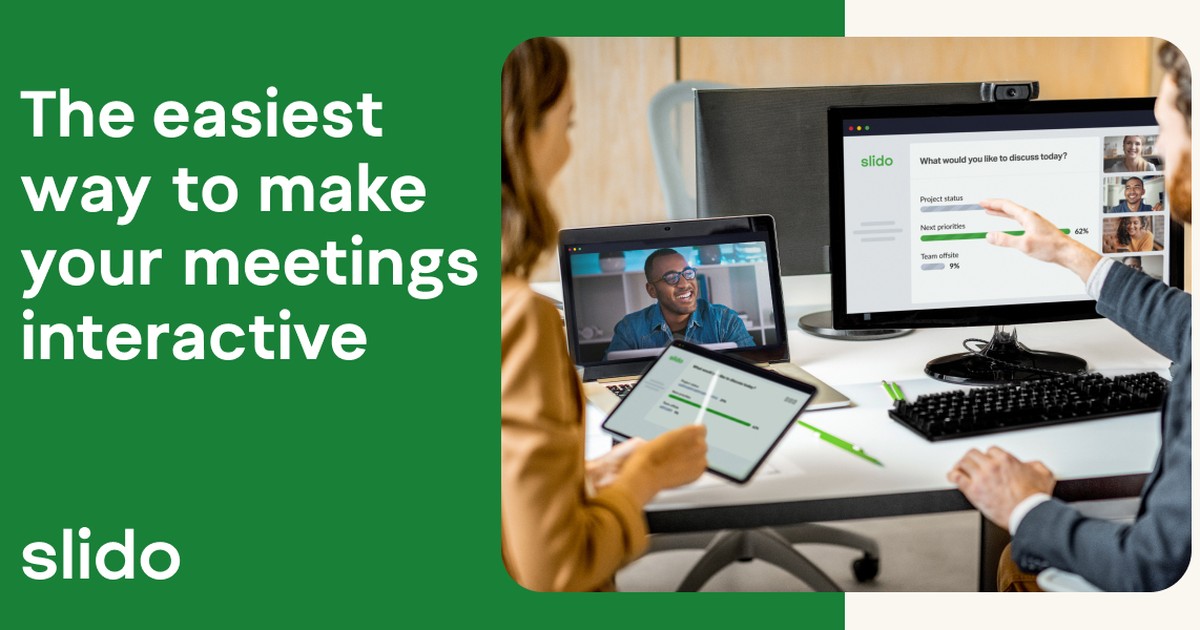
Slido is owned by Cisco and integrates directly with PowerPoint, Google Slides, Webex, and Microsoft Teams, which gives it a natural advantage in enterprise environments where those tools are standard. The free Basic plan supports up to 100 participants per event, but limits you to three polls and one quiz per session.
For a structured meeting with a defined agenda, three polls may be plenty. For a full-day training or an event with a flexible Q&A format, that cap can feel tight. Slido's Q&A and live questions feature is available on the free plan and tends to work well for town halls and all-hands meetings where anonymous questions are a priority.
One practical note: Slido's free tier does not include result exports or analytics. You can see results on screen during the session, but downloading the data requires a paid plan.
Best for: Corporate teams already using Microsoft or Cisco tools who want audience polling without leaving their existing stack.
4. Poll Everywhere
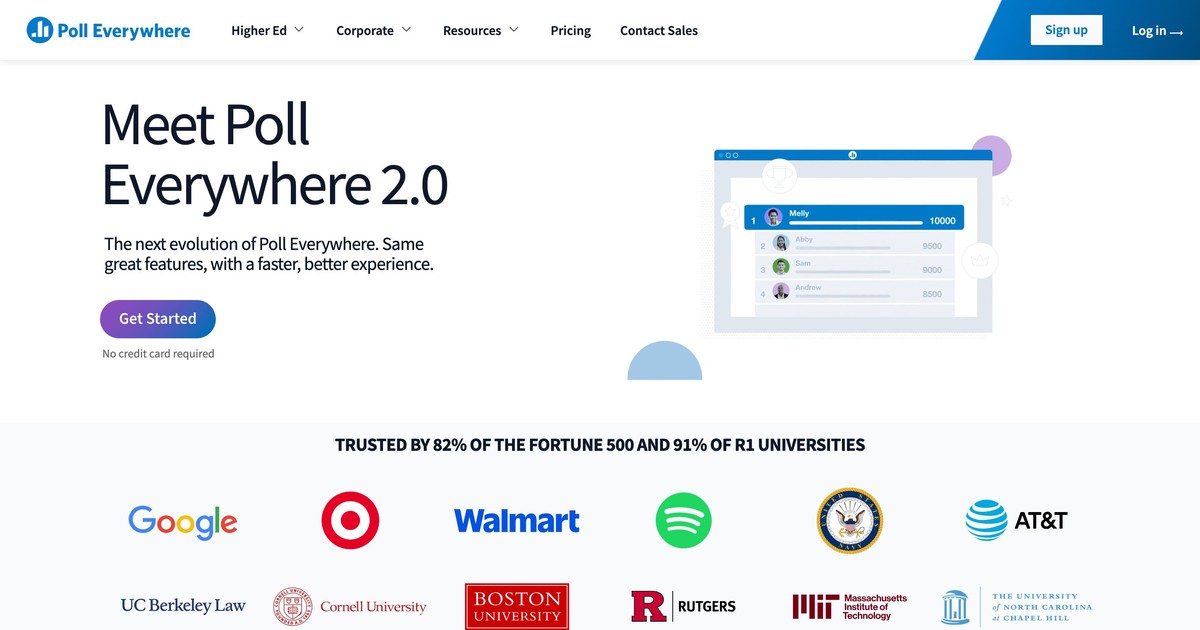
Poll Everywhere has the most flexible question type library of any free-tier tool on this list, covering multiple choice, word clouds, Q&A, clickable image polls, ranking questions, and open-ended responses. It also integrates with PowerPoint, Keynote, and Google Slides.
The limitation is participant capacity. The free plan caps responses at 25 per activity, which is one of the tighter restrictions in this category. In practice, that works for small team meetings but rules it out for anything larger. It also supports SMS responses alongside web-based joining, which is useful when internet access is unreliable.
A mid-sized healthcare organization, for example, might use Poll Everywhere for small department check-ins where only 15-20 staff are in the room, taking advantage of the rich question types without needing to upgrade.
Best for: Small teams who need varied question types and want the option of SMS responses in low-connectivity settings.
5. Vevox
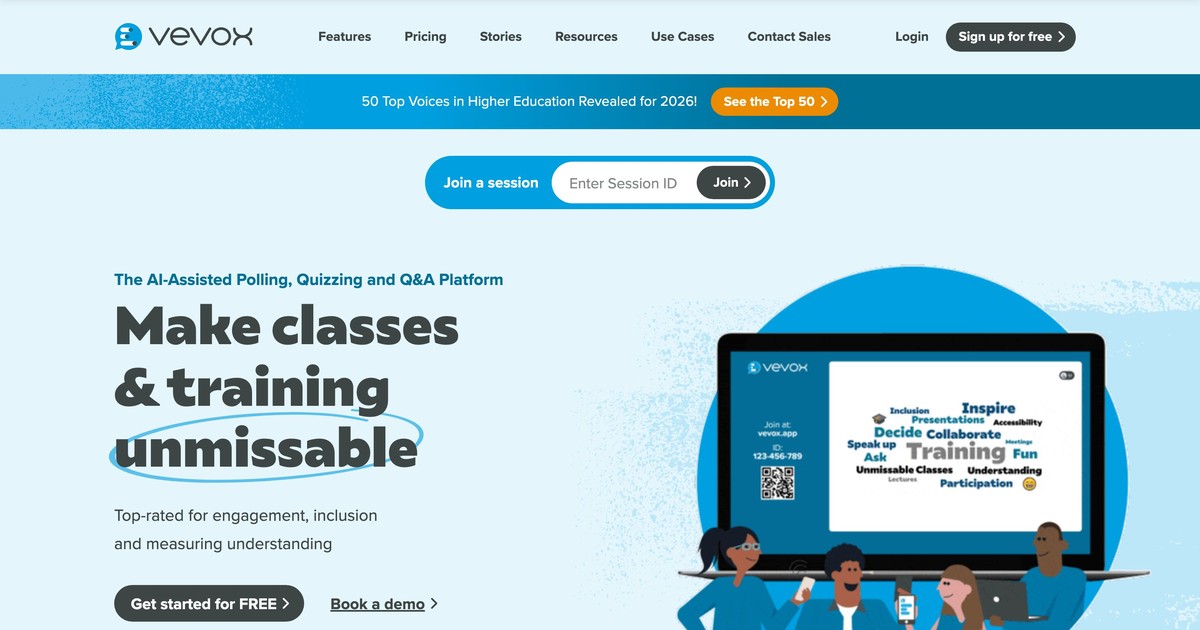
Vevox takes a different approach to the free tier. Rather than capping participants or monthly usage by a hard number, the free plan supports unlimited participants for surveys sent asynchronously, and up to 100 participants for live sessions. It also includes AI-assisted poll creation, which speeds up setup for trainers building quick knowledge checks.
The tradeoff is that Vevox's free plan restricts branding, advanced analytics, and some moderation features. For internal use where branding is not a concern, those restrictions rarely matter.
Vevox is particularly well-rated among higher education and healthcare users who run large synchronous sessions and need the participant capacity without paying for an enterprise plan.
Best for: Trainers and facilitators running sessions with more than 50 participants who need a no-cost option that won't cut them off mid-session.
How the free plans compare
AhaSlides and Poll Everywhere both allow data export on the free tier, while Mentimeter and Vevox offer limited export and Slido requires a paid plan for any download.
On participant capacity, Slido and Vevox are the most generous at 100 live participants each, AhaSlides and Mentimeter both cap at 50 (though Mentimeter counts that across the whole month, not per session), and Poll Everywhere is the tightest at 25 responses per activity.
Poll limits vary the most: AhaSlides caps you at 5 quiz slides and 3 poll slides per presentation, Slido at 3 polls and 1 quiz per session, while Mentimeter, Poll Everywhere, and Vevox place no limit on polls per session.
Common mistakes to avoid
Switching to live polling is straightforward, but there are a few patterns that consistently trip up first-time users and even experienced facilitators running a new tool for the first time.
Choosing a tool based on the demo, not the free limits
Most polling platforms show you their full feature set during a trial or demo mode. The participant cap or poll-per-session limit only becomes obvious when you try to run a real session. Always check the specific free tier constraints before you commit to a tool and build a session around it.
Forgetting to test on the devices your audience actually uses
A poll that works perfectly on a laptop may load slowly on older Android phones or break entirely on some corporate network configurations. Run a dry-run from a participant's perspective on the same device type your audience is likely to use, especially if personal phones are the only option.
Building too many polls into one session
More than four or five polls in a 60-minute session tends to slow the room down and dilute the impact of each question. Reserve polls for moments where you genuinely need group input or want to surface a range of opinions.
Leaving data collection until after the session
If your polling tool exports results, download them before you close the session or browser tab. Some platforms archive results automatically; others are less reliable. Make a habit of exporting at the end of every live session, even if you do not intend to analyze the data right away.
Choosing the right tool for your context
If you run regular training sessions and want everything in one place, AhaSlides or Vevox give you the most flexibility on the free tier without hitting participant walls in typical group sizes. If you're in a Microsoft-heavy workplace and mostly need Q&A at all-hands meetings, Slido's integrations may outweigh its poll limits. And if you run infrequent, small sessions and value visual polish, Mentimeter's free plan is enough.
The practical test: sketch out your most common session format, count your typical attendance, and check whether the free plan covers it without a workaround. Most of the issues people hit with these tools are discovered mid-session, not during signup. Taking ten minutes to run a test session before the real thing will catch most surprises before they affect your audience.
Using AhaSlides for live polling
Setting up a poll in AhaSlides takes about two minutes. Pick your question type (multiple choice, rating scale, open text, or word cloud), type your question, and share the room code or QR. Participants respond on any device without logging in, and results appear live on the presenter's screen. No app download required, for anyone. For a full walkthrough with screenshots, see our guide on how to create a poll in 30 seconds.
For training evaluations, AhaSlides supports rating scales with custom labels, which maps directly onto standard Kirkpatrick Level 1 reaction questions. For team meetings, the word cloud and open-ended formats tend to produce more candid responses than verbal check-ins, because participants can answer anonymously.
You can also run polls asynchronously by sharing a link after a session, which is useful when not everyone is in the same time zone or could not attend live.
Frequently asked questions
Can participants join a poll without downloading an app?
Good news: nobody needs to download anything. Participants join by entering a URL or scanning a QR code in their phone's browser for every tool on this list. This matters in workplace settings where IT restrictions prevent employees from installing new software on company devices.
Do free polling tools work for hybrid meetings where some attendees are remote?
They work well for hybrid sessions, as long as the presenter shares the join code or QR clearly on screen and remote participants can see it. Browser-based joining means remote attendees connect the same way as those in the room. If you're presenting via screen share in a video call, make sure the QR code is large enough to be readable through the share. Most platforms also provide a short alphanumeric room code as a fallback.
What happens to poll results after a session ends?
It depends on the tool and the plan. AhaSlides and Poll Everywhere allow data export on their free tiers. Mentimeter provides limited export access on free accounts. Slido requires a paid plan for any download of results. Vevox allows basic exports on free accounts but restricts advanced analytics. If you need to retain session data for reporting or compliance purposes, check the export policy before choosing a tool.
Sources:
[1] AhaSlides. Free Online Polling Tool. https://ahaslides.com/blog/free-online-polling/
[2] Mentimeter Help Center. What is included in the free account? https://help.mentimeter.com/en/articles/1258367-what-is-included-in-the-free-account
[3] Slido Community. What is included in the free plan? https://community.slido.com/slido-for-powerpoint-74/what-included-in-the-free-plan-6781
[4] Poll Everywhere. Plans & Pricing. https://www.polleverywhere.com/plans
[5] Vevox. Free online poll. https://www.vevox.com/free-online-poll
For live polling in meetings and training sessions, the AhaSlides online poll maker handles setup, live results, and export in one place. For the full survey creation process from objective-setting to analysis, see: How to create an online survey: the complete guide.
Our Verdict
For meeting hosts and L&D trainers who need more than a basic polling link, AhaSlides is the most capable free option in 2026 — combining live polls, word clouds, open-ended questions, and Q&A within a single presentation deck, with no app download for participants. If you only need simple one-question polls with no branding or history, Mentimeter's free tier works in a pinch; for everything else, AhaSlides scales further without hitting a wall.
More Alternatives Guides
Looking for comparisons of other popular tools? These guides cover the full landscape of interactive presentation software:
- 12 Best Kahoot Alternatives in 2026 (Free & Paid Options)
- 6 Great Mentimeter Alternatives with Unique Features You'll Love in 2026
- Best Alternative to Slido: Free Interactive Tools Guide
- 7 Best Poll Everywhere Alternatives for Better Audience Engagement
- AhaSlides Alternatives: 8 Free Interactive Tools in 2026