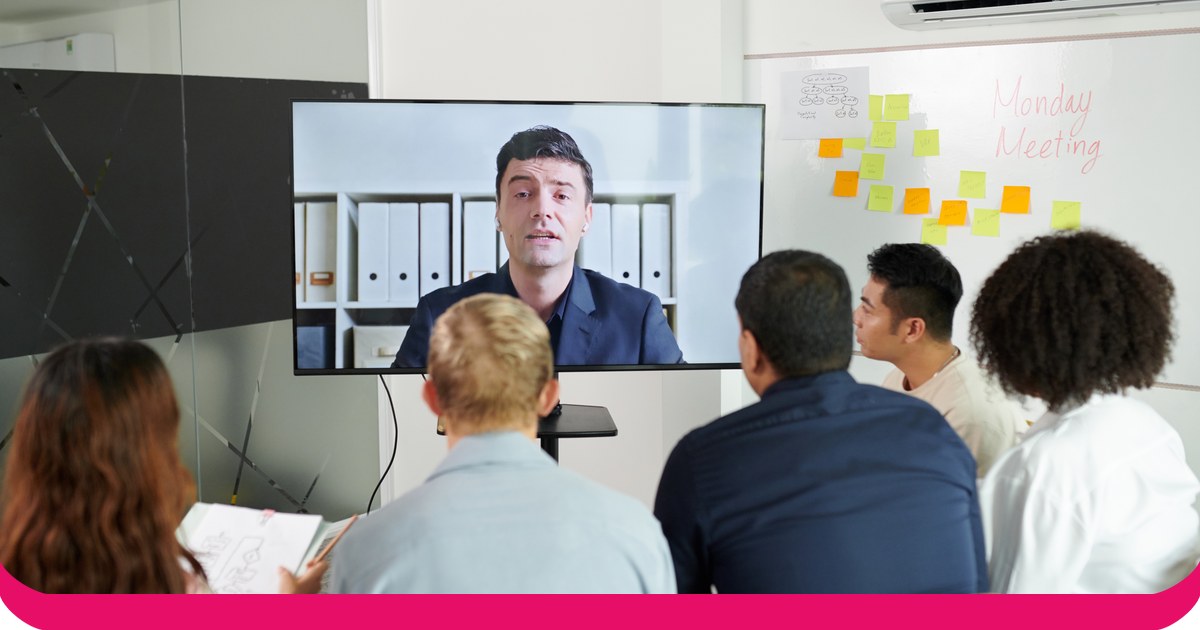

There are only 24 hours in a day, and no one can create more time. What we can do is use it better. A time management presentation helps employees, leaders and students do exactly that, but only if it is clear, practical and keeps the audience involved. This guide explains what to include for each audience, how to make the session interactive, and gives you a ready-made template to start from.
What should a time management presentation include?
Whatever the audience, a strong session answers four questions: why does this matter, what is the method, how do I start, and how will I stay on track? The sections below adapt those questions for employees, leaders and students.
Time management presentation for employees
Employees usually want to know what is in it for them. Show how better time management can lead to less stress, higher productivity, a healthier work-life balance and progress in their careers.
- Start with the why. Open with a short story or question about a day that ran away from you, then link it to the benefits above.
- Teach planning and scheduling. Show how to build daily, weekly and monthly plans with to-do lists, calendars and time blocking, where you reserve fixed slots in your calendar for specific tasks.
- Share success stories. A colleague who cut their email time or protected a focus hour is far more convincing than a generic statistic.
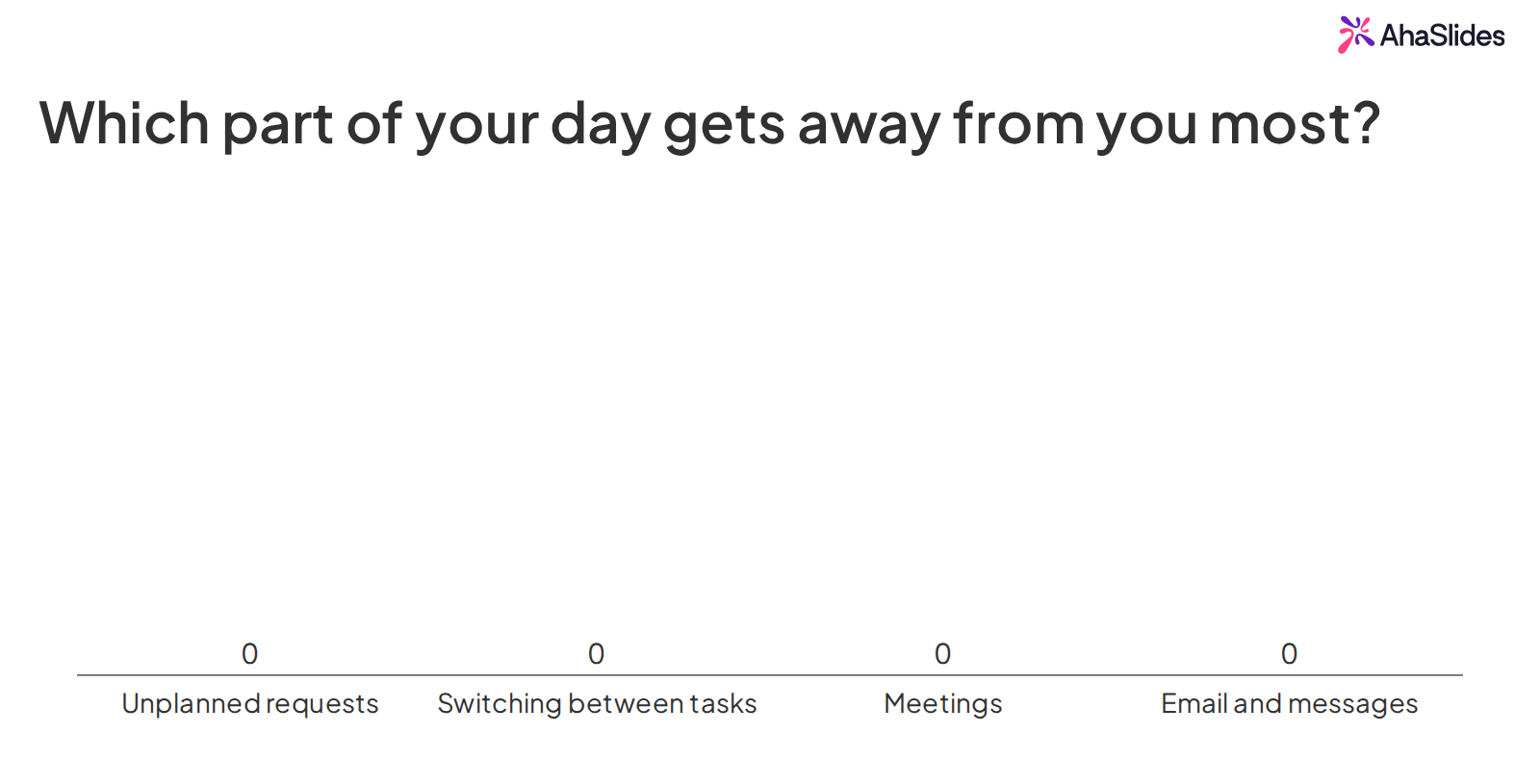
Before you present, ask the room what actually eats their time. A quick poll takes under a minute and shows you which parts of the talk to spend longer on.
Time management presentation for leaders and professionals
Experienced professionals already know the basics, so a generic talk will lose them quickly. Aim for specific, advanced content instead.
- Personalise the content. Send a short survey before the session and tailor examples to the challenges people report.
- Go beyond the basics. Cover delegation, prioritising by impact, protecting deep-work time and managing meeting load rather than explaining what a to-do list is.
- Borrow from great speakers. Watching how TED speakers structure a story can give you ideas for opening and closing your own talk.
Time management presentation for students
Students who learn time management early find it easier to balance study with interests. Keep the session concrete and short.
- Explain the importance. Connect time management to lower stress, better results and more free time.
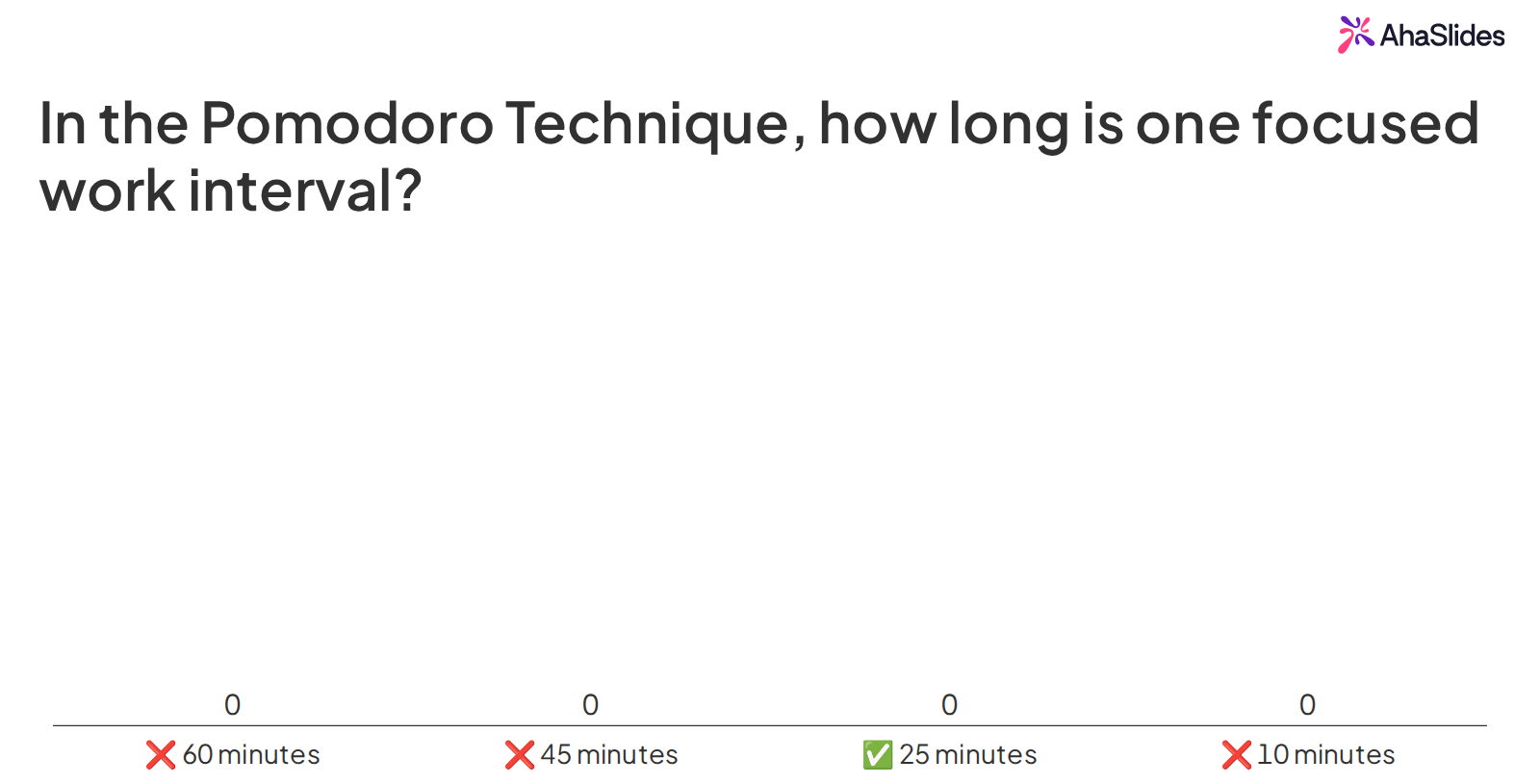
- Teach the Pomodoro Technique. Created by Francesco Cirillo, it breaks work into short focused intervals, traditionally 25 minutes, separated by short breaks of about five minutes (official Pomodoro Technique site).
- Teach goal setting. Introduce SMART goals, commonly taught as specific, measurable, achievable, relevant and time-bound. The acronym comes from a 1981 article by George T. Doran in Management Review. Show students how to split a large assignment into small steps.
A quiz is a good way to check that the method has landed, and it turns revision into a mini game.
Time management presentation ideas
People remember what they do far better than what they hear. Add activities that let the audience practise and discuss, and keep the slides simple, visual and short.
- Polls and quizzes. Use live polls and quizzes to check understanding and reinforce key points.
- Word cloud. Ask "What is one habit that helps you stay on top of your time?" and show the shared answers as a word cloud.
- Scales. Ask people to rate their confidence in planning, saying no and protecting focus time, then revisit the ratings at the end.
- Discussion and Q&A. Leave time for questions about people's own situations.
For more ways to keep a session lively, see our guide to interactive presentation ideas and interactive training.
A sample 20-minute session
Here is a structure you can adapt. The agenda also helps you practise what you preach, because it has a clear time limit for every part.
| Minutes | Part | Activity |
|---|---|---|
| 0 to 3 | Why it matters | Poll: which part of your day gets away from you most? |
| 3 to 10 | Two techniques | Explain time blocking and the Pomodoro Technique with one example each |
| 10 to 14 | Check understanding | Quiz with three or four questions |
| 14 to 18 | Share habits | Word cloud: one habit that helps you stay on top of your time |
| 18 to 20 | Commit and close | Each person picks one change to try this week; open Q&A |
Use the free template below as a starting point and replace the questions with your own.
Key takeaways
- Tailor the content: why it matters for employees, advanced techniques for leaders, simple methods for students.
- Teach one or two techniques well, such as time blocking, SMART goals or the Pomodoro Technique, rather than ten superficially.
- Make it interactive with polls, quizzes, word clouds and scales so the audience practises as well as listens.
Frequently asked questions
Is time management a good topic for a presentation?
Yes. It is relevant to people of every age and role, and it is easy to add activities that keep the audience engaged.
How do you manage time during a presentation?
Set a time limit for each activity, rehearse with a timer and use visuals so you do not need to over-explain. Build the agenda around the audience's interaction first, then fill in the rest.
How do you start a 5-minute presentation?
Open with a single question or a short poll, state your one main point and keep the slides to the minimum you need to support it. In five minutes, you have room for one idea, not five.