
Quizzes in 4 formats
Match pairs, correct order and categorise too. Slido: multiple choice.
Live polls, Q&A, pin on image and split the points for rooms of thousands, plus quizzes for a buzz.
Free for up to 50 participants. No card needed.





AI does the slow parts of the prep, so your energy goes on the people in the room. Every plan comes with a monthly AI allowance.
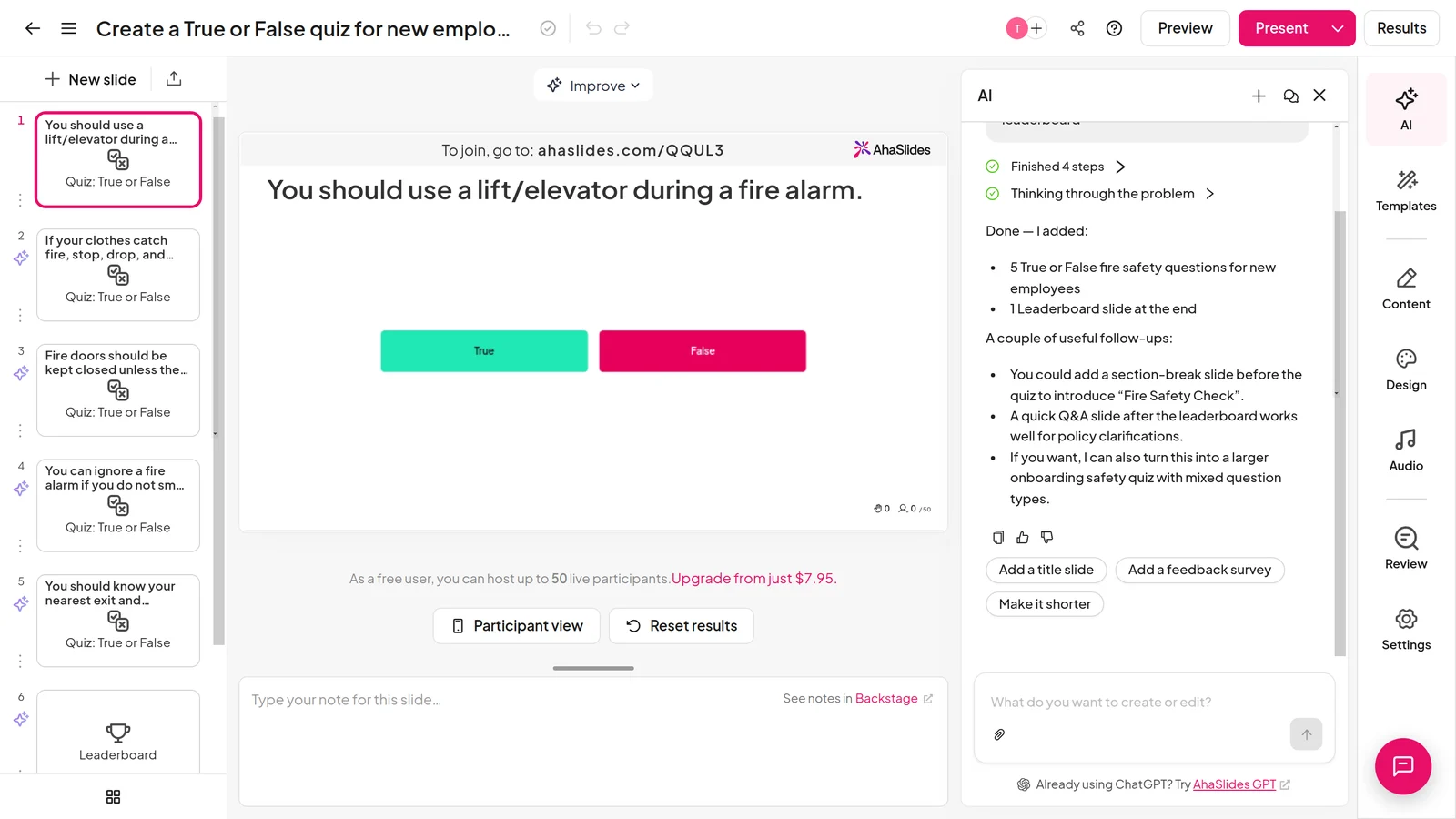
Type a topic, or upload a PDF, PowerPoint, Word or Excel file, and AI builds the deck.
Ask for edits the way you would ask a colleague, like ‘make it more playful’.
AI writes the questions from your topic or file. Check them, tweak them, go live.
After the session, click Ask AI on your report to see which questions people found hard.
US dollars a month, billed yearly, from each tool’s pricing page on 10 November 2026. See AhaSlides pricing.
| Feature | AhaSlides | Slido |
|---|---|---|
| Entry paid plan | Essential: $8.95, 100 people | Engage: $12.50, 200 people |
| Full plan | Pro: $15.95, 2,500 people | Professional: $50, 1,000 people |
| Largest audience | 100,000 (Enterprise) | 5,000 (Enterprise) |
| Live polls, Q&A and word clouds | Yes | Yes |
| Interactive slide types | 40+ | 5 poll types, quiz and Q&A |
| Quiz formats | Multiple choice, match pairs, correct order, categorise | Multiple choice |
| Pin on image, split the points and radar | Yes | No |
| Team play quizzes | Yes | No |
| Spinner wheel, duck race, escape room | Yes | No |
| Edit an imported PowerPoint | Yes | No |
| PowerPoint and Google Slides add-ins | Yes | Yes |
| Q&A moderation | From $15.95 (Pro) | From $50 (Professional) |
| Custom branding | From $15.95 (Pro) | From $50 (Professional) |
Export your Slido results first if you need them. Then bring the deck you already present with.
Upload a PowerPoint or PDF, up to 200 slides, or sync Google Slides from Drive.
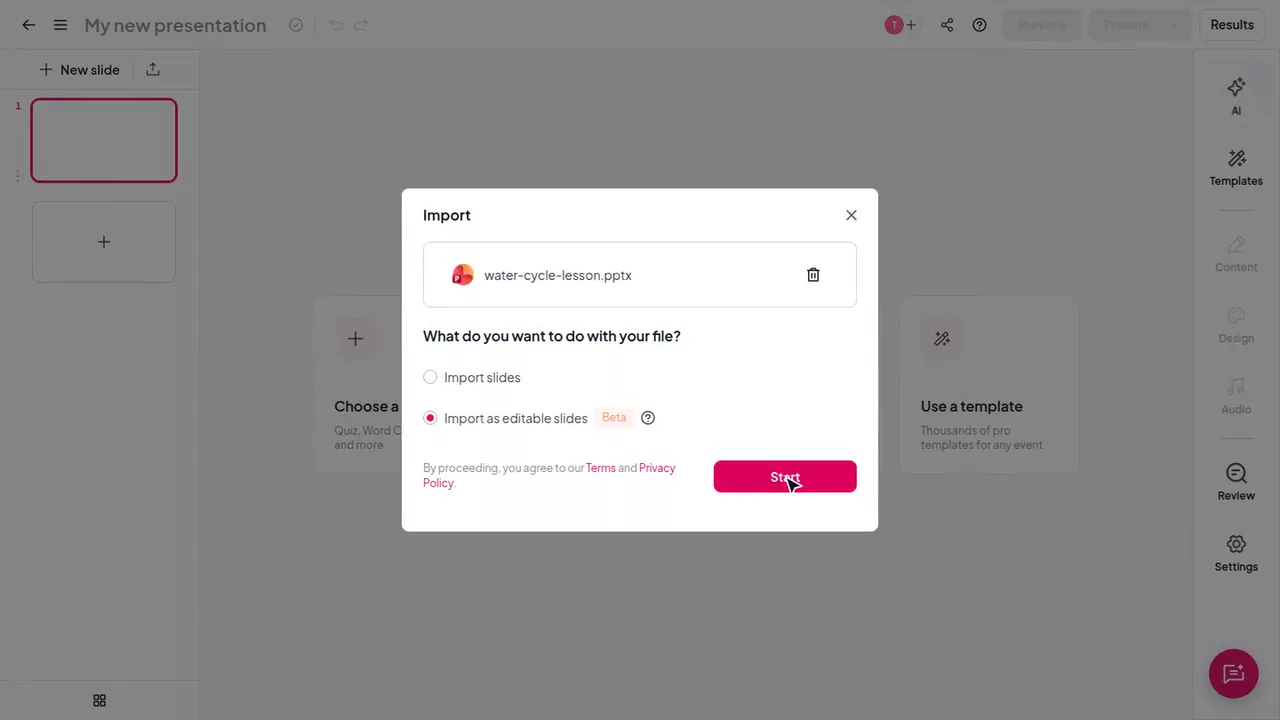
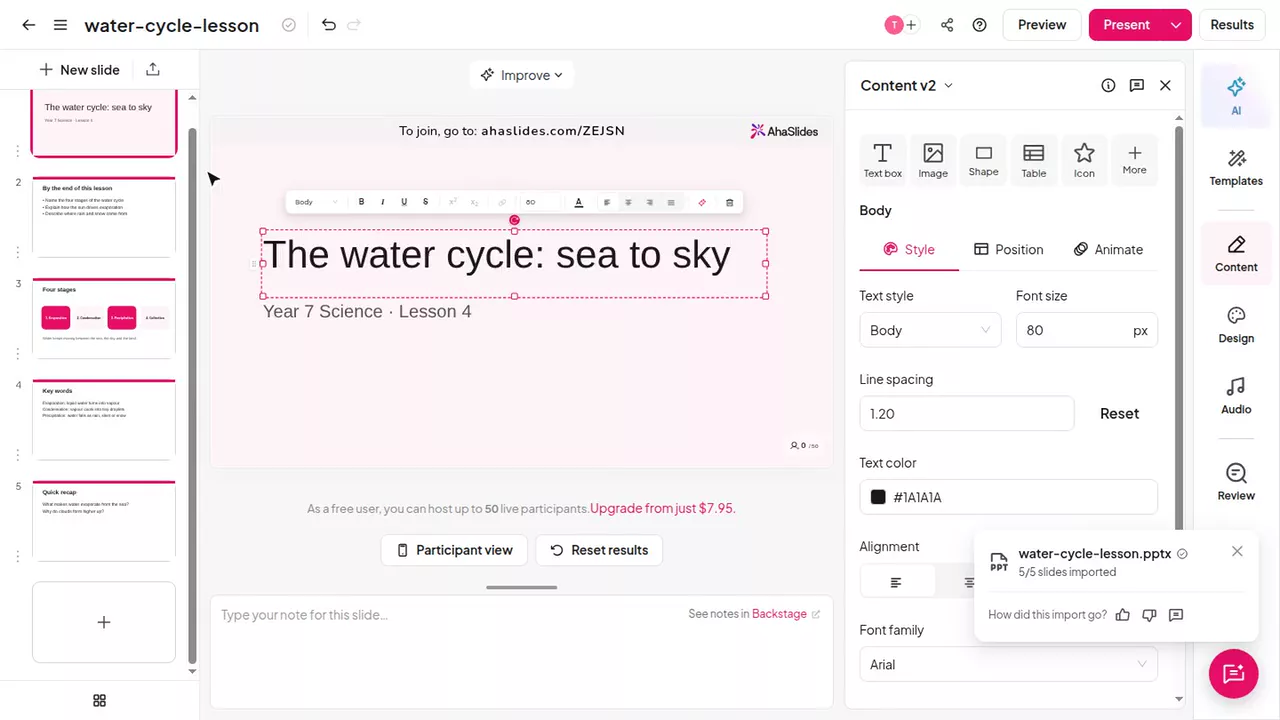
Pick Import as editable slides. Formatting and animations come too.
Choose from 40+ slide types and place them anywhere in your deck.
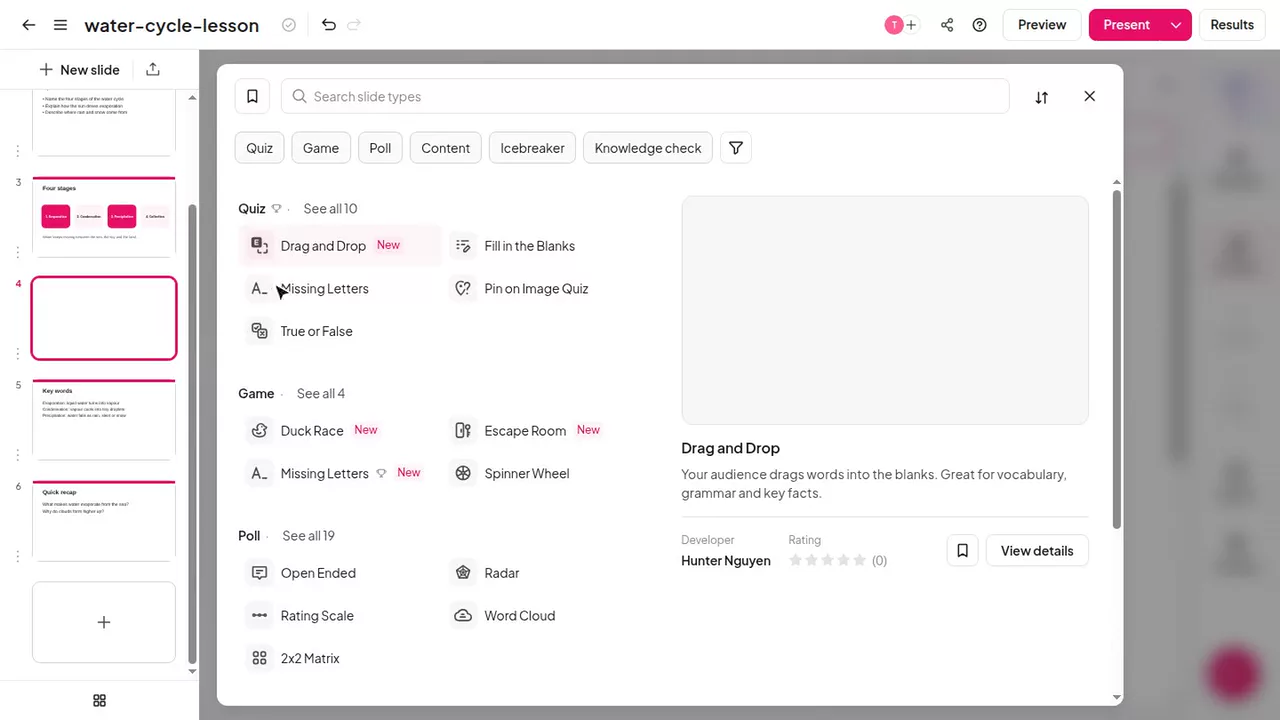
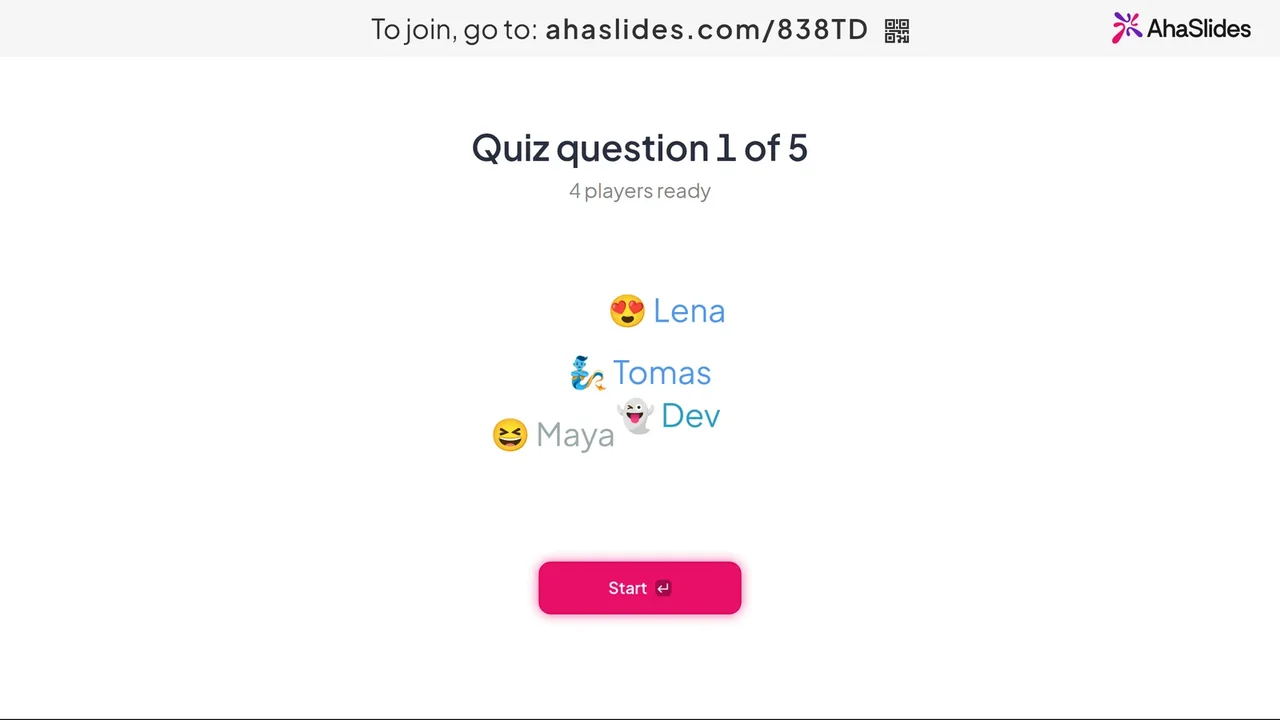
Click Present. People join by QR code on their phones. No app.
Rated 4.7 out of 5 on G2, from 428 reviews, by some of the 4M+ presenters who use AhaSlides.
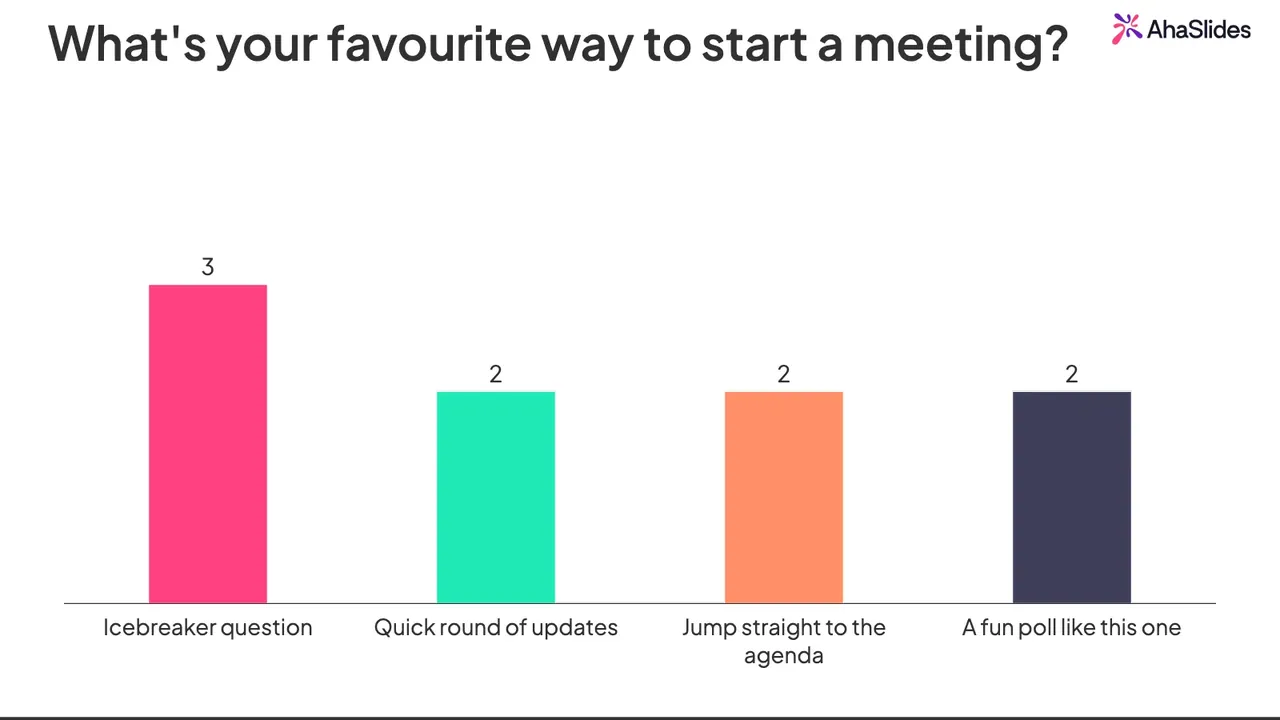
Multiple choice, rating scales, ranking and open answers. Results fill in live as people vote from their phones. See live polls in AhaSlides.
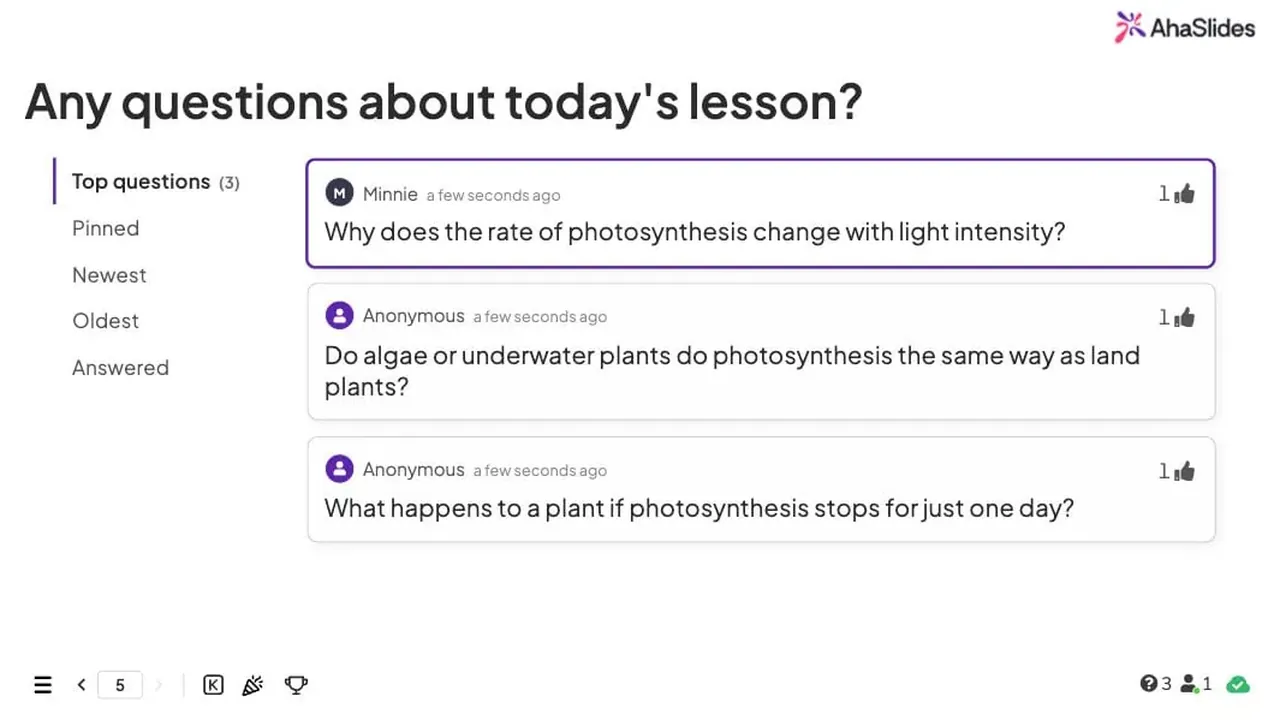
People ask and upvote from their phones, anonymously if you allow it. See live Q&A in AhaSlides.
Ask for one word and watch the room’s answer take shape. The most common words grow biggest. See word clouds in AhaSlides.

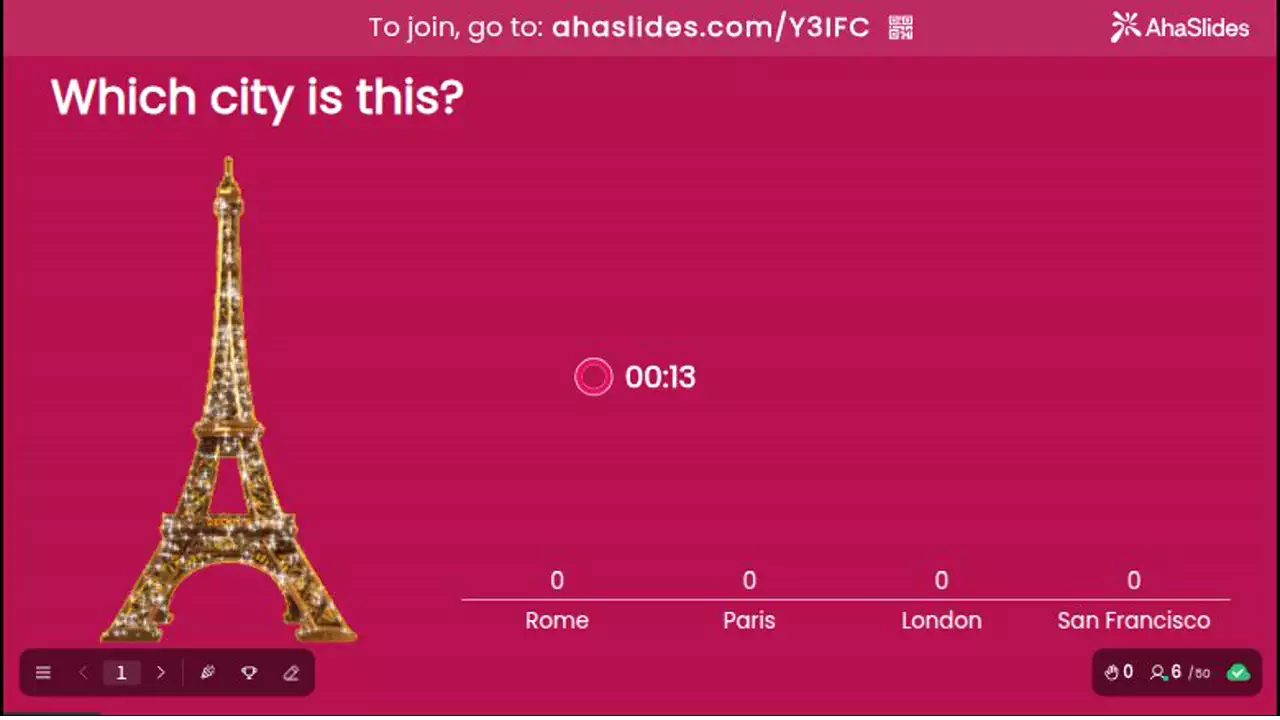
Set a timer, award points for speed and watch a live leaderboard climb after every question. Play solo or split the room into teams. Ask a question as a pick answer, type answer or true or false. See quizzes in AhaSlides.
Beyond multiple choice and word clouds. Click a card to try it here, or host your own copy. No sign-up.
Everyone taps a spot on a map or picture.
Share 100 points to show real priorities.
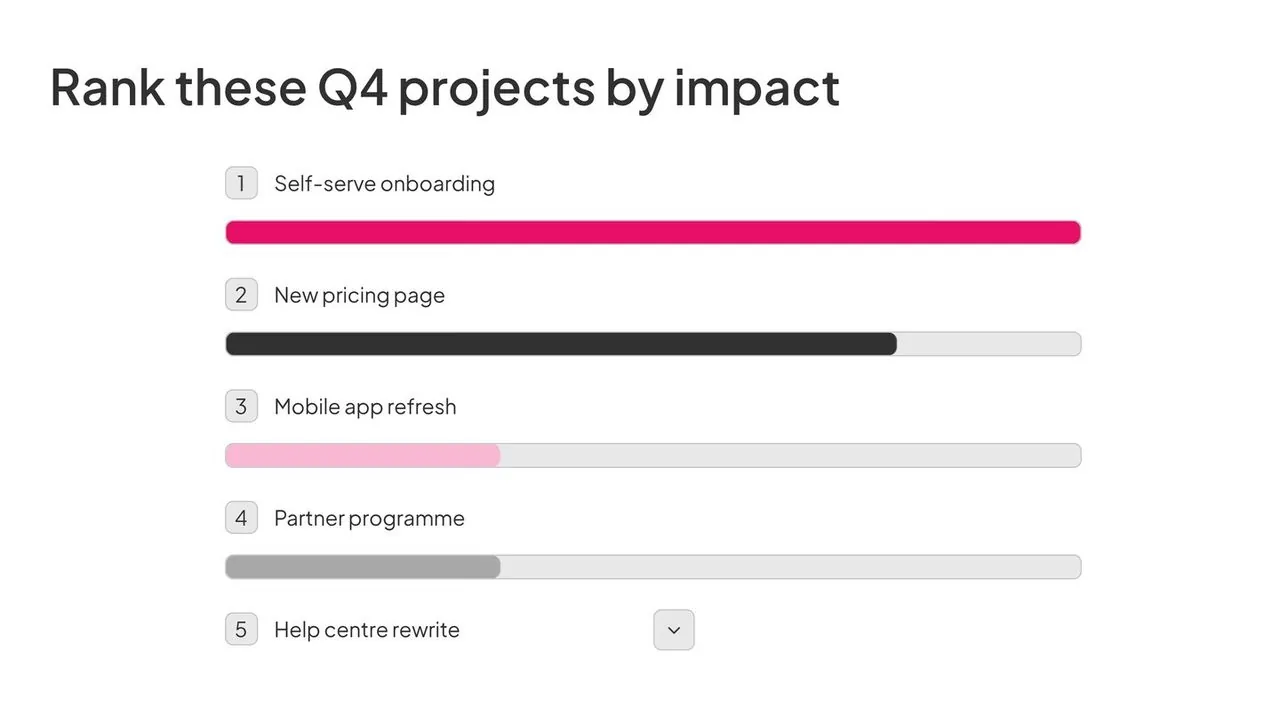
The room puts options in order.
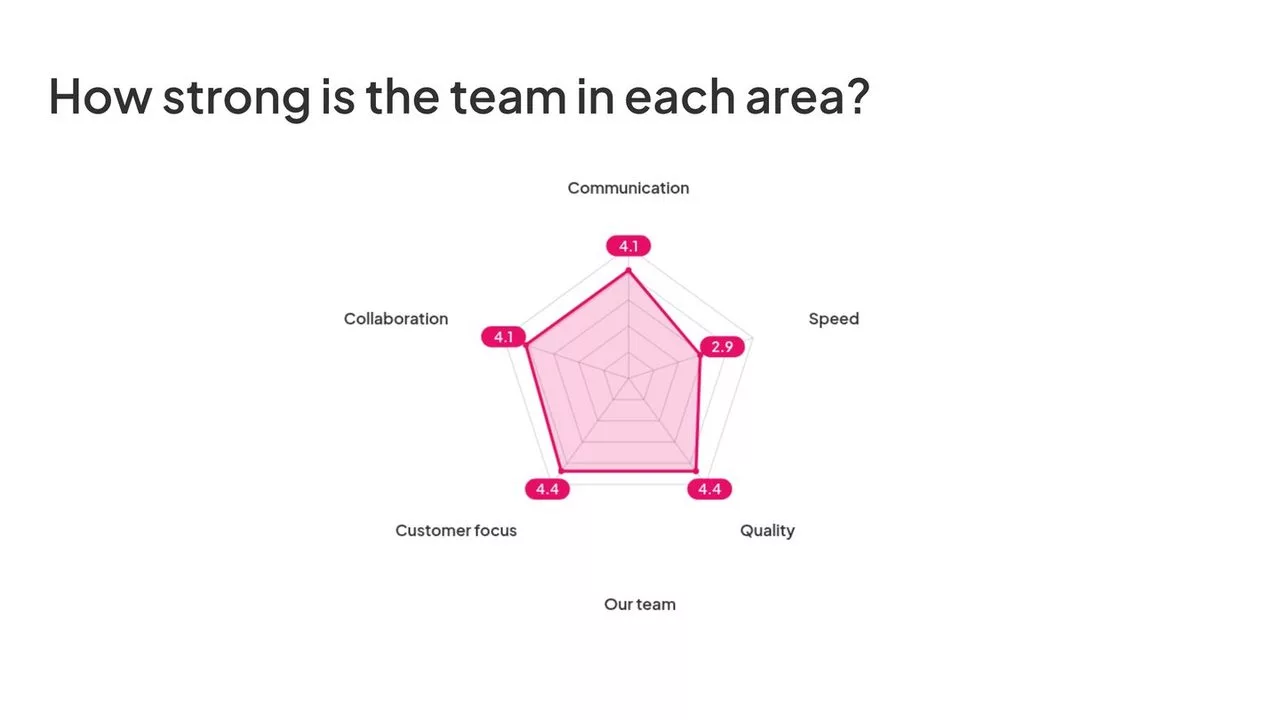
Rate several areas at once, as one shape.
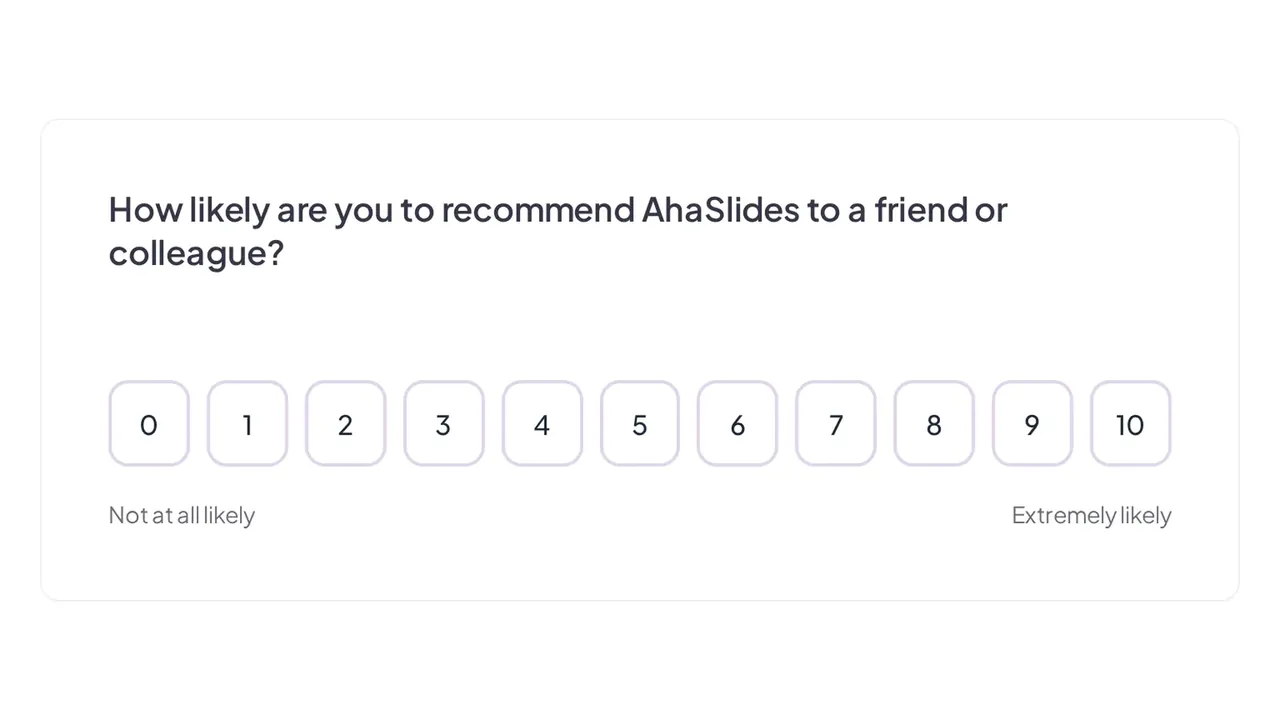
Pulse checks and NPS from every seat.
Play a video, then ask what people saw.
Yes. The free plan hosts up to 50 participants with live polls, Q&A, word clouds and quizzes, and needs no card. Paid plans start at $8.95 a month, billed yearly. For a wider look, read our guide to the best free Slido alternatives.
For more than polls, yes. For a plain Q&A at a big conference, both do the job, and Slido may already come with your company’s Webex. Add quizzes that score, team play, games or slides you can edit, and AhaSlides is the better fit.
Apps like Slido include AhaSlides, Mentimeter, Kahoot, Vevox and Poll Everywhere. AhaSlides is the one that pairs Slido-style polls and Q&A with quizzes and games. See how they compare in our guide to Slido alternatives, read AhaSlides vs Mentimeter, or see every AhaSlides comparison.
For live audience interaction, yes: multiple choice and rating polls, open answers, upvoted and anonymous Q&A, word clouds, surveys people answer in their own time, and add-ins for PowerPoint and Google Slides. The one gap is Webex: Slido is built into Webex meetings, while on a Webex call you share your AhaSlides screen and people join by QR code.
Everything Slido does, from live polls to Q&A and word clouds, plus more. Quizzes in formats beyond multiple choice, such as match pairs, correct order and categorise. Team play. Feedback slides like pin on image, split the points and radar. Games like a spinner wheel, duck race and escape room. Editing an imported PowerPoint slide by slide.
Yes, tier for tier. Essential is $8.95 a month, Slido Engage $12.50. Pro is $15.95, Slido Professional $50. Billed yearly, from both pricing pages on 10 November 2026. See AhaSlides pricing.
Sign up free and import the deck you present with. Add your polls, Q&A and word clouds between the slides, then click Present. Run a test session with a colleague before the big day, so you know how it looks on their phones.
Yes. Upload a PowerPoint or PDF of up to 200 slides, or sync Google Slides from Drive. Choose Import as editable slides and you can change any slide afterwards.
Yes. 4M+ presenters have used it, and Enterprise hosts up to 100,000 people with a dedicated account manager. Talk to Sales before the day.
Yes. People in the room and online join the same session on their own device. Run it inside Microsoft Teams or Zoom, or share your screen on any call. See AhaSlides for webinars.